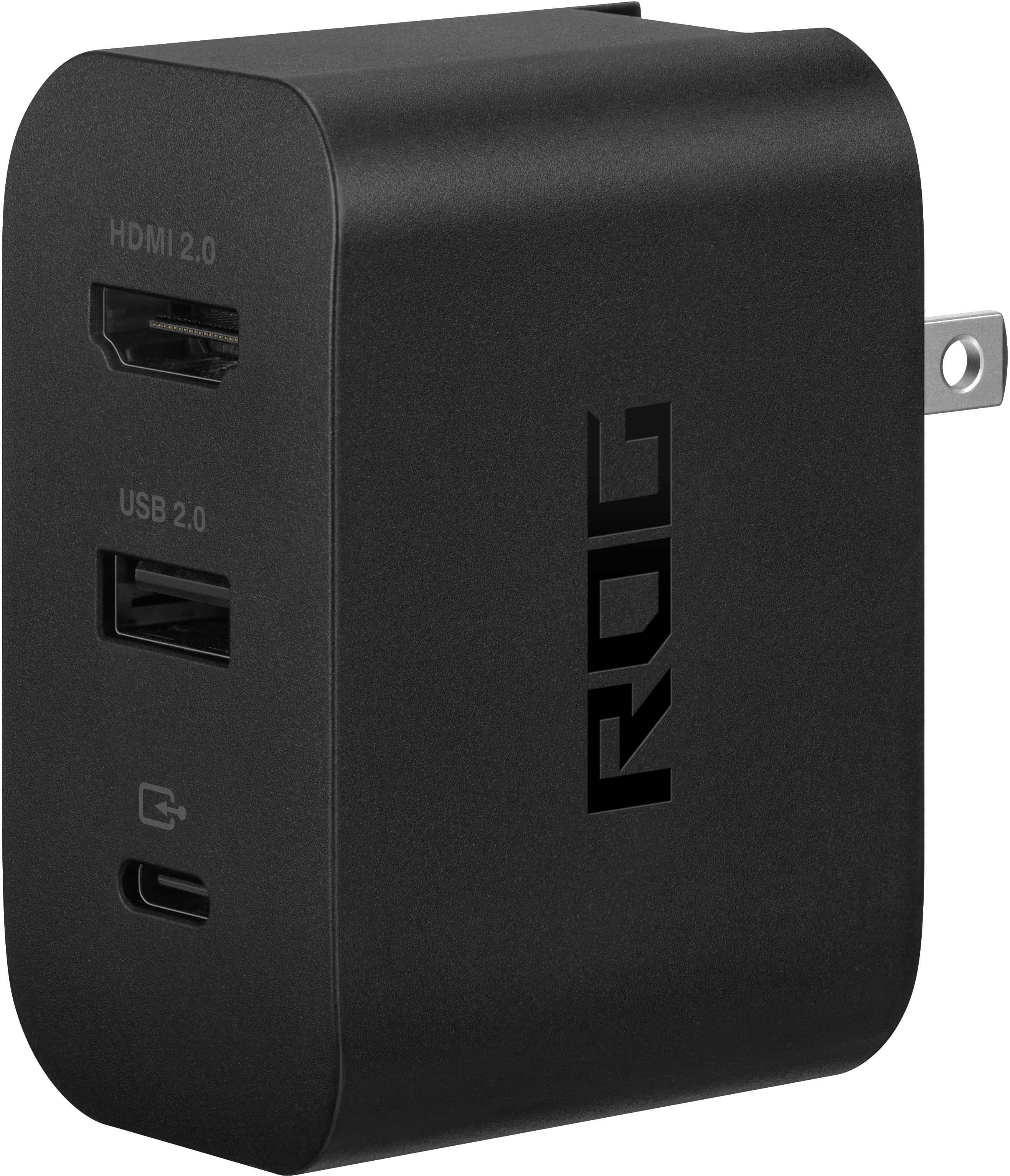
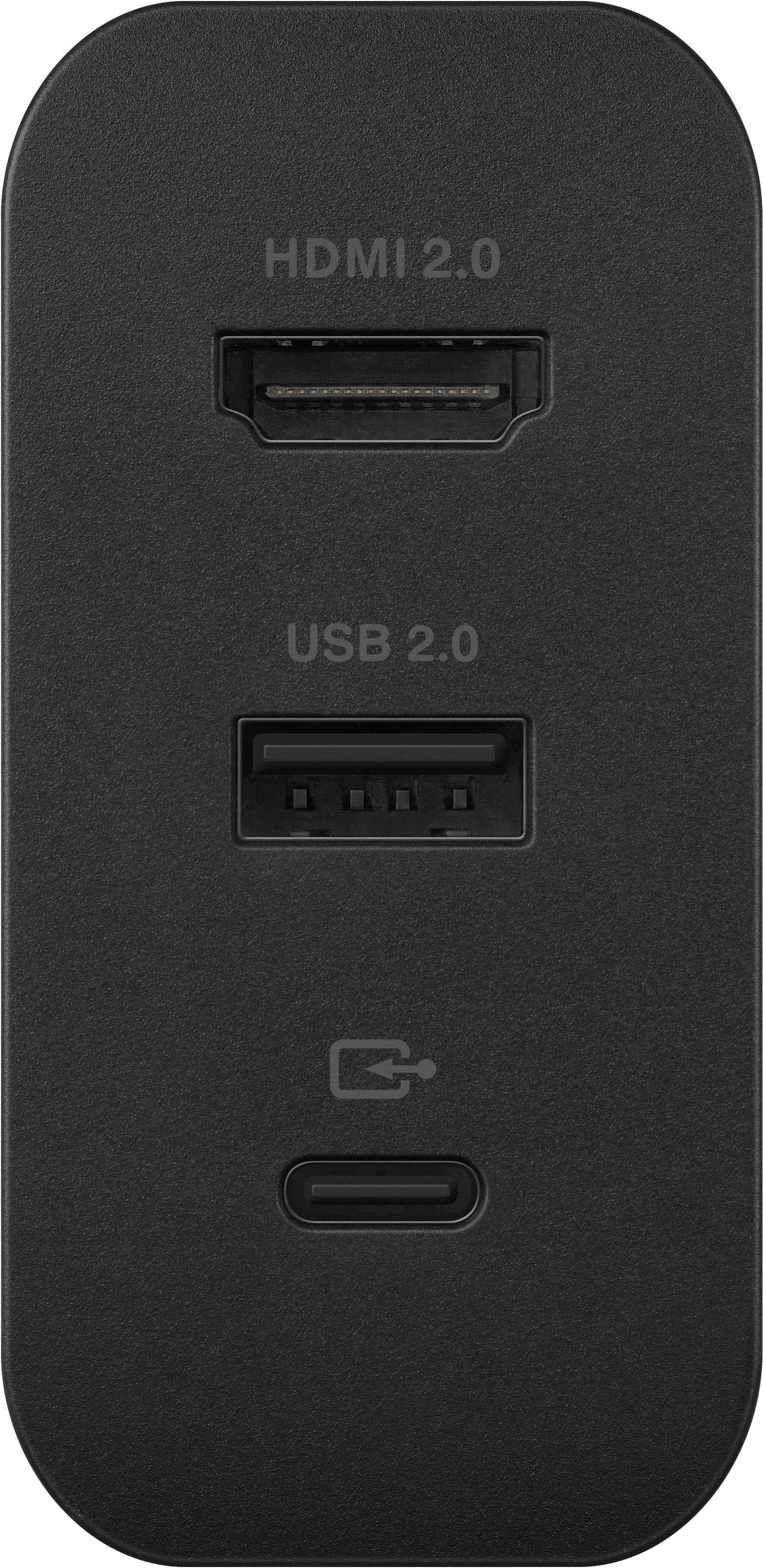
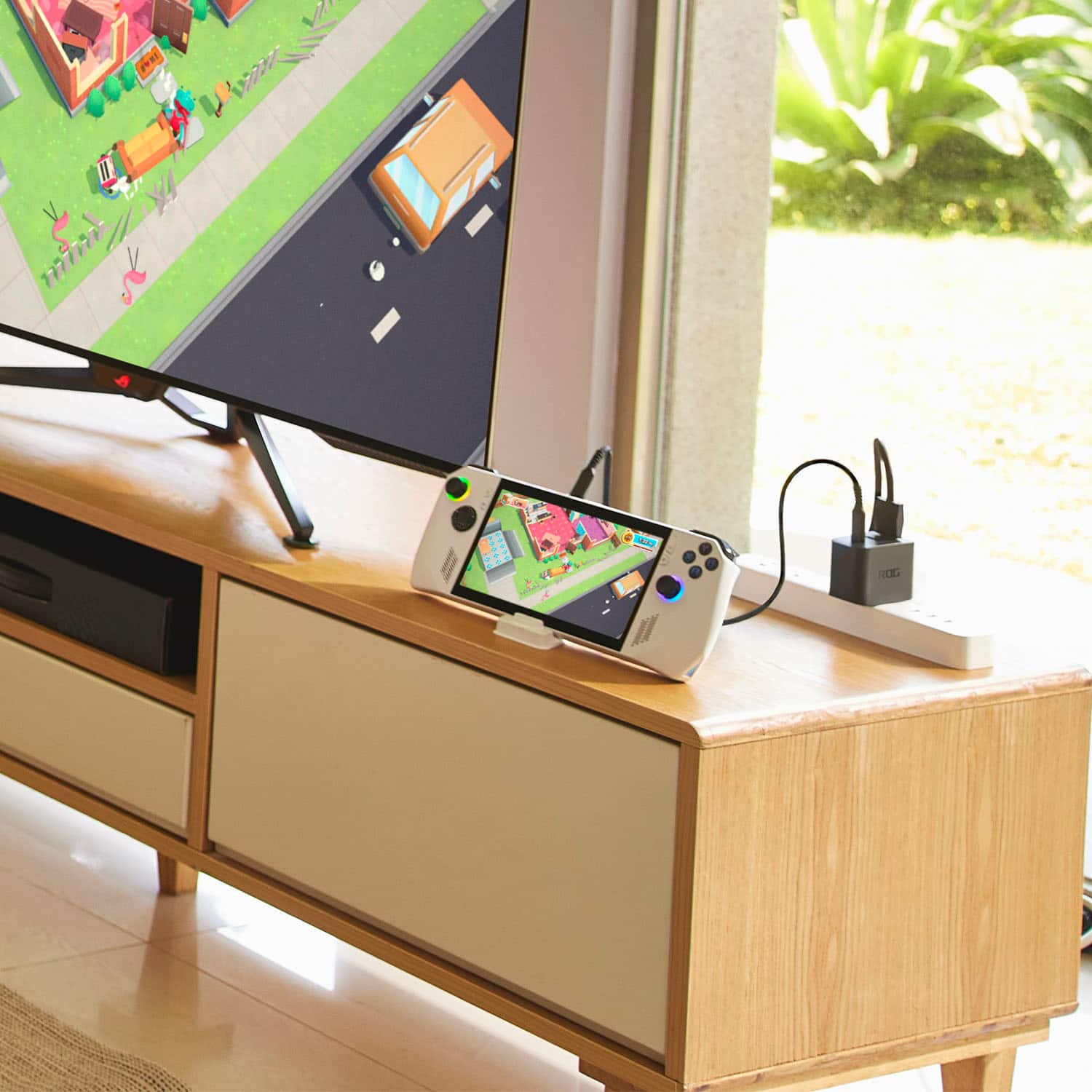
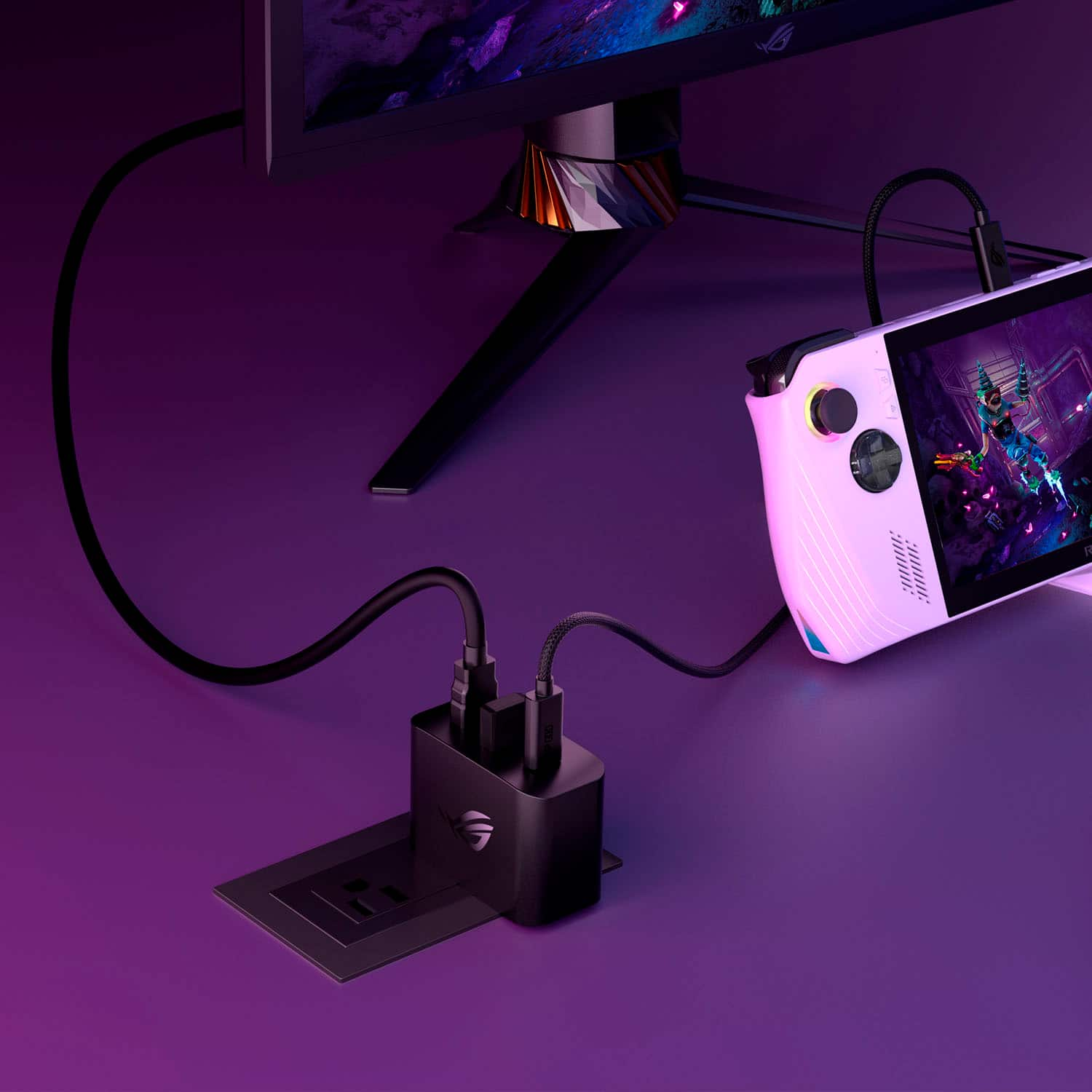
A:AnswerI frequently run mine while charging and I haven't had any problems. I have also plugged a monitor, keyboard and mouse into my charger while charging my ROG Ally and ran ran in like a desktop. No issues so far.
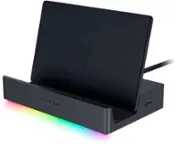
A:AnswerYes, the ROG 65W HDMI Charger Dock will let your ROG Ally run in Turbo Mode while connected to a monitor, preventing battery loss during extended play.
A:AnswerThe ASUS ROG 65W Charger Dock does not support Variable Refresh Rate (VRR) features, even when connected to TVs with VRR capabilities like FreeSync or G-Sync.
A:AnswerYes, you can use an external HDD while your ROG Ally charges with the ASUS ROG 65W HDMI Charger Dock. This dock allows for both charging and data transfer, so you can connect and use an external HDD without any issues.
A:AnswerI'm not sure what type of power the Galaxy Book series requires, however it generates 65 watts of power. The connection between the charger and the Ally is a standard USB-C cable so the Galaxy would also need to have a USB-C interface for charging.
A:AnswerI'm not sure but I don't see why not. Since it's running Windows 11 Home it should be able to work like that. I plugged a 4-port powered USB hub into mine and I run a Thrustmaster Joystick, an Elgato Stream Deck XL, and an Elgato Stream Deck Plus off of mine. As far as the Ally was concerned Windows recognized all the devices just like it does on a PC.
A:AnswerDouble-check your HDMI connection if that looks good, then go to the Windows Settings and check the sound settings there. You should have a choice of devices to select for sound output. So you would switch it there just like you would if you had different sound devices on an normal PC.