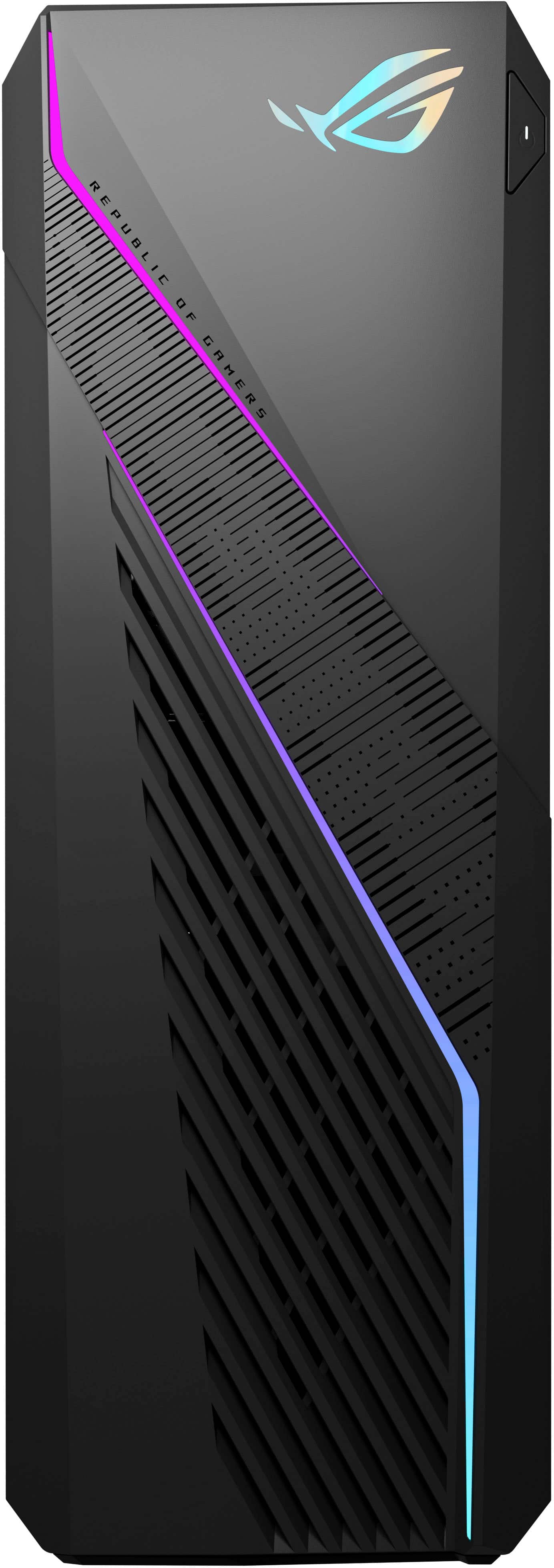
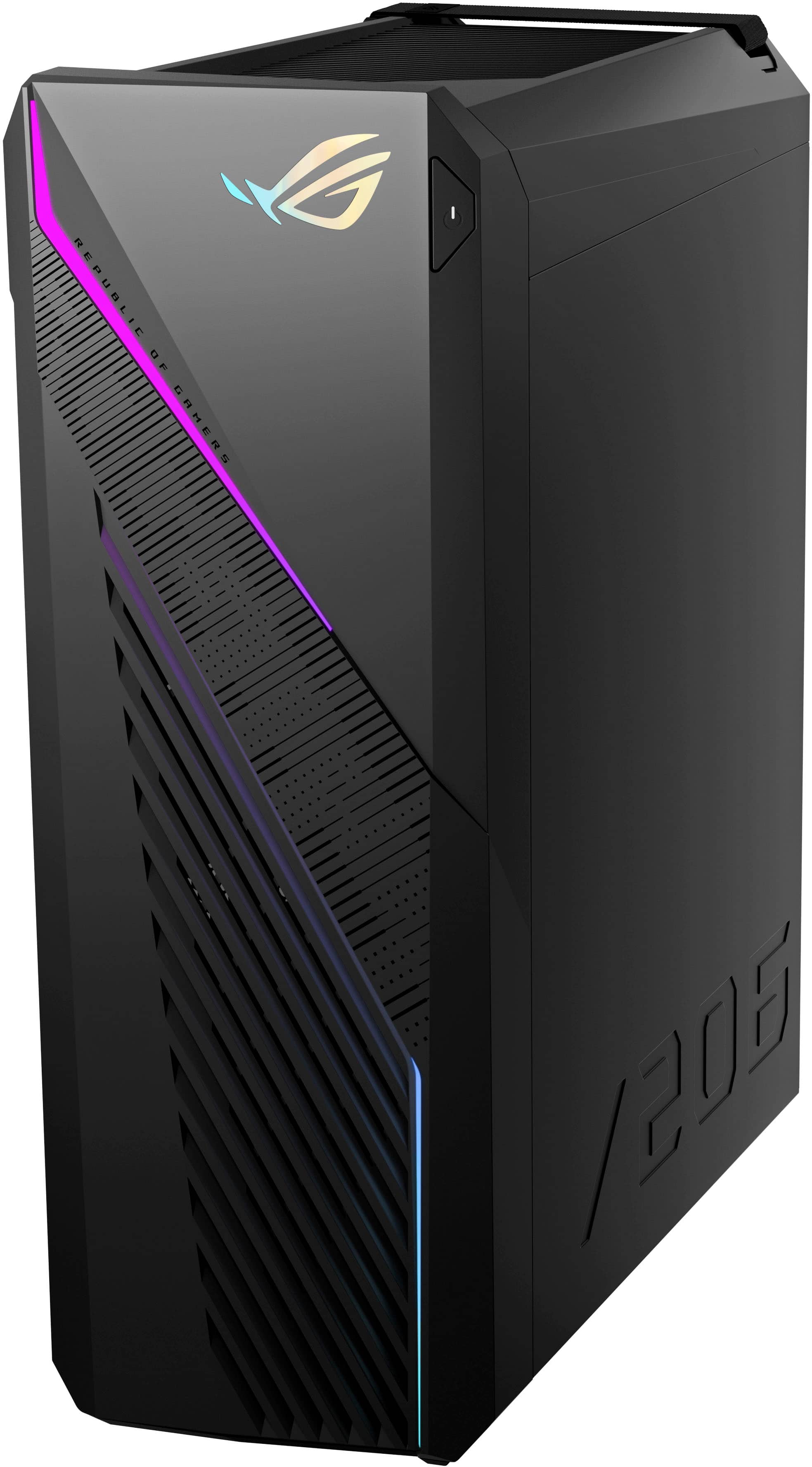
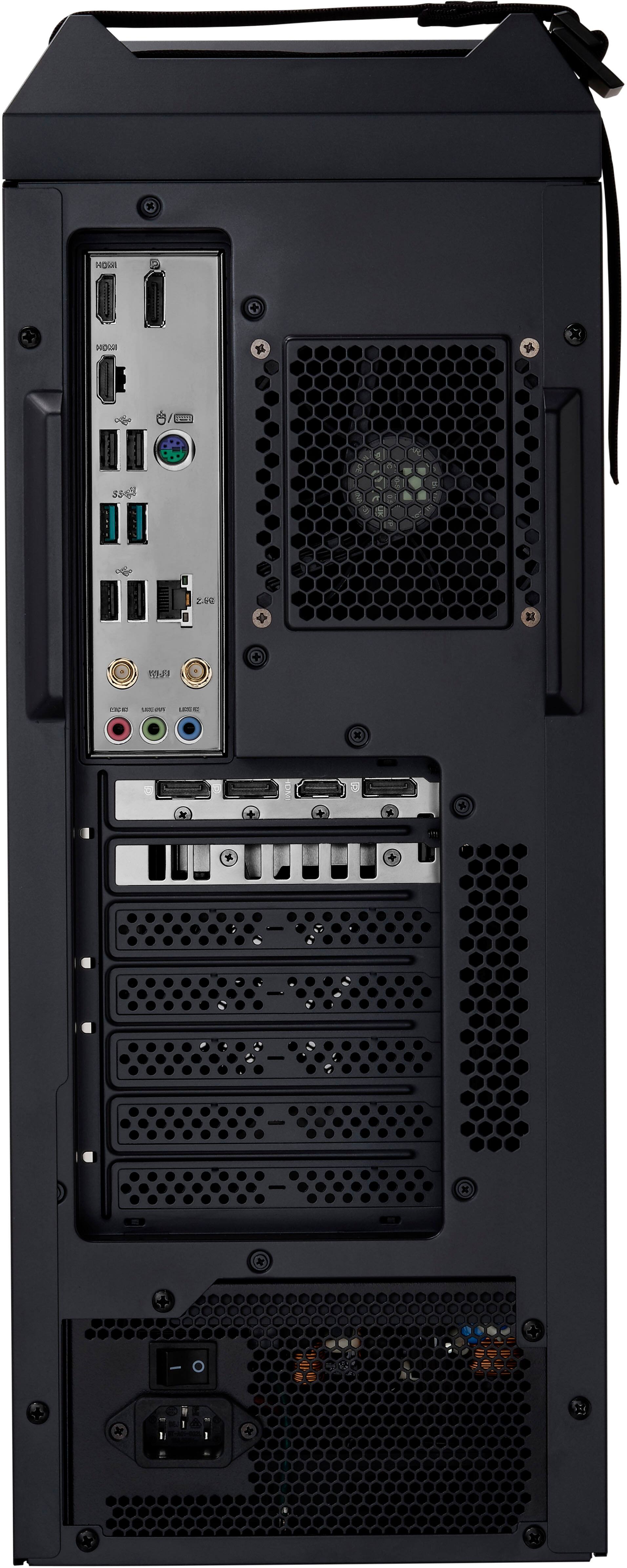
A:Answer If the PC will not bootup or power on suddenly, please do the following. Please connect the unit to another working surge protector or AC outlet and the power button is being pressed all the way down to trigger a power on signal. Additionally, please disconnect the power cord and let the unit drain for a couple of minutes to reset and clear the memory. After doing this, please reconnect the power cord, then power on the PC.