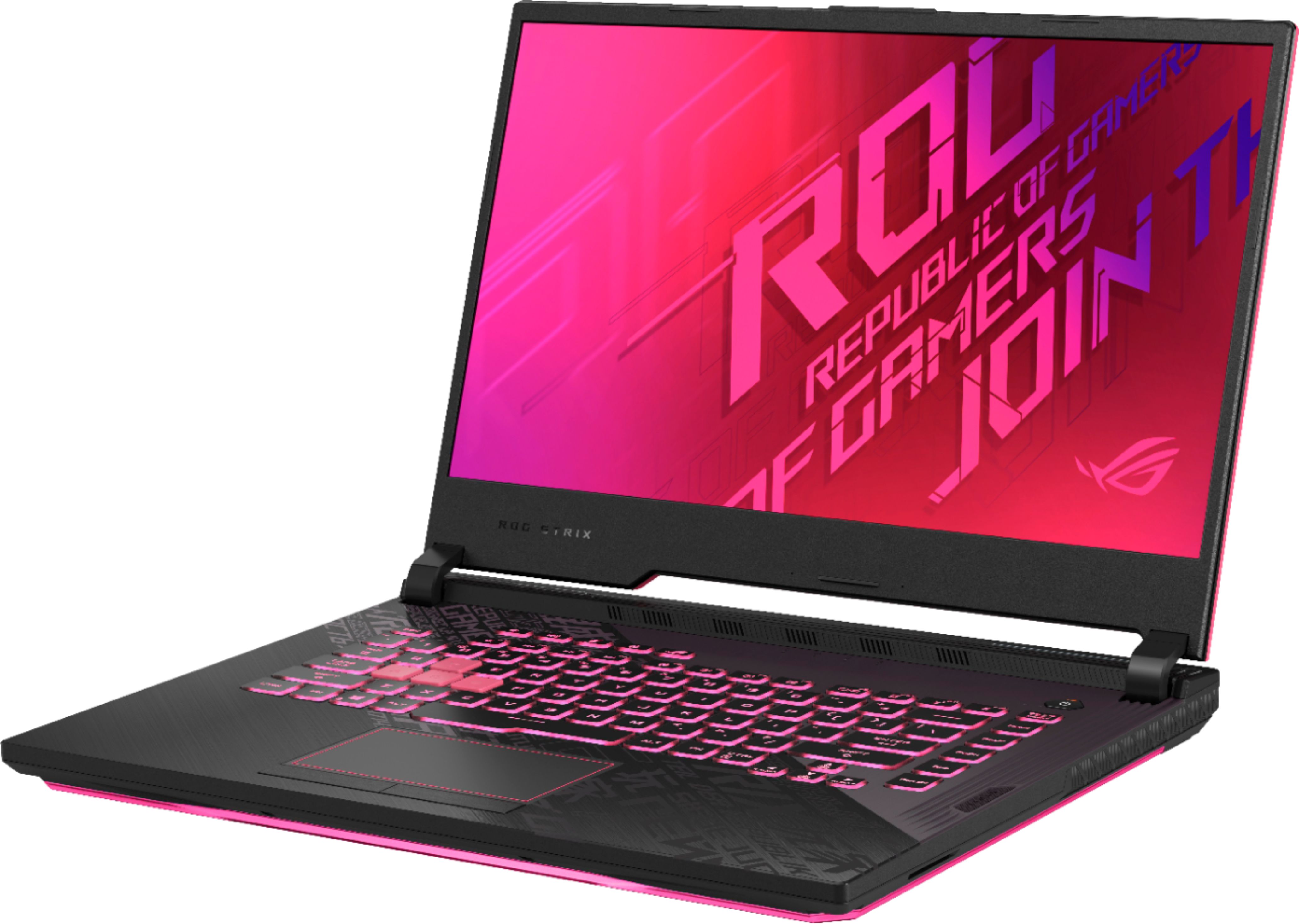
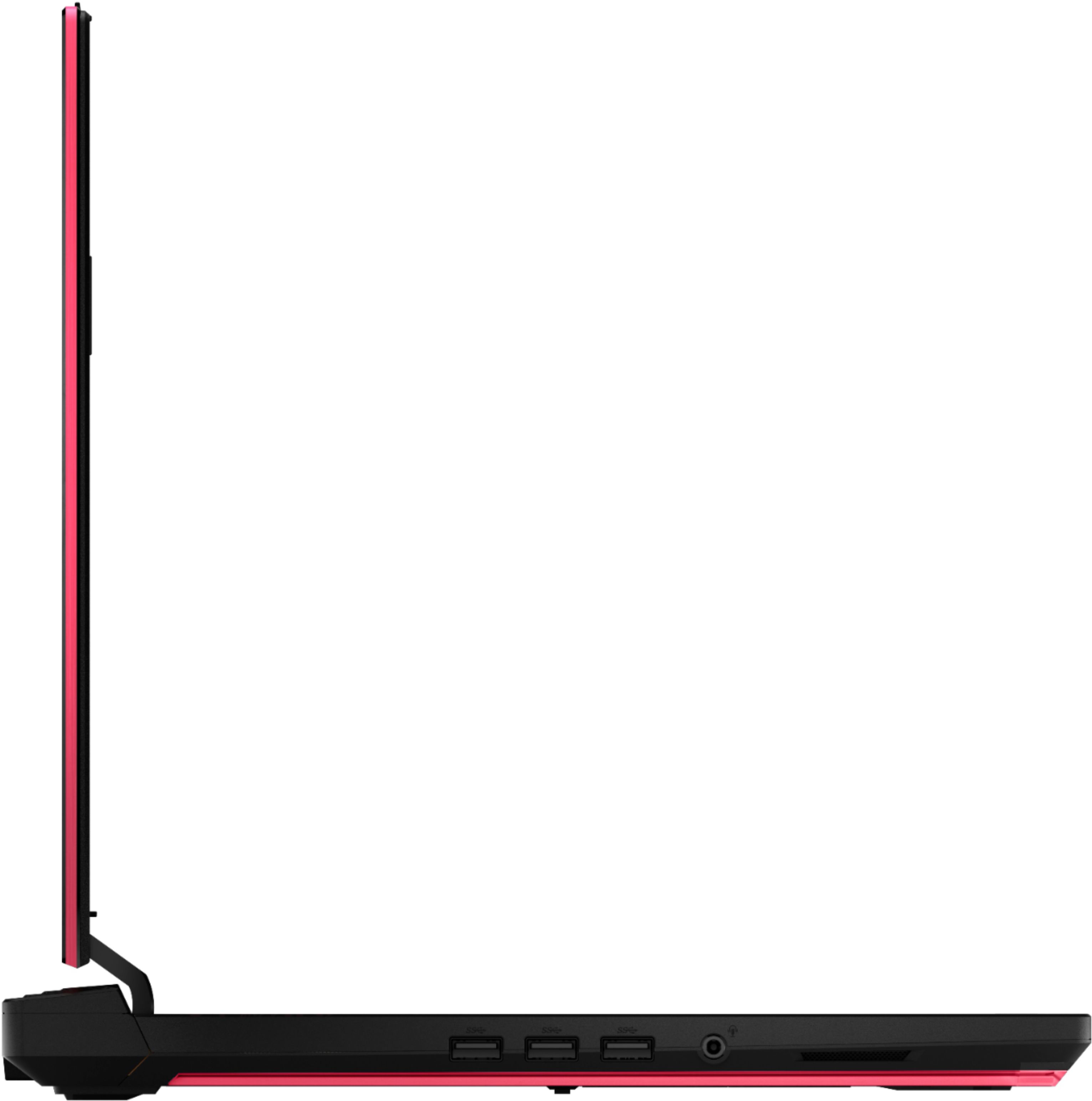
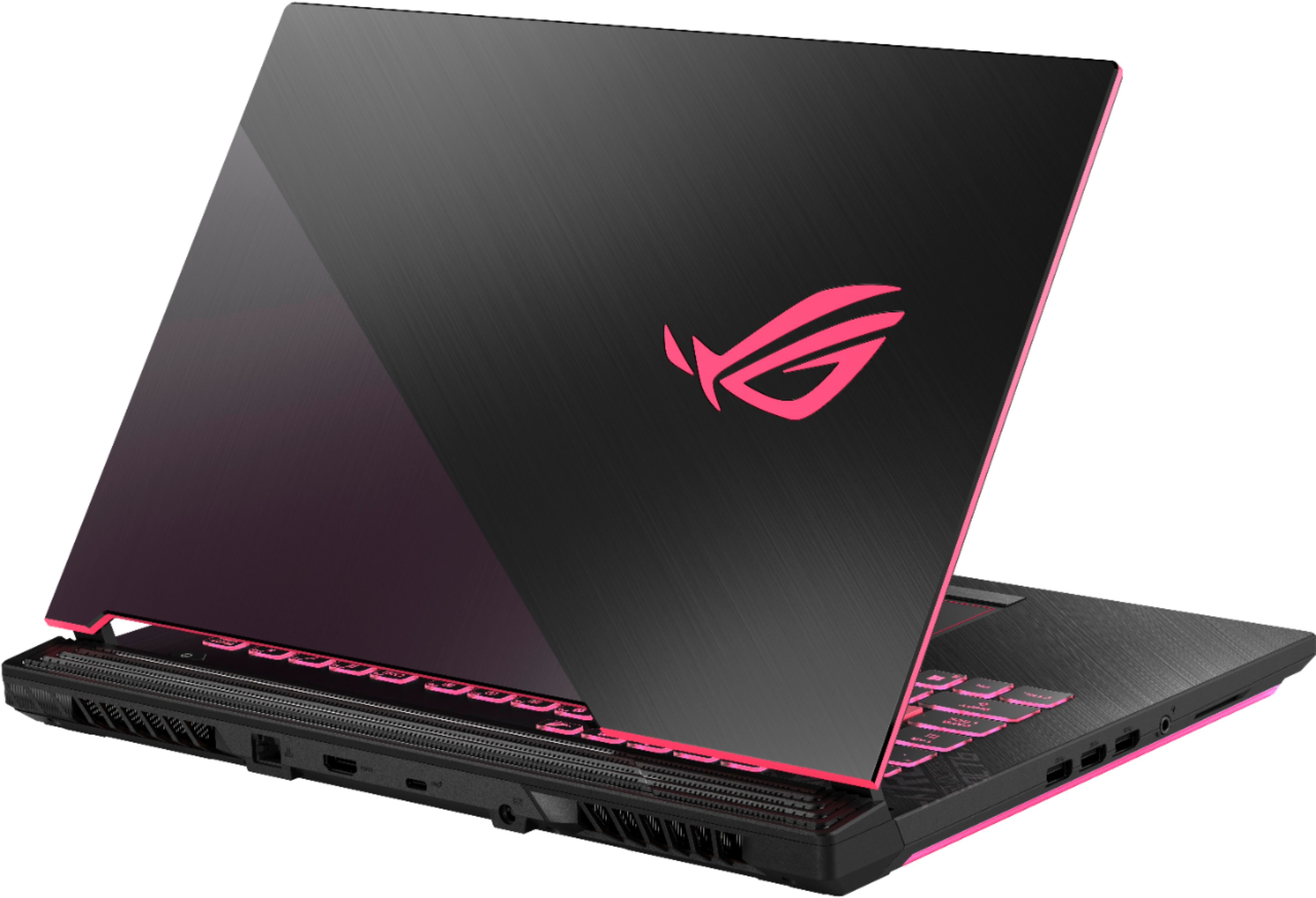
A:AnswerYes, this laptop exceeds the minimum system requirements for that title. You may need to play with reduced graphics settings. https://www.nvidia.com/en-us/geforce/news/call-of-duty-modern-warfare-2019-system-requirements/
A:AnswerIt doesn’t burn like crazy. It’s warm. The fans are on both ends of the laptop. I played Apex Legends, Overwatch and Hunt: Showdown. None of those have overheated the laptop, but it does get warm and then hot on certain places of the laptop when playing for 5 or more hours. I can place my hand on the hot parts and it won’t burn my hand. I upgraded to 16gb so that may help get rid of how hot the laptop was. You should consider upgrading the ram, too, if you’re going to be running other things other than games. I couldn’t run Discord and games unless I was connected via ethernet so I didn’t disconnect from the RAM maxing out.
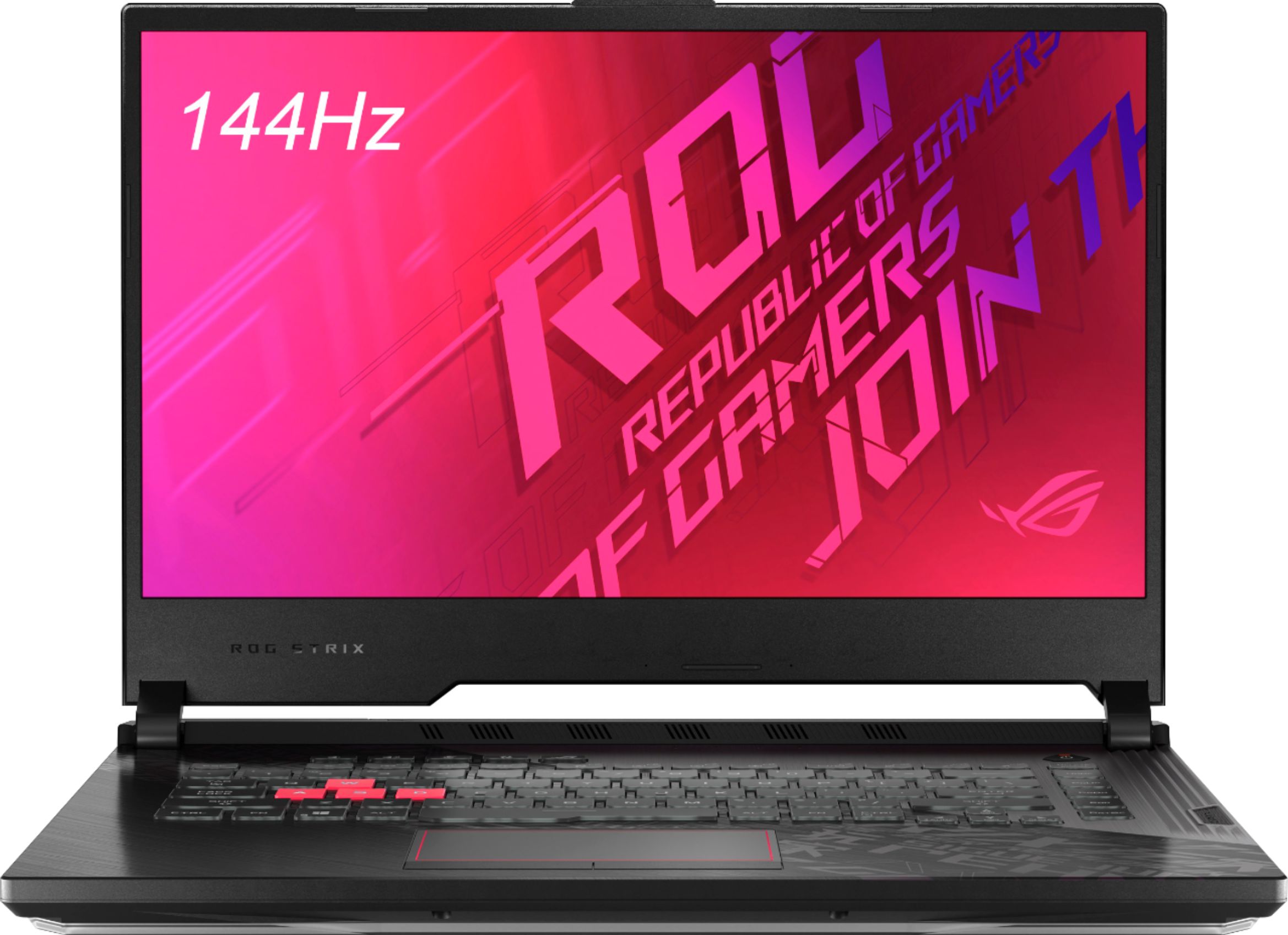
A:AnswerYes, they change color (Aura sync). The lid has a painted hot pink strip around the edges and the cover has a painted Asus ROG logo in hot pink.
A:AnswerIn order to determine what's the 2 plactic pieces are for, please call Product Support Hotline at: 1(888) 678-3688. Also, you can chat with an ASUS live support agent at: http://bit.ly/AsusLiveChat.
A:AnswerThe model has 2 x Memory slots which can go in the configuration of 4 GB, 8 GB, 8 GB +8 GB, 16G, or 16 GB +16 GB. For the i5-10300H / i7-10750H it it has DDR4 (2933MHz) Single Channel
A:AnswerExact performance benchmarks for that title are not readily available. This link has results from other games with the same GPU. https://www.notebookcheck.net/NVIDIA-GeForce-GTX-1650-Ti-Mobile-GPU-Benchmarks-and-Specs.452628.0.html