A:AnswerDo you have Armoury Crate in Eco Mode? This mode turns off the 3060 to save on battery. Also, check device manager and make sure the 3060 is not disabled.
A:AnswerMinecraft is very easy to run on this laptop so with ray tracing off and if you uncap the framerate you get around 700 fps which is plenty, if you turn on ray tracing you get around 60-70.
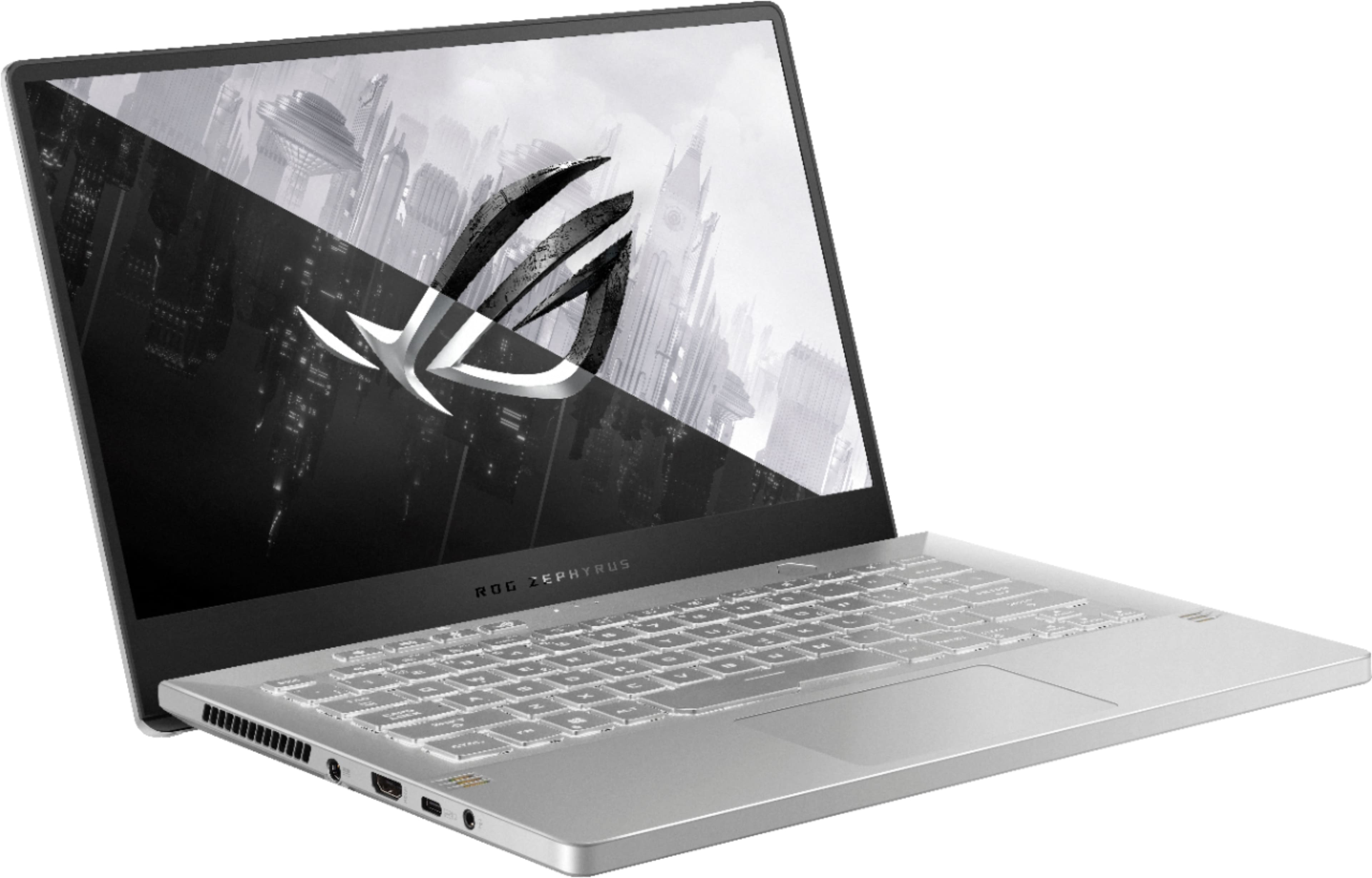
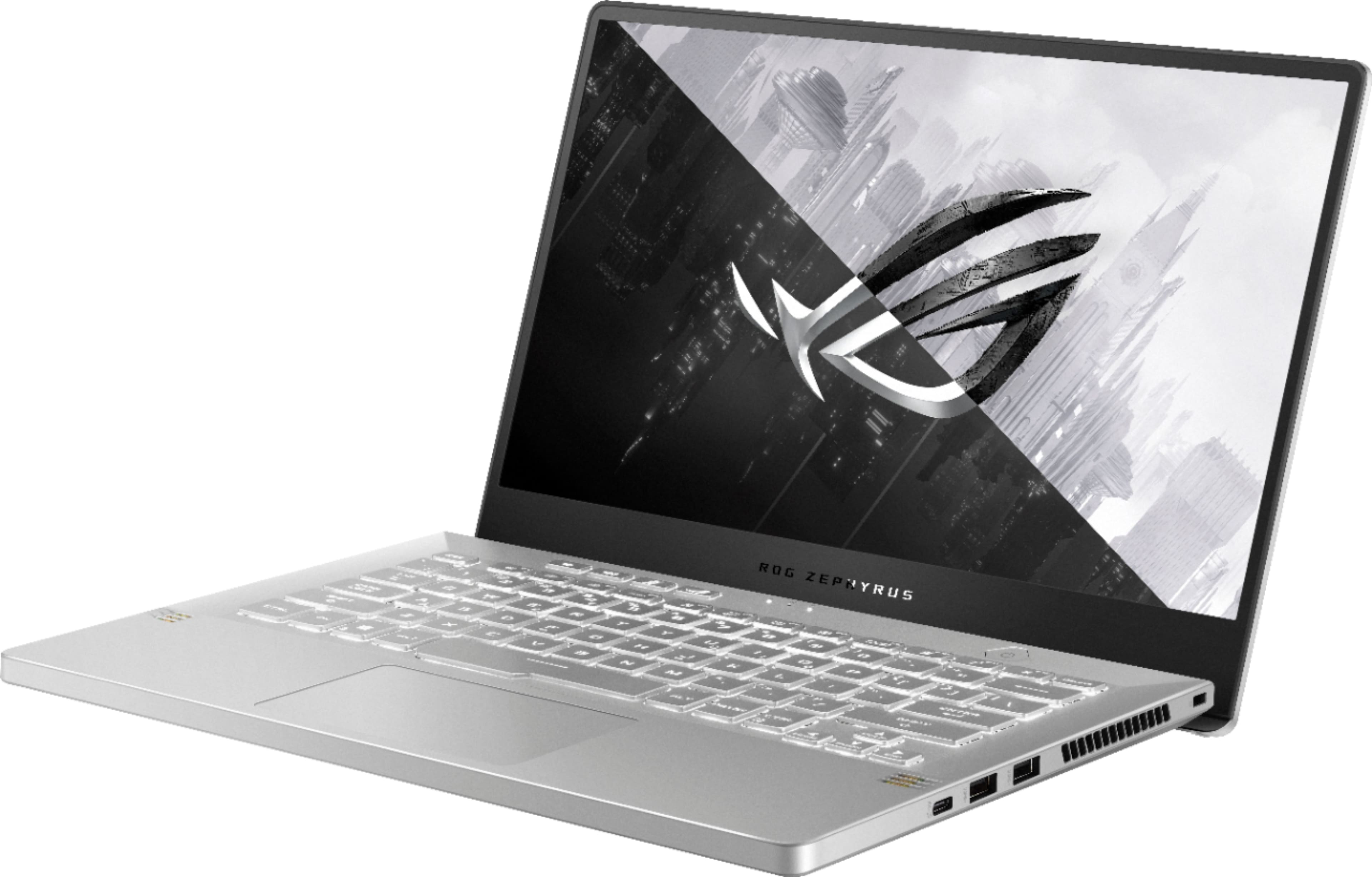
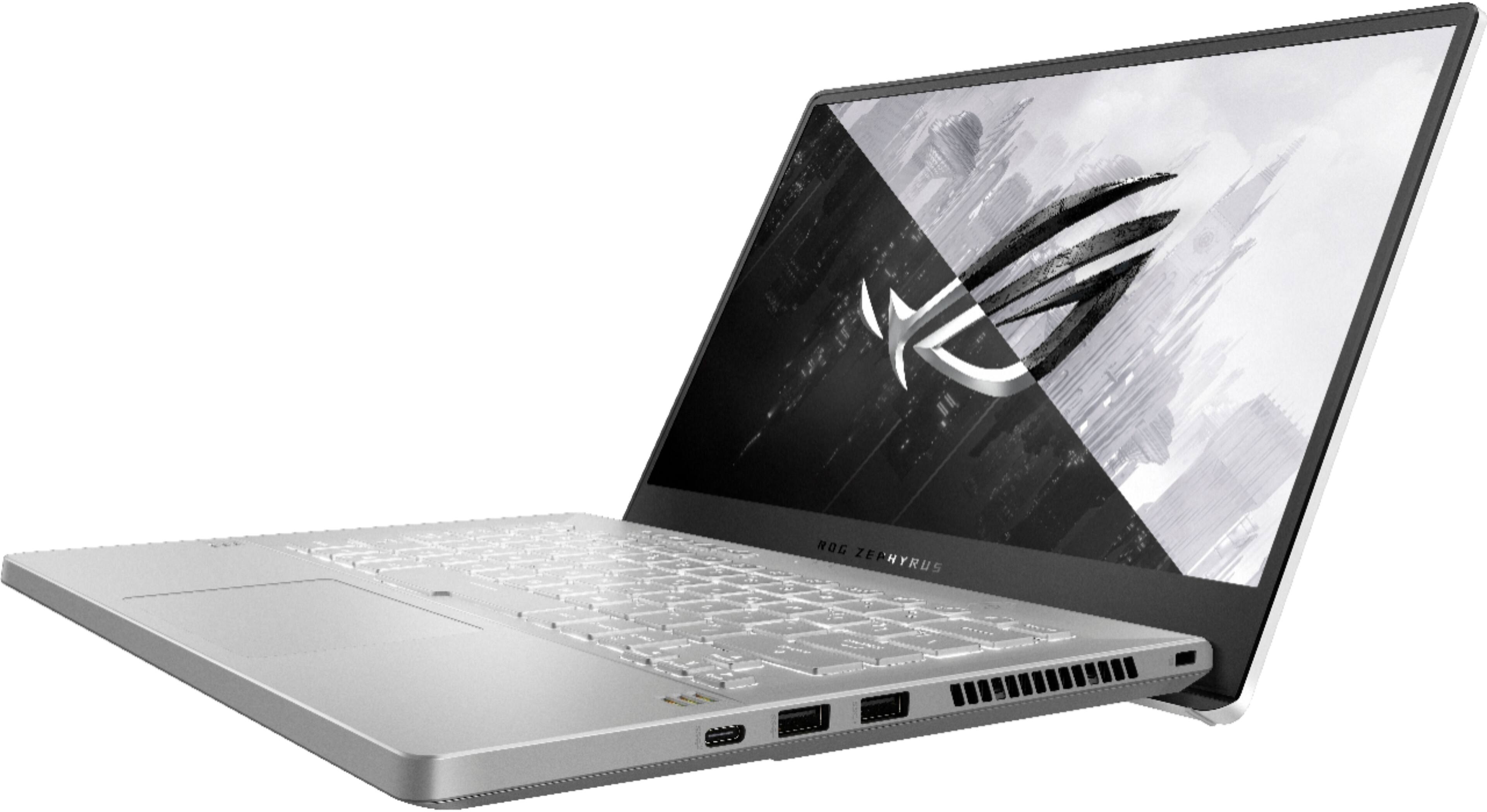
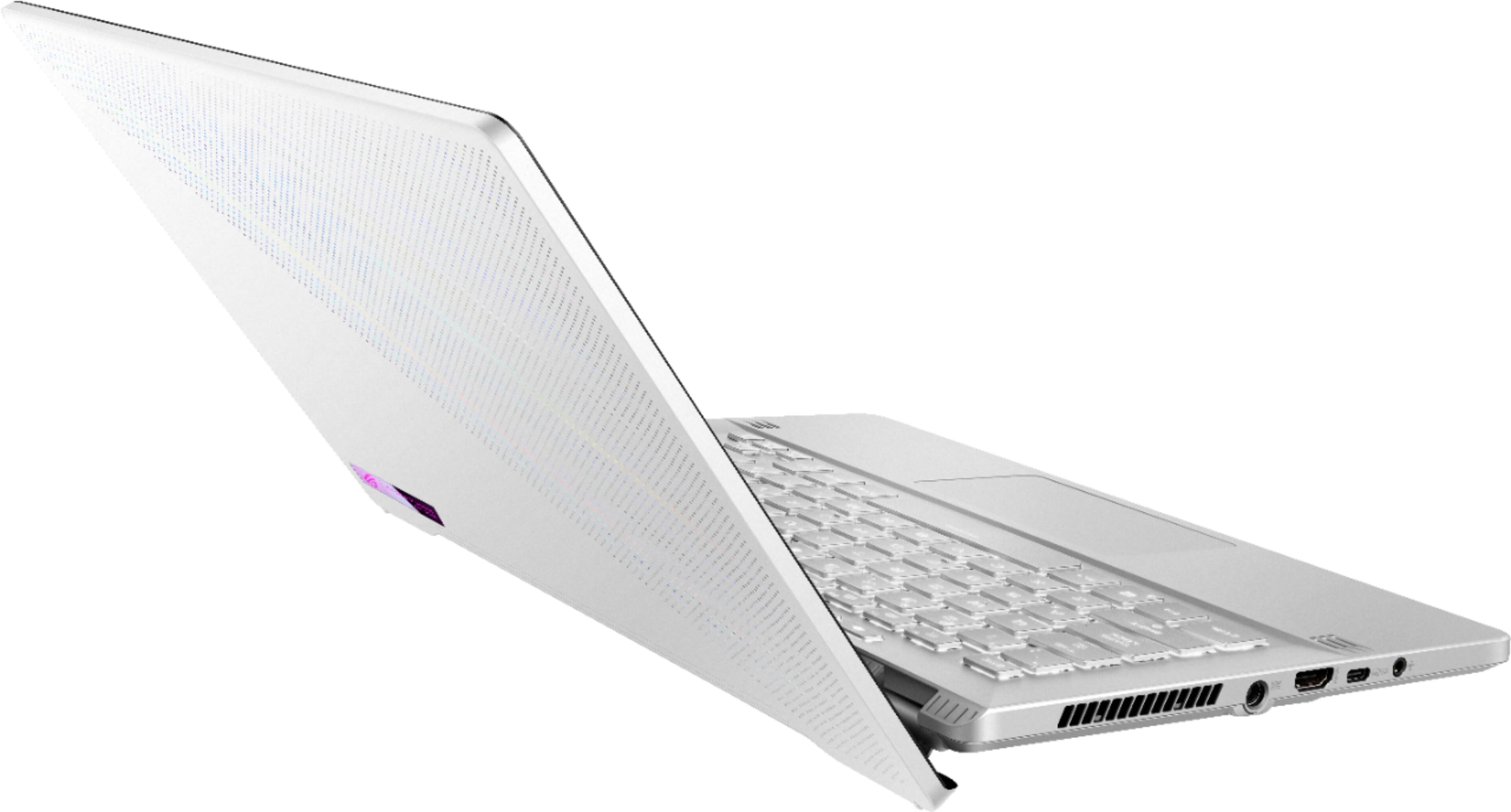
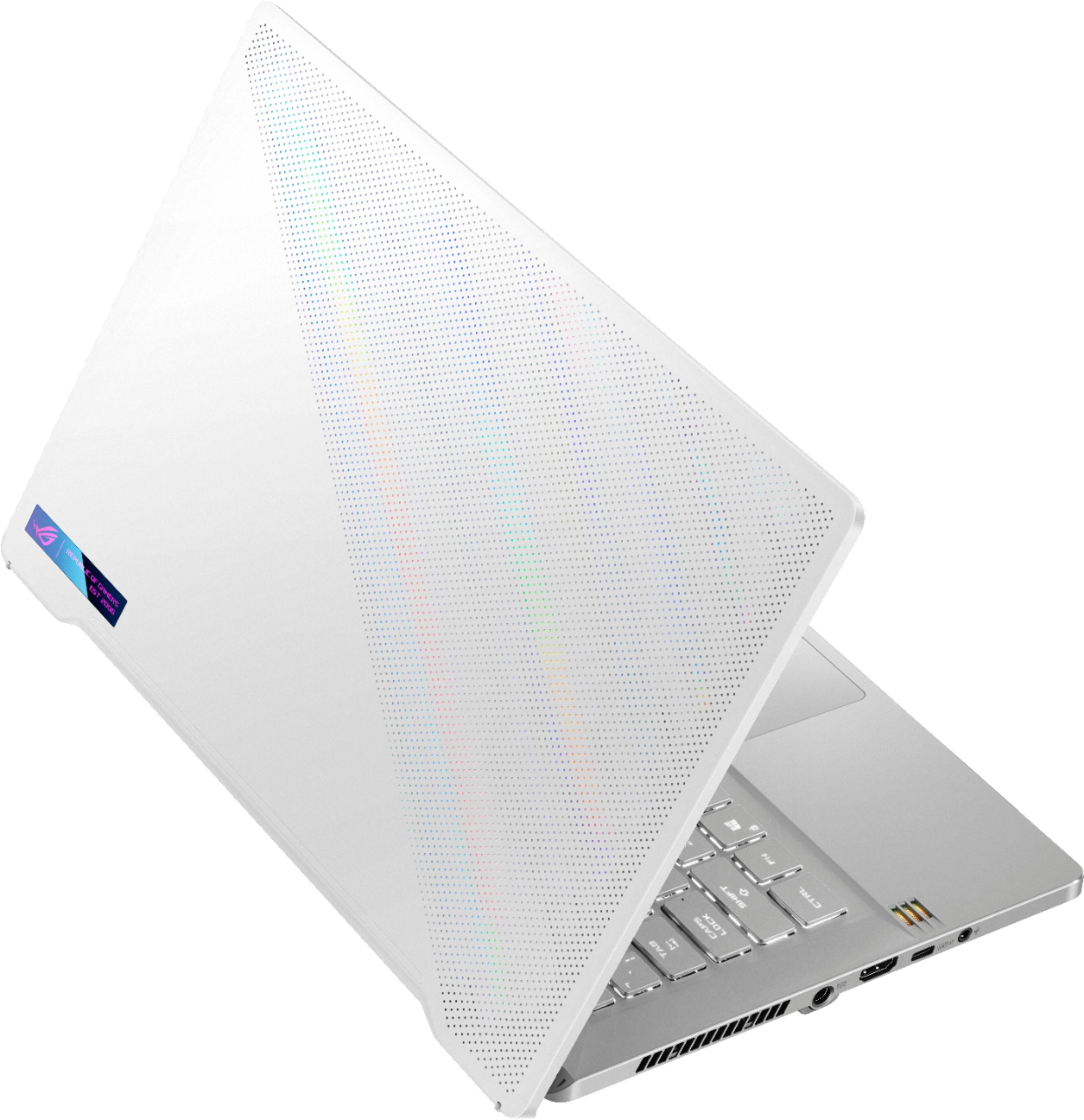
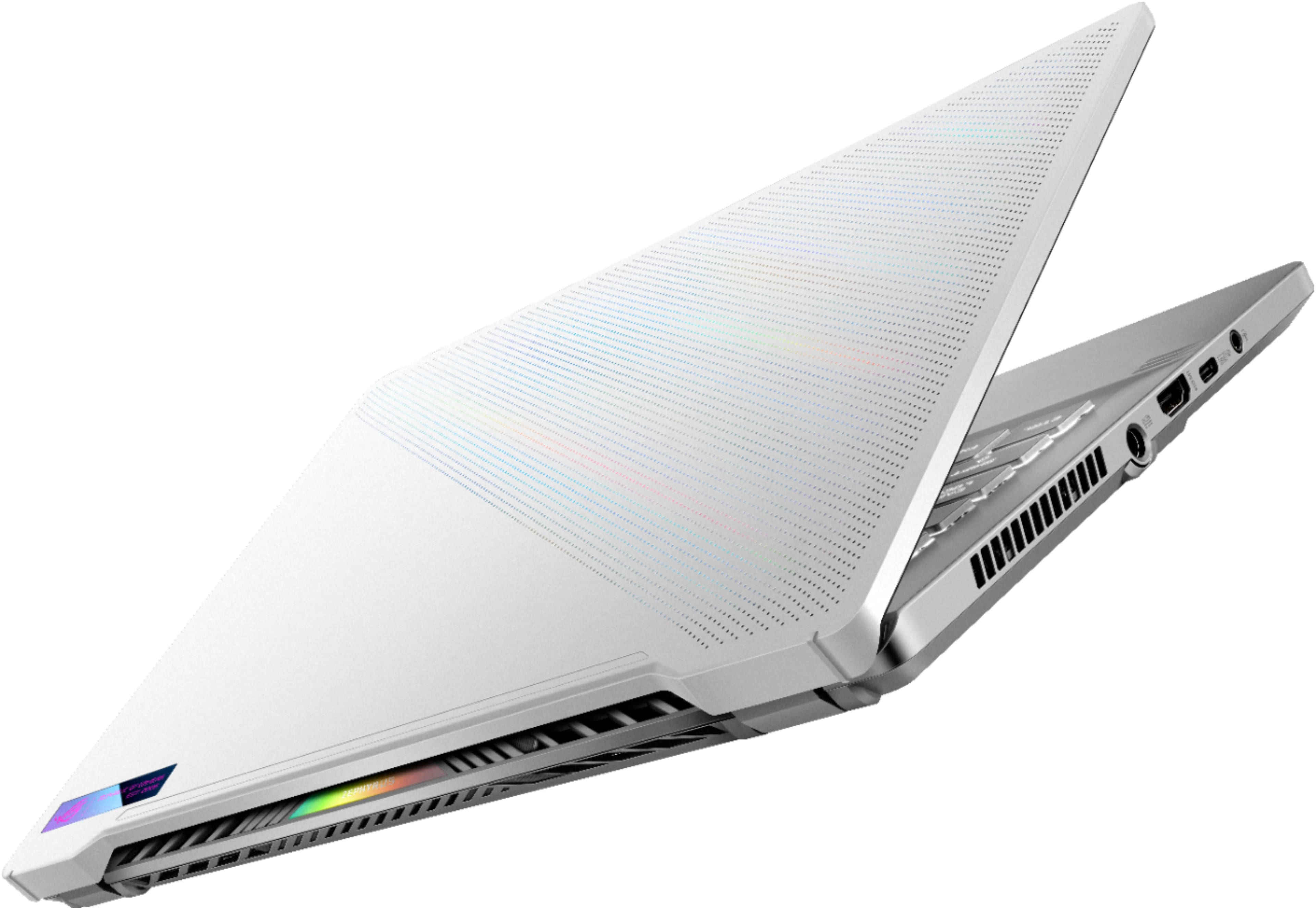
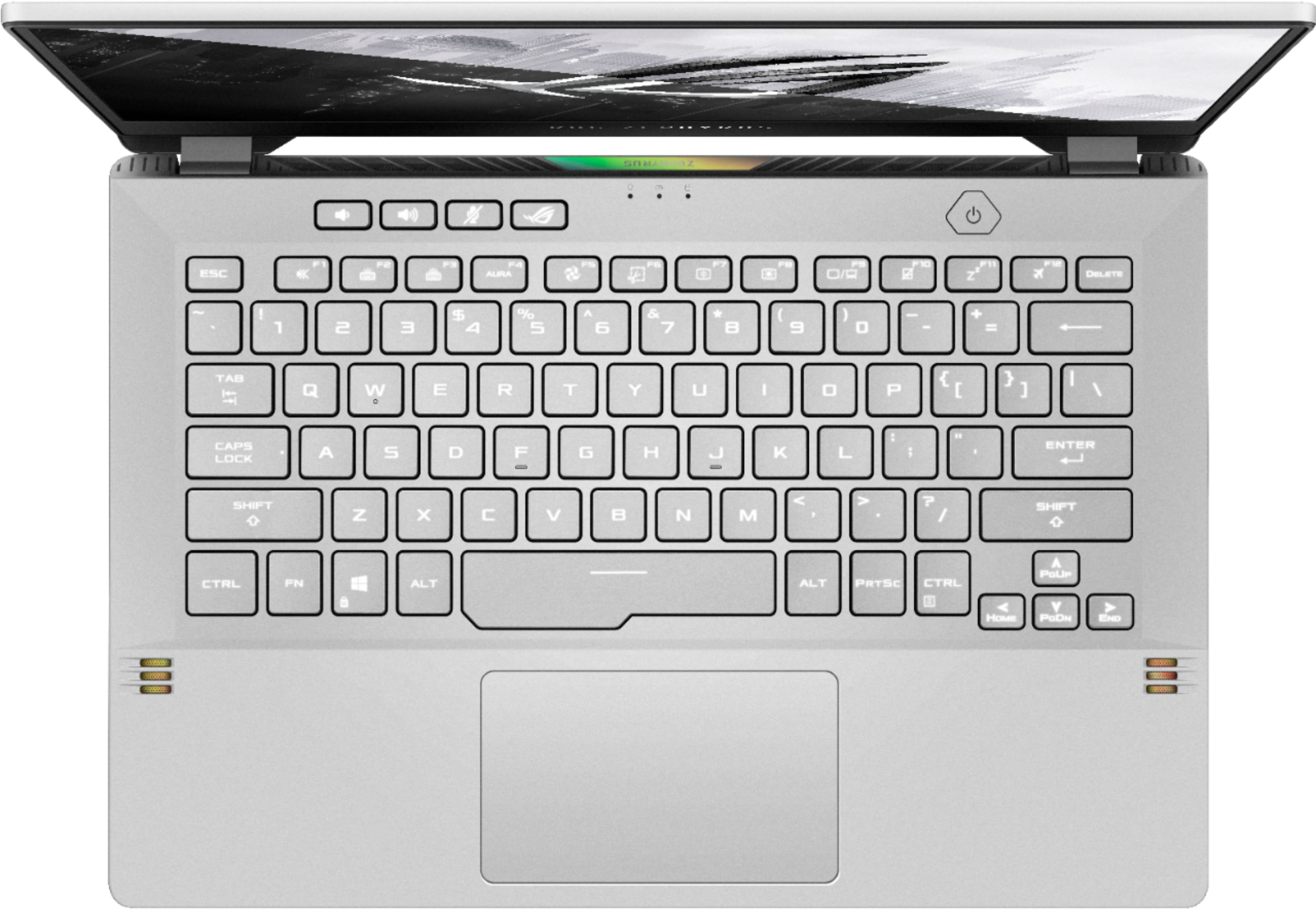
A:Answer1x 3.5mm Combo Audio Jack
1x HDMI 2.0b
1x USB 3.2 Gen 2 Type-C
2x USB 3.2 Gen 1 Type-A
1x USB 3.2 Gen 2 Type-C support DisplayPort™ / power delivery / G-SYNC
A:AnswerIs it suitable for a 14 year old?
Answer Yes. It is not very heavy to carry, has a nice clear screen, very fast processor, and above average graphics with the rtx 3060 model. Also, it has a decent battery life as well. If they are a gamer even better, but great for general use and school work projects.
Cons: no webcam, and not the best colored laptop in my opinion.
Can I pay in cash?
Answer: Yes if in physical store location. If buying online, you will need to pay with a debit/credit card or other payment options if available.
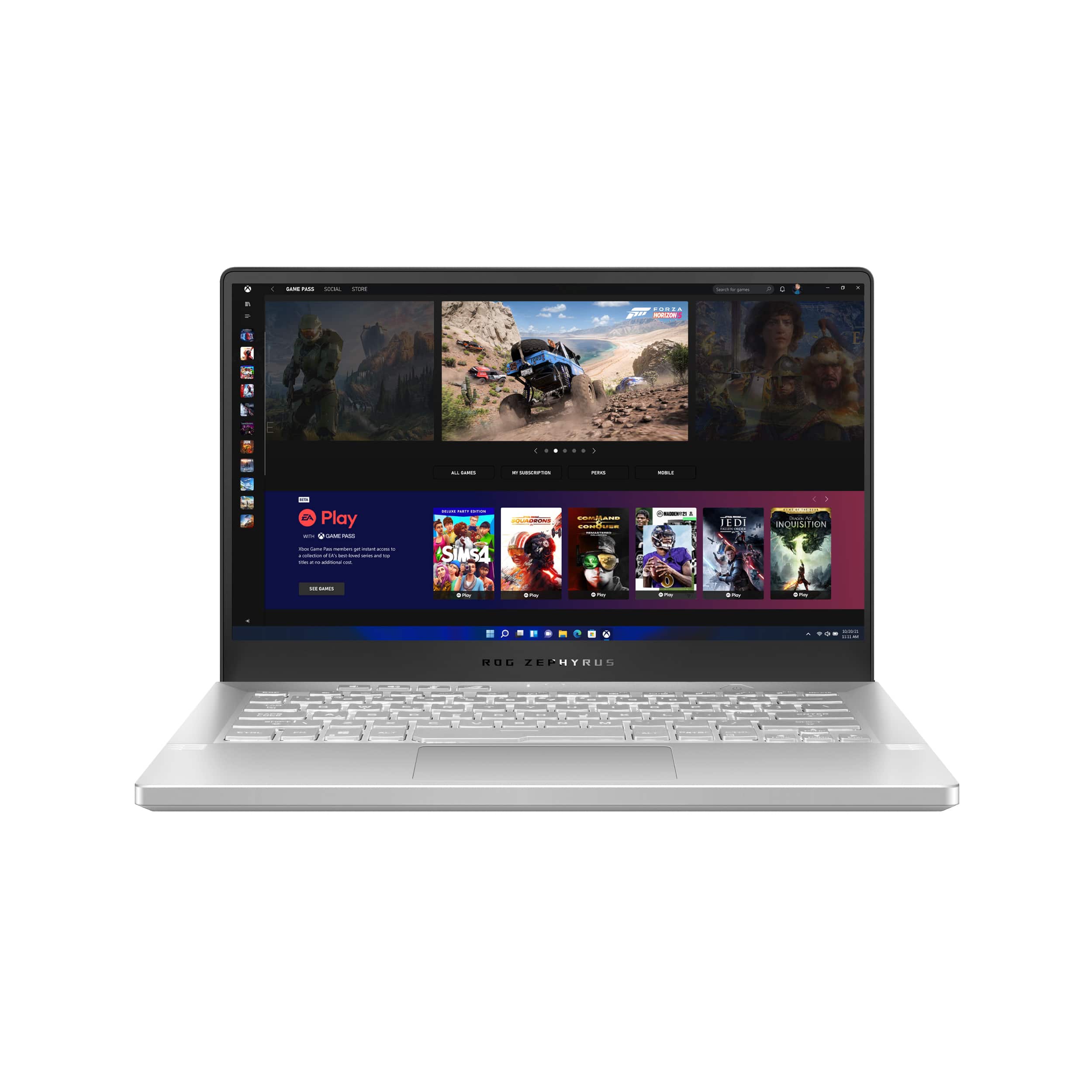
A:AnswerYes, This computer has a USB C port on the left side with DisplayPort 1.4 output and power delivery( essentially allows you to charge the laptop with it). The right side USB C port is a 3.2 gen 2 port but not capable of DisplayPort or power delivery output/input. So use only the left port for USB Displayport output. The USB C port on the left also connects directly to the GPU in the laptop allowing it to bypass optmius and increase gaming performance.
A:AnswerYes it does one through the hdmi port and another one through the type-c display port. The battery life, for me is around 5-7 hours with the 3060 graphics card turned off.
A:AnswerI am pretty sure you have to use windows settings instead of the nvidia settings, to do this you have to go into the settings app in windows and then go into the sound settings and that is where you will be able to find it.