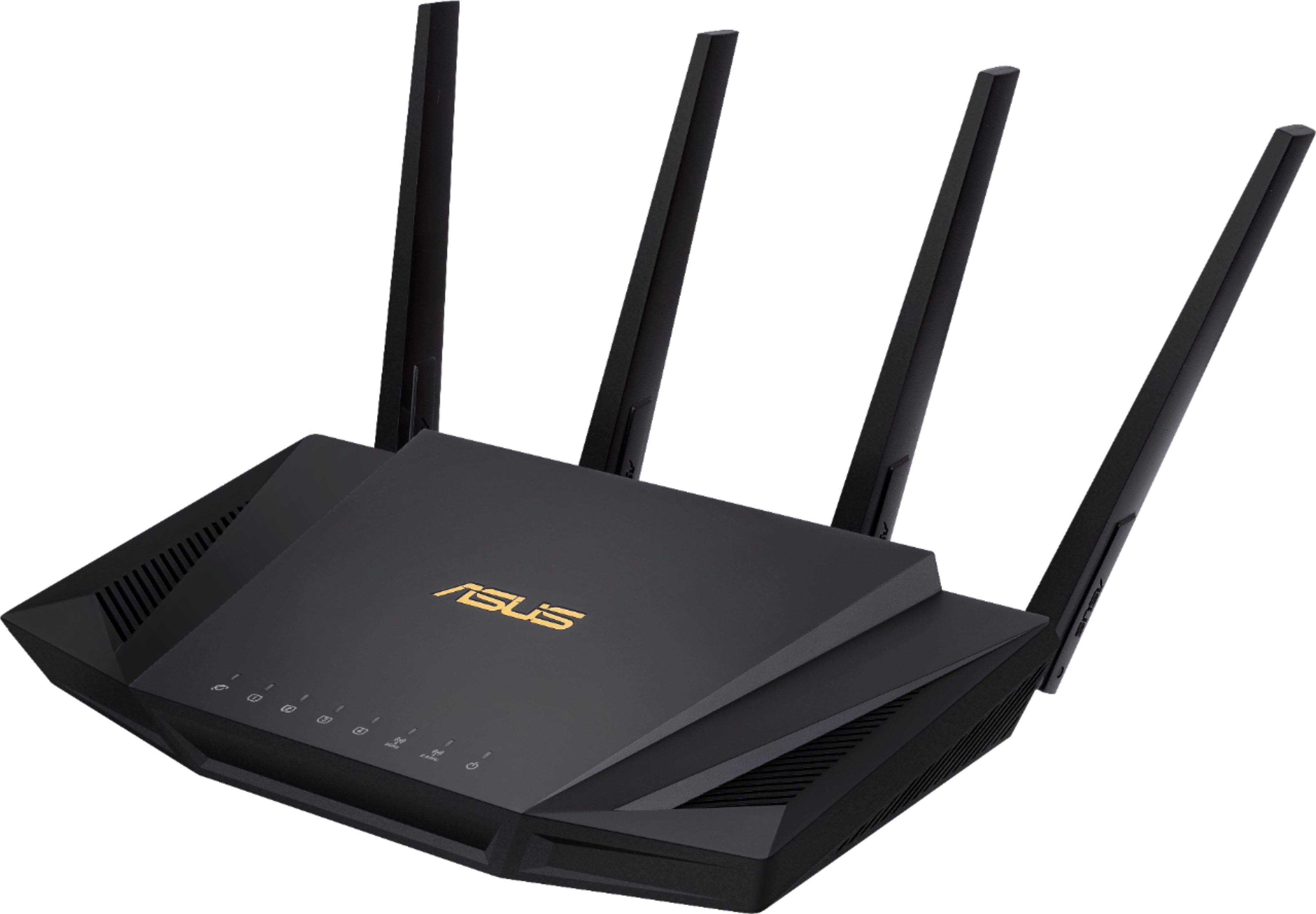
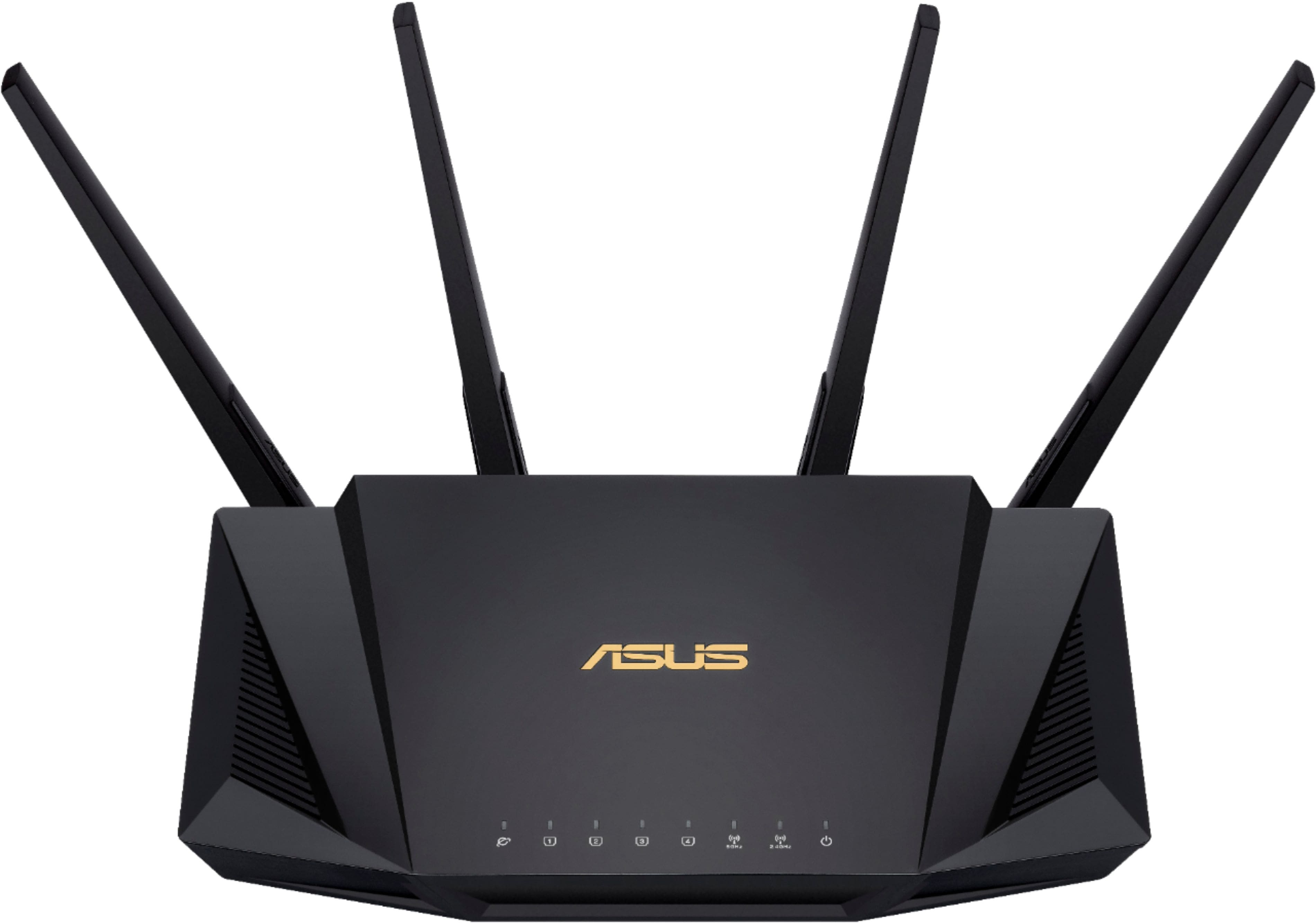
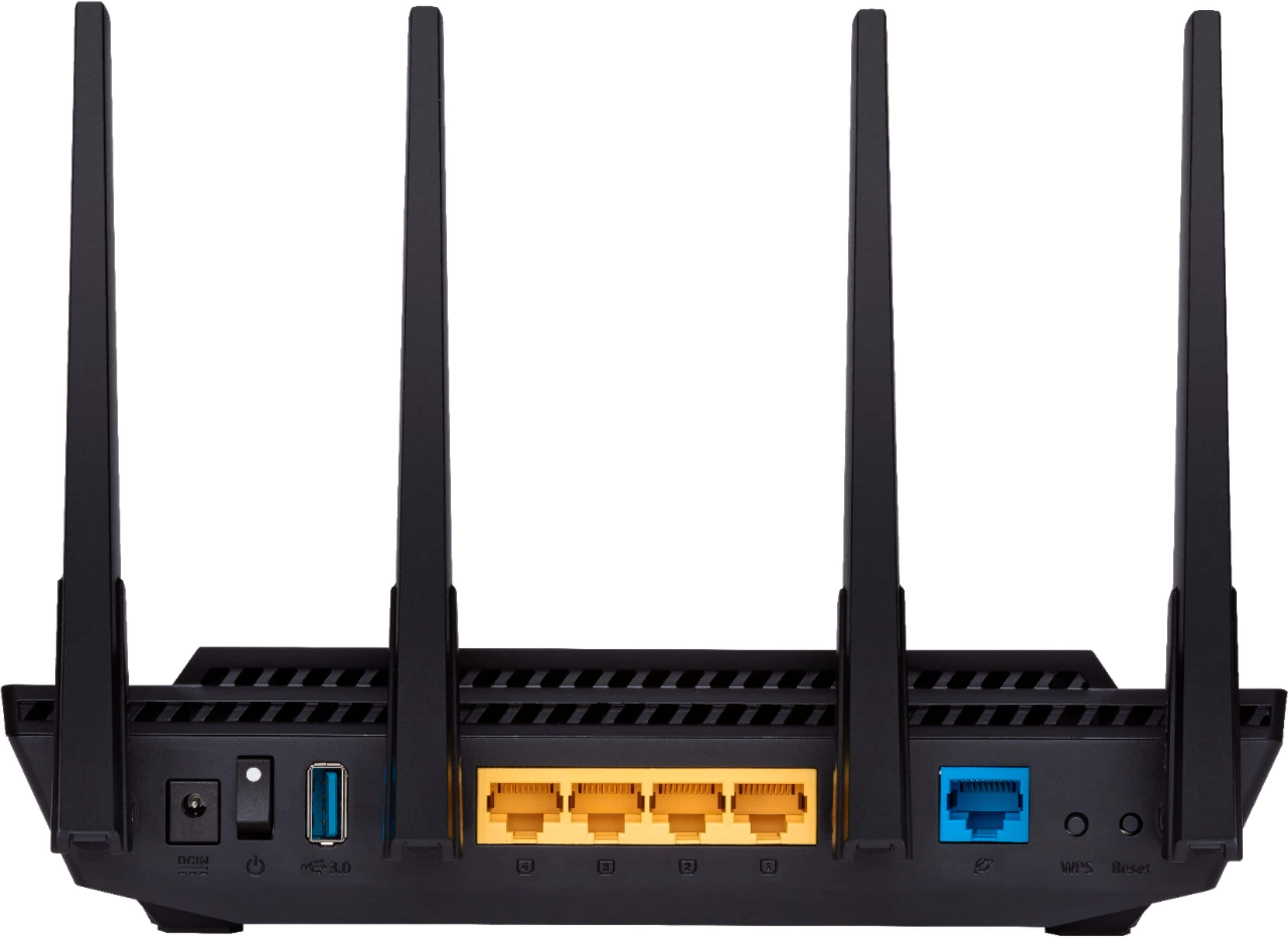
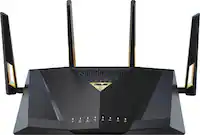
A:AnswerThis is about as plug n play as you can get with a router. Follow the directions included in box: like 3 steps and you’re wireless Internetting like a boss.
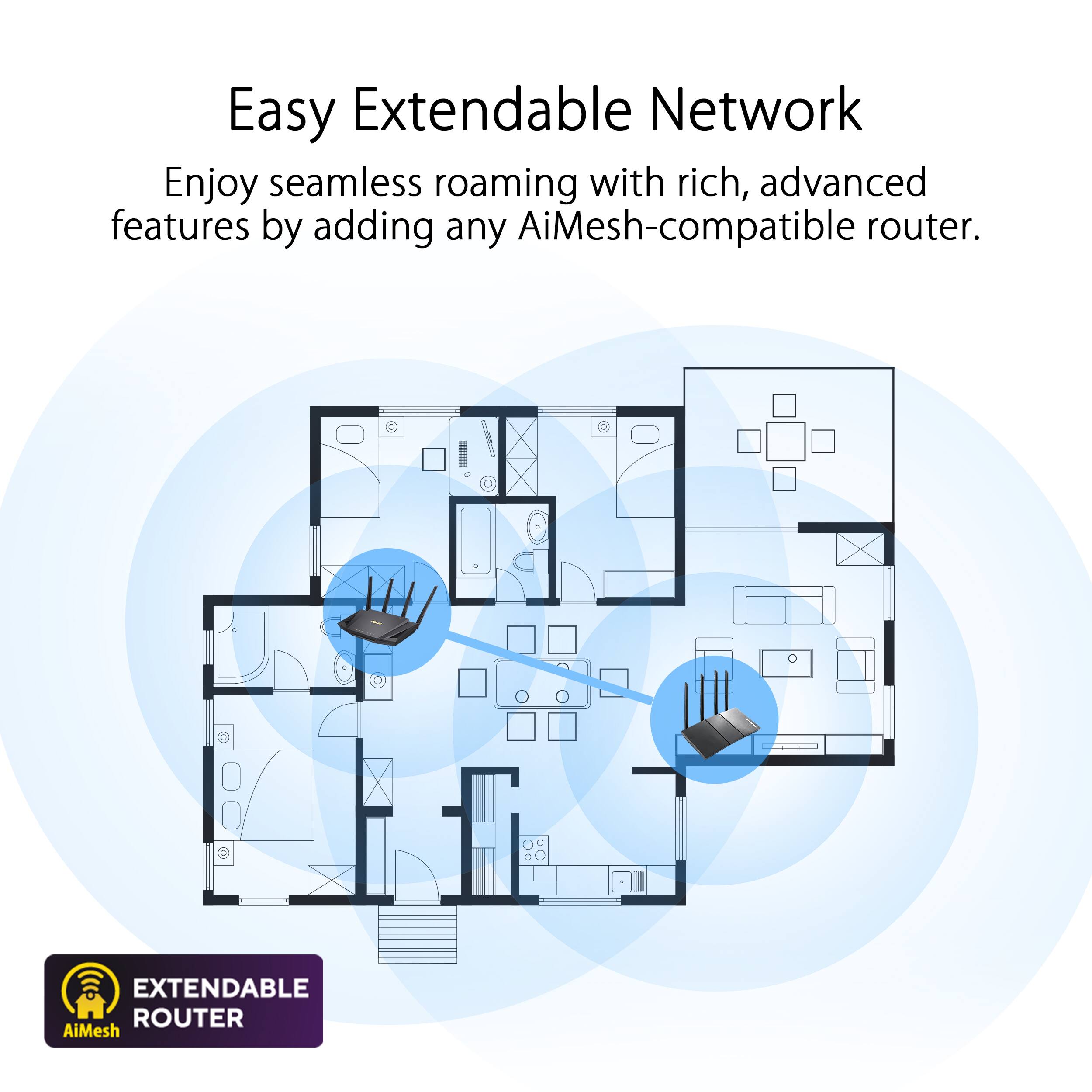
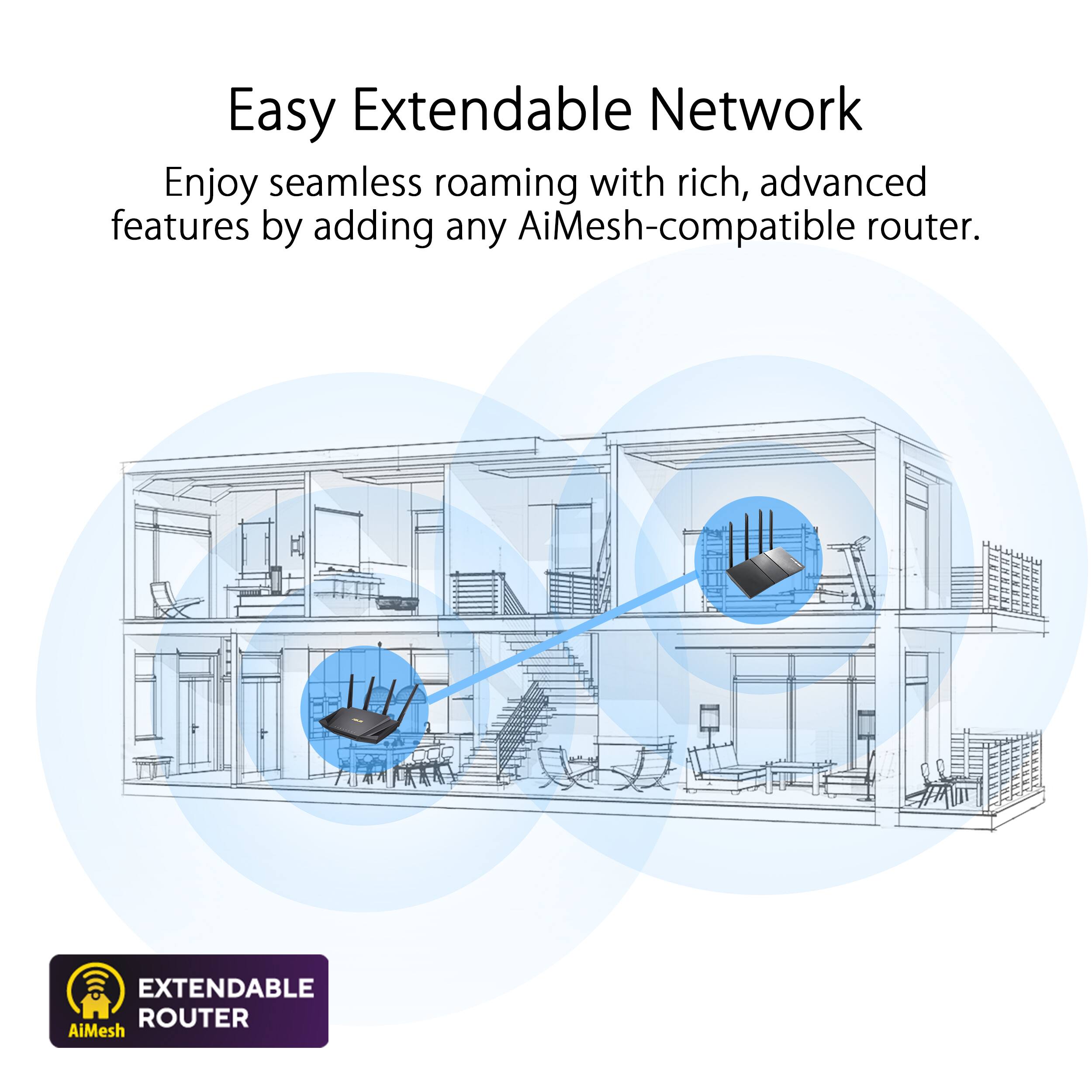
A:AnswerThis router supports Wireless router mode, Access point mode, Media bridge mode, Repeater mode, and AiMesh node mode. For further information, please contact our support team here: https://www.asus.com/us/support/callus
A:AnswerIf you have internet service using Verizon Fiber, a modem is not required. The ASUS router just connect directly to Verizon ONT using a network cable. For further assistance, please contact Verizon.
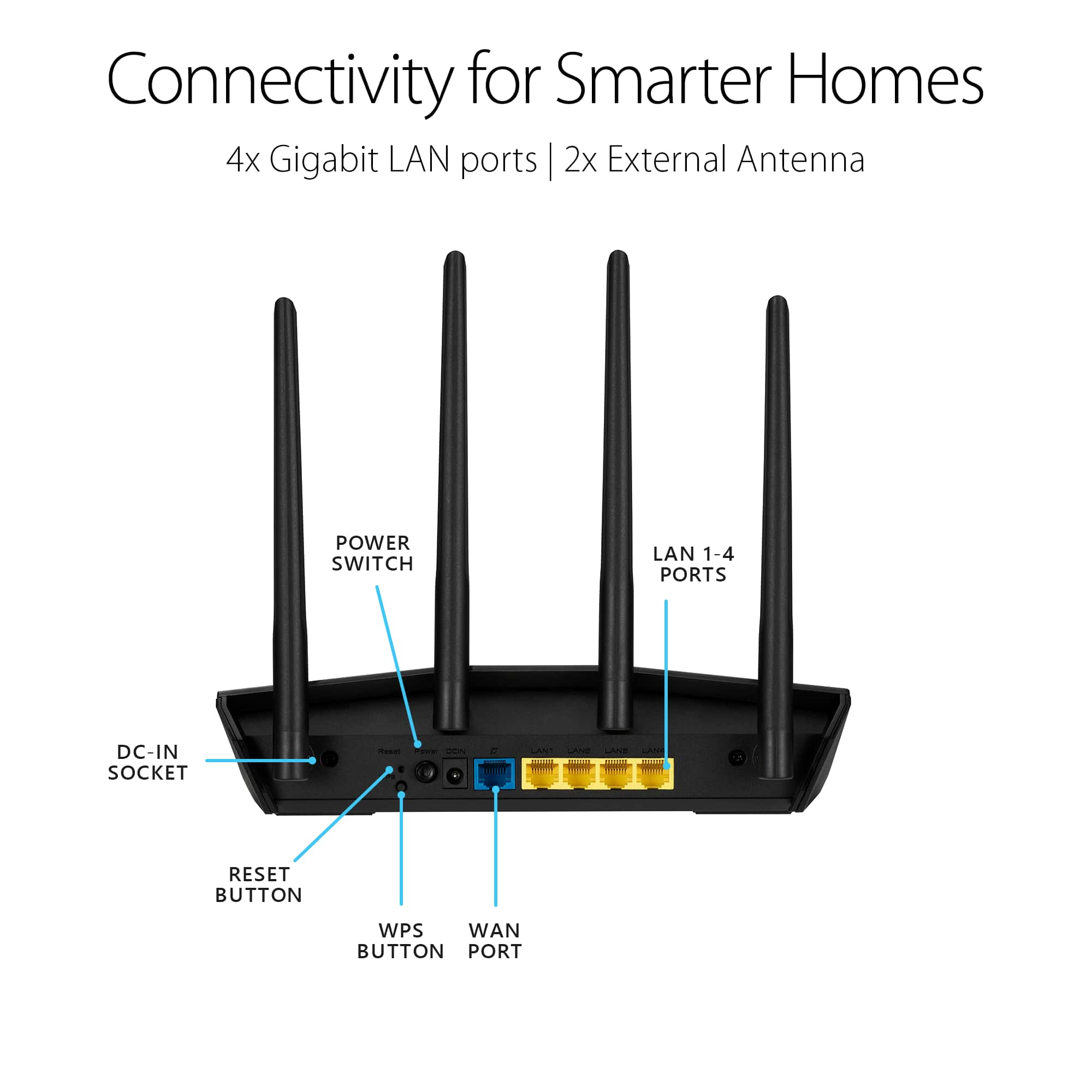
A:AnswerThis router does not have a landline connection port. This is meant to connect to your internet modem with an ethernet cable. A landline uses RJ12 cable connectors, and this uses RJ45 ethernet connectors.
A:AnswerYes, you can. I did end up purchasing this router, 2 of them. One is downstairs connected directly to my Internet's provider ON, the other is upstairs. The one downstairs is set up as an AirMesh Router and the one upstairs as a AirMesh Node. Works flawlessly.
A:AnswerThis is the problem I was having. I have a spectrum router and this was supposed to work well with spectrum, it did not. Now I am looking for another router. I think I will try a TP link.
A:AnswerASUS routers comes with built-in OpenVPN. VPN providers don't allow setting up without paying. However, ProtonVPN is a great option without paying for a subscription.