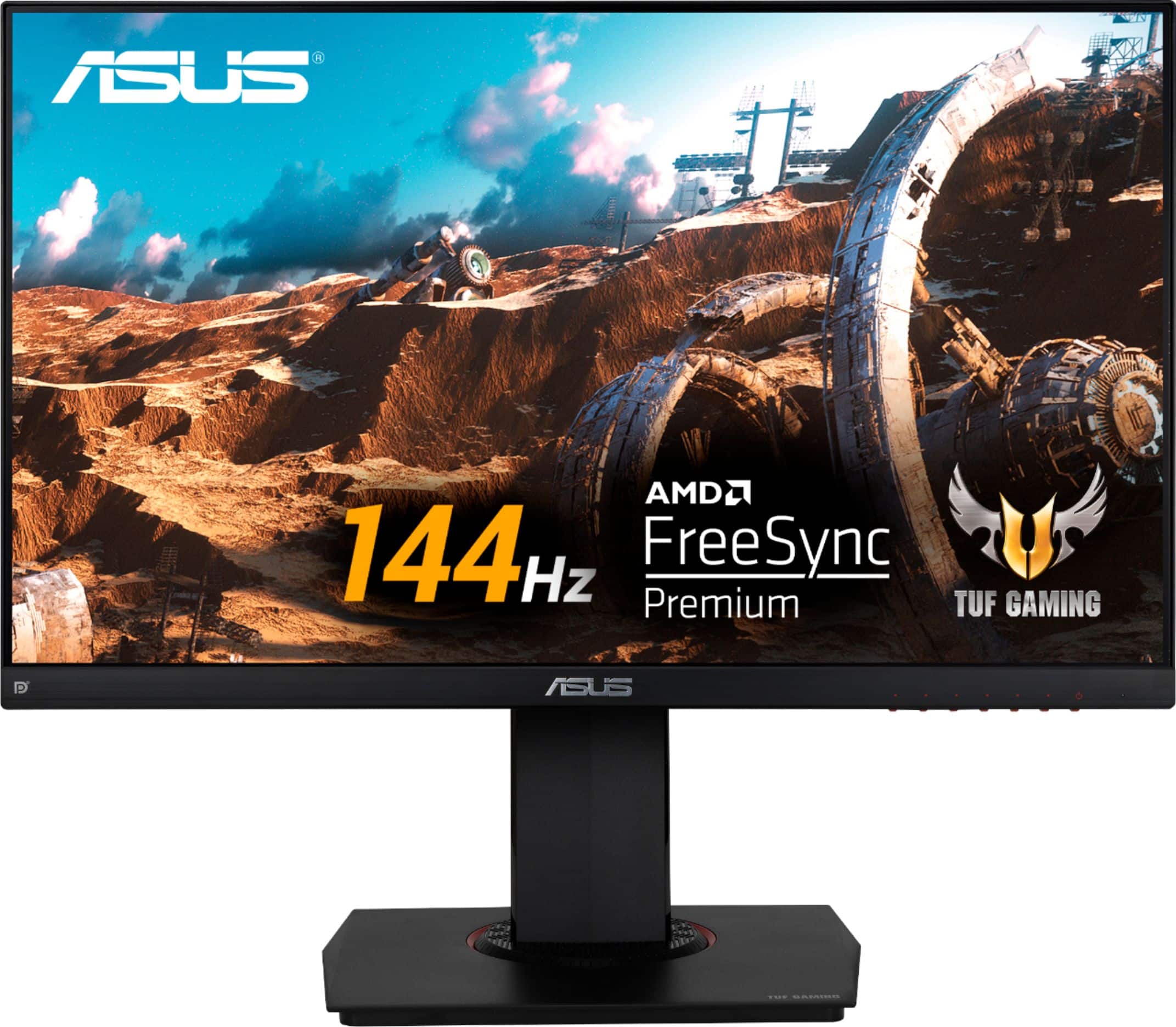
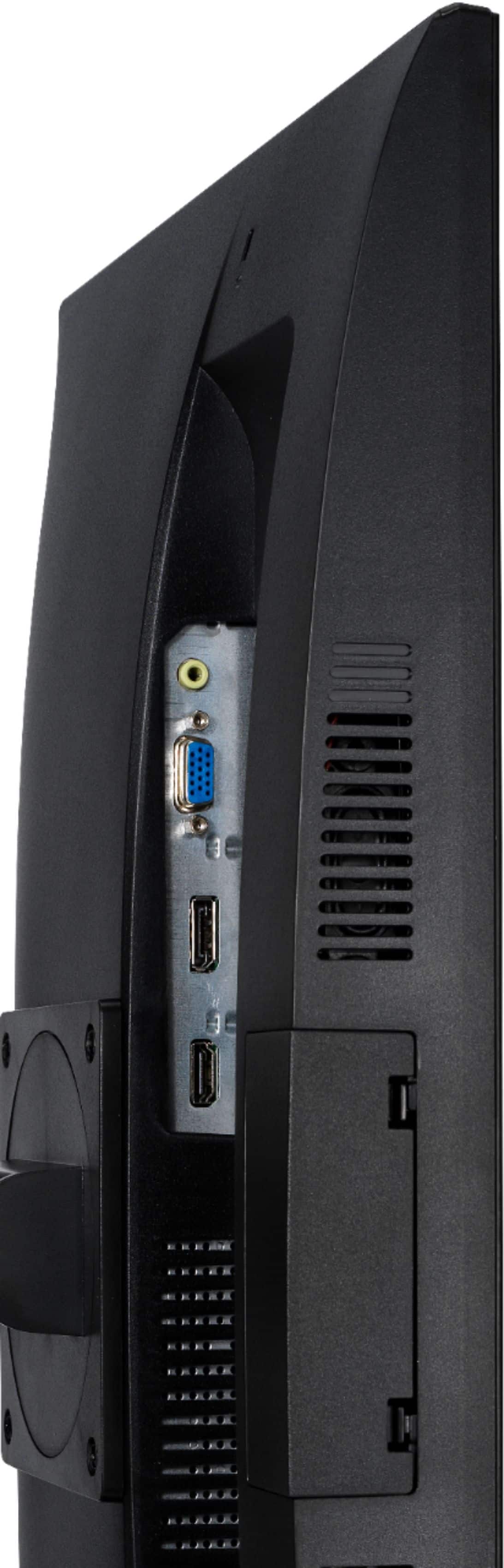
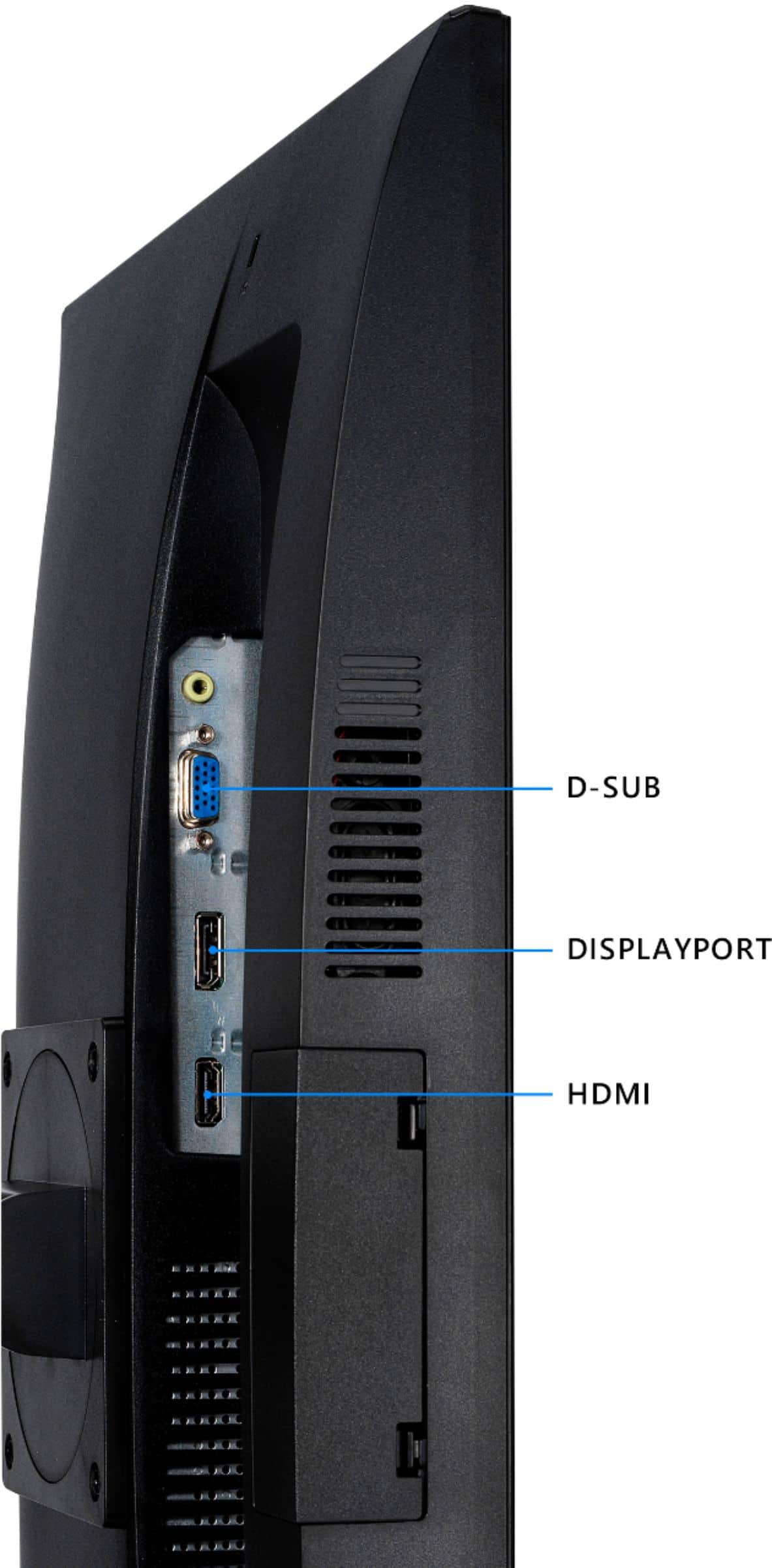
A:Answer This monitor does 144hz through Freesync over HDMI, to go to 165hz you need to connect a DisplayPort from your PC to your monitor. This monitor should not be doing 60hz, as it is a 144hz monitor natively.
You could try to go into your display settings and locate where it says advance settings, to manually change the monitor hertz, but it should normally work out of the box.
If you’re still having issues, first make sure that you have the exact model, and if so, I would suggest maybe returning it for an exchange just to be on the safe side, just make sure you are within the return window, and have the receipt to make it easier when going back.