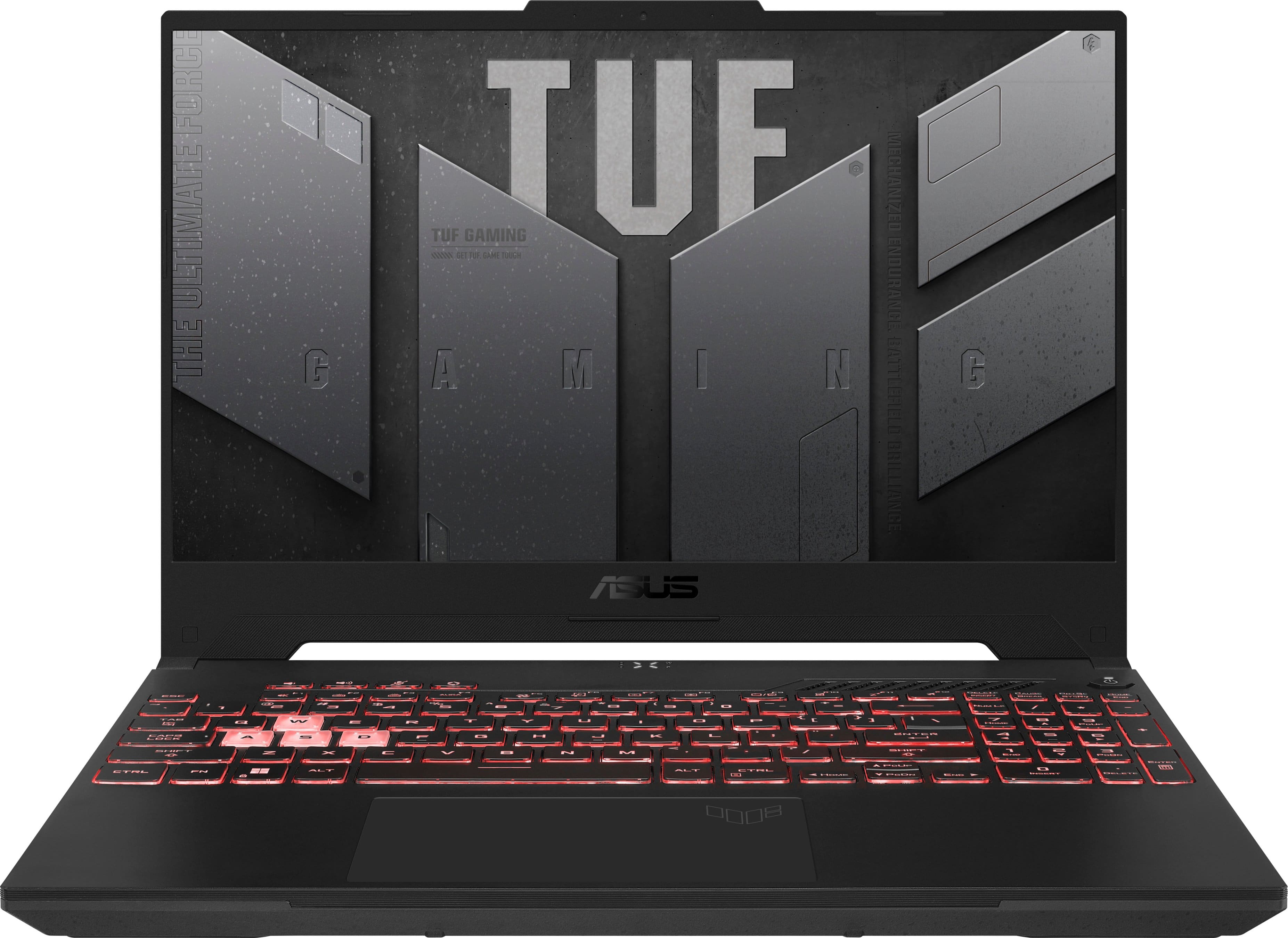
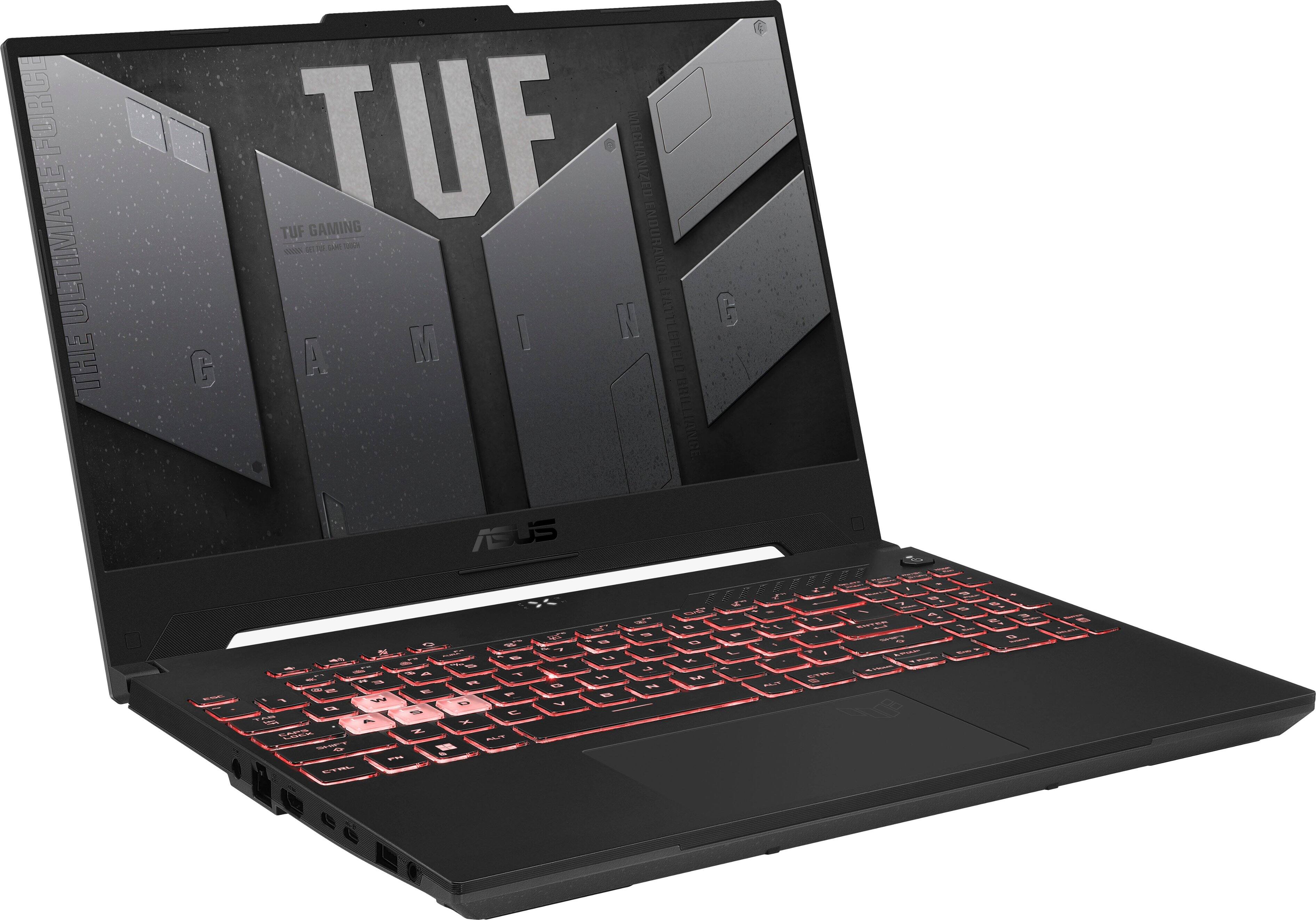
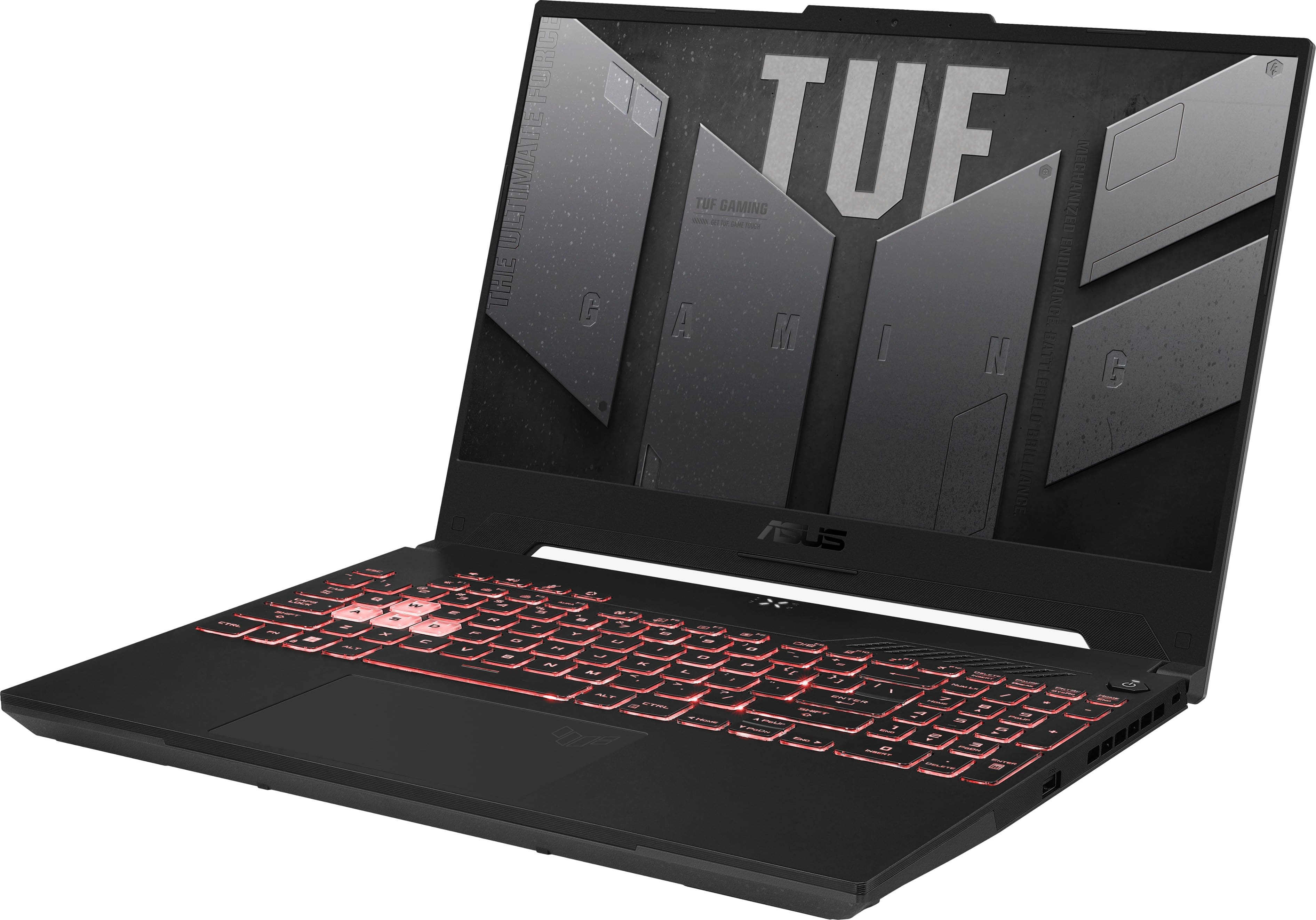
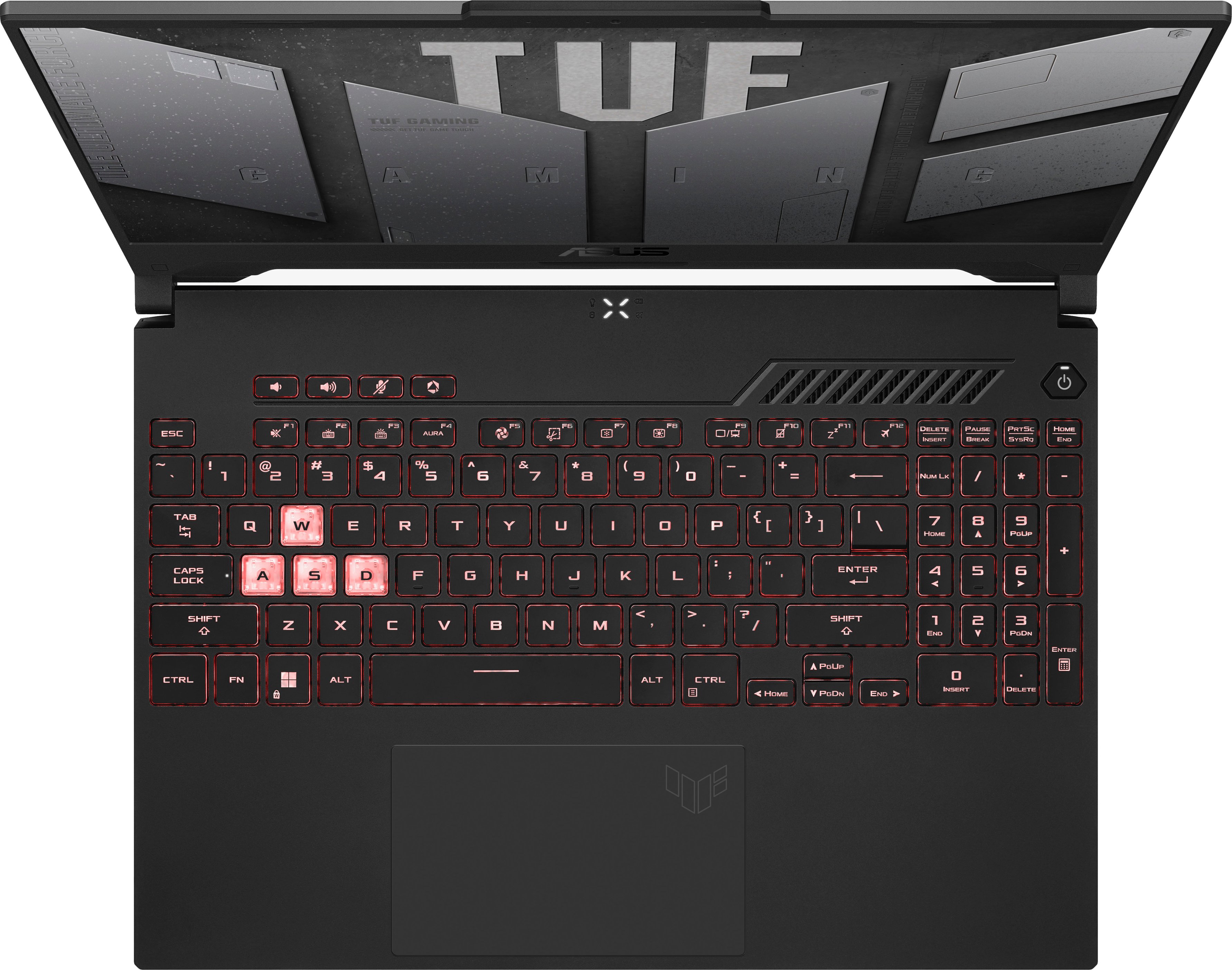
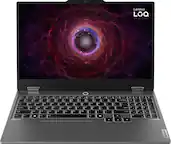
A:AnswerBest upgrade is to add a second stick of memory. The laptop has dual channels for two sticks of memory, but only comes with a single stick of memory essentially making use of only a single channel. Adding a second still will allow for it to make use of its full capabilities.
A:AnswerTo resolve the blurry video, please check if the laptop has access to a stable internet connection, and Windows. video driver and games are up to date.
A:AnswerThe battery life is approximately 6.5 hours of medium to light workload. No, it doesn't blue-screen and delete informations and documents unless user accidentally do the deletion.
A:AnswerThis laptop has an HDMI port so that is probably your best bet. HDMI handles both Audio and Video output from the laptop to the monitor, so if the monitor has integrate speakers, audio will come through. Should be a fairly straightforward connection with a good HDMI cable. Make sure to acquire a cable long enough to accommodate wherever you want to position the monitor in relation to the laptop.
A:AnswerI don't play Fortnite, but it looks like the default refresh rate is 144 hz with the option to switch down to 60hz.
Screenshot may look funny but I have the bluelight protection on and HDR off.
Also, the computer has this "Armory Crate" program that also adjusts display settings. Not sure if that changes the frame rate.
Overall I have had the computer for about 3 weeks. So far so good.