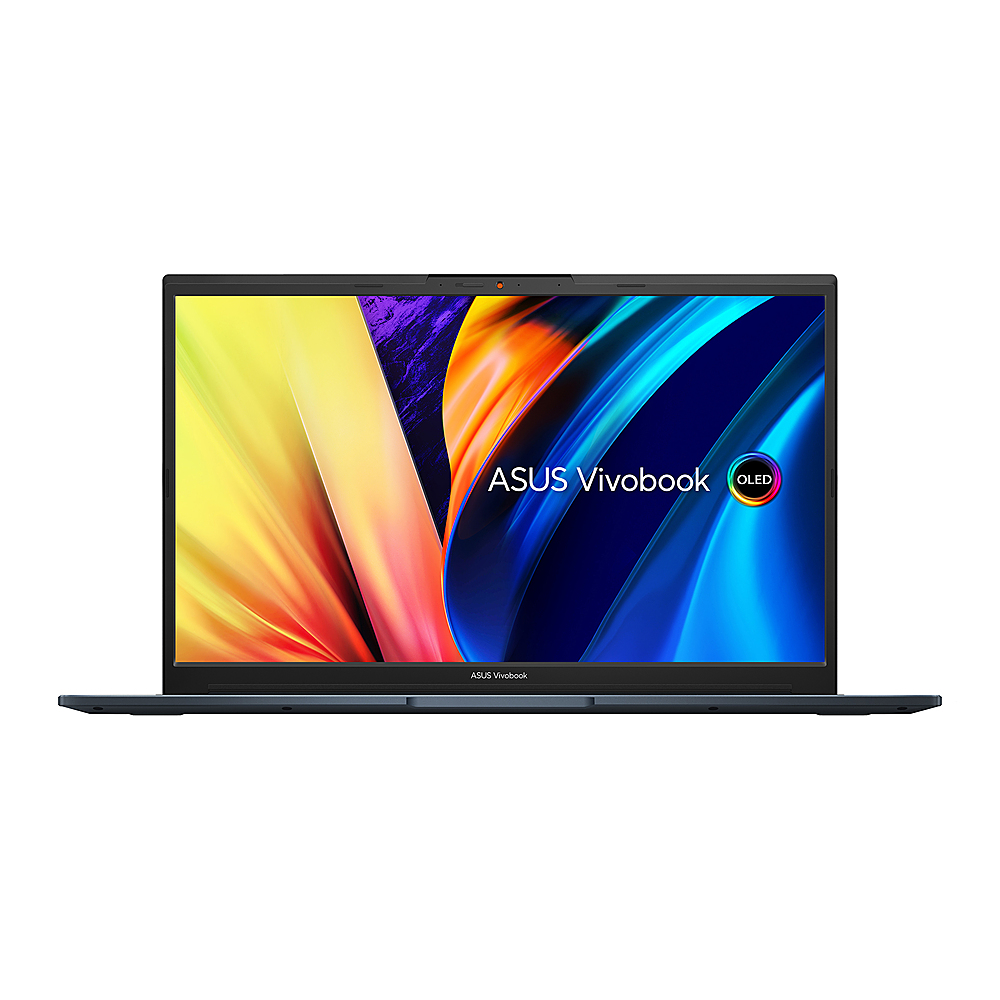
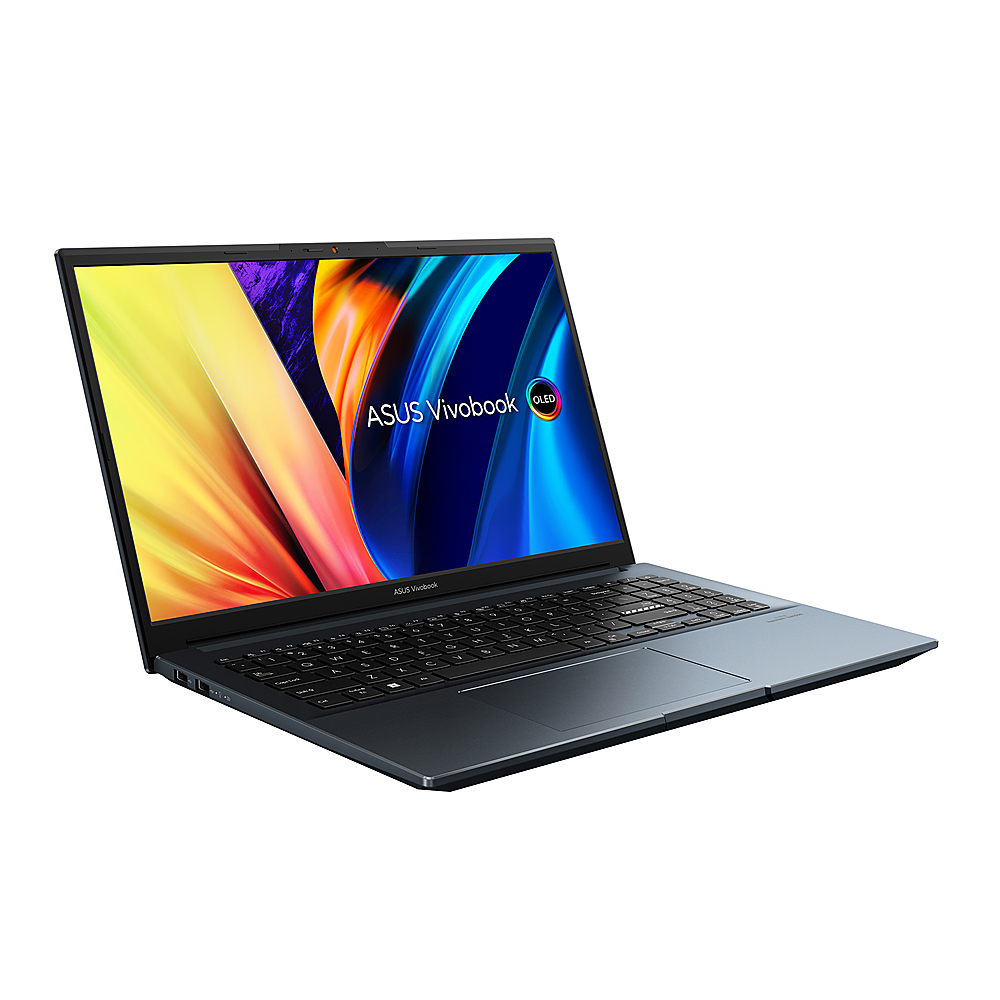
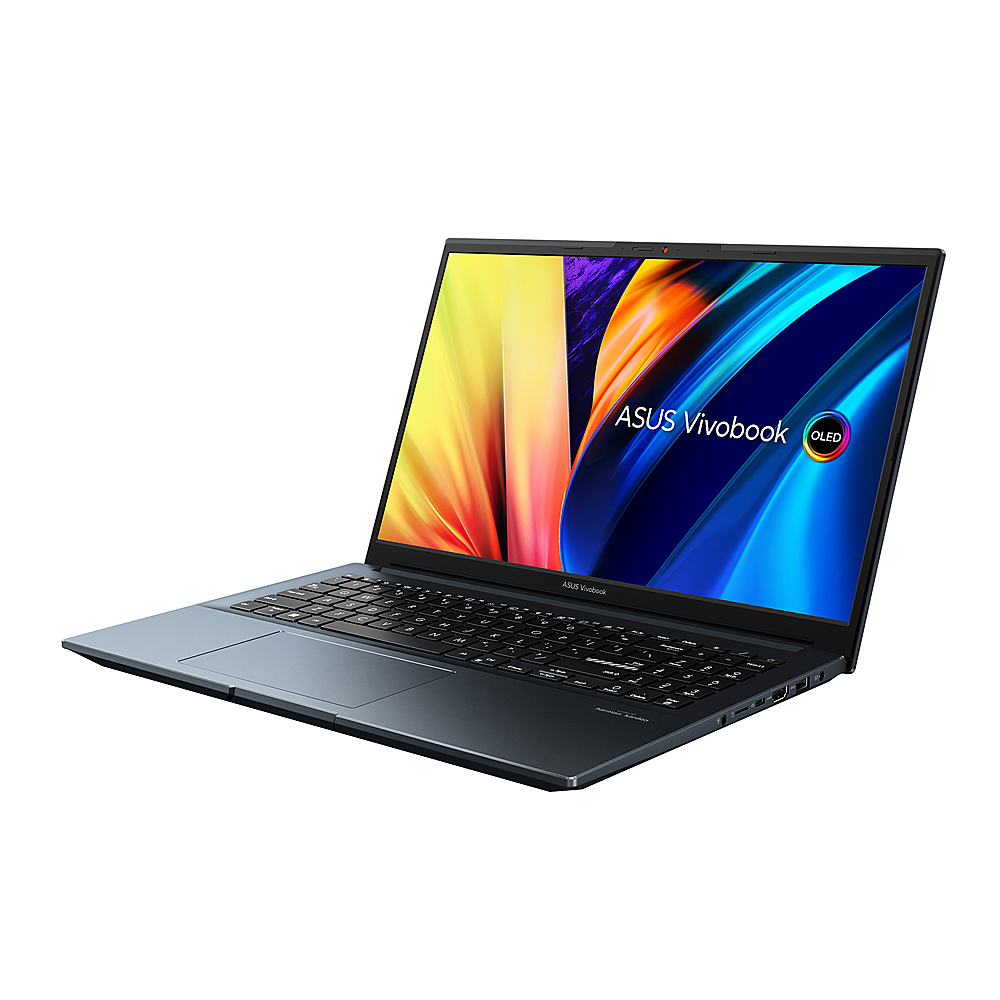
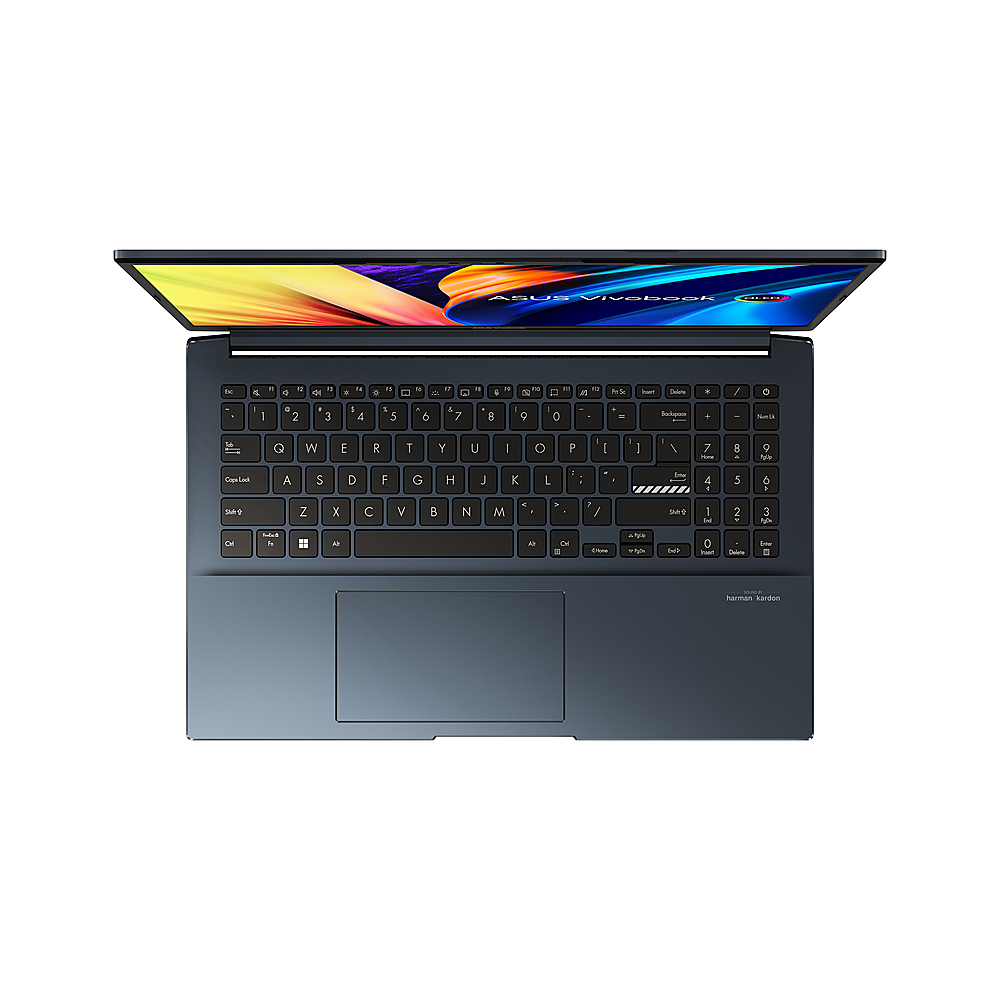
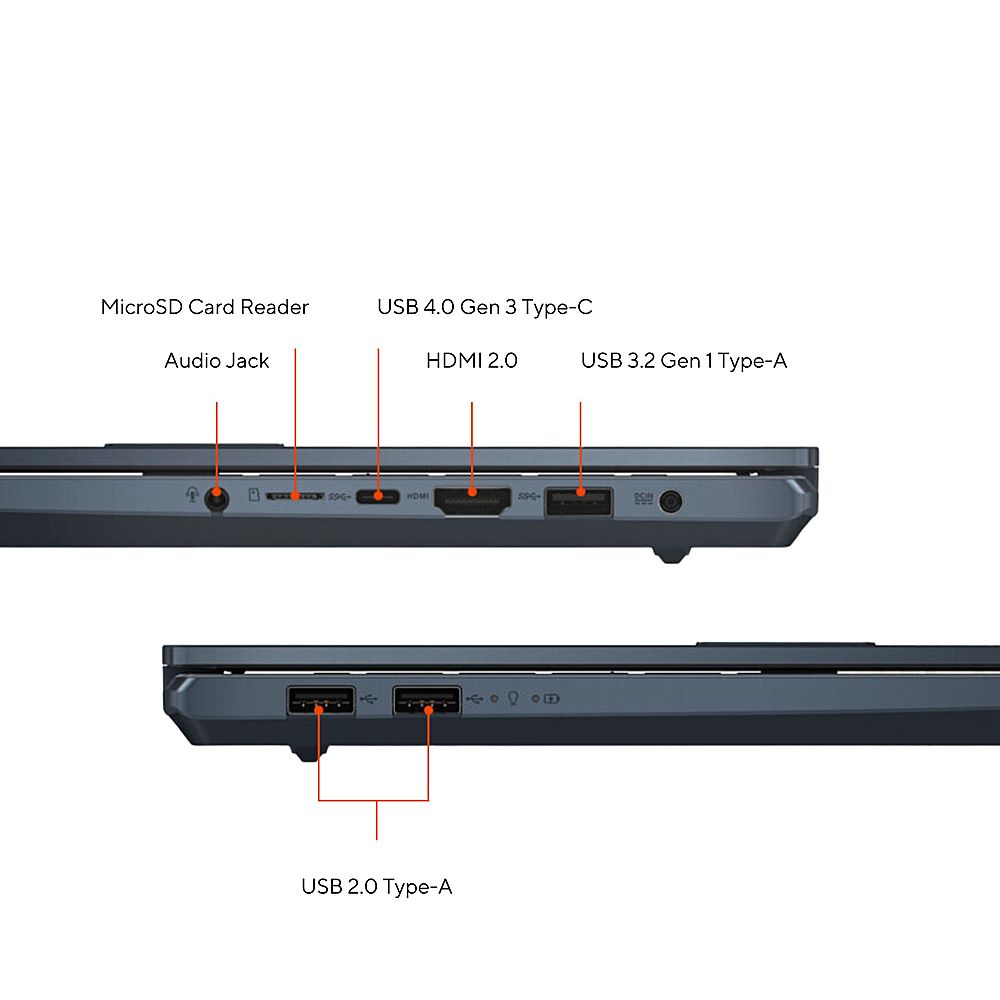
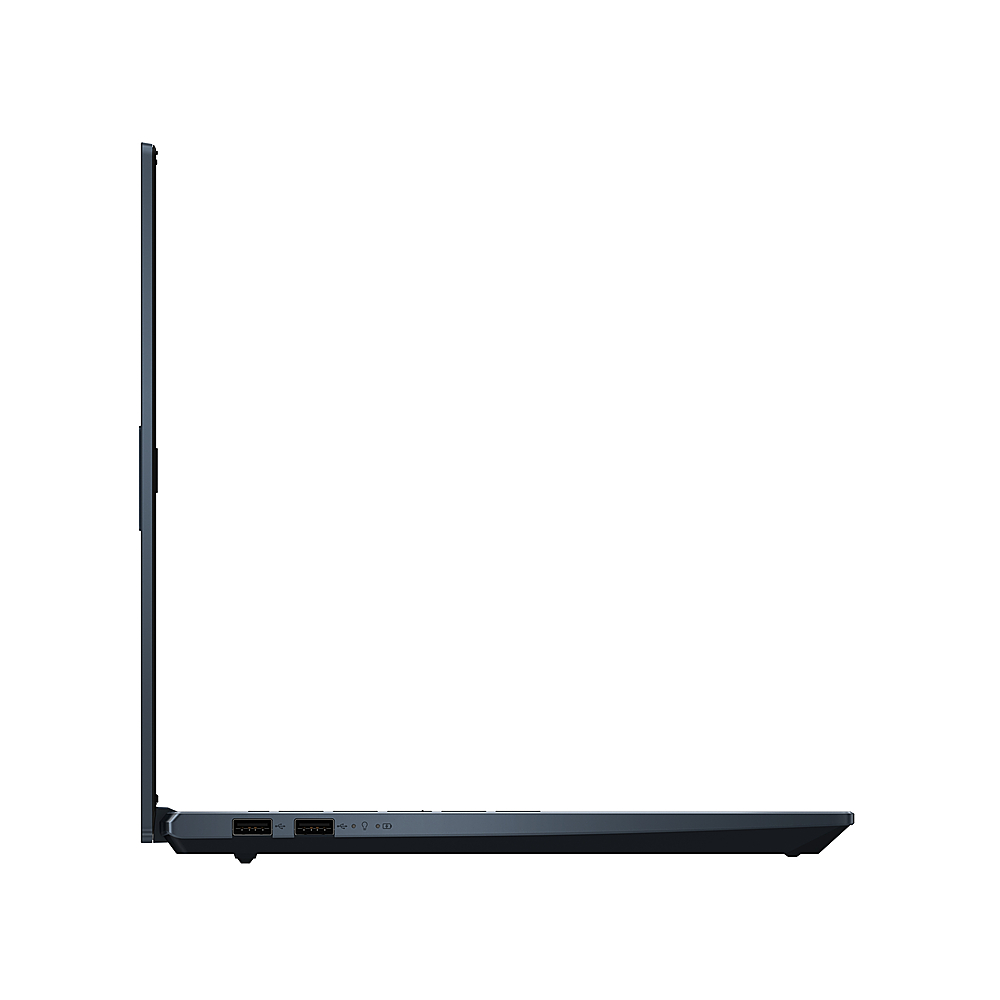
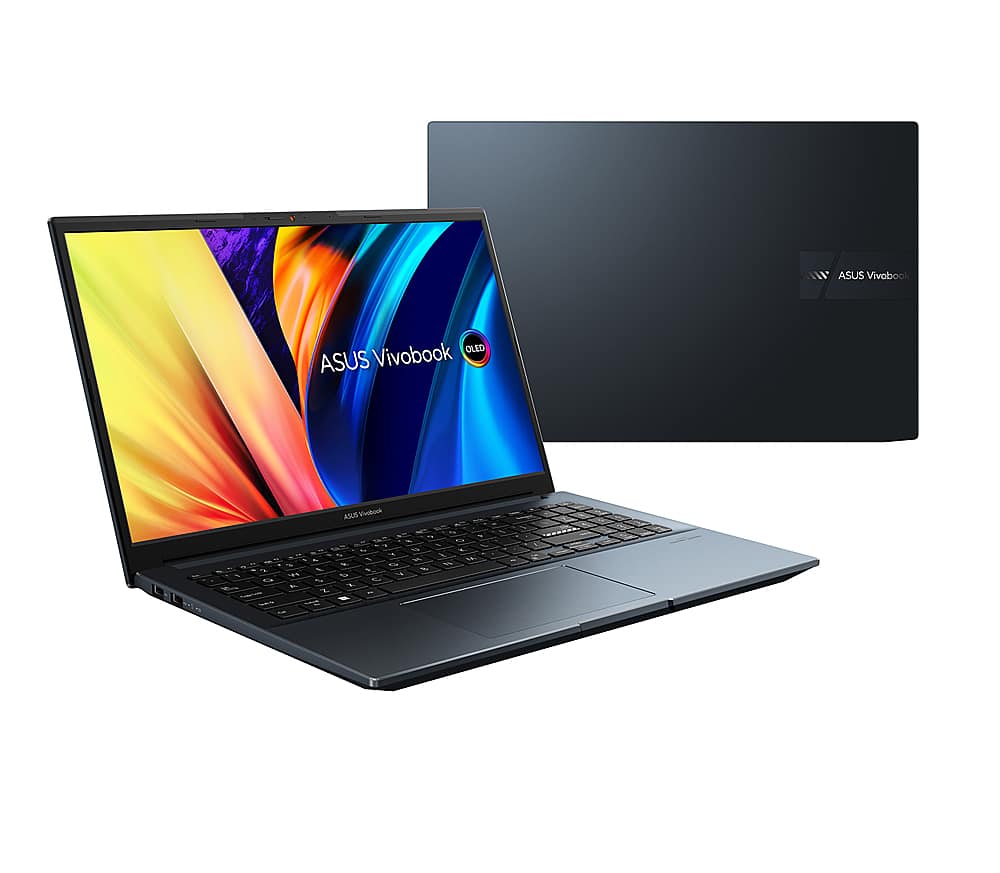
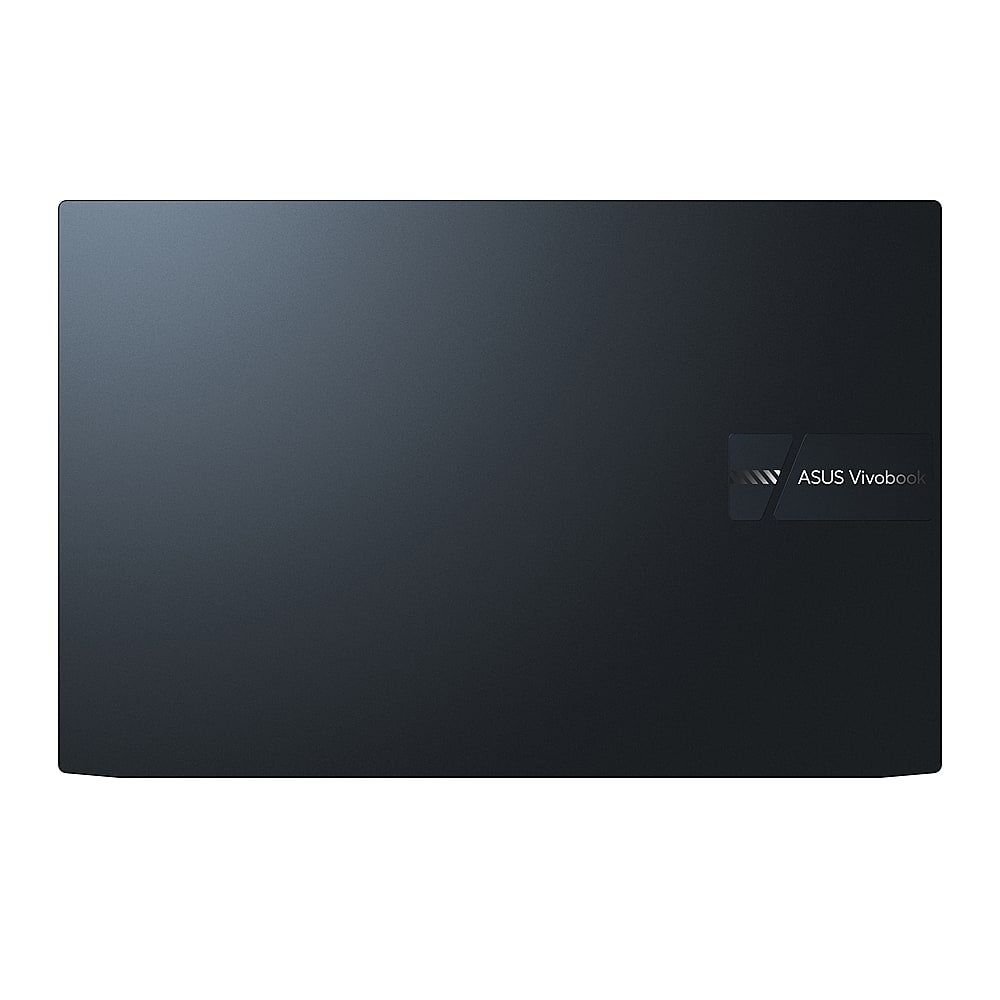
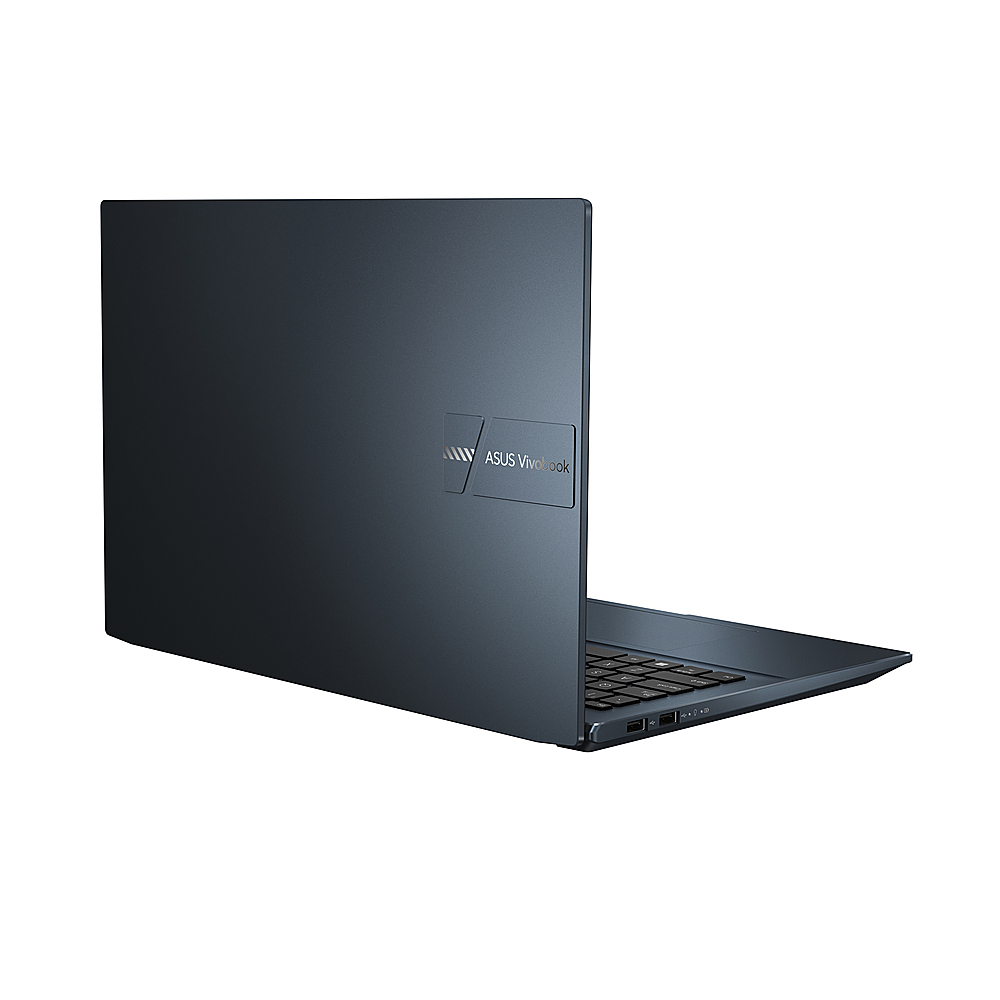
A:AnswerThe ASUS Vivobook Pro 15 OLED (M6500XV) primarily charges through the DC-IN barrel connector with a 150W AC adapter. However, it also features a USB-C port that supports power delivery, allowing for charging via USB-C as well.
A:AnswerI have the same issue with mine. It seems to have something to do with the sleep/hibernate mode. If I just close the laptop at the end of the day without shutting it down first, it will not startup the next day unless I do a hard reset on it. If I do a complete shutdown on it when I am down for the day, then it will startup just fine the next day.
A:AnswerThe ASUS Vivobook Pro 15 OLED (M6500XV) has a PCIe Gen 4 slot for SSDs. However, the SSD that comes pre-installed in this model can be either a PCIe Gen 3 or PCIe Gen 4 SSD, depending on the specific configuration you choose.
A:AnswerNo, This is a brand new laptop. No need to open it up for anything. What I have noticed is that this issue is somehow related to the computer going to sleep. If I do a complete shutdown it will start up just fine. If I just let it go to sleep on its own then it doesn't want to start up. I have to do a hard reset on it to get it to startup again after it went into sleep/hibernate mode overnight.
A:AnswerThe battery life is approximately 10 hours of light workload. For heavy 3D gaming, or photo-editing, the battery life is approximately 3 hours.
A:AnswerIn order to utilize optimum system performance on this laptop, ensure Windows, driver and appilcations are up to date. Also, if accessing web applications, please ensure the laptop has access to an established router and internet service is working properly since this will definitely affect system speed and performance.
A:AnswerDefinitely, I will surely consider this laptop a good option for an Architecture degree. The OLED will have a 2880 x 1620 idsplay resolution, 600nits HDR peak brightness and a 100% DCI-P3 color gamut.
A:AnswerThis laptop is not intended for gaming, however, if you are into basic or light gaming this will be ok. This has a well designed cooling system.
A:AnswerThe laptop is charge through the DC-IN port. The charger or AC adapter is a 4.5mm, 150W AC Adapter, Output: 20V DC, 7.5A, 150W, Input: 100~240V AC, 50/60Hz universal.