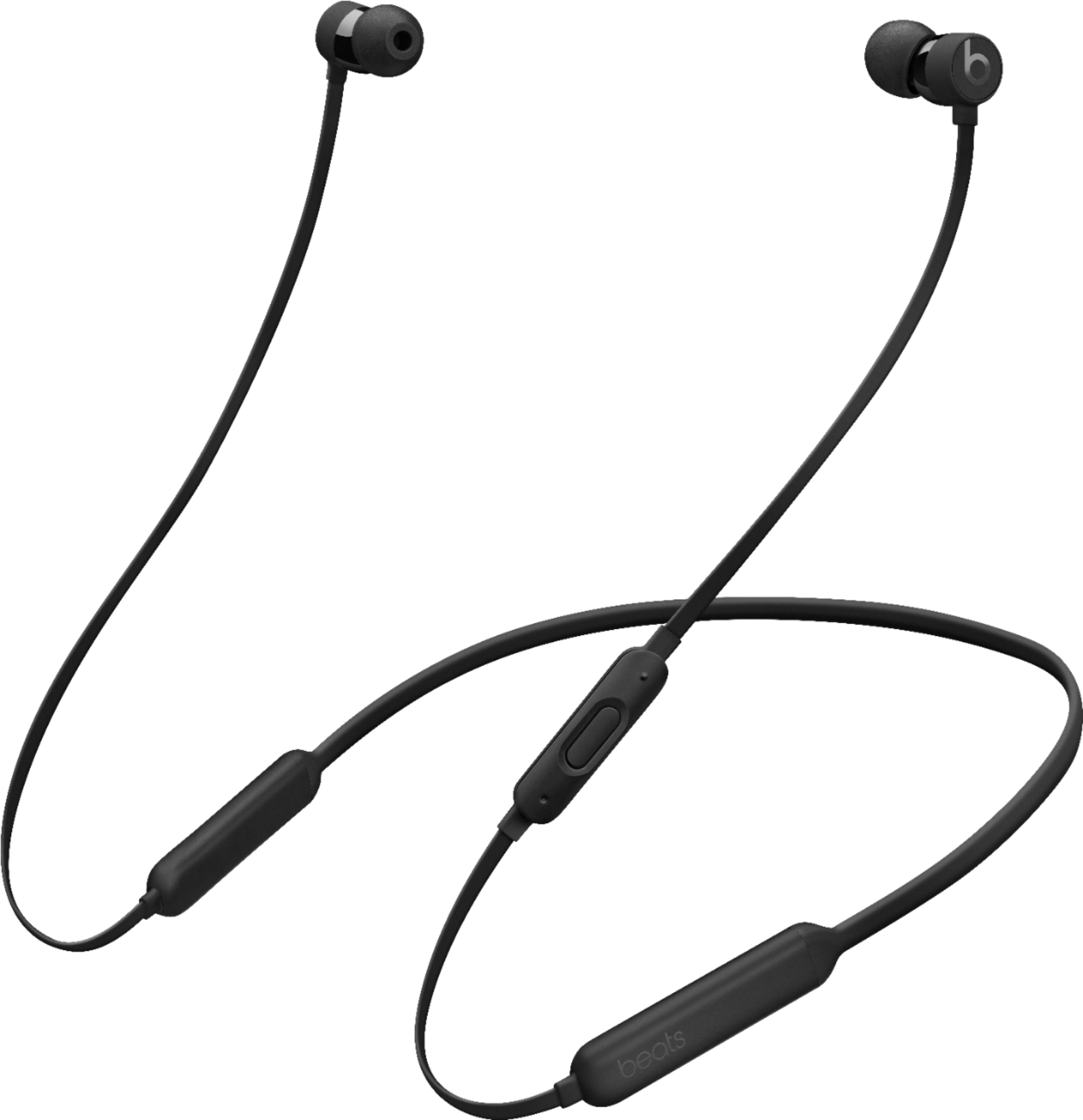
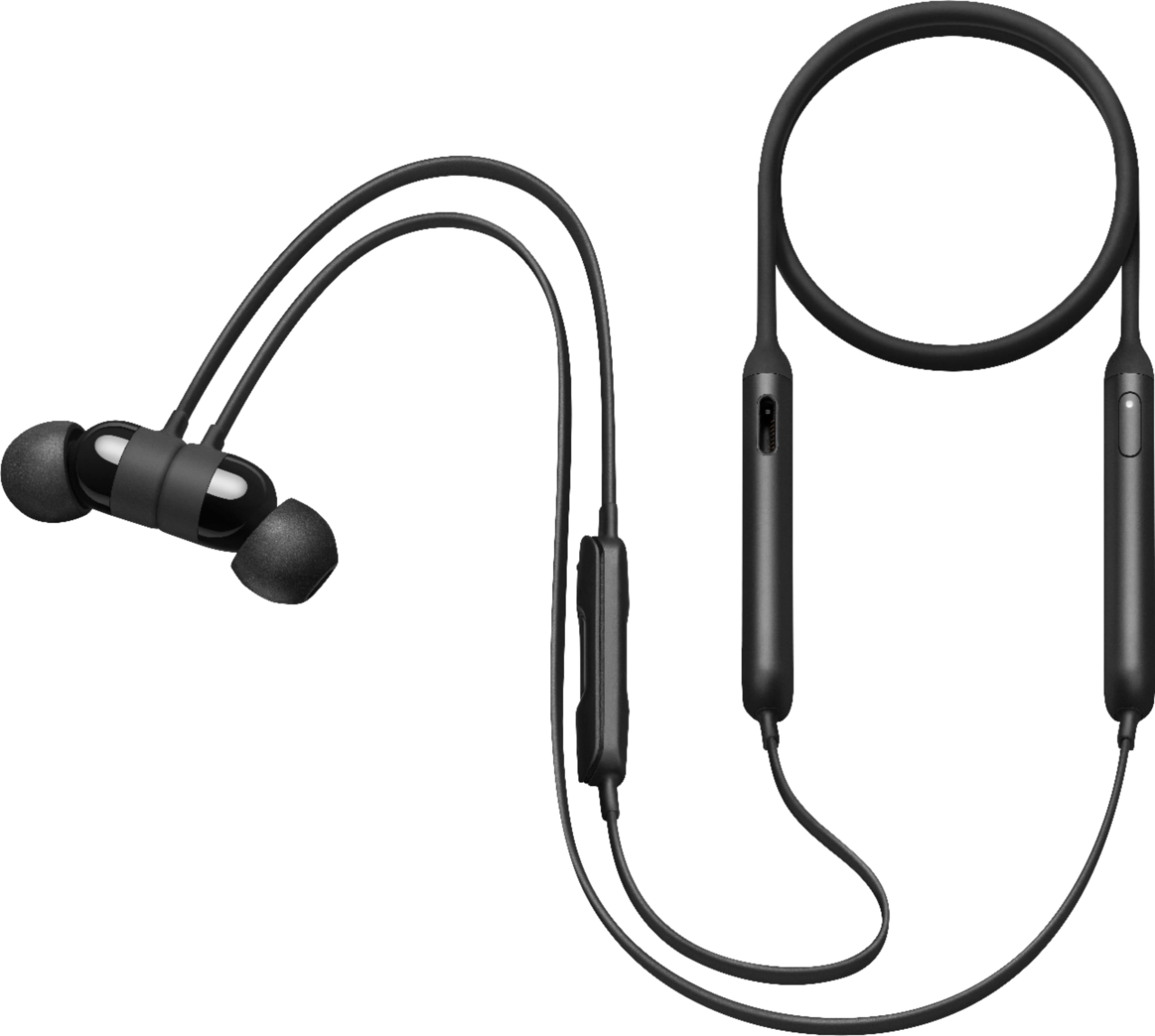
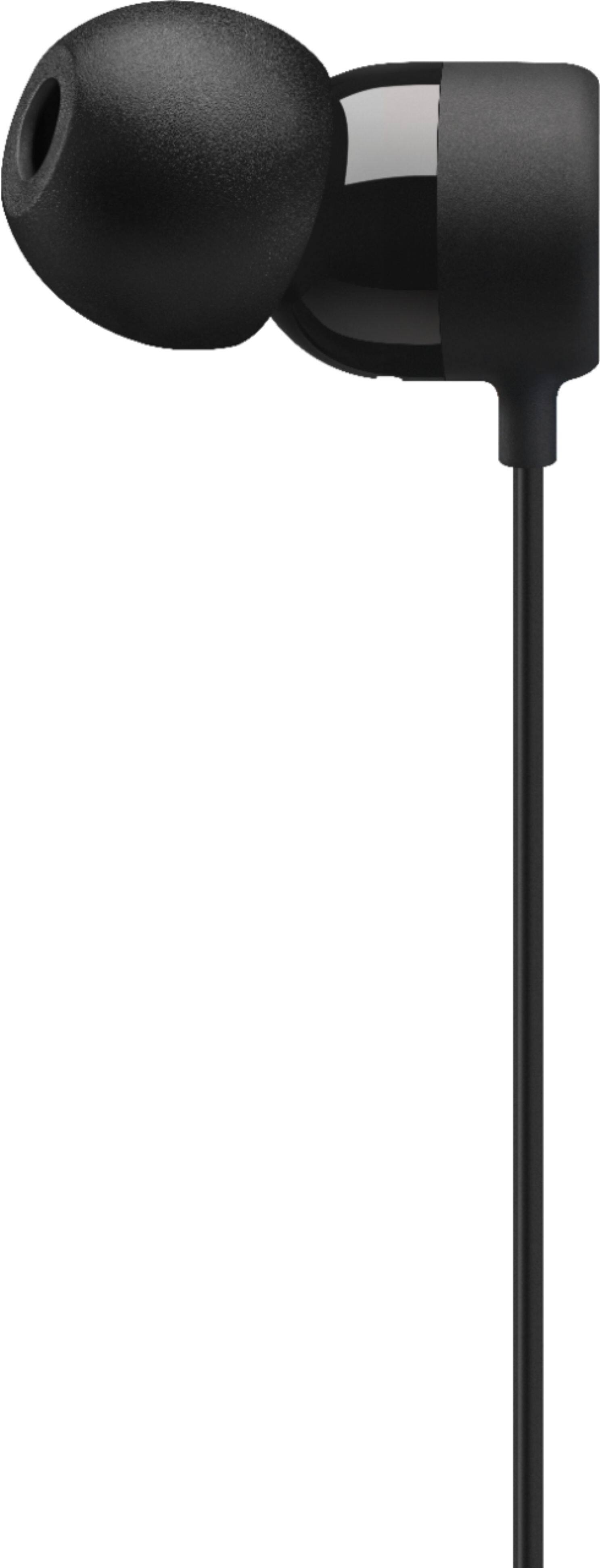
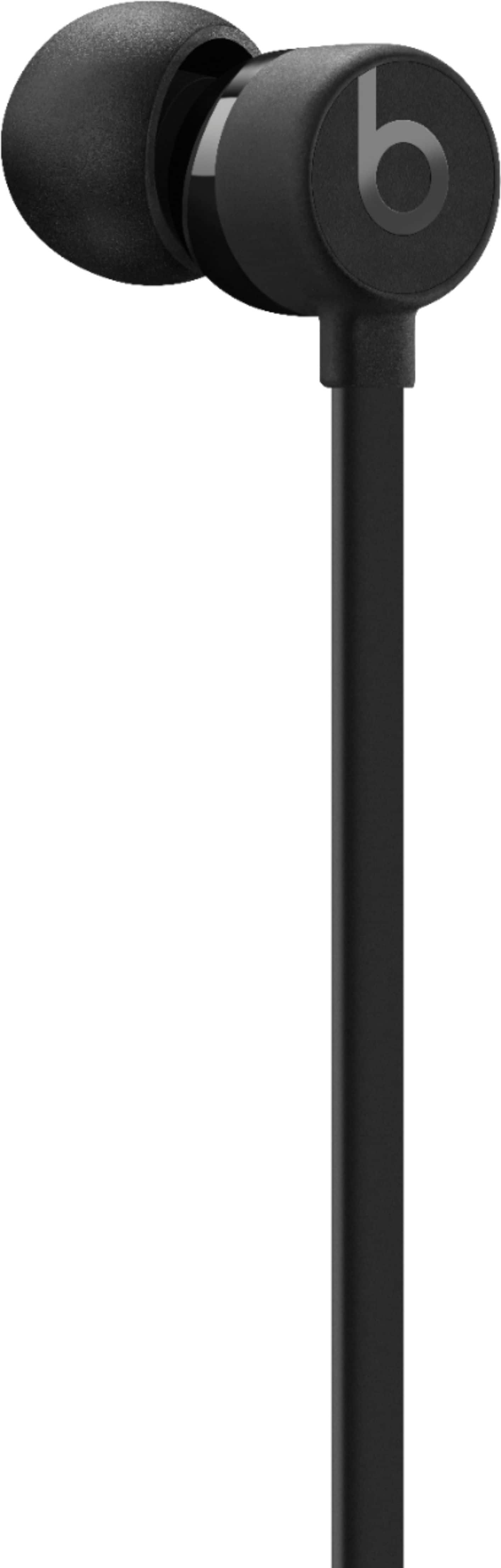
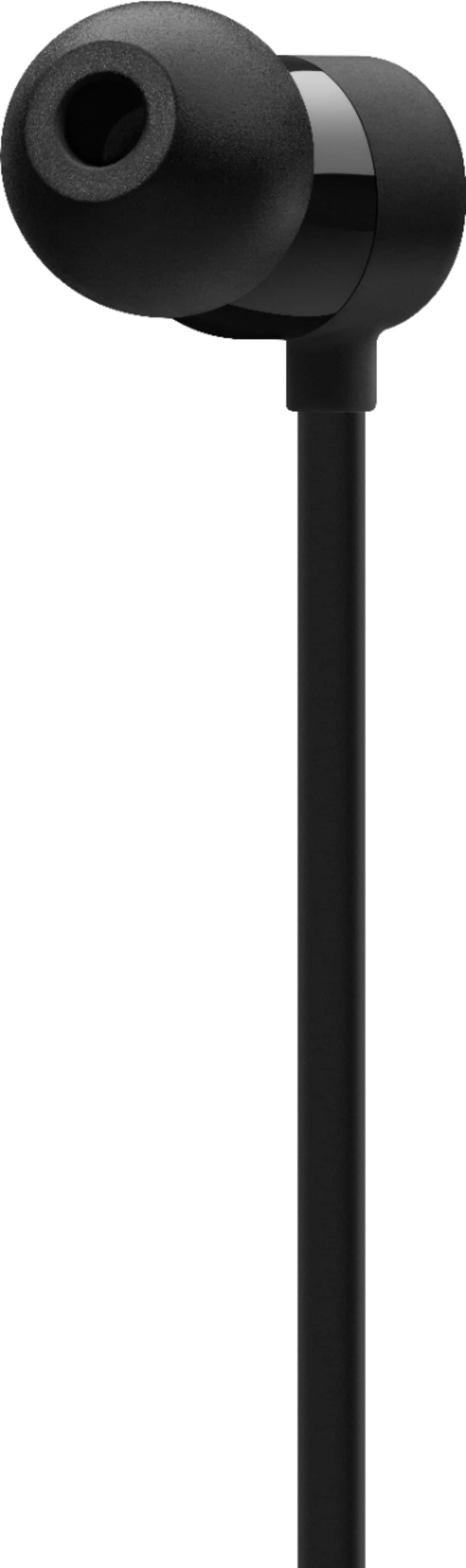
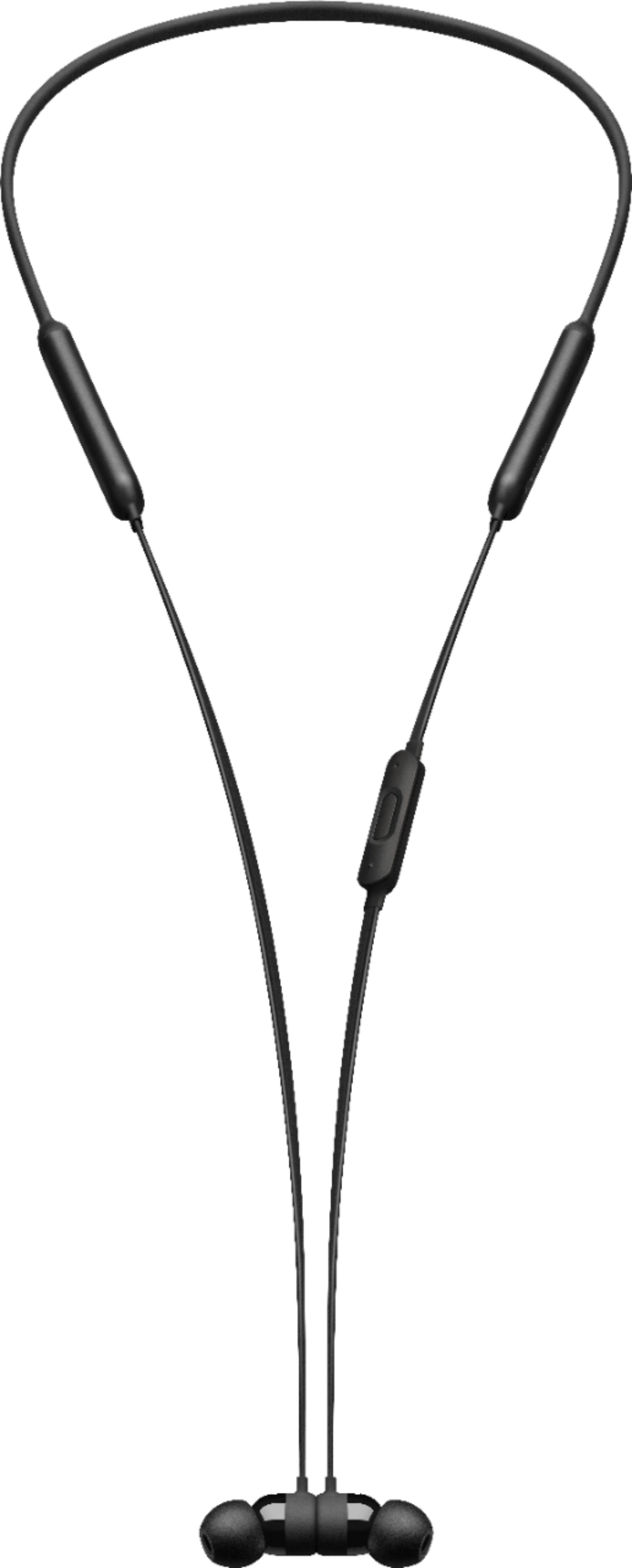
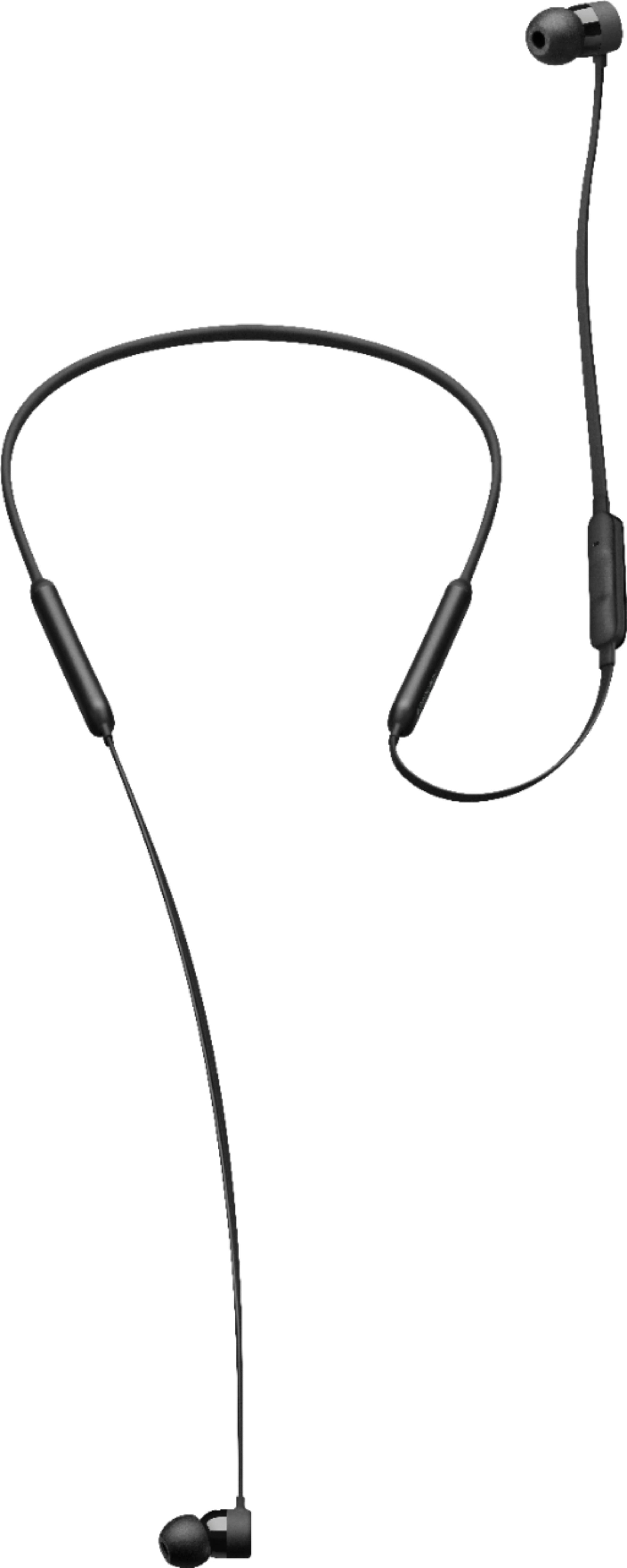
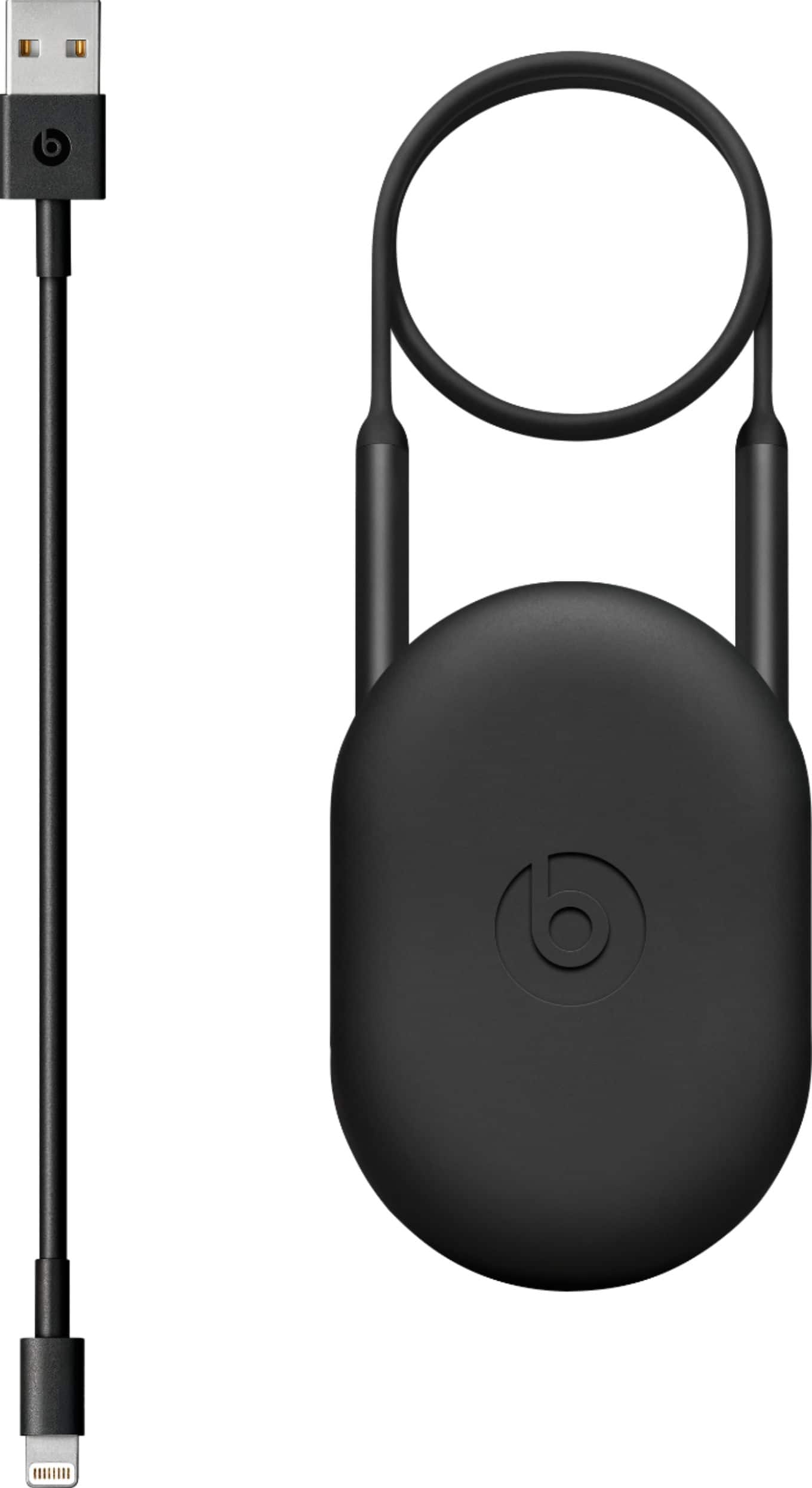
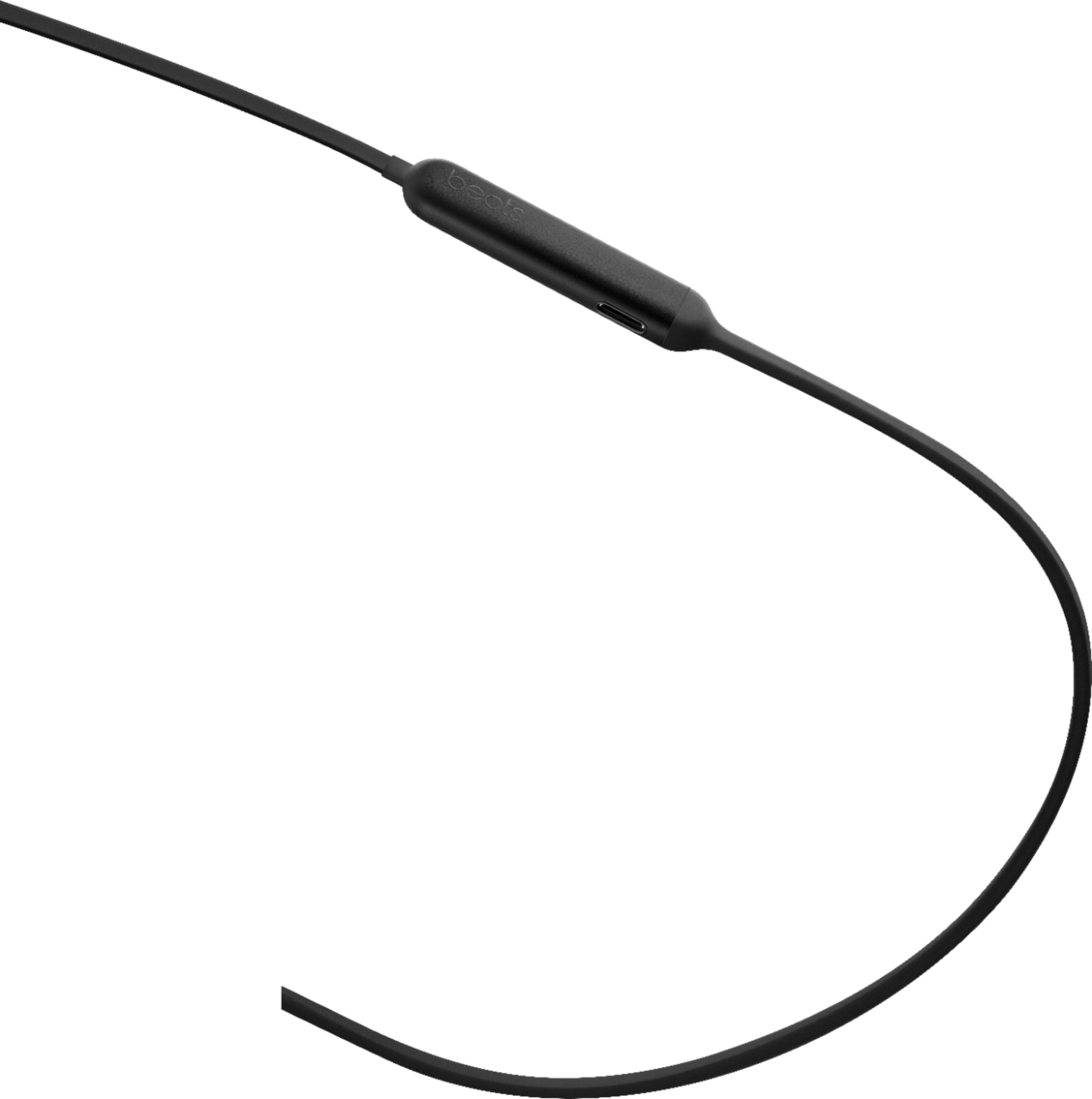
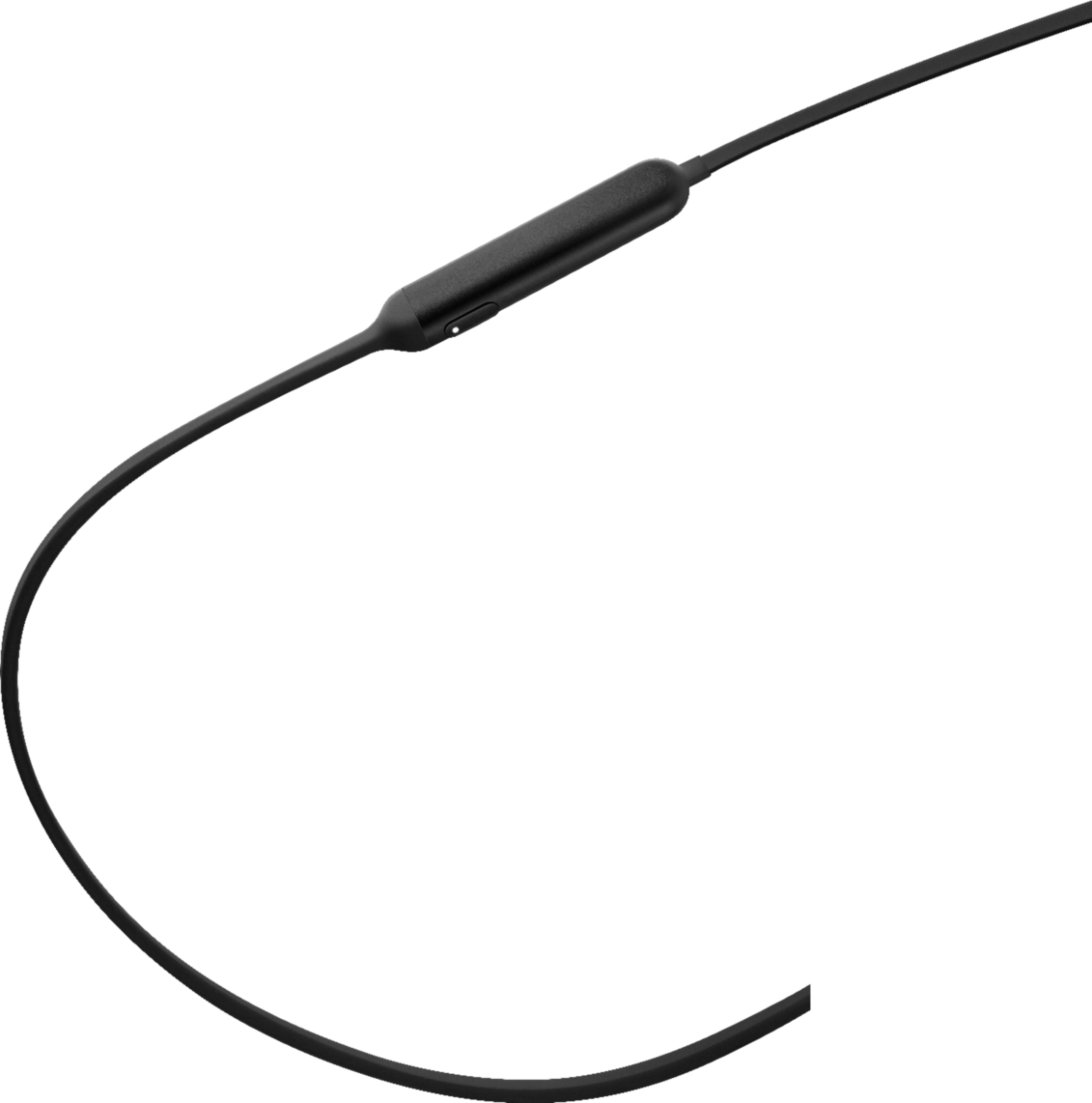
A:AnswerBeats X don't have a blue light. Maybe your LED light looks blue in your lighting - but it should be white. When it's red, that means you need to charge it. When it flashes white and red, it either means you should charge it, or you're pressing the power button too many times typing to pair it and accidentally did the hard reset. Just charge it up fully, then try to pair it again. You can download the beats update software to your computer too and reset them. Just go to the Beats website and type in update and it should come up.
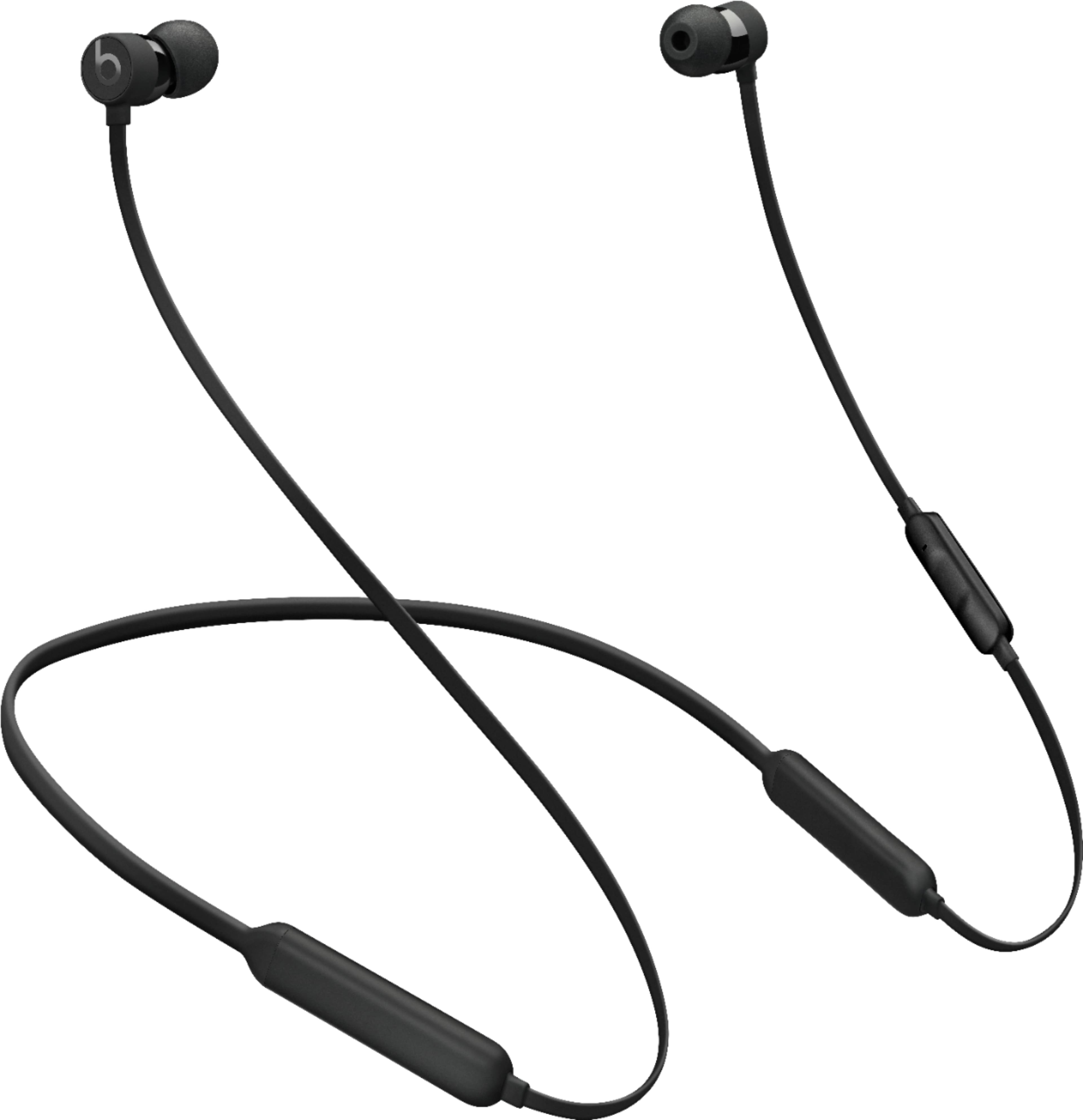
A:AnswerThese are the 2018 model which are $119 new. The older models ($149) are now on clearance and no longer available. Apple consolidated some lines of Beats headsets and lowered the price for 2018. While the 2018 model is an upgrade of the older models you can currently find last years BeatsX at Best Buy for $76.
A:AnswerThis means the battery died. This happened to mine. You can send it back to apple for a charge + shipping and they'll send you a new pair, but you're better off just getting a new pair. If you know how to solder, these can be fixed. On you tube there's videos showing how to do it. I can't find anyplace, yet, that fixes them.
A:AnswerAll that reseting and updating stuff is pointless I had the same problem and solved it by pinching and running my finger across the bendy wire that goes around your neck it fixes it everytime I think it does that because you have a loose wire in your earbuds and by doing that it puts it back in place.
A:AnswerMine did not come with a case either. I use a small, zippered coin purse for a case. I don't suppose mine came with wing tips either, as I don't know what they are. The main pro of these is that the bluetooth connection goes uninterrupted unlike other around-the-neck earphones I've tried. And I do like that the controls work just like the Apple earphones.