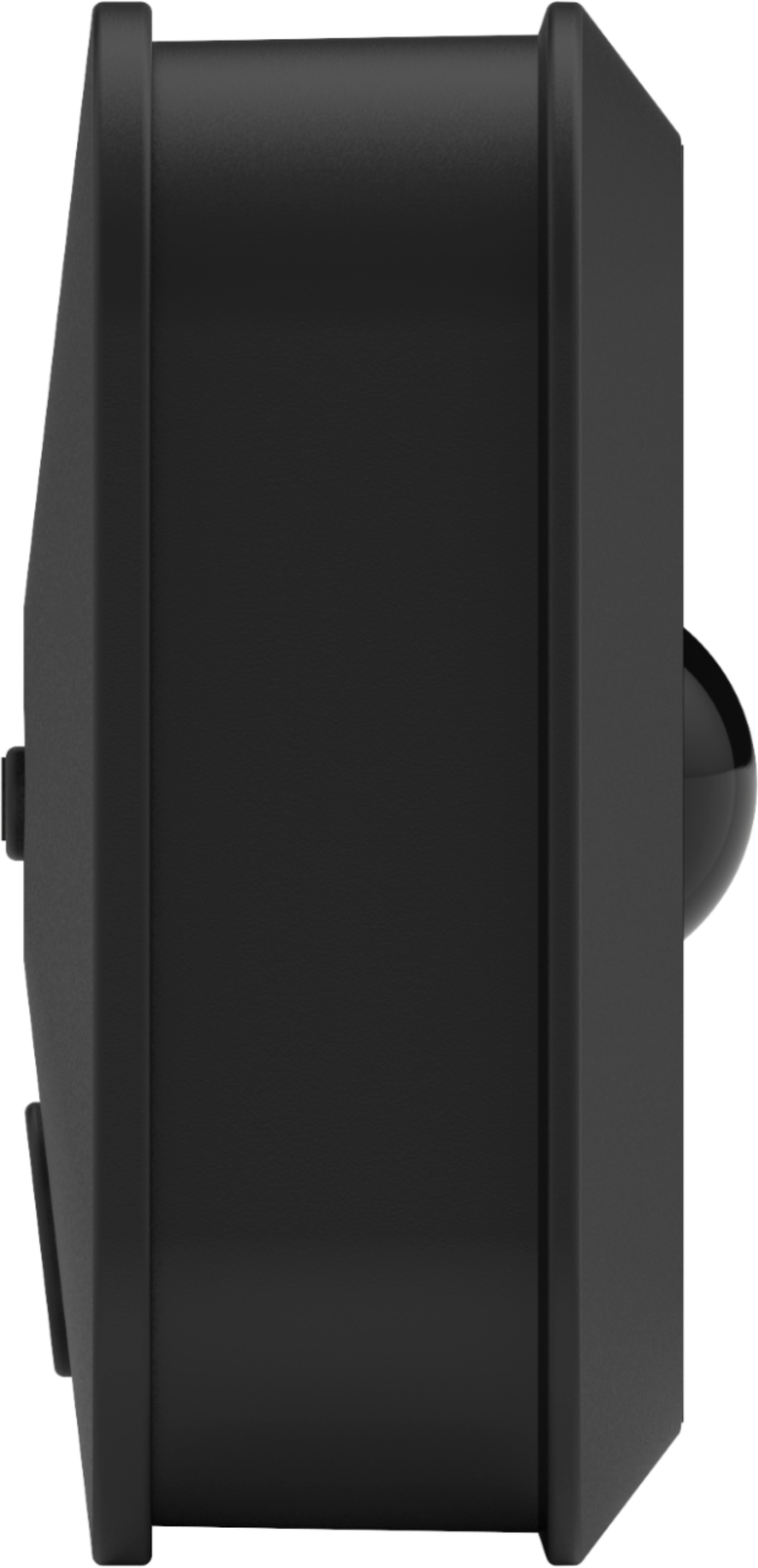
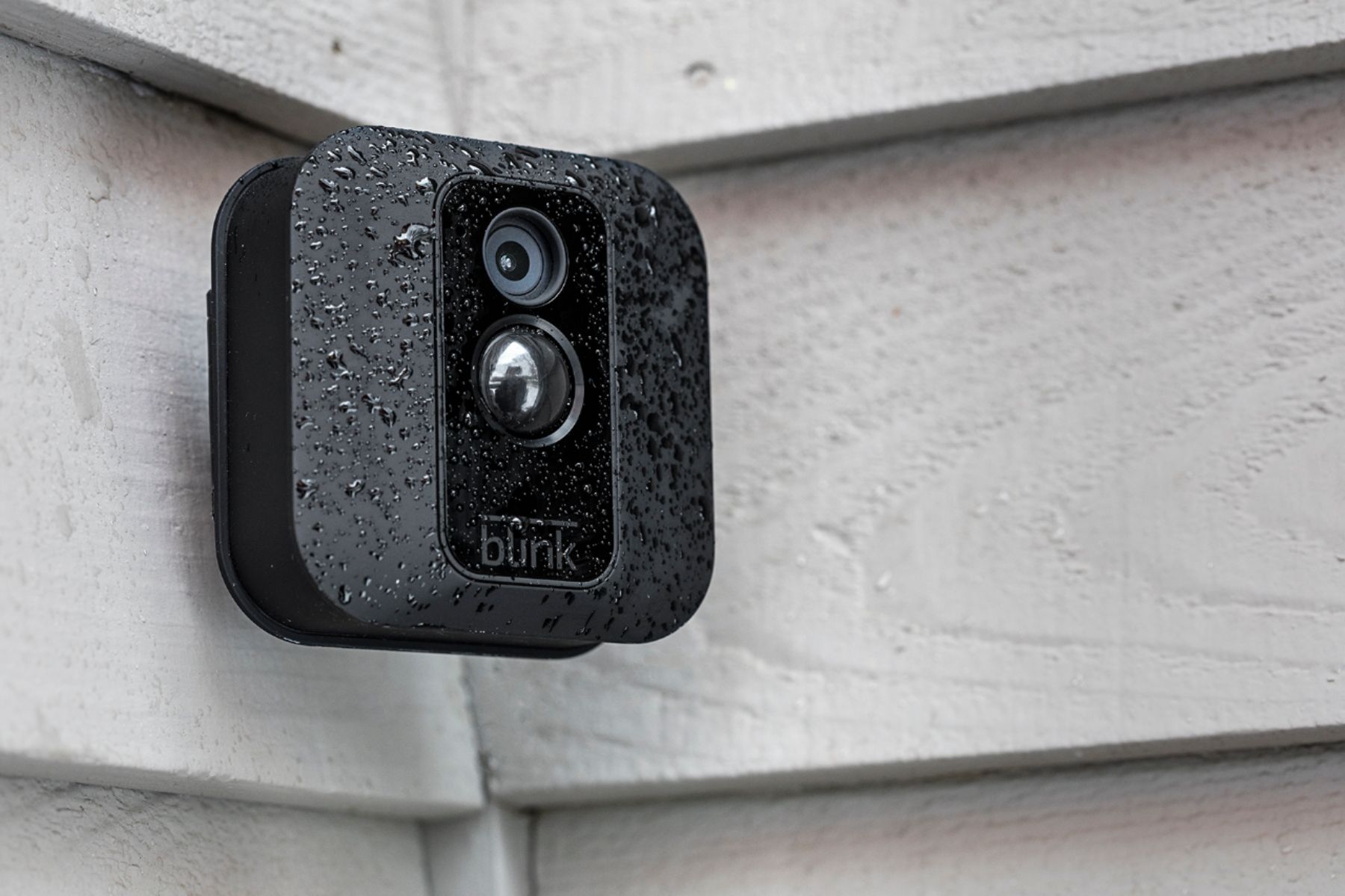
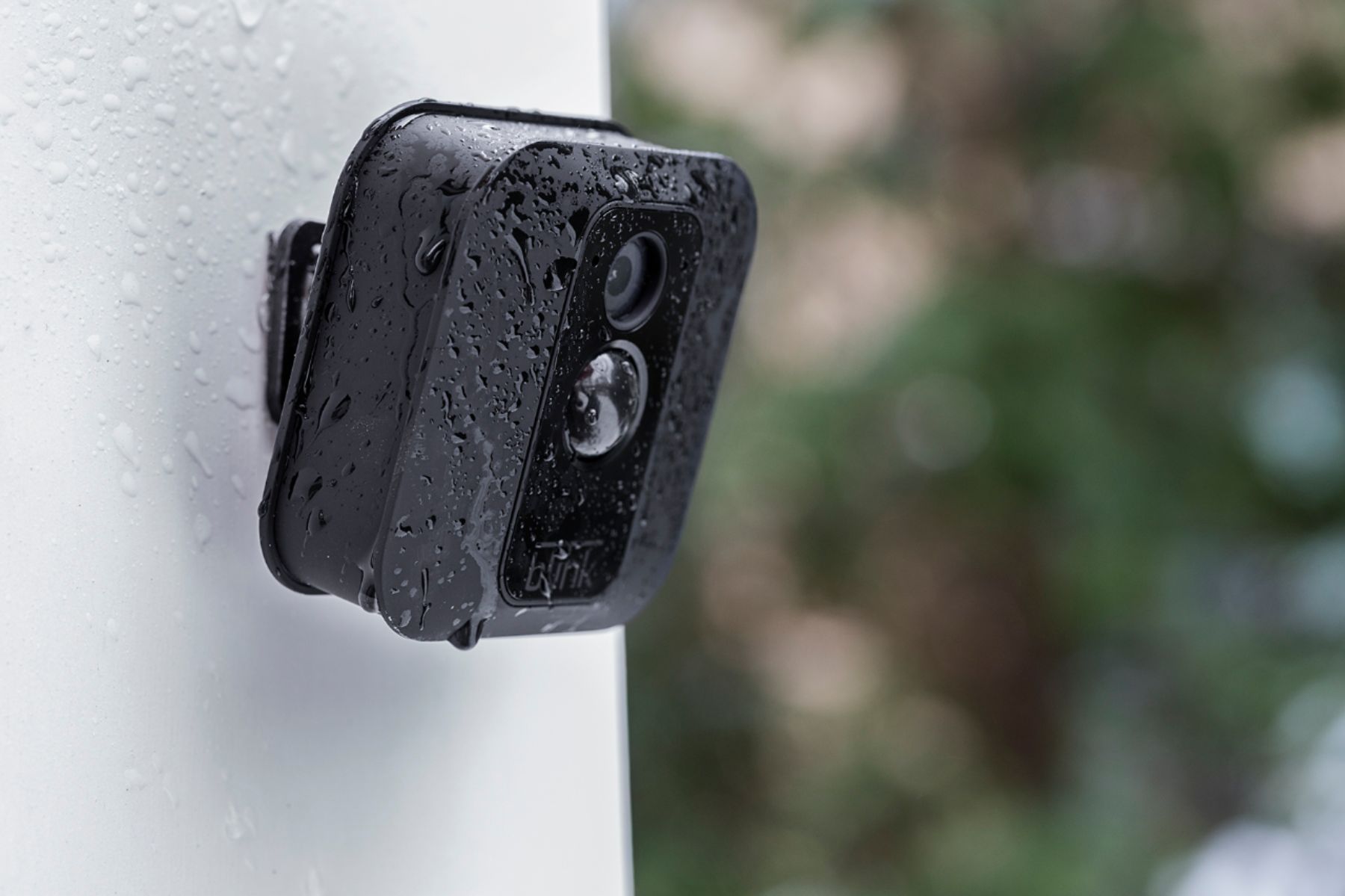
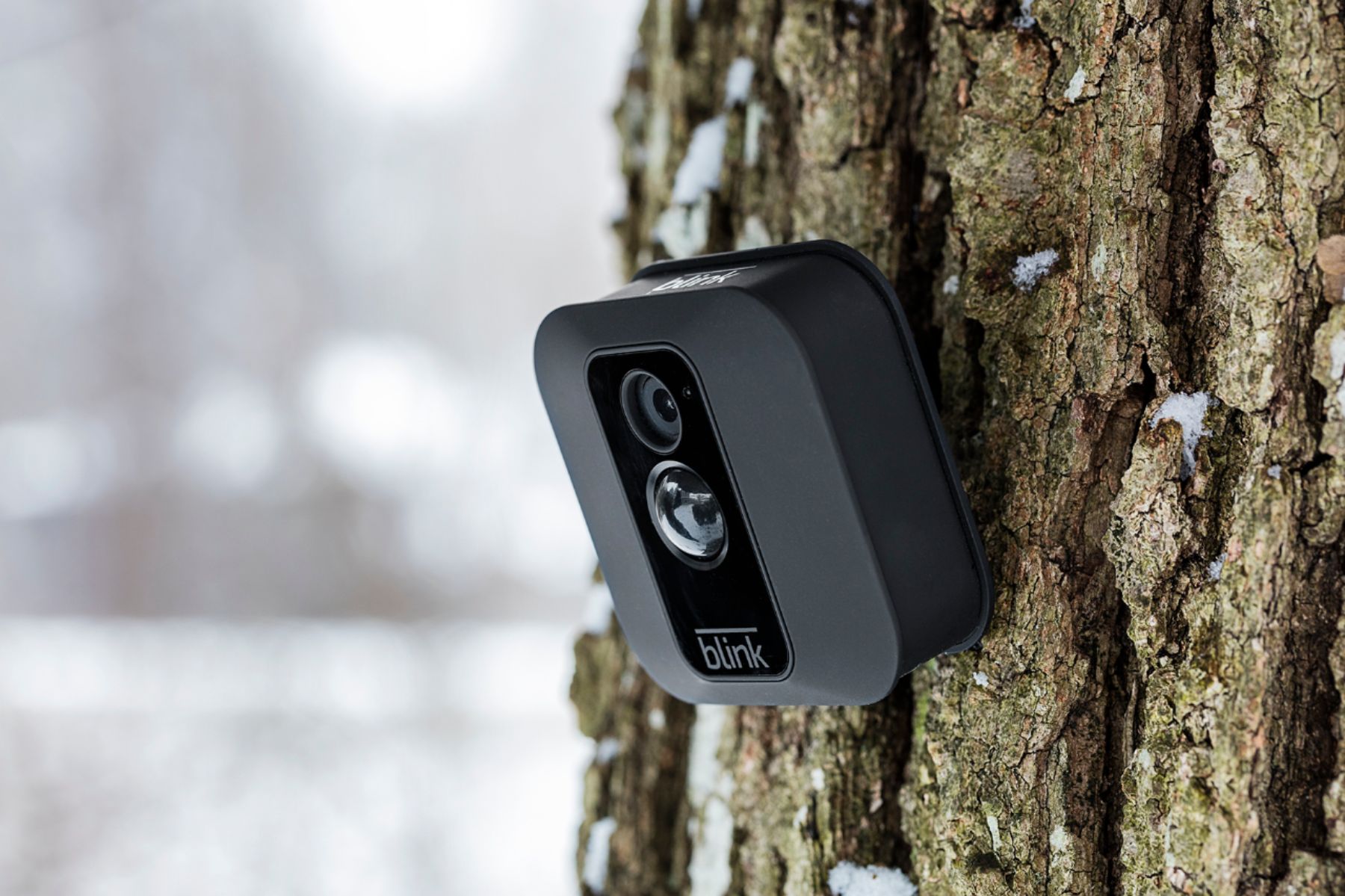
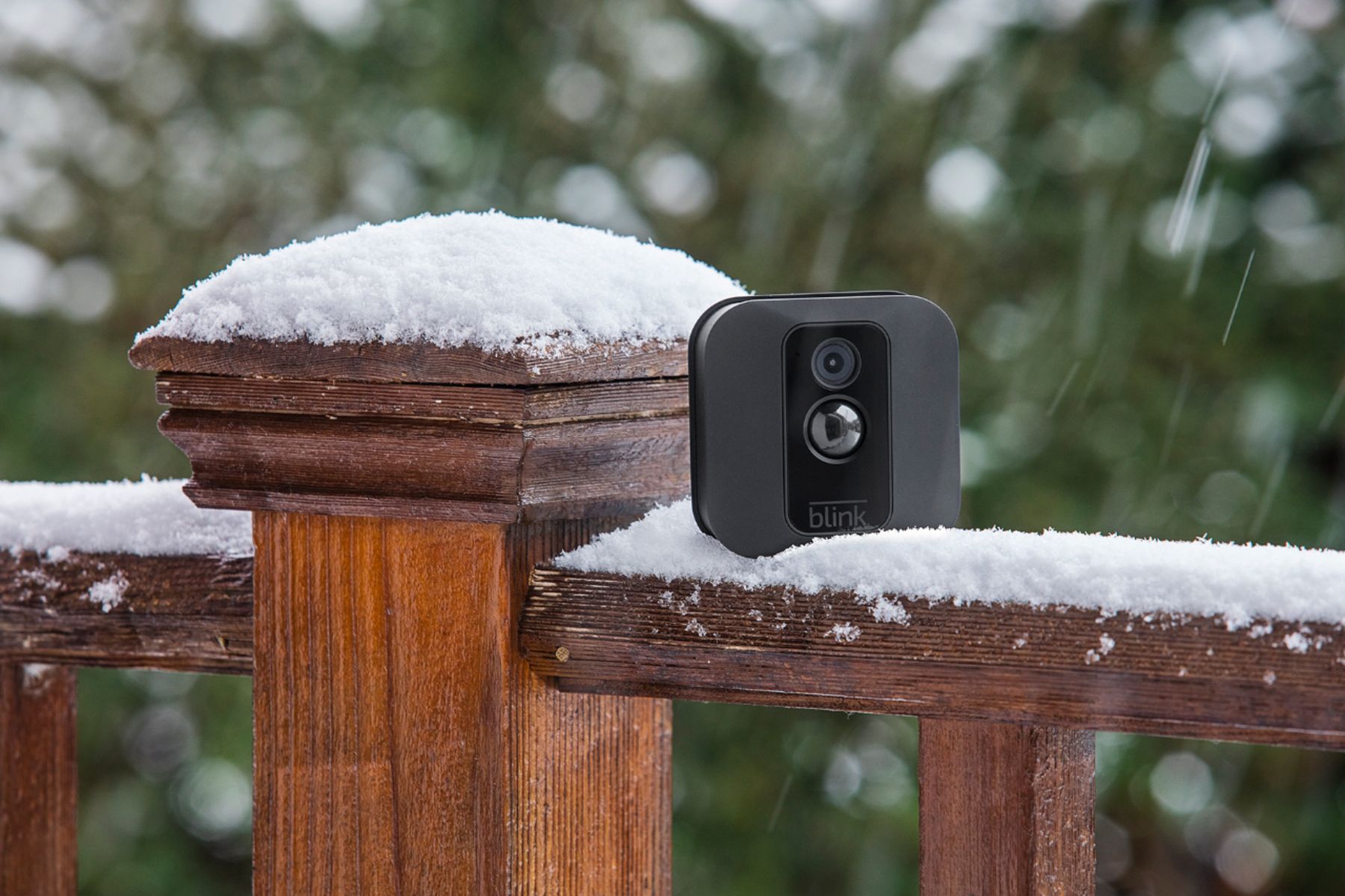
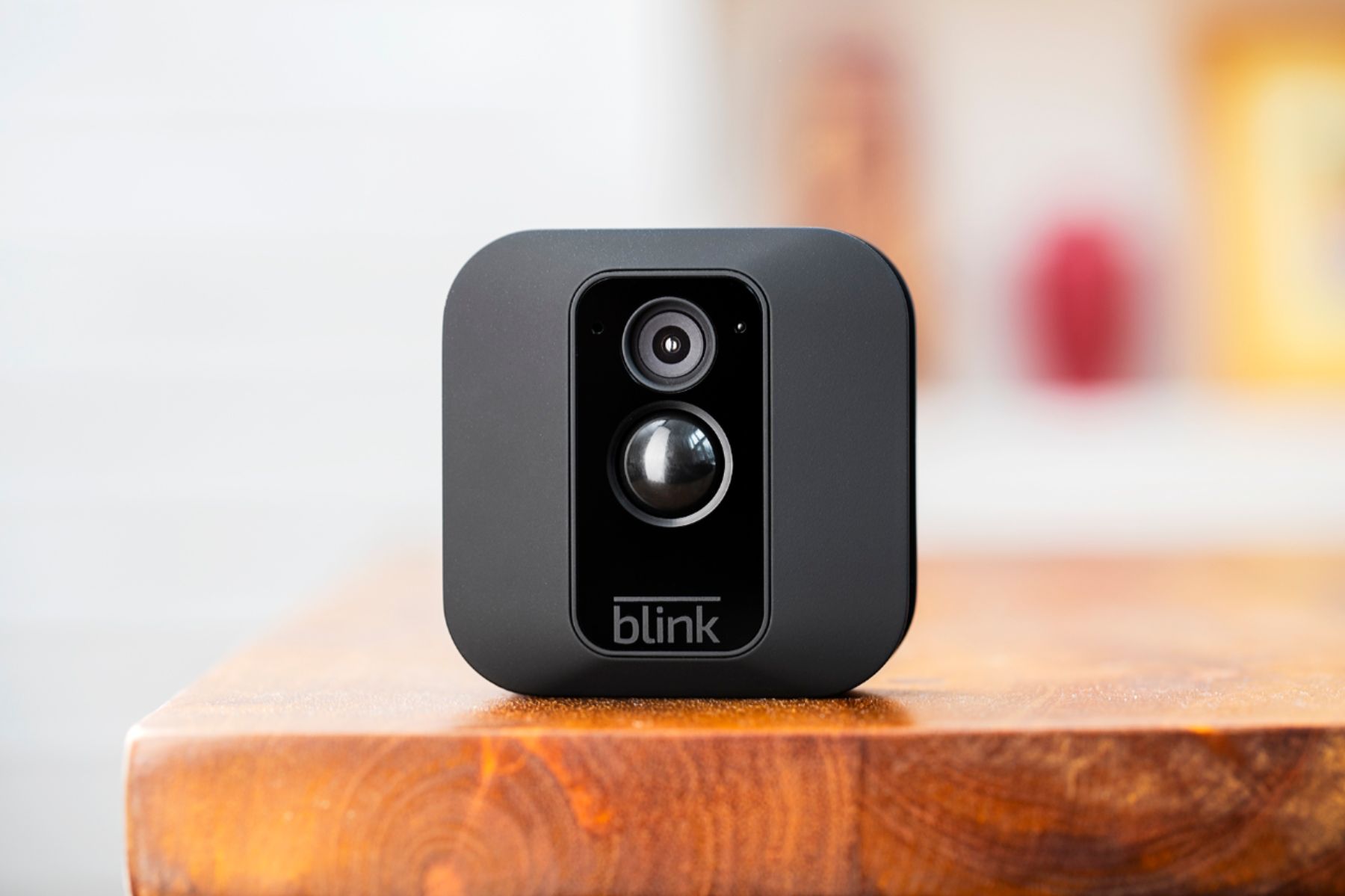
A:AnswerBlink’s included mount will allow you to easily adjust the positioning of, and pan, tilt or swivel the camera. You can find mounting support articles on the Blink for Home website.
A:AnswerMy cameras start recording when about 20 feet away from camera. However, at night, my cameras seem to occasionally pick up head lights further away. During the day, the cameras will pick up cars in the street including UPS, mail and trash. However, the cameras have never picked up on a person walking down the sidewalks. There is a setting you can use to pick up more motion. I have mine set at 5.
A:AnswerYou are able to adjust your camera settings, view video clips, receive notifications, and access live view through the App on your mobile device from anywhere as long as you have a wifi or cellular connection. This is important to note for your cellular data plan, watching a five second motion clip without WiFi connection will use about 750KB of your data plan.
A:AnswerMost wireless cameras have a slight delay from when motion is detected and recording starts. There are examples on youtube. These wireless cameras do have a slight delay but I expected that
A:AnswerThe Blink App is currently compatible with iOS devices running 10 or higher, Android devices running version 5.0 or higher and Fire OS mobile devices, running software version 5.0 or higher Devices: iPhone, iPad, iPod touch, Android device and/or Fire HD 8, Fire HD 10, Fire (7"), Fire (8"), and Fire (10")
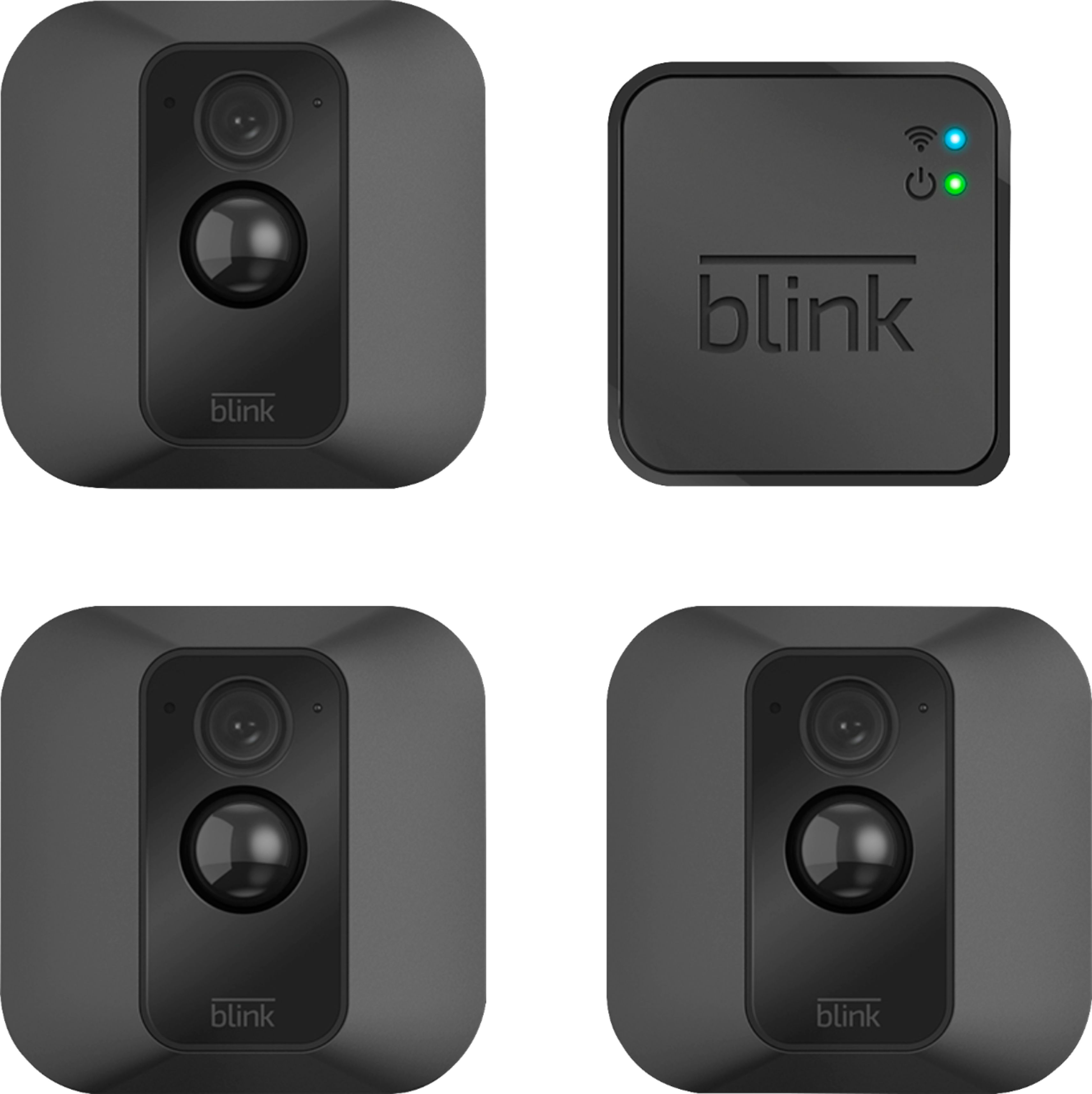
A:AnswerSuper easy. Follow on screen instructions to set up the software. To mount it, you just put in batteries, screw in one screw, place the camera in the socket and you're ready.
A:AnswerThe Blink cameras record 5 to 60 second video clips based on motion detection. You can also access the live view on the cameras at anytime however you cannot record while in live view.
A:AnswerThe Blink system does require a WiFi and Internet connection to operate. There is a live view option on the Blink cameras that you can access at anytime however you are unable to record while in live view.
A:AnswerThe USB port on the back of the camera can be used with a MicroUSB cable and power adapter (not included with your camera) to power your cameras rather than using batteries. Note: The Blink XT features a rubberized cover over the USB port. Removing this means that the camera is no longer weatherproof.
A:AnswerYou just need to download the blink app on iPhone or android.. you can view live footage from app and recordings.. only down fall if you watching live view and something happens it doesn't record it..it is an out door camera. Has great pic and has audio