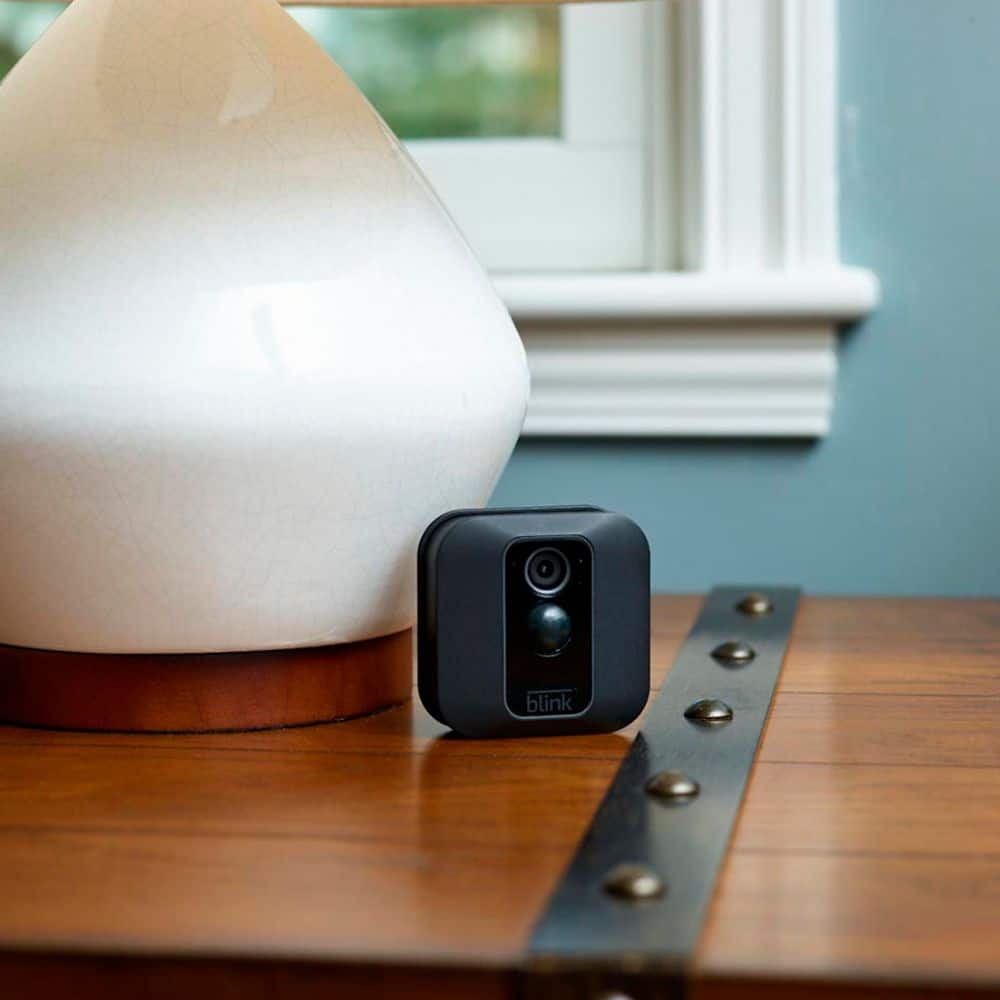
A:AnswerThis fallacy that the motion detection does not work thru glass is driving me NUTS!
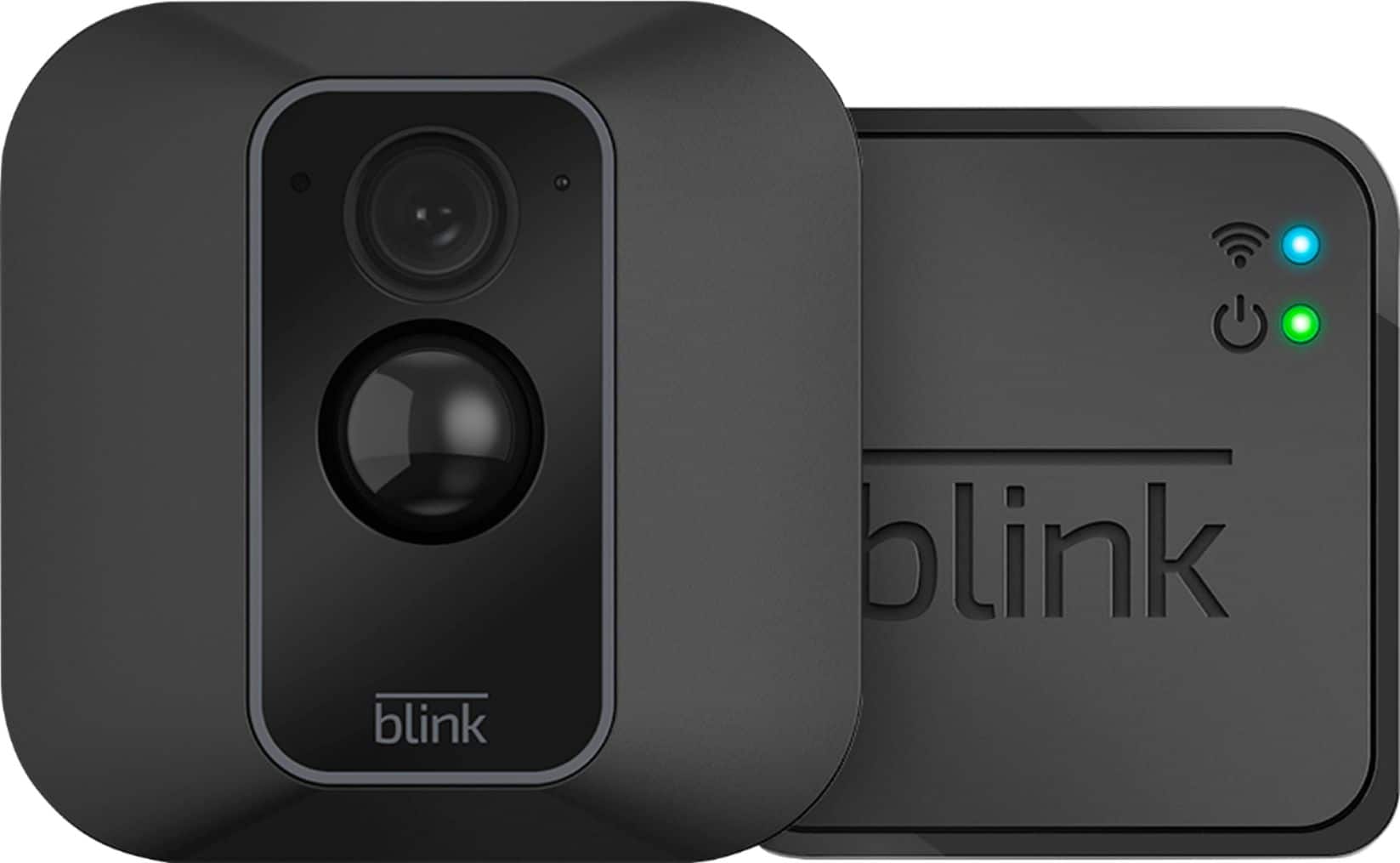
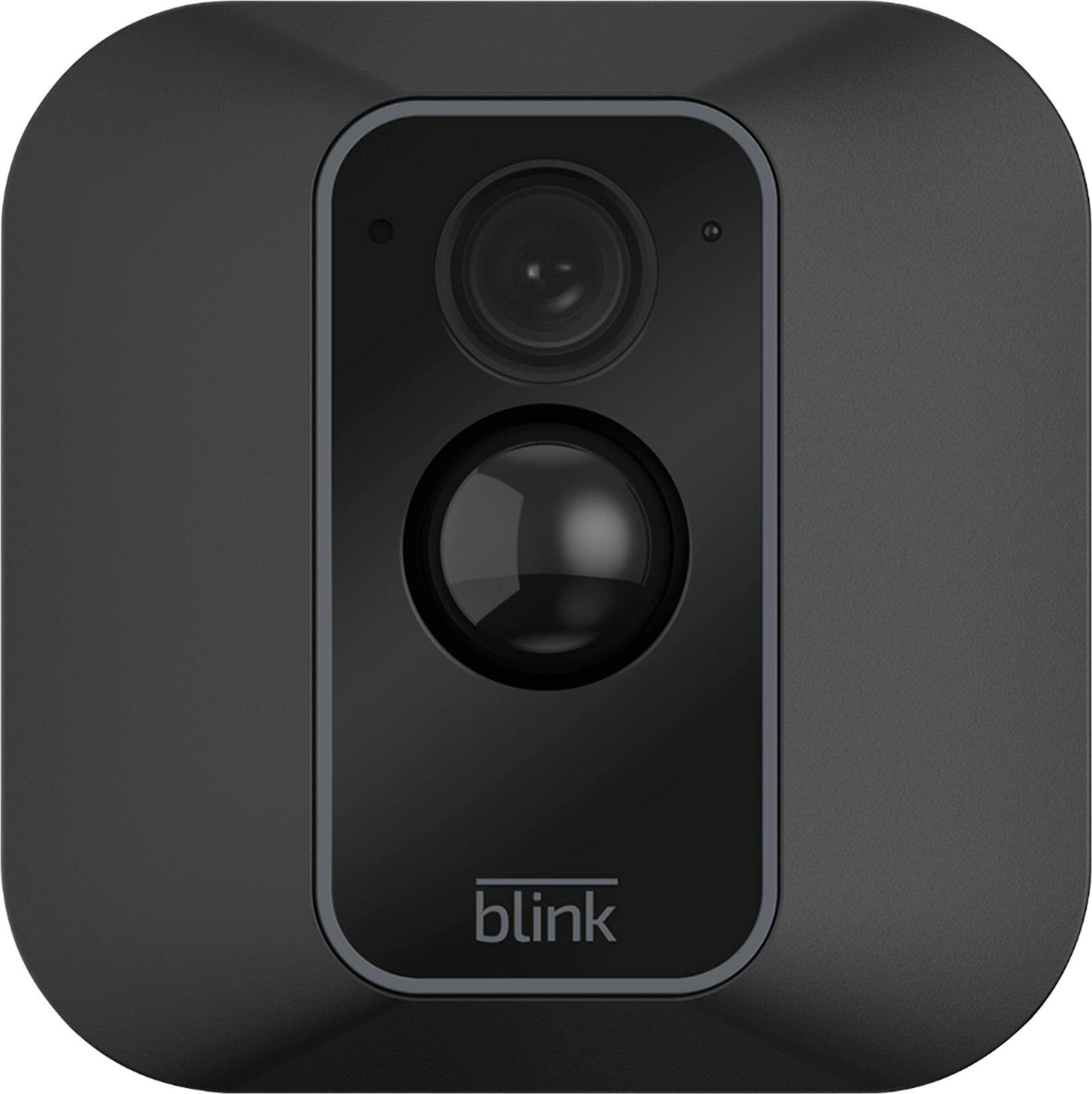
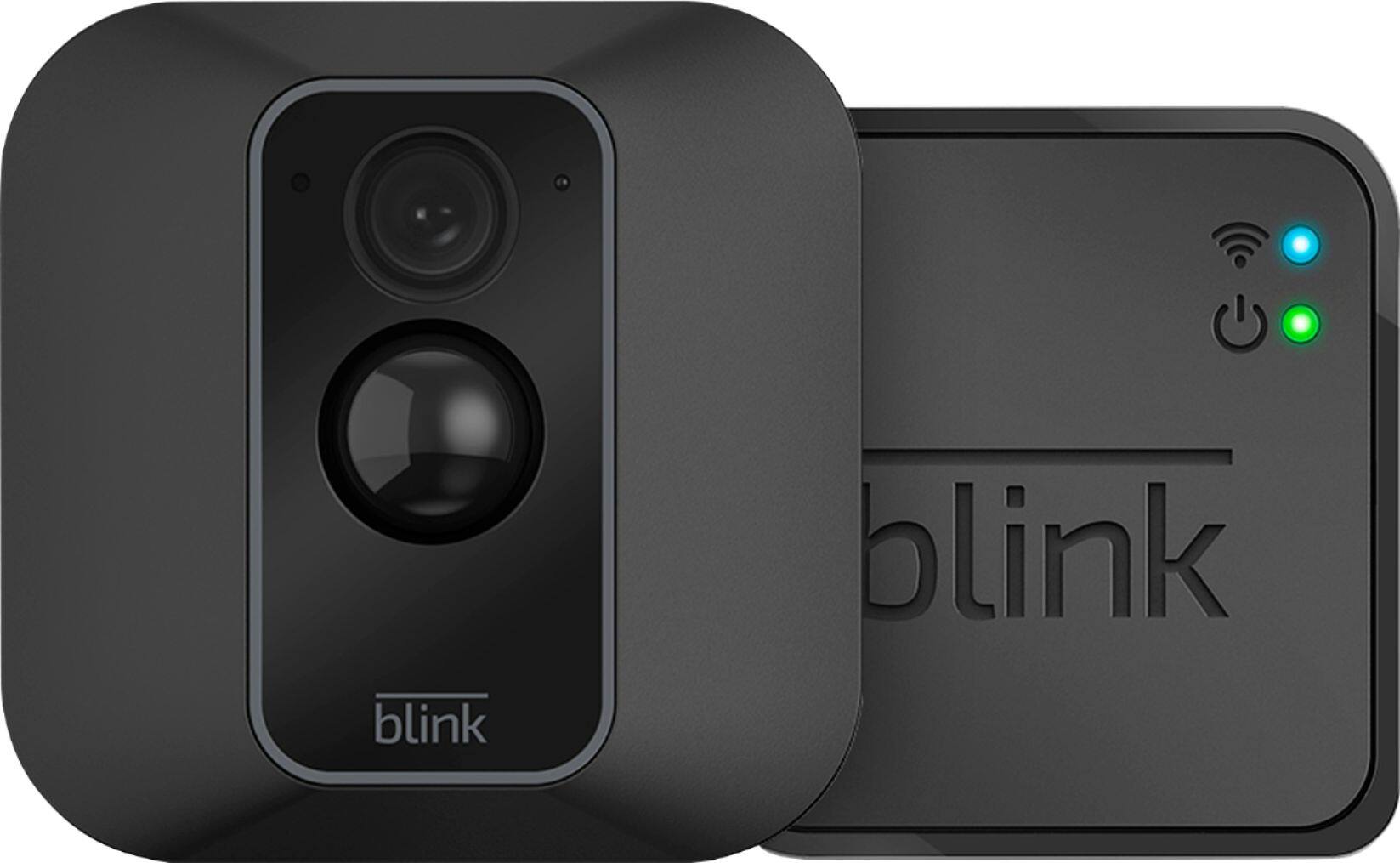
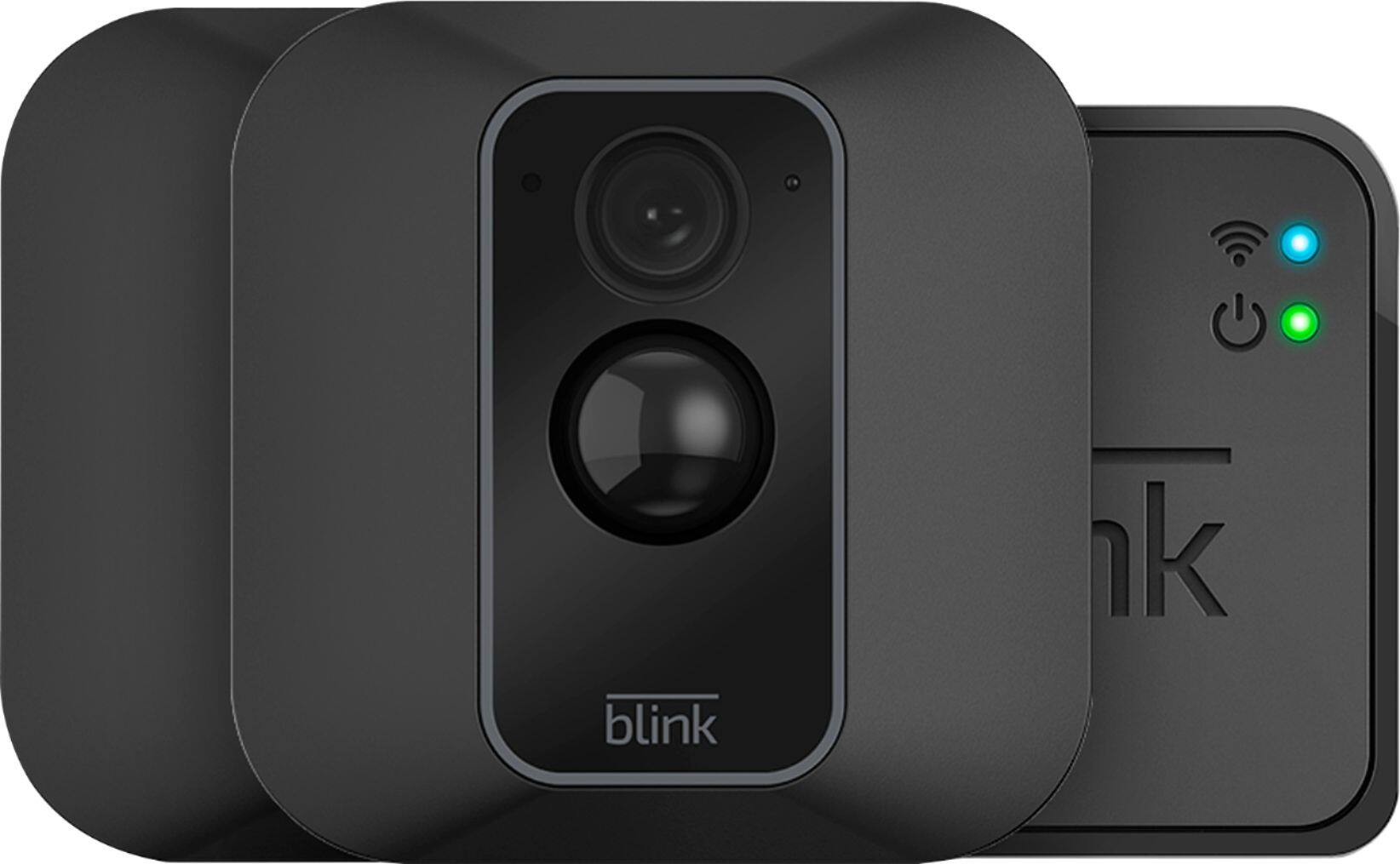
I have two Blink Camera's that work just fine through glass.
They are the Blink - Mini Indoor 1080p Wi-Fi Security Camera - White and they are connected thru a sync module.
Photos below show how they are mounted pointing thru glass and I get alerted everytime there is motion when the system is armed. The third photo shows the resultant video on my phone and believe me the motion detection works
A:AnswerYou can have up to 10 Blink devices per sync module as long as they are all within the 100ft operating range of the sync module in any direction. The cameras on the sync module can be in any combination. With our multi-system support feature, you can access and use two or more (up to 5) separate Blink systems from the same Blink App account.
A:AnswerI live in Northern Wisconsin, we call those temps borderline bikini season ;-) We saw -27° in February for a few days. My batteries are about 11 months old and still going. The 2 years they advertise seem impossible. But anything past 1 year would keep ME smiling! The only time my batteries got weak were on one of my cameras that I use the live view wayyyyyyy too much. If you have the ability to plug your camera in, you should take advantage of that. Good Luck!
A:AnswerIt does not show a date and time on the actual video but it does show a date and time on the thumbnail on which you click to view the video. I attacked a screen shot of how it looks!
A:AnswerYou can have up to 10 Blink devices per sync module as long as they are all within the 100ft operating range of the sync module in any direction. The cameras on the sync module can be in any combination. You are also able to add a second sync module to a location to create sort of 'zones' (i.e. indoor system and outdoor system,) or to even expand your coverage (more than 10 cameras), you can then set-up and access this second system from the same account by using the multi-system support feature.
A:AnswerBlink is rubbish.. I bought 10 camera s
And while the indoor ones are OK the outdoor ones are now taking 6 minutes to notify me when someone comes to the door... Waste of space.. See the screenshot... I'm using 5g WiFi on an amplify mesh system so notifications should come straightaway...
The activations was 9.17am it didn't come through till 9.23am ... So a compte Waste of time.. Don't bother use ringif you want a system for door answering
A:AnswerI have many devices connected includes door ringer with camera and three other alarm camera, did not notice any internet slowness on my network
A:Answeryou just replace the batteries with new lithium batteries but if you use rechargeable batteries i guess that would be better. i haven't had to replace batteries yet but i have only had my cameras installed for about 5 months.
A:AnswerSue, I dont have a video because I keep the que of videos clear. But, while I was out of town my 77 year old mother took her dogs for a walk. I watched on live view. When she was 32 feet away at the end of the sidewalk I asked her a question. She said I was very clear sounding. I could even hear her pug grunting.
A:AnswerAssuming a fairly standard home (single building, no unusually dense construction materials), the Sync Module should be able to communicate with Blink camera units up to 100ft away in any direction.As far as how far away the system can be from the wireless router would depend on the strength/speed of your internet/WIFI we recommend at least three bars of signal strength.
A:AnswerYes. You can connect up to 10 cameras to the sync module so if there are all on the same sync module group then you won't need the second one. However, I would consider using one for inside and one for outside your house so that the outside sync can be on and the inside can be off while at home.
A:AnswerYou can download our app to as many compatible iOS, Android and Amazon Fire devices as you’d like, so the entire household can receive alerts or check in at home.