A:AnswerYes it works perfectly for playback. Videos are recorded when the camera is armed..hope this helps. Not to mention the videos will be saved until you delete them
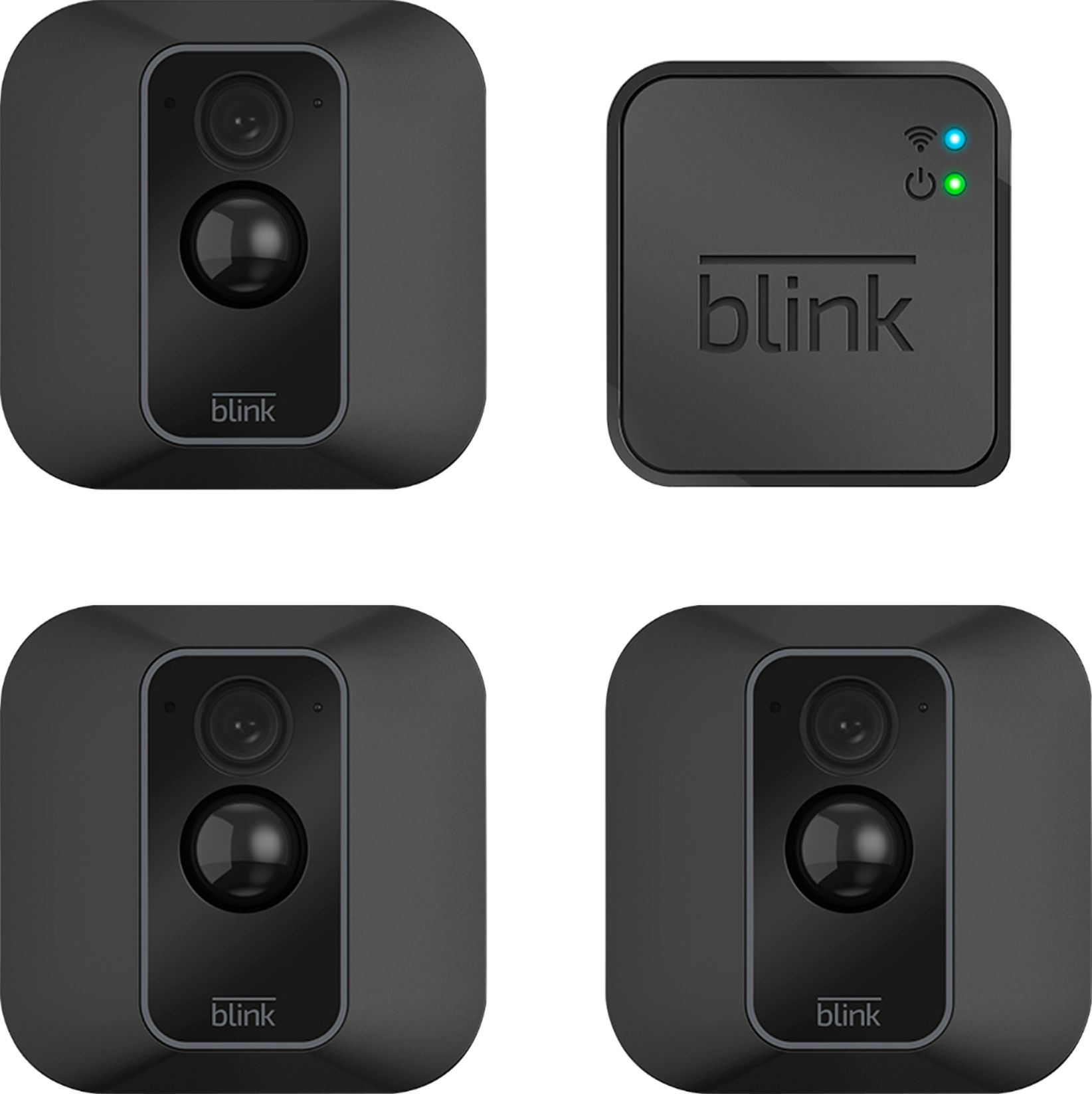
A:AnswerThe system only comes with one base/modem unit. You need a base at each location. I bought a multi camera pack and then a single camera with base pack and split the cameras up for two locations. Once you have a base at a location you can buy just single cameras to add to that base unit if you decide you need more coverage later on.
So far, I'm very pleased with the system.
A:AnswerYou can only add cameras by Blink to the module as long as the QC code in the back is legible. Other camera companies will not work or sync to the blink system.
A:AnswerThe Blink System packages do come with everything needed to get started.
The add-on camera would be just the camera to add to an existing Blink System. The add-on cameras do not ship with the sync module needed to operate the cameras.
A:AnswerI suppose, if your wifi is right by where you park your car. I park my car right outside of house and my wifi signal is great and i can operate the cameras inside the house from my car.
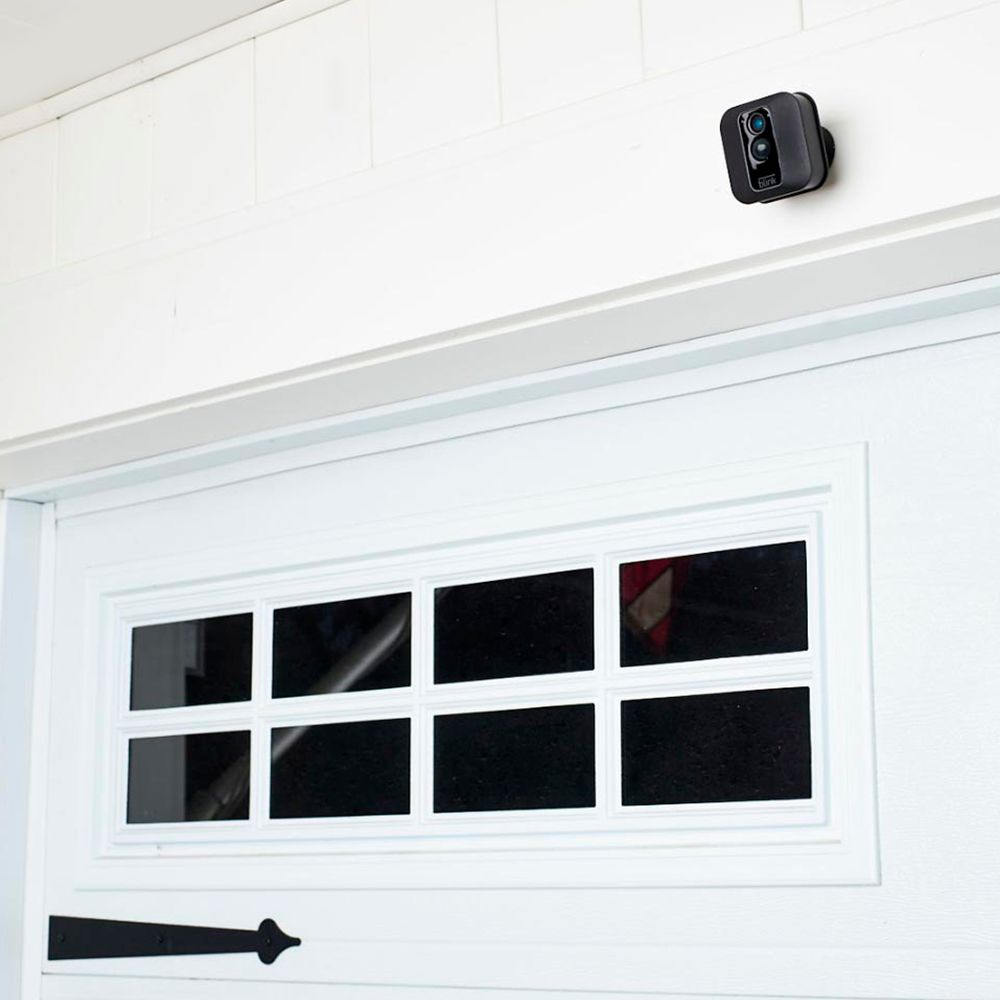
A:AnswerThe one I have works good. Just make sure you install the APP correctly. It's easy. The only problem is installation of cameras over 30 feet. Al in all, it's a good system.
A:AnswerThe Blink App is currently compatible with any iOS mobile devices running version 10.3 or higher, Android mobile devices running version 5.0 (Lollipop) or higher and Fire OS mobile devices, running software version 5.1 or higher
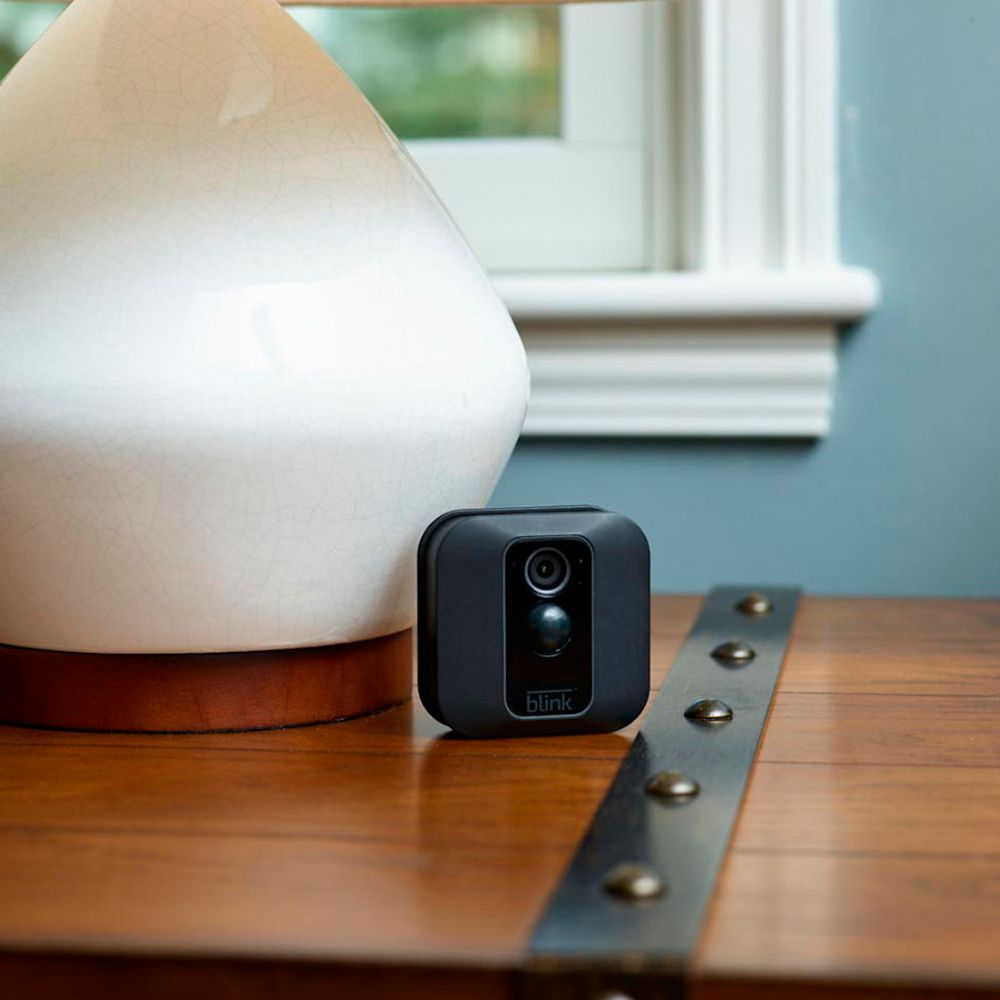
A:AnswerIf it's a busy motion area your battery may not last more than a couple of weeks. If you try to point the camera looking out of a window and it's close to the window you will get a reflection from the infrared beam wich would distort your video. So it would work during the day but at night you would not have a good picture because of the reflection.
A:AnswerThe Blink system does require a WiFi and Internet connection to operate - if it loses this connection, it will automatically resume normal operation as soon as this connection is restored.