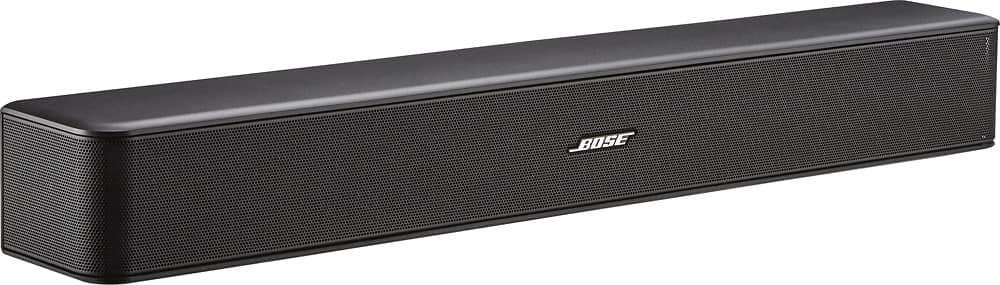
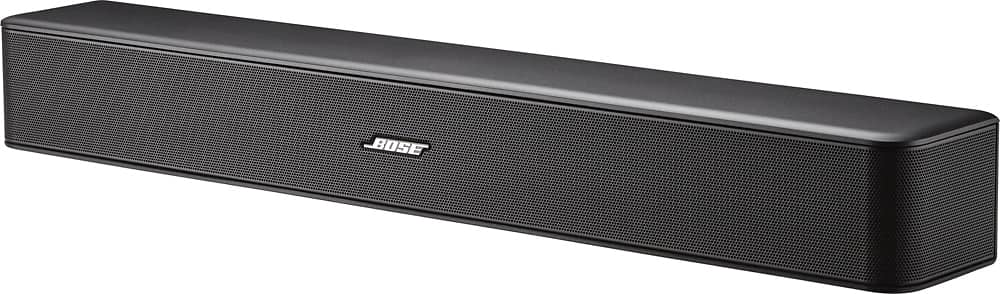
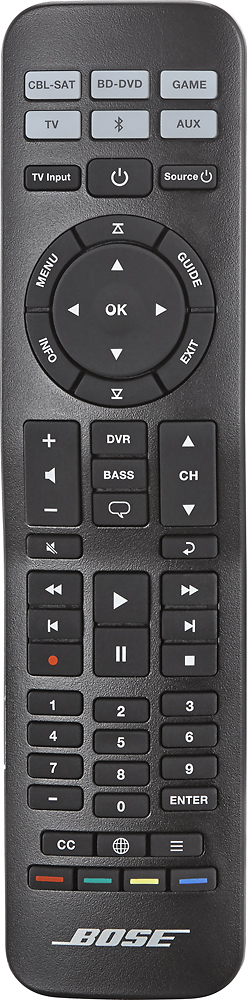
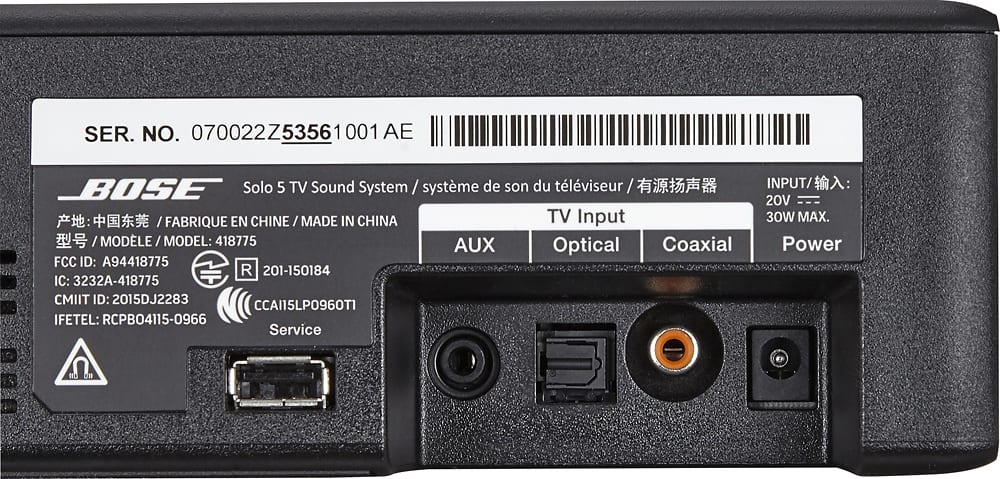
A:AnswerYes, just plug it in and turn it on. Great sound that fills the room, it has fiber optic cable or wired cable connections. Great addition to your entertainment area.
A:AnswerI think mine is 3/4" in length which is shorter than the sony one I had. The box I have doesn't give all these details so I"m just guessing. Maybe 3" in height.
A:AnswerWe are having a similar problem. We have to unplug/replug in our brand new Visio tv in order to get ANY sound from the Solo 5. Connected via optical cable as well. We plan to return it. Have had other Bose aux tv sound systems before that presented no problems.
A:AnswerHello! We're glad to hear of your interest in our Solo 5 Soundbar. This Soundbar is not compatible with and of our Acoustimass bass modules or surround speakers. If you're interested in a soundbar comparable to the Solo-5 with the option for accessory surround speakers, we would recommend that you look into our Soundbar 500 or Soundbar 700, or visit a store for other options!
A:AnswerHello! We appreciate your interest in our products.
The Solo 5 speaker is designed to be a separate line speaker, and is not designed to be used as a centre channel in other setups. We do not publish these specifications. The reason for this is that we believe such statistics do not add very much to an understanding of an audio product's acoustic characteristics and, even worse, can be misleading. Audio manufacturers make these measurements independent of industry standards, and in varying conditions.
Thank you for taking the time to ask a question!
A:AnswerThank you for taking the time to ask a question about our Solo 5 Soundbar!
The Soundbar will play whatever source you have connected to your TV, provided this is in a supported audio format, and your TV has the Soundbar selected as the output. This includes the streaming apps you have mentioned here!
Alternatively, you could pair to the Soundbar through Bluetooth, which would give you the video on that mobile device the audio from the Soundbar.
We hope this helps!
A:AnswerThank you for your interest in our Soundbars!
As noted by the other users here, there are a number of things that can cause audio delay. Normally there is no delay between the TV and our Solo 5 Soundbar, but if you are using Bluetooth, or have an audio-delay setting enabled in your TV/Source, then this could cause latency. Furthermore, cable typing and/or damaged cables could cause this as well. We would suggest that you check for these settings, and try the different cable types on the Soundbar (AUX, Coaxial and Optical) to ensure that this is not limited by these!
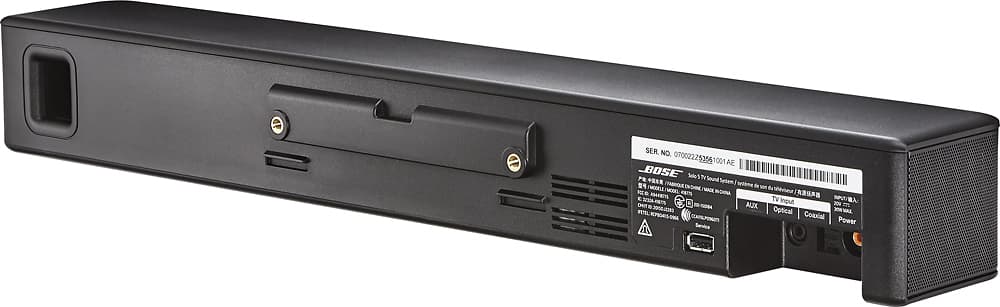
A:AnswerHi Sunpower4u, thank you for your question! You can mount the Solo 5 on the wall though it does not come with the bracket in the box. You can purchase these as an accessory by contacting the Bose Customer Service Team.
A:AnswerI don't know specifically about the Bose Solo 5, which does support Bluetooth. I do have a Bose SoundLink Revolve, and it will not "link" with a Google Home Mini. You control the Resolve via an app on your phone/tablet. The Revolve will connect to your phone/tablet and play. The issue is "Google" and "Bose" don't "hand shake nicely" when they try to connect with each other. Bose does now offer a "smart Bose speaker with Google assistant", which may explain why it didn't work. "Buy our version". I have taken a generic Bluetooth transmitter and the Bose will connect with it. The Bose will connect to an Amazon Alexa Dot with no issues (I have both a Google Home Mini and an Amazon Alexa Dot, so I can speak from personal experience). So I'm going to "assume" that the Bose Solo 5 will not link to a Google (Home Mini) assistant as I "assume" all the Bose Bluetooth receivers have the same hardware control.