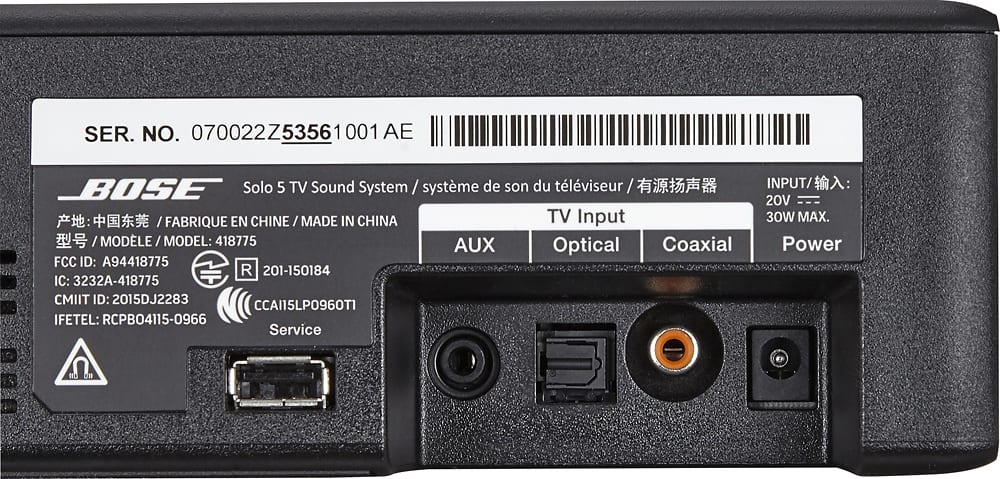
A:AnswerHi! Thank you for your question. You can choose to connect the Solo 5 Soundbar to your TV using the optical cable provided with the soundbar, but you can also connect the soundbar to your TV using Bluetooth - if your TV has Bluetooth capabilities. Either method should work for you.
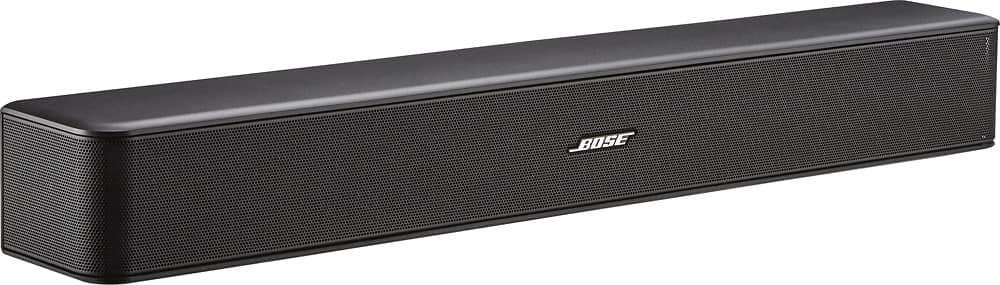
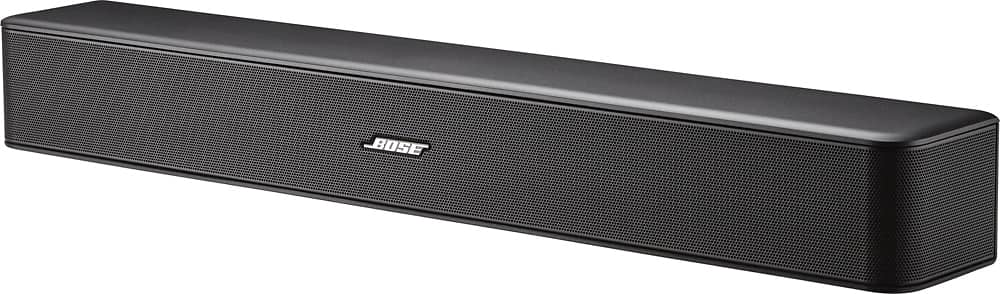
A:Answer21.5 wide X 3 in high by 3 in deep
The optical cable that comes with it is not very good. Unit stopped working in less than 2 weeks. I had to go back to BB to get another cable.
A:AnswerAbsolutely. We bought a Samsung smart tv and bought the Bose solo 5 and love it. The sound quality is amazing. If you have a bose radio you know what I mean. You won't be disappointed.
A:AnswerYes, it’s possible but you’ll need to buy a wireless link adapter. Bose and Rocketfish have good ones. You can shop Best Buy or other electronics retailers. Also available on Amazon.
Hope that helps...
A:AnswerThe sound from the Bose is spectacualar, and very natural sounding. I am not familiar with the sound from the Visio, but we have always been very pleased with Bose products, including the sound bar
A:AnswerHello, Gab.
Thank you for your question. The Solo 5 TV soundbar is engineered as a standalone, self-powered speaker, and is not compatible with external receivers or amplifiers. The Solo 5 would sound fantastic in a smaller room, such as a bedroom or den. It can connect directly to your TV with an included optical cable. We hope this helps! Have a great day. Jesse - Bose Support
A:AnswerHello Nag! We're thrilled to hear that you are interested in the Solo 5 TV sound system. When purchased in the U.S. the power requirement is 20 V DC, 1.8 A and it not dual voltage. It it specific to the region in which the system is being used in. We hope this helps! Have a great day. Ashley - Bose Support
A:AnswerThanks for your question Flip! The Solo 5 TV sound system is designed for use with most HDTVs. It can be placed in front of the TV, or on a shelf below or above, or even mounted to the wall with the optional Bose WB-120 wall-mount bracket. Thank you for your interest in our Bose products. Have a wonderful day! Ashley - Bose Support
A:AnswerHi Sheela, thanks for your interest in the Solo 5 TV Soundbar! Once you connect the Solo 5 to your TV using the included digital optical cable, it will play the audio of all the devices connected to your TV, including the Amazon Fire Stick. For the best possible sound, I would recommend disabling your TV's built-in speakers. I have a Solo 5 in my living room and the detail in the audio of my shows and movies is incredible. Hope this helps! Jesse - Bose Support

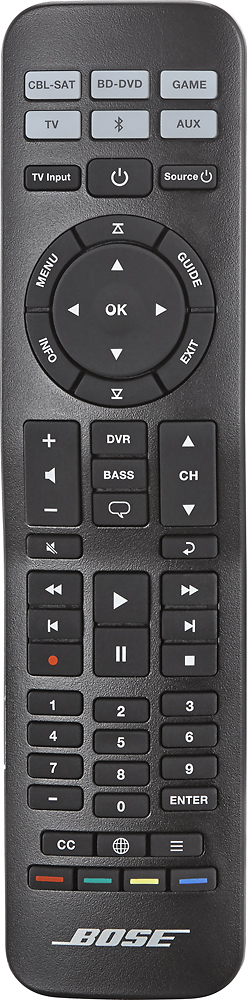
A:AnswerThe soundbar has an option to turn off with the TV, basically it will turn off when it's stops detecting a signal. Could be that when your cable box changes channels it interrupts the audio signal and it's causing the soundbar to turn off. First, I would turn that feature off and see if it makes a difference. You'll have to look up the procedure in the manual, but it's just a few clicks of the remote (really easy). If that doesn't work, I'd connect the cable box sound output to the TV and use the TV sound output to the soundbar. Hope this helps!
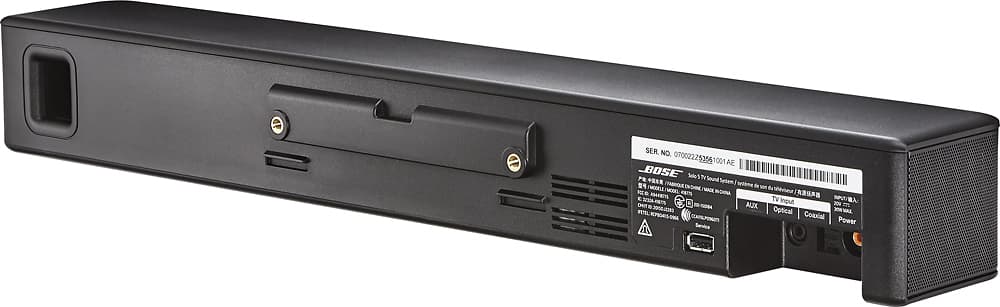
A:AnswerI used two small satellite speaker stands screwed to the rear mounting holes. They elevated the sound bar about 7 inches, and provided a clean look with the sound bar just below the TV, and raised above the TV stand. Hardware was not included with the unit I purchased.
A:AnswerMore than one way to skin a cat... Get an electrical extension cord long enough to reach the back of your TV, attach the Bose and TV power to it, and wind your excess cables behind your TV. Just a suggestion...
A:AnswerHello, our speakers are engineered to provide accurate and impactful sound. The Solo 5 will reproduce the soundtrack as recorded, the loud action scenes cannot be lessened automatically. Thanks for the inquiry!