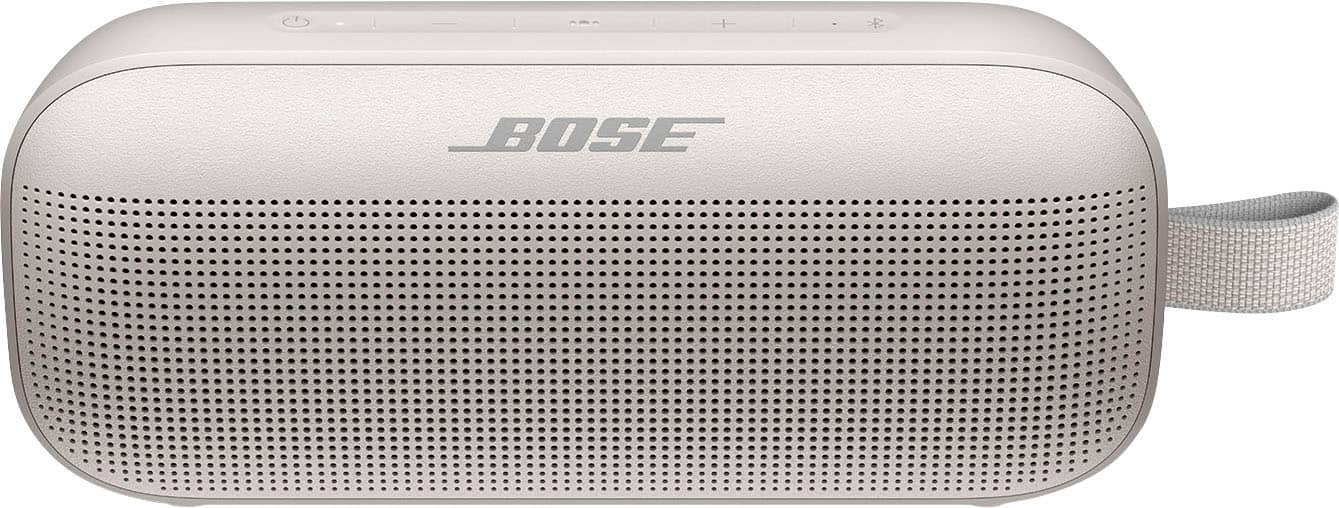
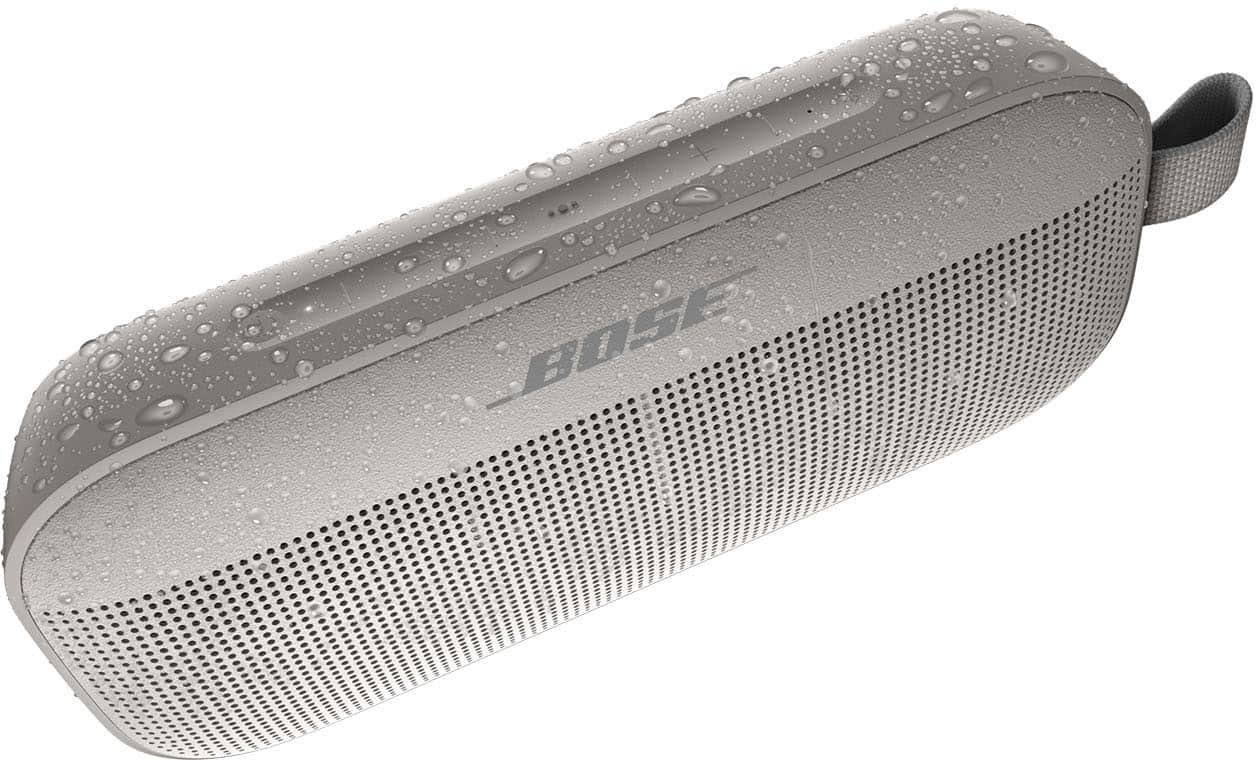
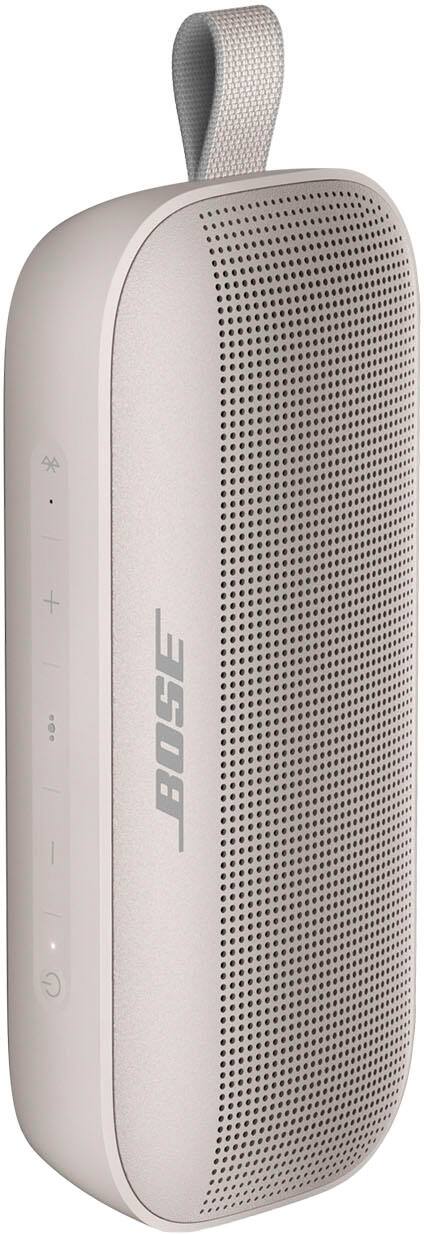
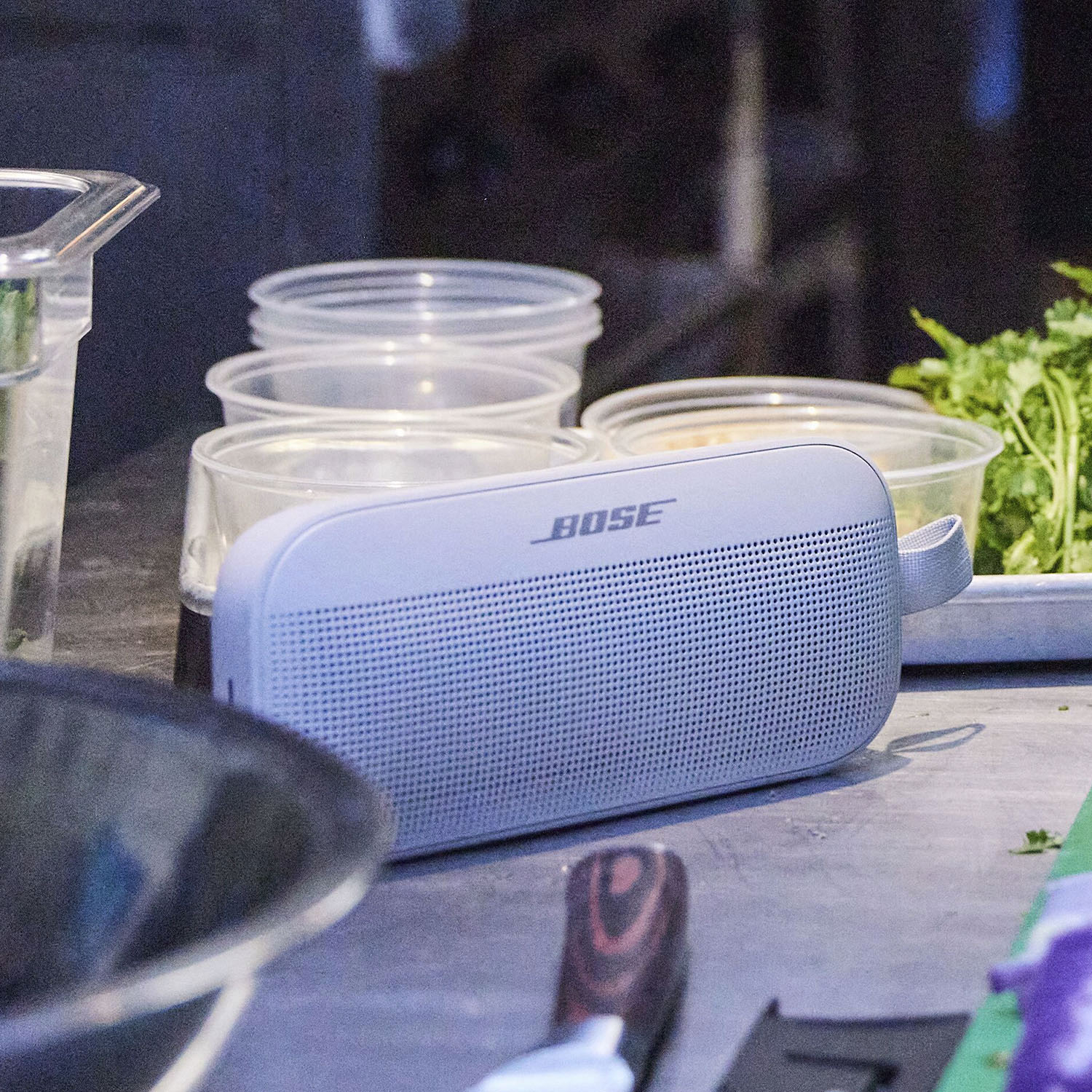
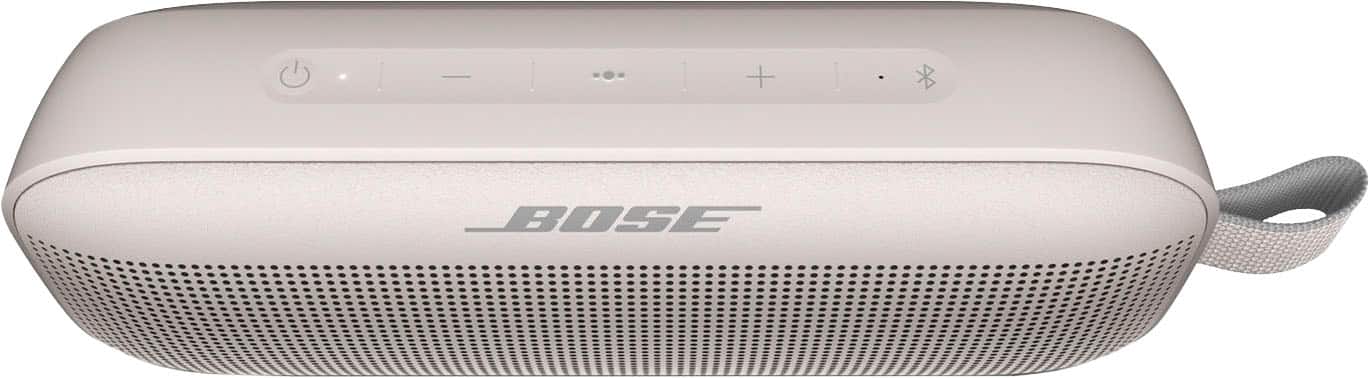
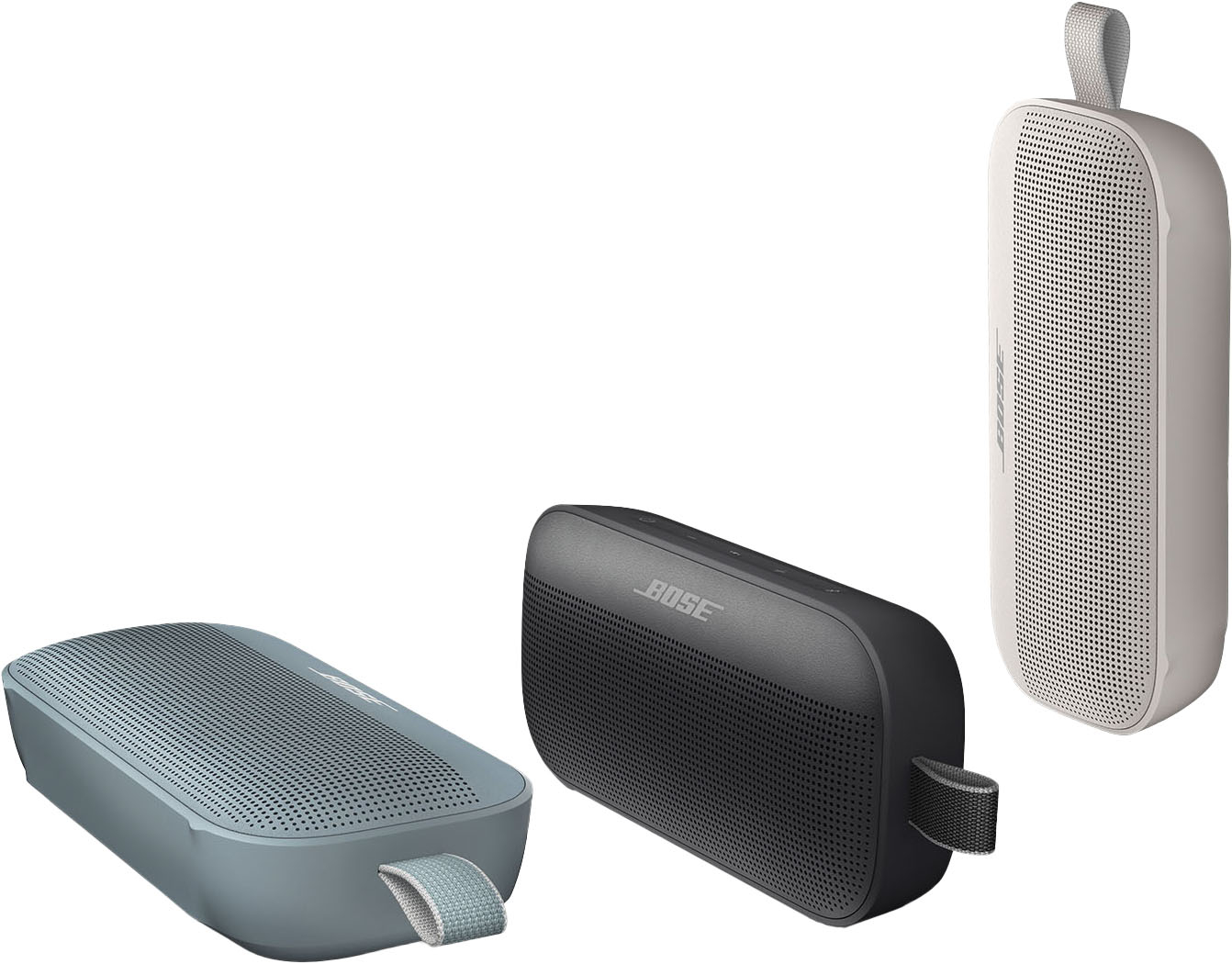
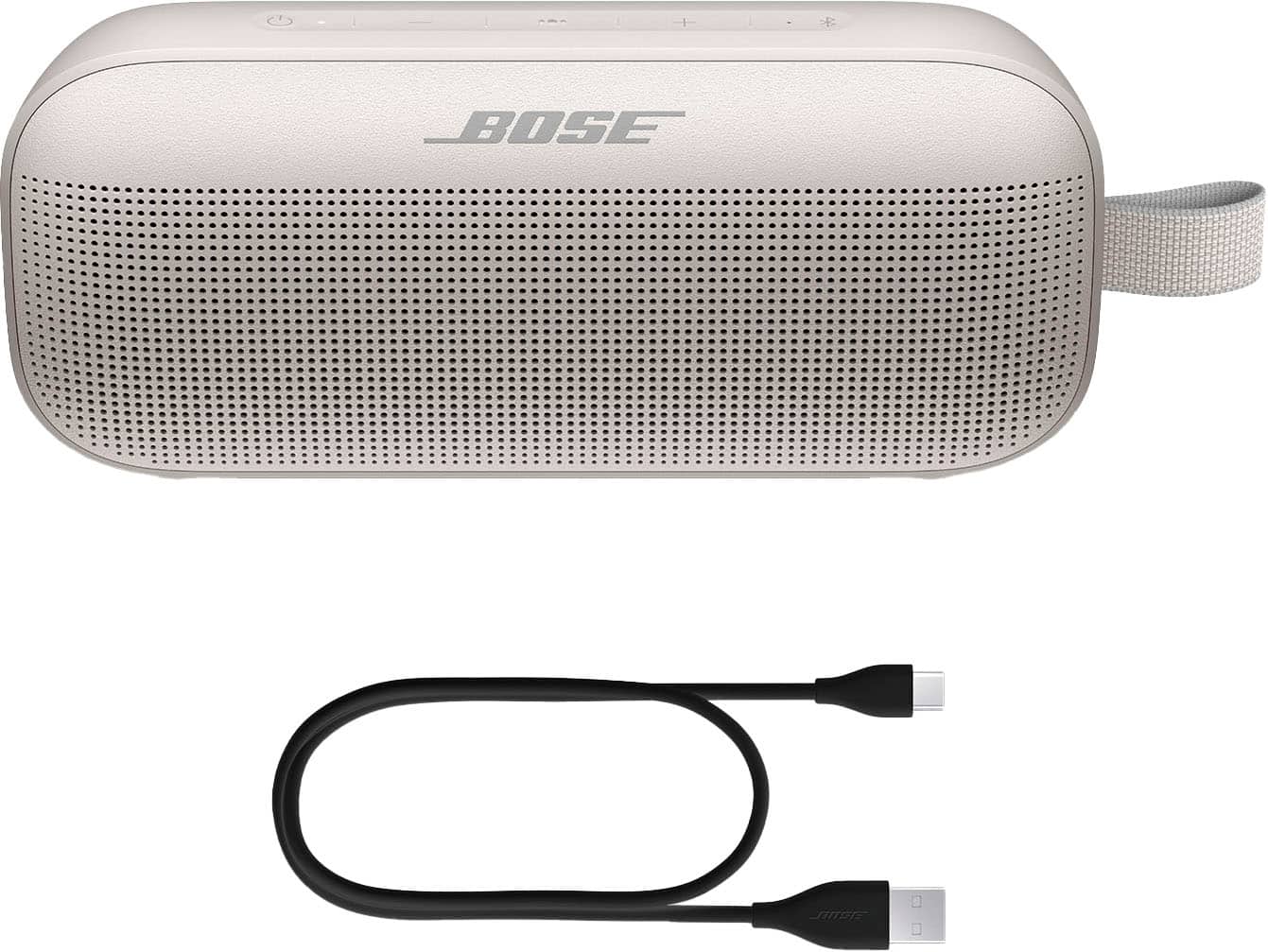
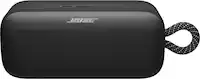
A:AnswerThe SoundLink Flex can be connected to phones, tablets, or computers using Bluetooth. You would need to check if it can output Bluetooth audio, but please be aware there may be audio delay if the Elefson movie projector isn't designed to use Bluetooth as its primary audio out.
A:AnswerHi Selna.
The Max Power Consumption of the speaker is 7W. We do not publish output wattage specifications for any of our consumer audio products. Raw power output numbers do not give a good representation of how a system will sound in your space or how it will compare against another product boasting a similar number. We prefer to have customers judge the system with their ears rather than by numbers on a page.
A:AnswerI was unable to pair with Pandora. The youtube videos didn’t help and the Apple store said I’d need a more updated phone to pair. It pairs with Apple Music which I don’t want.
A:AnswerThis will depend on the Bluetooth that your stereo system uses. The minimum Bluetooth requirements for connecting a device to the SoundLink Flex speaker are Bluetooth Low Energy (BLE), Bluetooth 4.2 (backwards-compatible), and A2DP (Advanced Audio Distribution Profile).
A:AnswerYes the Bose works with the iPod touch. It connects easily to Bluetooth, from the general I pod settings. I used the included directions to set it all up.
A:AnswerId imagine it depends on the exact turn table but is pairs fine to my PC so if your running the table with a laptop I pretty sure it'll work fine.
A:AnswerIf you are using the Bose app to connect to Soundlink Flex, all controls can be made with your phone or other device connected to the SoundLink Flex.
A:AnswerI would say yes. The sound is amazing to be coming from such a small speaker. I would say it sounds better than most tv speakers nowadays.. Even the bass and treble output is amazing to me. My opinion, of course.
A:AnswerWe can confirm this is not normal. Please contact your local support team, so we can take a closer look for you:
https://support.bose.com/s/get-help-landing-page?language=en_US (United States)
https://support.bose.ca/s/get-help-landing-page?language=en_US (Canada)
A:AnswerIt varies with some devices. Some devices sync the volume controls between the devices, whereas some devices operate separately so you have an independent volume for the smartphone and an independent volume for the speaker.
In instances where they're sync'ed you the volume will move together between devices, but in other cases where it's not, we recommend setting the volume on the phone to 100% then adjust the speaker volume accordingly.