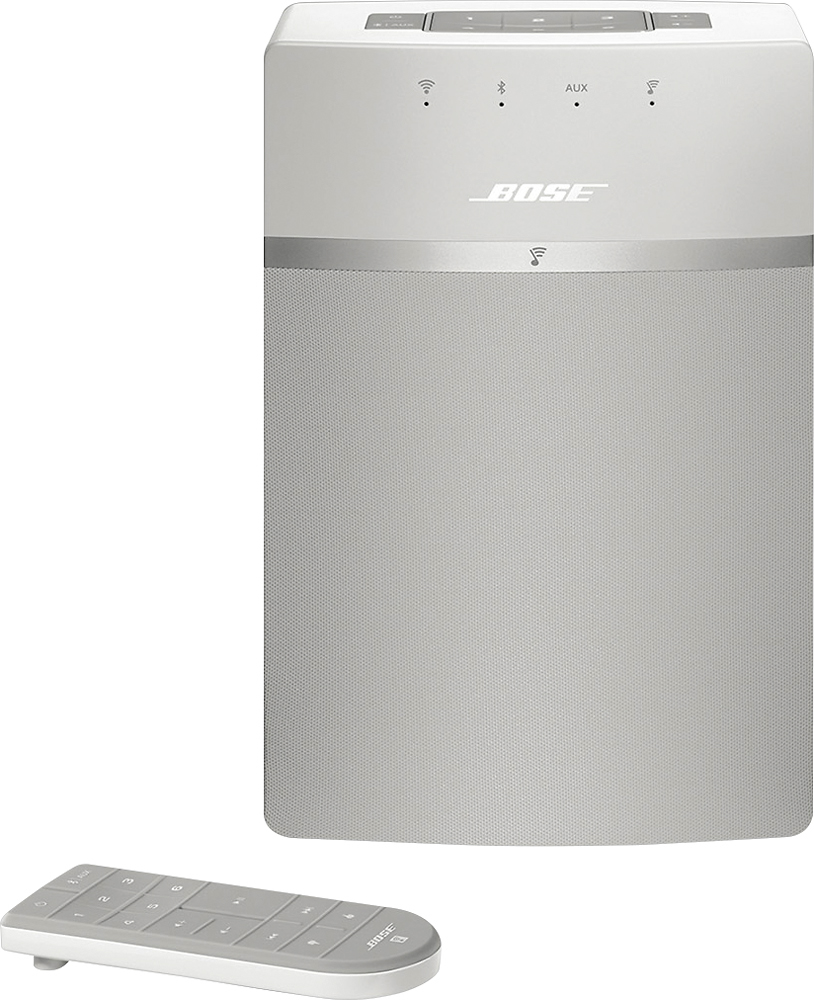
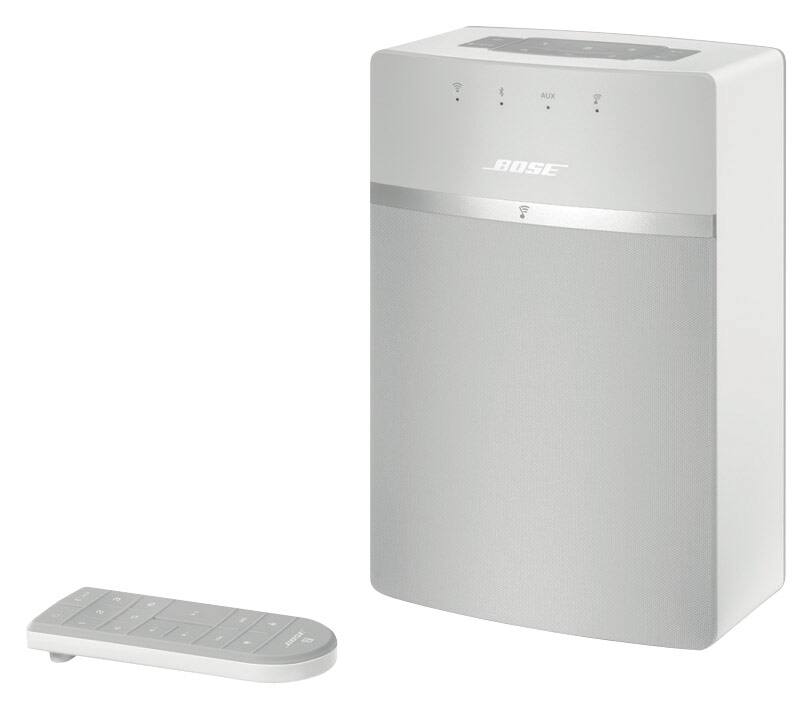
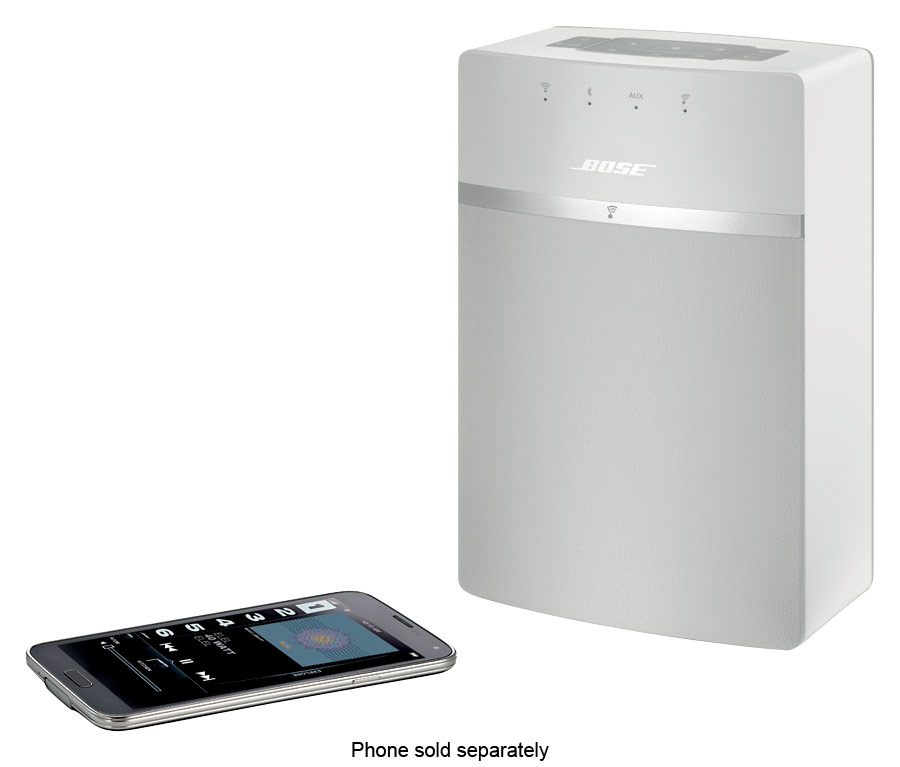
A:AnswerTo connect the SoundTouch 10 speaker to your Wi-Fi network, the SoundTouch application is required on a mobile phone, tablet, or computer. Bluetooth is not required for this setup process.
A:AnswerThere is a Bose app. Once you download the app and your speakers are connected to WiFi you can connect up to five Bose devices at one time from your phone through the SoundTouch app.
A:AnswerYes, you can as long the tv is connected to the same WiFi or you can use an AUX cable.
Plus you can buy another SoundTouch 10 and connect an adapter to split the Aux cable with all that work you have an amazing sound.
A:AnswerI would recommend the office Bose speakers for a school setting. However this speaker can be connected to anything that has an aux cable or Bluetooth.