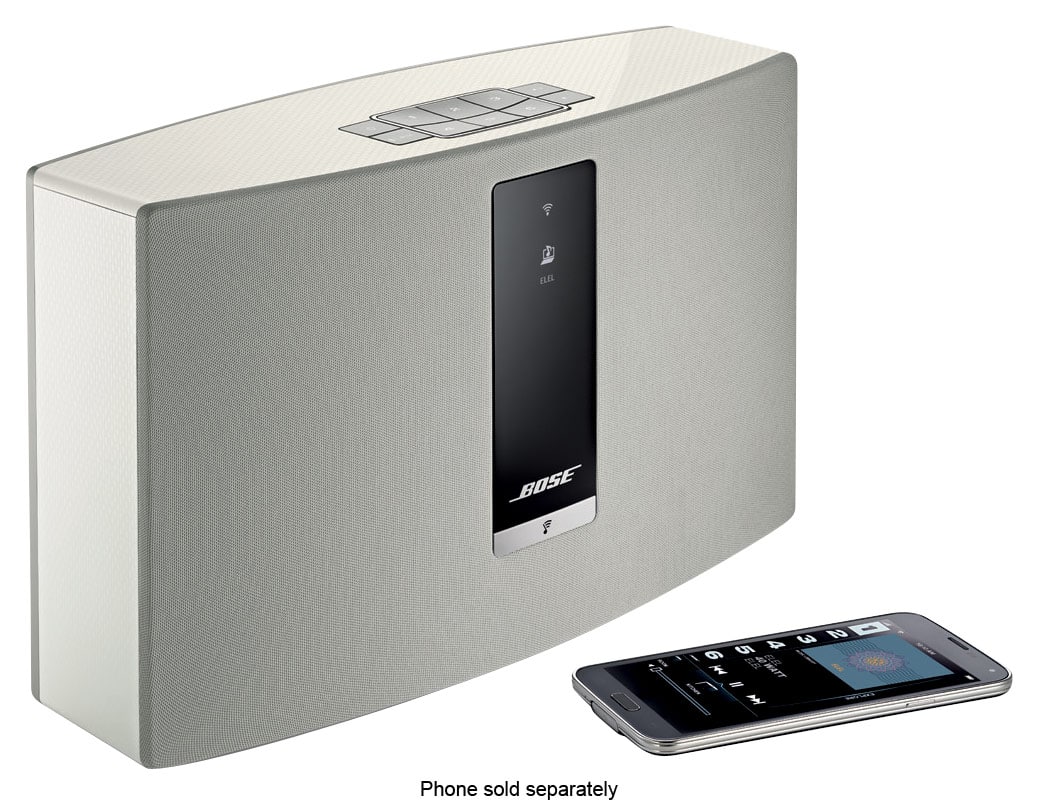
A:AnswerThe SoundTouch Wave Music System IV features our SoundTouch features, meaning that it can be wirelessly grouped to other SoundTouch enabled speakers on your home's WiFi network, like the SoundTouch 20 III speaker.
A:AnswerHello!
While none of our speakers feature the ability to play directly from a USB drive, there are workarounds that we would advise for this!
All of our SoundTouch speakers can be played to through a music library on Wi-Fi. As such, it could be possible to connect this USB drive to a computer or NAS drive, and play from that drive to the speaker(s) you have connected.
Alternatively, if the USB drive was connected to a computer/laptop with Bluetooth or an AUX output, the system could be played to via these means instead.
Our recommendation would be to consider one of these means of getting your music to play through our system(s)!
We hope this helps you make a decision you're happy with!
A:AnswerHello there!
The SoundTouch 20 can be connected to via Wi-Fi, Bluetooth or AUX. There is no other cable type of input for this system that would allow you to play audio.
Our suggestion would be either of the following:
1) Use an AUX-->L/R Stereo Audio (RCA) cable Adaptor. This would allow you to connect directly from your input to our SoundTouch 20.
2) Use a Bluetooth Adaptor (Transmitter) from your source, if this doesn't already use Bluetooth. This would allow you to connect to our speaker and play audio this way instead should you prefer.
We hope this helps!
A:AnswerHi there!
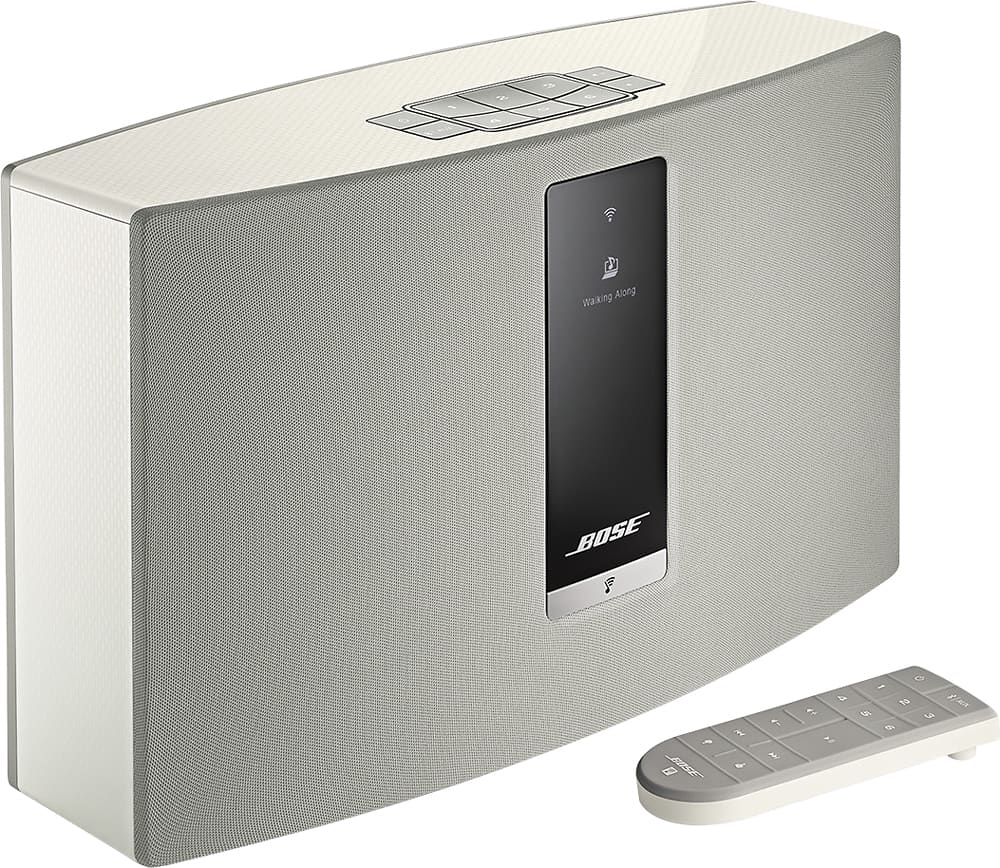
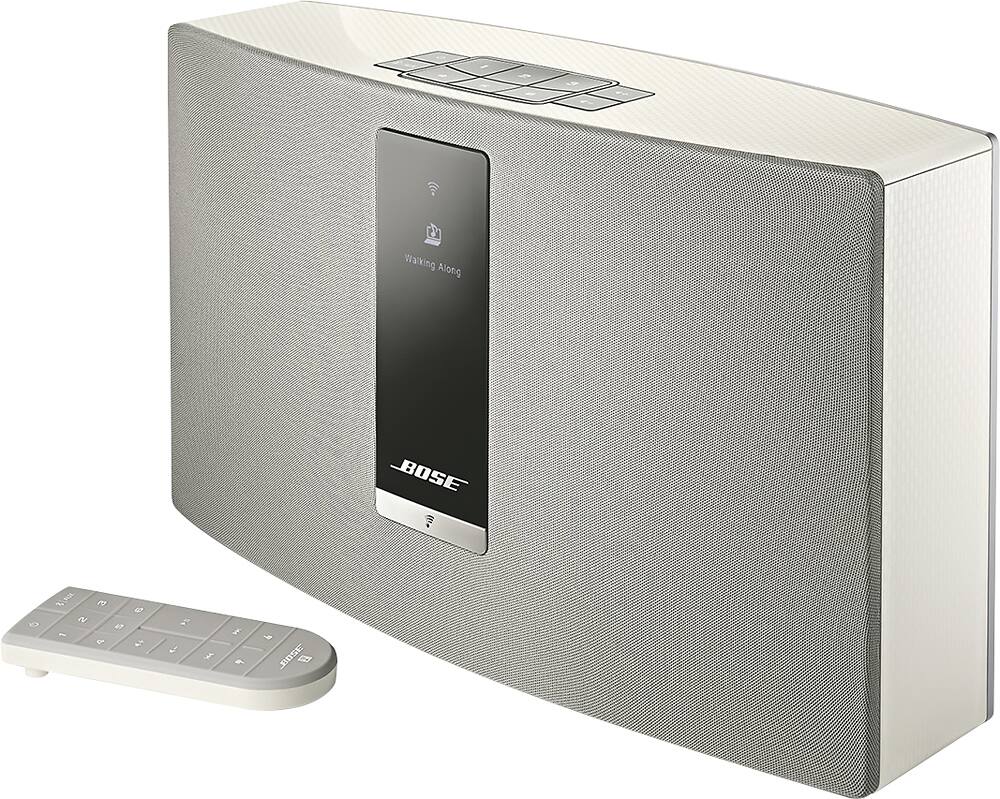
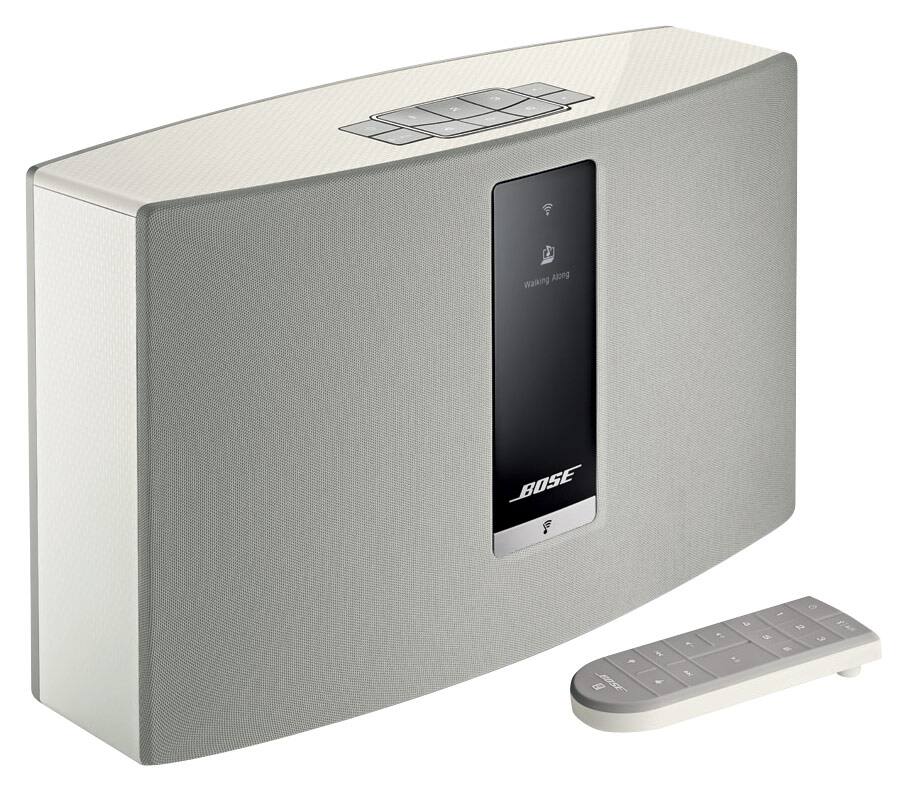
The SoundTouch 20 III is a single block unit speaker.
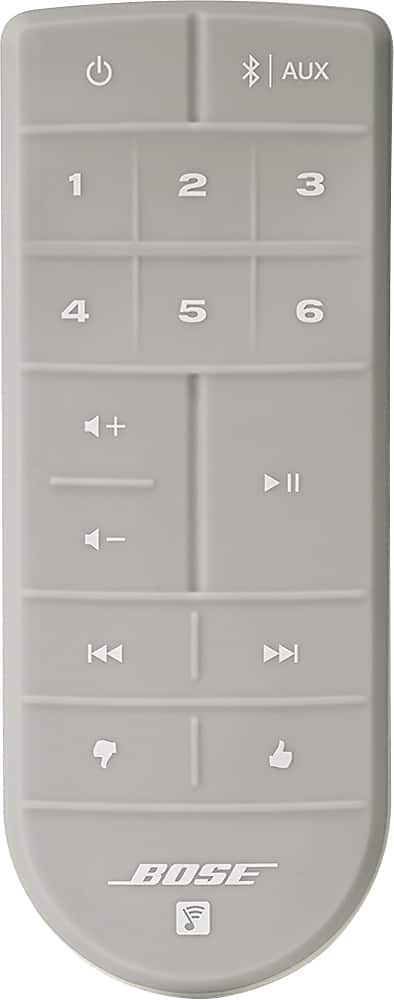
To operate the speaker, there is a power cord to connect directly to the speaker (no power pack is used), and the remote control.
The only other part/piece to this system is the mobile device, tablet or computer/laptop you may want to use to connect to this device.
We hope this helps!
A:AnswerHello, and thank you for your interest in our SoundTouch portable system!
You can play sound to this system through 3 different ways. These are Wi-Fi, Airplay, and AUX.
If you are using AUX, then this cable needs to be connected securely to both the connected device and the SoundTouch portable, and the source needs to be playing volume.
If you are using Wi-Fi, then you need to connect this to your Wi-Fi network through the Bose SoundTouch app, and select a source from here. When a source is selected, this will play through the SoundTouch speaker(s) you have selected. If you have not updated this speaker or used this since you first setup this speaker, then this is likely why you are no longer receiving audio.
Lastly, if you are choosing to play this through Airplay, then this must first be setup on Wi-Fi, then selected as the speaker from an Apple device.
If you have checked all of the above and are still having issues, we would advise reaching out to Bose Support in your country/region, who are happy to run through the necessary troubleshooting with you to get this up and running.
We hope this helps!
A:AnswerHello!
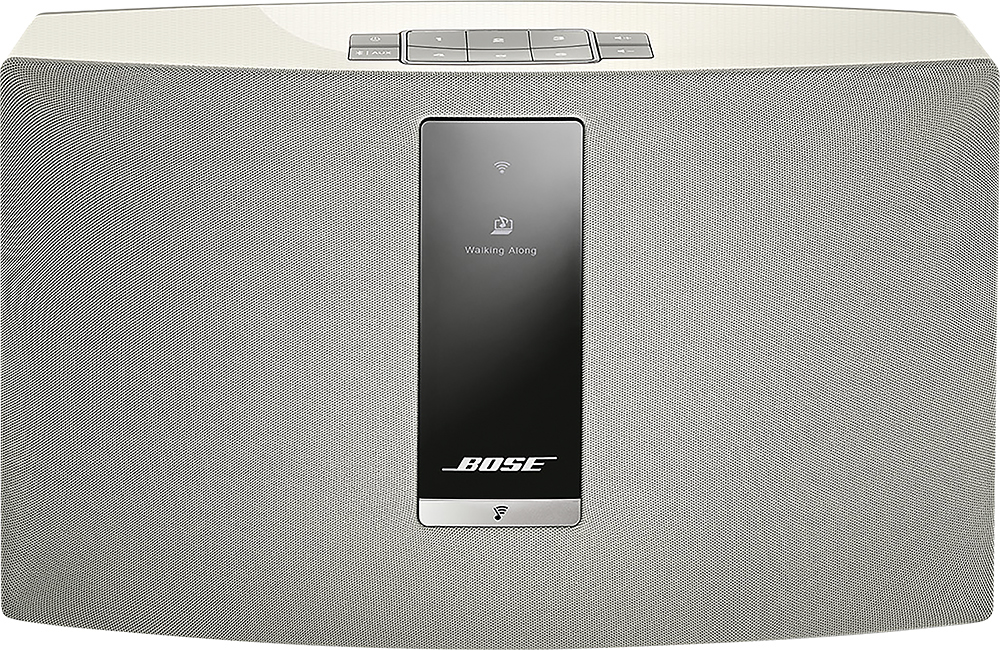
Thank you for your interest in our SoundTouch 20 III system.
Whilst this is not the intended use of the product, it is possible to connect one of these speakers to your TV through the AUX port/cable, or through Bluetooth.
All you would need to do is cable the AUX cable from the TV to your SoundTouch 20 III, or connect to the TV to the Speaker through Bluetooth, and then any audio from the TV would play through the speaker system.
Please note that rebroadcasting the audio from the TV to other speakers, or playing to a system through Bluetooth may create a slight delay between video and audio.
We hope this helps!

A:AnswerHi there!
As noted by the other user, you can connect to this system through Wi-Fi or Bluetooth. In this instance, we would recommend using Bluetooth with your Kindle to play audio through this system. Whilst the Bluetooth feature is available as soon as you receive your SoundTouch 20 III, some Kindle products will need to be connected via Wi-Fi and perform an update in order to gain access to Bluetooth. However, once paired up, you should be able to play all audio from your Kindle to the SoundTouch speaker.
We hope this helps!
A:AnswerHi Jeff,
Thanks for reaching out, great question. You can play from any of the source options but one at a time. You have to be sure you have the appropriate source selected each time you want to play something. If you need our assistance, please visit our support page for more information: https://bose.life/2sYt2Ff
Thanks again!
Mohsin - Bose Support
A:AnswerThank you for your question, Jimmy. For the best assistance, we encourage you reach out to our Bose technical support team https://bose.life/2xseVx1. They'll be happy to answer any questions you may have. Warm regards. Ashley - Bose Support
A:AnswerThanks for your question! The SoundTouch 20 Series III wireless speaker does not feature a built-in AM/Fm radio. However, using the SoundTouch app on your mobile device, you may stream your favorite music using music sources such as Tunein, Spotify, iHeartRadio, etc. We hope this helps! Have a fantastic day! Ashley - Bose Support