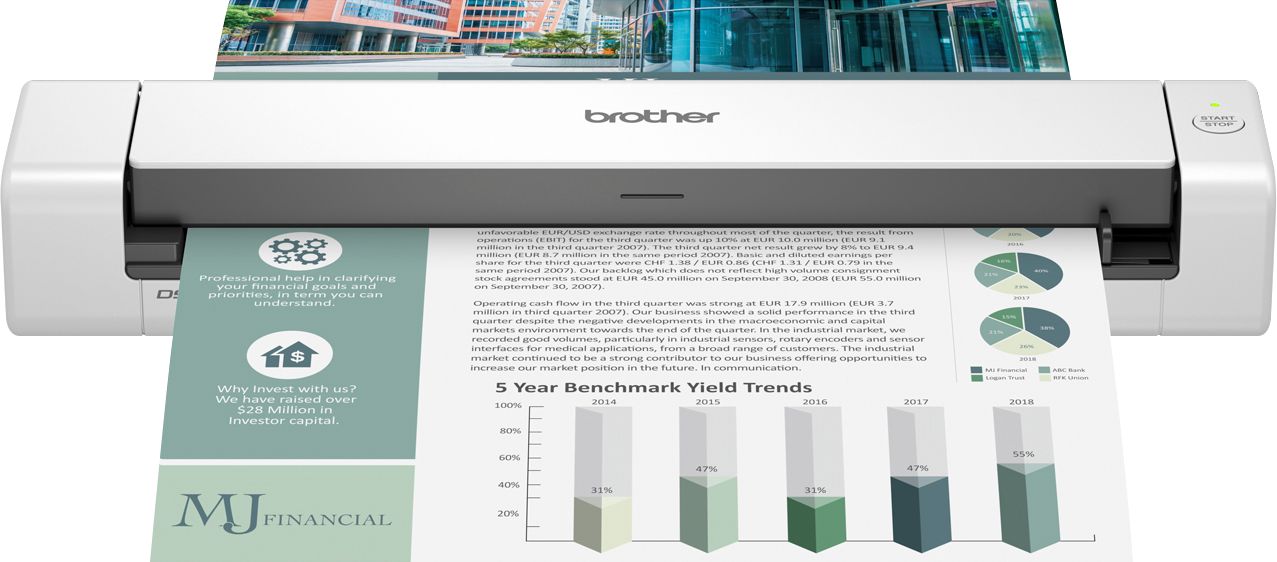
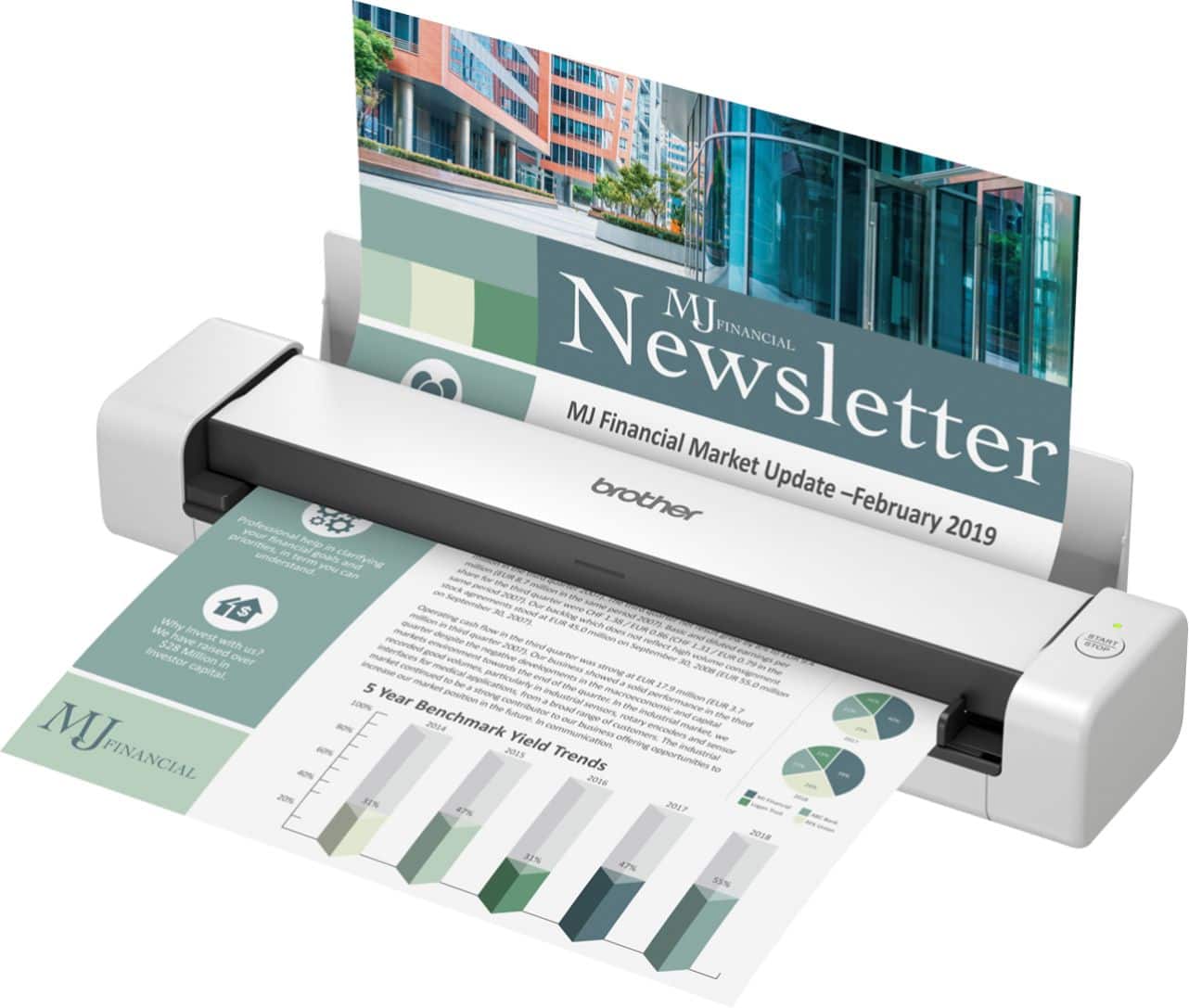
A:AnswerWe understand you need help scanning with your Brother DS-740D machine. Below is a FAQ that will help you with this scanning a multi-page document into a single PDF file:
https://help.brother-usa.com/app/answers/detail/a_id/159883
If you continue to have issues, our Brother Customer Support Team is available to assist you direct: www.brother-usa.com/brother-support
A:AnswerThe Brother DS740D machine is compatible with Windows OS:
Windows 11
• Windows 10 (32-bit)
• Windows 10 (64-bit)
• Windows 10 S
• Windows 8.1 (32-bit)
• Windows 8.1 (64-bit)
• Windows 7 SP1 (32bit)
• Windows 7 SP1 (64bit)
• Windows Server 2022
• Windows Server 2019
• Windows Server 2016
• Windows Server 2012 R2 (64-bit)
• Windows Server 2012 (64-bit)
A:AnswerOnce the file is saved, it can be emailed just like any other file.
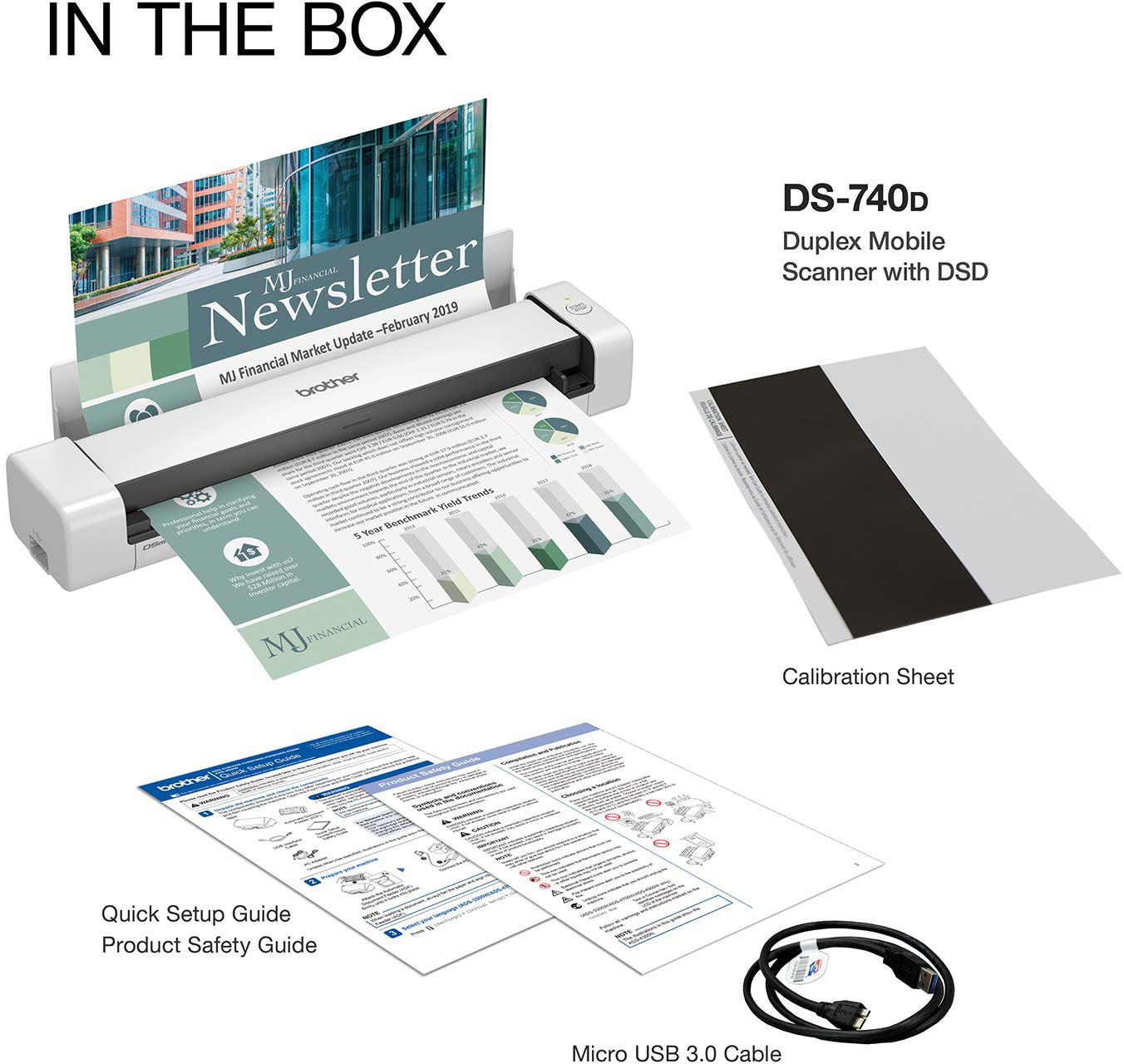
The only cord that came with my scanner is the usb connection that connects directly to my laptop. I would think if you plug the usb into a wall adapter or into some sort of compatible batter pack it would power the scanner.
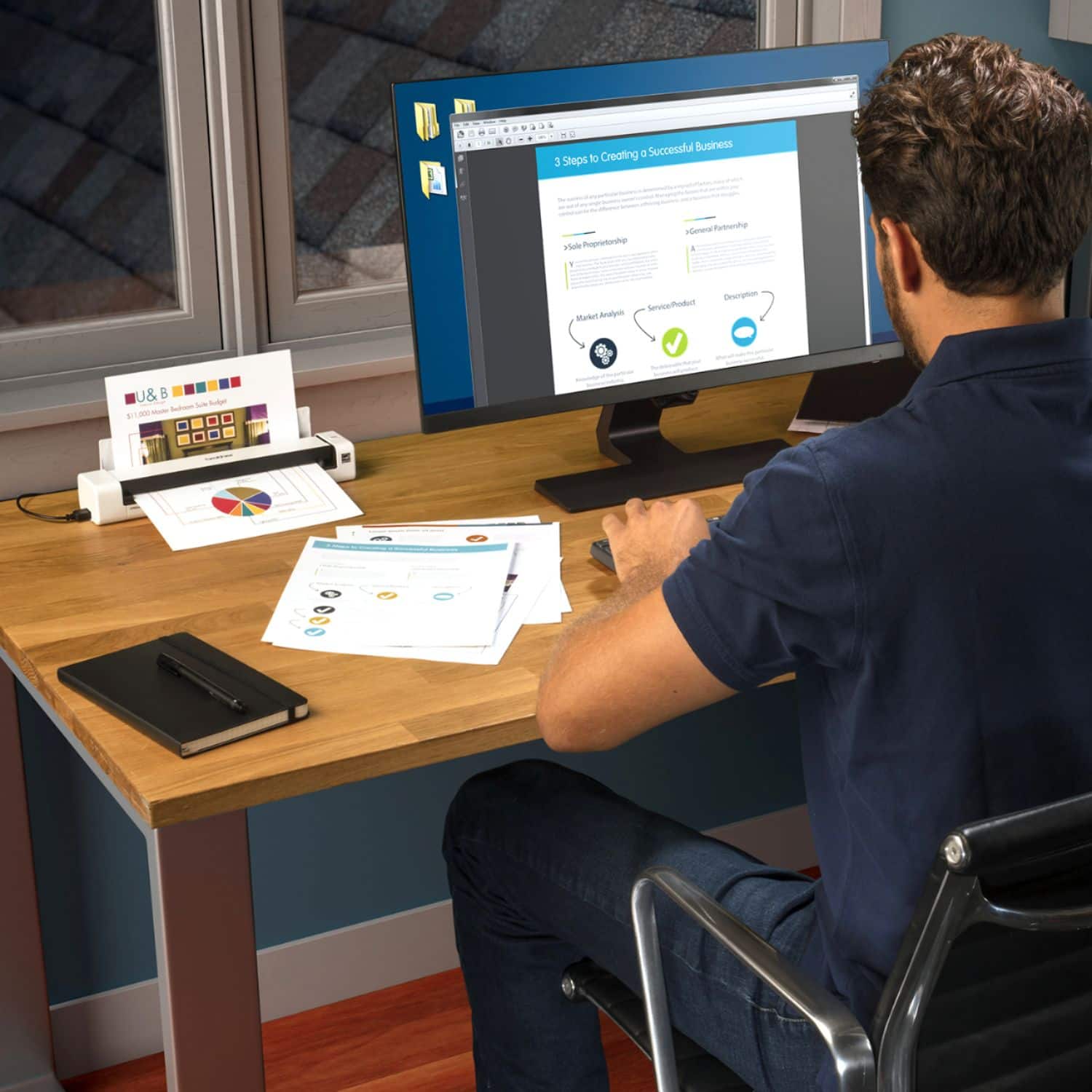
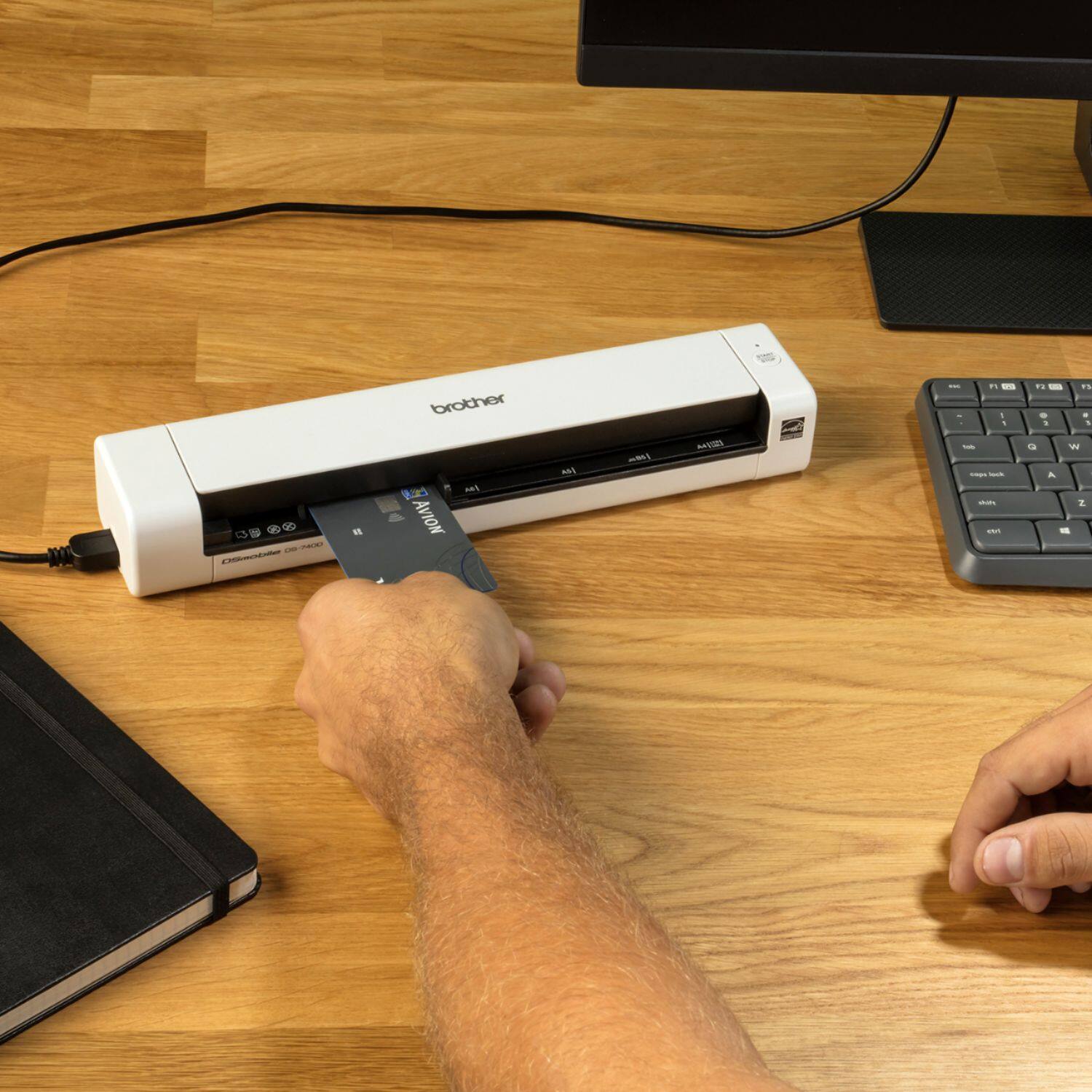
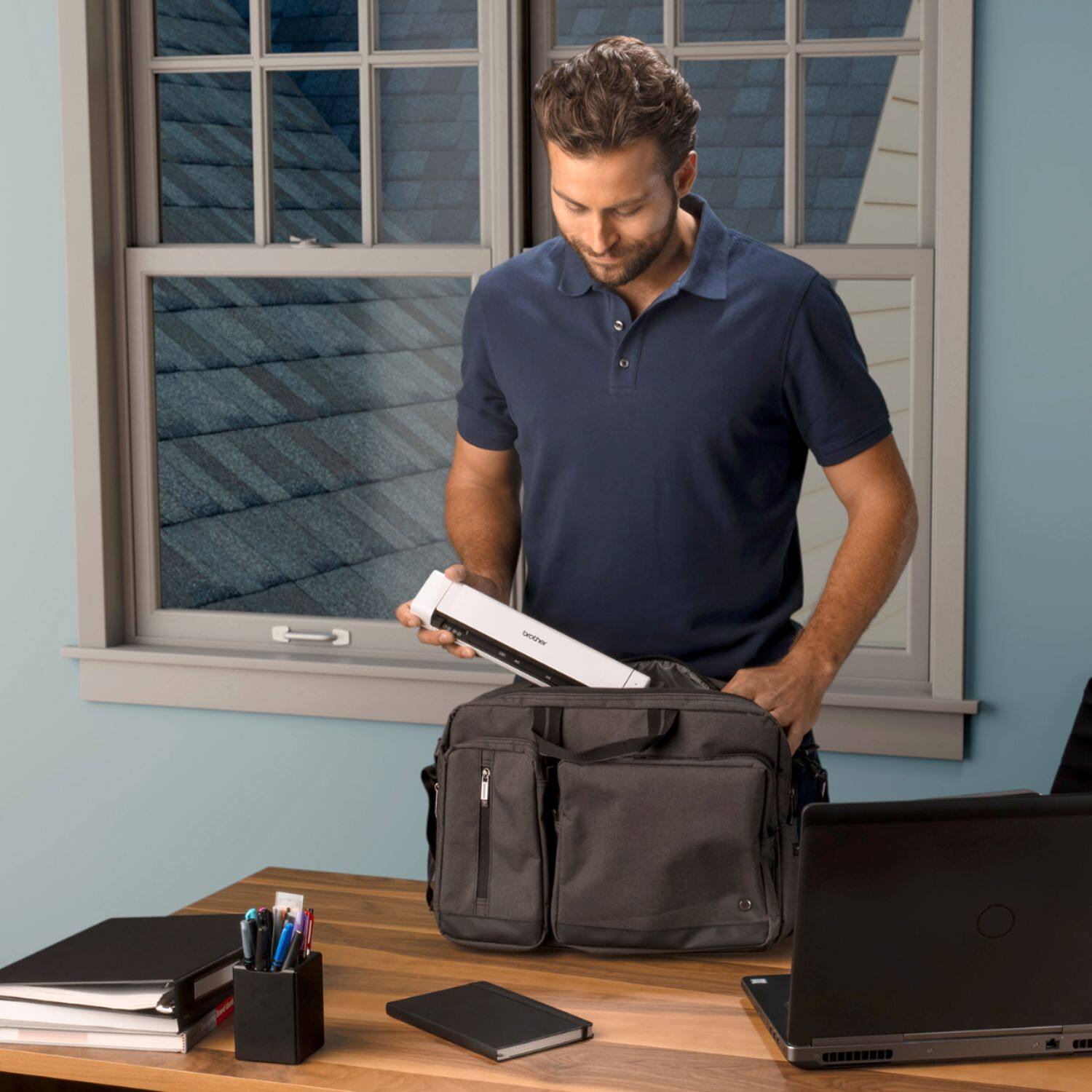
A:AnswerThe Brother DS740D machine is a Duplex Compact Mobile Document Scanner. This model is only able to scan, it will not copy, print or fax. No ink or toner cartridge is required.
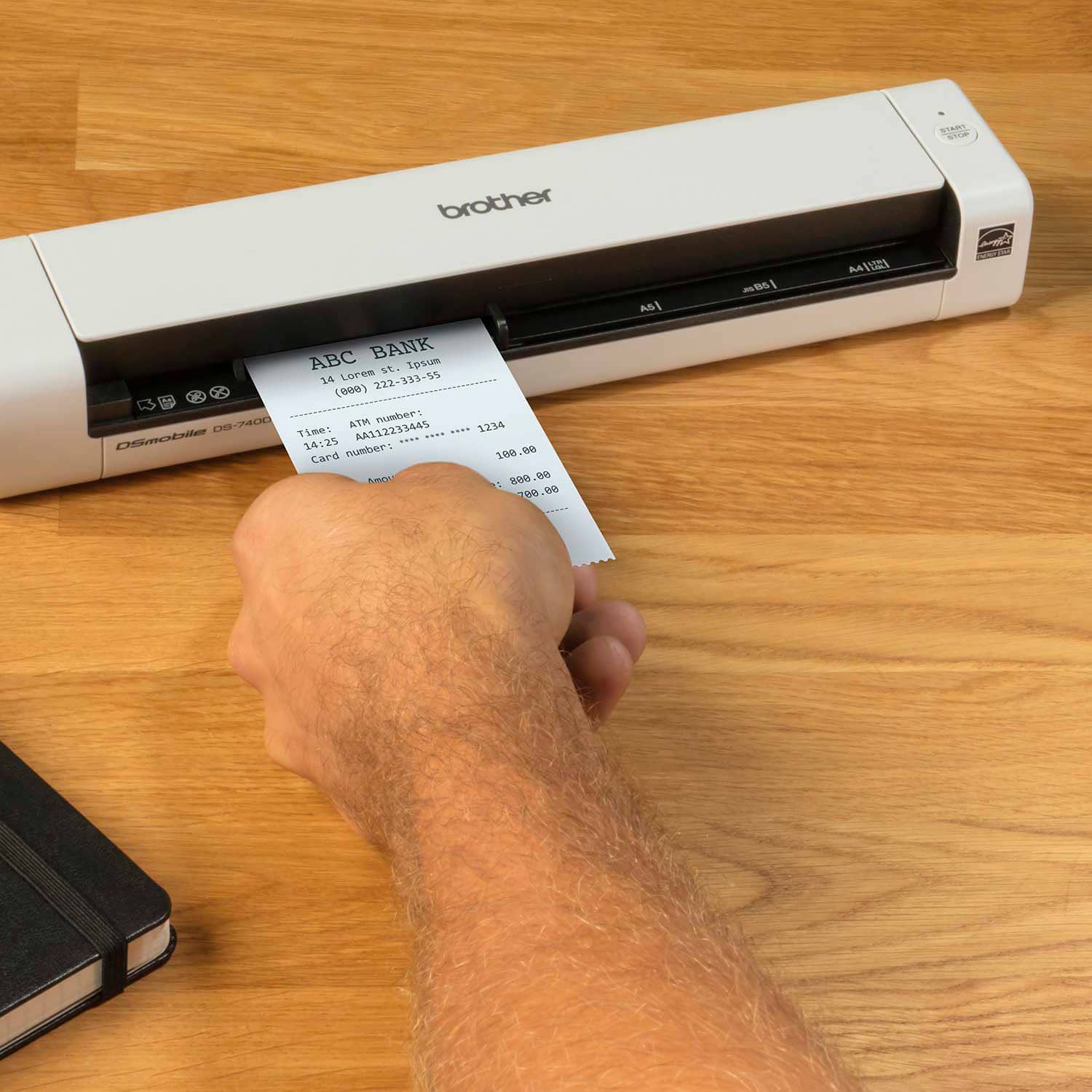
A:AnswerIt scans really well. The image quality is impressive, and it scans surprisingly fast. However, depending on the type of receipt, it may not scan straight. So I recommend guiding the receipt as it goes through.