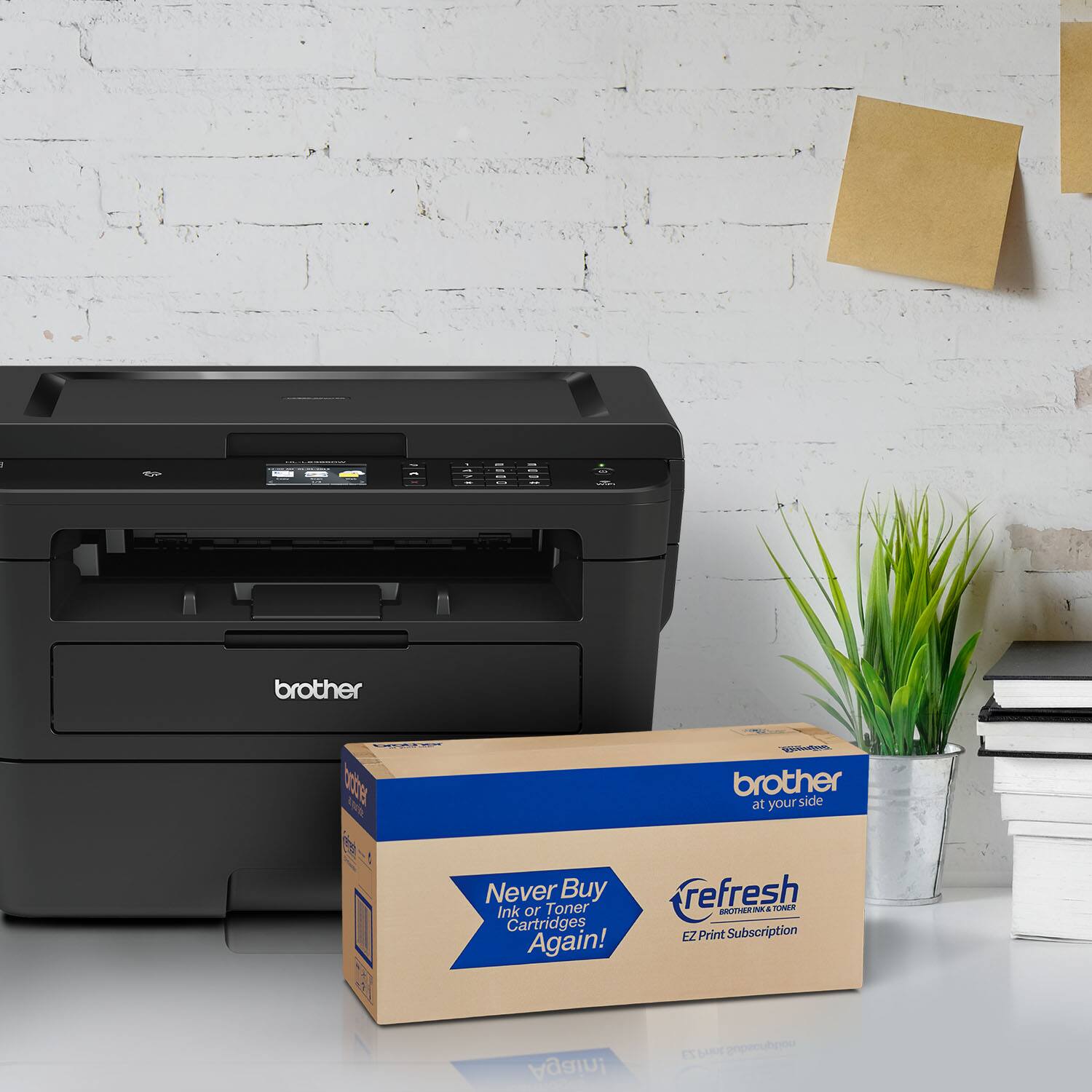
A:AnswerNo, the Brother HL-L2395DW monochrome laser printer can only print black and white, a color toner cartridge for this printer or any monochrome laser printer is not available. For more information, feel free to contact Brother Customer Service directly.
A:AnswerYes.. is feasible. When scanning you are promted to scan another additional page or finish the scan. You can create a pdf or jpg file. Really easy!!!
I have scanned documents with more than 10 pages into a single pdf file.
A:AnswerThis printer has dark, sharp, easily readable print. There is no separate envelope tray but the paper tray can easily be adjusted to feed envelopes. The toner it uses is much less expensive than the ink cartridges on my Epson color printer.
A:AnswerI have windows 10 on my surface pro and I downloaded the full Driver from the Brother’s website and it works really good. So if have windows 10 on your laptop I’m sure it’ll be the same as well.
It also works great from my iPhone as well so I’m sure it’ll be the same for iPad. Just down the Brother iPrint&Scan app.
A:AnswerI have been researching laser printers all day and I have seen this problem discussed in many reviews of various Brother printers. When it goes into sleep mode, it often (usually?) will not wake up and needs to be turned off and on. Happens with all types of devices - Windows, Apple, Android, etc. Apparently it is a problem in the printer drivers and tech support at Brother might have a fix available by now. Give them a call.
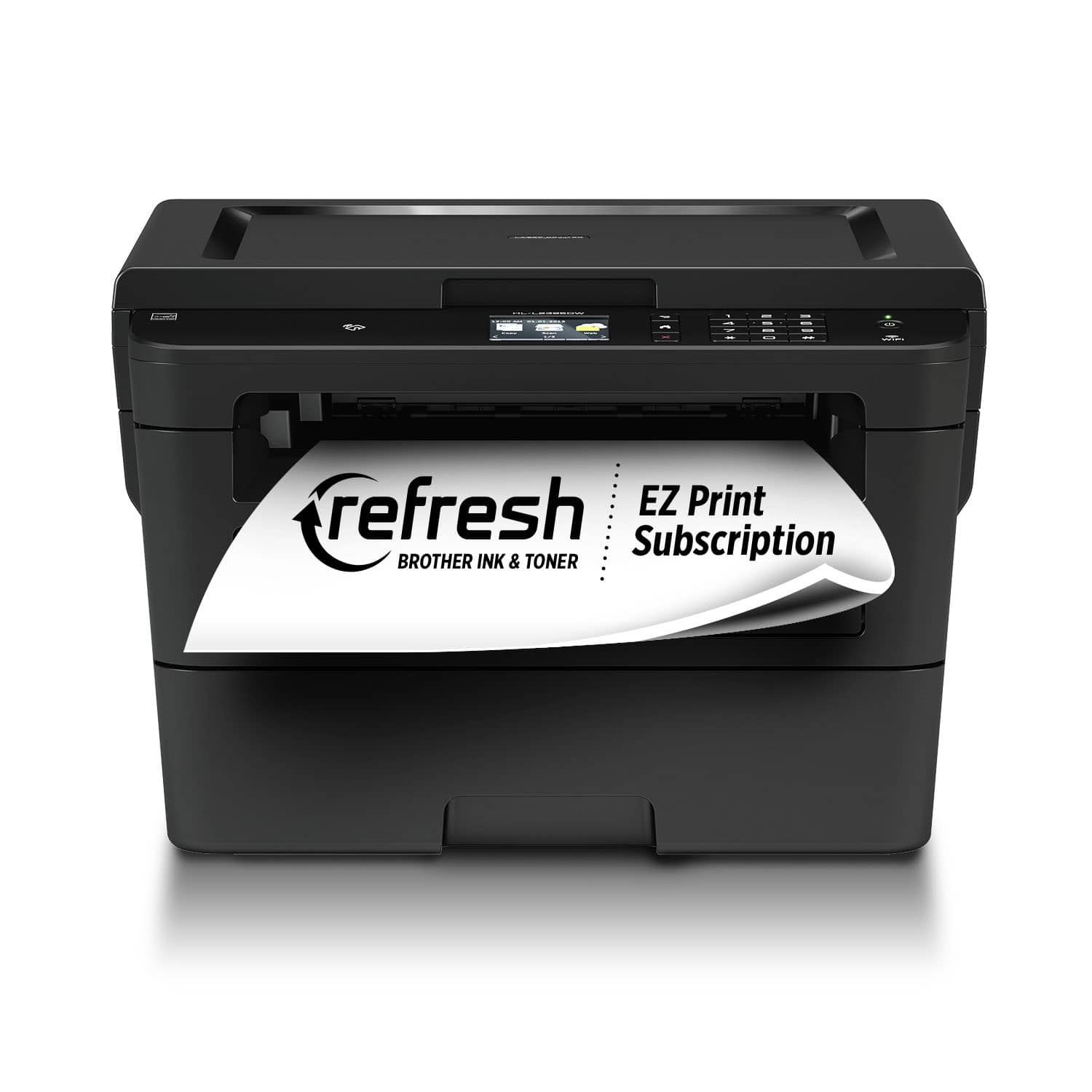
A:AnswerYou have to feed in the pages you want to scan one at a time, there is no feeder. You use the Brother iPrint & Scan software to execute the scan to a PC (that's the easiest way for me).
A:AnswerYes. That is the setup I’m using. I have the printer located next to my computer, so I preferred to use a printer cable (not supplied with the printer) to attach my computer. You just have to set it up that way when you go through the setup screens. I also print wirelessly using Apple AirPrint from my iPhone and iPad.
A:AnswerIn order to print from a mobile phone to the Brother HLL2395DW. Wi-Fi will be needed but if you do not have Wi-Fi , you can use Wi-Fi Direct to connect to a mobile device with the Wifi of the Brother HLL2395DW. Please note you can not use a USB Cable to connect to a mobile device.
Below is an answer link that will showed how to use Wi-Fi Direct to connect to a mobile device.
Answer Link: Using Wi-Fi Direct to connect to a mobile device
A:AnswerThe Brother HLL2395DW machine is not able to automated duplex copy, all the copies will be single sided. The duplex printing feature is managed by the computer, making copies will not change the computer settings.