A:AnswerInternet connection not necessary for copying.
And I set up this printer without an internet connection. The only internet I have is hotspot from my iPhone but so far I have been unable to Airprint this way. USB cord connection works fine. The printer works well.
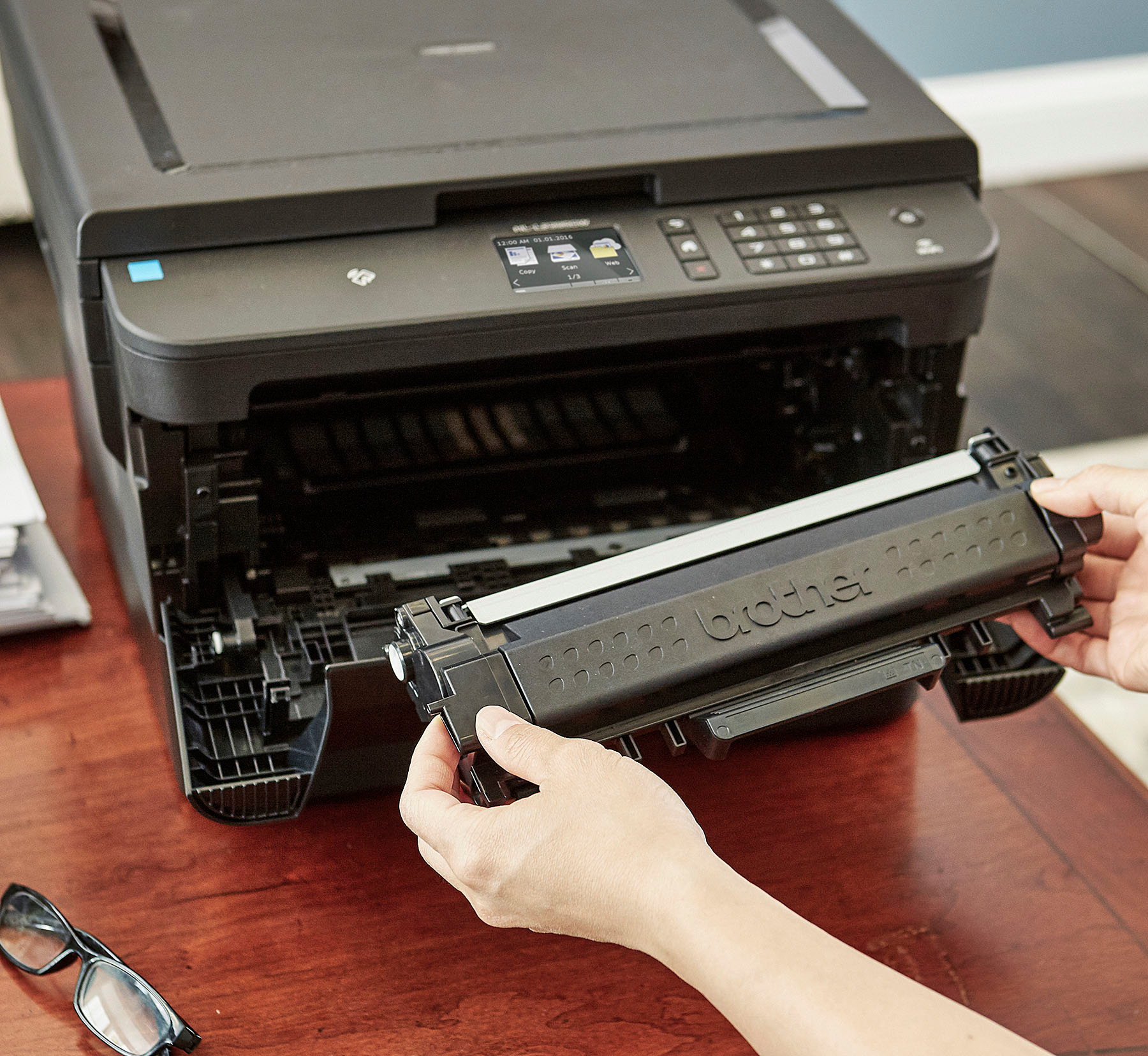
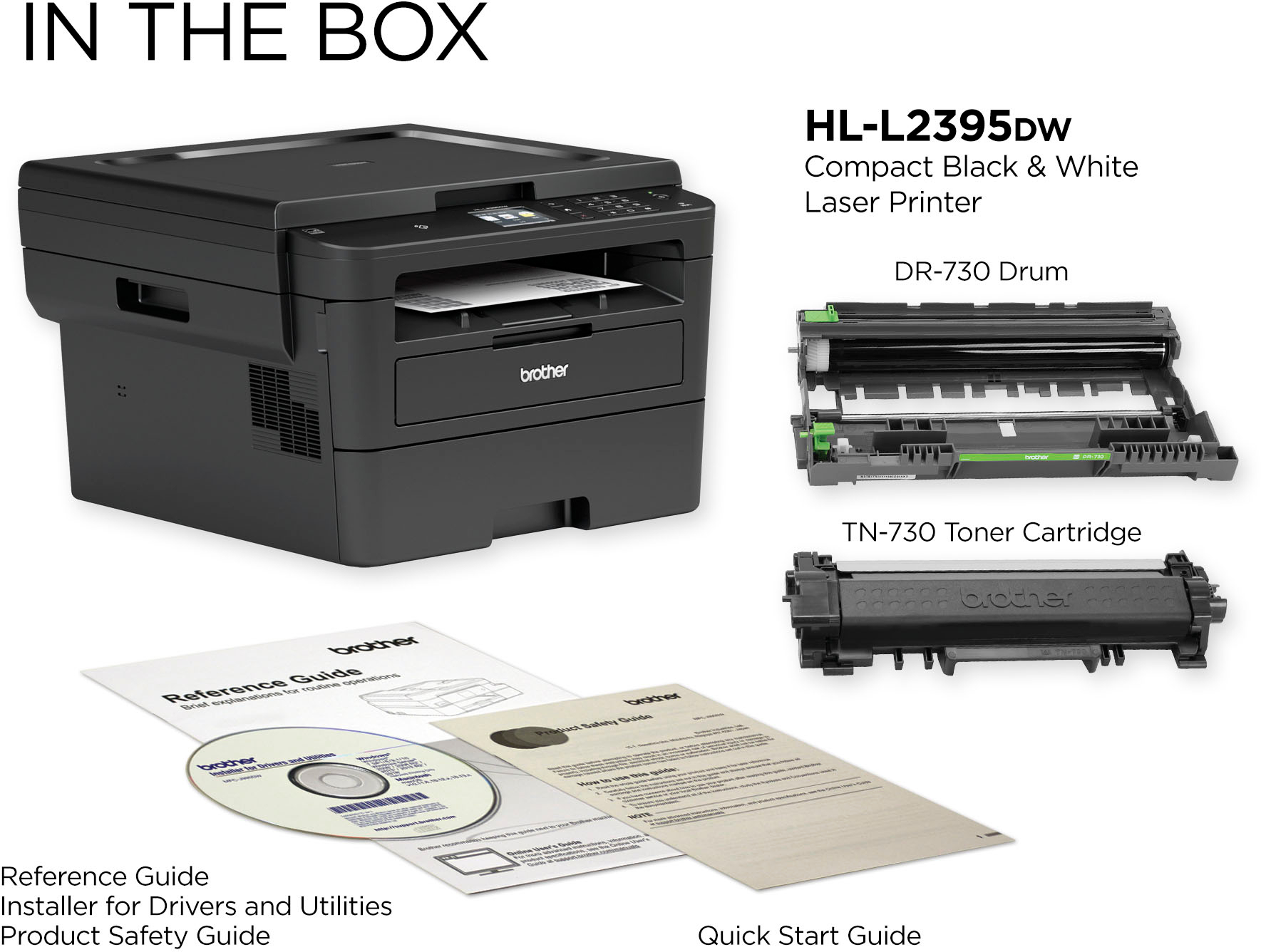
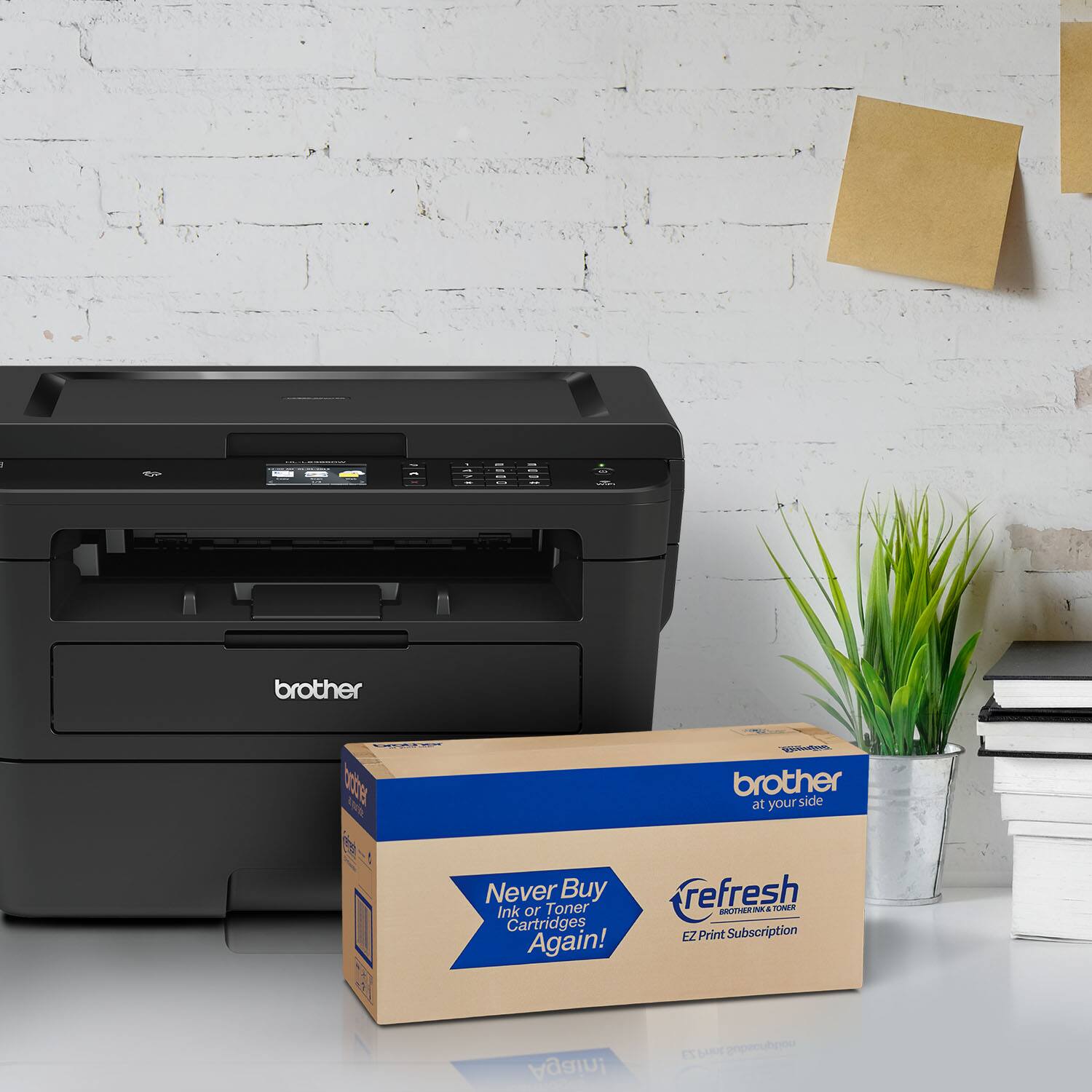
A:AnswerThe Brother HLL2395DW uses the following toner cartridges: TN-730 (Standard) and TN-760 (High Yield). The machine does use a drum unit the part number is DR730.
A:AnswerThe Brother HL-L2395DW does have a flatbed that can be used for scanning pages from books or magazines. The HL-L2395DW does not have an auto document feeder to scan multiple pages as the MFC-7240 does. The HL-L2395DW also does not fax documents.
A:AnswerThough your mobile hotspot may work for a wireless connection, Brother does not guarantee compatibility with the Brother HLL2395DW. We recommend that you connect your Brother machine to a wireless network using a router or access point.
A:AnswerJust to be clear, the amount of memory affects how many pages, etc you can scan; I can't scan more than a handful of pages before running out of memory...very frustrating.
A:AnswerWe are sorry that you are experiencing connection issues with your Brother HLL2395DW machine and we understand your disappointment. Our Brother Customer Support Team is on stand-by to provide quality products and service to our customers via online, email or live chat: www.brother-usa.com/brother-support