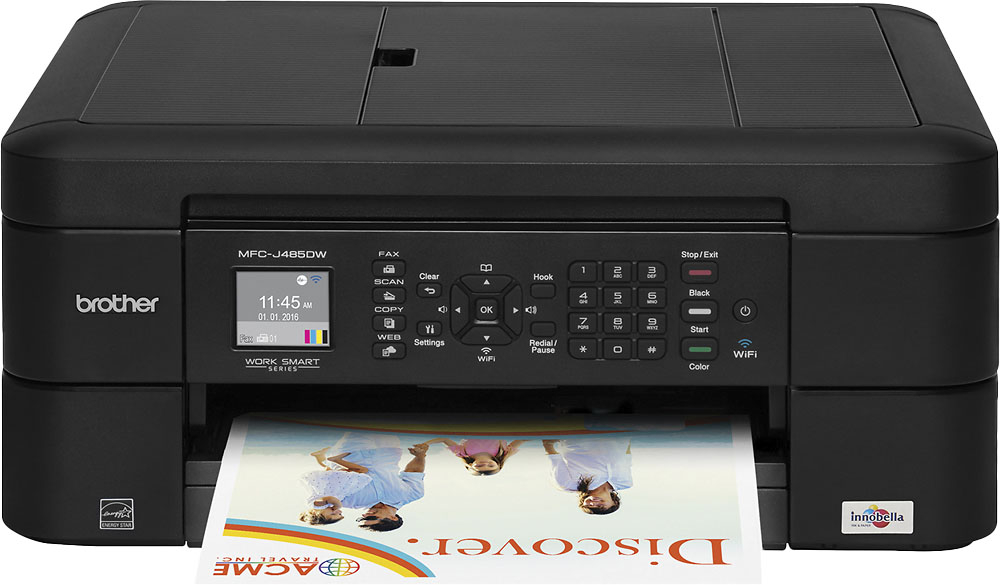
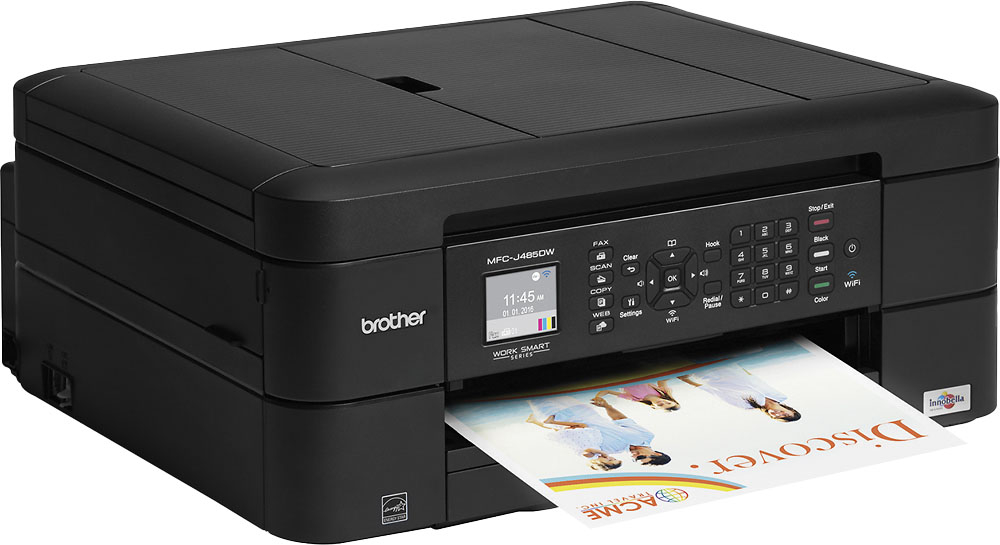
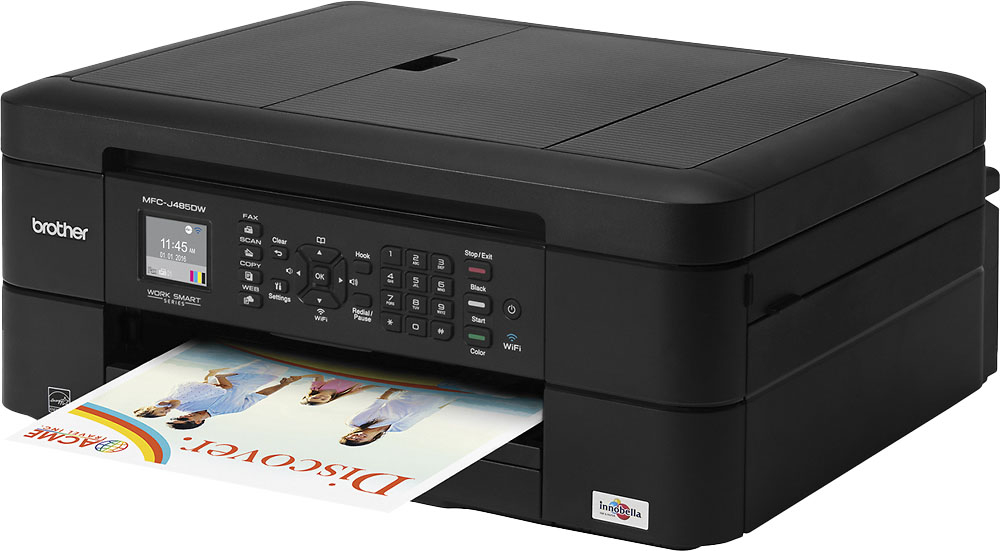
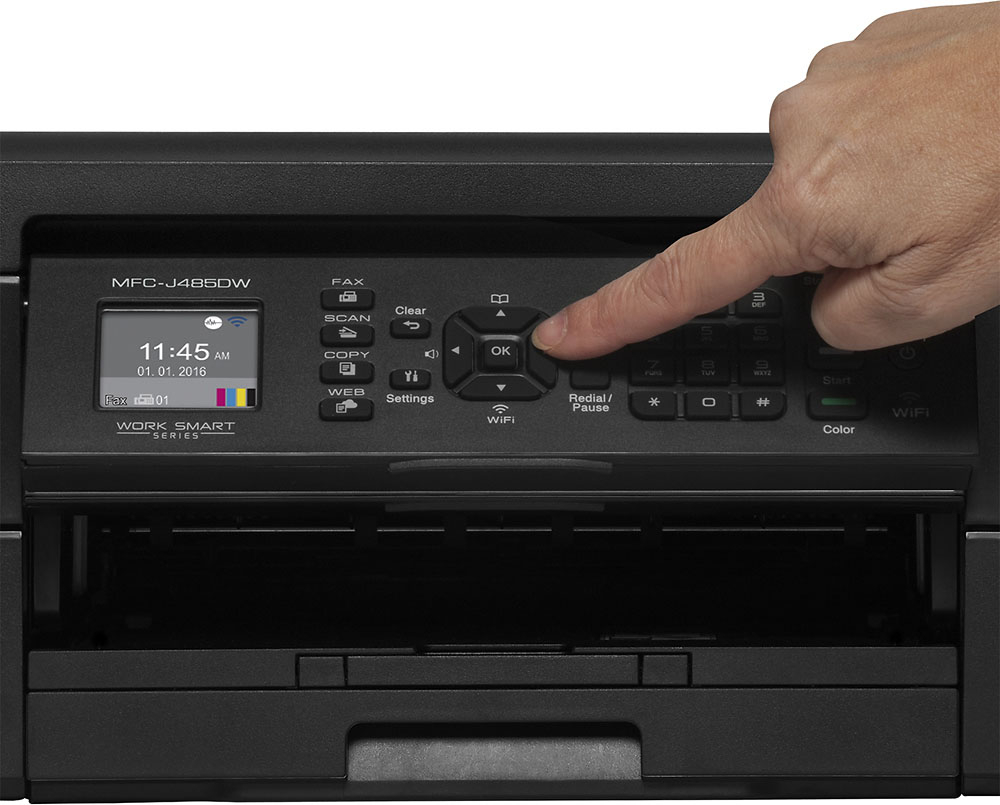
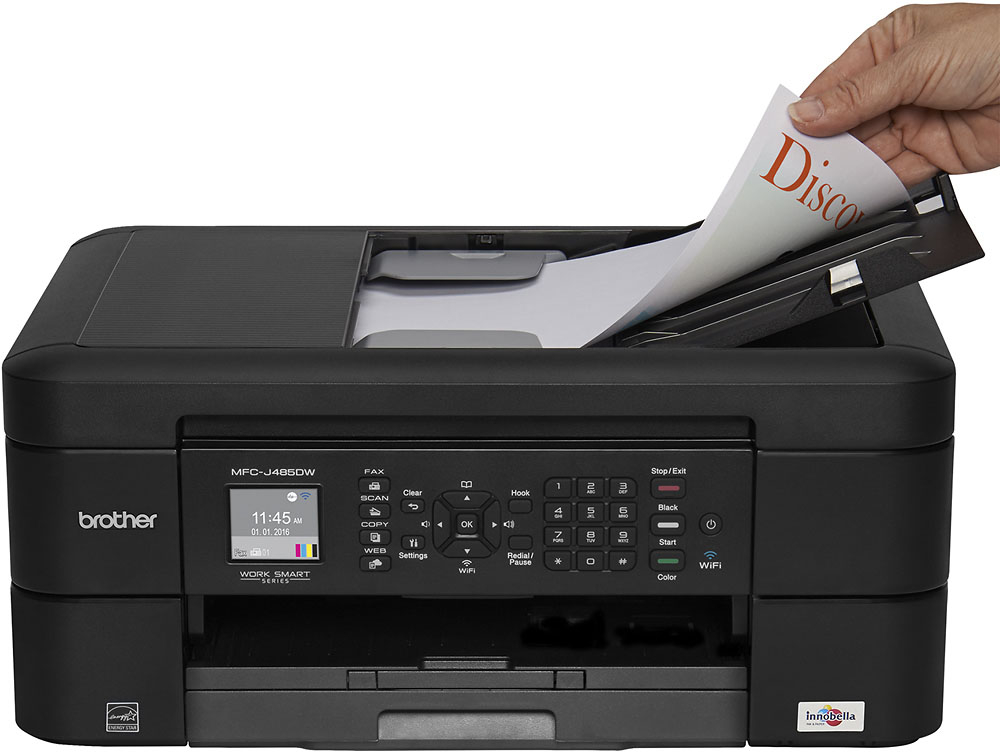
A:Answeryes the printer have auto feeder. Also print legal, letter, A4, A5, Executive, 4" x 6", A6, 5" x 8", photo L, 5" x 7", C5 envelope, Com-10, DL envelope, Monarch.
A:AnswerOurs is relatively new so I wish I could answer this question for you. Me personally I have always had issues with printers if you don’t use them often they don’t work well. I pray I have a better time with this one! So far so good.
A:Answeruse this link http://support.brother.com/g/b/downloadtop.aspx?c=us&lang=en&prod=mfcj485dw_us_as
then select mac and then the correct version for your os.
A:AnswerConnect your printer to the Jetpack. Any equipment that is connected to the same network (created by the Jetpack) should be able to print wirelessly. You may need to download and install the Brother iPrint&Scan software (true if you are using an Android product to initiate the print).
A:AnswerThe MFC -J480 is the older model of the MFC-J485. The spec on the printers are the same and they take the same ink. The MFC -J480 is not currently in production.
A:AnswerOn all of the ink printers that I've had (and I've had many over the years) you sometimes you have to insert the ink container and then remove it and shake it a bit and then put it back for it to set itself. Also, sometimes the area where the ink comes out gets clogged - even on a new container - and a quick wipe with a bit of alcohol will clean it up.