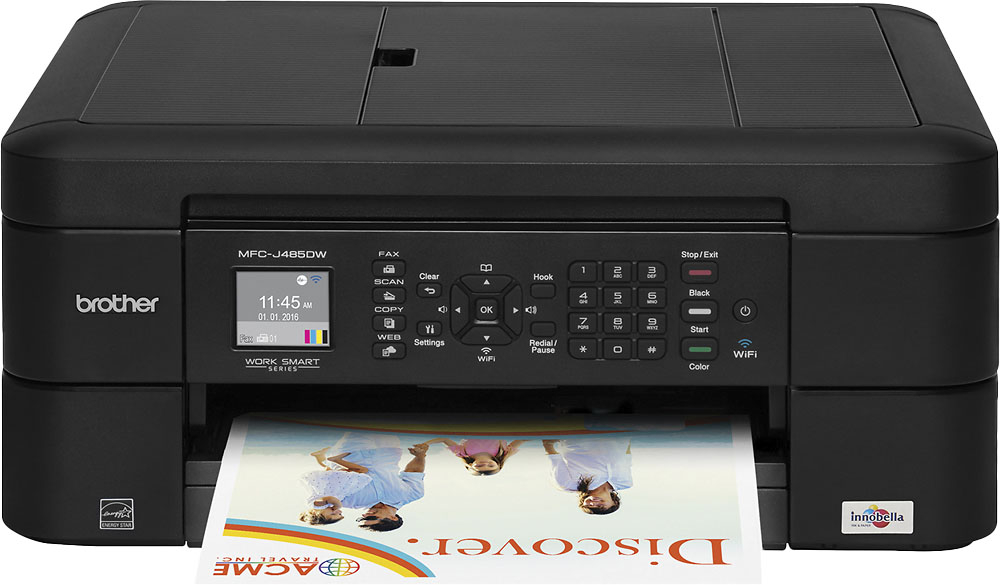
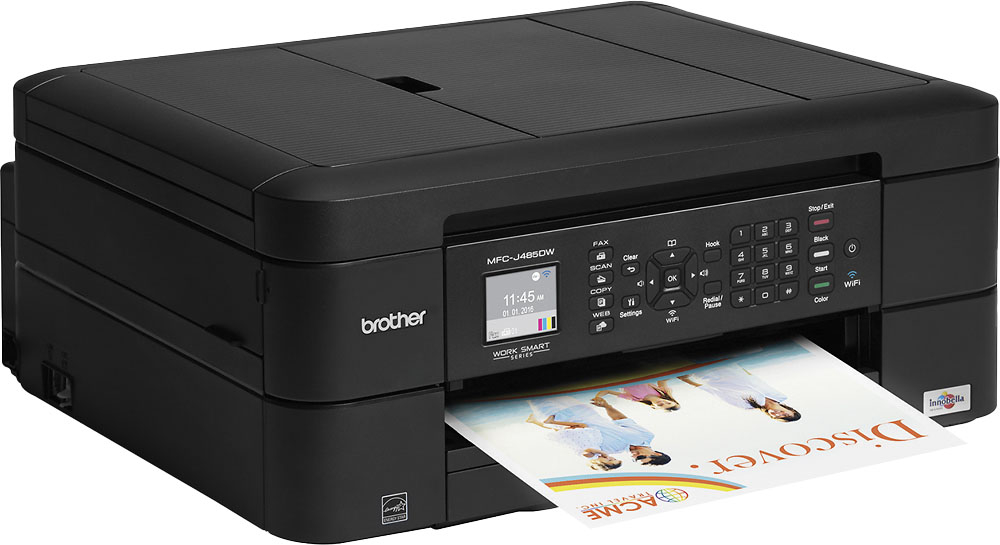
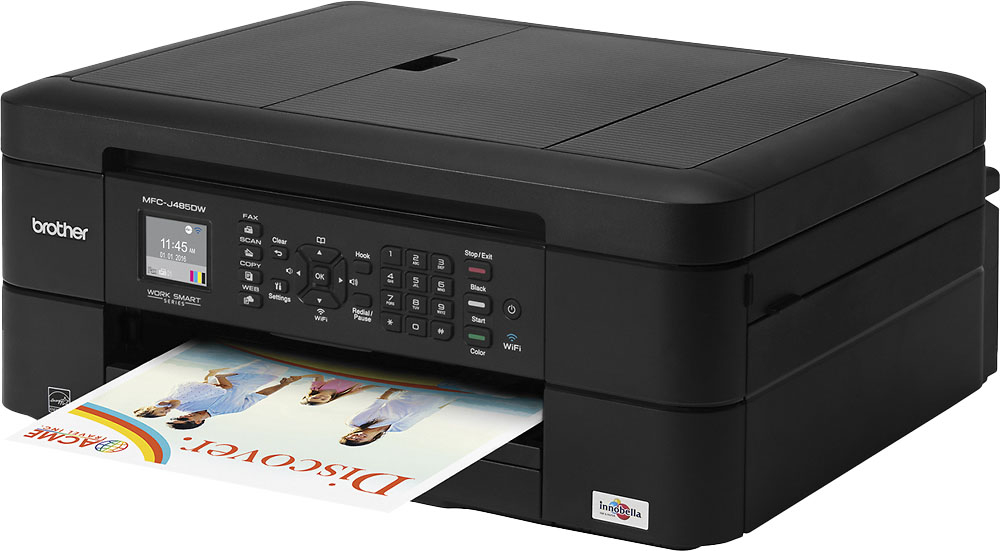
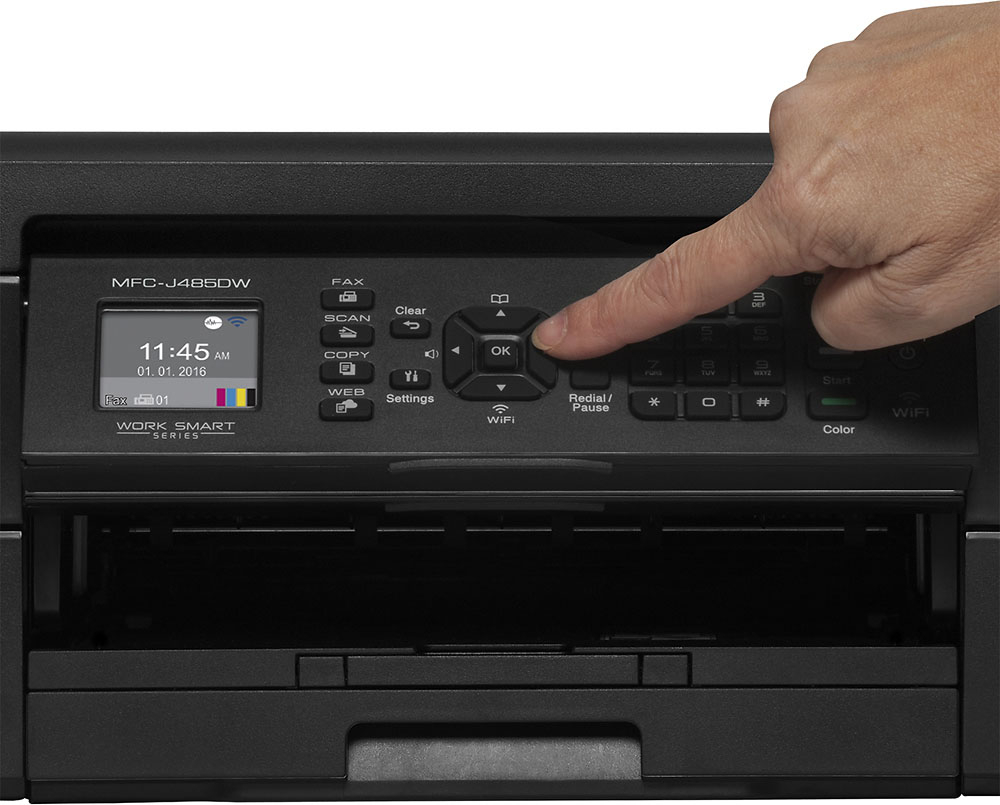
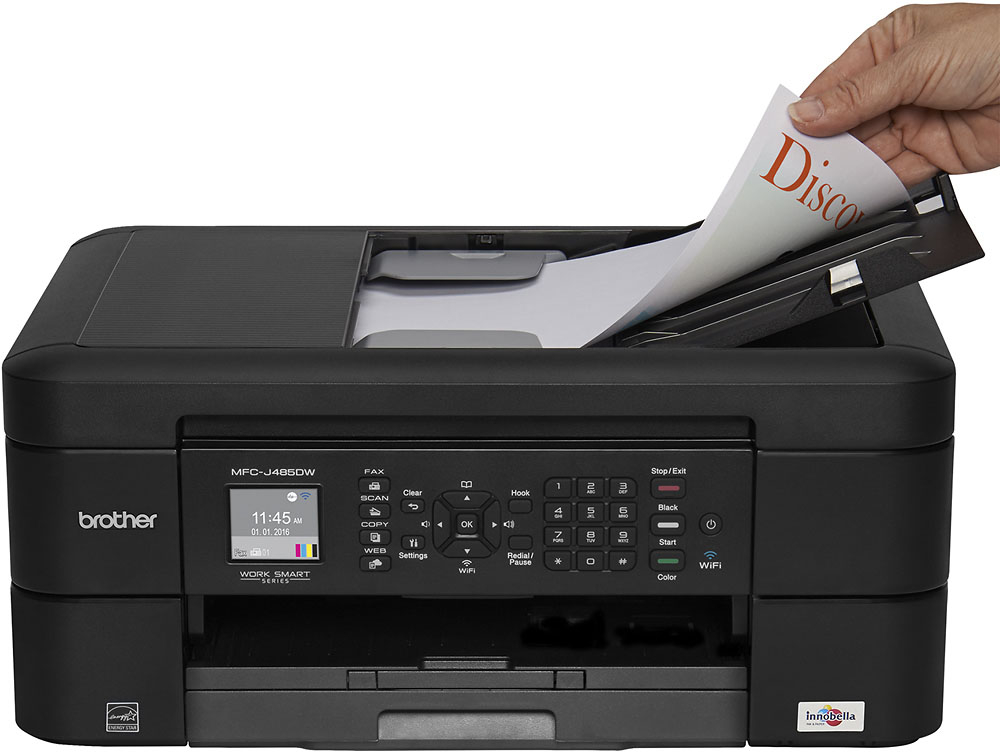
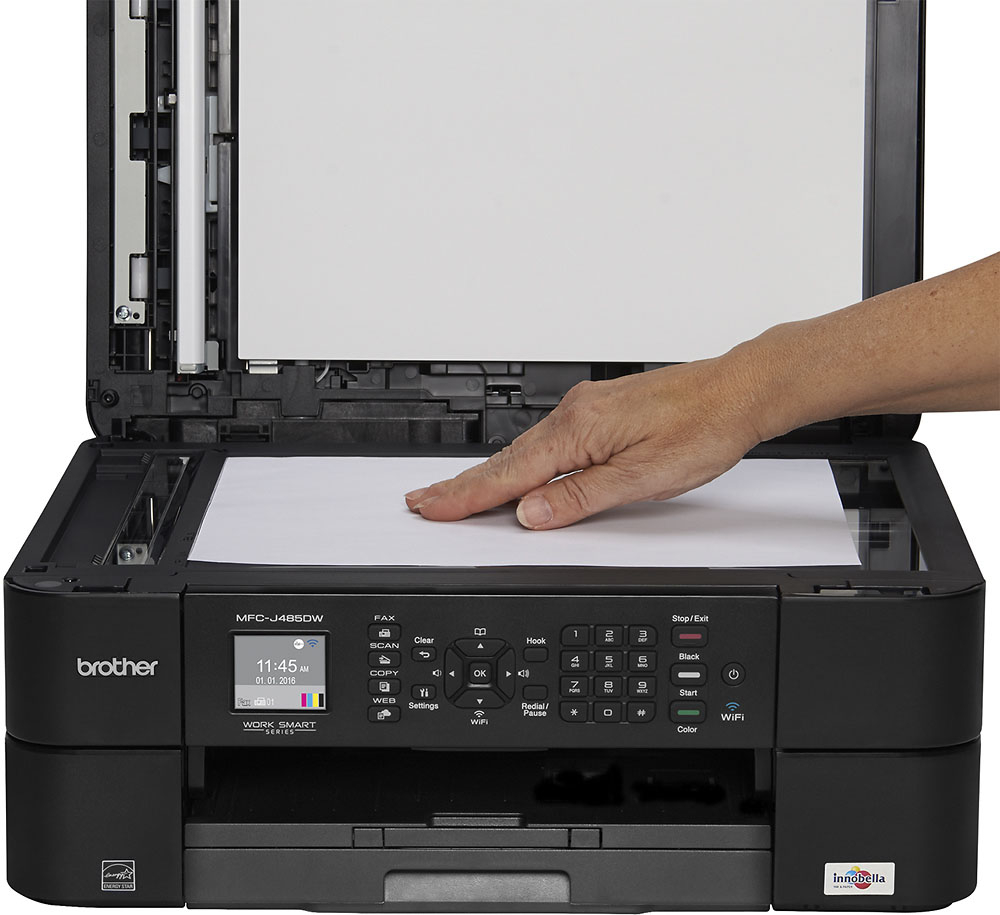
A:Answer Setting up the wireless can be done on the LCD interface on the printer or using Control Center 4. Right click on Control Center icon on your task bar, click Open, click Device Settings tab, Remote Setup. You can manually setup the network settings here.