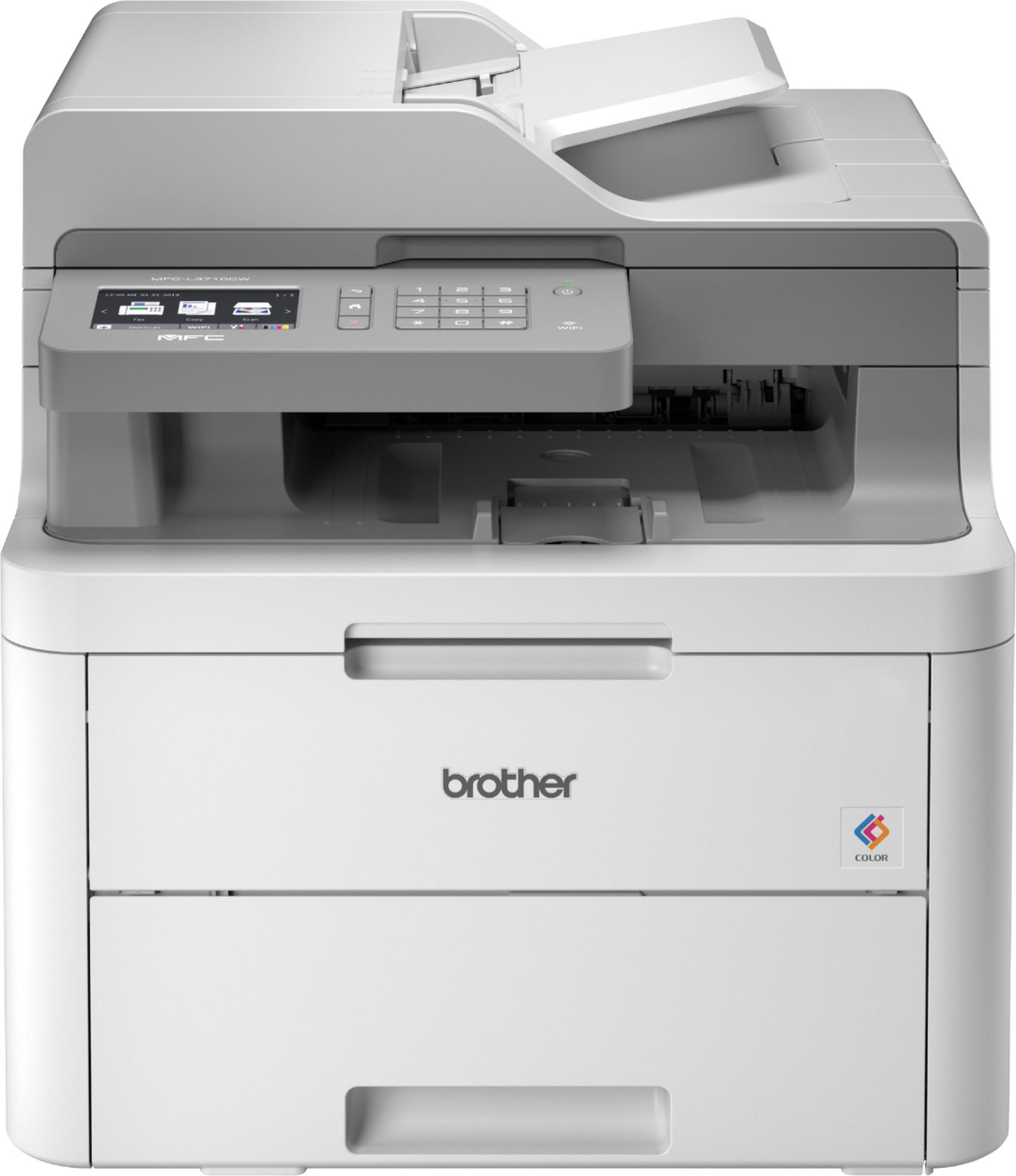
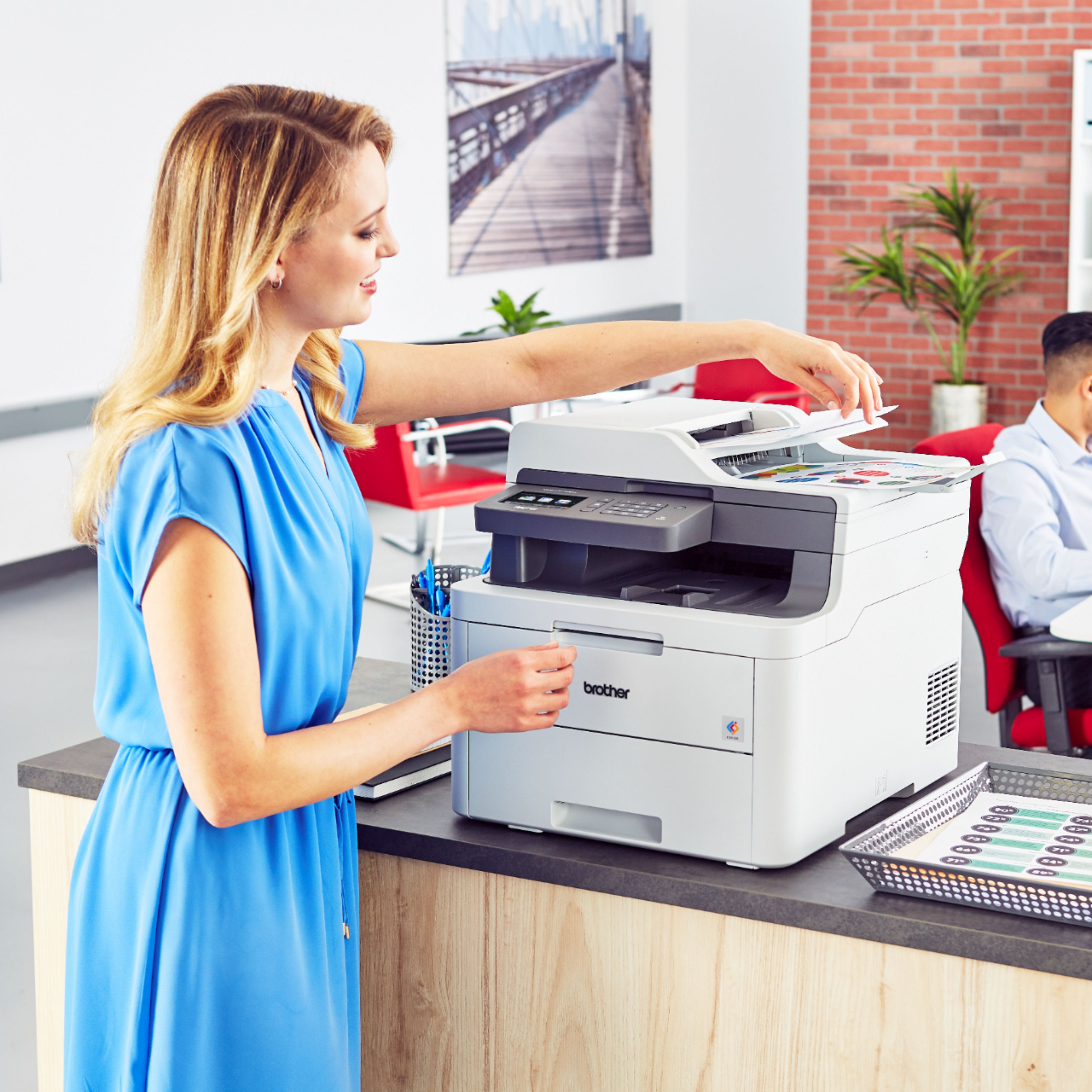
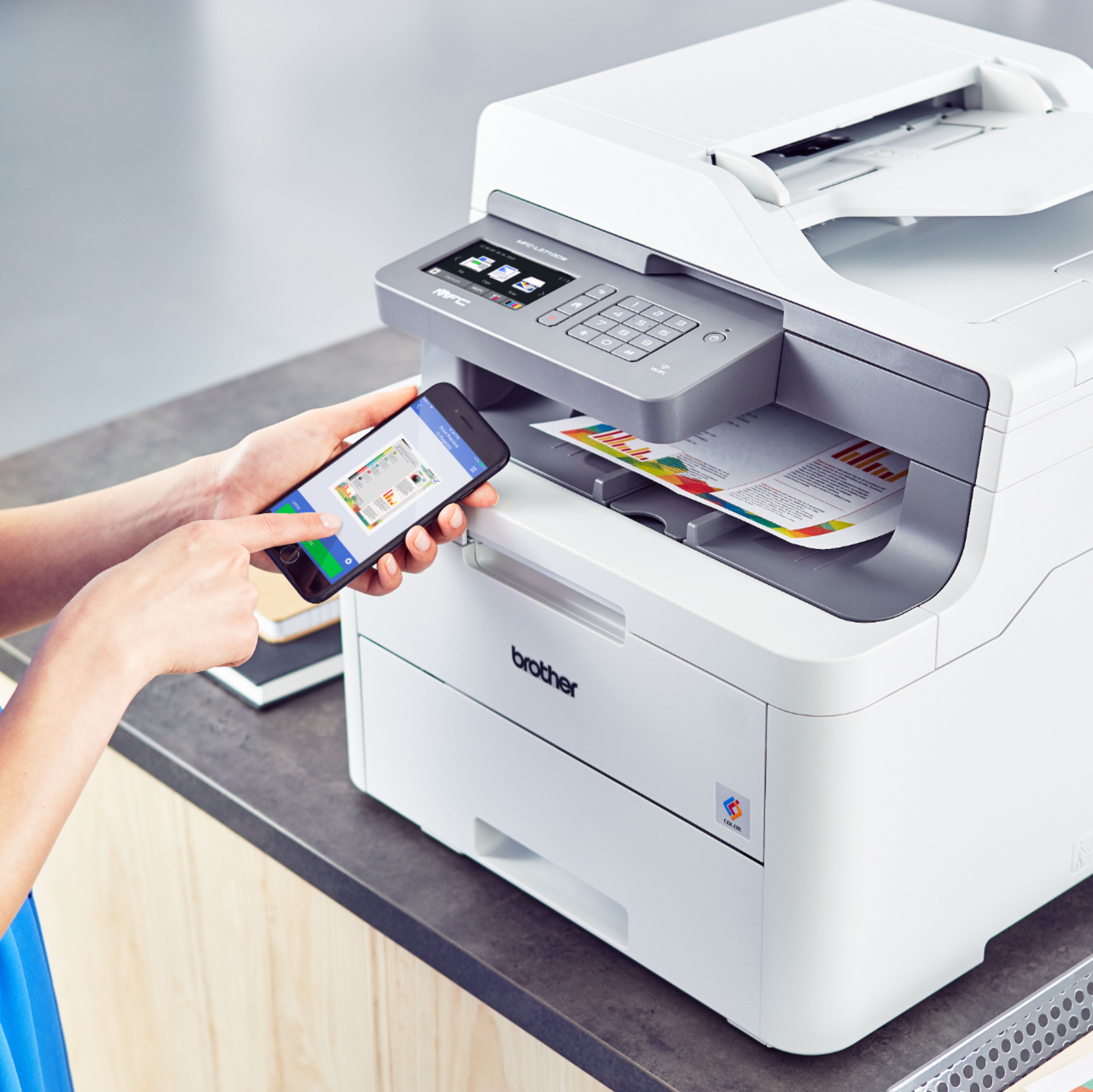
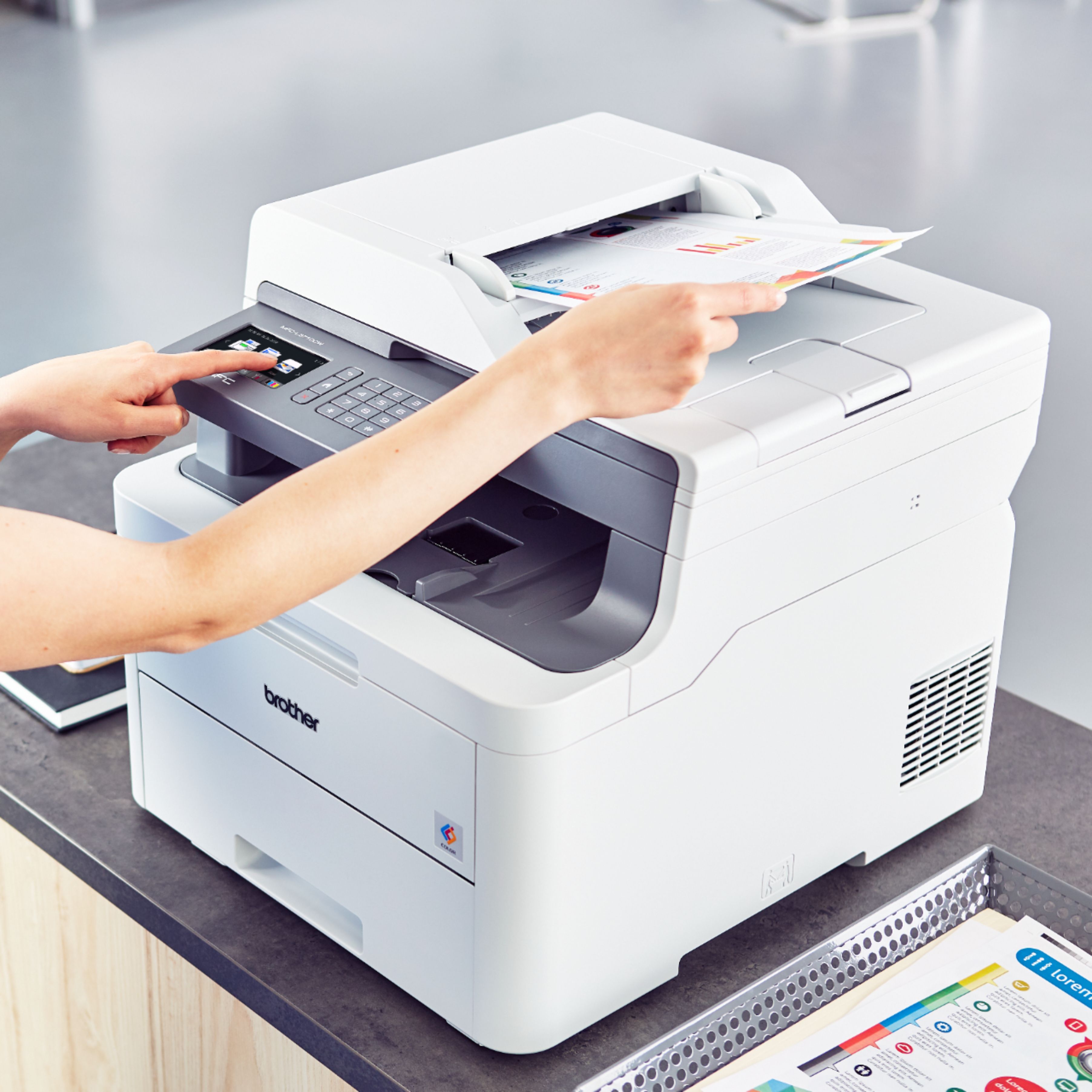
A:AnswerUnfortunately the Brother MFCL3710DW machine is not able to automated duplex print. You will need to manually flip the page. Our models that are automated duplex printing has a D in the suffix. The D stands for Duplex Printing.
A:AnswerYes, the Brother MFCL3710CW machine is compatible with Apple OS 11 Big Sur, the M1 chip is supported by Brother Iprint&Scan. You can also check our Brother MFCL3770CDW machine.
A:AnswerWe don't currently offer Google Chrome OS-compatible printer or scanner drivers. However, you may print to your machine using the Google Cloud printing feature with the MFC-L3710CDW.
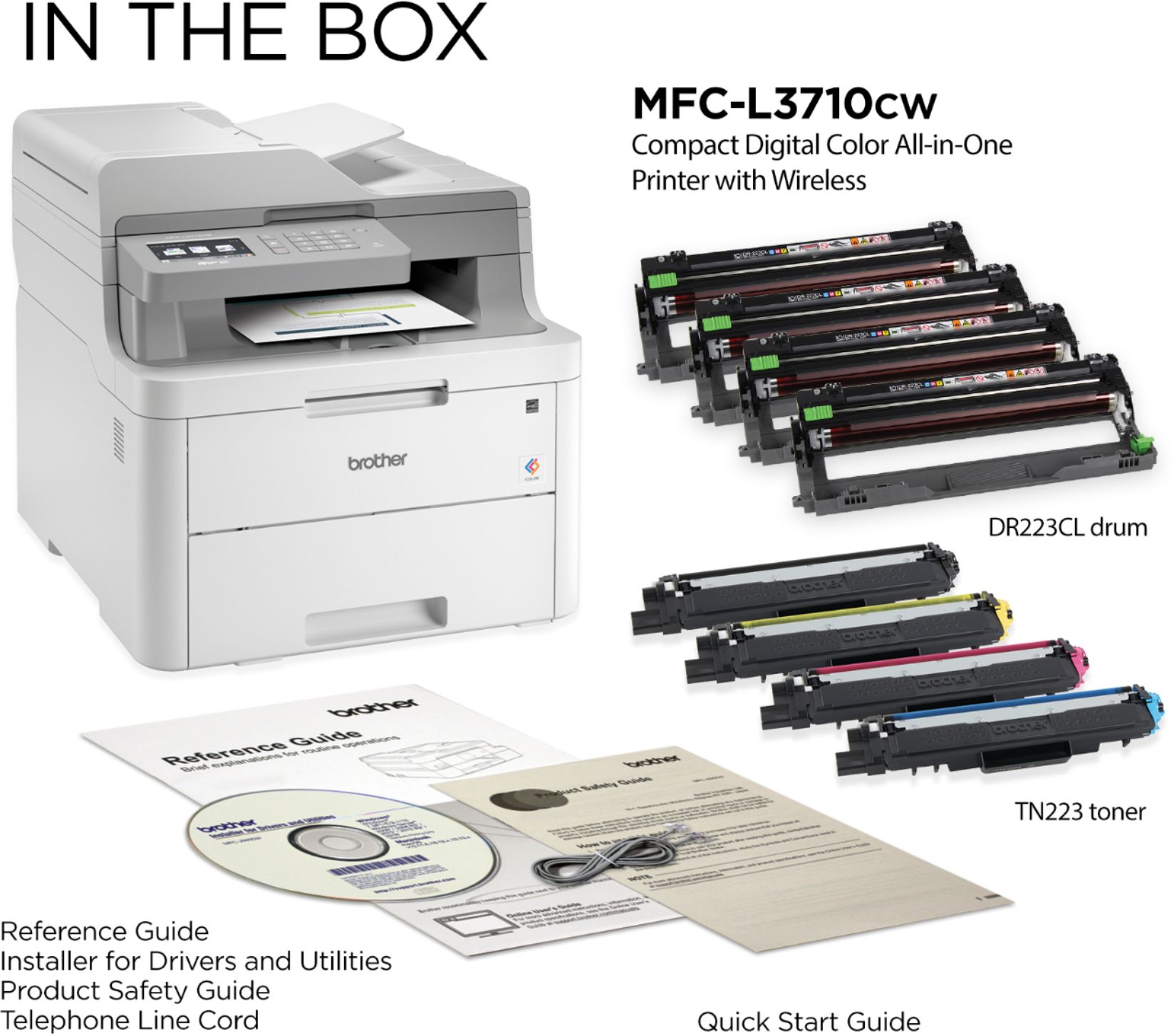
A:AnswerUsing non-Brother toners may cause hardware performance, print quality, and machine reliability issues. Genuine Brother toners are designed to work at pre-set temperatures that are matched exactly to each of our individual toner formulations. Brother recommends that our customers use only genuine Brother drums and toners for best results.
A:AnswerWe are sorry that you are unhappy with your cartridge purchase. Please verify you have purchased a new Brother Genuine cartridge by following the steps on this website: https://www.brother-usa.com/supplies/ink-and-toner/security
If you have any questions about your Genuine cartridge, please contact Brother customer service at www.brother-usa.com/support.
A:Answerthis printer is great with microsoft edge, but will not print using the Chrome browser. called their support group and after waiting about 30 minutes the tech put me on hold several more times and finally sad i needed to call the Makers of Chrome ??. i pulled up Edge and went to a websight and it worked ok.
i like the printer and it is very quite. i had windows Vista and it was the worst version that microsoft ever came out with by far. i would not guess that it would work with Vista?