Questions & Answers
- Model:
- MFC-J497DW
- |
- SKU:
- 6239806
Q: QuestionCan you print shipping labels
Asked by Anonymous.
- A:Answer Brother doesn't recommend using the MFC-J497DW to print labels due to the likelihood of them becoming dislodged in the paper path causing damage. Brother's limited warranty doesn't apply to any issues caused by attempting to print labels with this machine.
Answered by Brother

Q: QuestionI do not want wireless, can the printer connect to my desktop?
Asked by Sanni.
- A:Answer Yes, the Brother MFC-J497DW can connect with a Hi-Speed USB 2.0.
Answered by Brother

Q: QuestionHow does this scan with a Chromebook?
Asked by ReallyNeedAScanner.
- A:Answer We don't currently offer Google Chrome OS-compatible printer or scanner drivers for the Brother MFC-J497DW. However, you may print to your machine using the Google Cloud printing feature. Refer to how to "Register and Print using Google Cloud Print", for your model. We don't offer support for scanning to your Chrome OS device or Chromebook.
Answered by Brother

Q: Questiondoes ink come with a new printer ?
Asked by Anonymous.
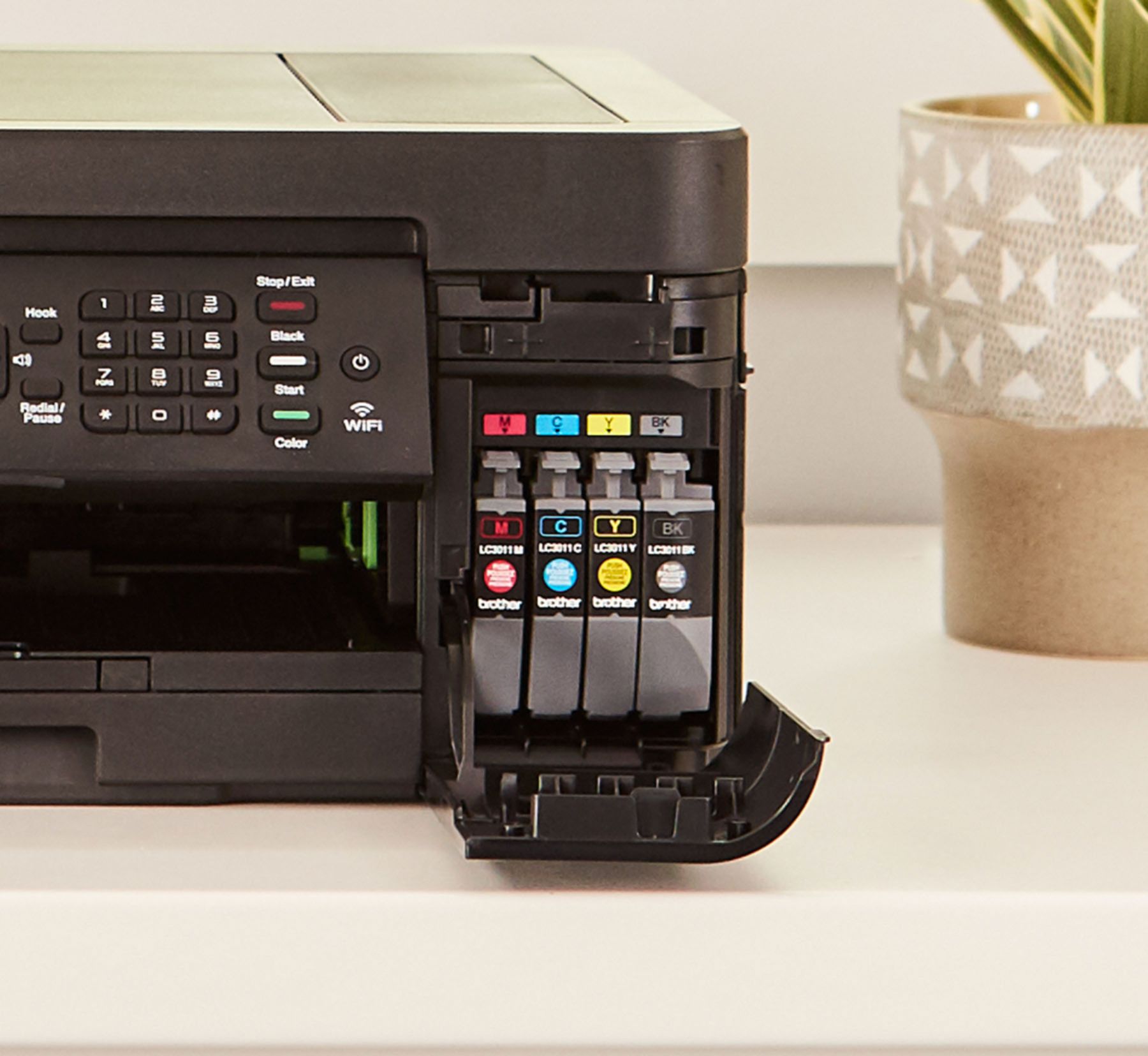
- A:Answer Brother J497dw comes with 3 color and 1 black cartriges. They are basically starter packs so you can print out the box
Answered by Anonymous
Q: Questionwhat is print speed for a standard 8.5 X 11 page of text?
Asked by jim.
- A:Answer The maximum print speed for color is 6 and the maximum print speed for black is 12 on the Brother MFC-J497DW.
Answered by Brother

Q: QuestionWhat are the dimensions of this printer?
Asked by SandyM.
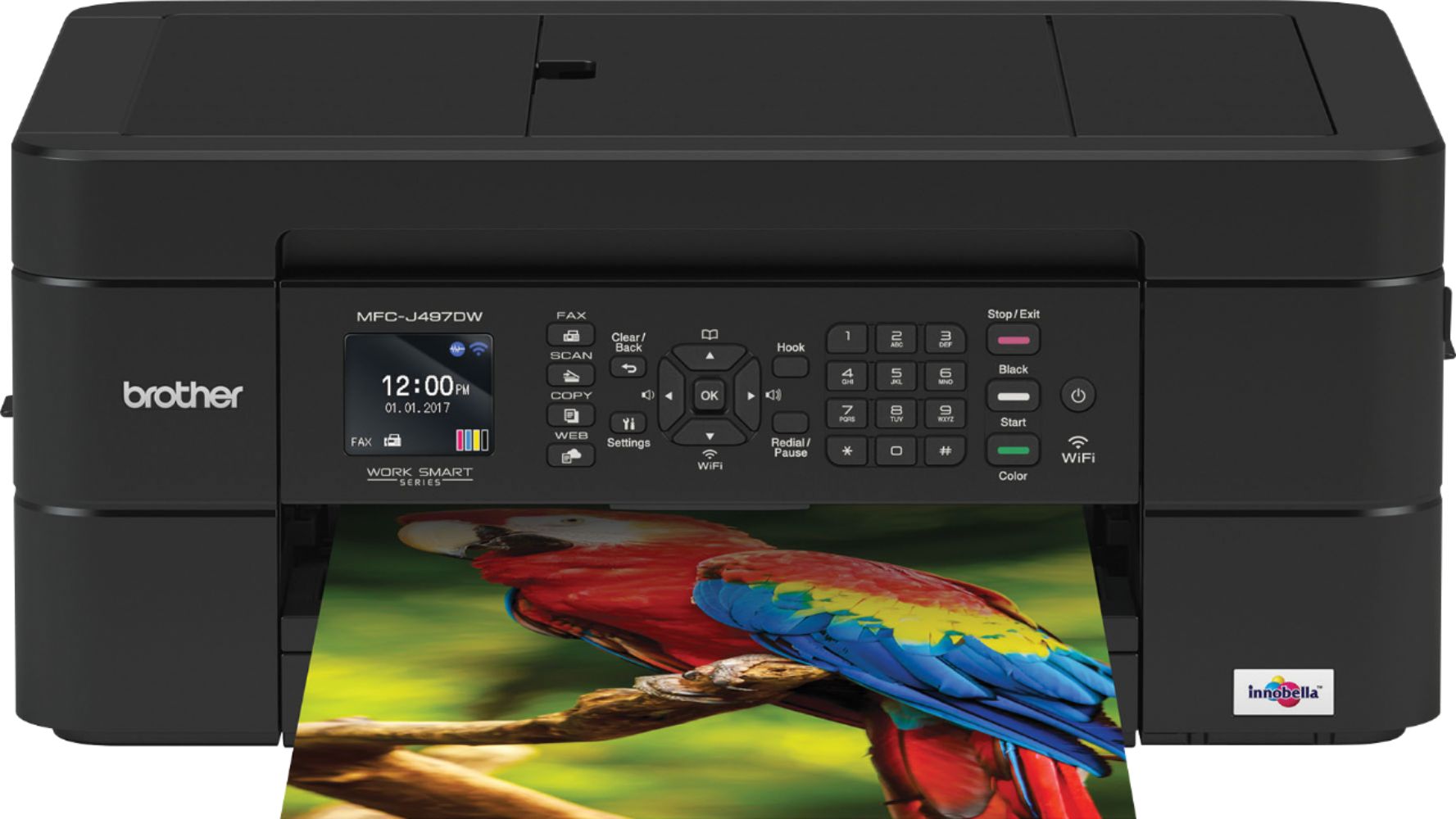
- A:Answer The Brother MFC-J497DW unit dimensions 15.7" x 13.4" x 6.8".
Answered by Brother

Q: QuestionCan you print using USB in addition to wifi? And does it support special characters from a wifi password, the + sign?
Asked by Jack.
- A:Answer Yes, it supports both. Look for instructions on opening the printer to connect the USB cable.
Answered by VandaddyG
Q: QuestionDoes it come with ink?
Asked by Patti.
- A:Answer Yes, the Brother MFC-J497DW comes included with LC3011BK/C/M/Y Black, Cyan, Magenta, Yellow Starter Ink Cartridges.
Answered by Brother

Q: QuestionWill this printer print on sublimation paper for heat press transfers?
Asked by LilBit.
- A:Answer The Brother MFC-J497DW does not have a sublimation feature.
Answered by Brother

Q: QuestionCan you email a scanned document from the printer?
Asked by Dinesh.
- A:Answer Yes.
Answered by Dove50
Q: QuestionWill the printer accept sublimation ink?
Asked by Pam.
- A:Answer No, the Brother MFC-J497DW does not accept sublimation ink.
Answered by Brother

Q: QuestionIs ink included
Asked by Ffgg.
- A:Answer Ink was included when I purchased it! Ink is expensive & even buying 3rd party ink on Amazon is still quite a bit more than other printers....However I should tell you, with my HP all in one printer(s), I’ve had quite a few, any time there was a windows update my printer took a dive but brother has held up with no issue even through the problemsome updates revolving around the windoes10 upgrades.
Answered by BlondeoDoll
Q: QuestionDoes this printer come with starter ink?
Asked by Anonymous.
- A:Answer It does come with ink . But then you have buy more. They provided the fist ink
Answered by Morena11
Q: QuestionDoes this have Sublimation features?
Asked by TinaB.
- A:Answer No, the Brother MFC-J497DW does not have Sublimation features.
Answered by Brother

Q: QuestionMay I bring my old printer to be recycled?
Asked by cinzia1.
- A:Answer Brother International currently has a recycling program in place for Brother branded consumable items. For example, used Drum Units, Toner and Ribbon Cartridges, Ink Cartridges and P-Touch Tape Cassettes.
Answered by Brother

Q: QuestionDoes this print transparencys?
Asked by Jay.
- A:Answer For the best print quality, we recommend using Brother paper with your Brother MFC-J497DW. Brother paper can be purchased directly from Brother by going to http://www.brother-usa.com. Here is a FAQ that may help. https://help.brother-usa.com/app/answers/detail/a_id/149554?R3ModelID=MFCJ497DW
Answered by Brother

Q: Questiondoes this printer print in black only
Asked by Roy.
- A:Answer No, I purchased one a few weeks ago and it is a full color printer.
Answered by Steve
Q: QuestionDoes this printer use LC 201 black ink cartridges?
Asked by Anonymous.
- A:Answer This printer uses LC3011 series ink
Answered by Kaybriant
Q: QuestionWhat are the dimensions when it's in use, including any feeder ramps or paper trays? I'm going to keep it in a desk cubby and need to check if the dimensions work.
Asked by Wendy.
- A:Answer With the ADF open, the Brother MFC-L497DW is 8.9 inches tall. With the paper tray catch extended, the Brother MFC-L497DW is 18.7 inches deep. And the machine is 16.2 inches wide.
Answered by Brother

Q: QuestionCan this printer print on cardstock paper? Is this inkjet or laser?
Asked by Nads.
- A:Answer The Brother MFC-J497DW is a Inkjet and max size that it can handle is 58lbs.
Answered by Brother

Most-viewed items
- $1,299.99$1,299.99The price was $2,999.99
- $329.99$329.99The price was $469.99
- $149.00$149.00The price was $399.00
- $249.99$249.99The price was $379.99
- $159.99$159.99The price was $179.99
- $199.99$199.99The price was $349.99