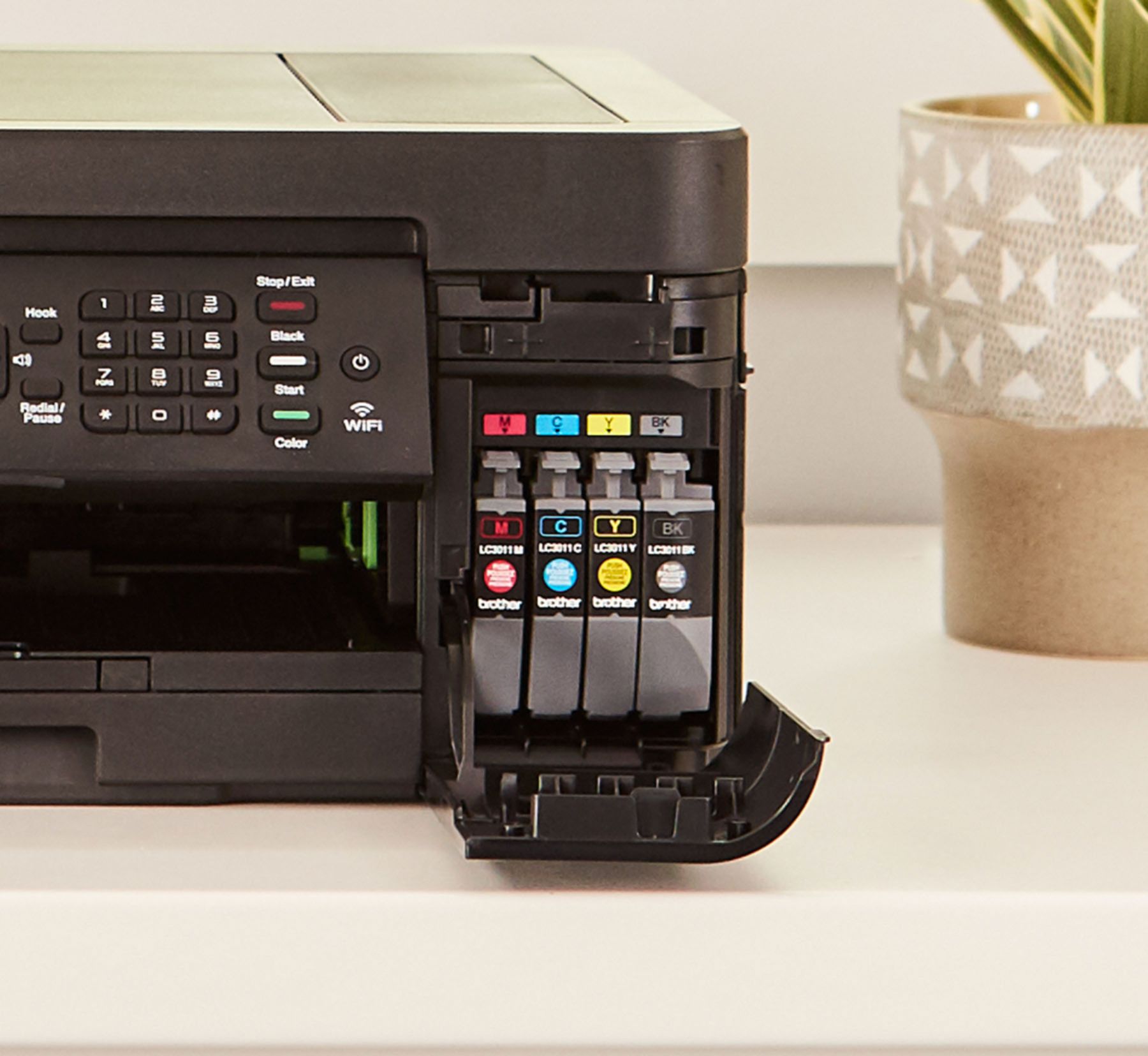
A:AnswerYou COULD, but I would recommend against it simply because I lost a great Brother printer after doing that! Ink seeped inside and I had no idea until it quit. Not repairable (and in fact, the repair would have cost more than the printer). I thought it was just leaking a bit so mopped it up and shut the cartridge door. Big mistake! So--- it's a gamble and while printers are cheap, this one is not worth killing for trying to get cheaper ink. But it's your call. (BTW, this is a great little printer and I for one, want to protect it so it will last and last- I hope!)
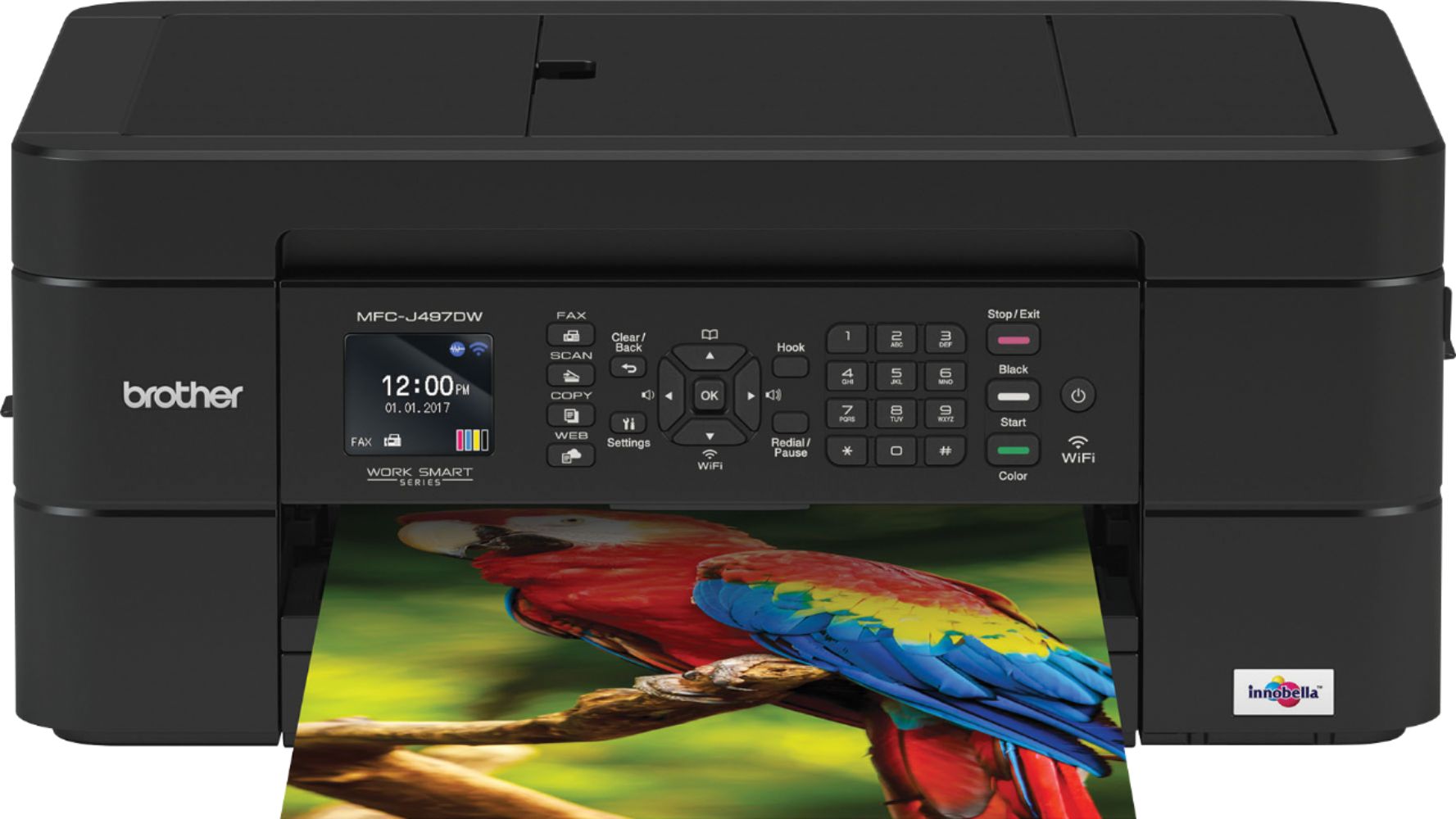
A:AnswerThe Innobella LC3011 and LC3013 ink cartridges for the Brother MFC-J497DW has a shelf life of three-years from the date of production.
To ensure optimum print quality, Brother highly recommends that you use the ink cartridges prior to the use before date printed on the packaging.
Ink cartridges that are opened on, or just before, the use before date should be used and replaced within six months after they are installed.
If the print quality becomes poor, we recommend that you replace the ink cartridge with a new ink cartridge.
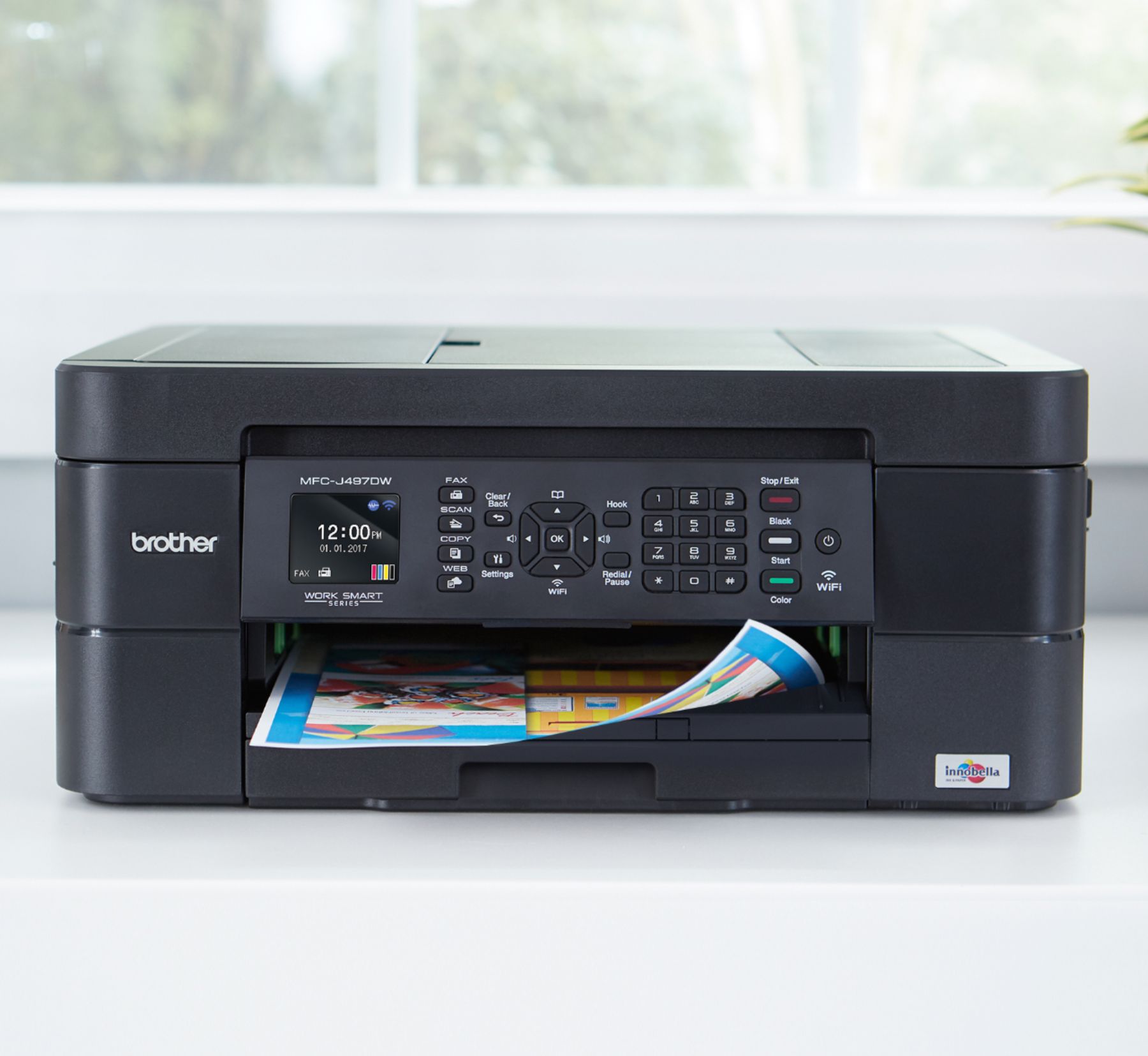
A:AnswerYes, there is an option on the printer screen that gives you the option to do either.
You can also choose to enlarge or reduce on your computer when after hitting the button to print and the print utility is displayed.
From there you have resizing options along with color or black and white, two sided printing and more.
A:AnswerYour computer can be connected to the 5 GHz band network and be able to print or scan (depending on your machine's specifications), to the Brother MFC-J497DW connected to the 2.4 GHz band.
A:AnswerI'm using this exact setup right now. There is a plug in inside the printer which goes via USB Cable directly to the computer. USB 2.0 Cable Type A/B
A:AnswerWhile it is under warranty, it is recommended to use Brother’s refillable cartridges. The price for Brother refillable cartridges at Best Buy is very reasonable compared to other stores. I would not use generic brands.