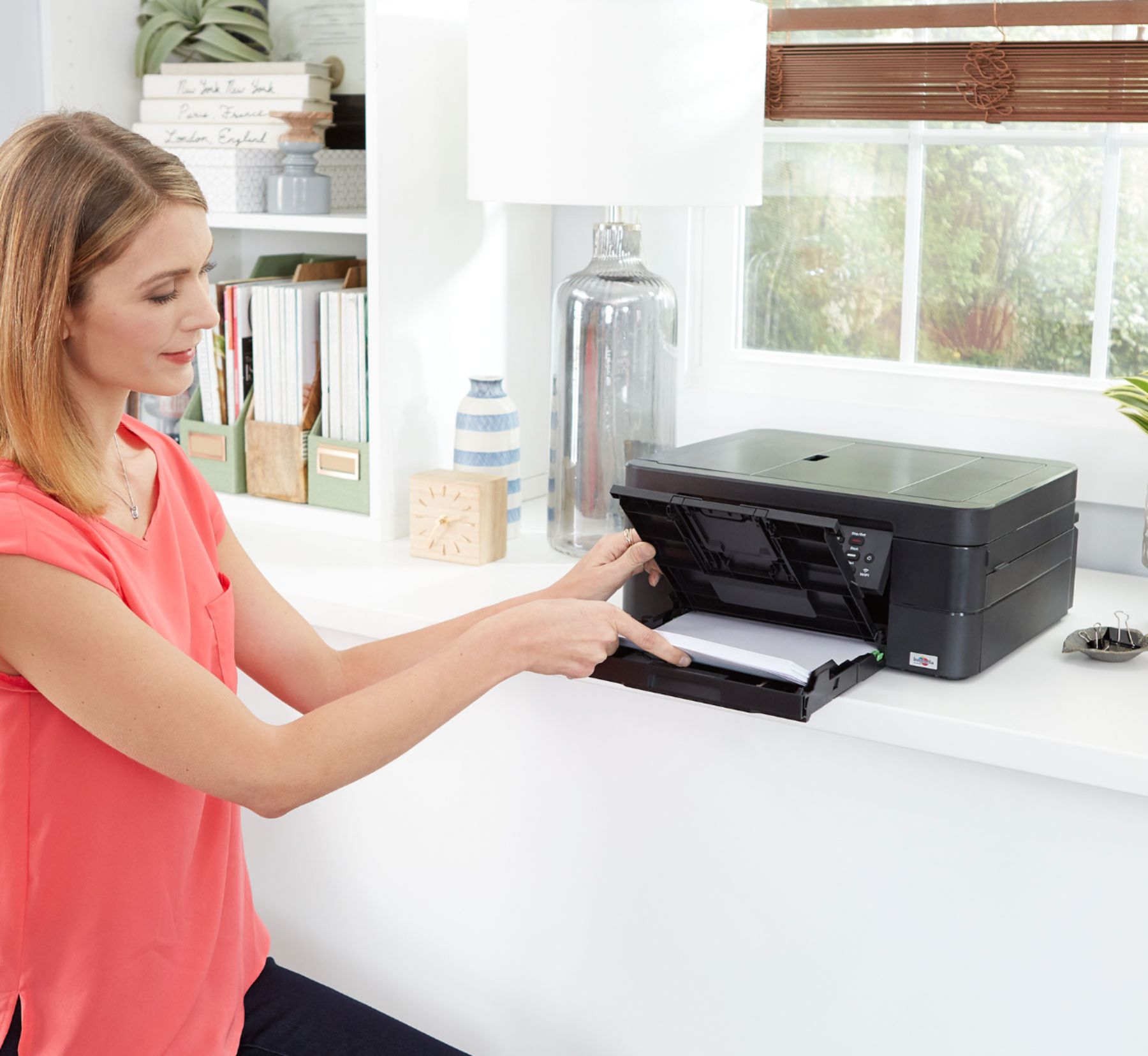
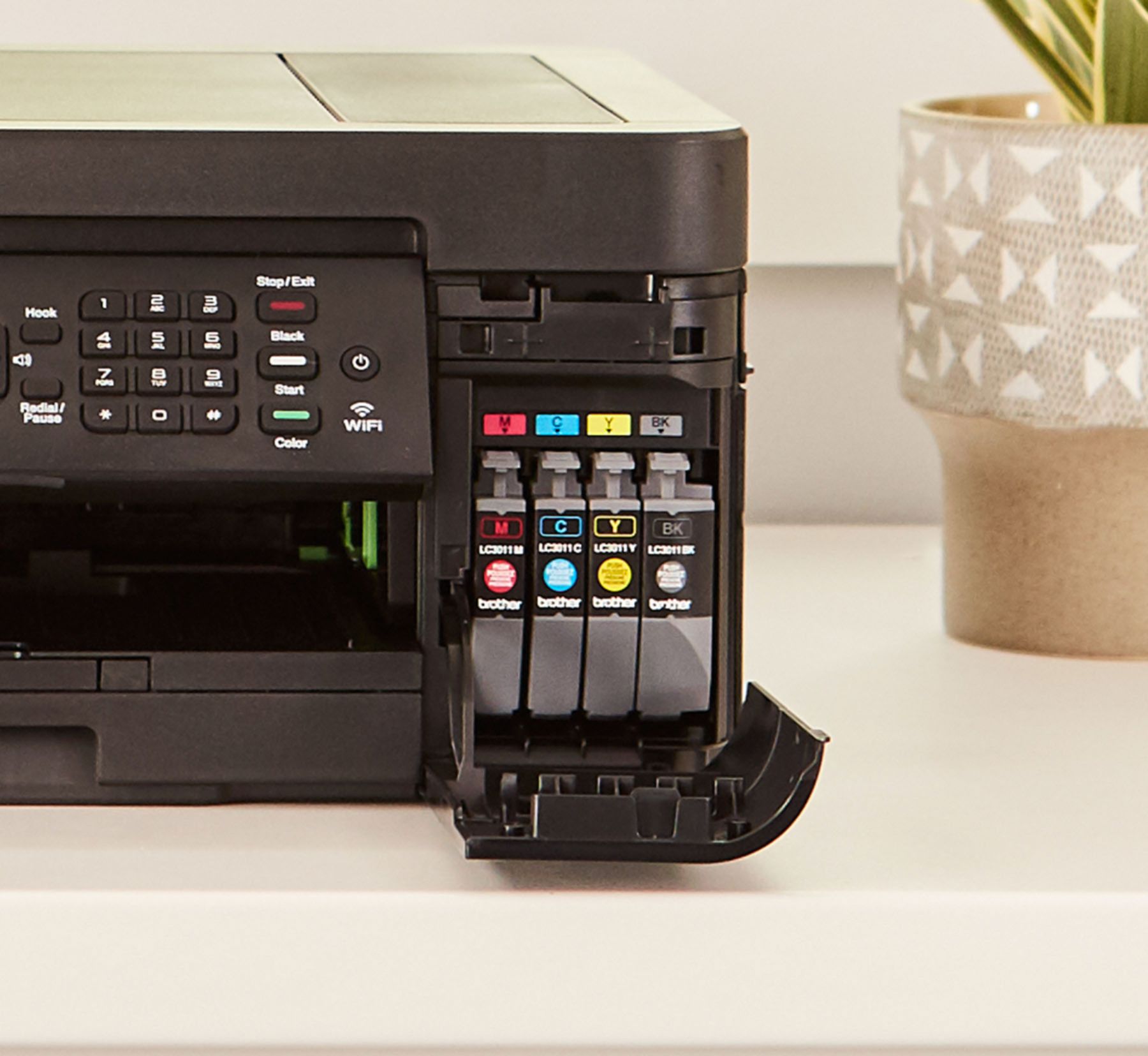
A:AnswerInstall the software supplied on your computer. Have your router password available if you need it. Follow the directions. You may need to go to your computer device manager to make sure it is selected as your primary printer. Run a test print to confirm connection.
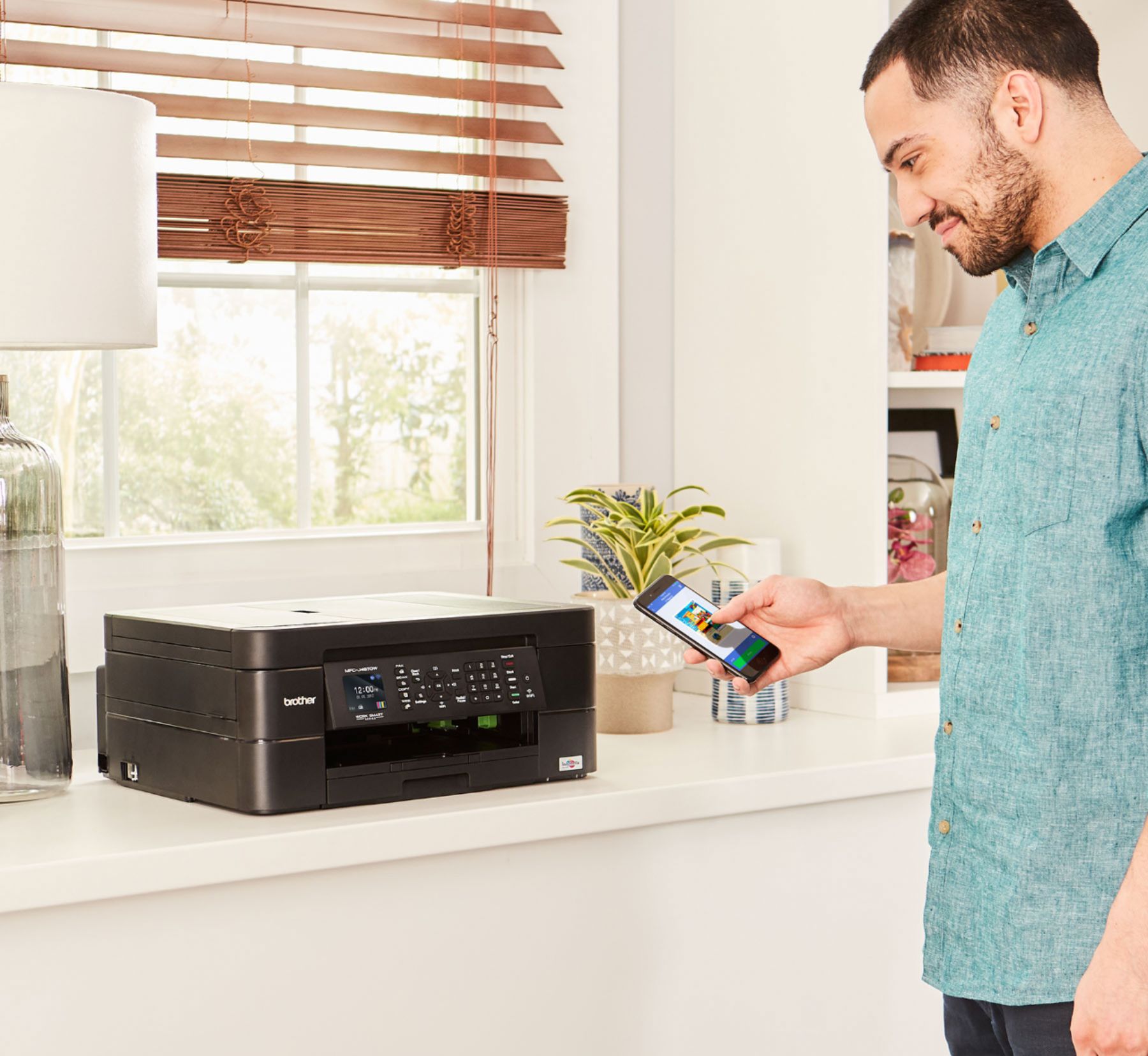
A:AnswerThe Brother MFC-J497DW can use Wi-Fi Direct to configure a secured wireless network between your machine and a mobile device without using a router.
A:AnswerThis printer is compatible with Windows 10; if your HP device has a hard drive then it will be able to download and install the .exe (executable file) to install this printer.
A:AnswerYes you can log onto the device web interface and check status.
But you should have status monitor software that came with it.
It runs in the notification area.