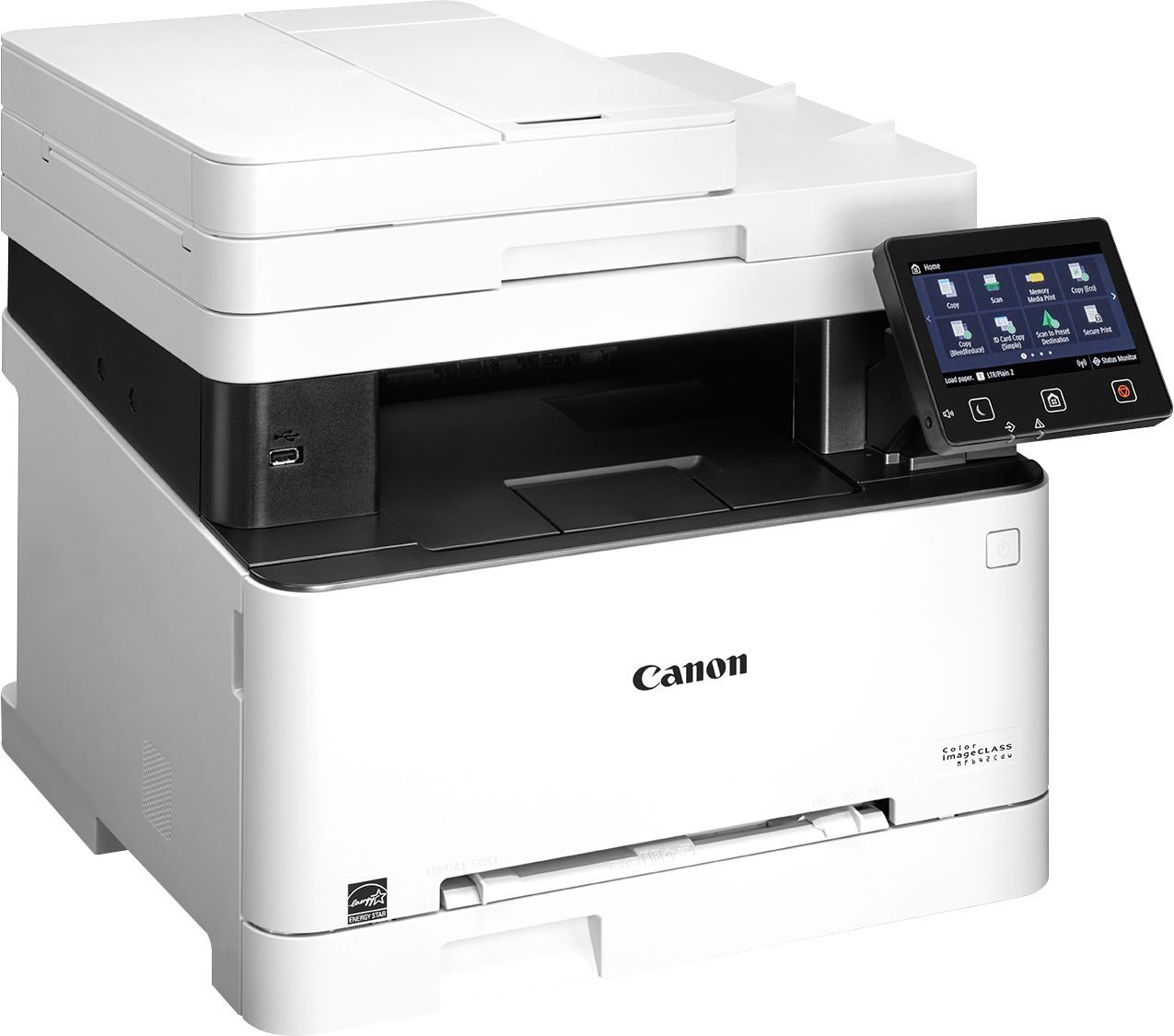
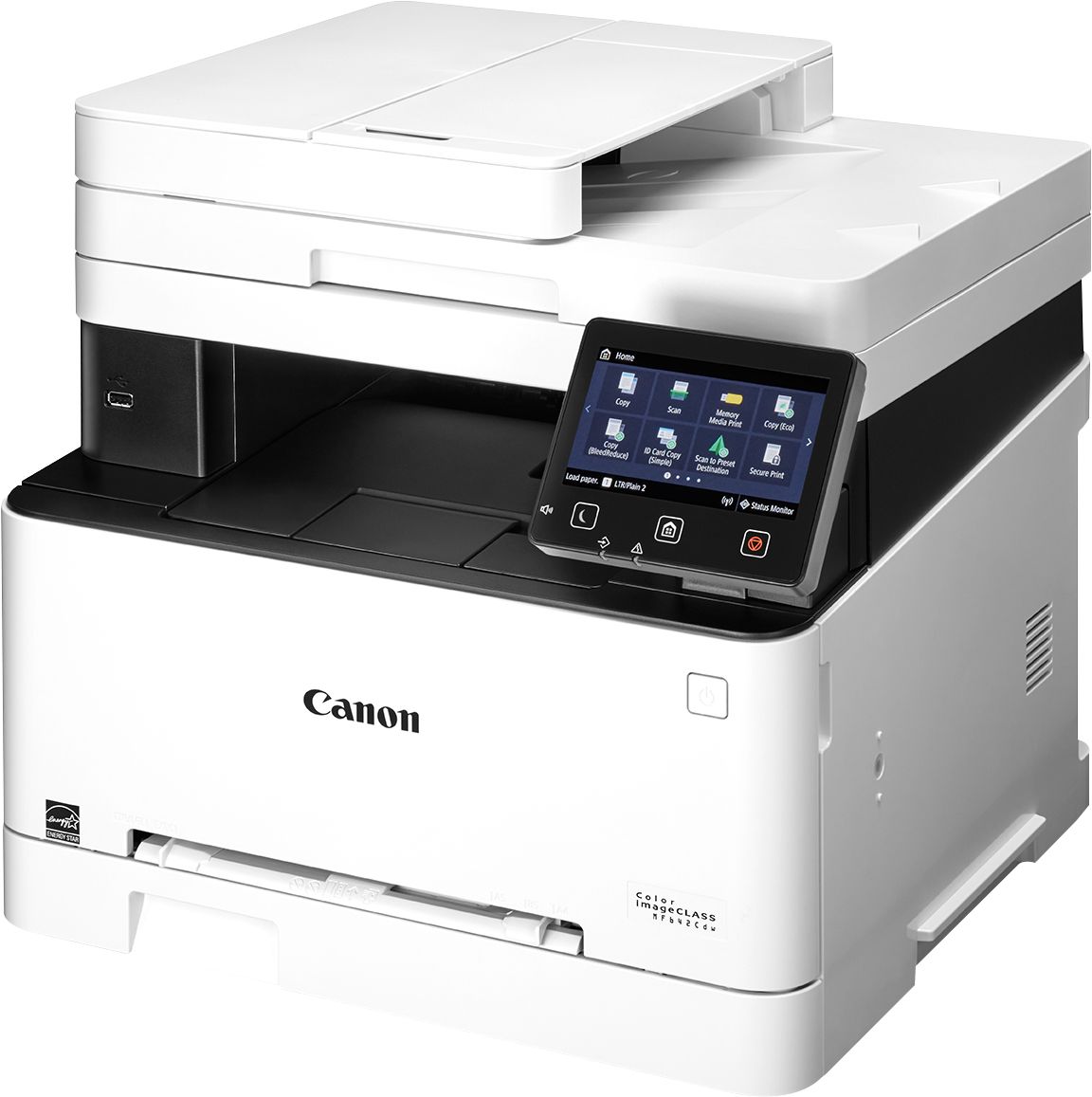
A:AnswerIt's got a Standard paper holder. But it also has a Manual Feed slot for other types of paper.
The manual slot can handle 4.1 x 5.8 inches to 8.5 x 14 inches.
A:AnswerThe cartridges come in two sizes - standard (054) and High Yield (054H). Per multiple websites, the High Yield output is, 3,100 Pages for (1) cartridges 054H black toner cartridge and 2,300 Pages for each of the 054H color toner cartridge at 5% coverage. The standard 054 cartridges are less at, Page Yield: 1,500 (black toner) and 1,200 (color toner) pages. The printer comes with starter cartridges which yield less. I have yet to use all of the cartridges the printer came with.
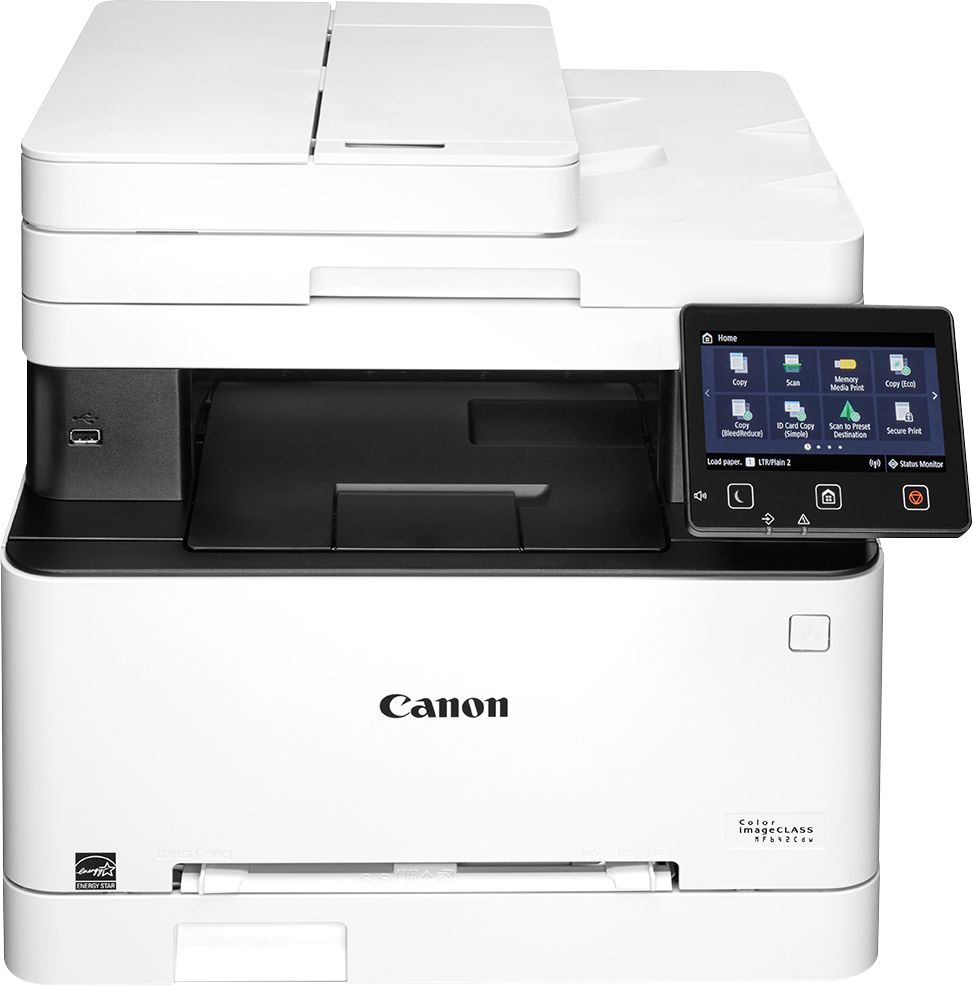
A:Answeri just tried it on mine they went threw fine but the scan Image are distorted on a few prints. you would be better if you lay them out on the flat bed. i have lay 3 to 4 prints depending on size on the flat bed then just crop them. that way i did one scan and got 3 to 4 pictures done.
A:AnswerYes it is laser and decent quality. both color and black print. I have used it to print from my android and it has a very quick connection. I have Canon print service app and works well.
A:AnswerNo it can't. It does not come with a modem or phone jack. This model does not even have a fax option. So no, despite what others have said, it does not fax.
A:Answerremove all the cartridges and clean the cartridge heads by sliding the slider back and forth along the cartridge. Also, damp a soft cloth or paper towel with a bit of rubbing alcohol and clean the bottom of the cartridge tray prior to replacing them.