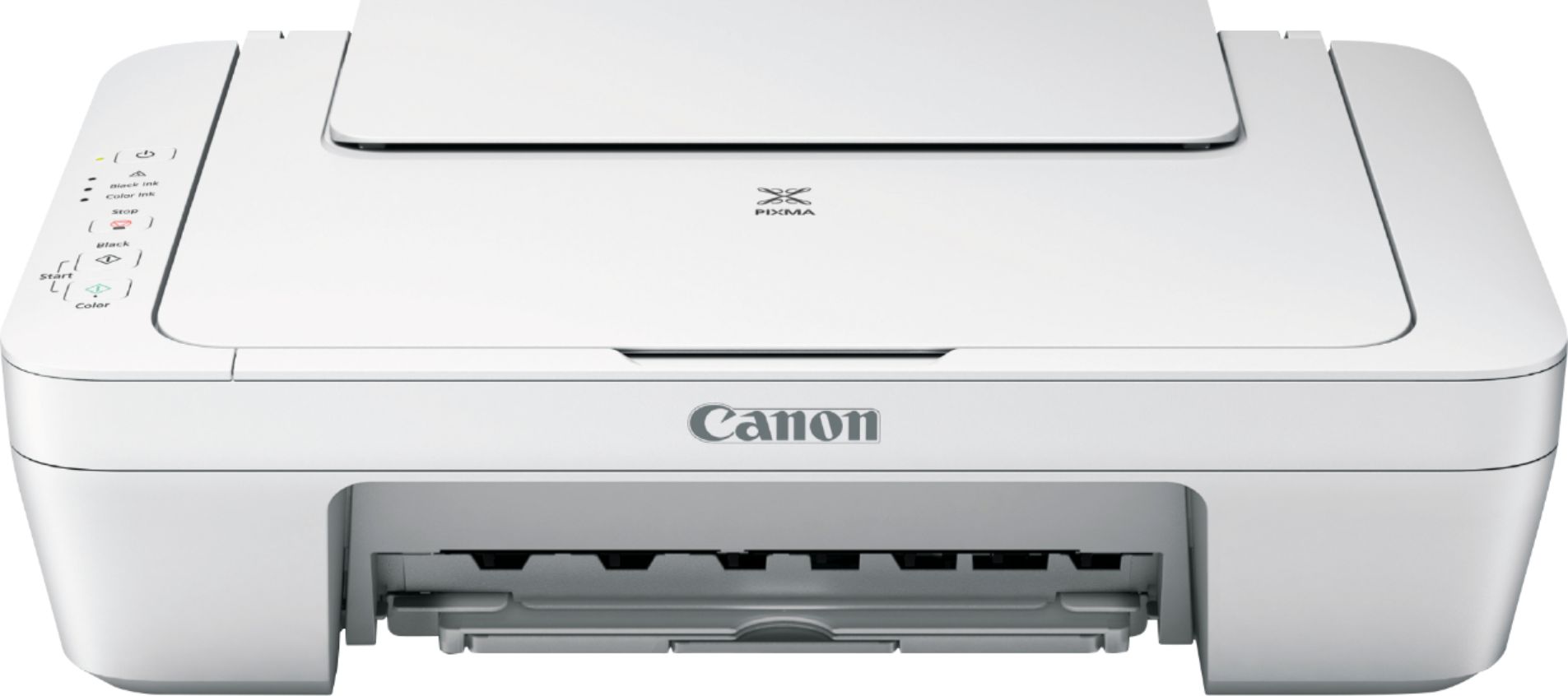
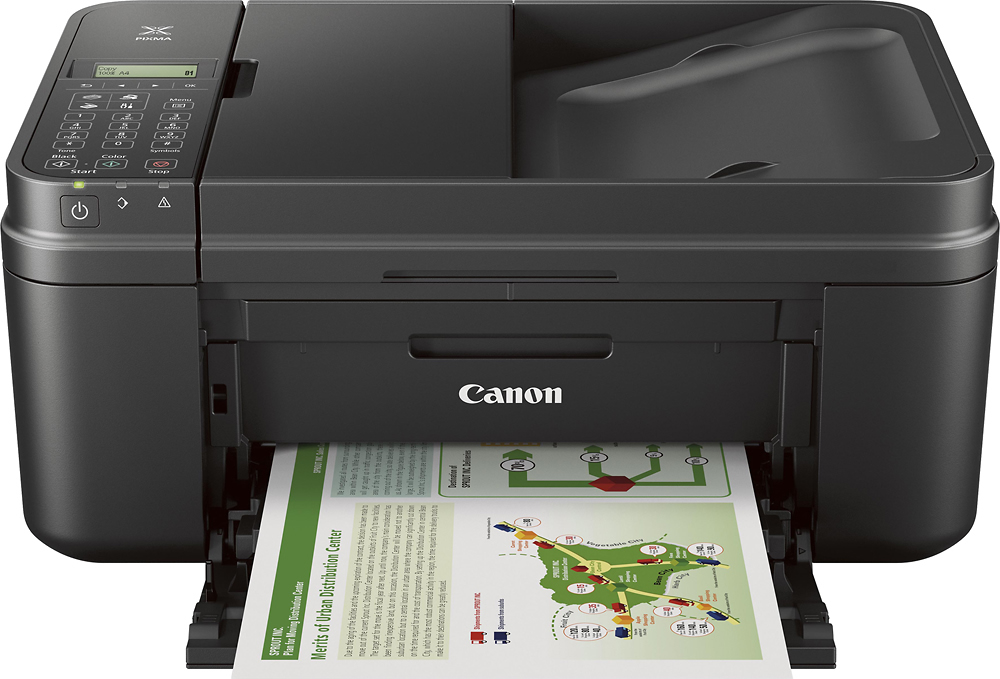
A:AnswerI have mine wired to my desktop and I have not seen nothing in the manual about wireless. There is no display screen, no networking capability, only USB connection. The Canon Pixma MX492 is wireless
A:AnswerNo, but that isn’t needed if the PC it is connected to is on the same WiFi network as the printer. “Share” the printer, install the Canon “Printer” app and ptint something using that app. Thereafter your iPhone can print from any app with “Print” in its “Share” menu (box with upward arrow).
A:AnswerDo your scanning via the Canon “IJ Scan Utility.” It can save PDF documents, graphic [picture] formats or OCR text (which, like most OCR software, is less than perfect).
A:AnswerNo, this model is not iPhone compatible. You would probably want a portable printer such as the Canon - PIXMA iP110 Wireless Printer - Black
Model:9596B002.