A:AnswerNo. It uses a different series of inks. It appears Canon does that on purpose to sell more ink and to discourage 3rd party suppliers getting into their business. After all it is obvious Canon doesn’t make a lot of money on printers.
A:AnswerI am having difficulty with printing from my phone s9+ and galaxy tab 3. And galaxy a20. And galaxy tab a. And g pad f 8.0 2nd generation
Prints fine from all.in.one pc.
Cannon says it's a samsung problem
Samsung says it is a cannon problem
Or it may be an app error
And sometimes it works and sometimes not. Seems to be a problem with reading the size of paper between printer and device
A:AnswerYes it does work. I set up My Samsung Galaxy A10e to use the printer. Downloaded the Canon print app on phone, set phone and printer on same Wi-Fi setting from router, the phone connected to the printer.
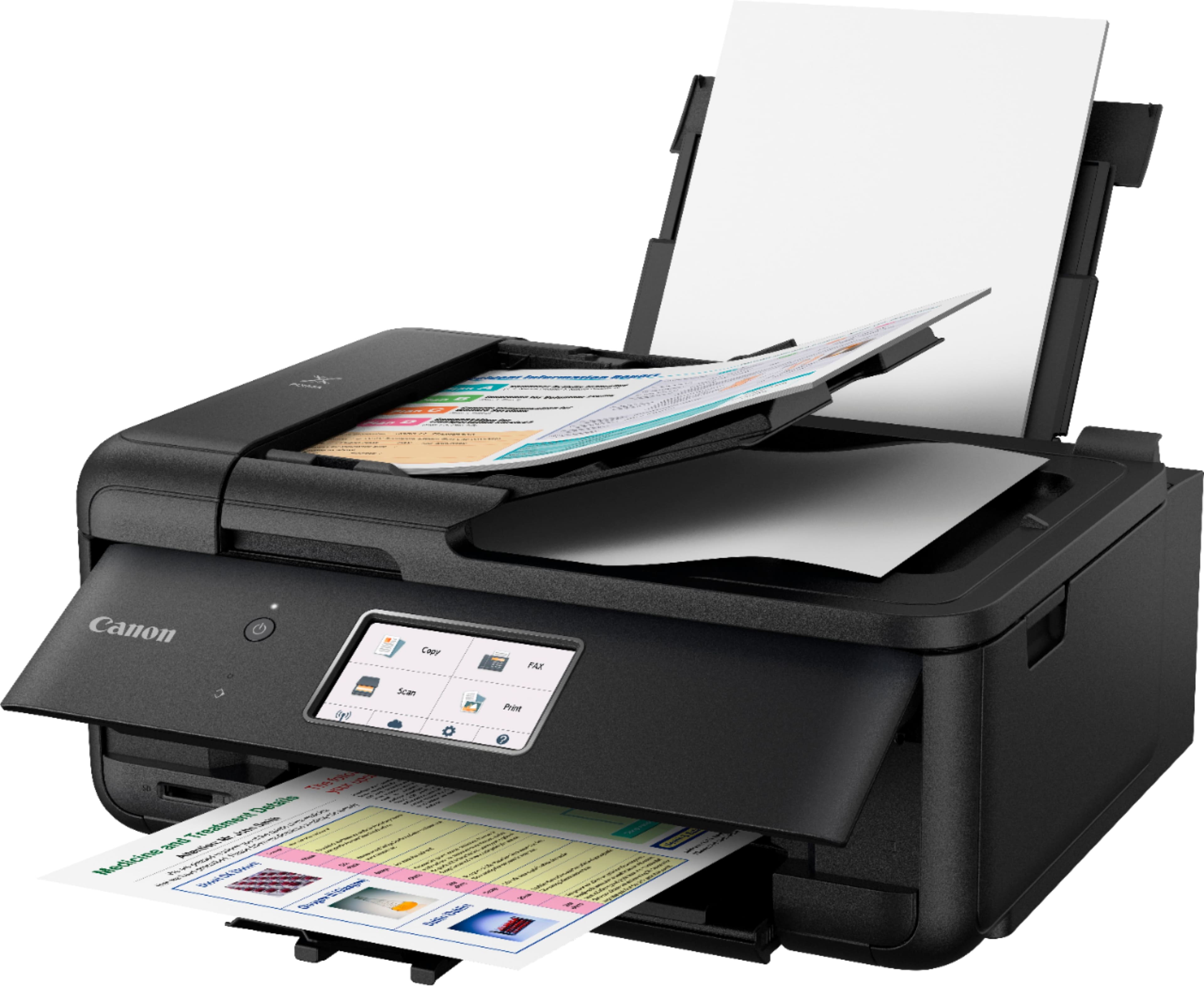
A:AnswerI would think so. I have used card stock to make my own cards with pictures. You can use the card stock in the rear paper holder. you would have to empty out the bottom tray of paper. Then put your card stock into the back paper slot. This way it would pull the paper straight in without having to bend the paper.
A:AnswerCanon has am App which I used on my phones to print from them you just have to get the IP address the printer is using should be that easy. I the menus are on the Canon display and should be simple to get to.