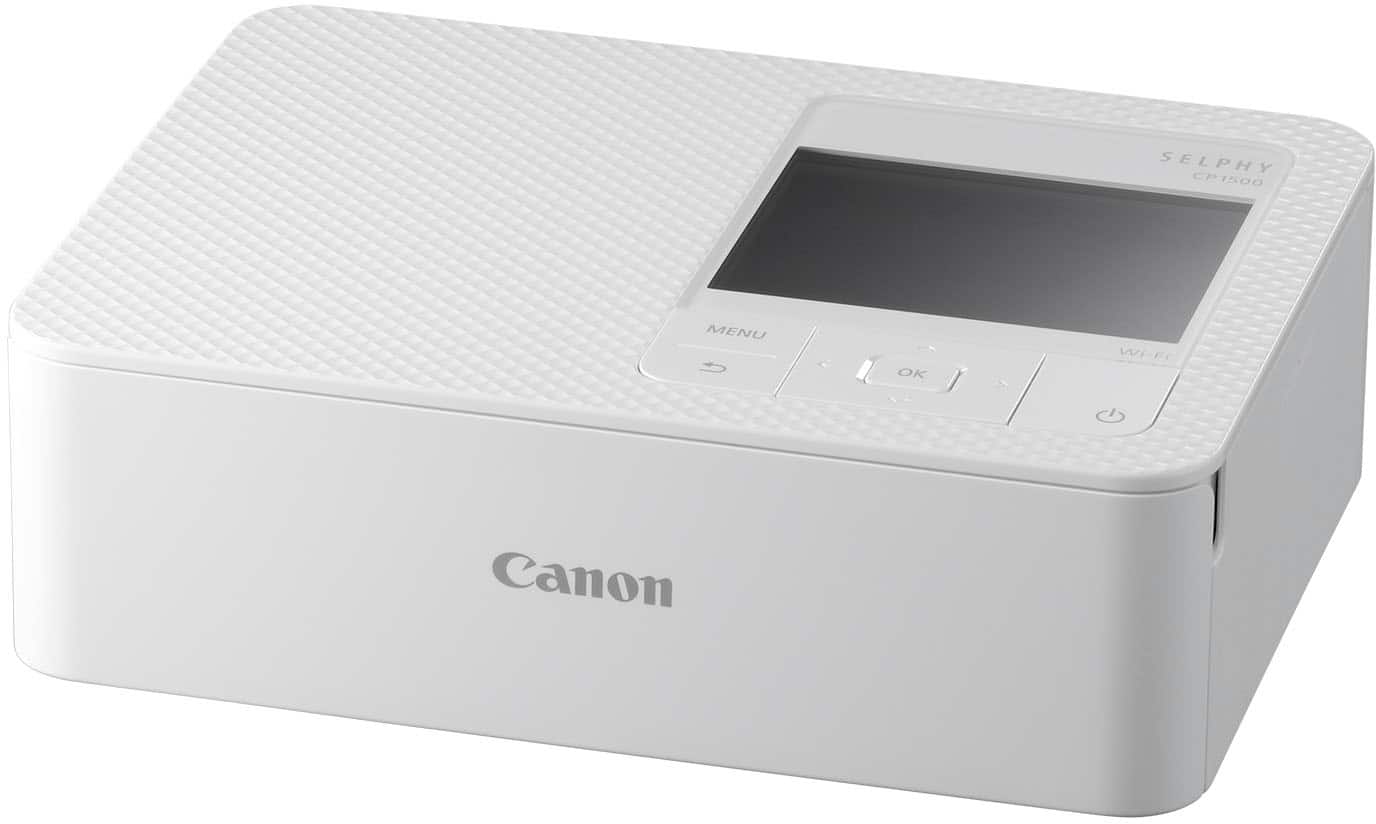
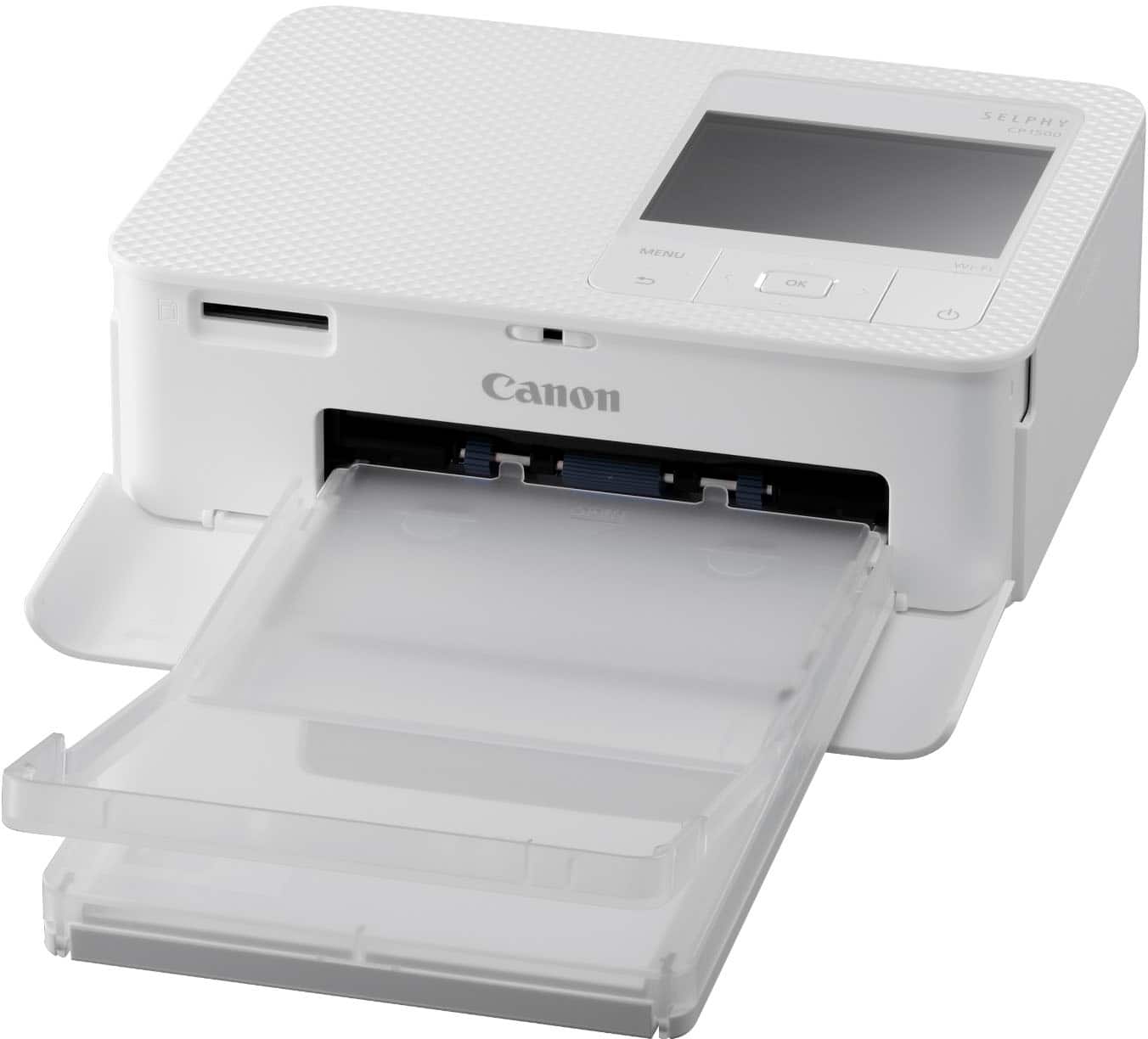
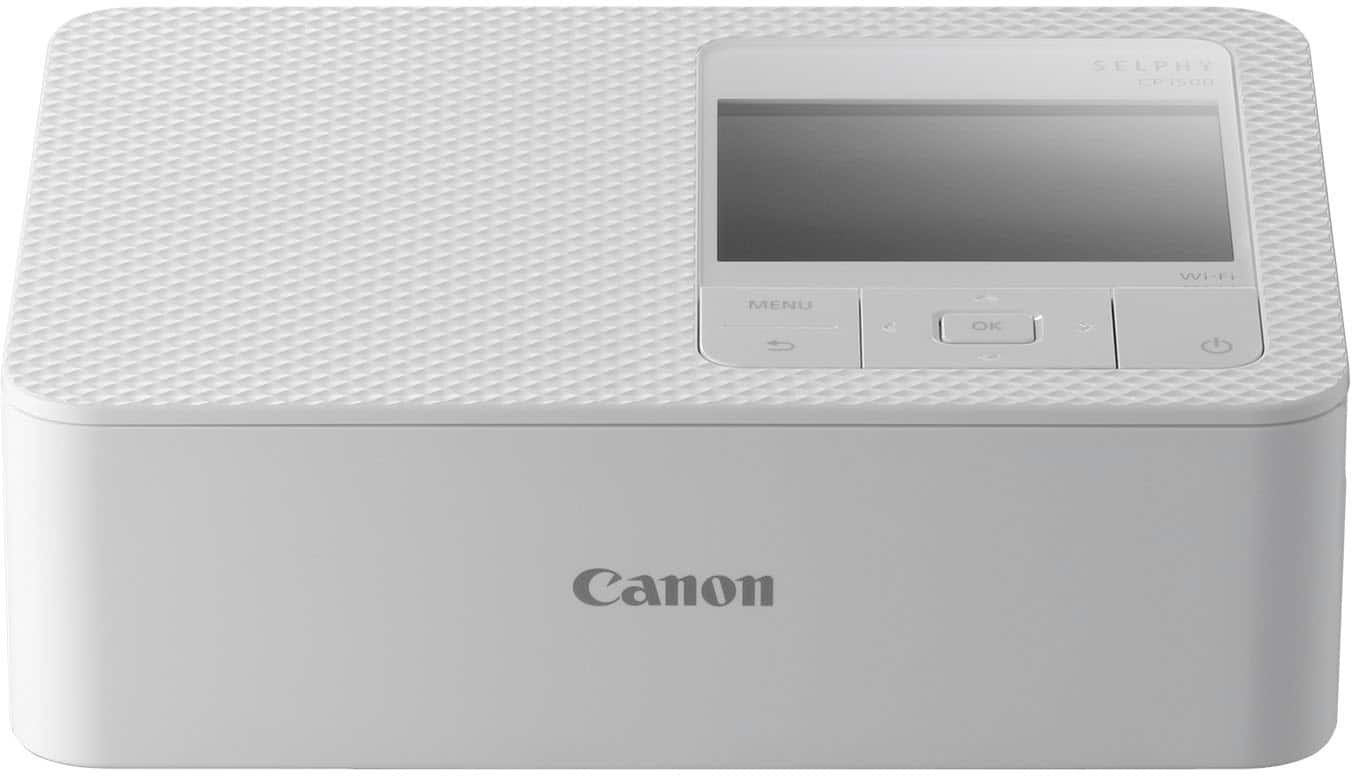
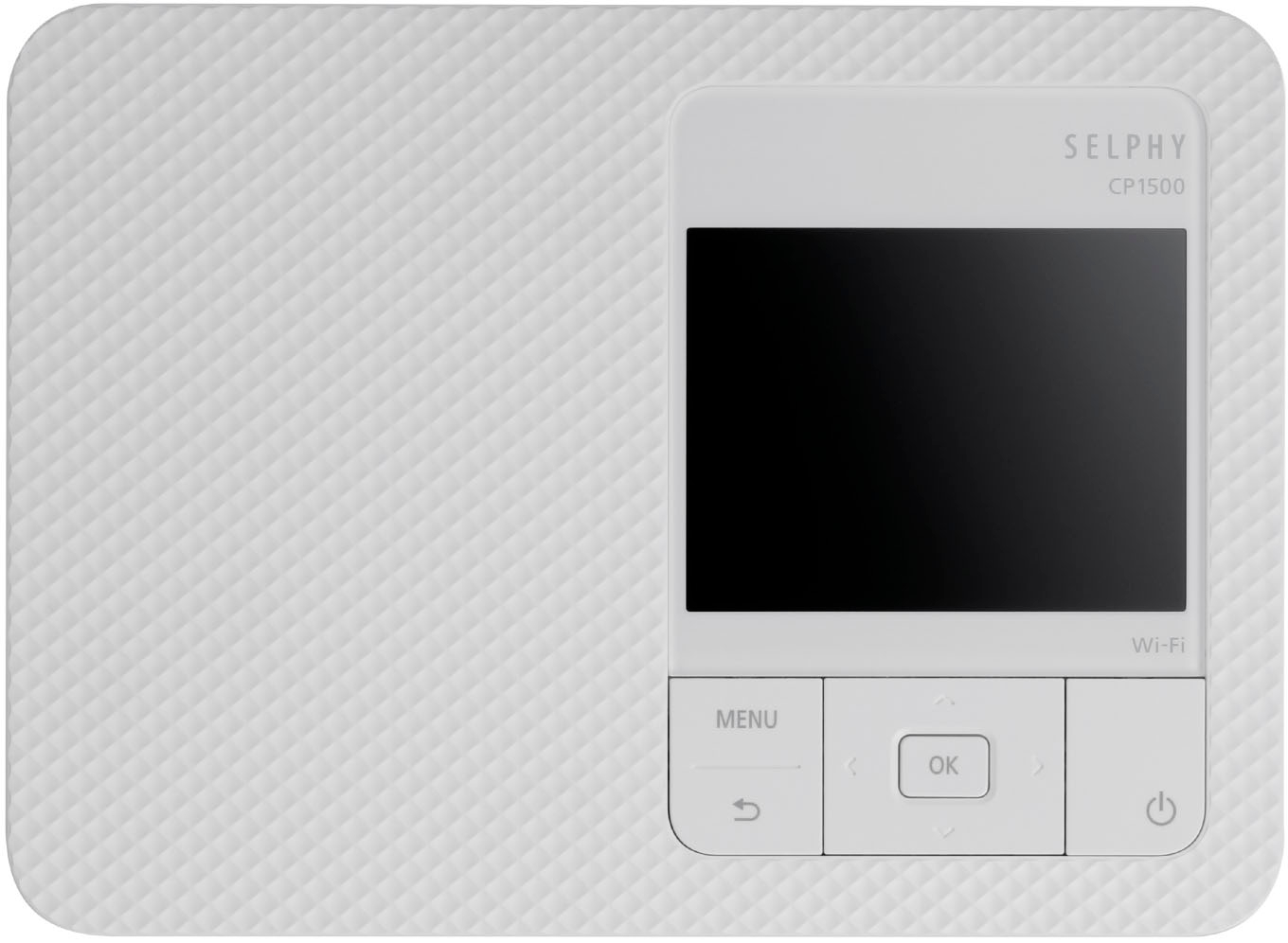
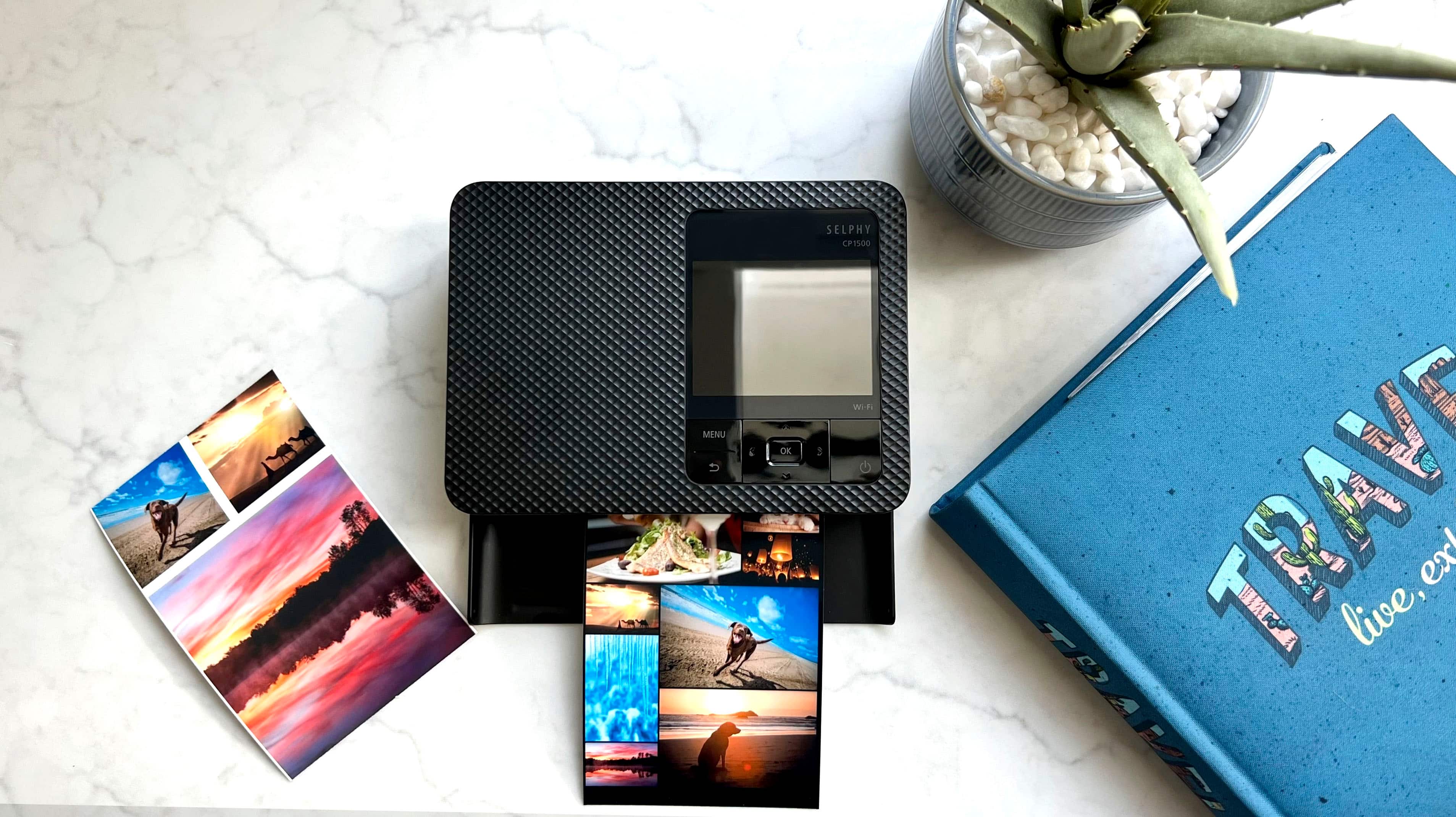
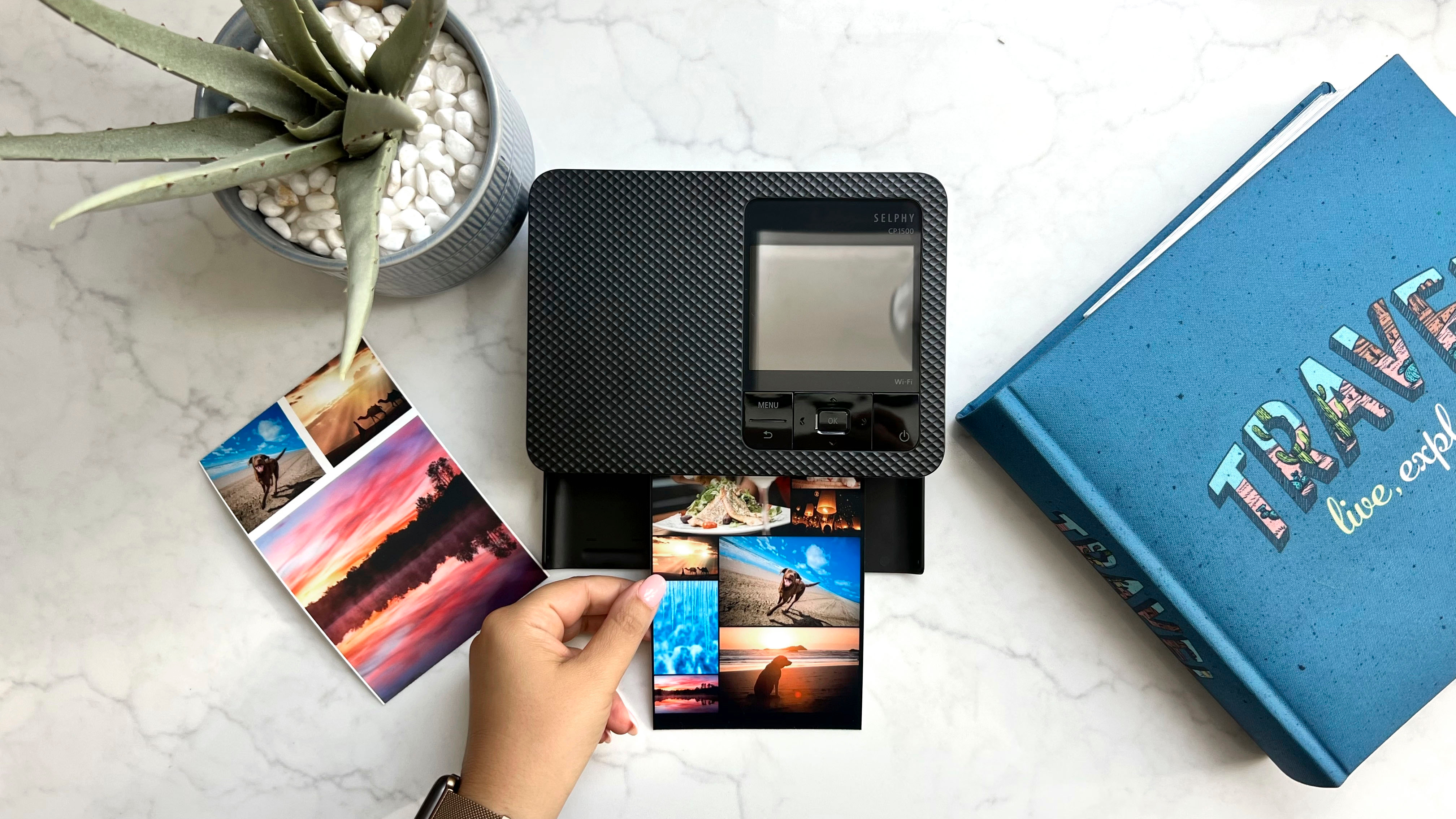
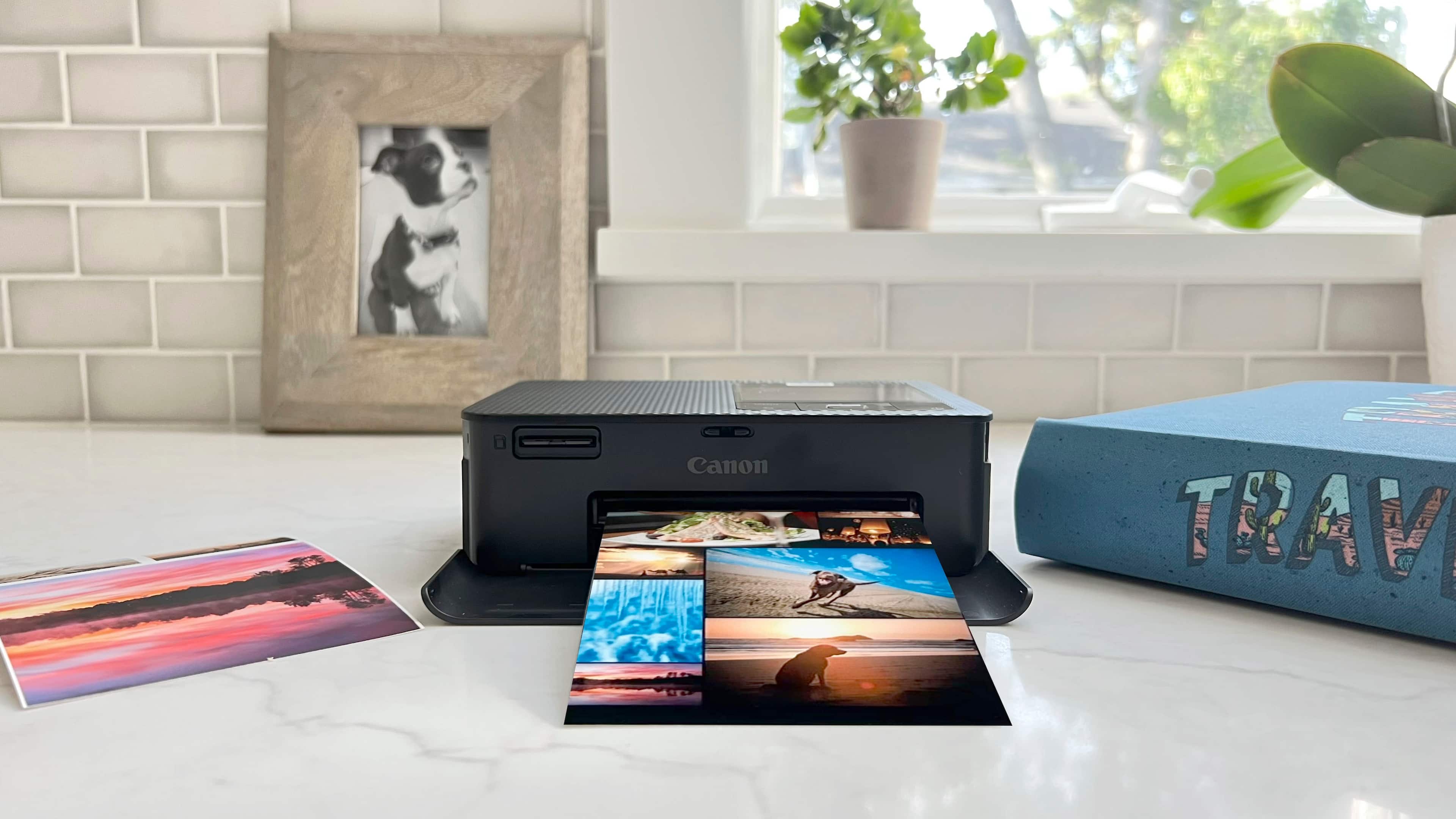
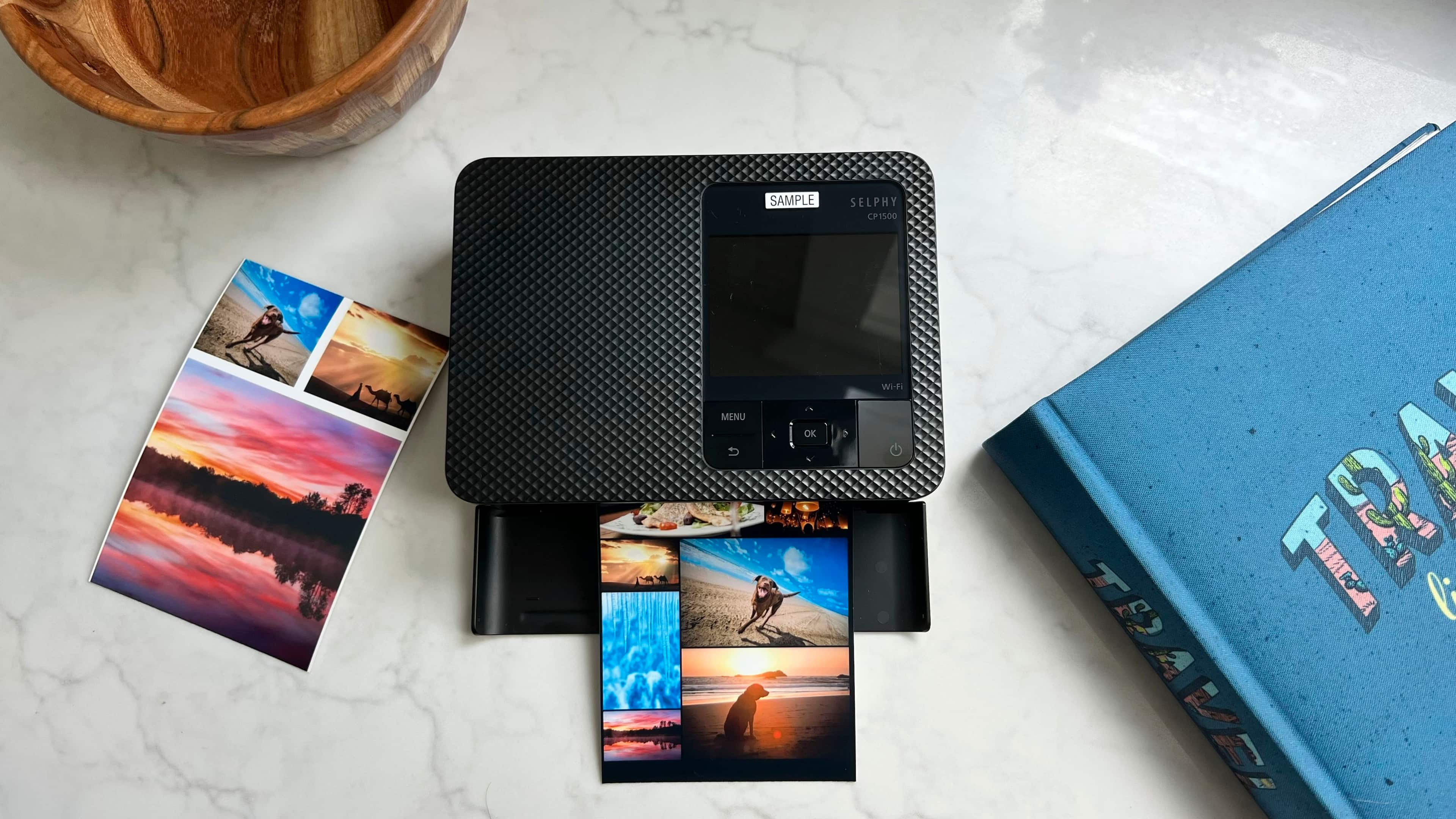
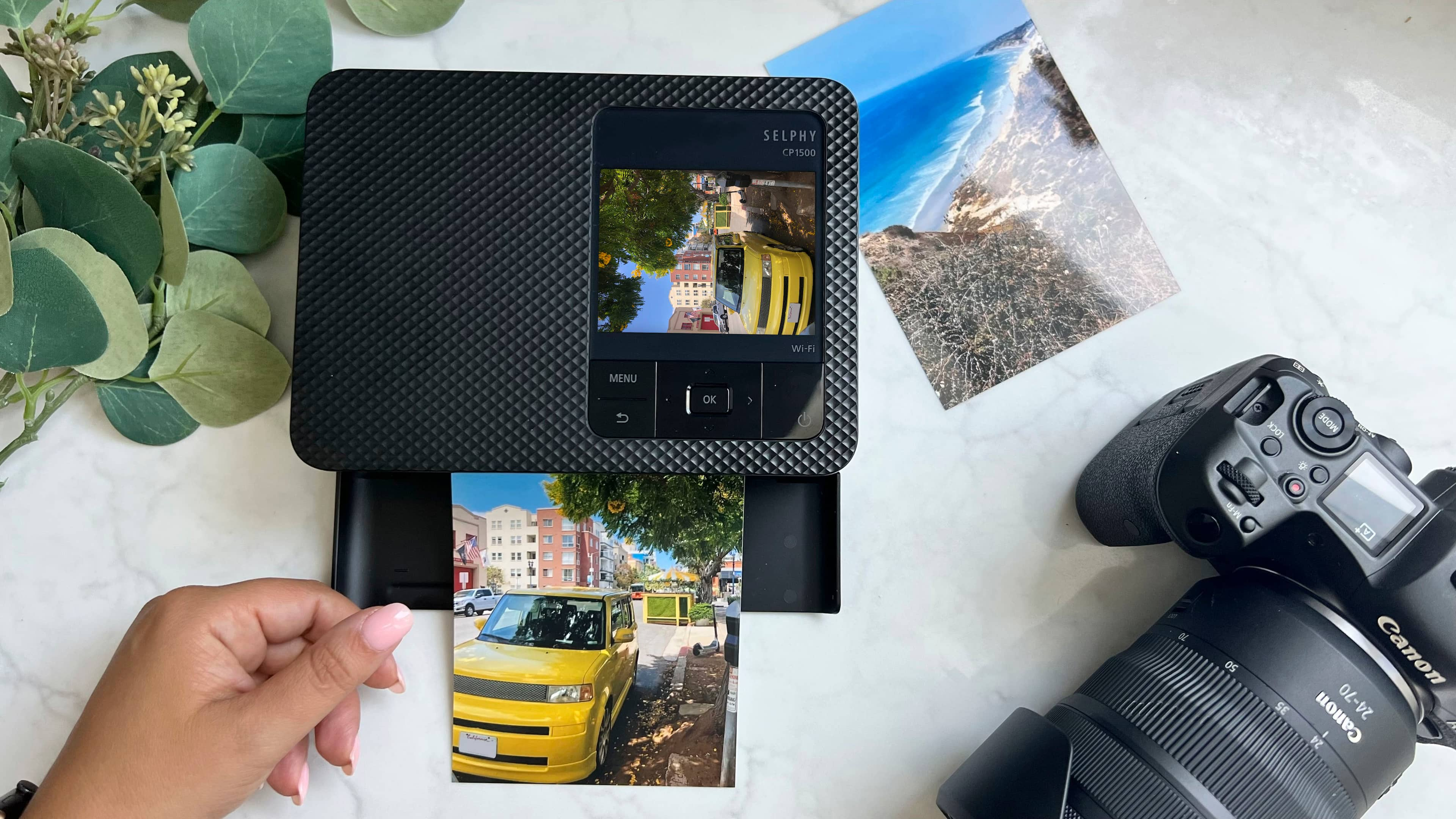
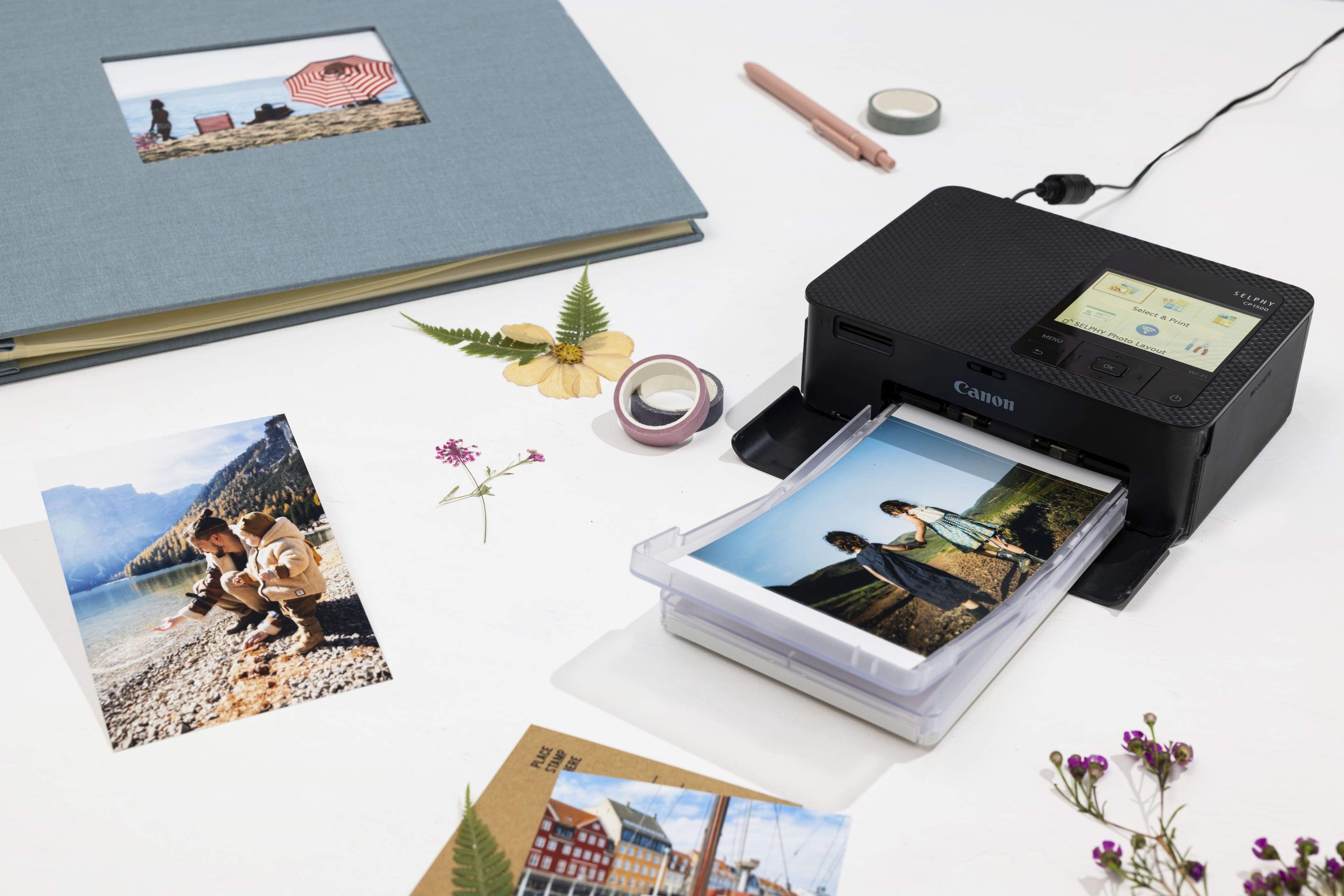
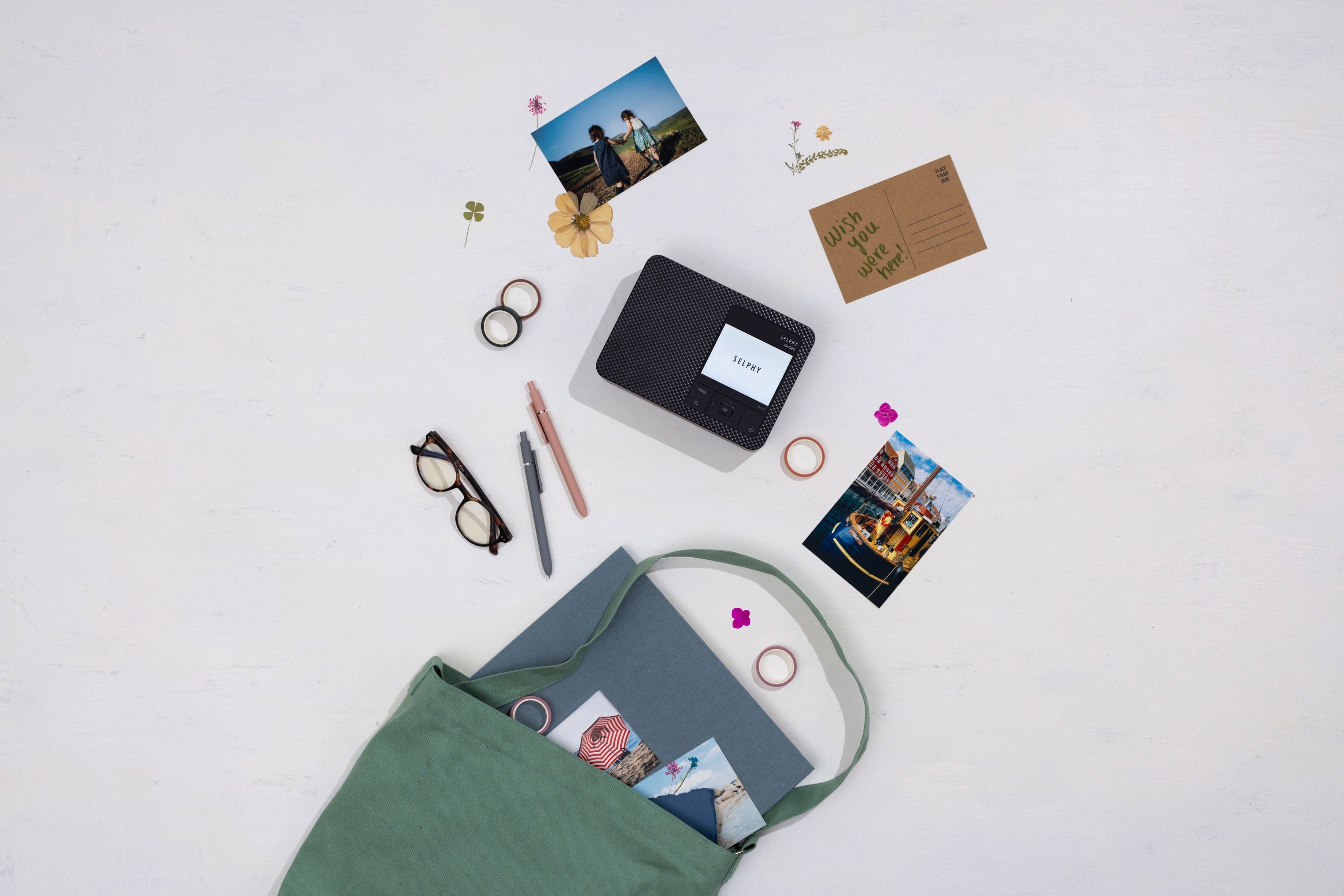
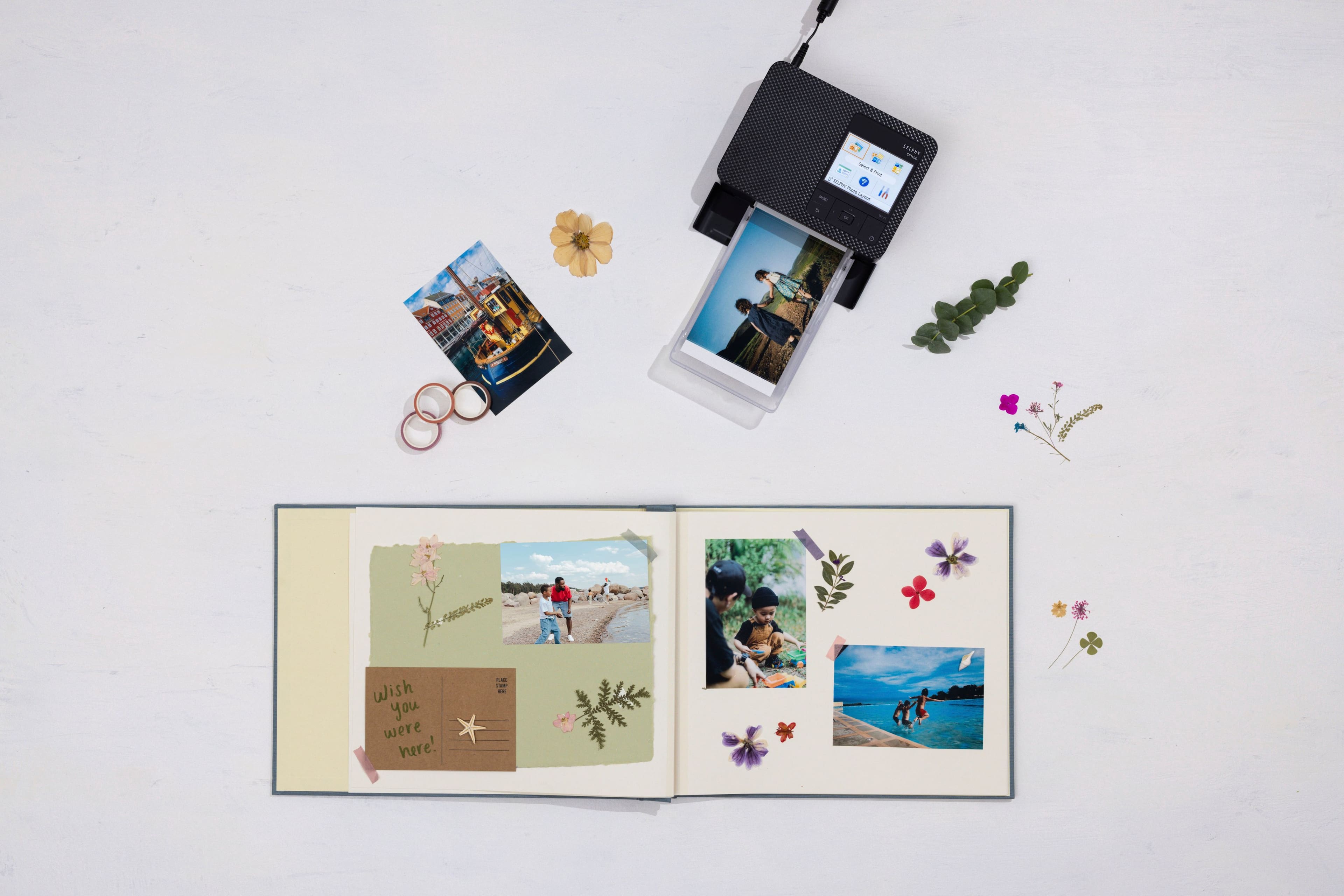
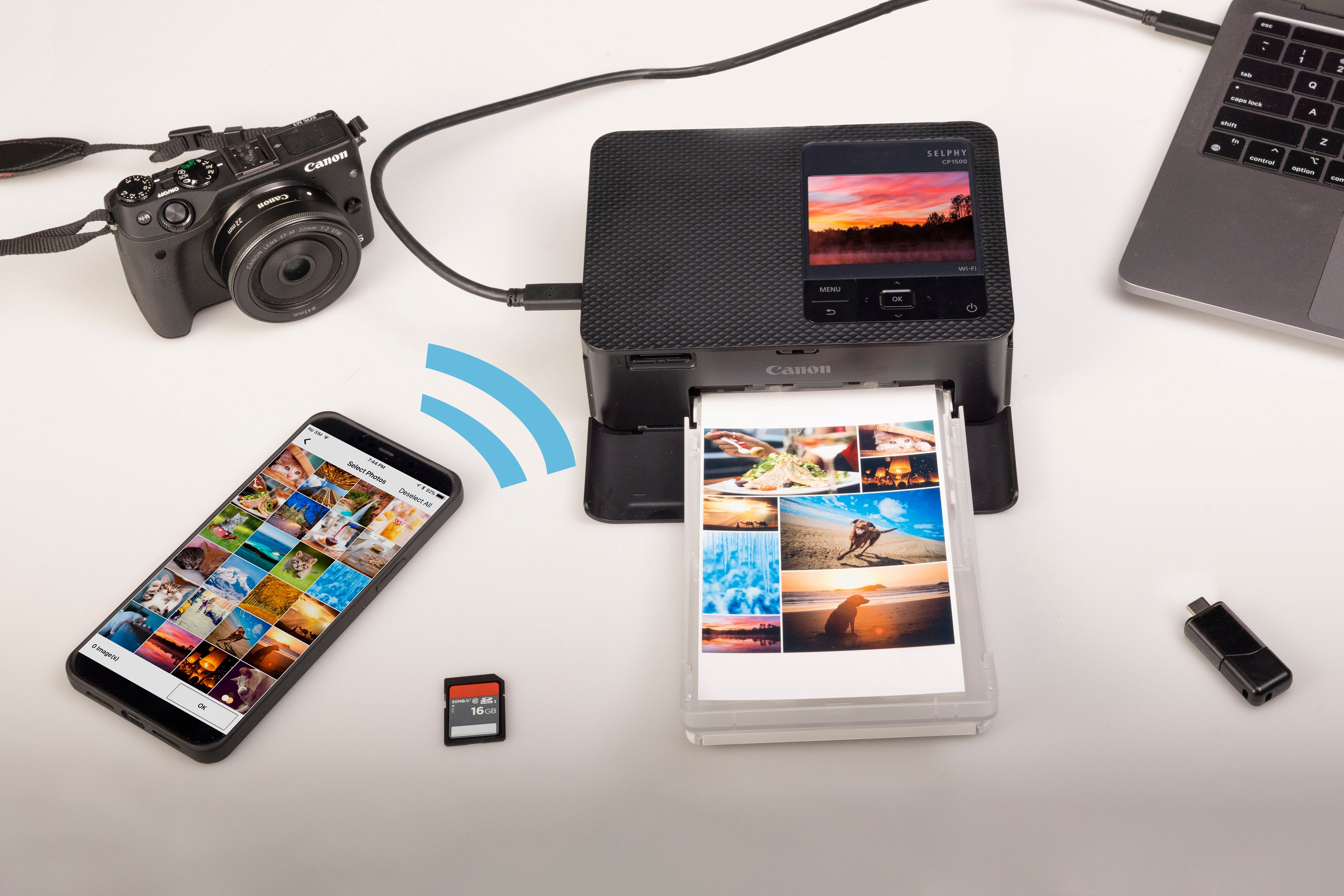
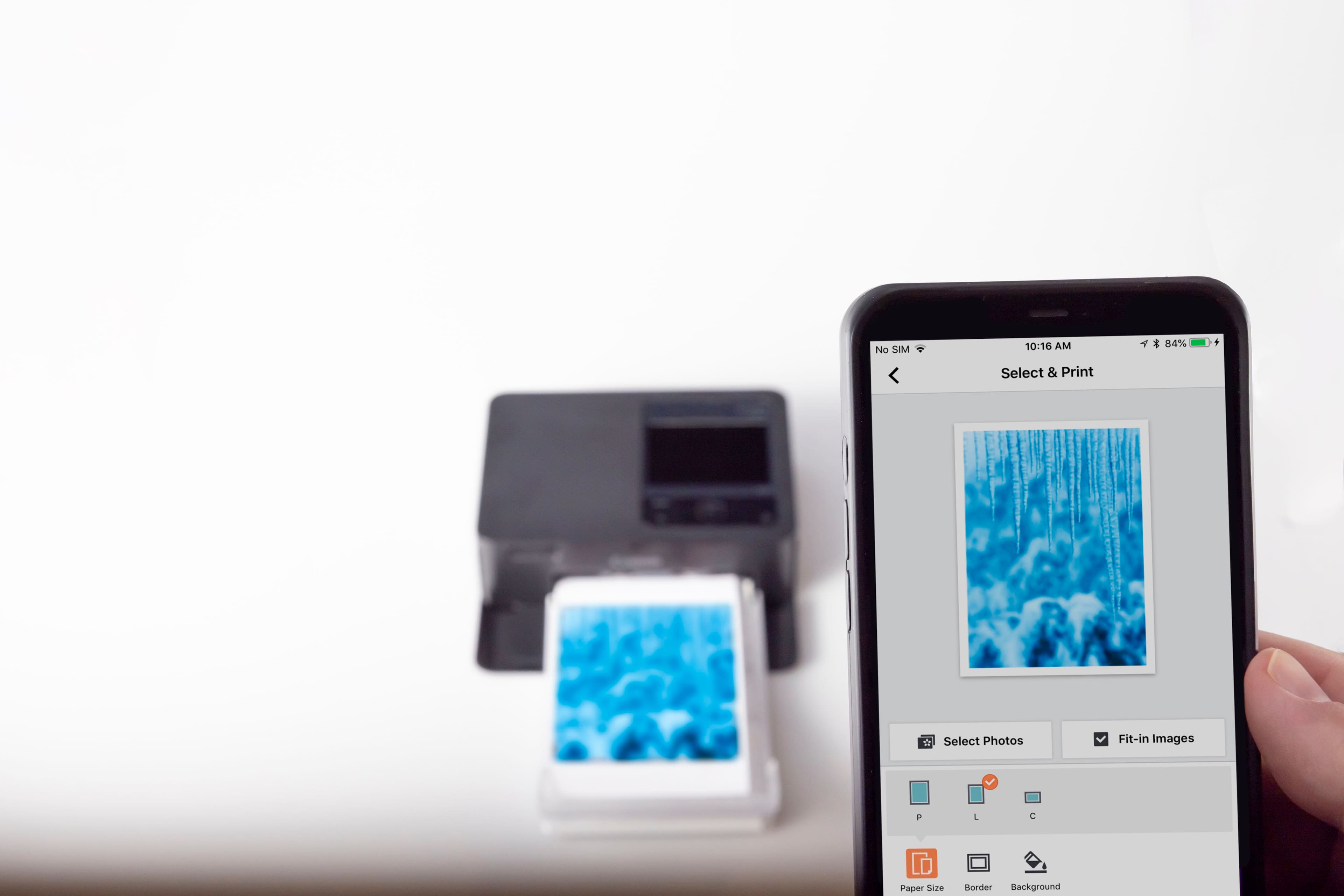
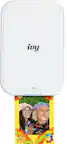
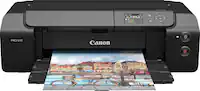
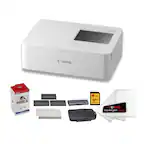
A:Answer According to the specs information it can print from USB Flash Drive, USB Type-C cable, full size SD memory cards up to SDXC, mini and micro SD cards with appropriate adapters for the two sizes. You can use Wi-Fi if you want to, but it is not required. You can also print from your Windows, Android, Apple PCs in a variety of computer shapes. Such as desktops/towers, tablets, smartphone (not Windows Phone). You may need an OTG (On The Go) adapter for your smartphone to connect a USB 2.0 speed cable to this printer from your smartphone or tablet.
Here are some helpful links to help you figure out the best solution:
01) https://apps.apple.com/us/app/nokoprint-mobile-printing/id1661314256 (It also can be found in the Android Play store for Android phones and tablets)
02) https://www.youtube.com/watch?v=YJ5C1Y7f7JM
03) https://support.usa.canon.com/kb/s/article/ART180912
I hope this helps,
FunFractals