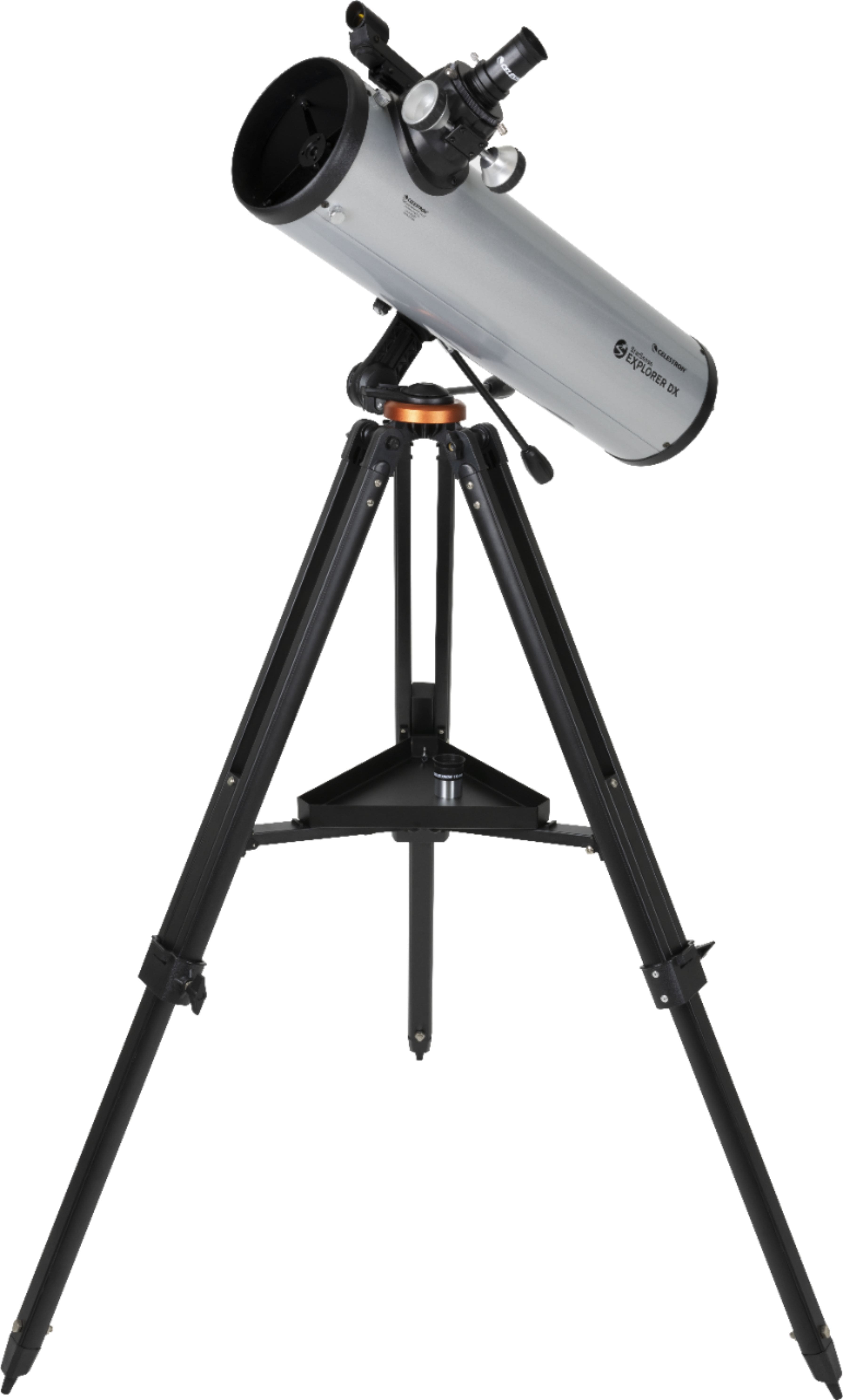
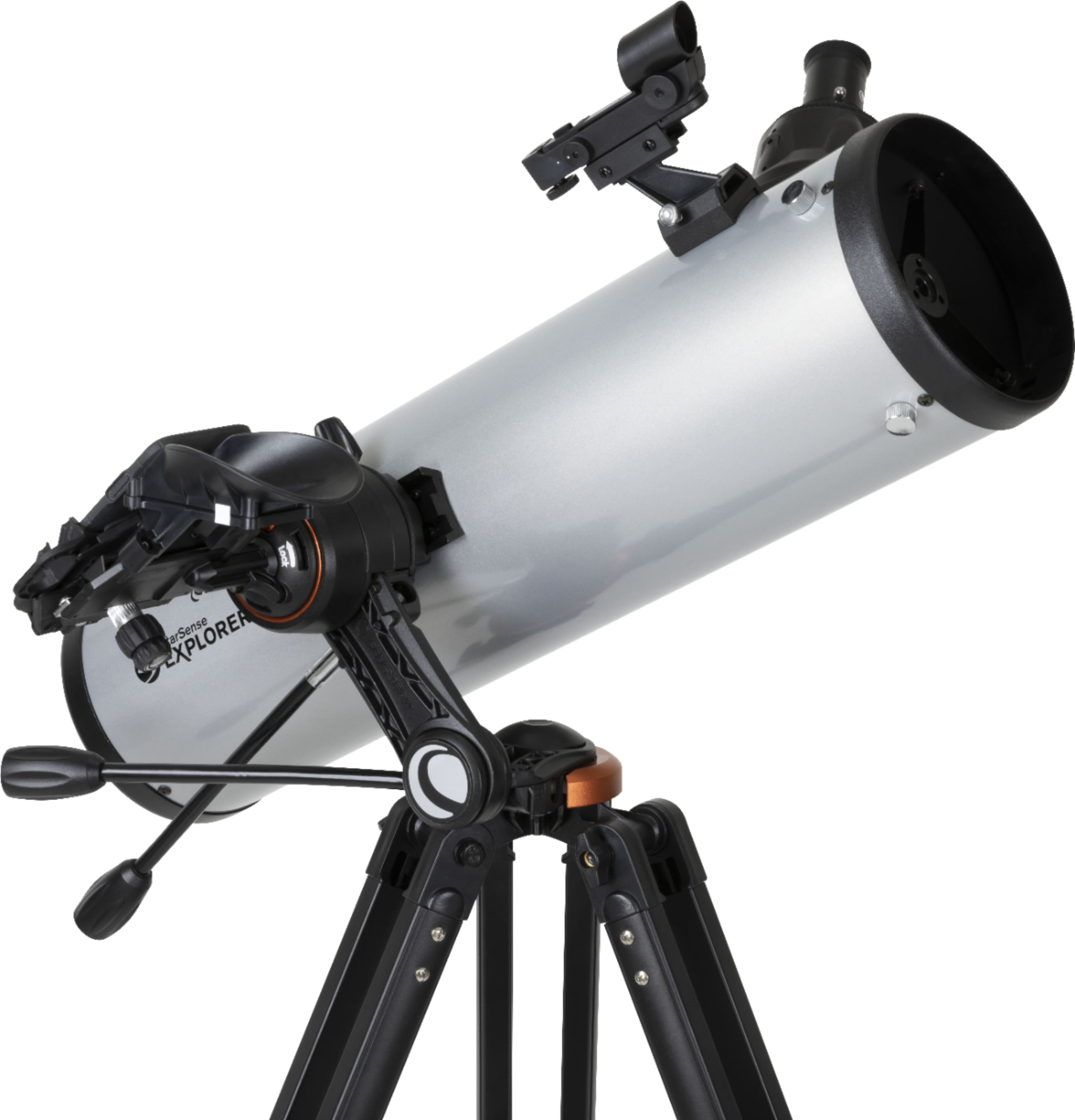
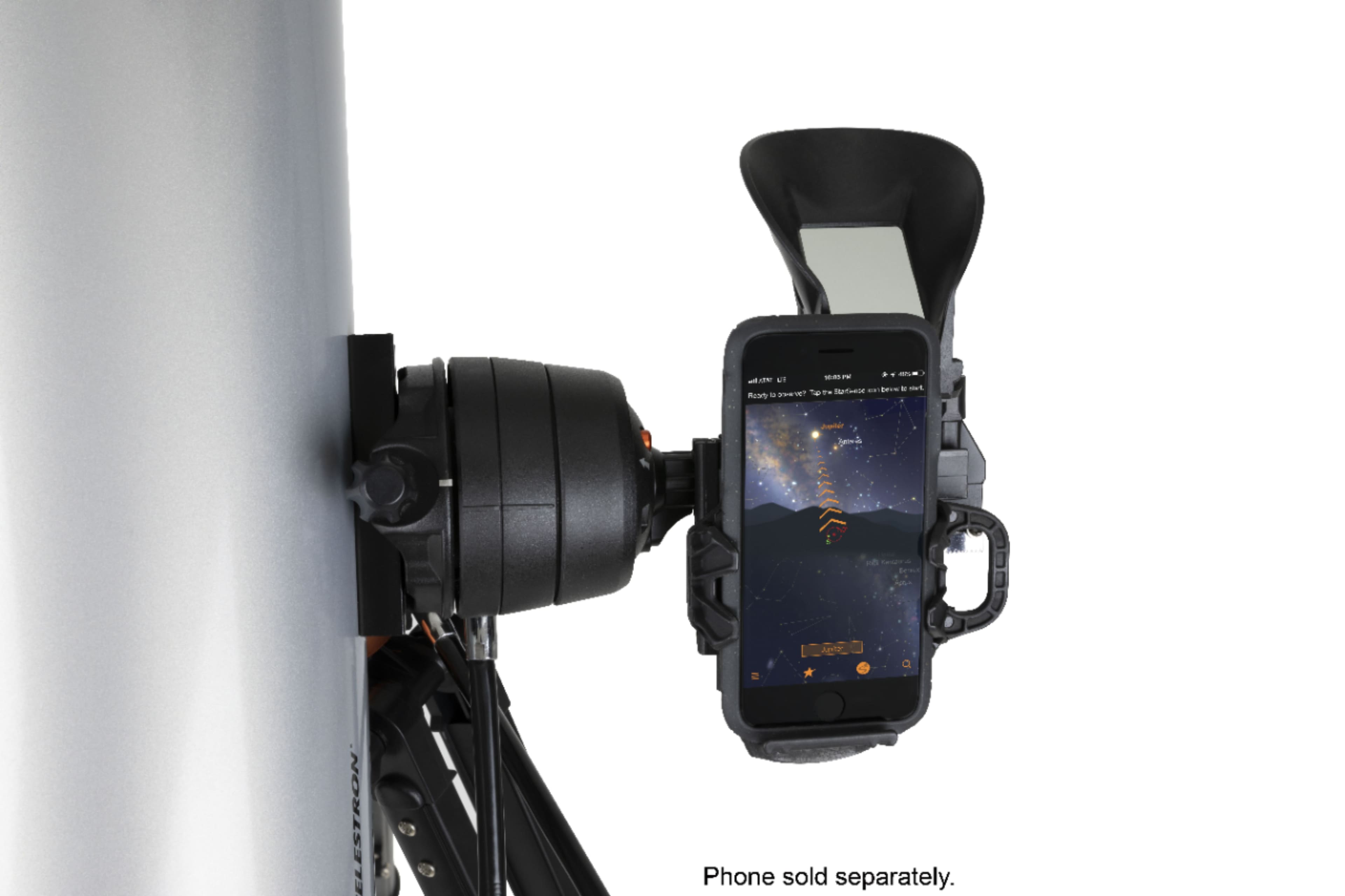
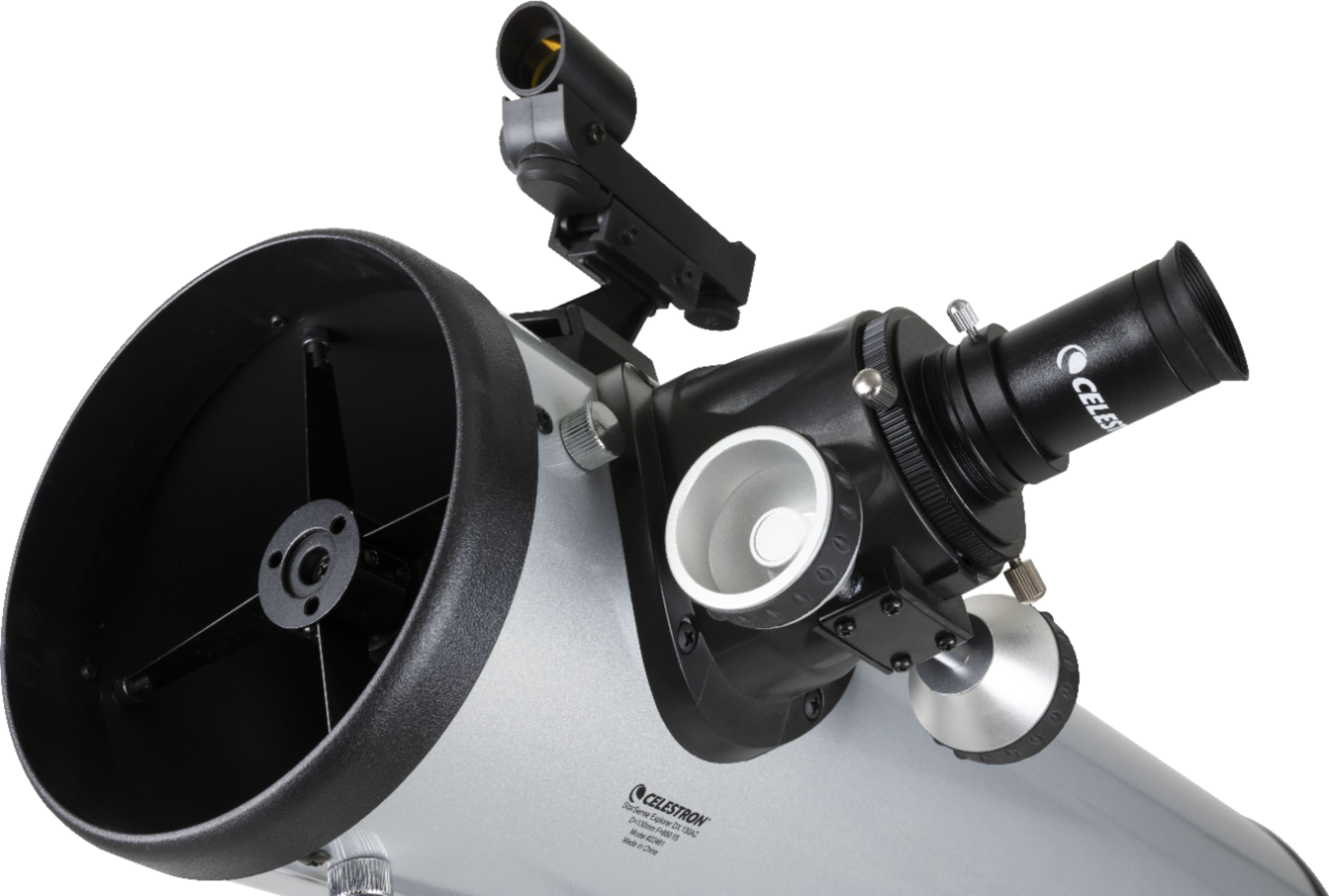
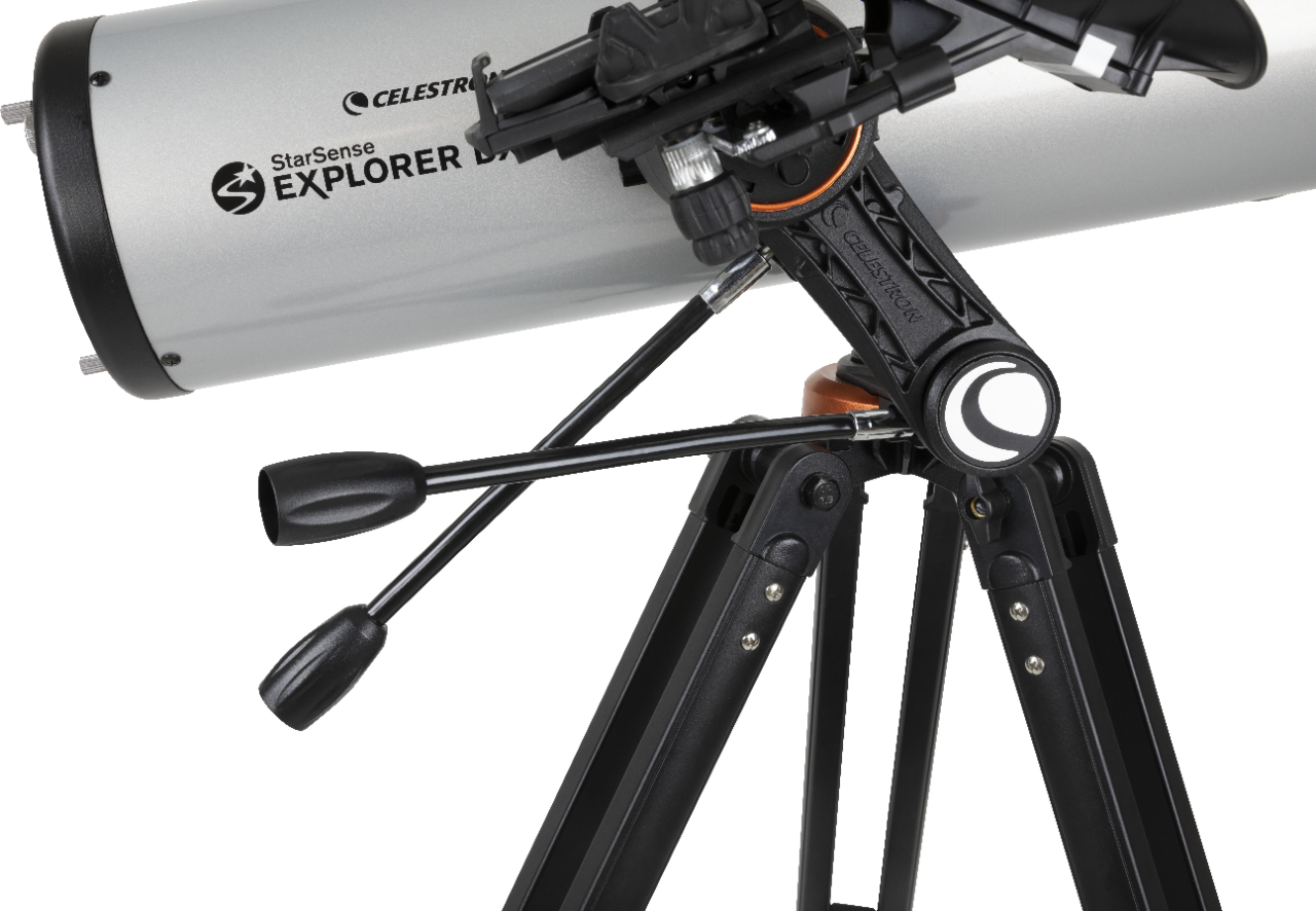
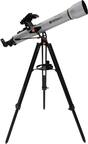
A:AnswerThe Starsense DX130AZ is a manually operated telescope and does not need batteries. Pointing directions are provided by the attached cellphone using the free Starsense Explorer app. The only item needing a battery is the attached Starpointer finder. It comes with a battery and uses the common CR2032 button battery.
A:AnswerI am sorry to hear there was an omission when your telescope was packaged at the factory. if the telescope and app setup guides are all that is missing, they can be found here online: https://celestron-site-support-files.s3.us-east-1.amazonaws.com/support_files/22461_StarSense_Explorer%20DX_130AZ_QSG_5lang_Web.pdf
and here:
https://celestron-site-support-files.s3.us-east-1.amazonaws.com/support_files/22461_StarSense_Explorer%20DX_130AZ_QSG_5lang_Web.pdf
If the card with the 8-character app unlock code is also missing, please contact tech support and provide proof of purchase and they will provide a replacement code: https://www.celestron.com/pages/technical-support
A:AnswerYes you can see planets and stars. You can see pretty much whatever. You program your phone to it and it will tell you what is nearby and you have to know how to adjust in order to find whatever you are looking for.
A:AnswerThe StarSense Explorer DX 130AZ telescope comes with a StarSense Dock to mount your smartphone to help locate celestial objects. If lunar or planetary astrophotography is desired, a second smartphone is required, along with a Smartphone Adapter Kit to help center your targets with the eyepiece: https://www.bhphotovideo.com/c/product/1640214-REG/celestron_81057_nexyz_dx_kit.html
A:AnswerThe phone does not actually connect to the scope. You put the phone in the cradle and run a program and it helps you find objects to look at and then it shows you where to point the telescope
A:AnswerYes, very well. It's best not to try to see much detail on the full moon (it's too bright). The detail you can see along the terminator is very good.
A:AnswerDear Jenkz, we are sorry to hear you did not receive a code. Please contact Celestron Technical Suppport for assistance: https://www.celestron.com/pages/technical-support
A:AnswerDue to the global pandemic, many of our telescopes are back ordered, including the StarSense Explorer DX 130AZ. While we do not have an estimated time of arrival, we are slowly receiving in new shipments. Thank you for your patience. Celestron
A:AnswerWe recommend that you place your order with your dealer as we are doing everything possible to fulfill orders in the order they are received when new shipments come in from our factories.
A:AnswerSorry we have an iPhone and although my granddaughter is able to attach it, pictures are not transfered from the lens; its ony to guide you to a specific star/planet. With the app they provide you, you can direct the lens to the appropriate star / planet and on the phone screen it tells you which you are looking at. I would reach out to the manufacture; my son did place his cannon to the lens viewer and was able to take a picture of the moon, without using his larger lens on the camara.
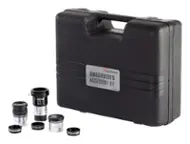
A:AnswerYes, purchasing a Barlow 2x will double magnification of included eye pieces. Celestron sells Barlow separately, and in various kits with additional eyepieces, filters, etc. Be sure to get matching 1.25” Barlow, eyepieces.