A:AnswerHi DriedWater,
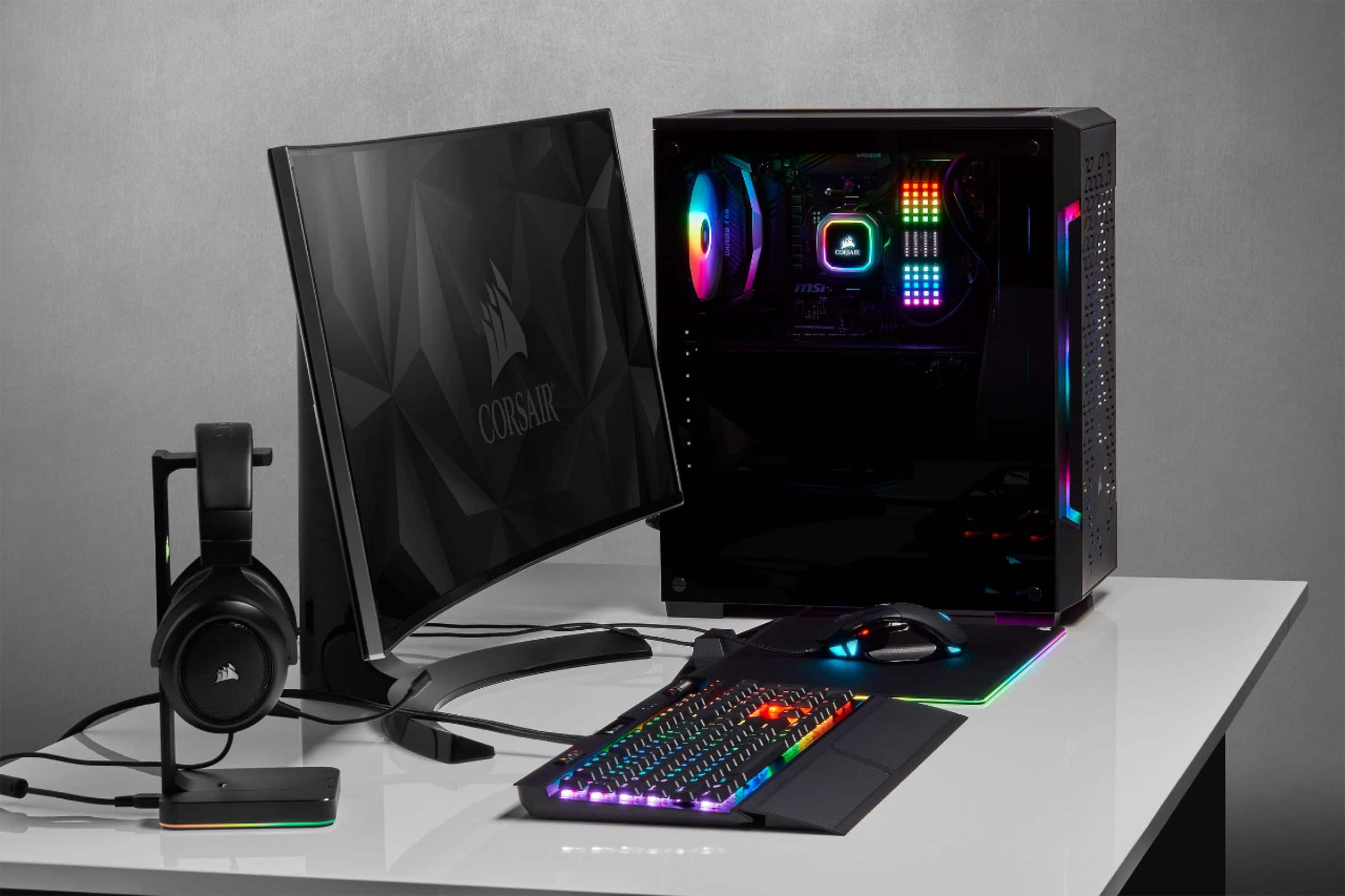
You should be able to install this into the case with your RAM with proper clearance. You can contact our support team if you'd like further help with fitment: support.corsair.com
-Brian
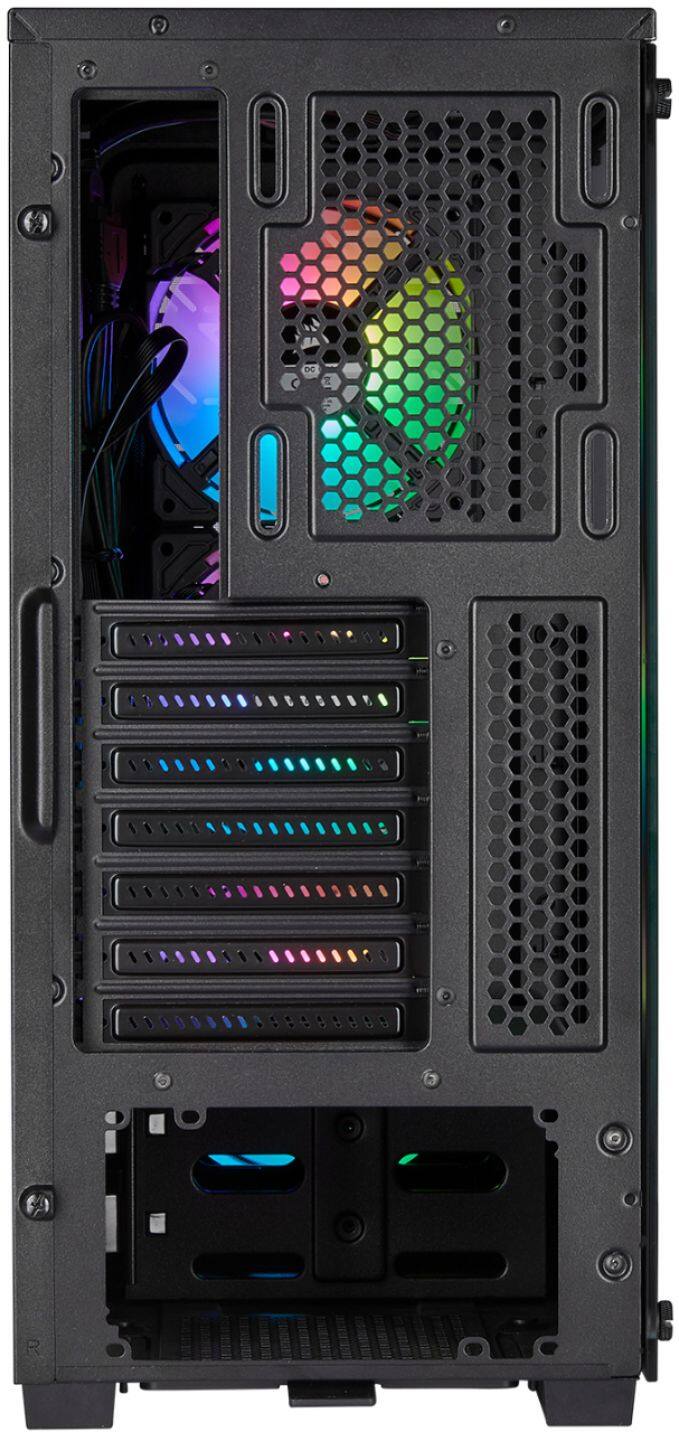
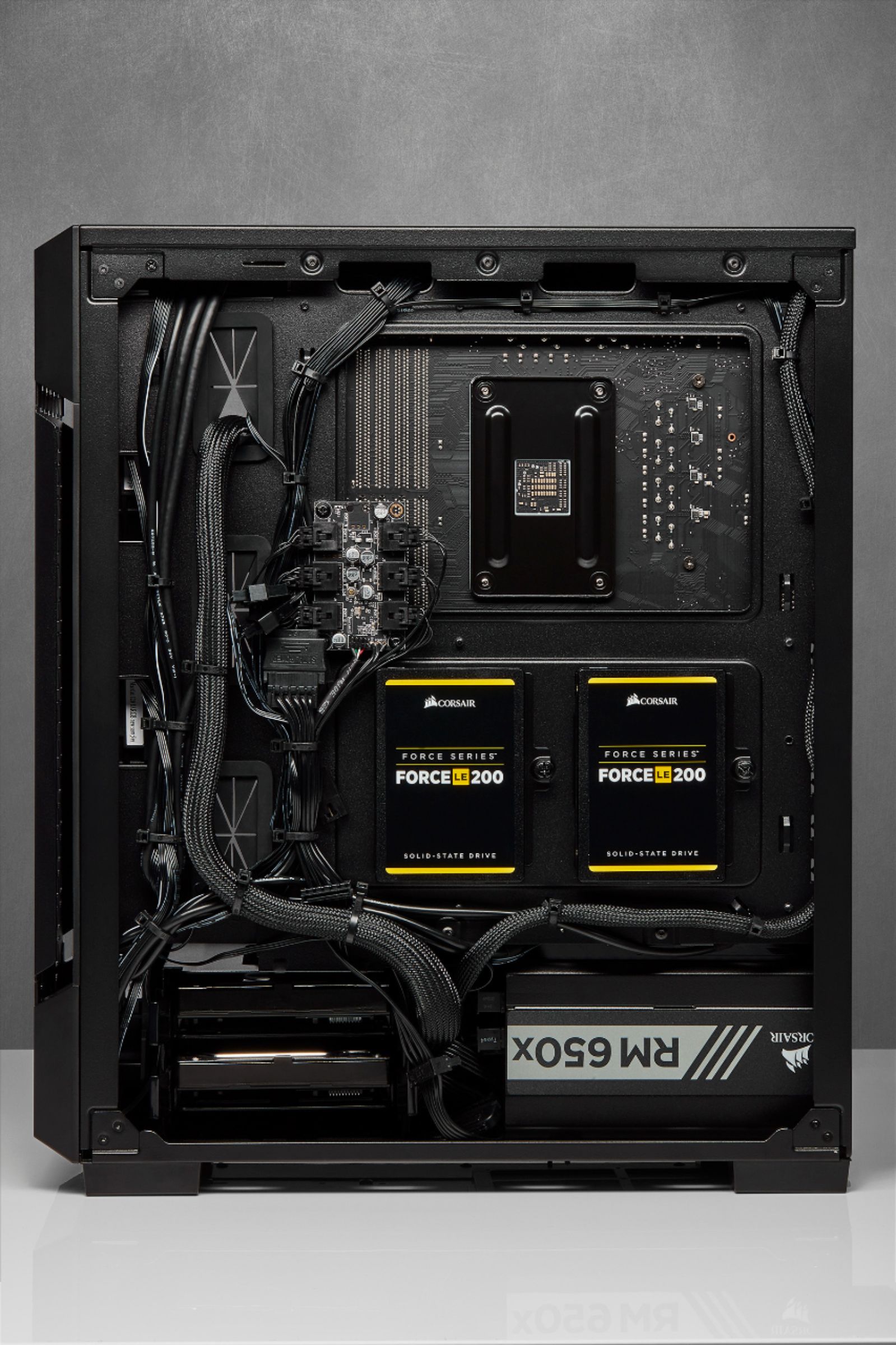
A:AnswerAs stated before, there is no fan mount on the bottom, but the power supply can be inverted to pull in from the bottom and exhaust out the back...or installed normally to pull from the case and exhaust out the back. I did the former, which requires it to be on a hard surface, but it's set up to be flexible.
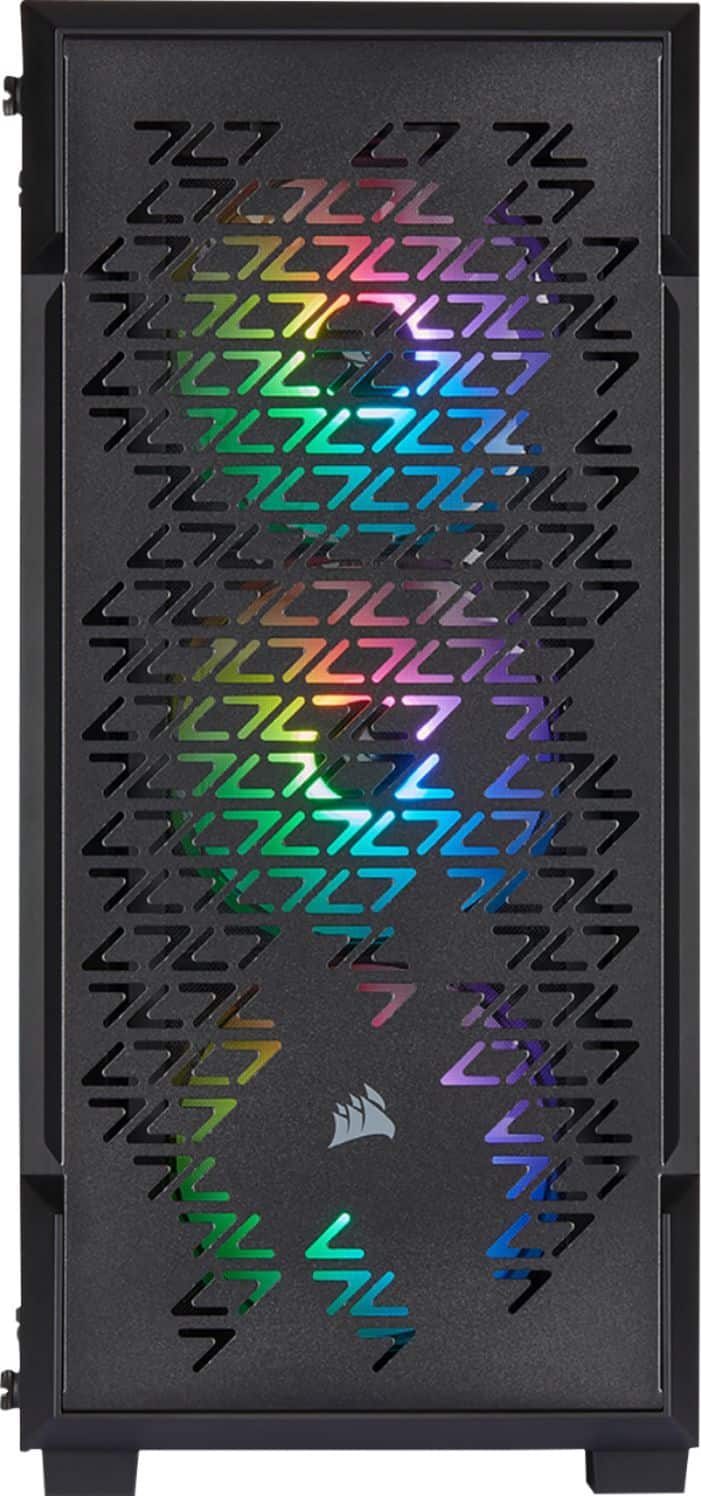
A:AnswerNo, it would limit your graphics card options and not necessary for this case. A standard 240 AIO for the top mount fits and works very well( 72C heavy game play@ 5.1hz)
A:AnswerHi Armando,
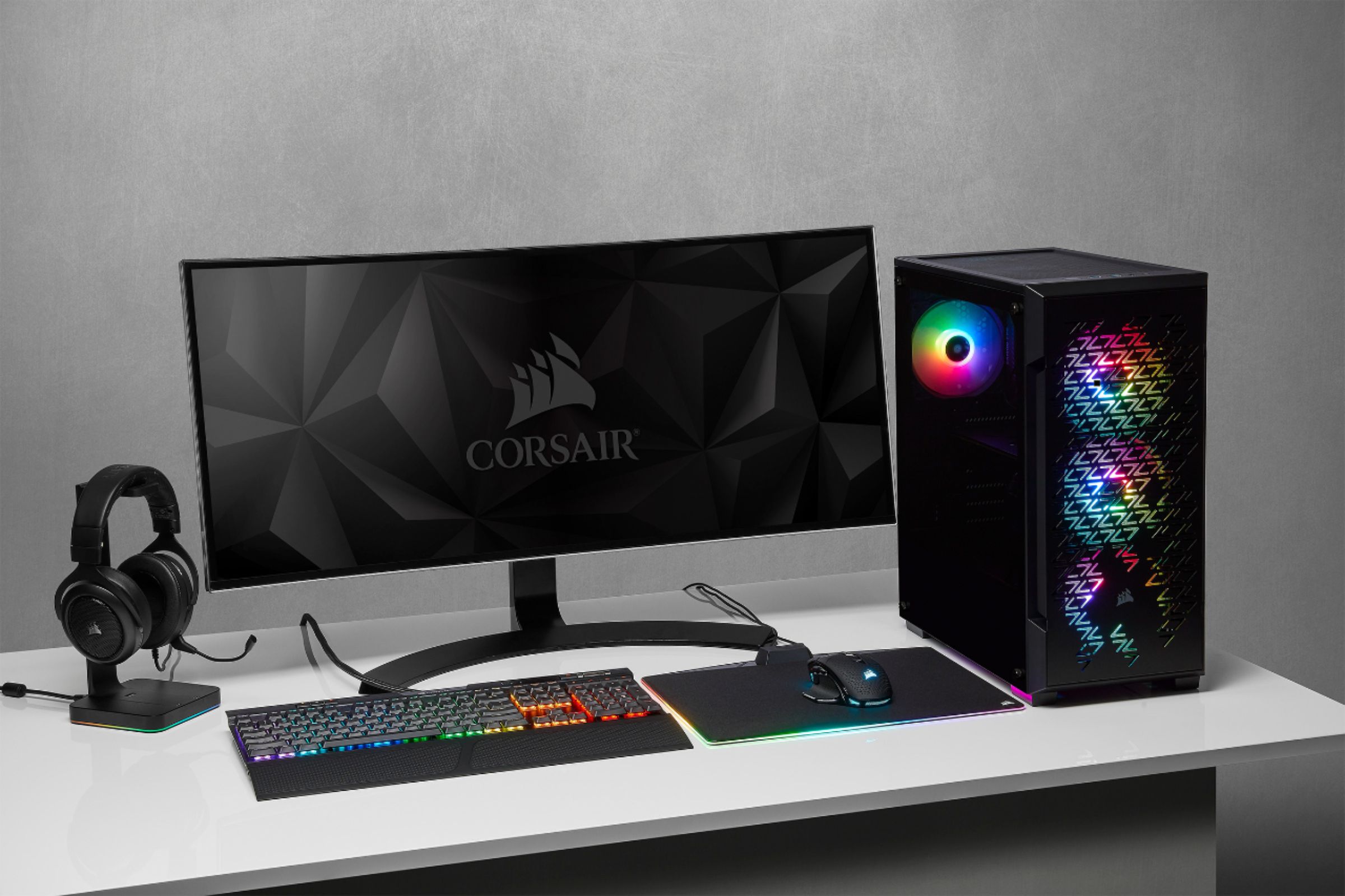
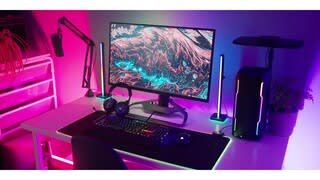
This is the case, you would need to install computer components into it and then use cables to your monitor. Reach out to our support team, they'd be happy to help you further in learning: support.corsair.com

-Brian
A:AnswerWe experienced ambient overheating with two GPUs loaded. This case was replaced by a larger Corsair after about a week of heavy use. We just needed more room for the gear to breath.
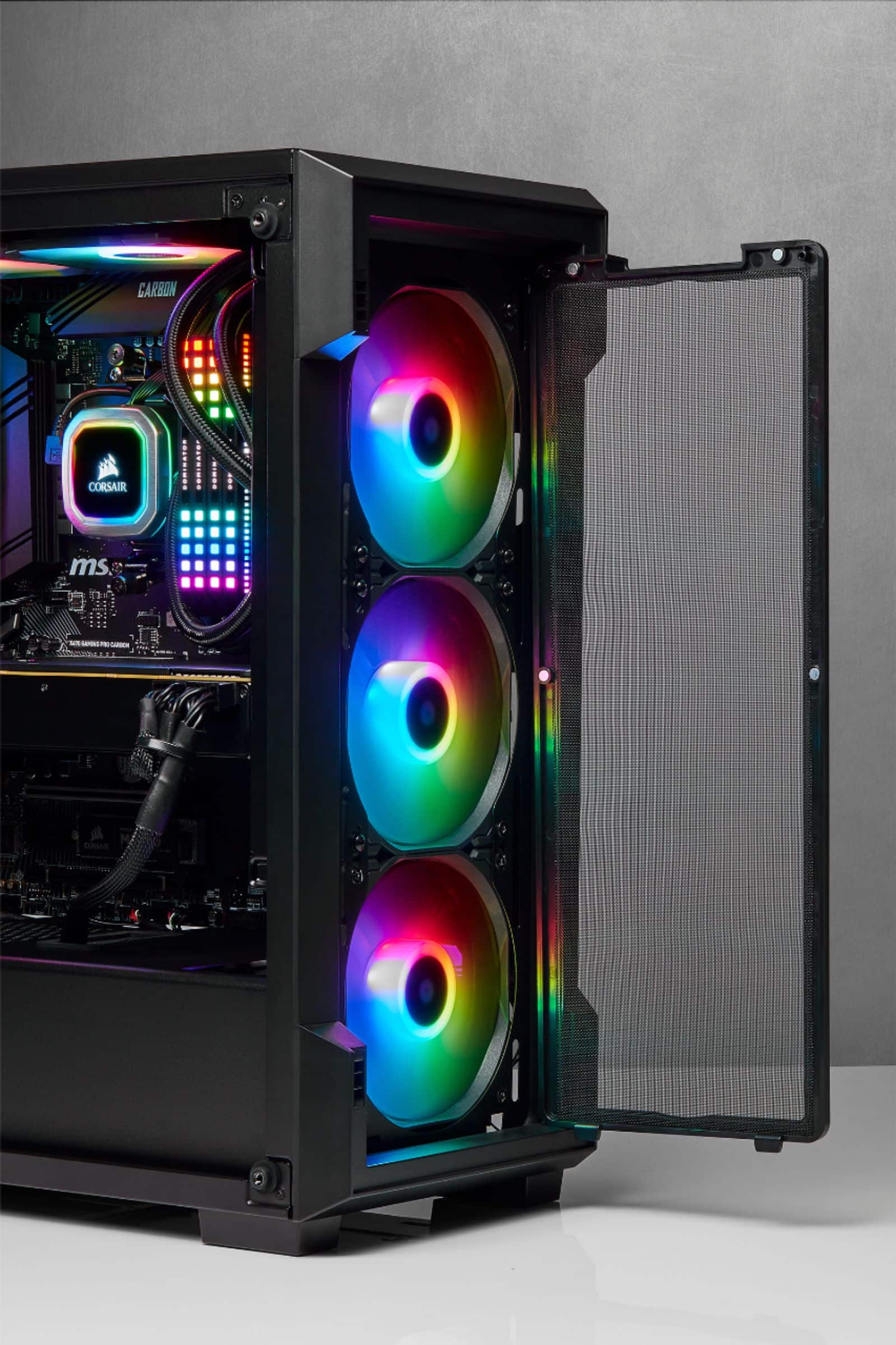
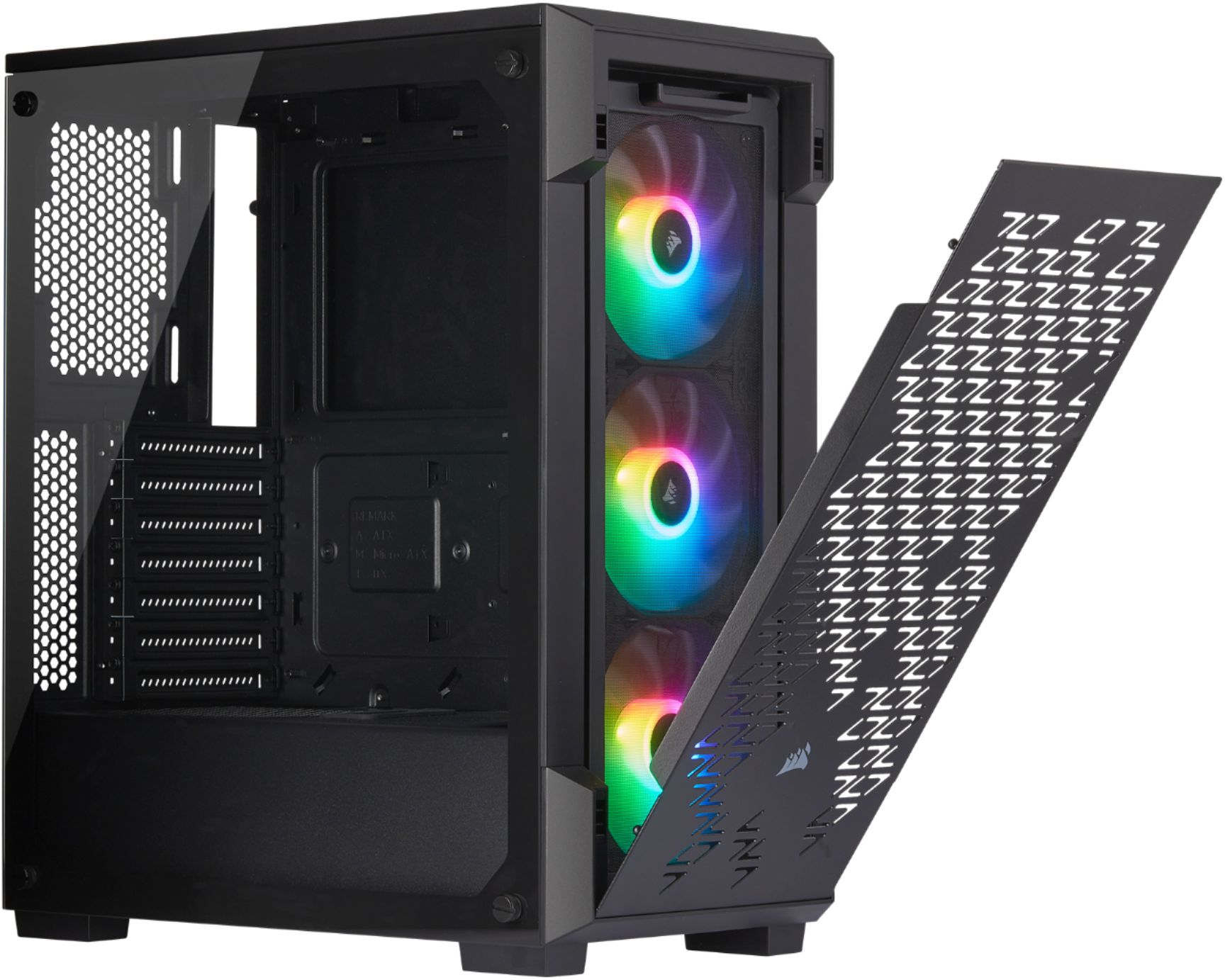
A:AnswerThey are actually pretty bright. You should check the connections within your motheboard, and once all is secure go ahead and install the Corsair driver to see if you can change the lights to your fans.
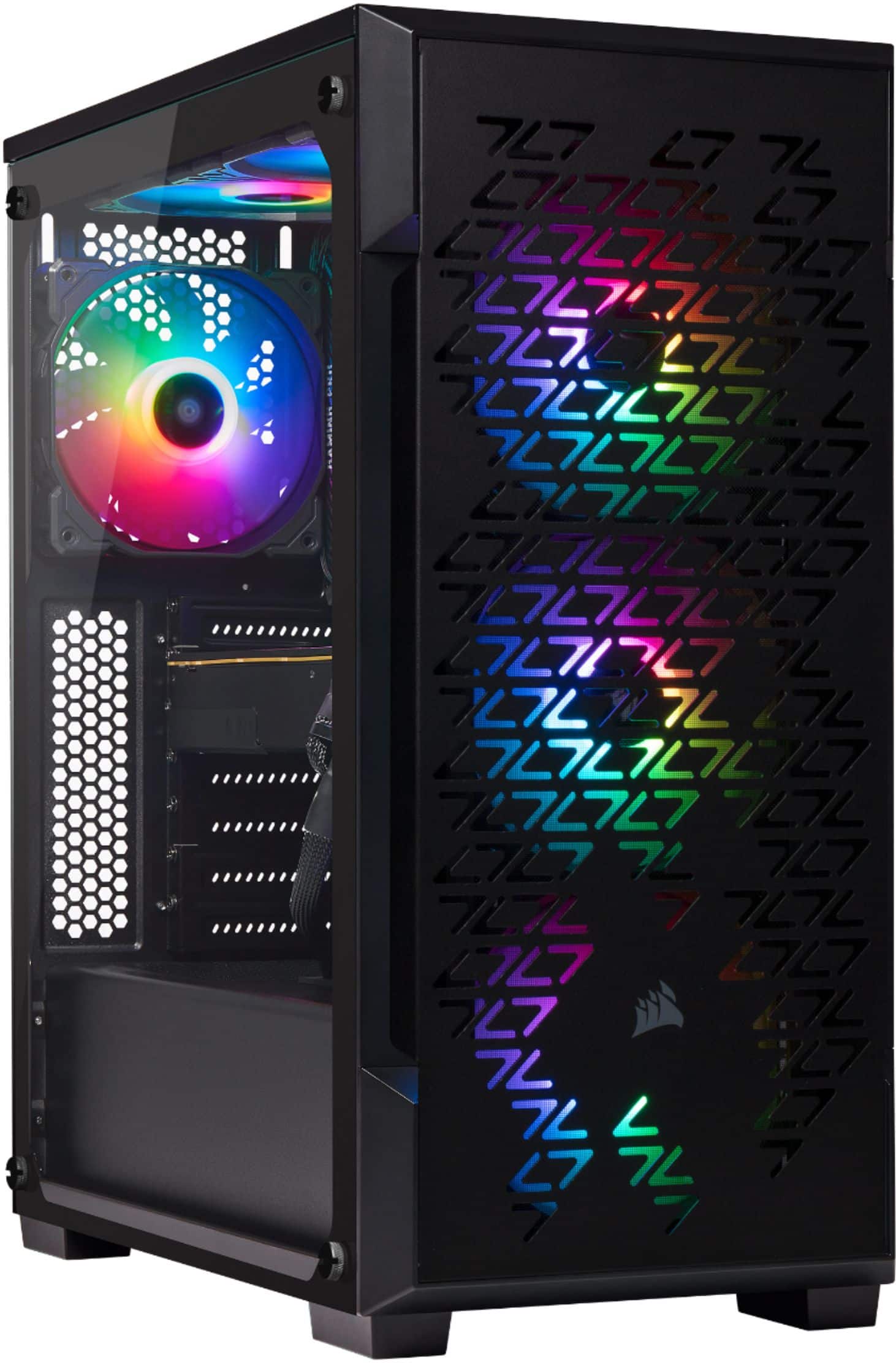
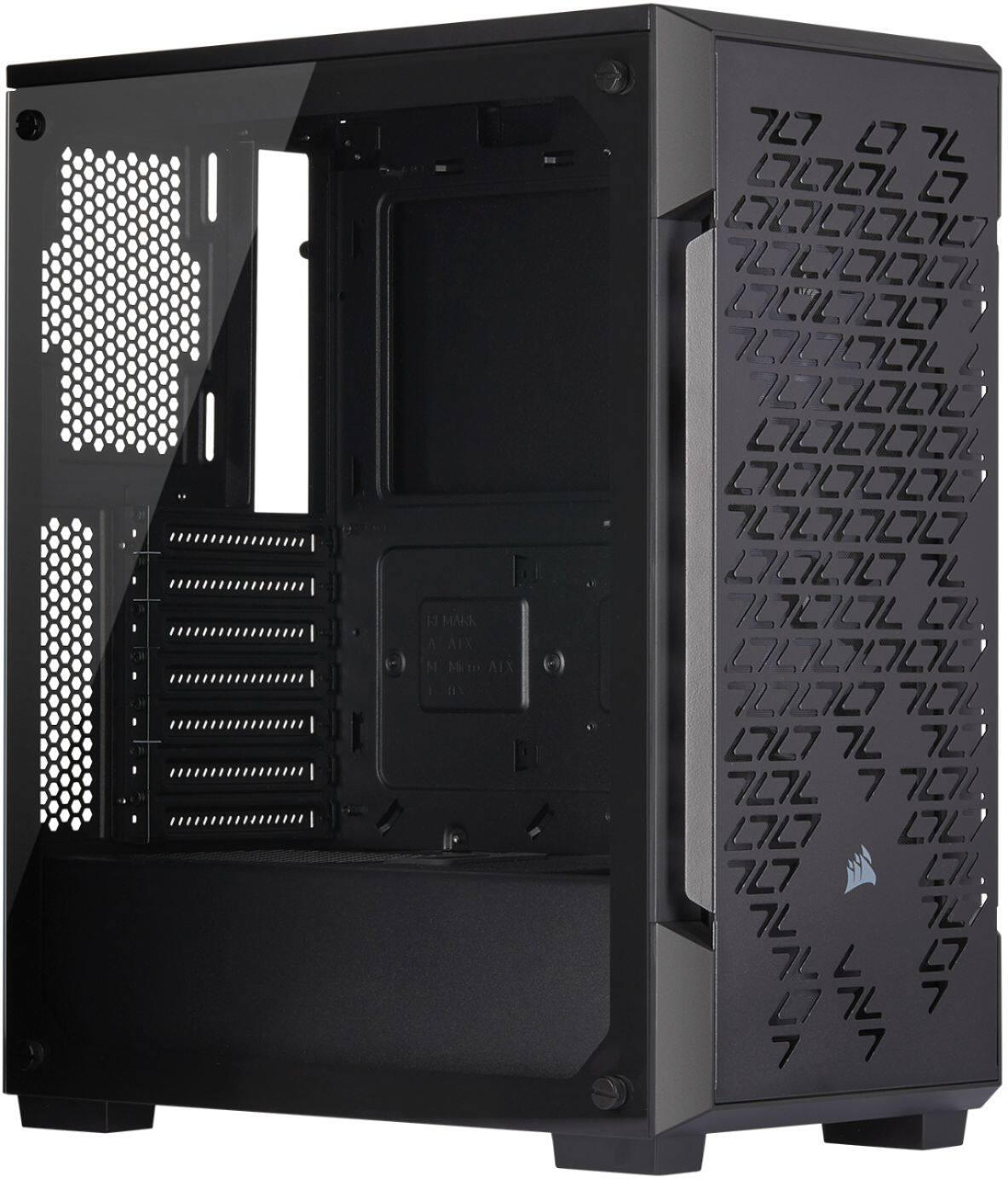
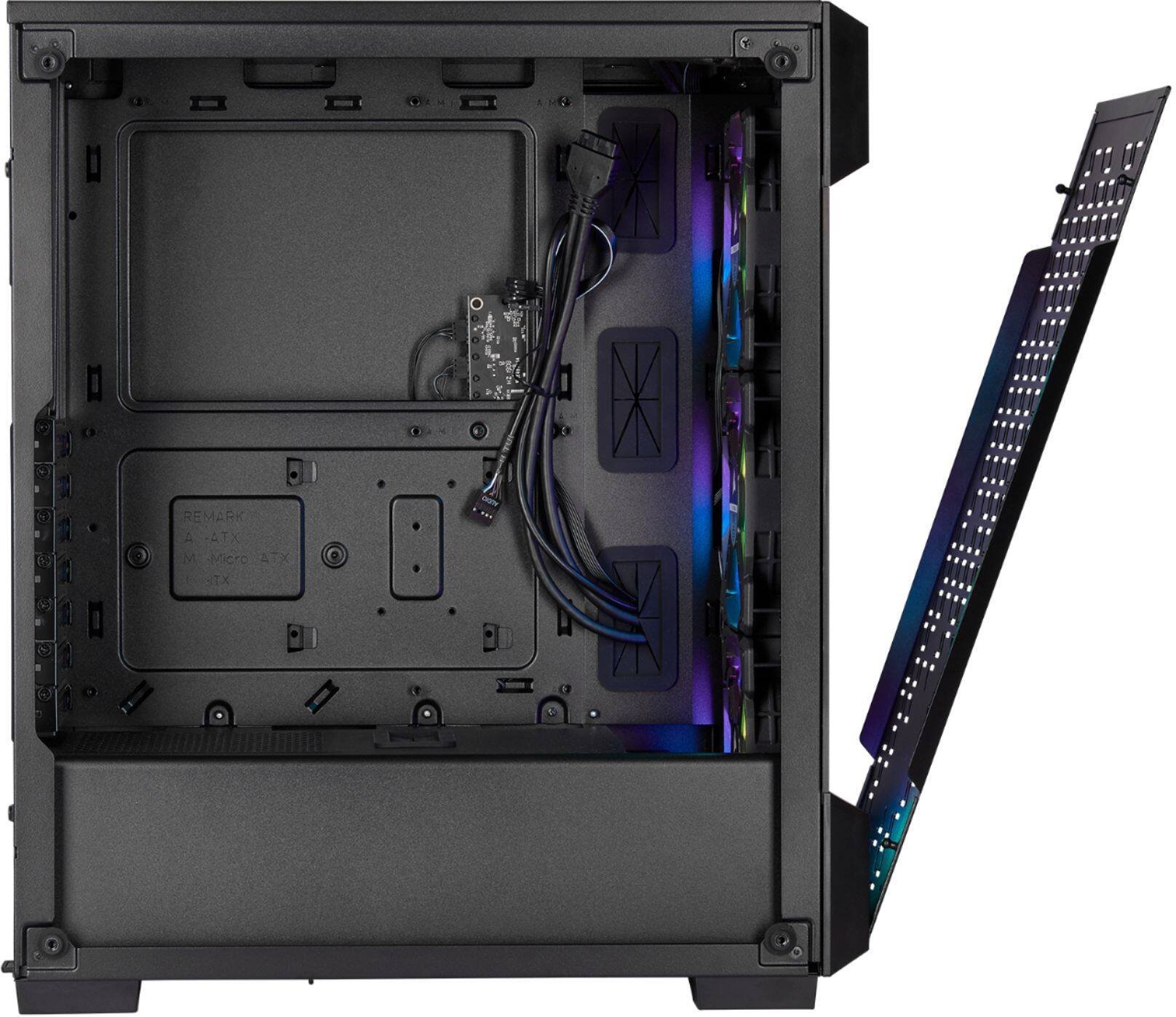
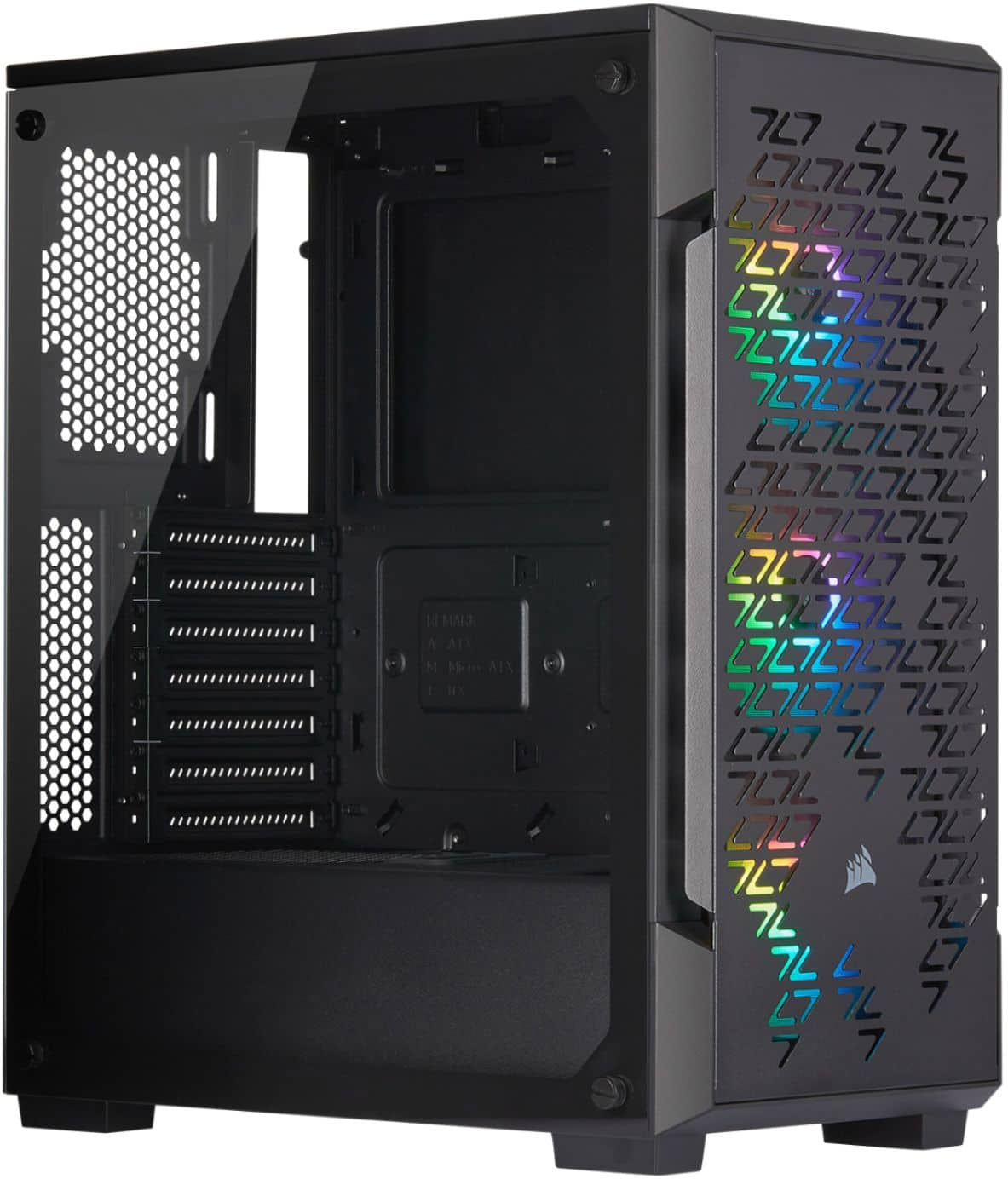
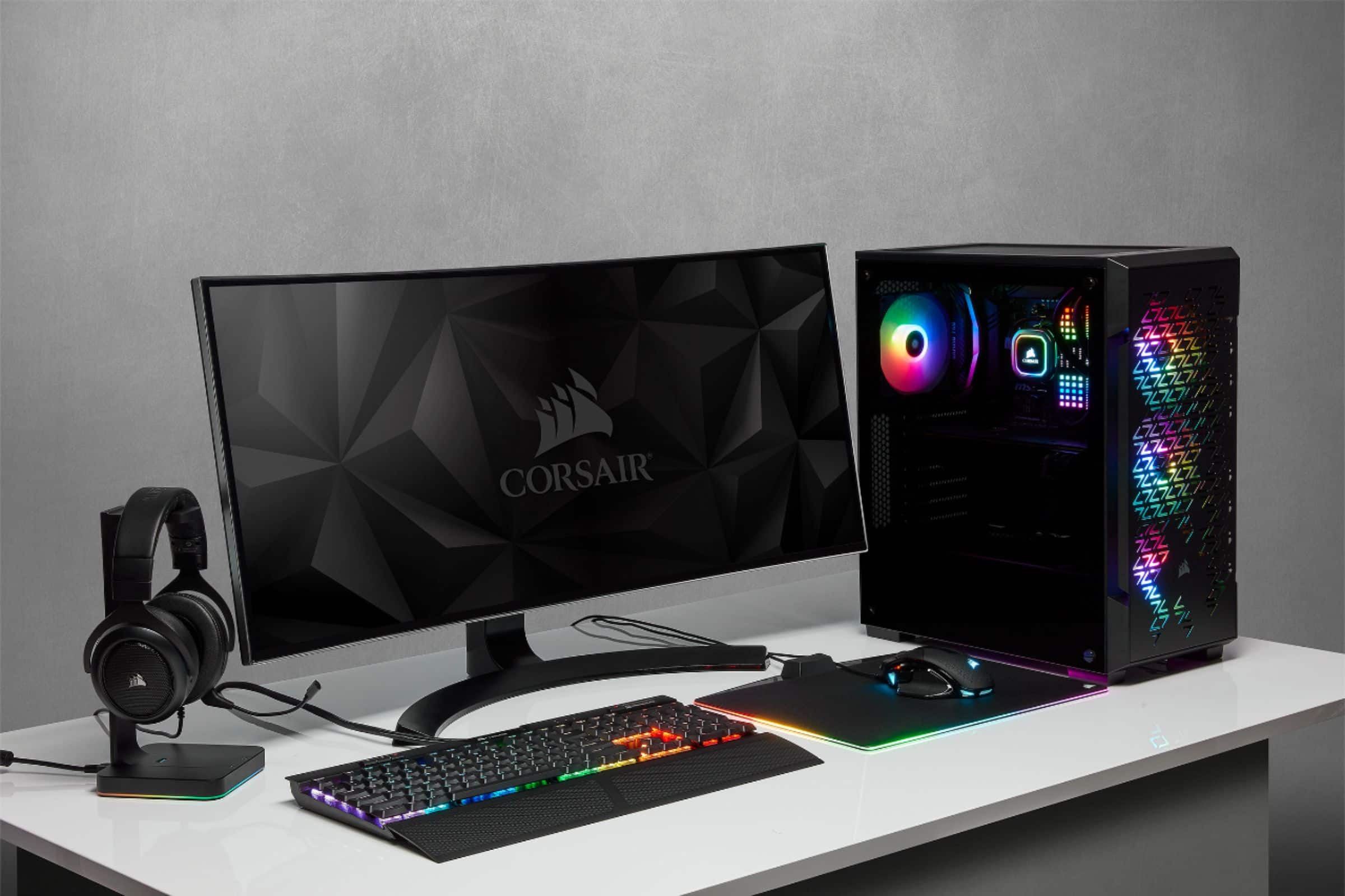
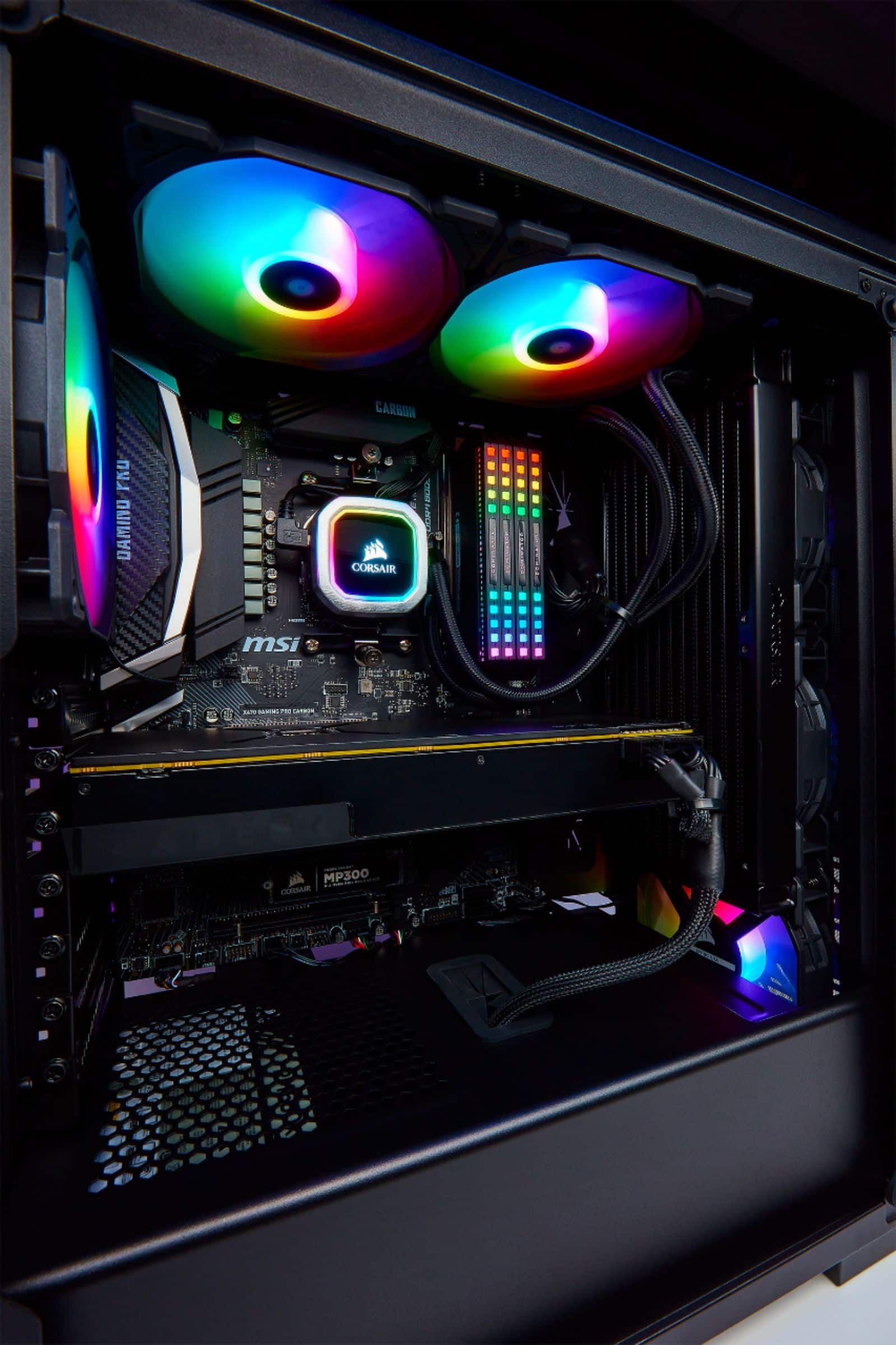
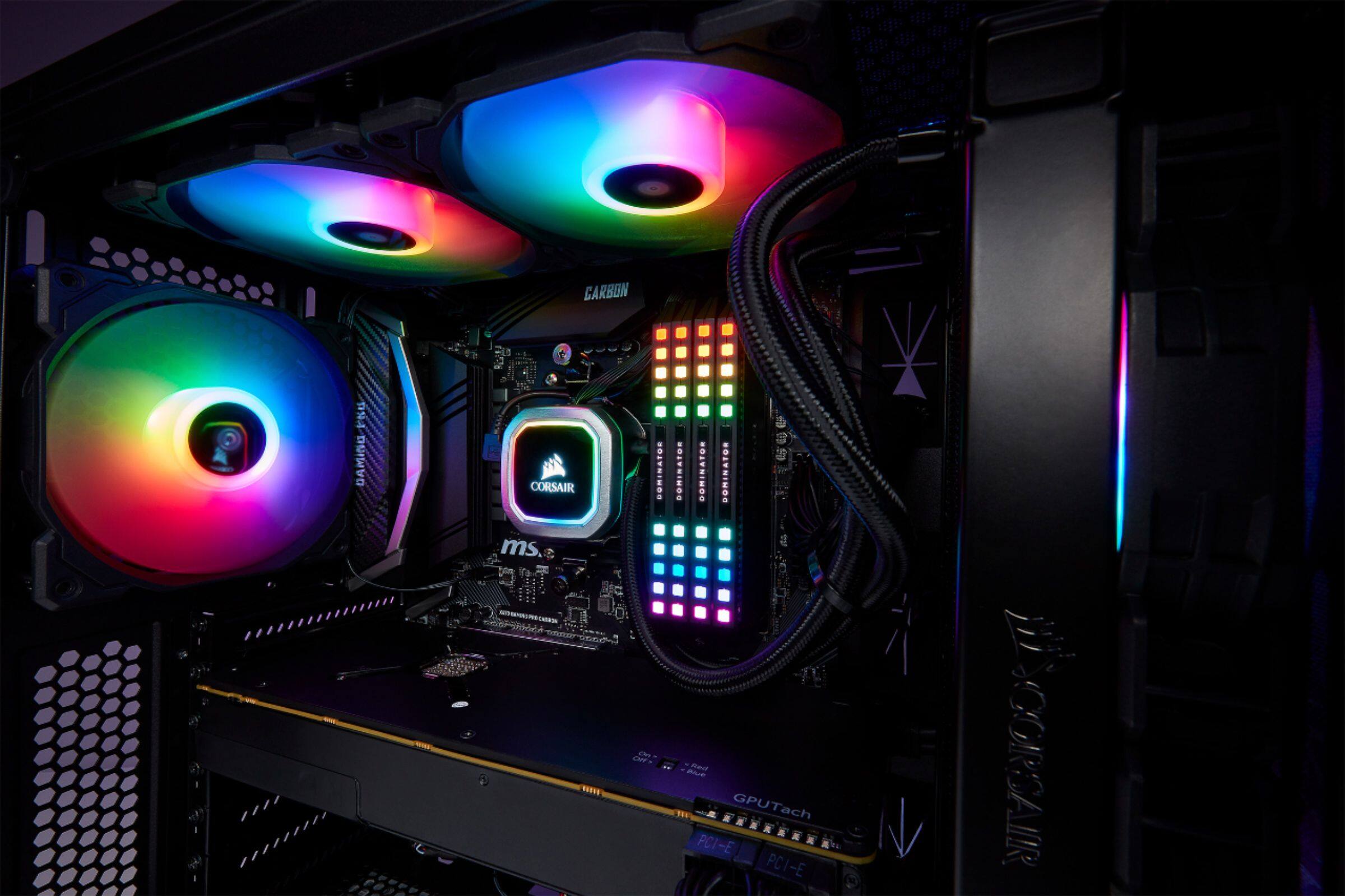
A:AnswerThis is simply the case that components of your choice will go inside. The case is empty but comes with some fans preinstalled. At a minimum you will still need -
Power Supply
Motherboard
CPU (and a cooler if not included with the chip)
RAM
Storage (HDD, SSD, or NVME SSD if the motherboard supports it)