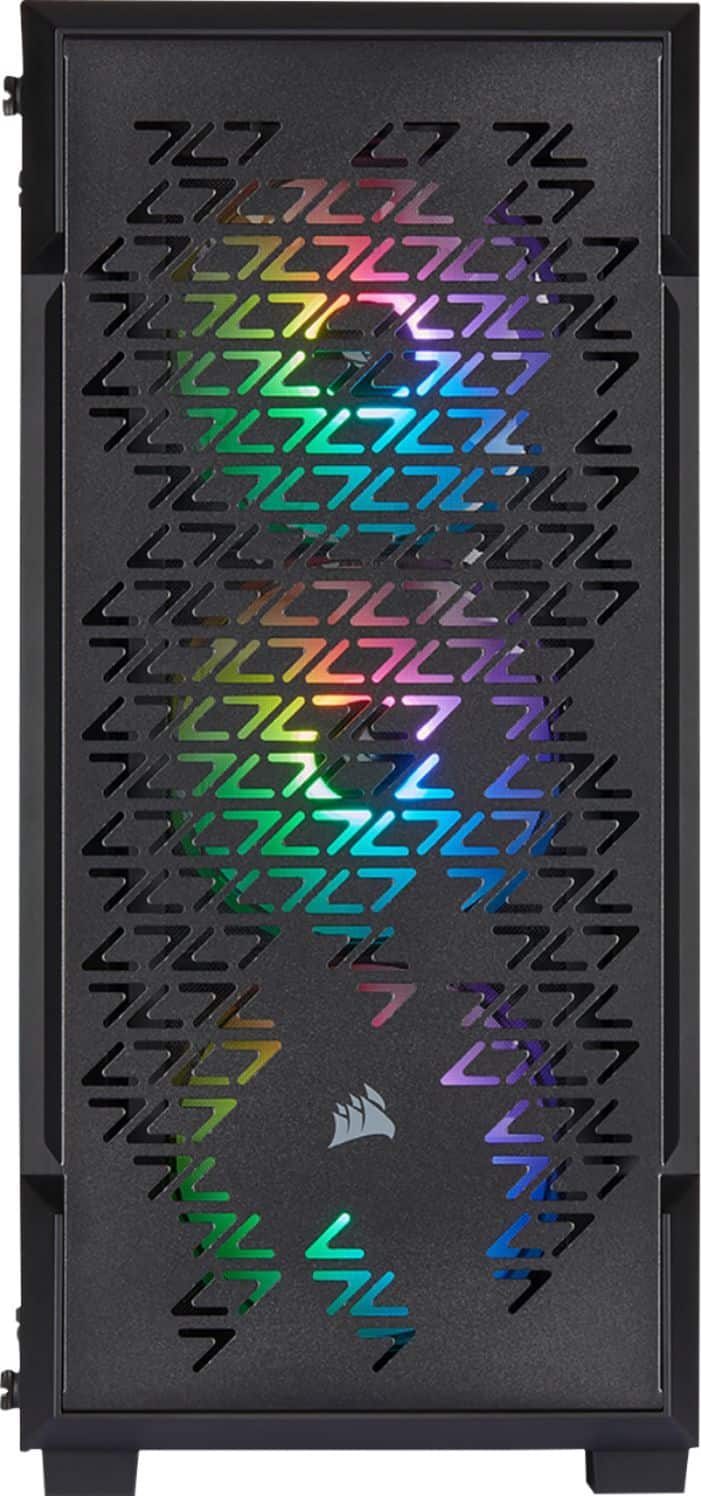
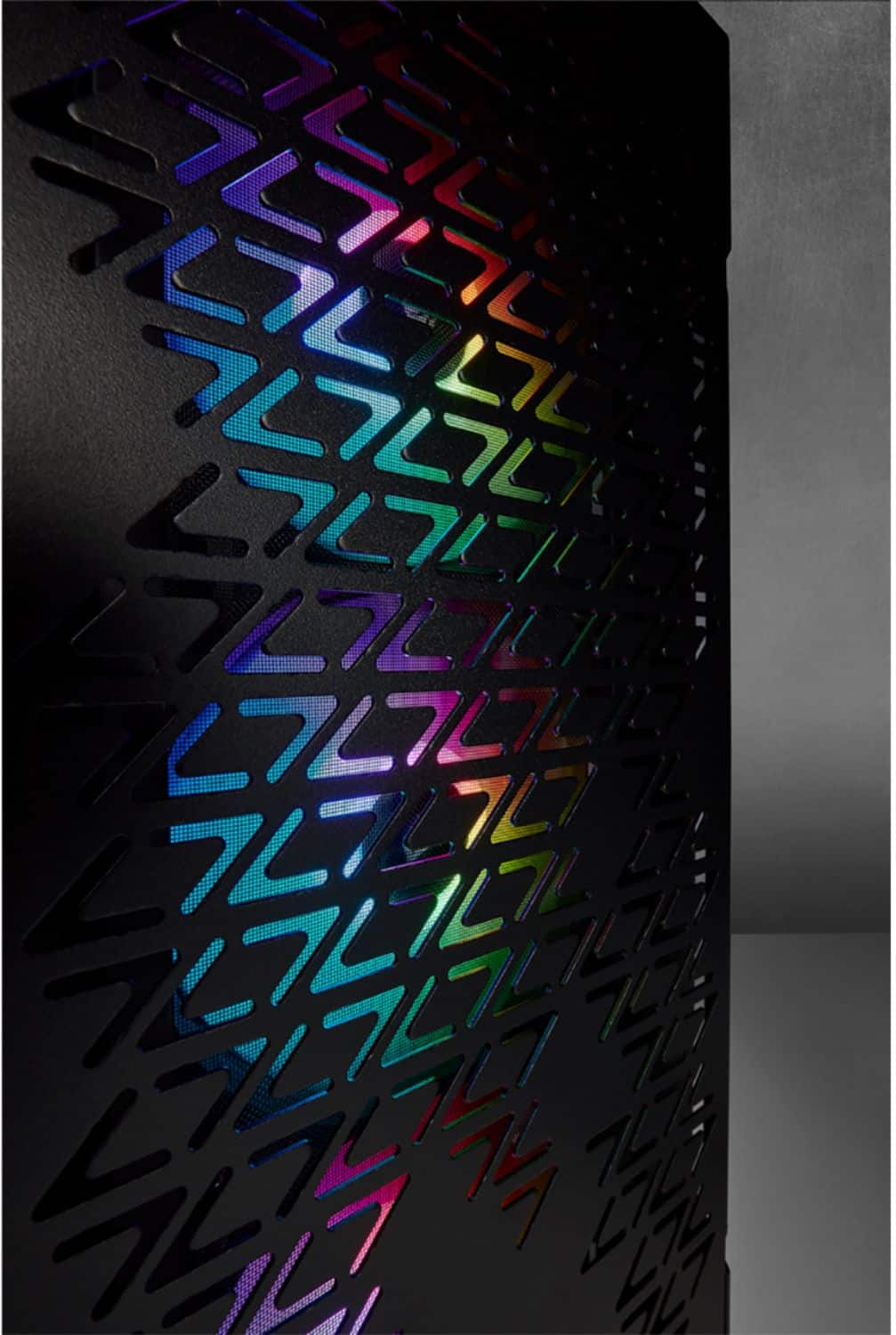
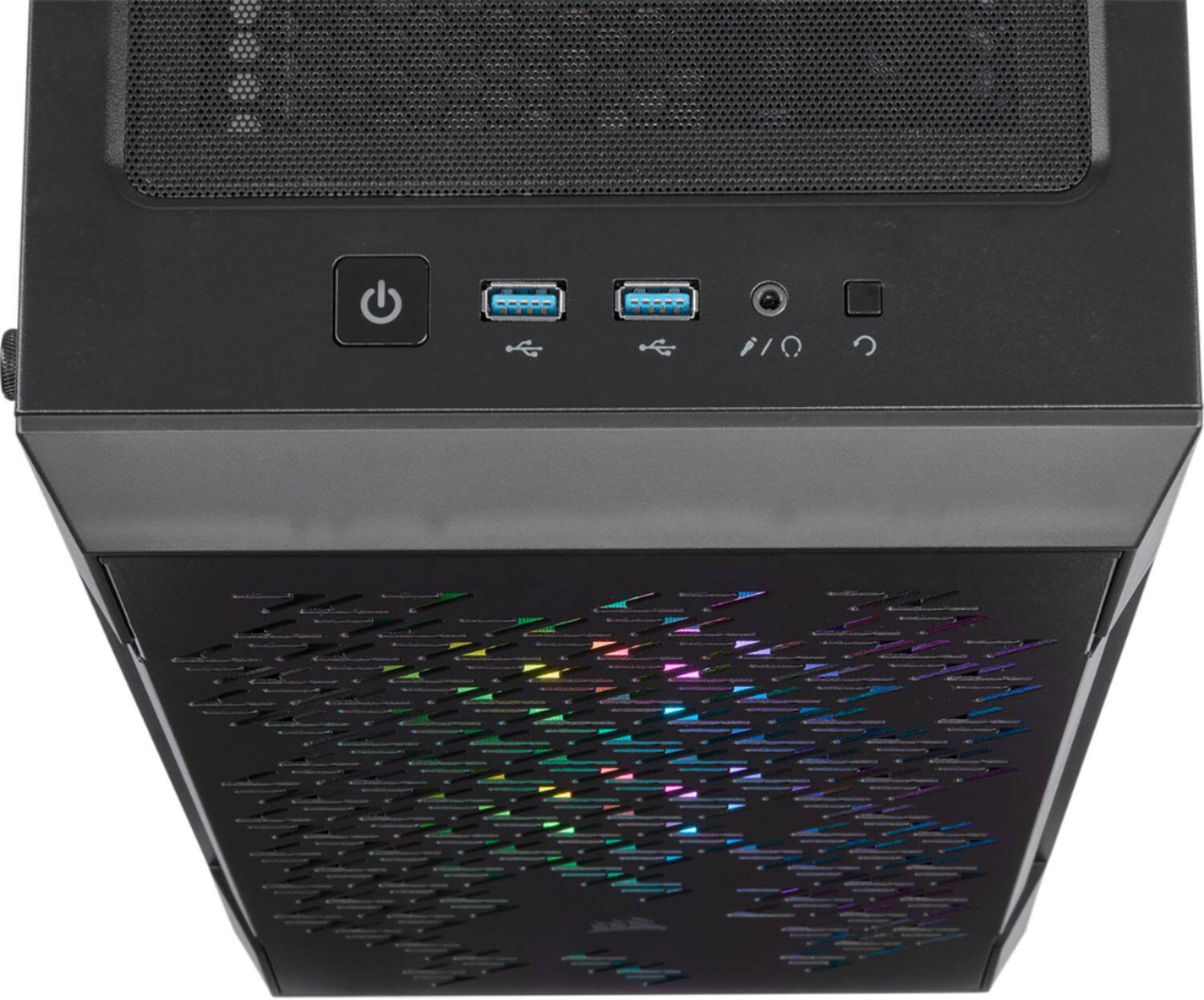
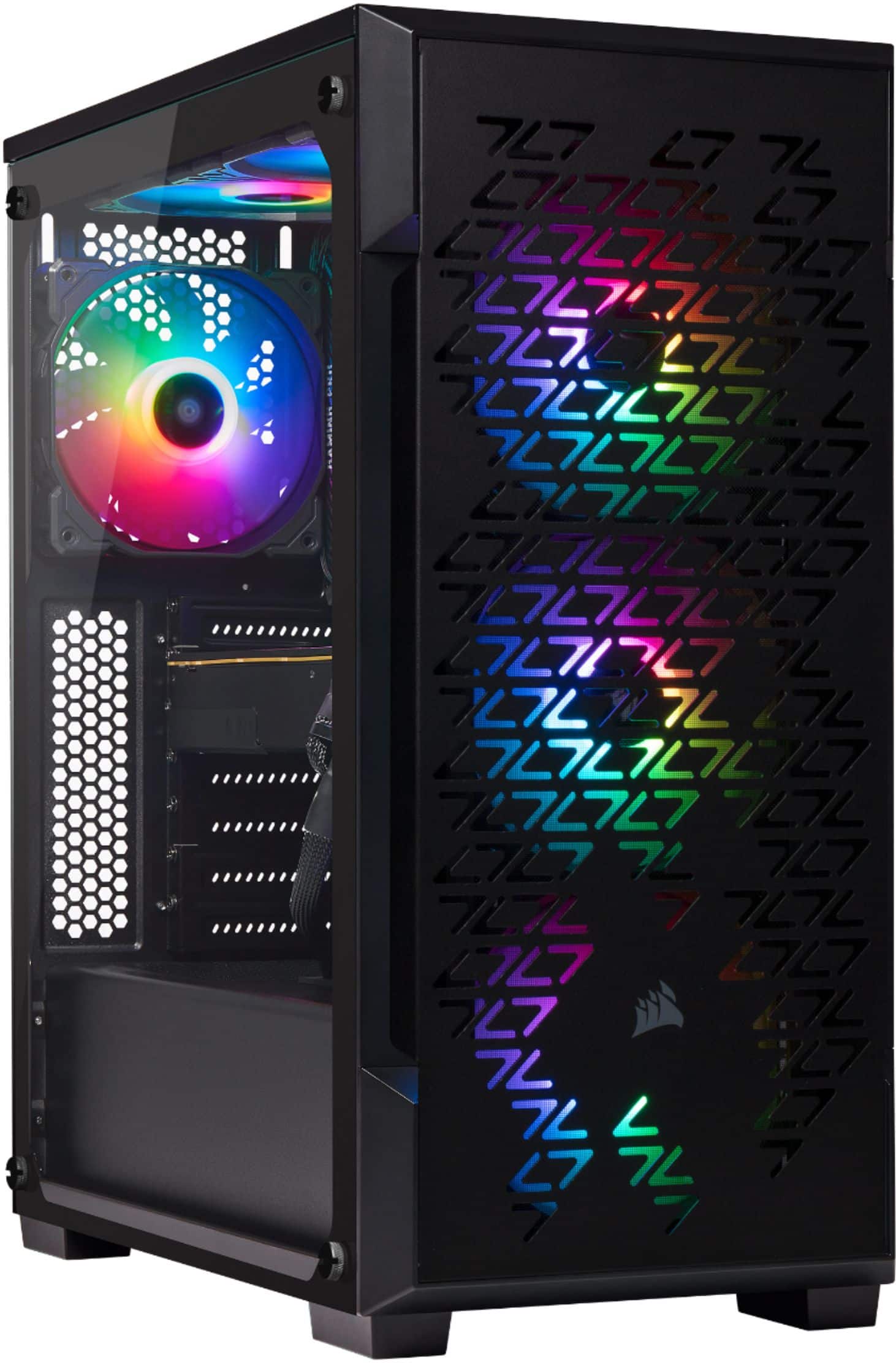
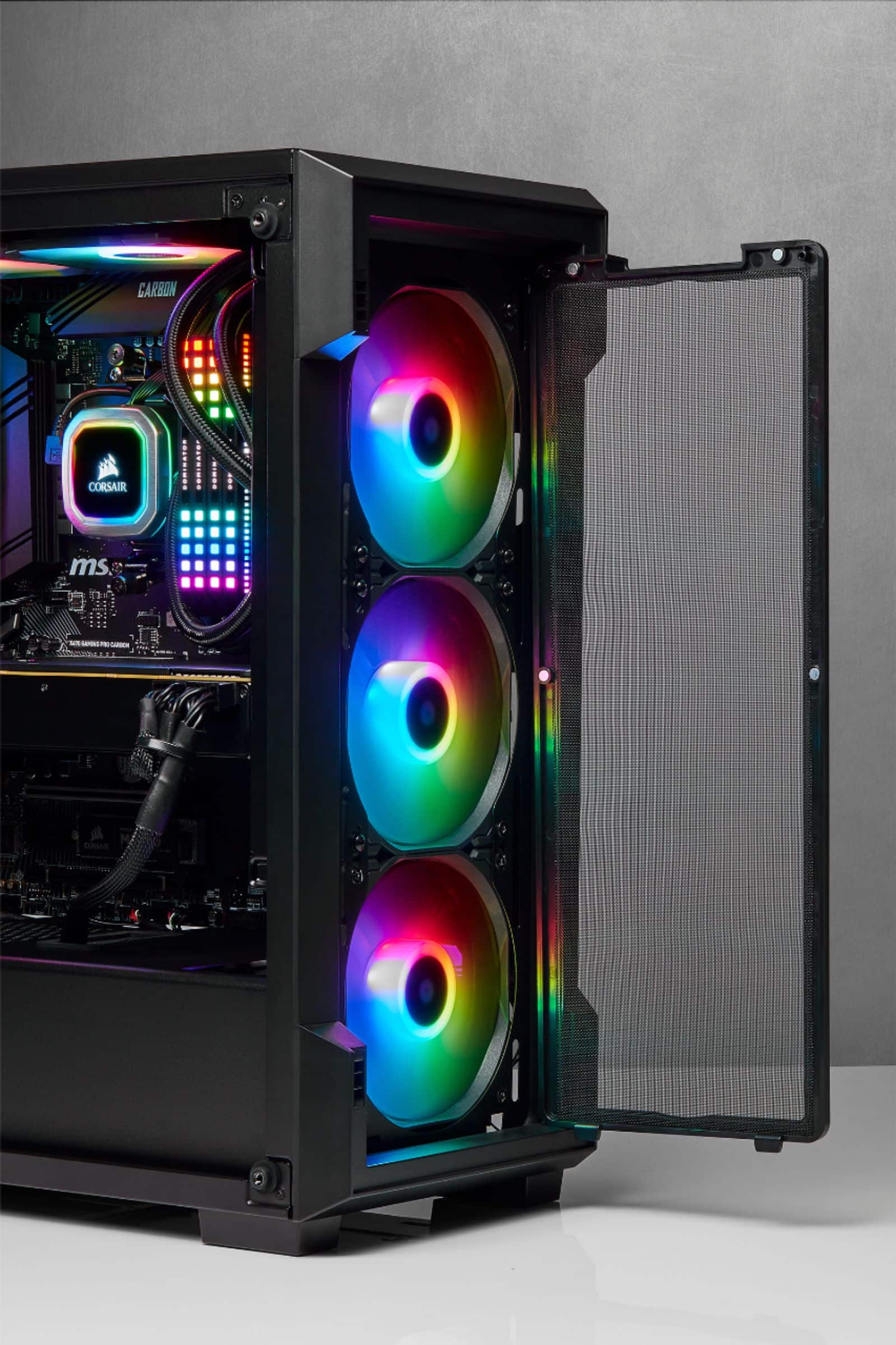
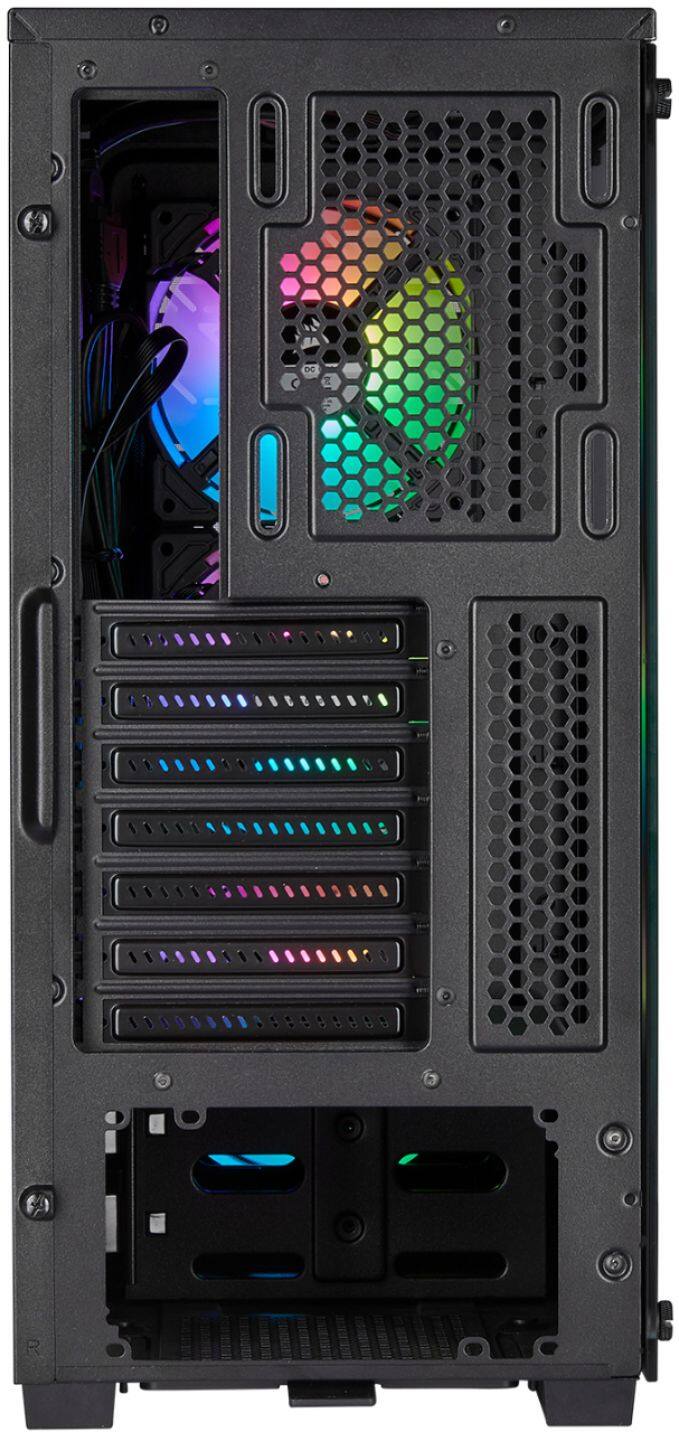
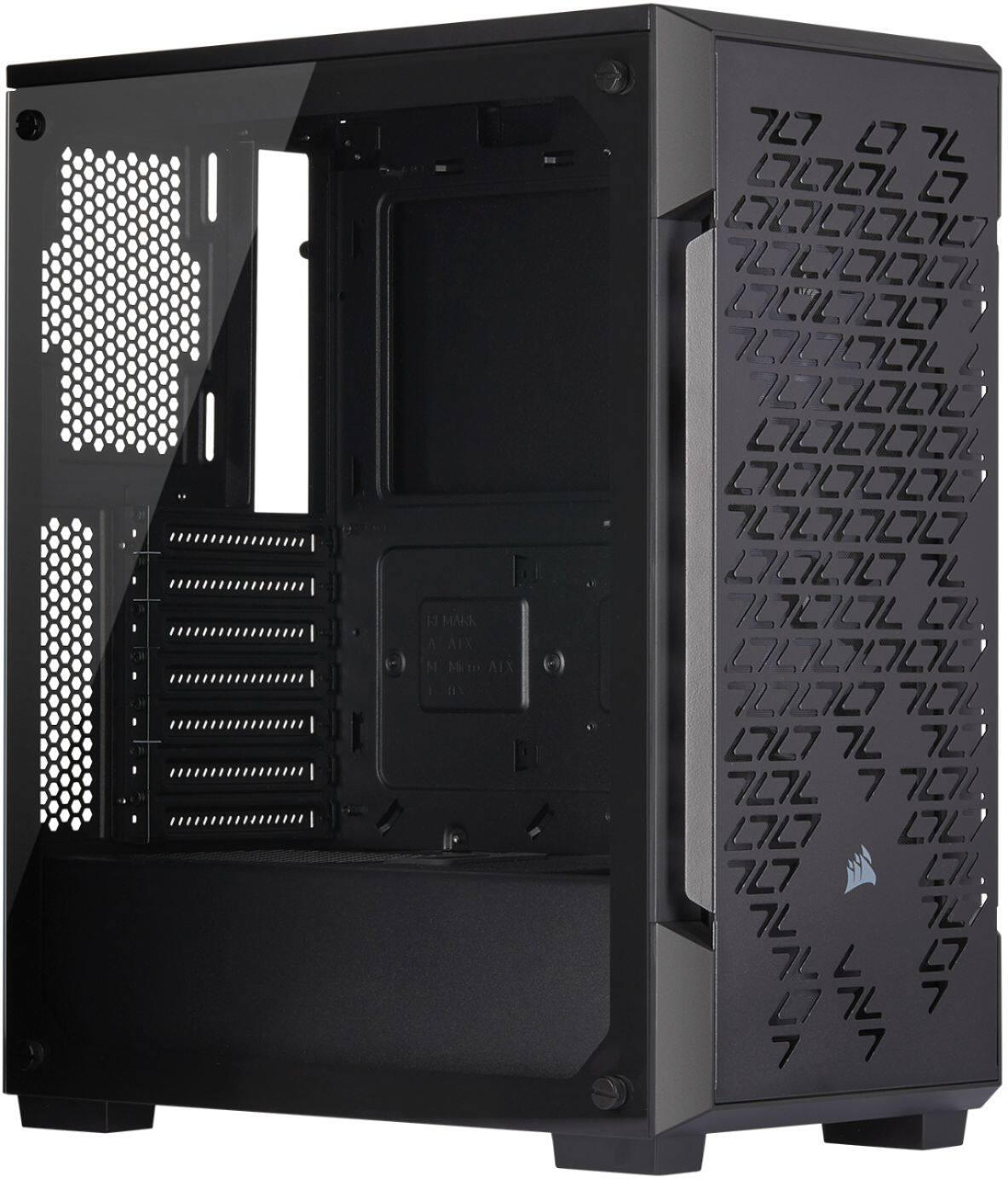
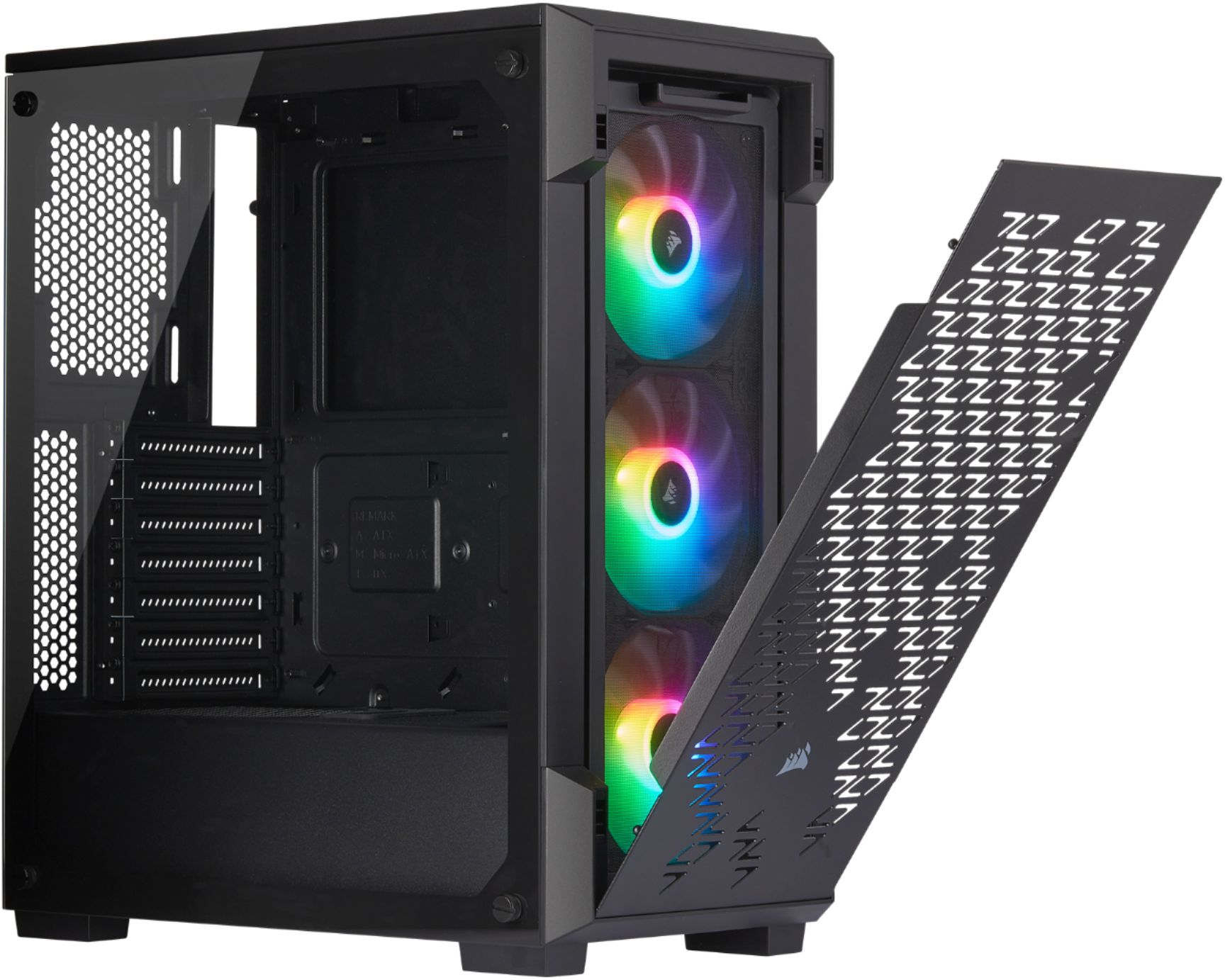
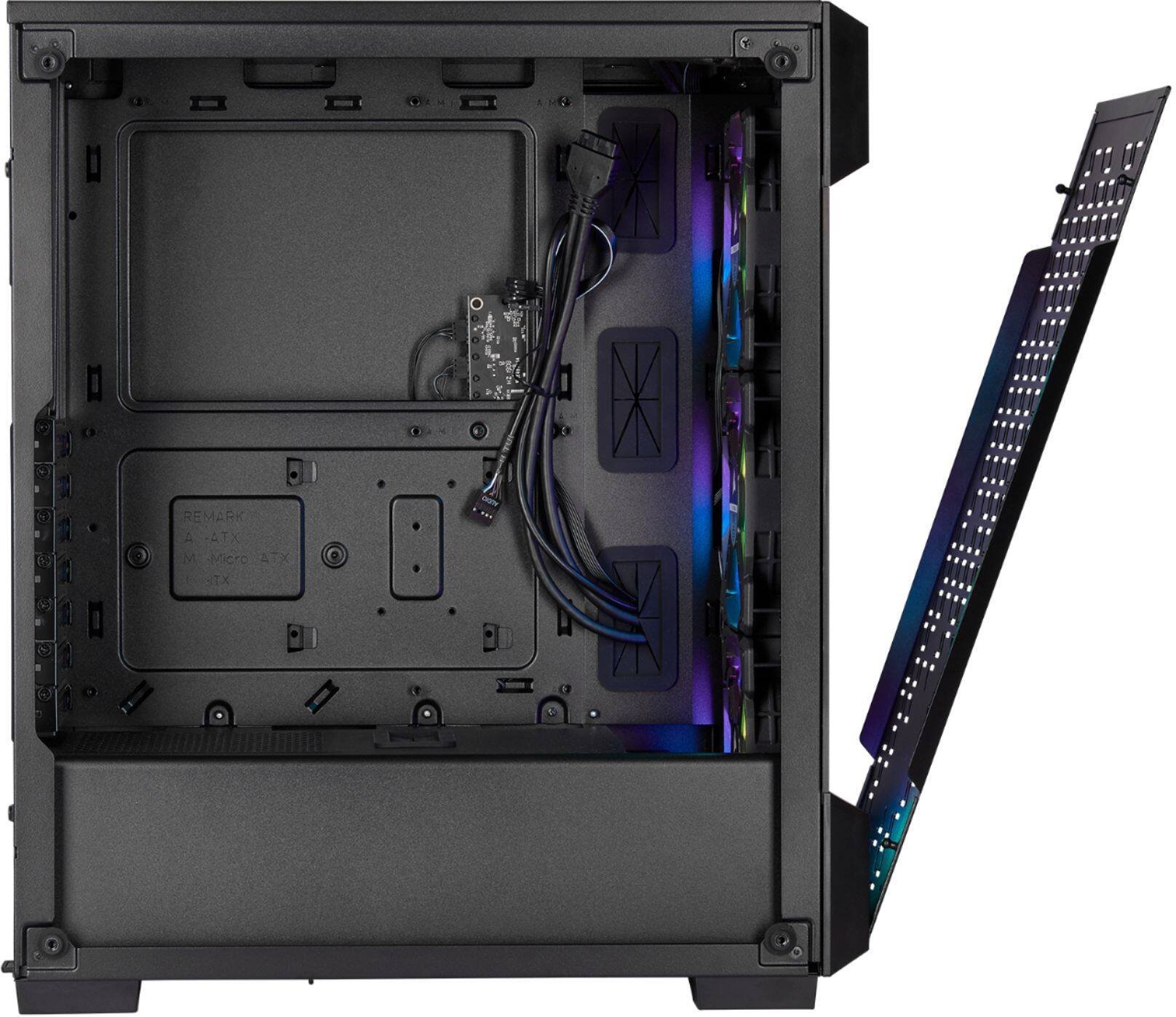
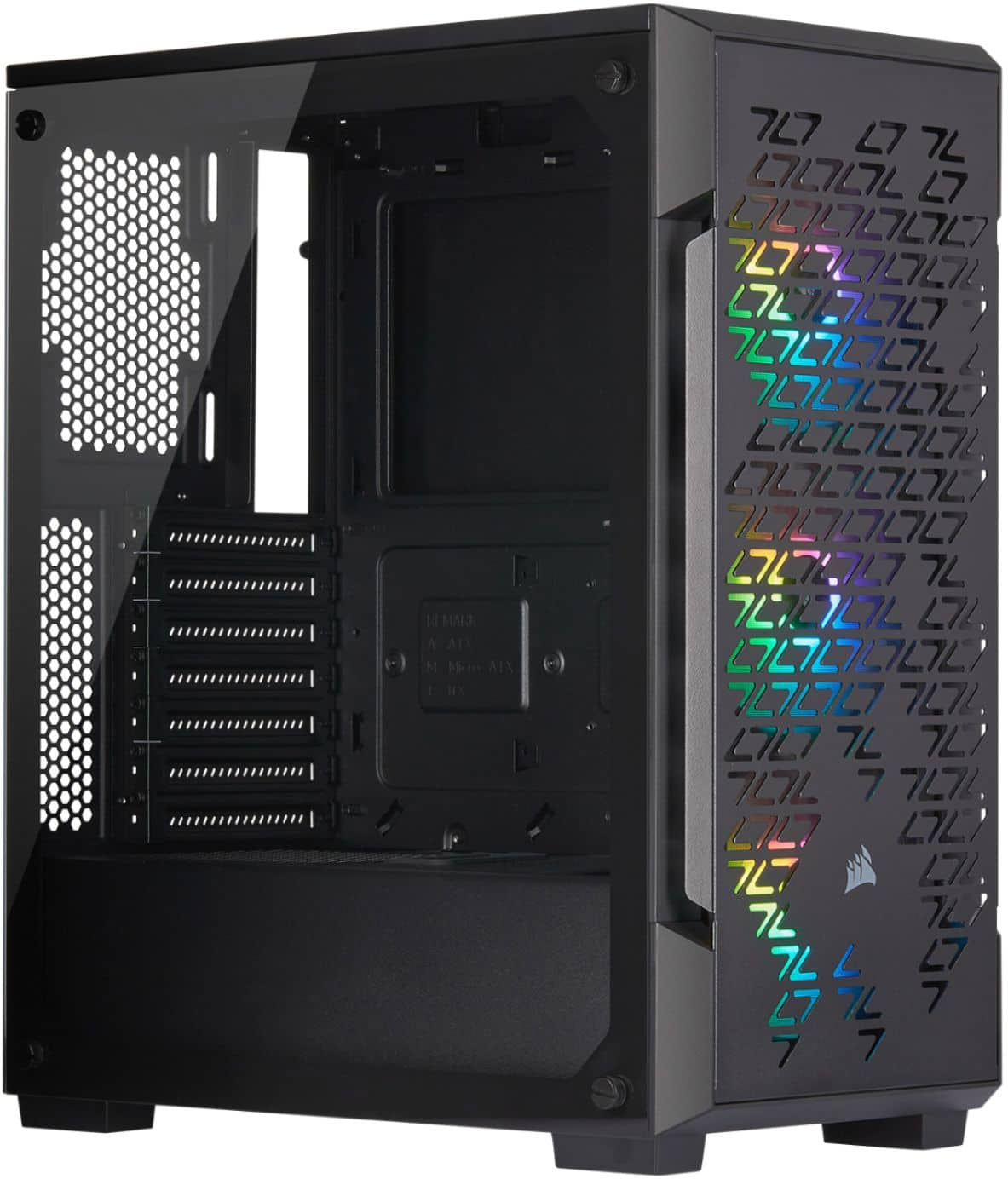
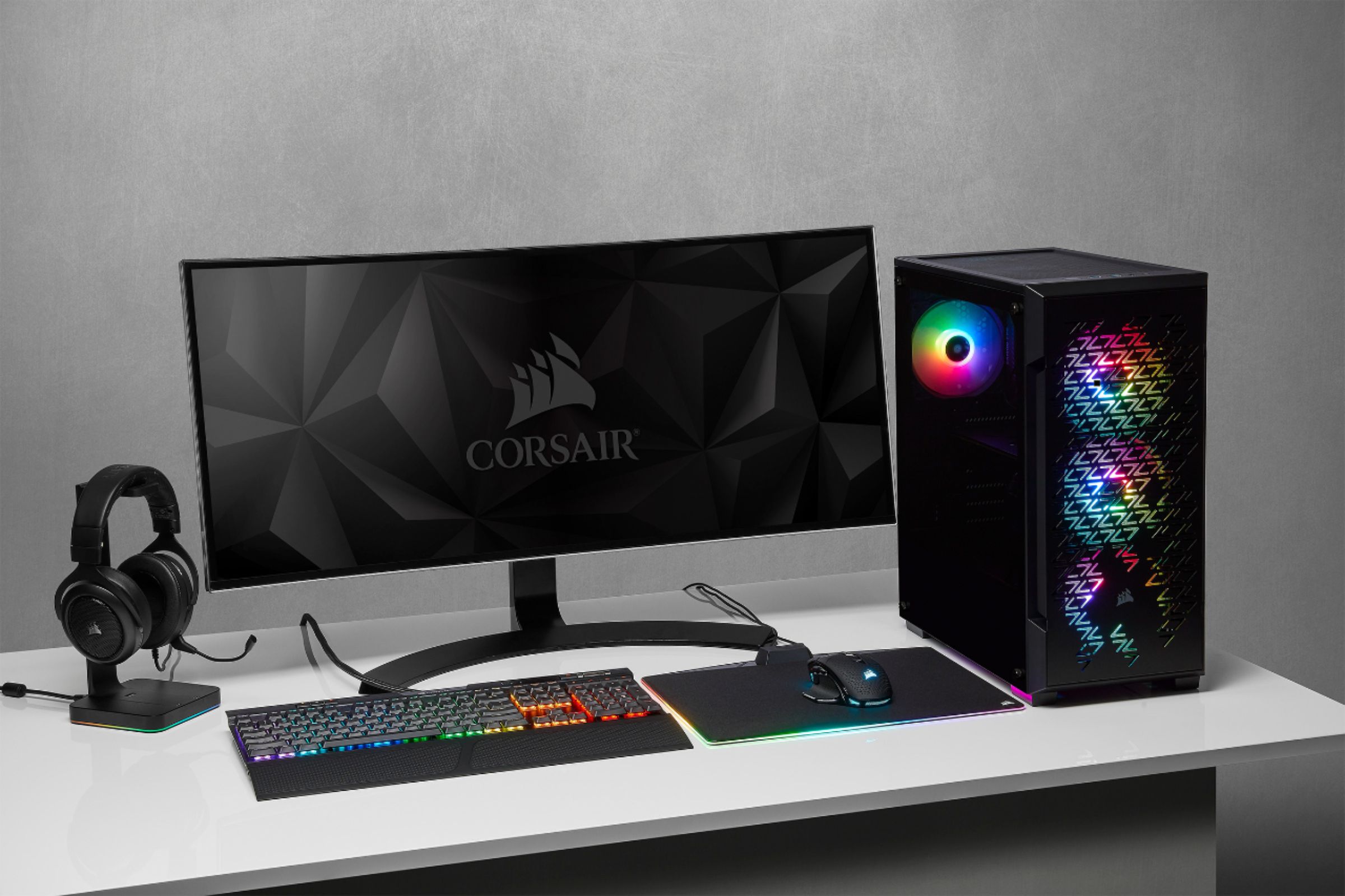
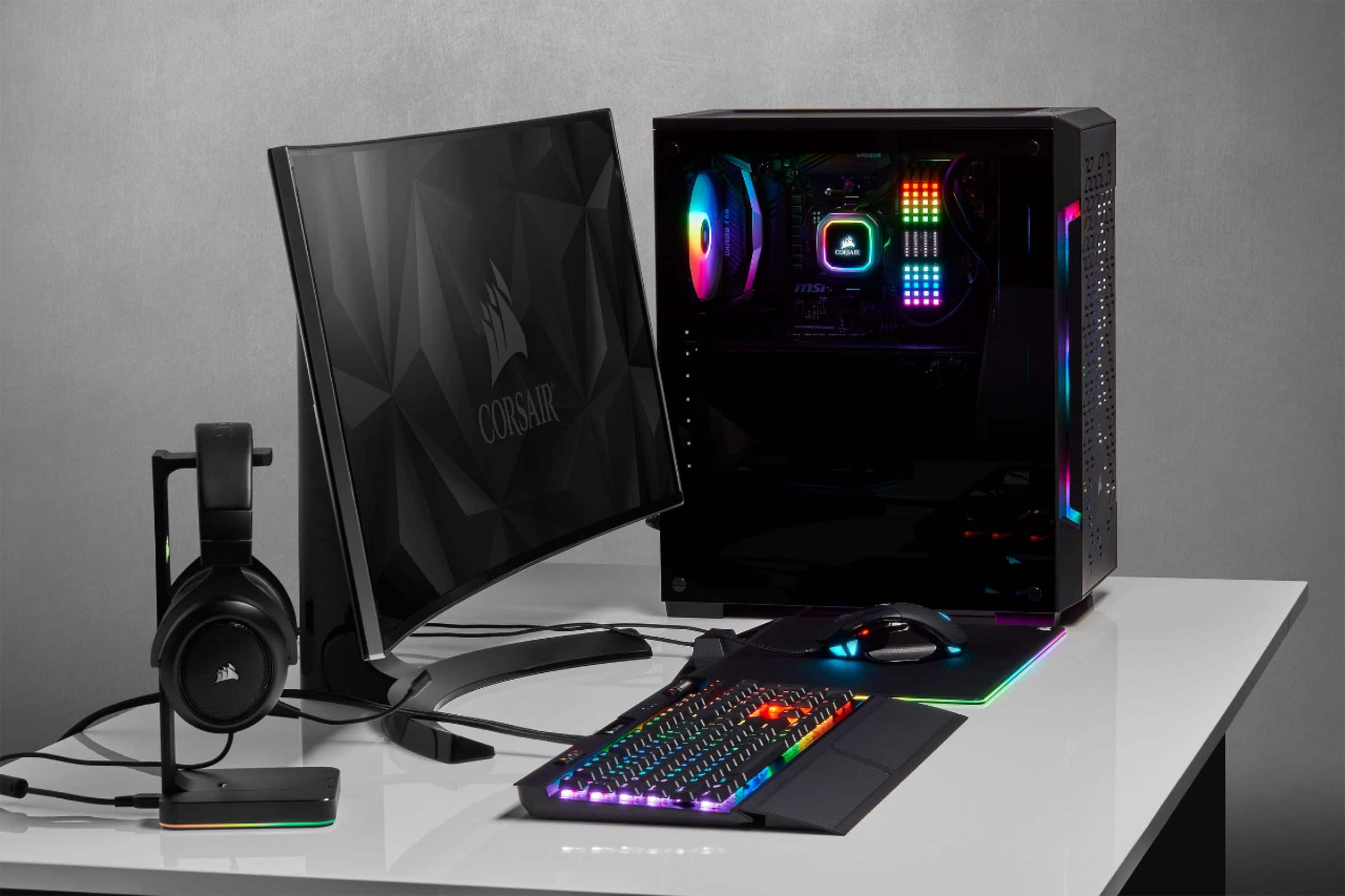
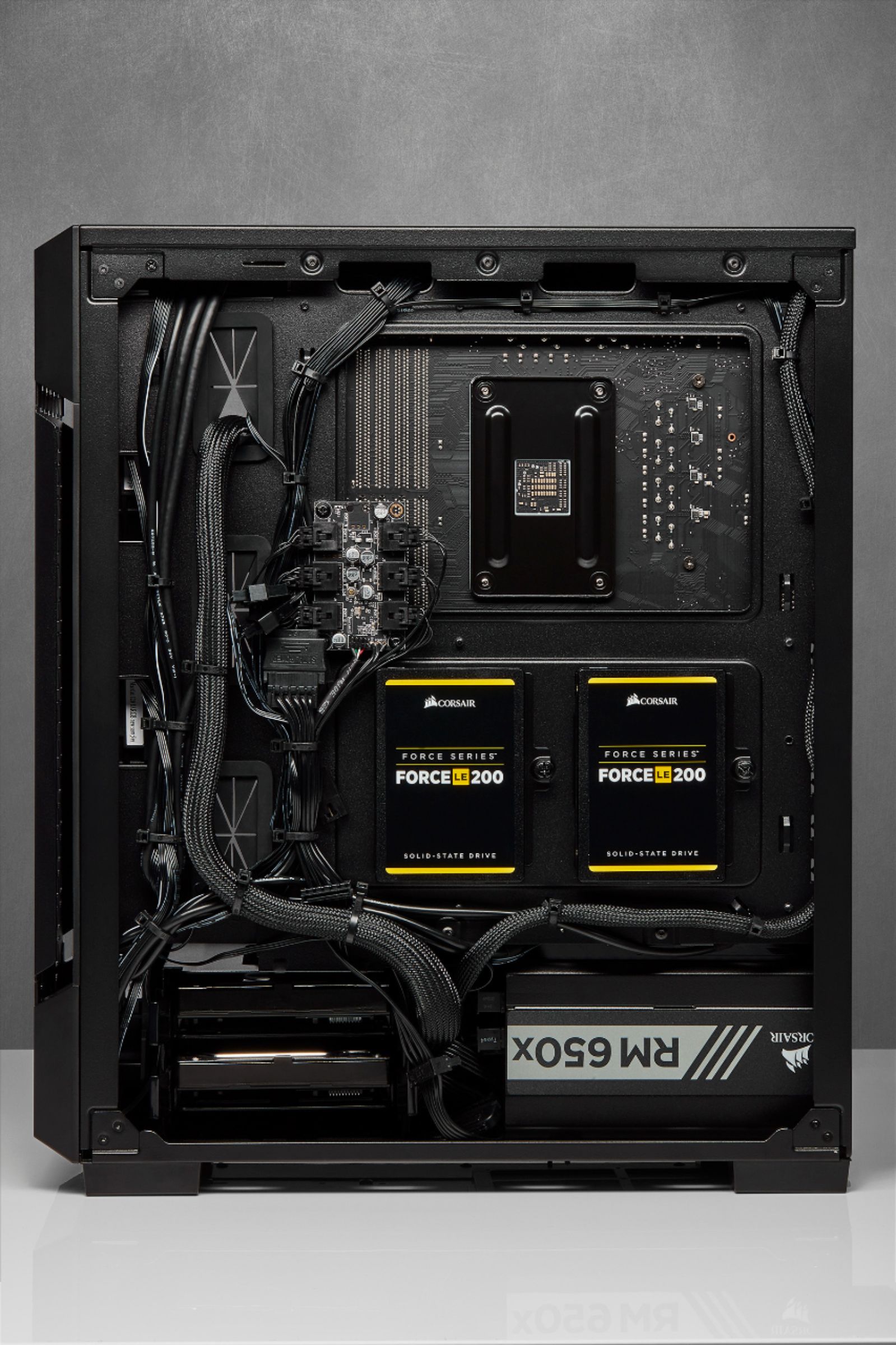
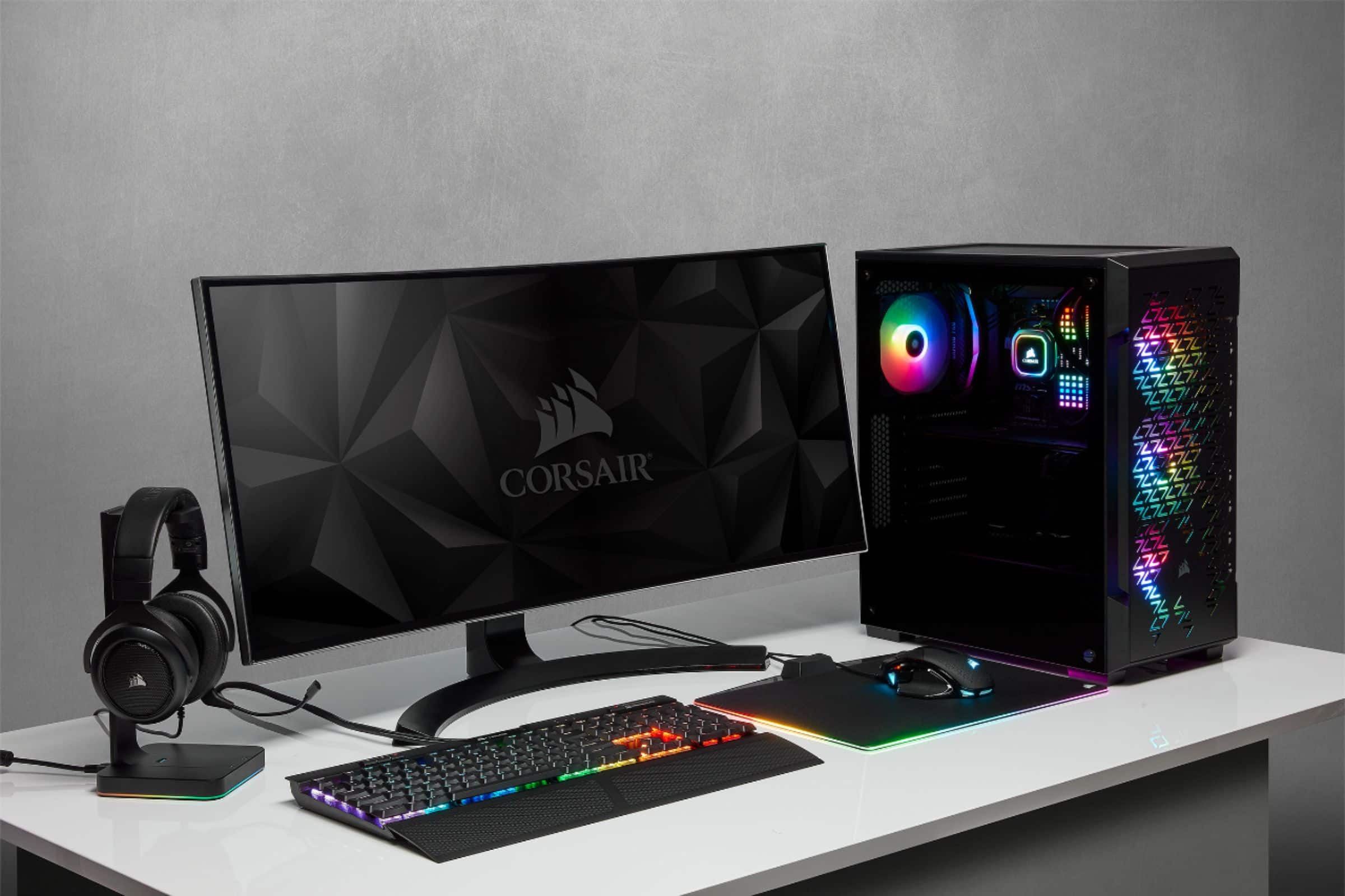
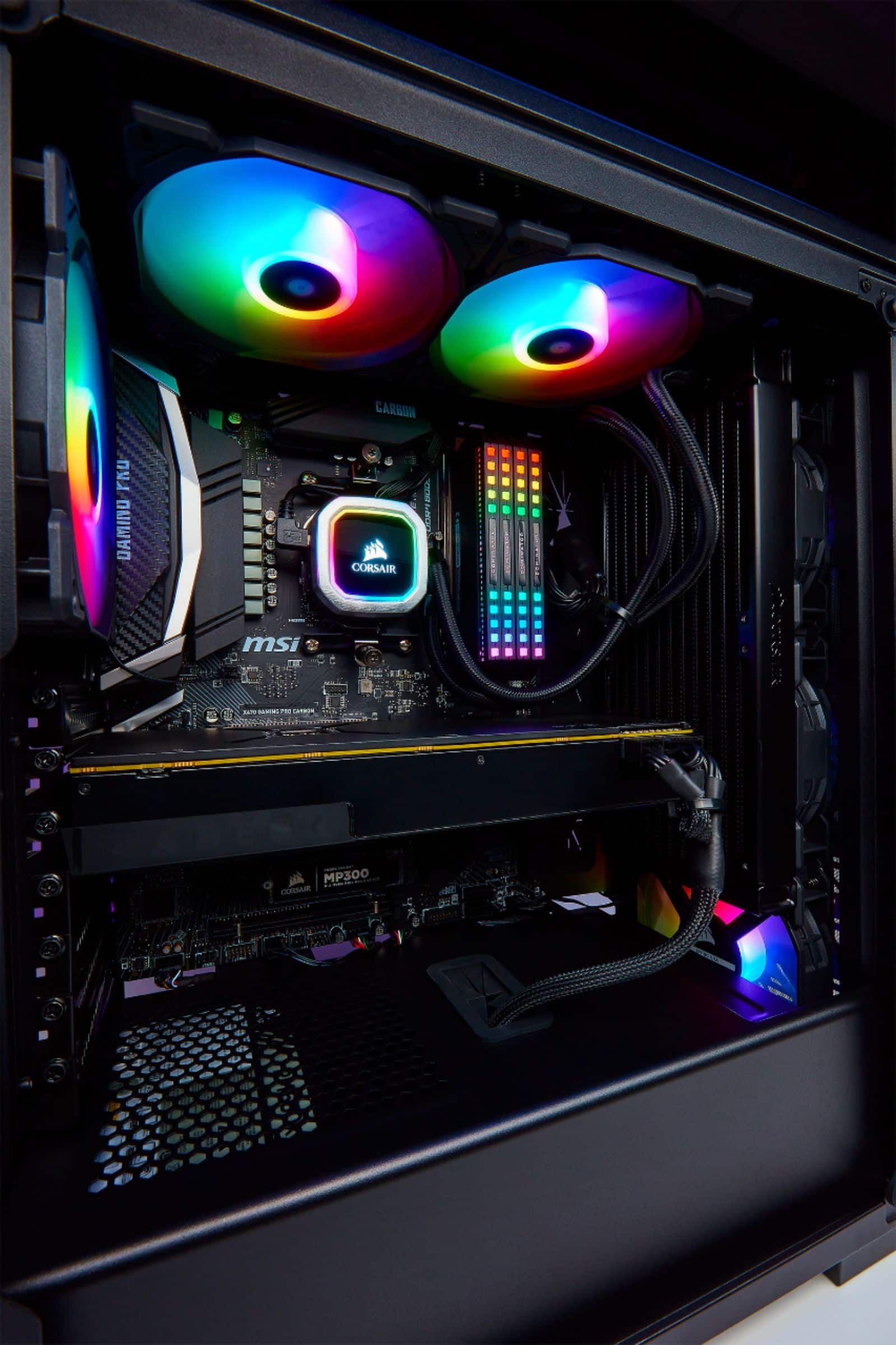
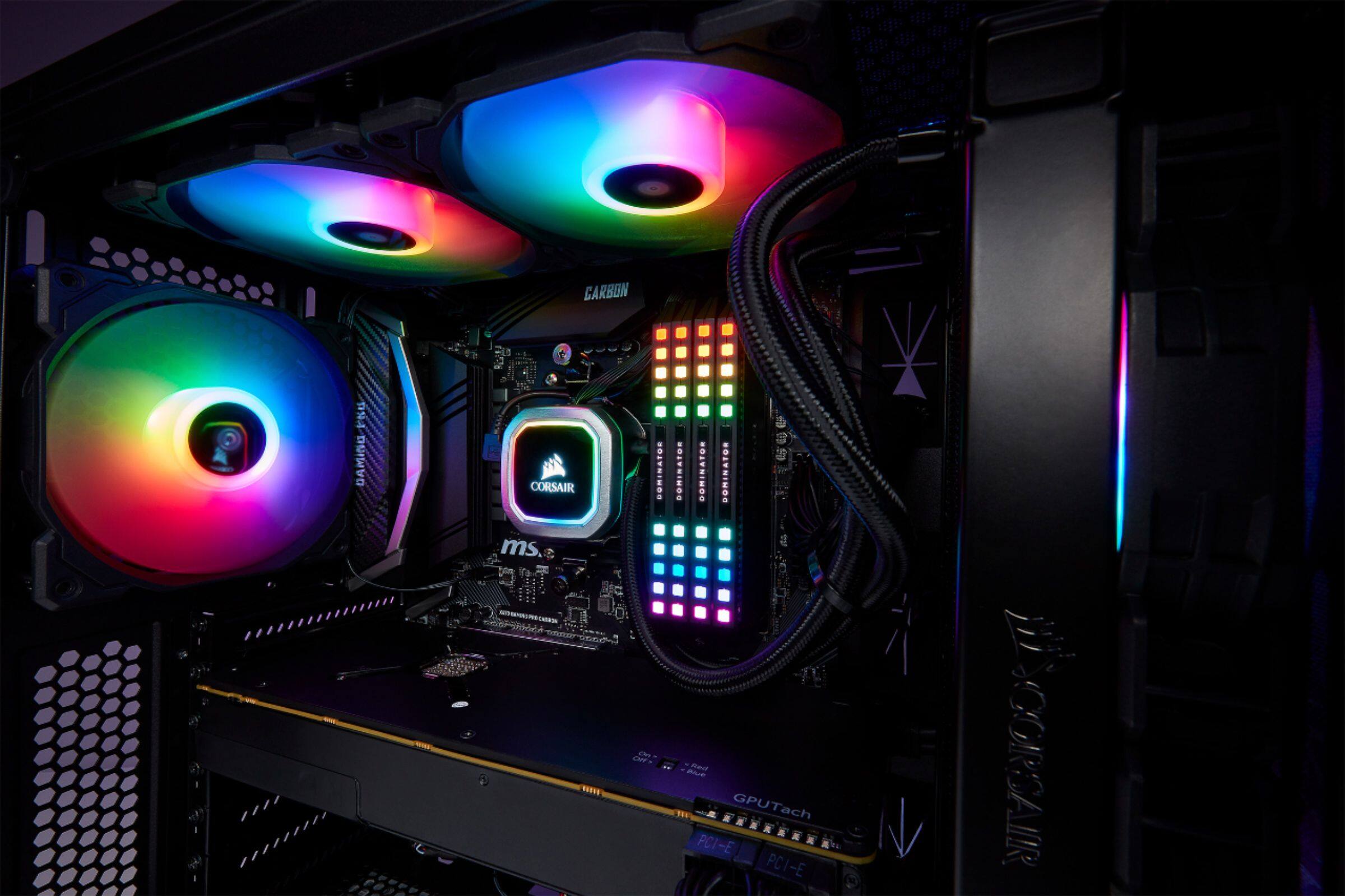
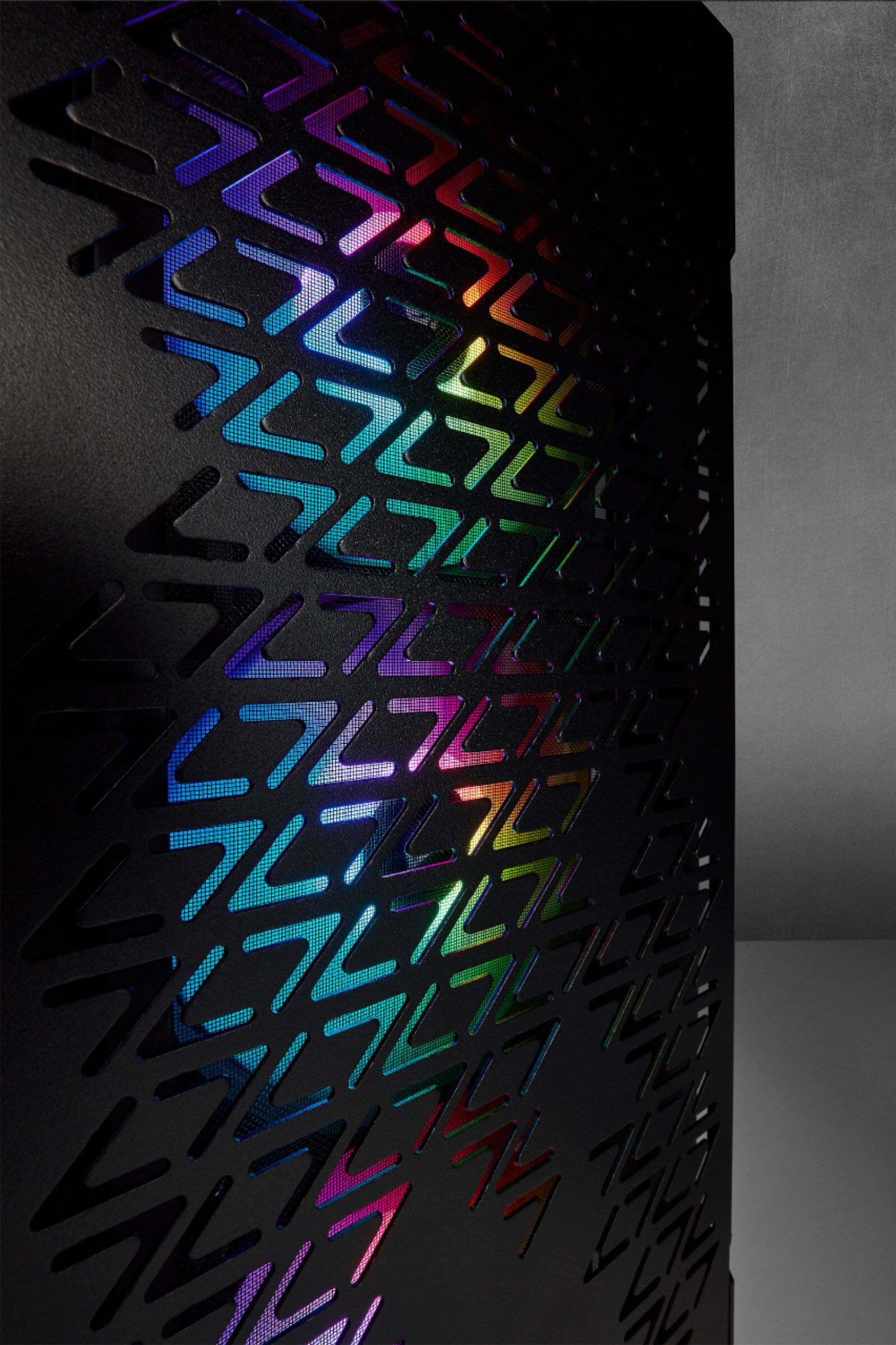
A:AnswerThis is a quality Steel Case that includes 3 High Quality Corsair RGB fans and the related control module. Also nice dust filters and a nice glass panel with thumb screws for easy access and complete view of the system. Also well organized right side removable panel for hiding and routing all wiring for a clean install. This case has only the 3 intake fans and so no power supply or exhaust fans. I added two more Corsair Fans as well as a water cooler. I would recommend going with the Corsair dual RGB water cooler mounted on the top of the case if you are running a powerful CPU at high speed or overclocked. If you do this you would only need one additional fan to have a great cooling system that fits and works with the existing RGB color display system already included with this case. Good Luck with your Build!
A:AnswerIt comes with a Corsair LED hub that I think has 6 ports 3 used by the front fans. Download the awesome Corsair iCue software to control them. You can download all kinds of cool lighting profiles. I highly recommend getting Steam Wallpaper Engine where you can find 1000’s of desktop backgrounds many of which integrate with iCue.
A:AnswerEhhh.... yes/no, rubber mounted pass through a from bottom/top/side to pass through from back to front but nothing to manage cords on the back side
A:AnswerIt will accommodate up to an ATX-sized motherboard, but it's a tight squeeze. I had some problems with wiring my board after placing it in the case due to not having much room to work with. Try going to the Dell website to see if it's compatible.
A:AnswerYou can, but there might be clearance issues with your ram or the fans on the front. I got the same setup and had to move the front three fans from inside to outside the case.
A:AnswerThere are the typical 2-3 holes on the motherboard panel side and a few more on the bottom where the PSU would be. They are small but there, i'd say its about average in terms of placement for a mid-tower.