A:AnswerYou may want to get in touch with Best Buy directly regarding their price match policy. If you happen to have any questions regarding the PC it self then do not hesitate to give our support agents a call.
Tech support:
(888)937-5582
[email protected]
- CyberpowerPC Support
A:AnswerThis can have varying affects. Its best to research what the system board allows, and will most likely have different drivers. It wont affect what is on your HD for the Operating System though. You may need to DL other drivers once this has been swapped.
A:AnswerYou would want to contact Best Buy directly. You may have to place the order in store. If you have any further questions or concerns then please do not hesitate to give our tech support agents a call for any assistance; we're always happy to help.
Tech support:
(888)937-5582
- CyberpowerPC Support
A:AnswerThe available ports are HDMI, SDVI and UHB only for this desktop. My advise for you is just use your HDMI port. HDMI has instant Technology for lag-free experience along with two low input lag HDMI ports, so you can enjoy super smooth visuals, and keep it hooked up to two devices. In addition, AMD FreeSync™ technology helps eliminate image tearing for fast gameplay over HDMI input for smooth gameplay. Otherwise you need a converter from Vga to SDVI port.
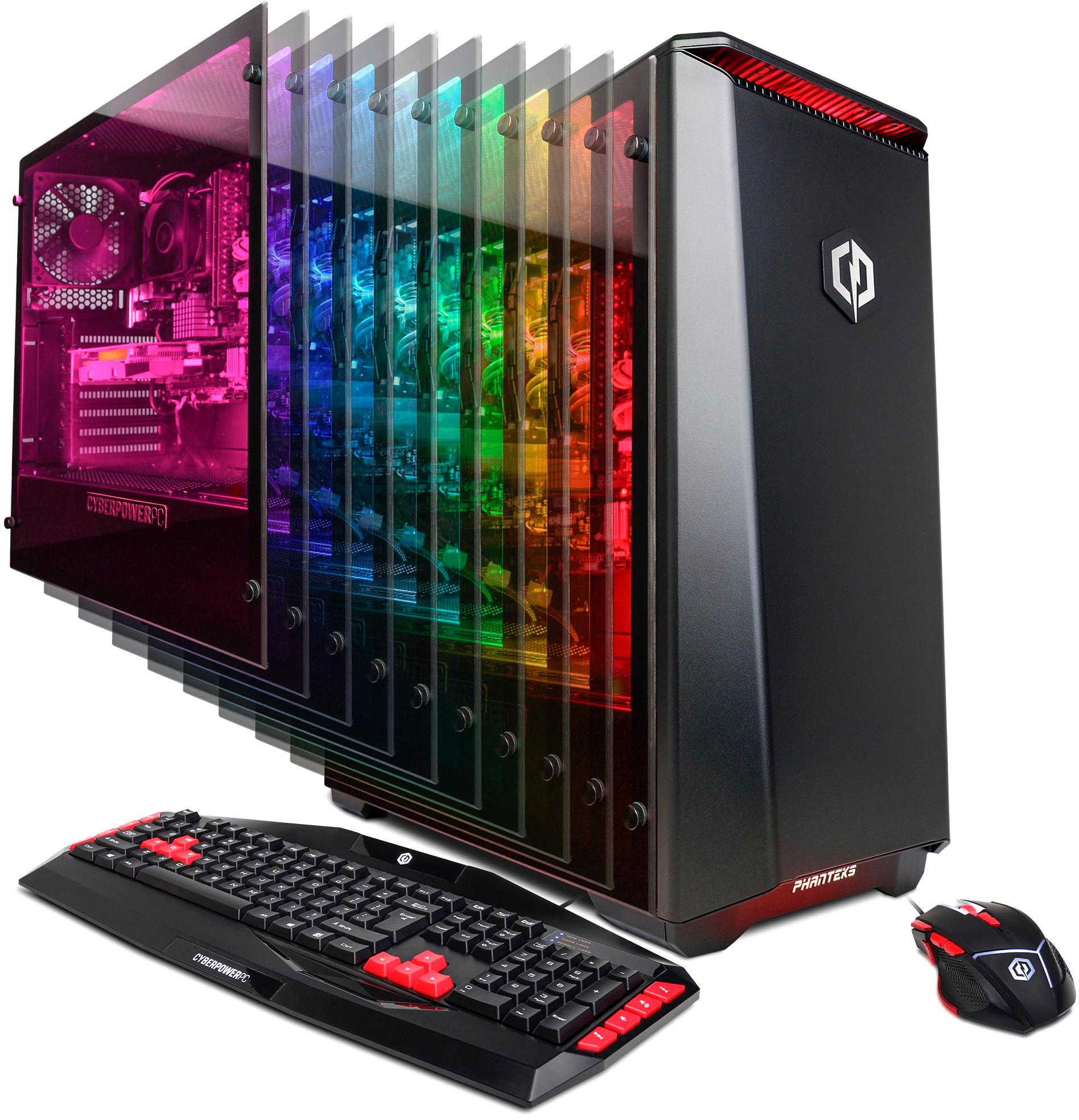
A:AnswerThis PC will be able to run Fortnite, however keep in mind the game may not run on the highest settings. If you have any further questions or concerns then please do not hesitate to give our tech support agents a call for any assistance; we're always happy to help.
Tech support:
(888)937-5582
- CyberpowerPC Support
A:AnswerThanks for reaching out Jonny! The frame rate will vary as it can be manipulated by tinkering a game's graphical settings. by changing the resolution and specific settings will change the frame rate. If you have any further questions or concerns then please do not hesitate to give our tech support agents a call for any assistance; we're always happy to help.
Tech support:
(888)937-5582
- CyberpowerPC Support
A:AnswerThanks for reaching out Kobi! If you plan to upgrade the video card down the line then there is no hard in owning a 144hz monitor, however, if you plan to keep the Pc stock for a long time then keep in mind the video card equipped in this PC will not be pushing high frame rates above 60 FPS with out dropping the graphical settings lower. If you happen to have any
questions regarding our computers please do not hesitate to get in touch with our
tech support team; we're always happy to help.
Tech support:
(888)937-5582
- CyberpowerPC Support
A:AnswerCould be a faulty fan which is causing an overheat. Check to be sure fans are working properly. Also check all power sources. Do you have a direct connect to the outlet or surge protector? Is the protector new? If not upgrade. If the PC is new return it ASAP.
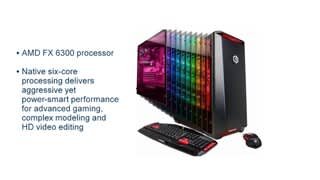
A:AnswerI upgraded this to 16gb of ram in about 5 minutes. Got the additional 8gb from crucial, opened the side panel by unscrewing the panel, popped in the ram and Voila! Instantly recognized by the system.
A:AnswerMy opinion is yes, we play OverWatch and the picture is awesome. I paired the machine with a Monitor that featured the FreeSync Technology and it is amazing. Hope this helps.
A:AnswerThis Pc does indeed support that CPU. If you still have any questions or concerns regarding your computer, please do not hesitate to give our support agents a call; we're always happy to help.
Tech support:
(888)937-5582
- CyberpowerPC Support