A:AnswerAs the manufacturer, we cannot directly recommend any upgrades otherwise any of the hardware in the PC in general can be upgraded. Please feel free to call us if you have any other questions at 1.800.707.0393.
A:AnswerI had the same issue. If you are using an adapter such as an HDMI to VGA, there's probably a port on the adapter for a power source. Should be a standard micro USB port like a regular phone charger. Plug the USB end into a port on the PC and then other end into the adapter. This will provide power so the monitor has a constant signal running to it.
A:AnswerPlease contact our technical support department to assist you with the problem as there may be an issue with Windows. Please contact our technical support department if you need additional assistance at 1.888.937.5582 Monday through Friday from 7am to 7pm PST.
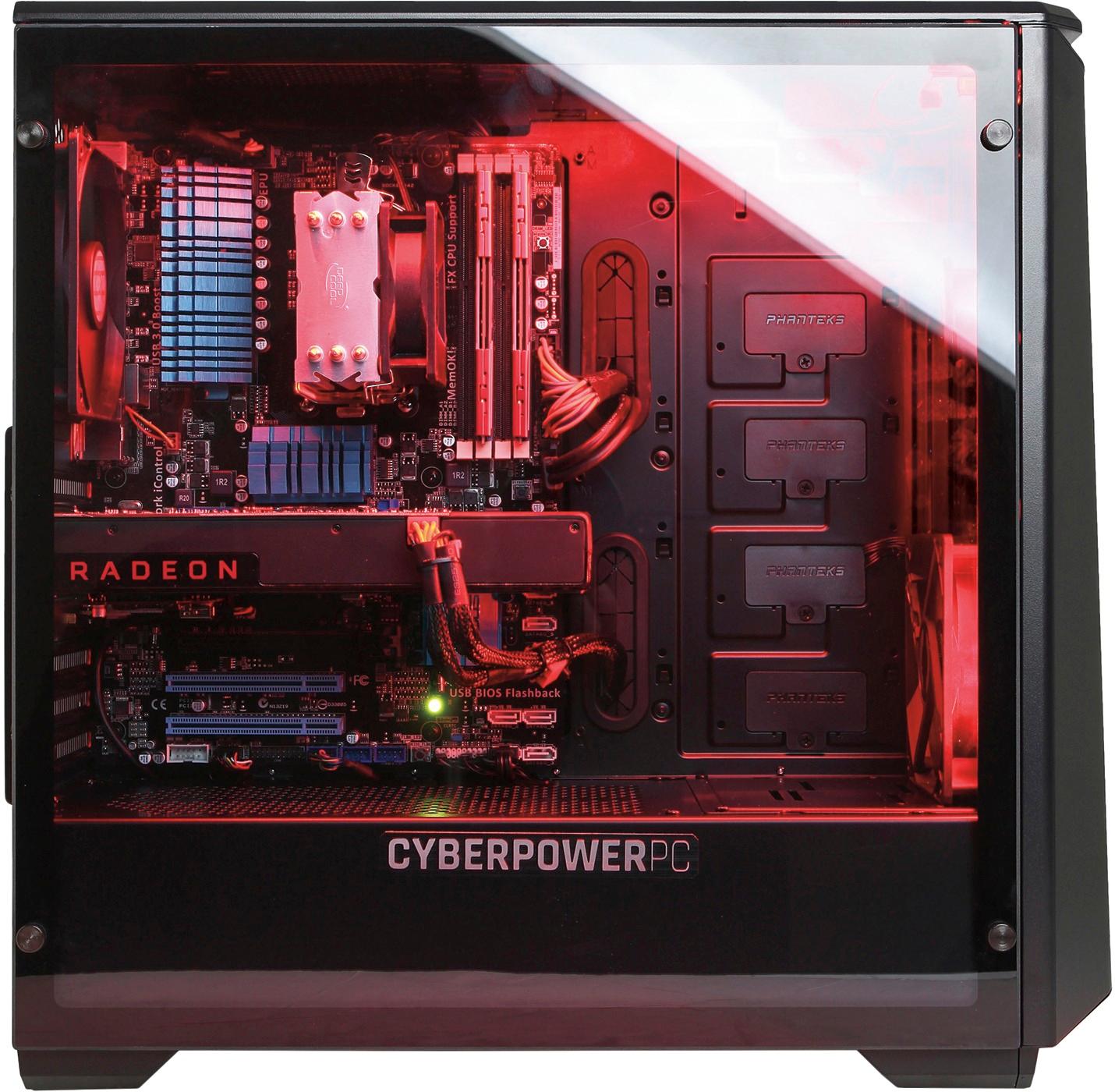
A:AnswerNo, If you did this you risk breaking the glass panel on the side. In addition the cooling system is not designed to be oriented like that and may cause the system to overheat.
A:AnswerI don't know about the physical location of wireless antenna.I had no trouble hooking up to WiFi. The setup wizard ran and I entered password with no problem.
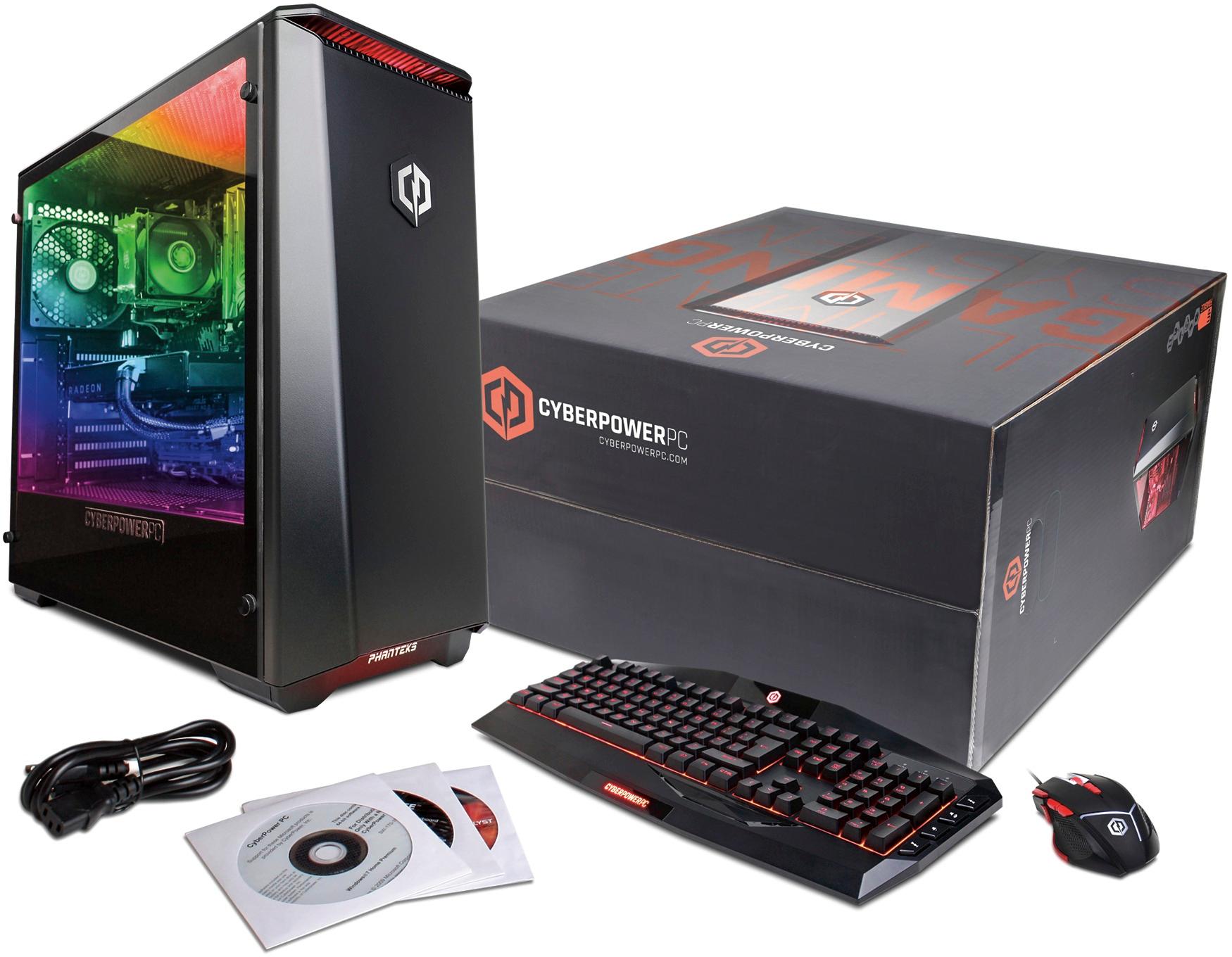
A:AnswerYes it does come with a keyboard and a mouse. It seems to be a really good computer. Haven't had it long. Learning to use Windows 10 is a challenge.
A:Answeryou should be fine but you might need too. I would sell the 480x and get one gtx 1070 or 1080 instead. One 1080 will out perform two 480s and at a similar price point.
A:AnswerTook me a few tries to get the updated 17.2 drivers to install. I kept getting error or saying it was up to date with 16.3. Install as a clean install, once it installed for me, it has been fine.