A:AnswerThank you for reaching out to us. Please feel free to contact our sales team at your earliest convenience for further assistance on this matter; we're always happy to help.
Sales:
(800)707-0393
sales@cyberpowerpc.com
Hours of Operation:
Monday - Friday: 8:30 AM - 5:30 PM PST
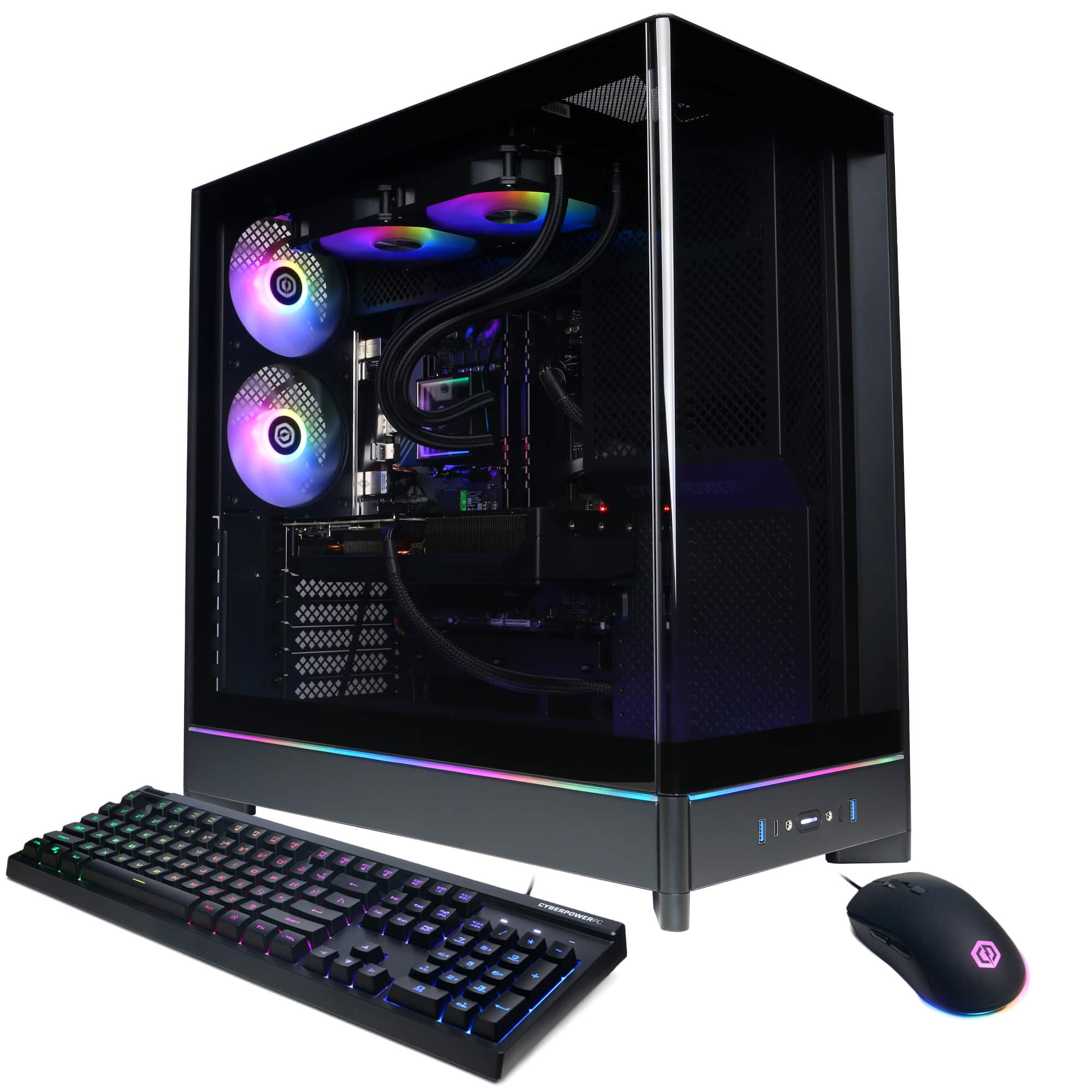
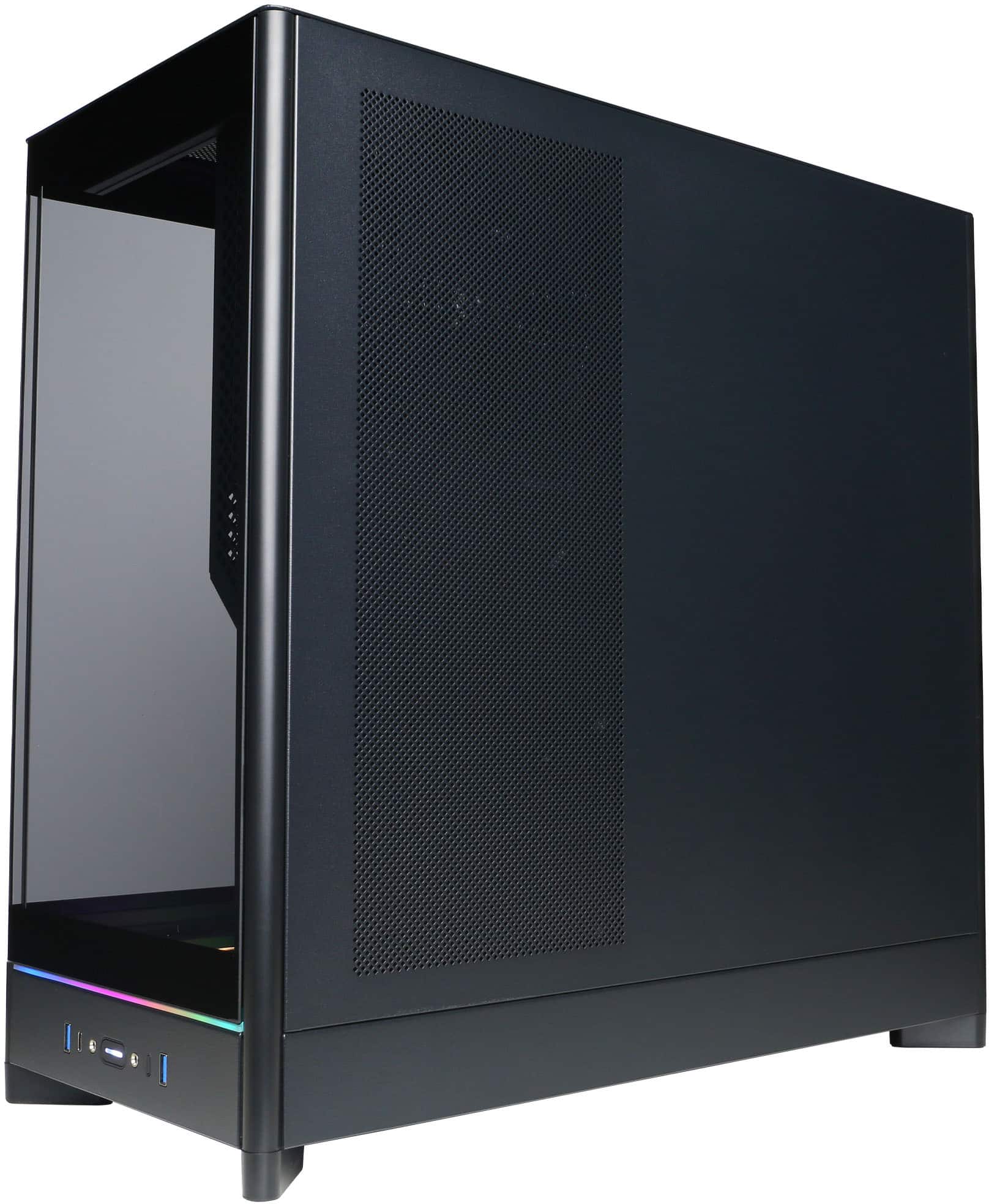
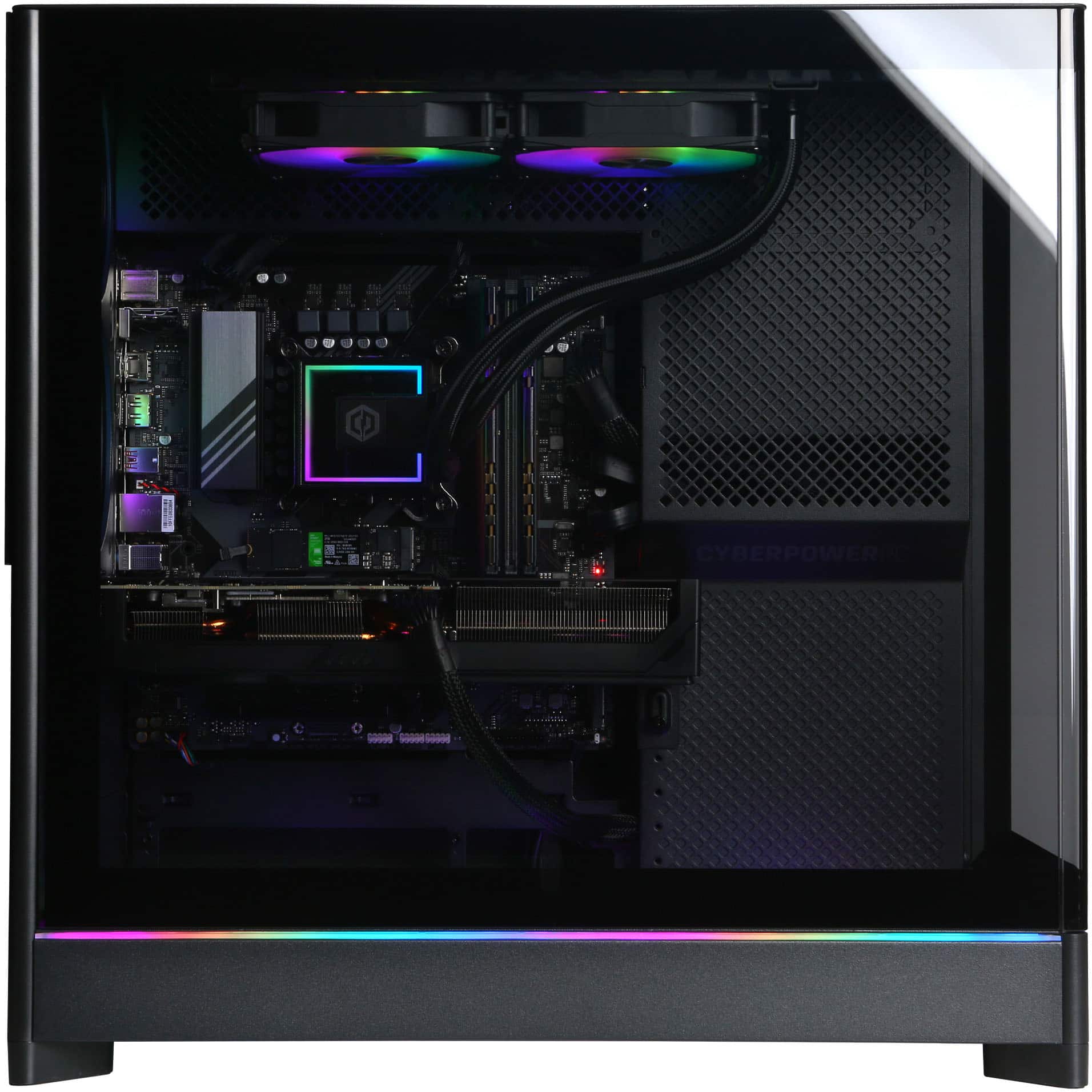
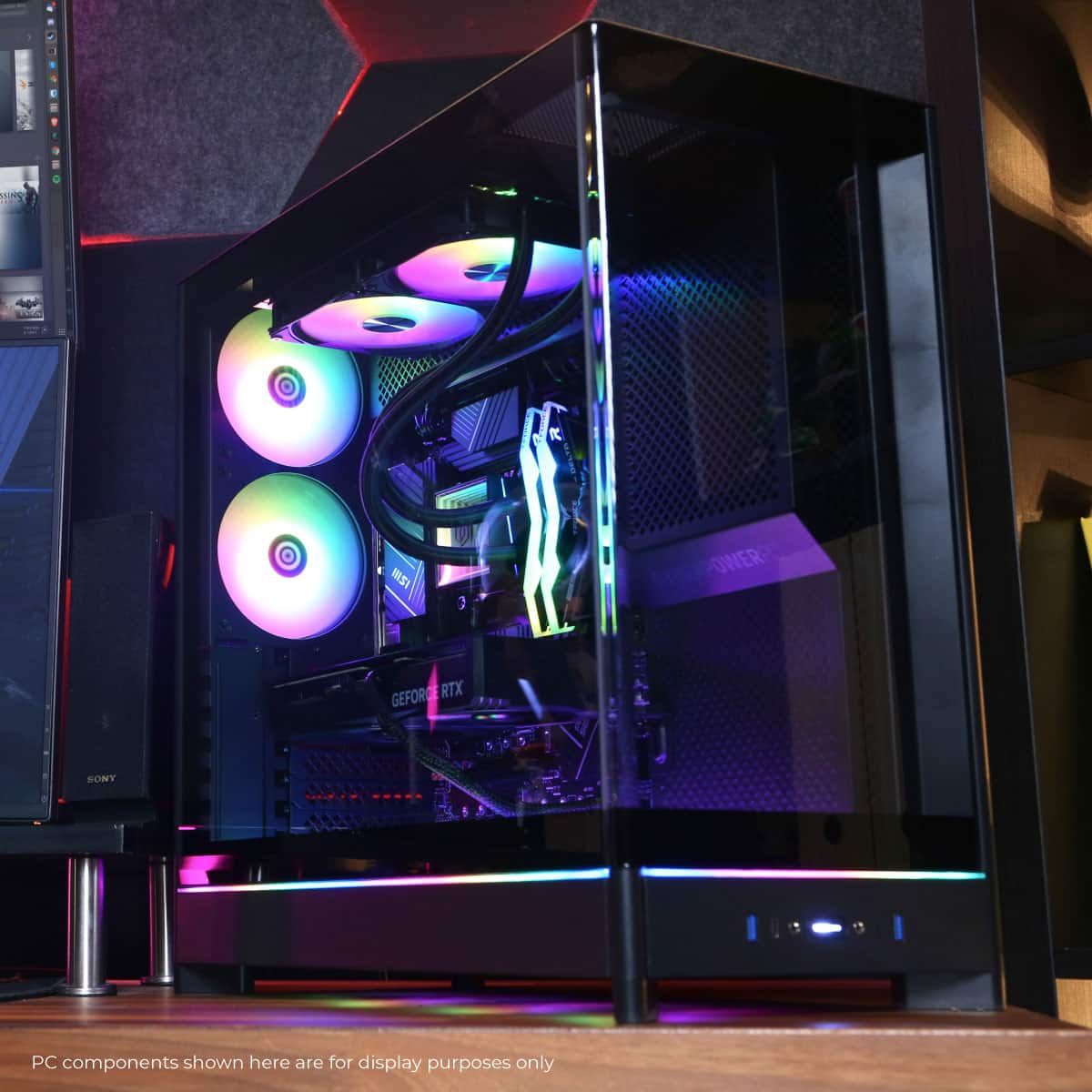
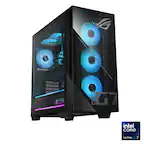
A:AnswerThank you for reaching out! This PC comes already prebuilt! You just plug and get to playing! The 16 pin 12VHPWR is extra. If you have any further questions or concerns then please do not hesitate to give our tech support agents a call for any assistance; we're always happy to help.
Tech support:
(888)937-5582
-CyberpowerPC Support
A:AnswerThank you for reaching out to us. Please feel free to contact our tech support team at your earliest convenience for further assistance on this matter, we're always happy to help.
Tech Support:
(855) 888-2039
techsupport@cyberpowerpc.com
Hours of Operation:
Monday - Friday: 8:30AM - 6:00PM PST
Saturday: 9:30AM - 3:00PM PST
-CyberPowerPC Support
A:AnswerThank you for reaching out to us. Please feel free to contact our tech support team at your earliest convenience for further assistance on this matter, we're always happy to help.
Tech Support:
(855) 888-2039
techsupport@cyberpowerpc.com
Hours of Operation:
Monday - Friday: 8:30AM - 6:00PM PST
Saturday: 9:30AM - 3:00PM PST
-CyberPowerPC Support
A:AnswerYou have to think of what you are going to use it for. if its for gaming then yes this pc is worth every penny. but if its for just to pay bills or for the kids to do school work then you can go with a low priced pc.
A:AnswerThank you for reaching out to us. Please feel free to contact our sales team at your earliest convenience for further assistance on this matter; we're always happy to help.
Sales:
(800)707-0393
sales@cyberpowerpc.com
Hours of Operation:
Monday - Friday: 8:30 AM - 5:30 PM PST
A:AnswerThank you for reaching out to us. Please feel free to contact our tech support team at your earliest convenience for further assistance on this matter, we're always happy to help.
Tech Support:
(855) 888-2039
techsupport@cyberpowerpc.com
Hours of Operation:
Monday - Friday: 8:30AM - 6:00PM PST
Saturday: 9:30AM - 3:00PM PST
-CyberPowerPC Support
A:AnswerThank you for reaching out to us. Please feel free to contact our tech support team at your earliest convenience for further assistance on this matter, we're always happy to help.
Tech Support:
(855) 888-2039
techsupport@cyberpowerpc.com
Hours of Operation:
Monday - Friday: 8:30AM - 6:00PM PST
Saturday: 9:30AM - 3:00PM PST
-CyberPowerPC Support
A:AnswerThank you for reaching out to us. Please feel free to contact our sales team at your earliest convenience for further assistance on this matter; we're always happy to help.
Sales:
(800)707-0393
sales@cyberpowerpc.com
Hours of Operation:
Monday - Friday: 8:30 AM - 5:30 PM PST