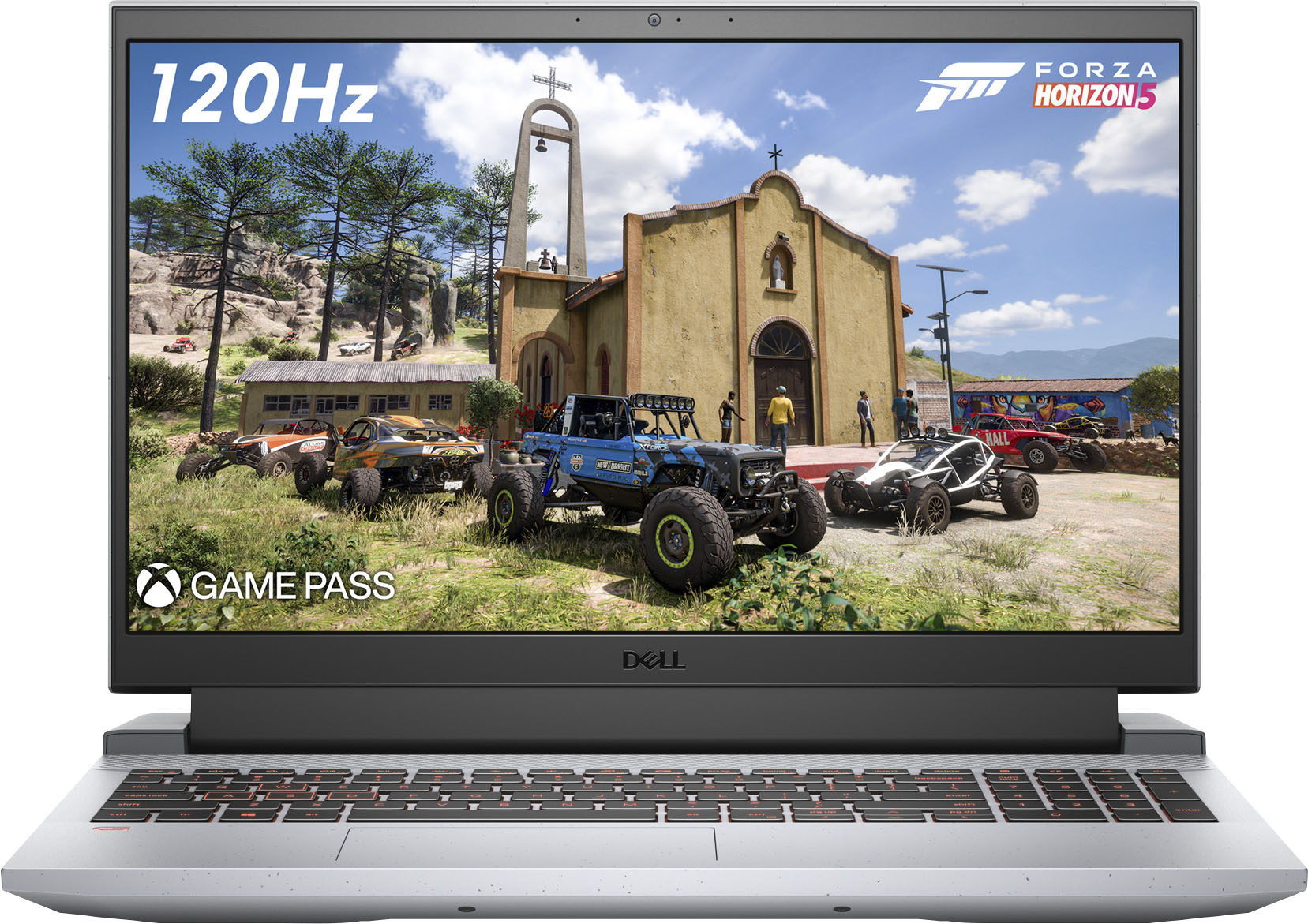
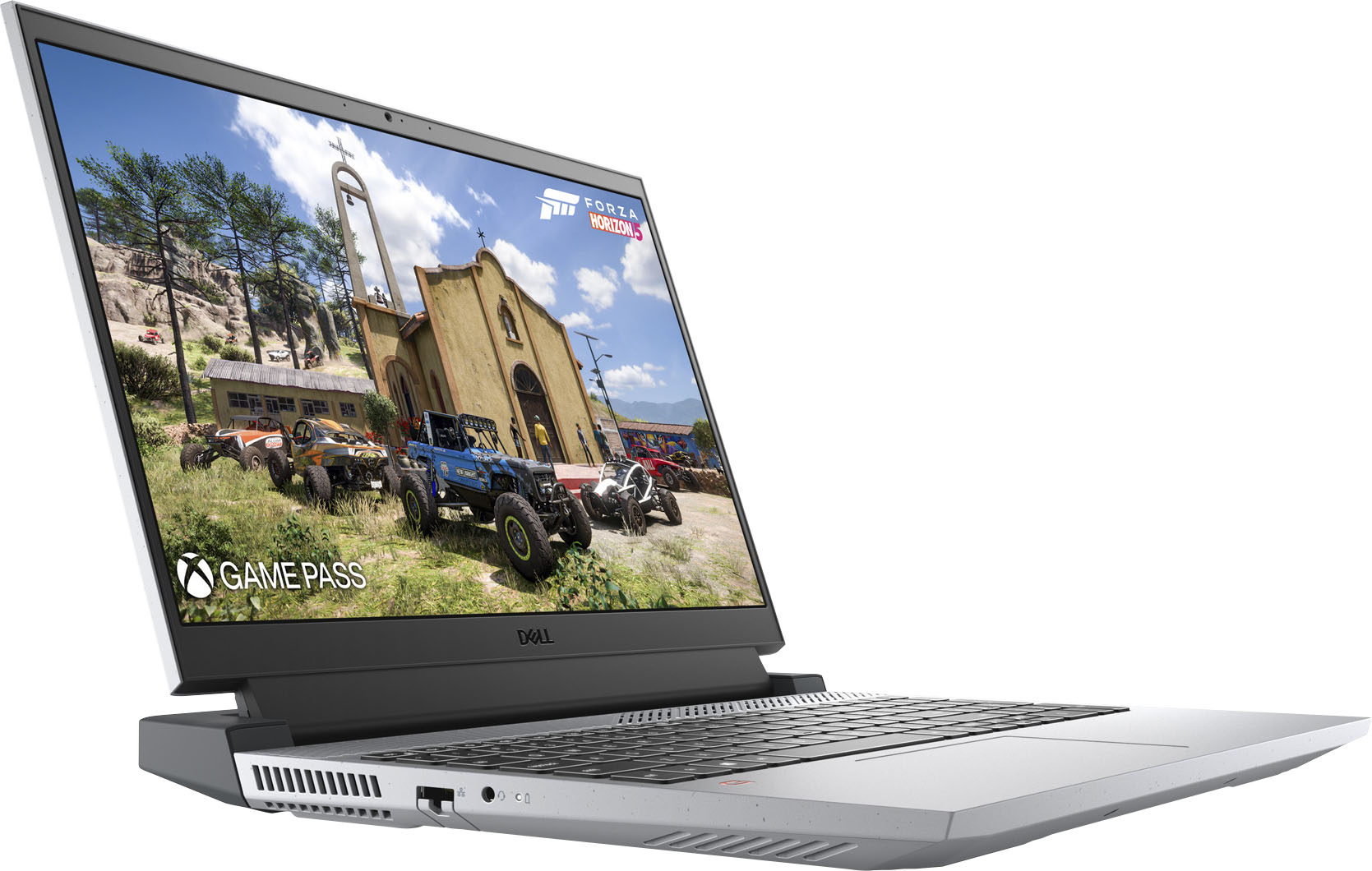
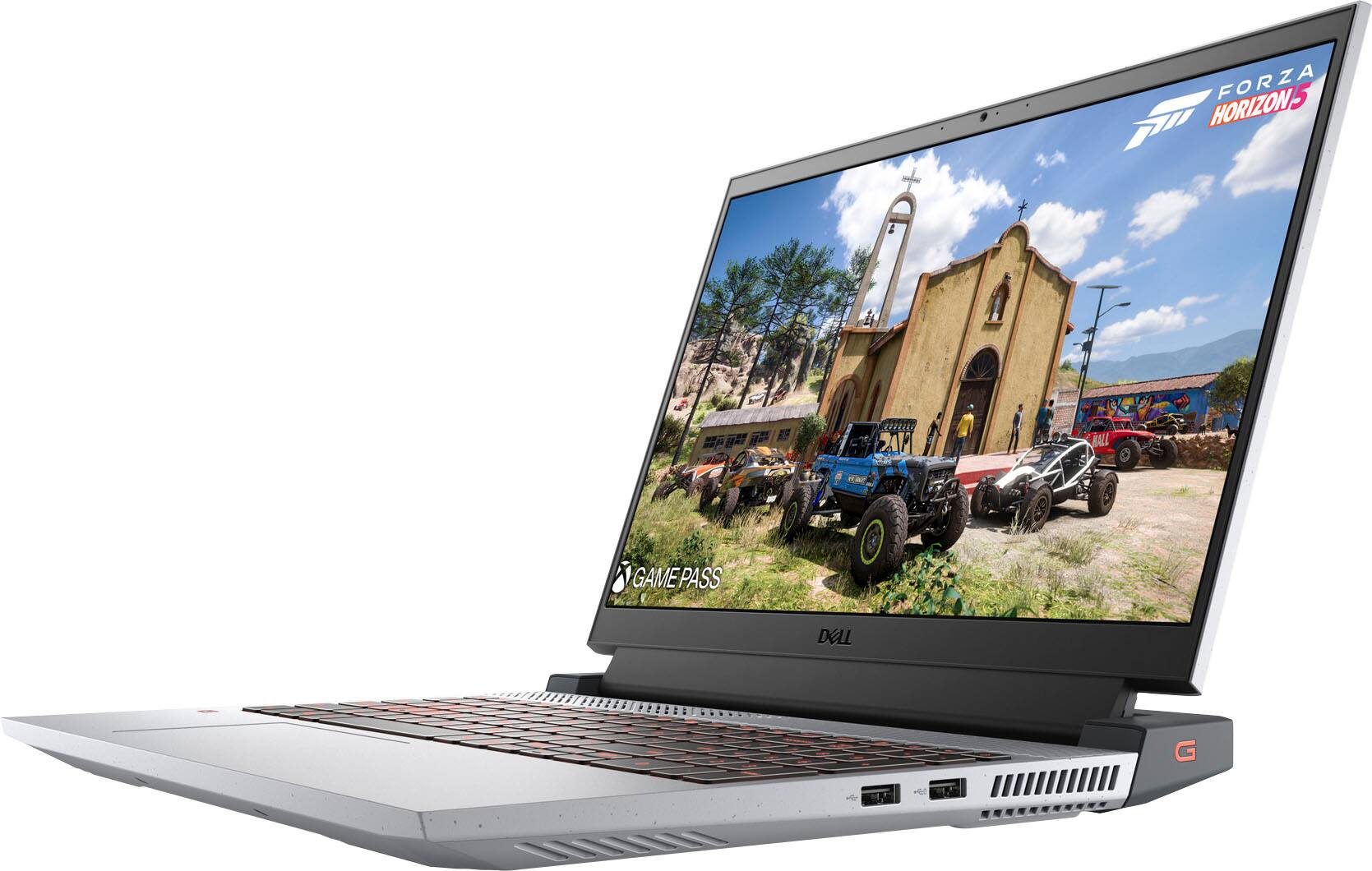
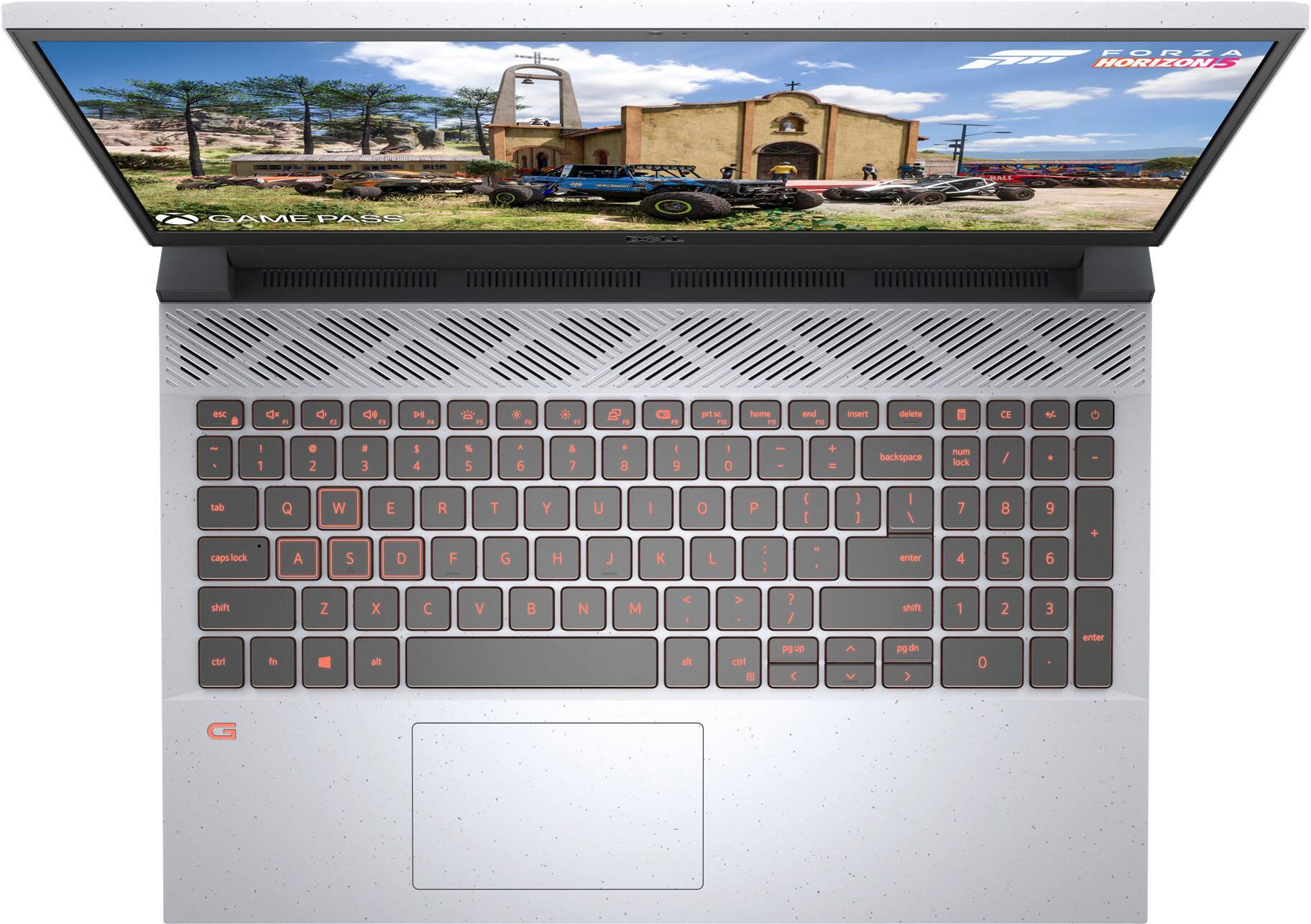
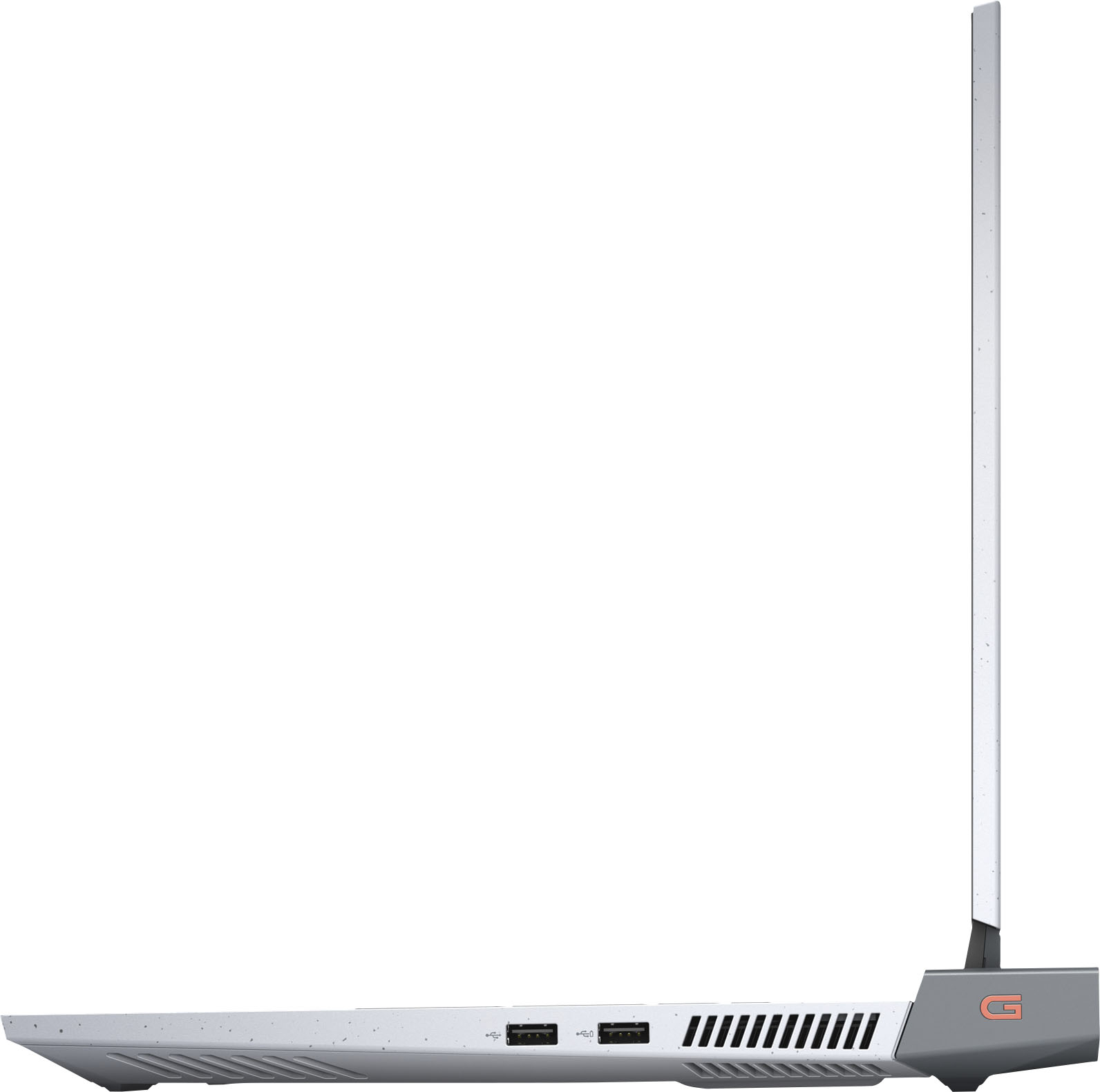
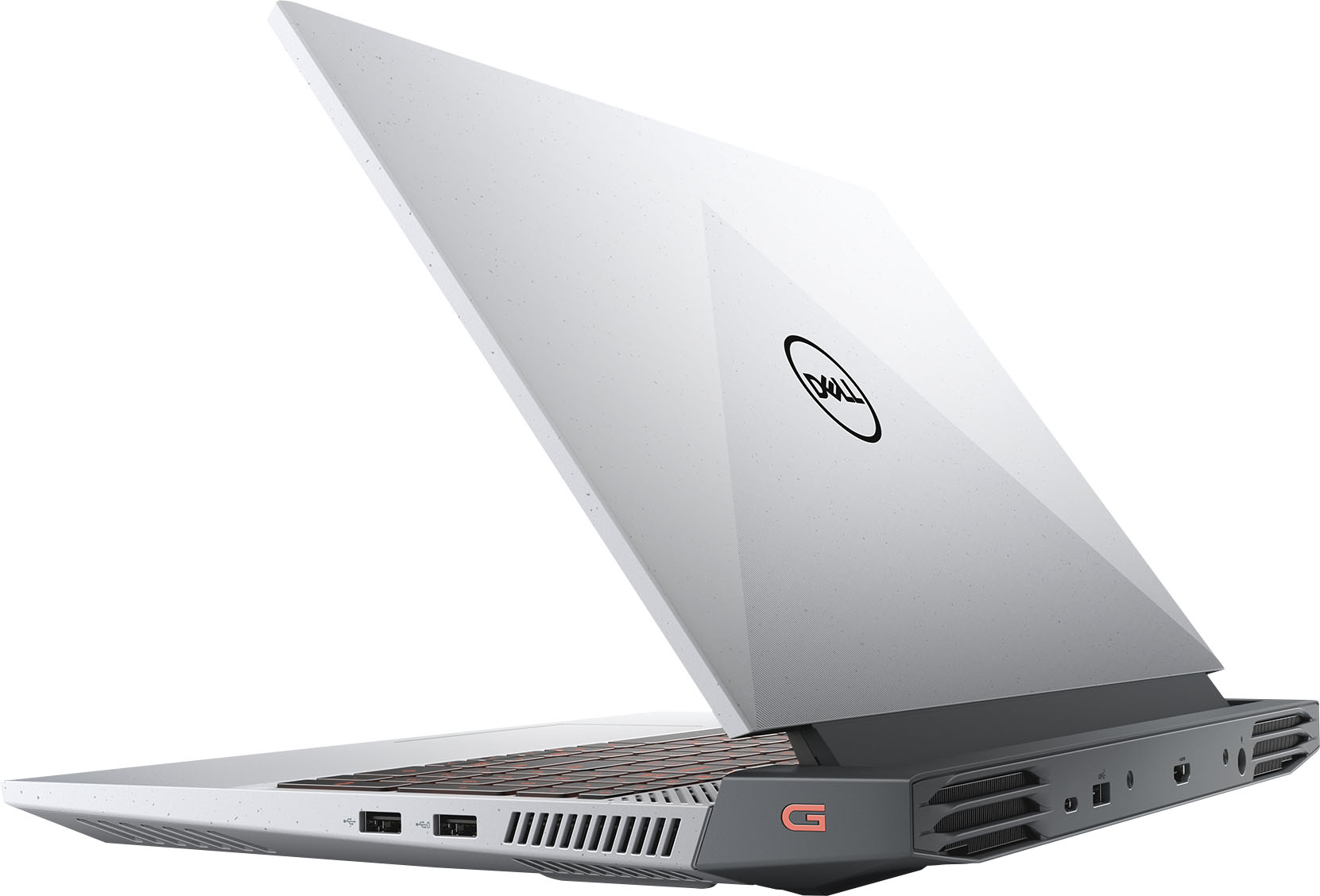
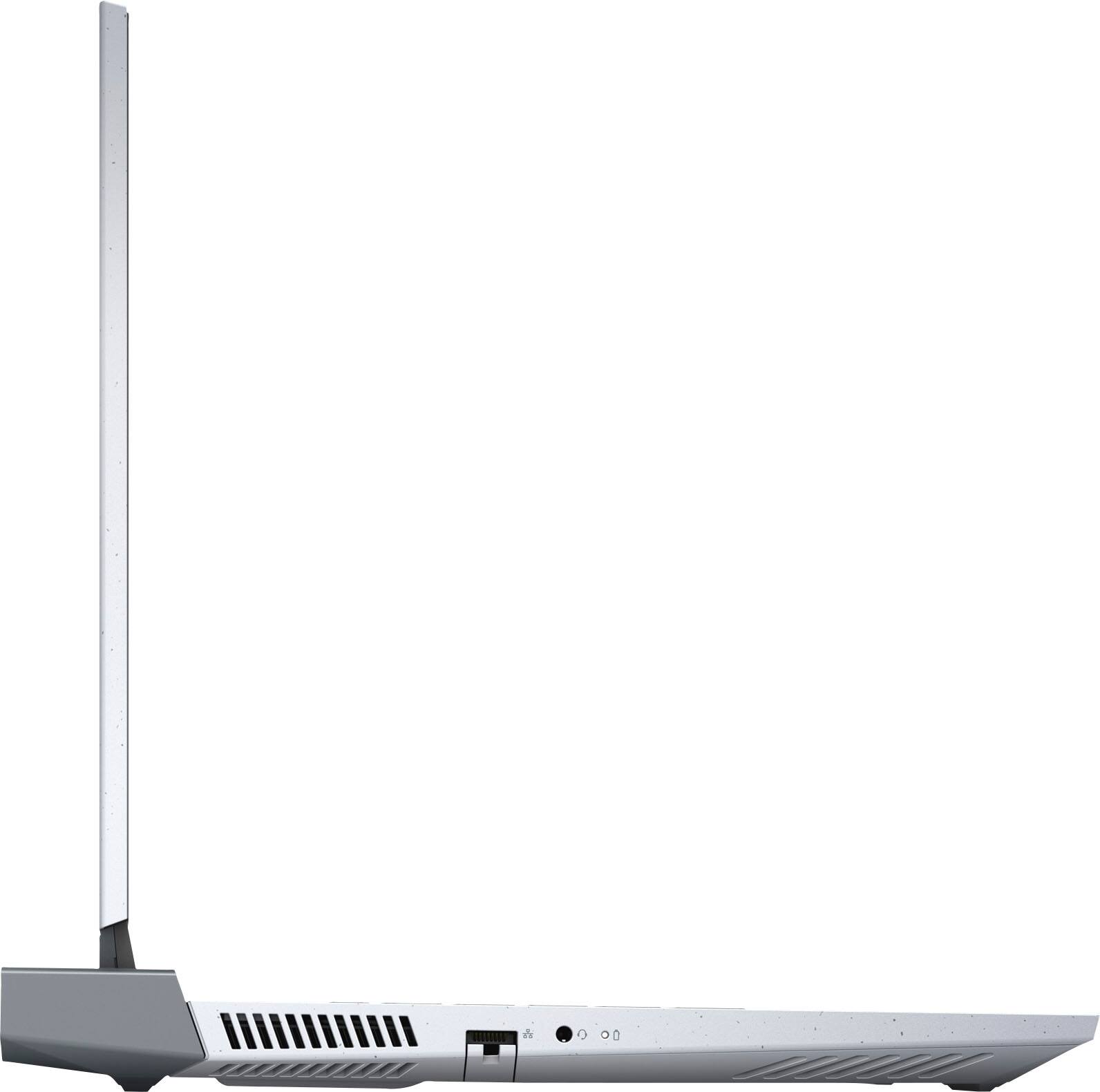
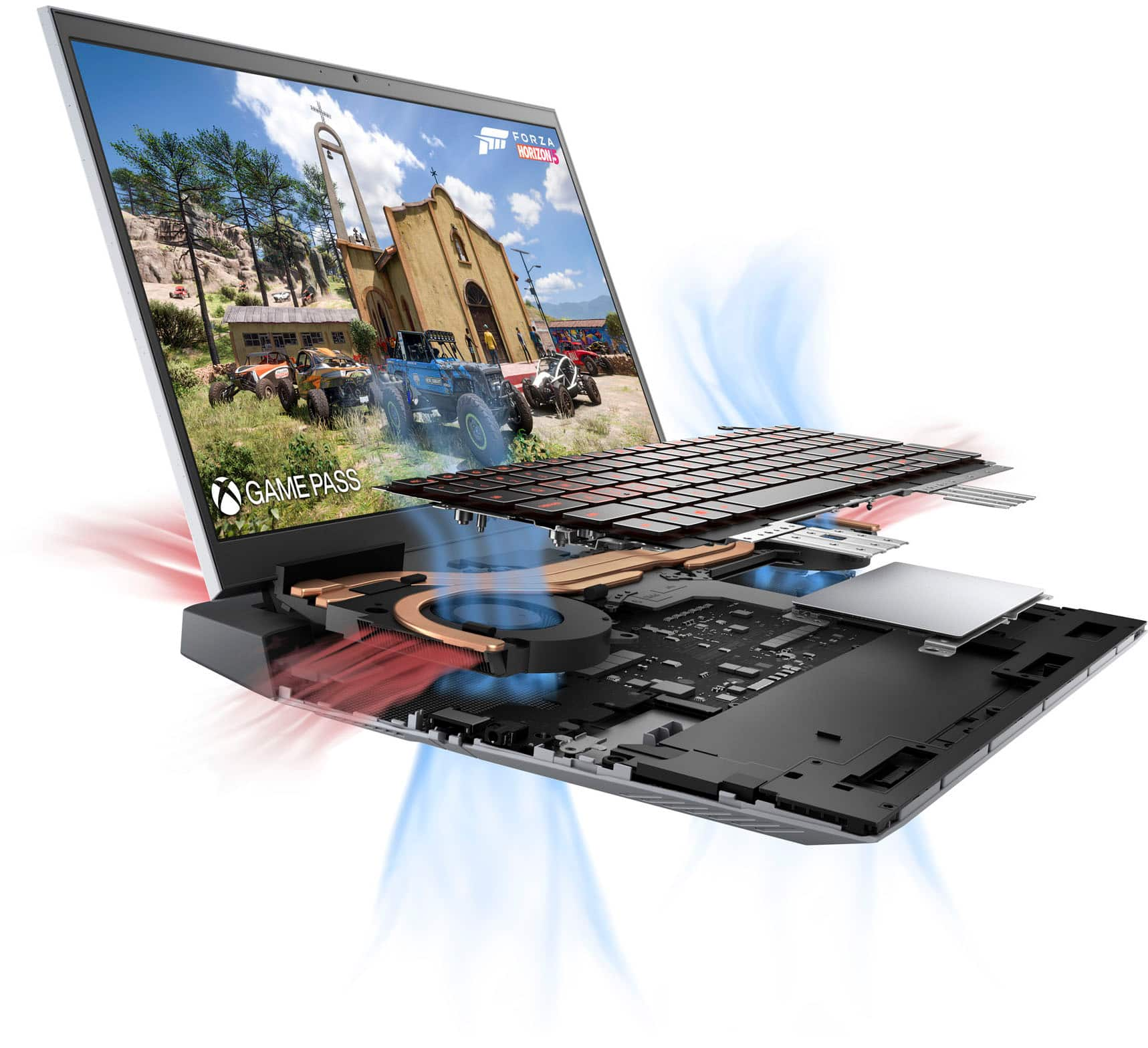
A:AnswerThere are two slots on the motherboard which you can put an SSD in. However, the 2nd slot doesn't have a mounting screw attached to the case. That said, the case bottom fits relatively snugly against the motherboard. I put a 2nd SSD in my machine and it's been working fine for several weeks.
A:AnswerThis system does not have a built in optical drive to play CDs/DVDs. However, an external optical drive could be purchased separately and connected through the USB port.
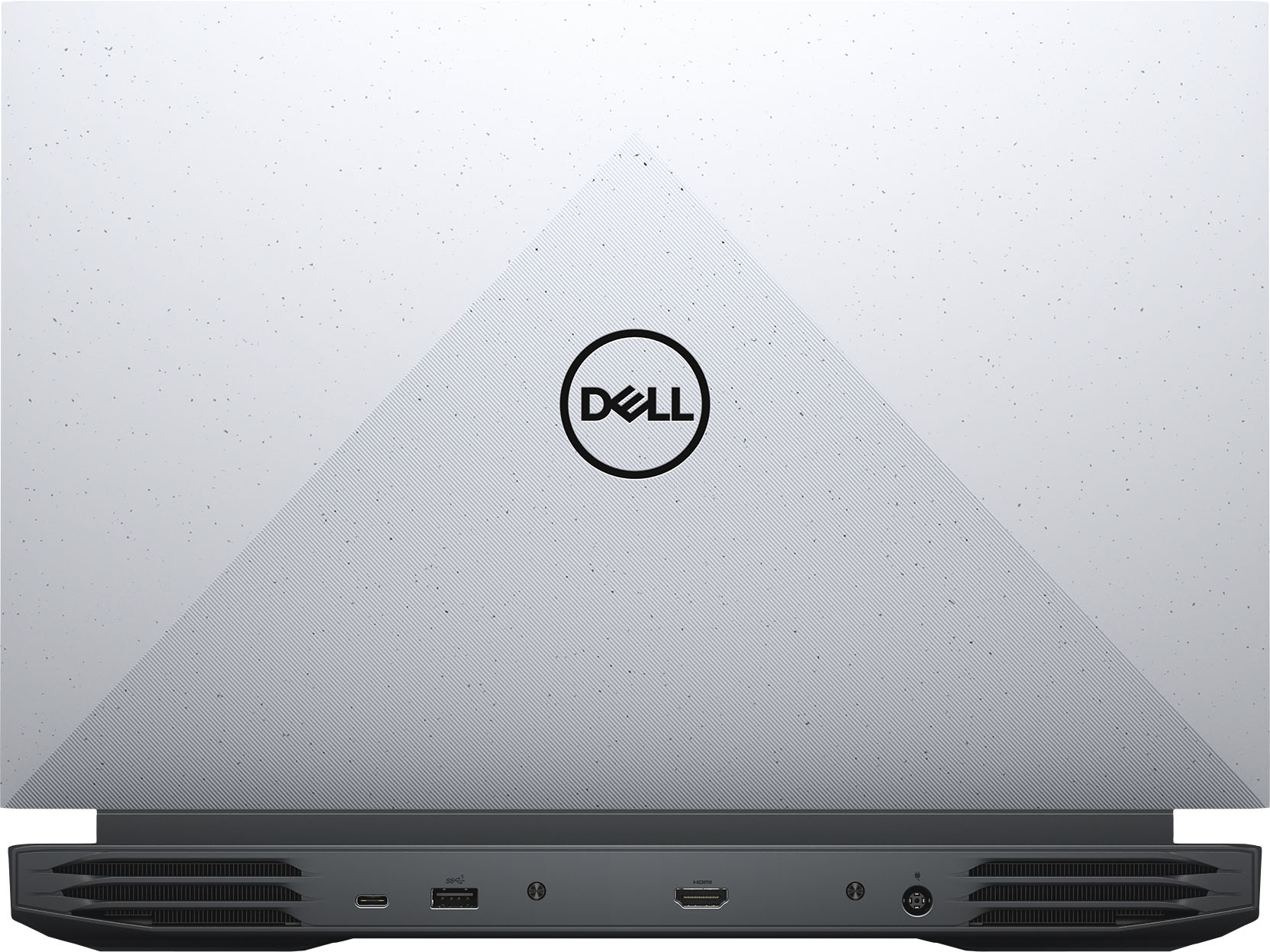
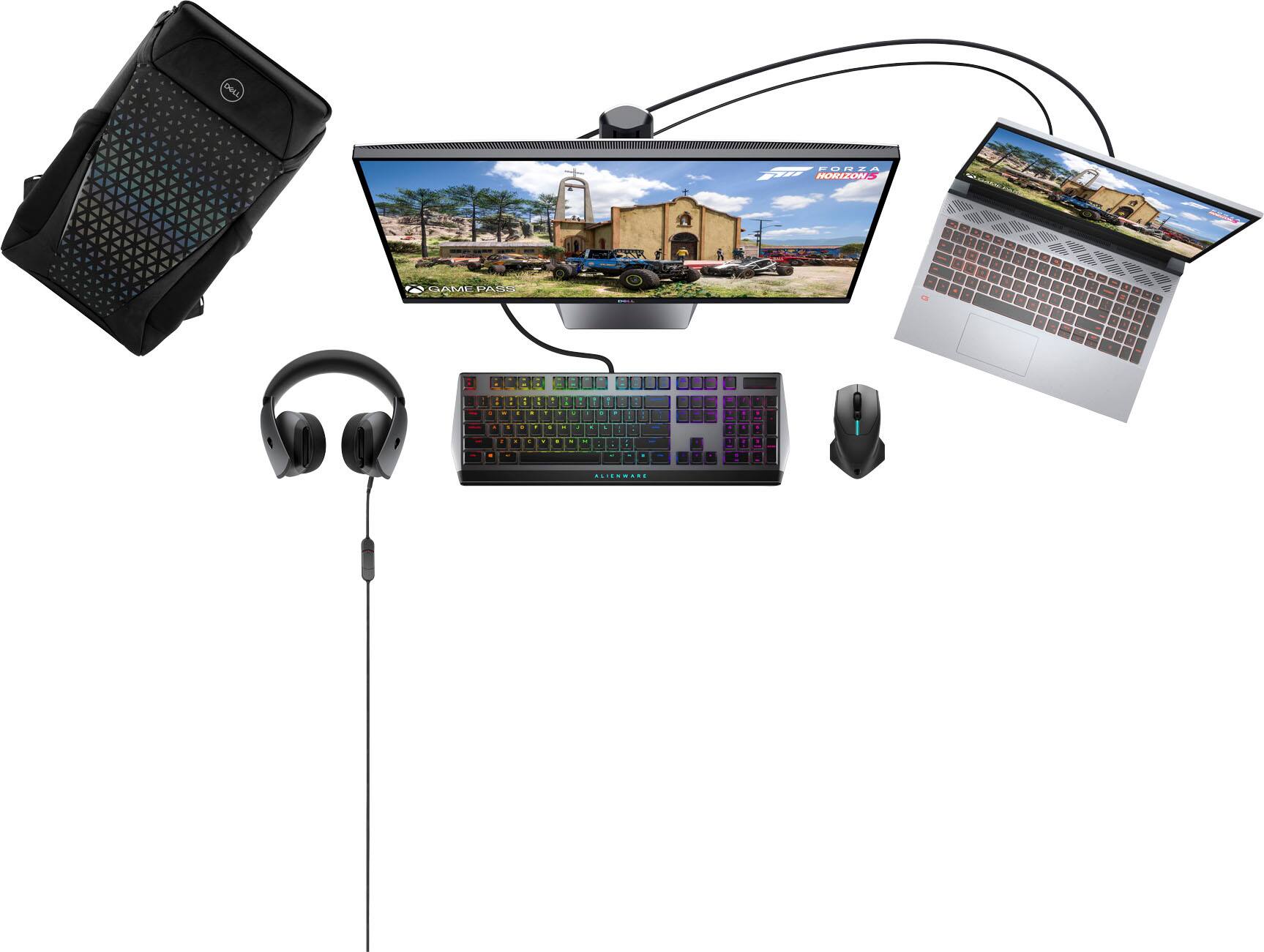
A:AnswerThis system does support an external display through the USB-C port to a DisplayPort cable or mini DisplayPort cable. Both the HDMI and the USB-C ports support 144hz @ 1080p monitor.
A:AnswerThere's too many variables to give an absolute correct answer.
Screen brightness-on/off,
Bluetooth-on/off
Wifi-on/off
Streaming the internet/computer idle on standby
Abviously having these on will drain the battery the most vs having them off will drain the battery the least.
A:AnswerI have found that I have several hours of battery life between charges. Watching videos I believe you would be able to watch up to 2 at least without being plugged in.
A:AnswerYou'll have to make an account for Xbox and redeem the Xbox code. Then you'll have gamepass until you renew. It gives you options to download and play some PC games. Some are Xbox only. But you'll find a fair amount of PC games there. You can play them as long as your gamepass is valid.
A:AnswerThe solid-state drive is secured to the system board by a solid-state drive bracket. Since, this system is ordered with only one solid-state drive, an additional solid-state drive is not supported.