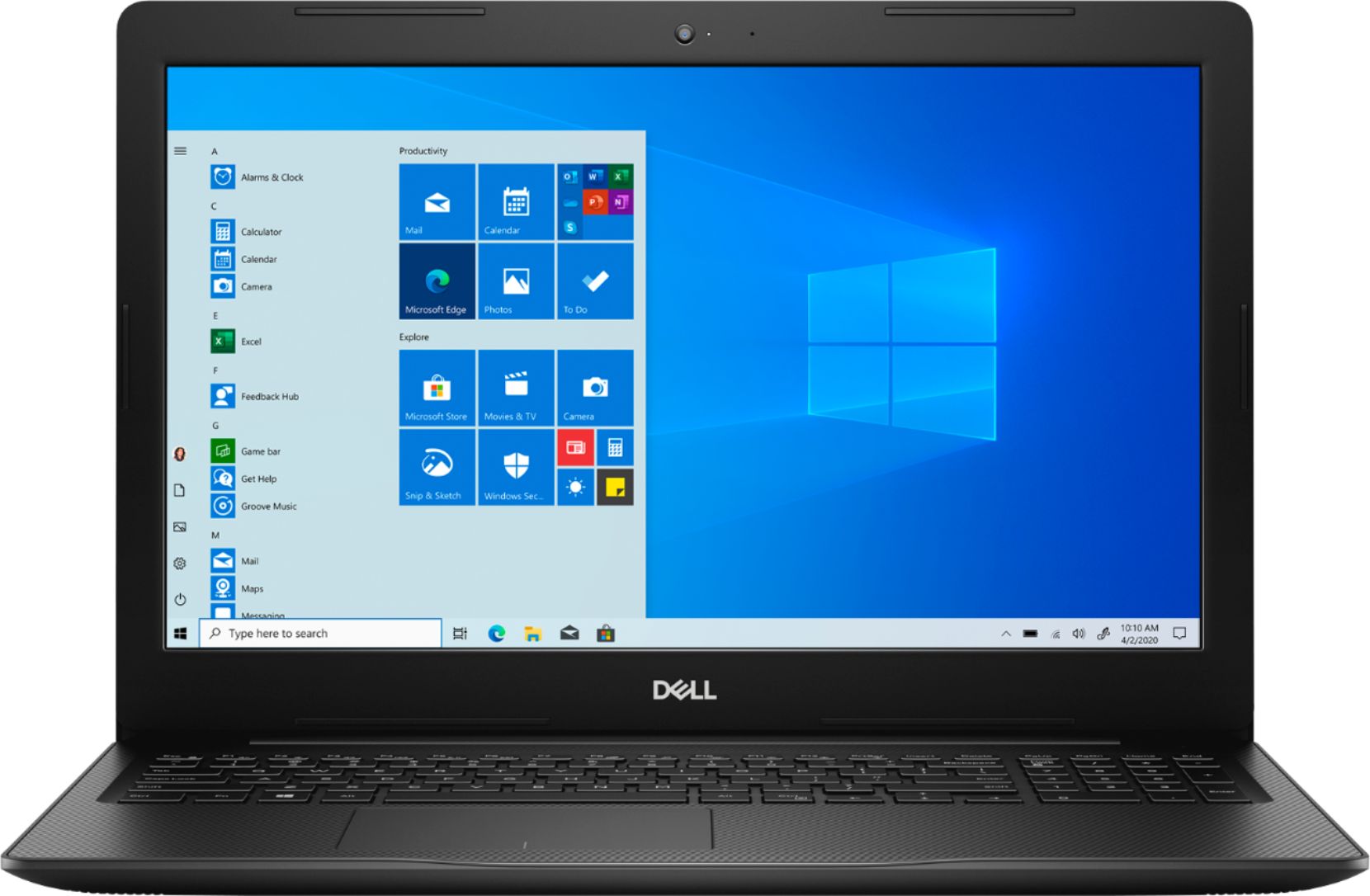
A:AnswerNo. It comes with windows 10. It will try to steer you to paying for Office, but I use Libreoffice. I had to switch from Window S to Windows Home to download LibreOffice, but it was very easy to do.
A:AnswerWe suggest you to not do any third party or non-Dell aftermarket upgrade, as that can void the system’s warranty. We suggest you to contact the Dell Technical support team regarding this query.
A:AnswerYes, you can download your pictures from the DVD on Windows 10s. However, this laptop does not have a built-in DVD player, you can use this external drive to read all the DVD: https://bit.ly/2DZbX78
A:AnswerP/C’s today do do not come with a word processor. For free you can download and install Mozilla Thunderbird, it is just like MS Word. And it is Free
A:AnswerNo, this system is shipped with a 512 GB, M.2 PCIe NVMe, Solid State Drive and this laptop supports only one of these configurations: One M.2 solid-state drive, One 2.5-inch hard drive, One M.2 solid-state drive and one 2.5-inch hard drive.
A:AnswerThe battery in my lap top couldnt handle the lid being open without running out of juice. I was plugging it in constantly. That would be about every 2 hrs - 2 hrs being the longest time ever.
A:AnswerThis system storage supports one M.2 solid-state drive and one 2.5-inch hard drive. We suggest you to not do any third party or non-Dell aftermarket upgrade, as that can void the system’s warranty. We suggest you to contact the Dell Technical support team regarding this query.
A:AnswerThis laptop was released on August-2019. The battery operating life on this system varies depending on operating conditions and can significantly reduce under certain power-intensive conditions.