A:AnswerYes, this system could play the games like RPG maker and Star Wars Battlefront 2 smoothly. Please reach out to the Best Buy support team for the availability of a touchscreen laptop in this price range.
A:AnswerYou can connect it via printer cable to a USB port on the laptop, then go into "devices and printers" and make it your default printer. If you want to connect to your printer wirelessly, download drivers for this printer from the Canon website. Also, google "setting up a Canon mx410 printer." Hope this helps, and good luck!
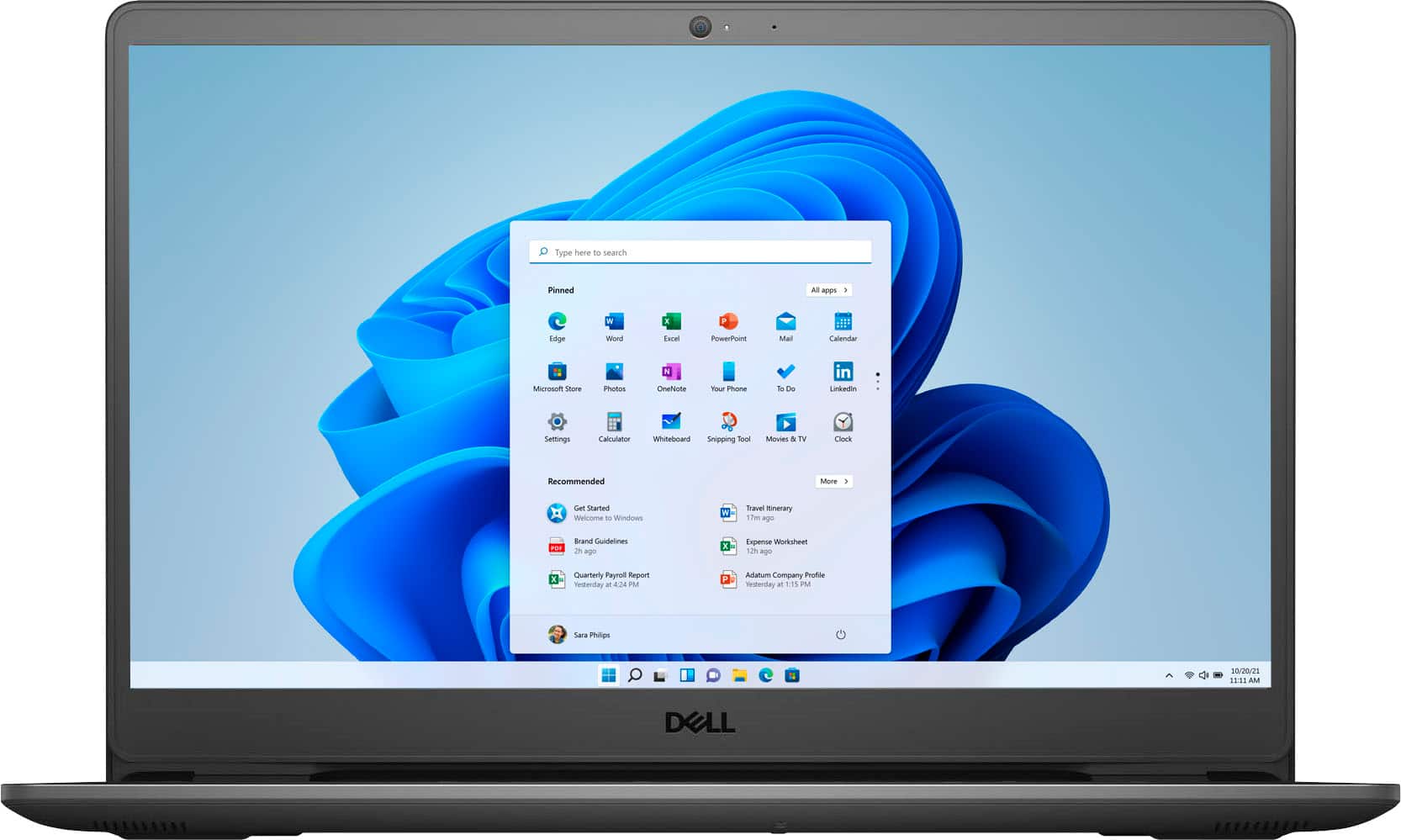
A:AnswerDell recommends to use anti virus software if you are connecting any external device or application to this system. The virus from an external device or internet could infect your computer.
A:AnswerYes either directly or via bluetooth. I simply connected the new computer to my wireless system and clicked printers and it found my printer for me.
A:AnswerThe processor and RAM are excellent but you are still on integrated graphics with this laptop. No separate GPU. As long as you aren't trying to play demanding titles you should be good. Look for games that are CPU intensive and not GPU intensive. Portal, Rocket League, etc and you should be ok.
A:AnswerHi, yes this laptop will get hot in the keyboard because there is a lot of processing going on in that area. The vent for the fan in located on the bottom in the back center of the keyboard, it should remain uncovered to help the computer not overheat. So you may feel some hot air blowing in that area if you have it on your lap.