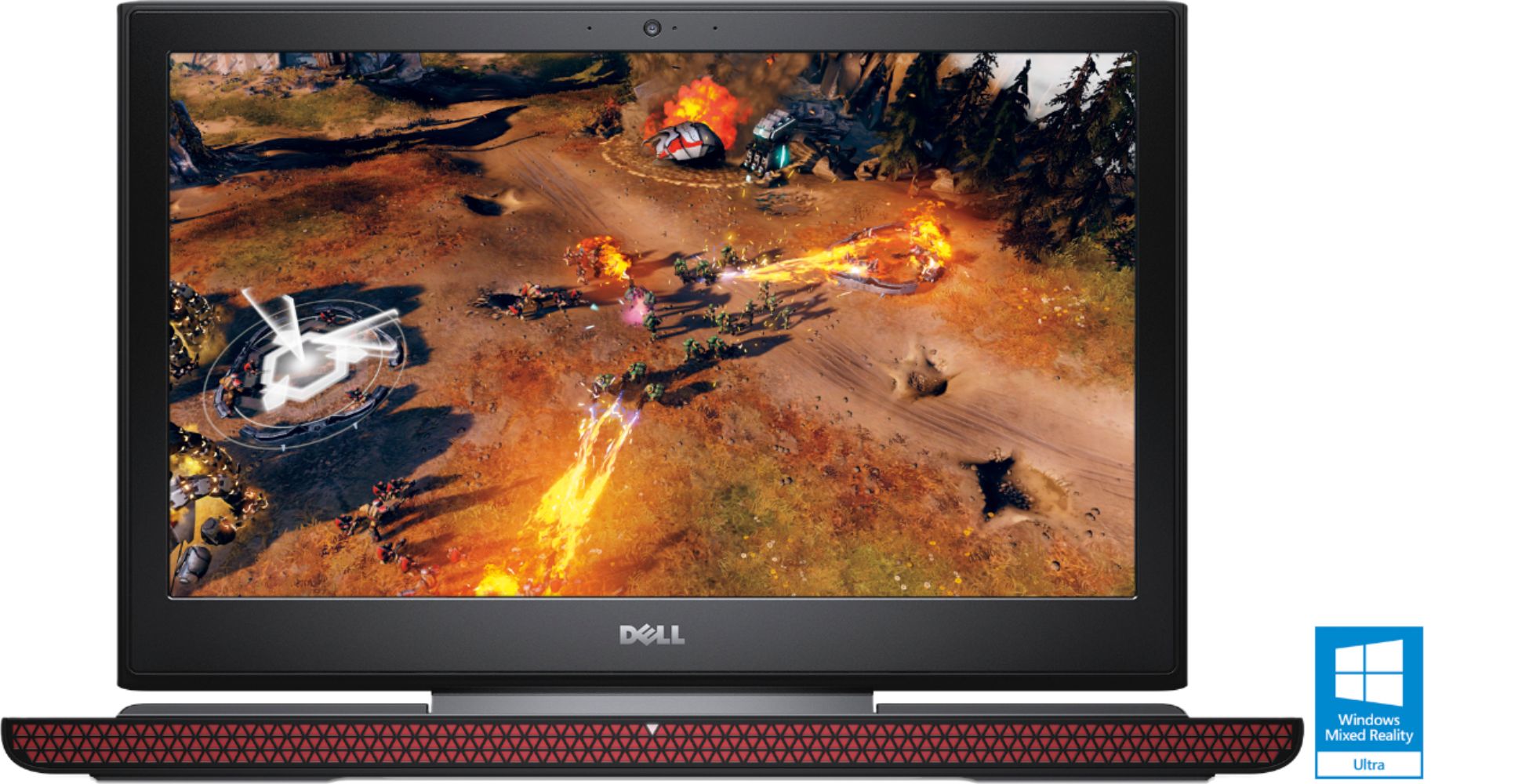
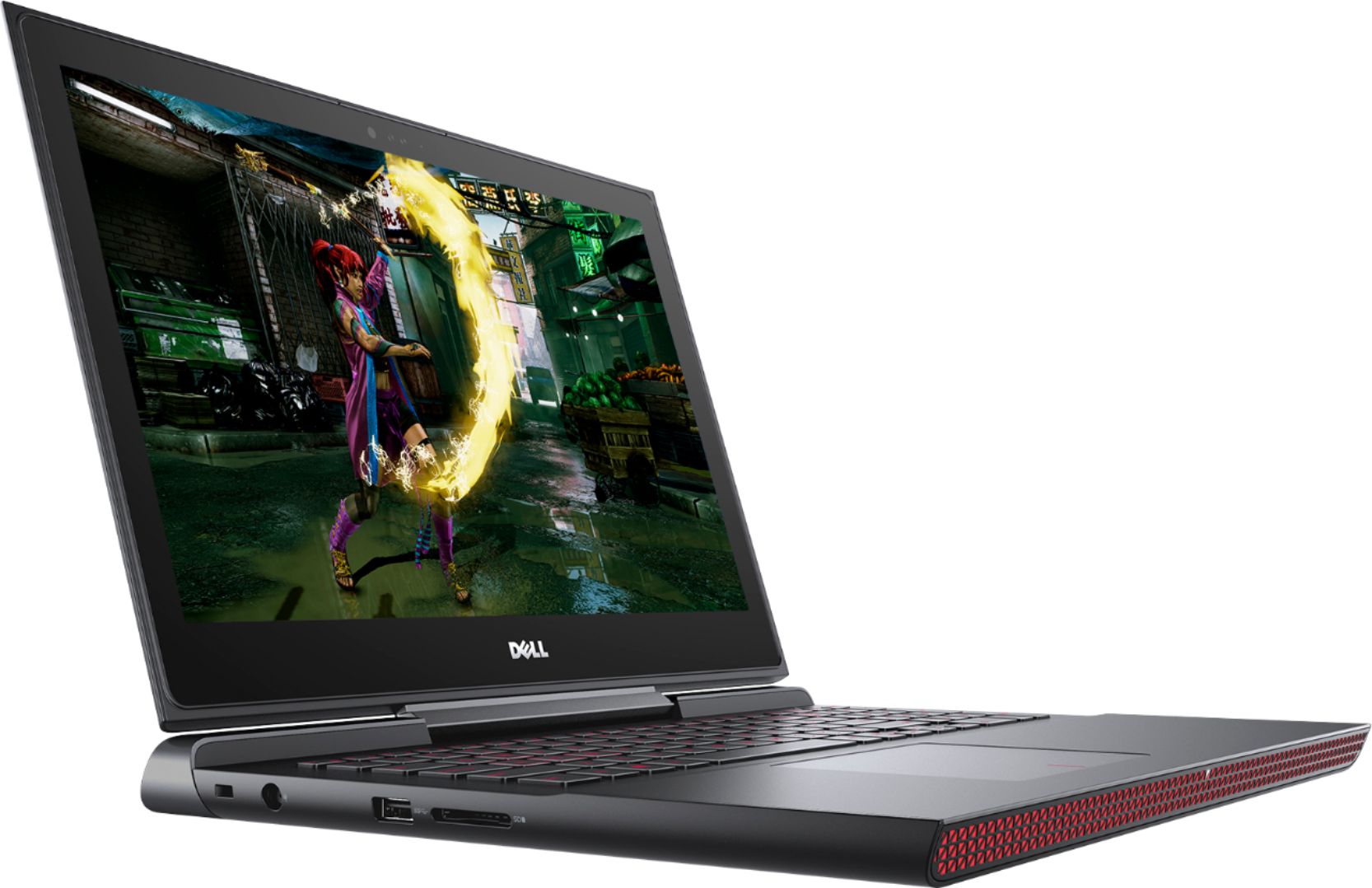
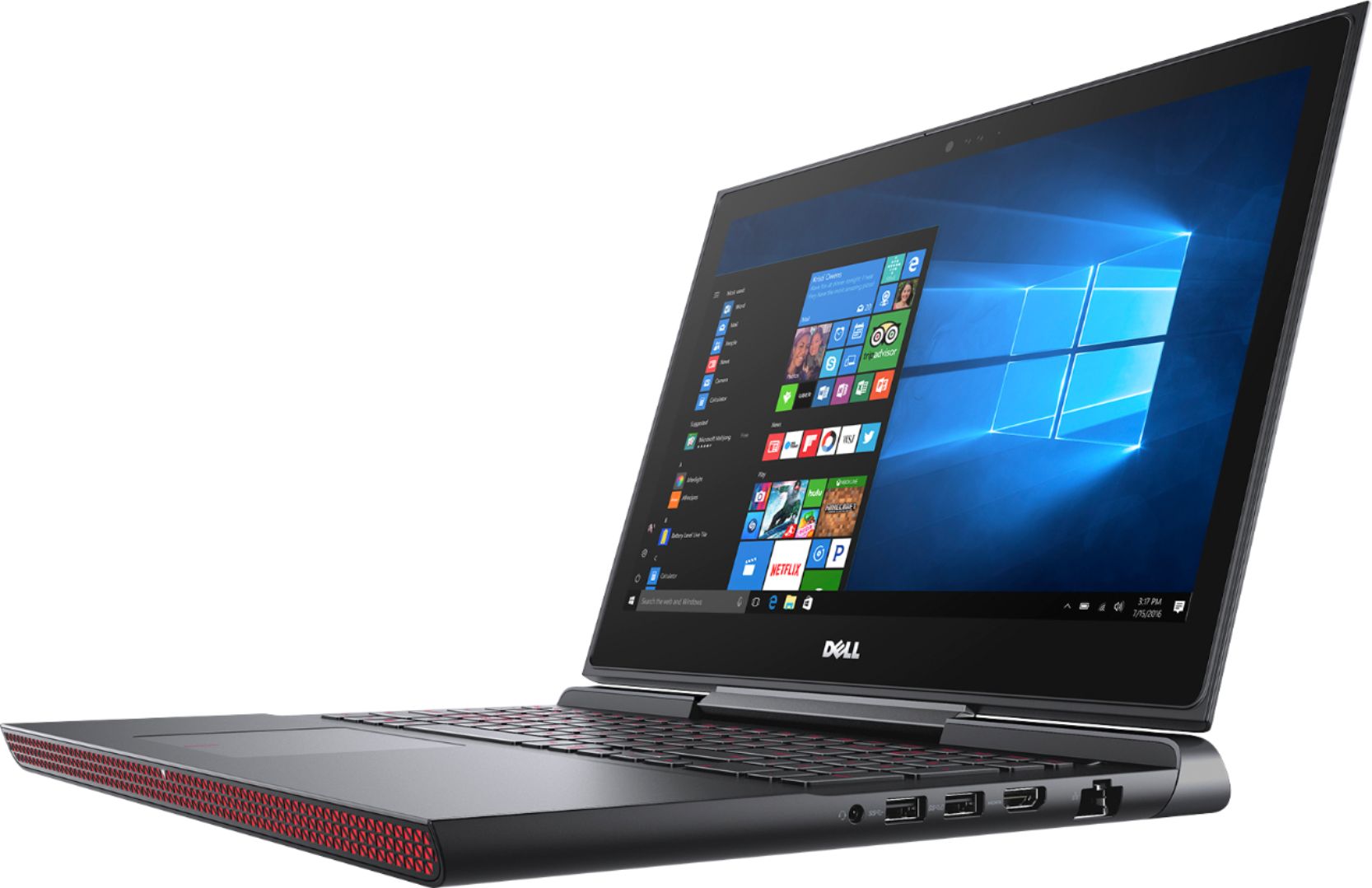
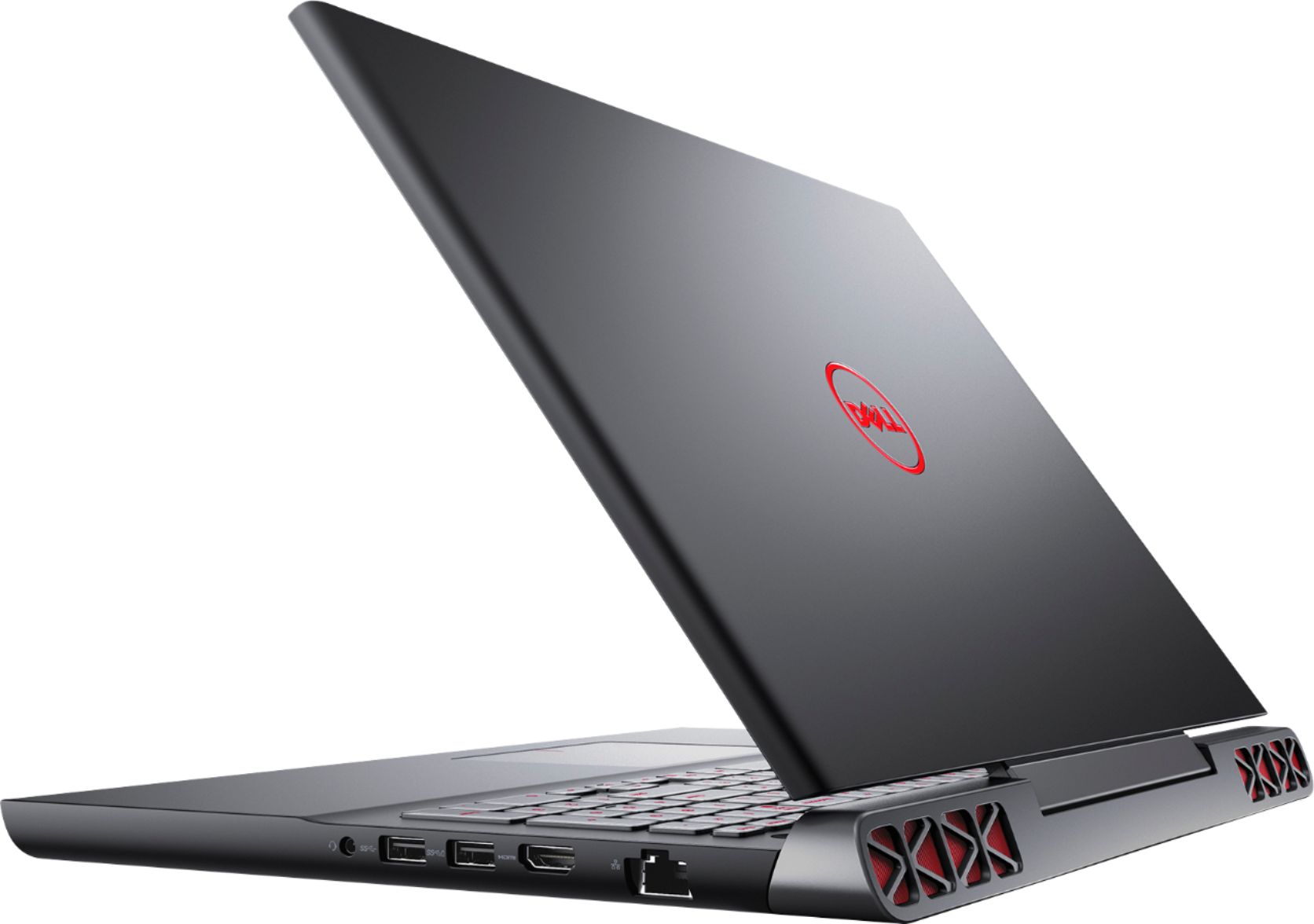
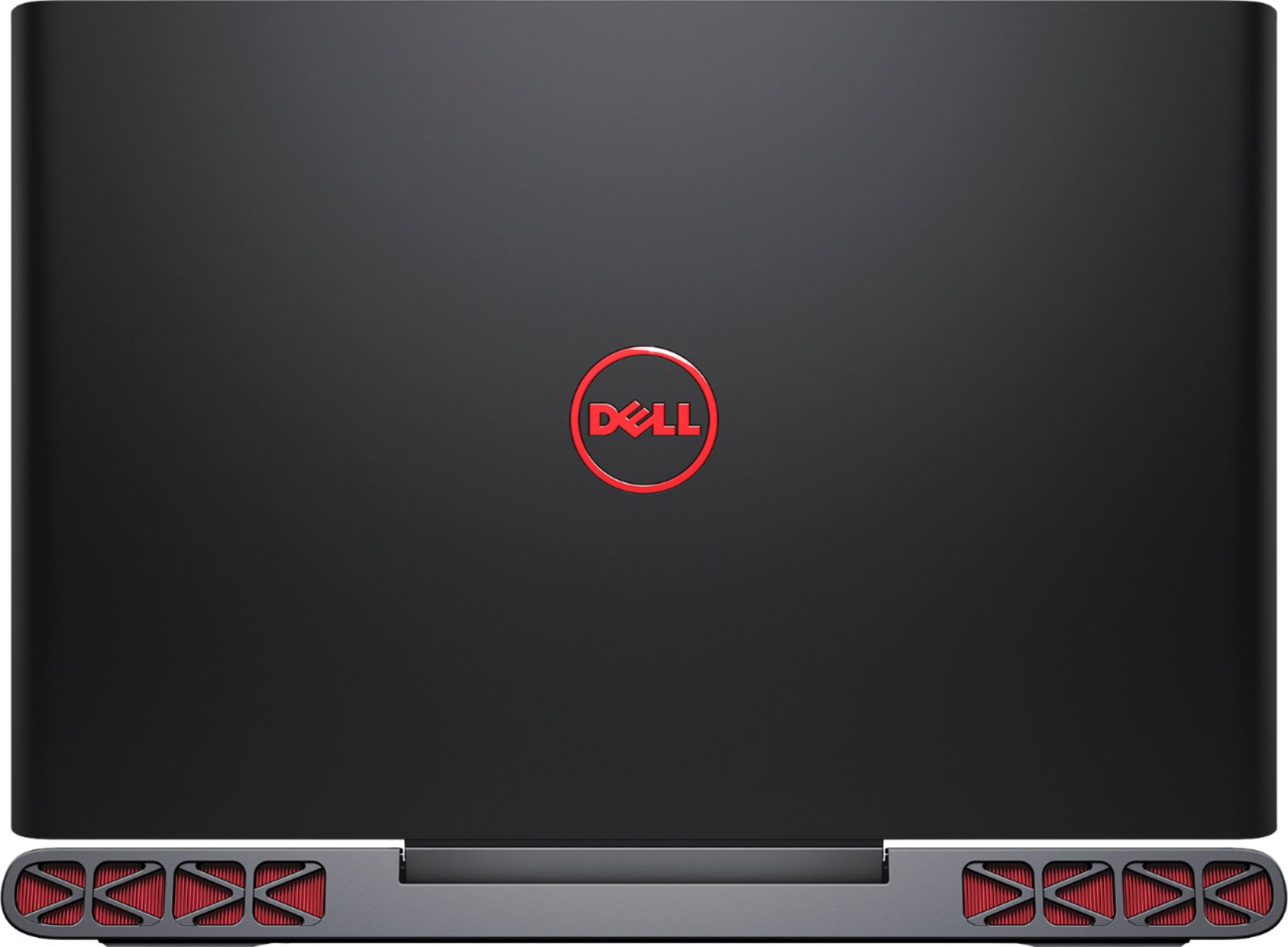
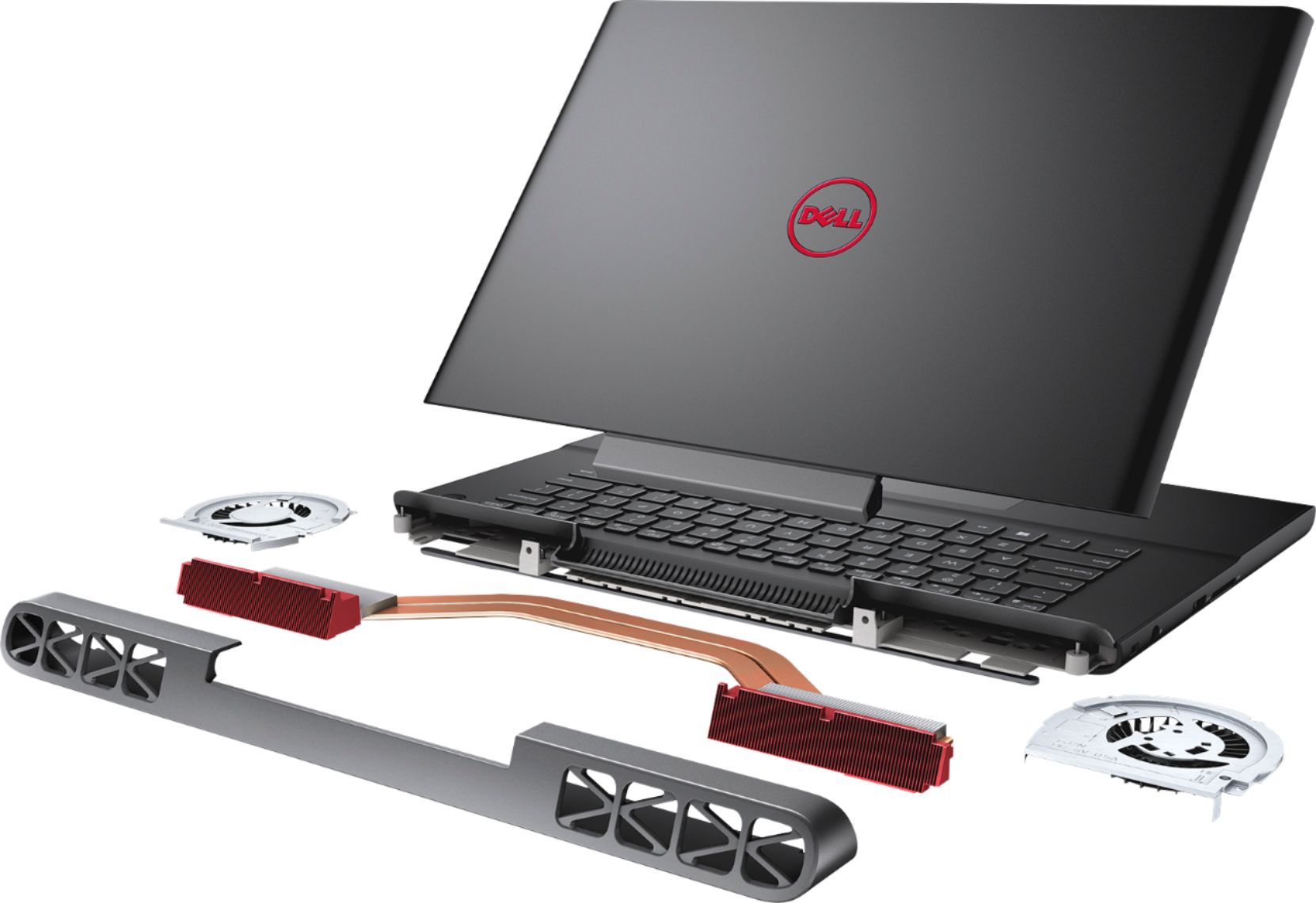
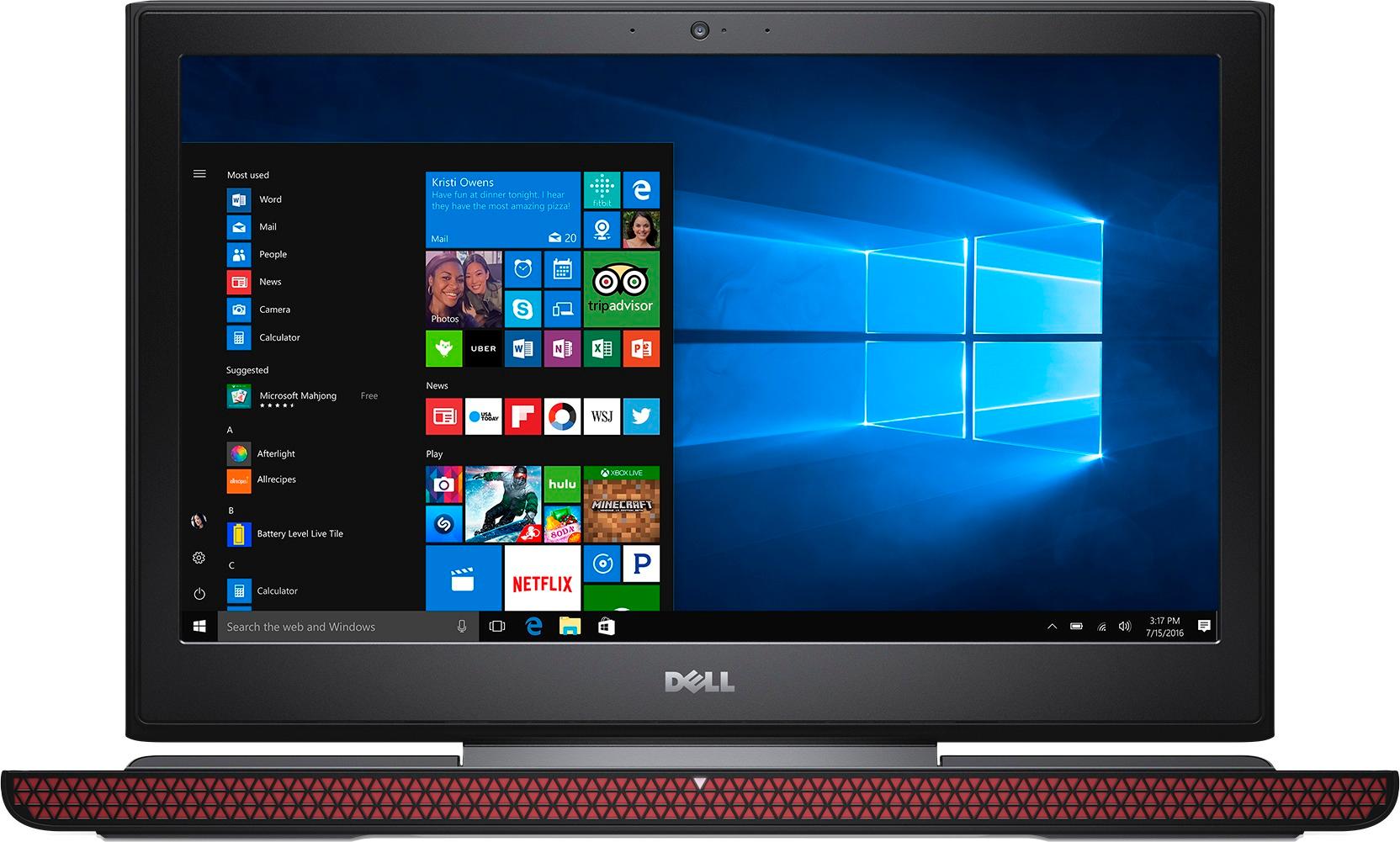
A:AnswerNot for what I have noticed because it is designed around gaming it has multiply cooling pipes and fans designed to intake cold thew the front and out the look of the laptop is function over form. I have never experienced overheating with it it normally is 60fps and up and will only reduce performance if power save is enable when in battery mode when plugged in its comparable to most entry level gaming desktops in my opinion. As for the whole shut down thing I have never experienced that on this machine it hasn't overheated but the shutdown due to overheating is a safety feature built I. To cpus to make sure you don't destroy them off you can overheat this it is your fault not the laptops. It has six heatpipea on its CPU and two on the GPU so it is more then capable of dispersing any heat not saying it can't get warm just not hot.
My only issue is it is very new which means that it has a little bit of hit and miss driver support although pretty much everything has been fixed. It works great. You will get a blue screen if you don't update the bios the bios update is easy to find at dell.com under support and the model number.
-An IT proffesional
A:AnswerShould be on display 2 and don't forget to change PhysX processor to 1050ti in the NVIDIA control setting with a right click on mouse in desktop
A:AnswerYes this particular model is an IPS panel. It is not the best looking IPS out there, but it is still leaps and bounds better than the TN they have on the cheaper model.
A:AnswerAny 5400rpm or 7200rpm will do if you are using the spare 2.5" bay. I installed Samsung EVO 500GB and it was recognized the first time. If you mean the PCIe slot, I cannot answer your question since I did not try it
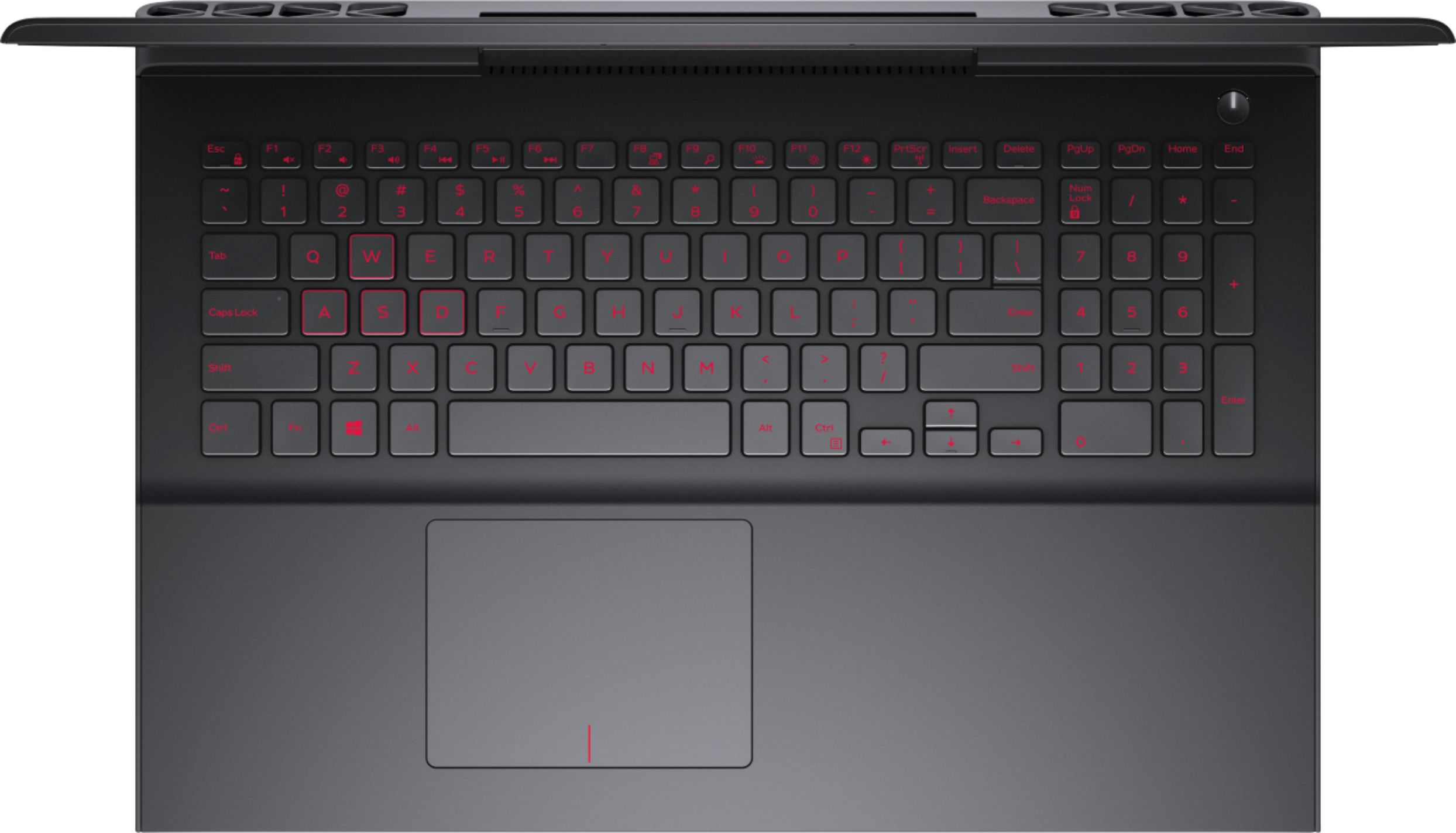
A:AnswerThere is a red version of this laptop, BestBuy has one for the same price but note that they have some differences.
http://www.bestbuy.com/site/dell-inspiron-15-6-laptop-intel-core-i5-8gb-memory-nvidia-geforce-gtx-1050-1tb-8gb-hybrid-hard-drive-red/5744102.p?skuId=5744102
Also, if you want the exact model in red color you can order it through the Dell website, but I think it costs 50 USD more.
A:AnswerYes I’m very happy with it, when the Geek Squad updated it, they said it only took about 16 minutes to update, they say a lot of them take one and a half hours to two hours to update, they said it was fast, so far so good. Thanks PS the Geek Squad are very good