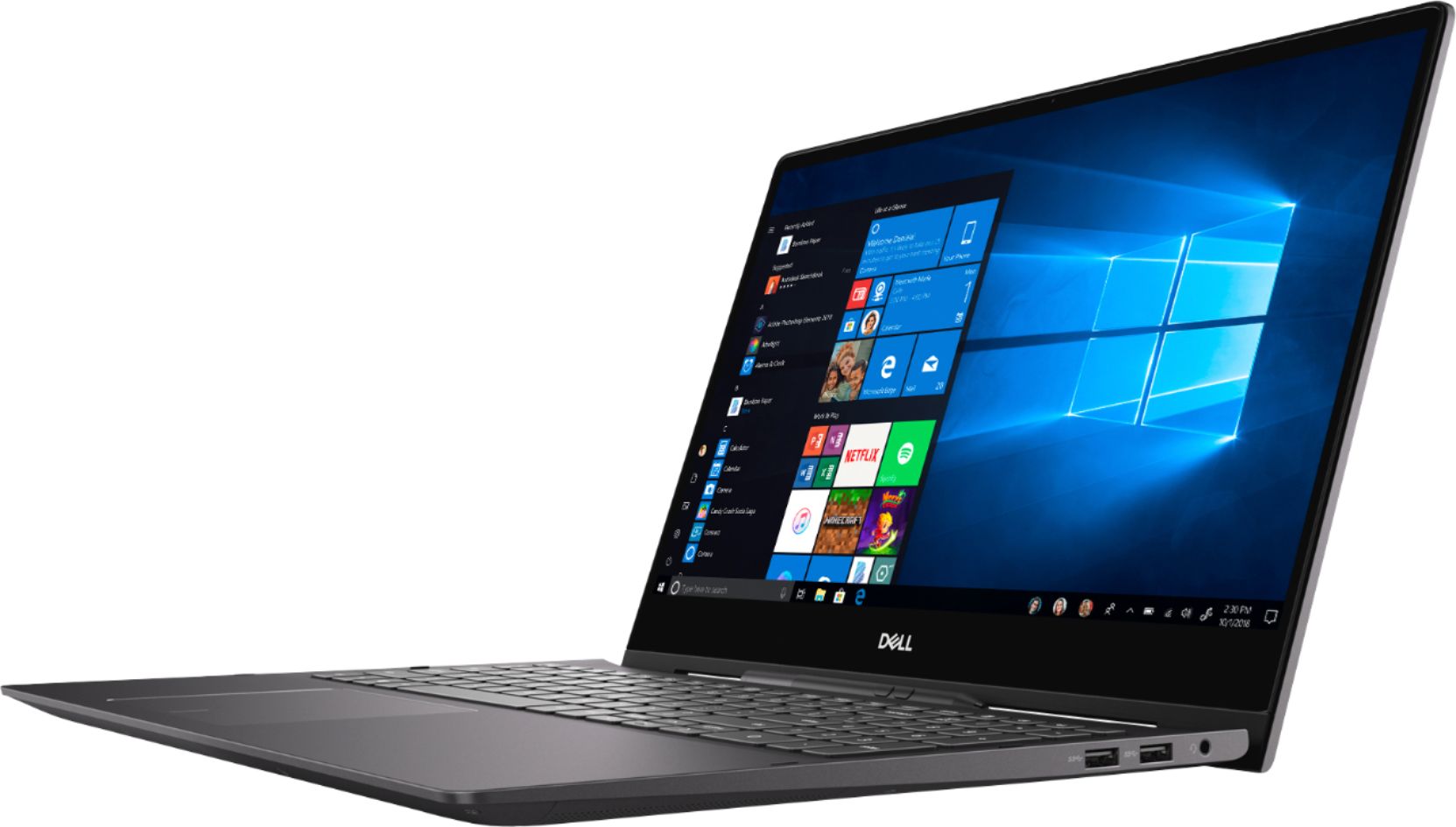
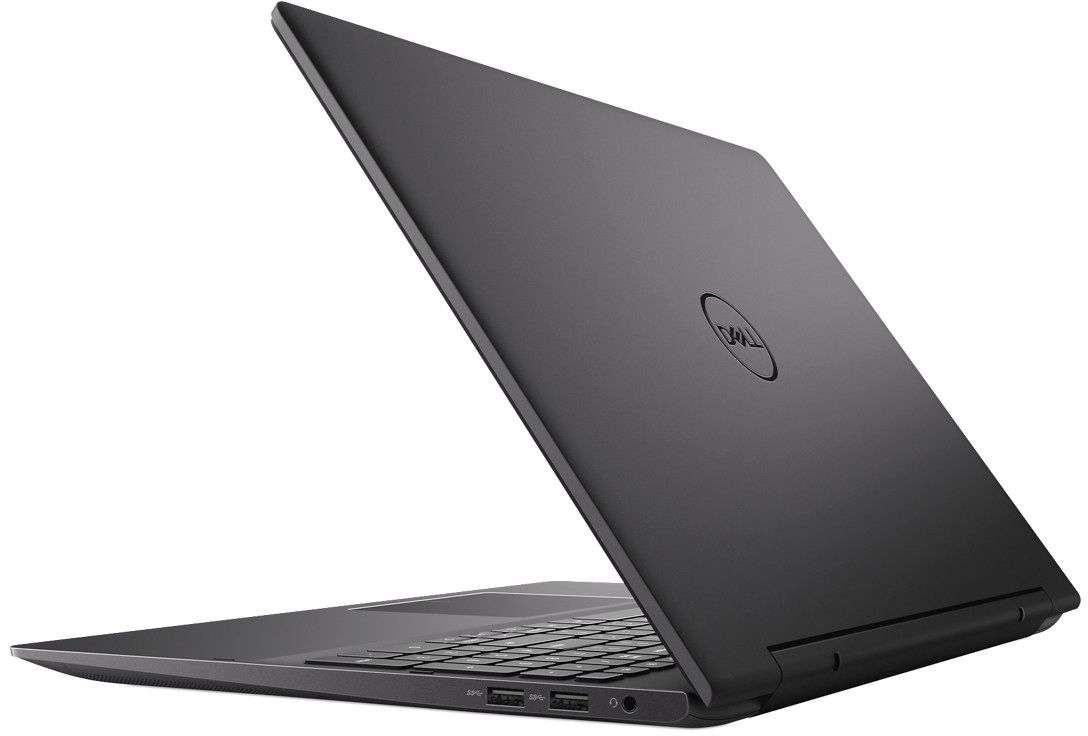
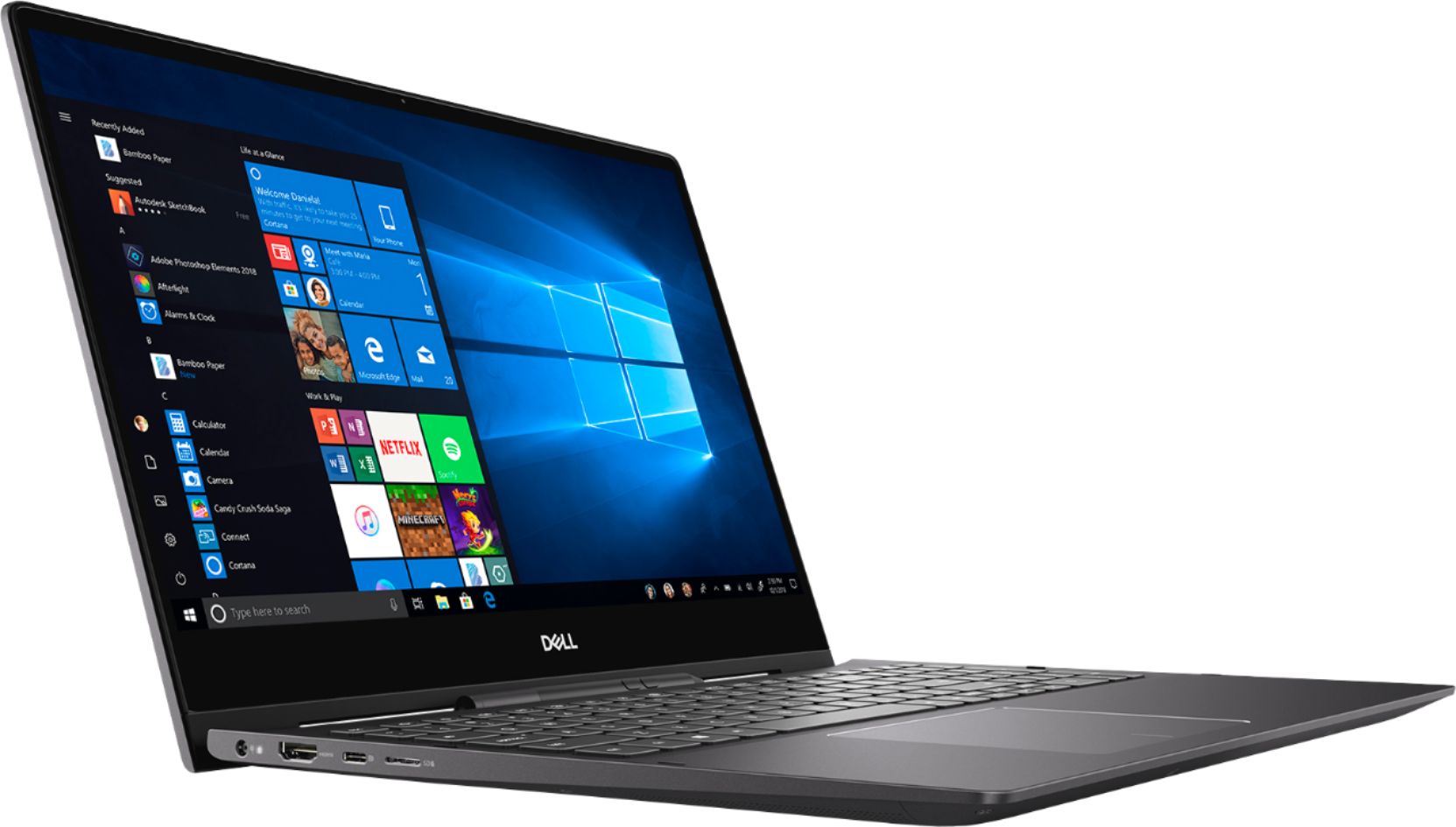
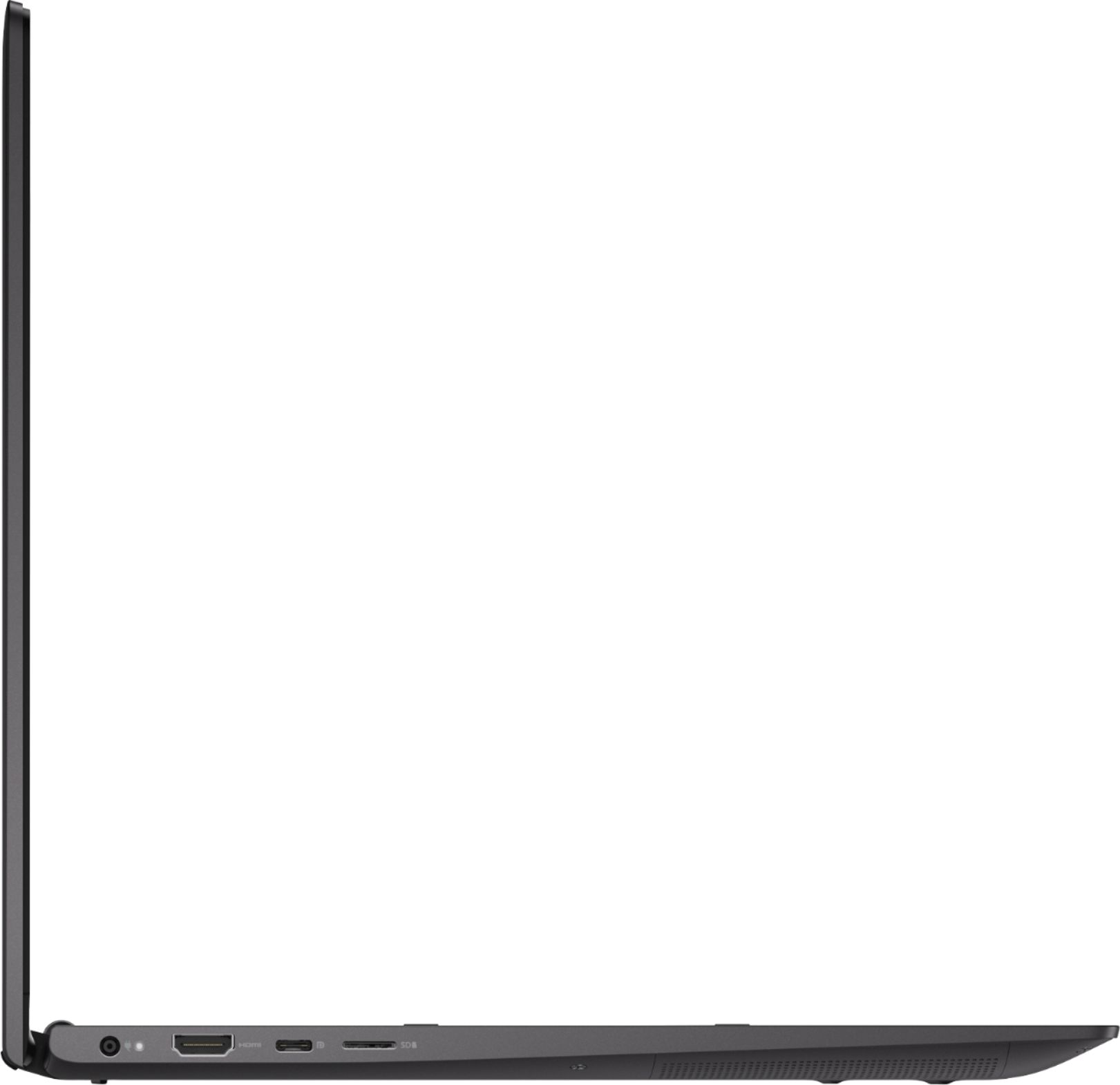
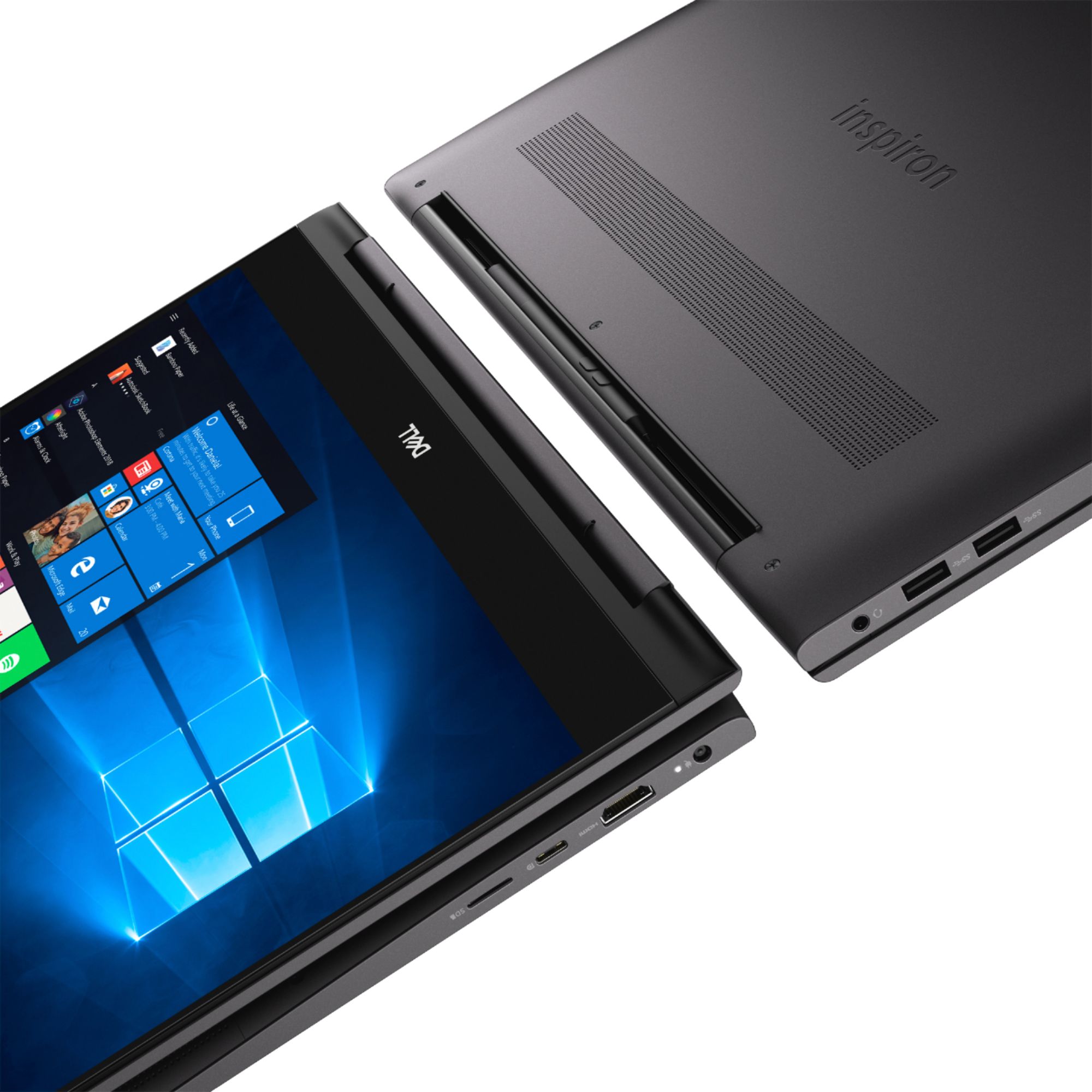
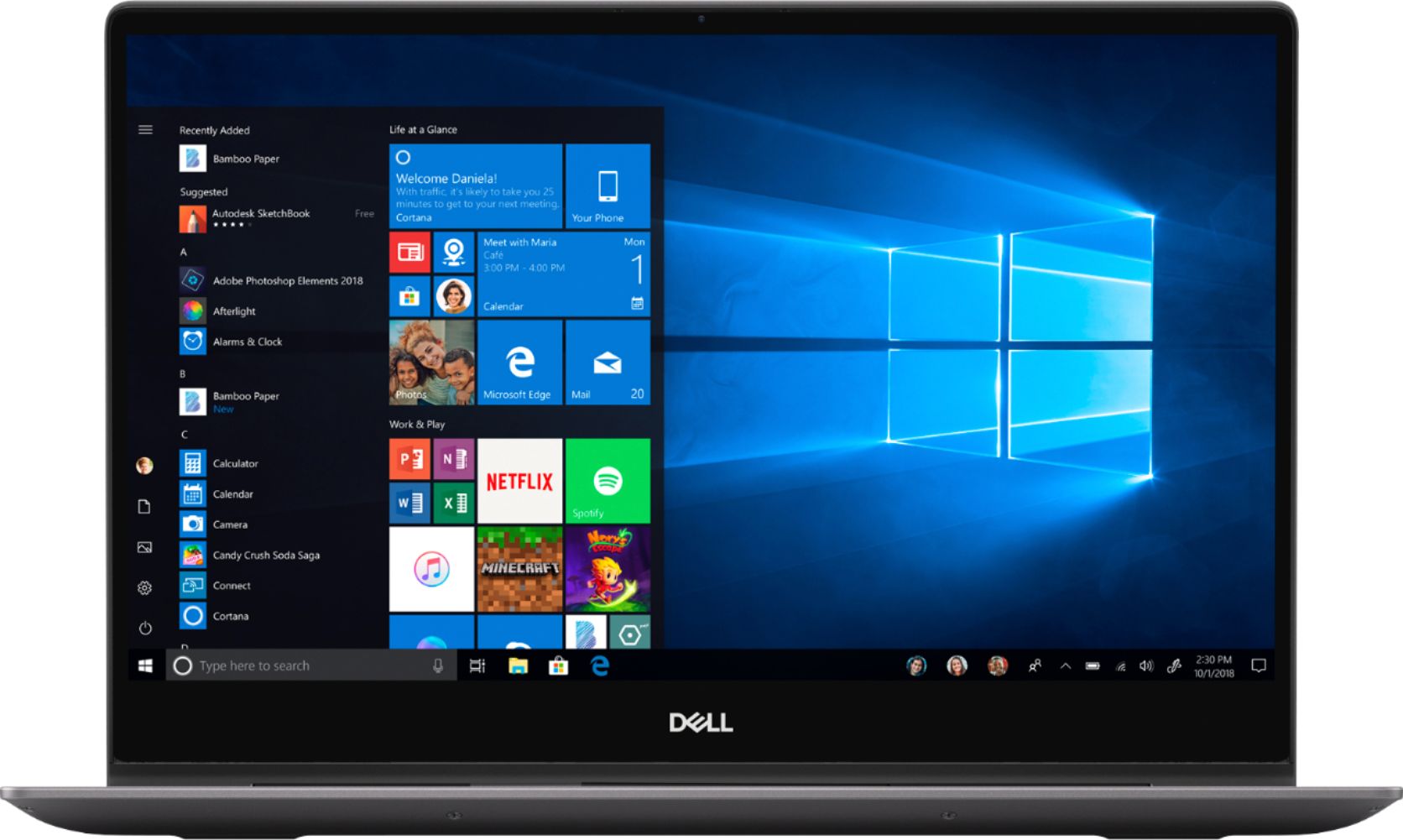
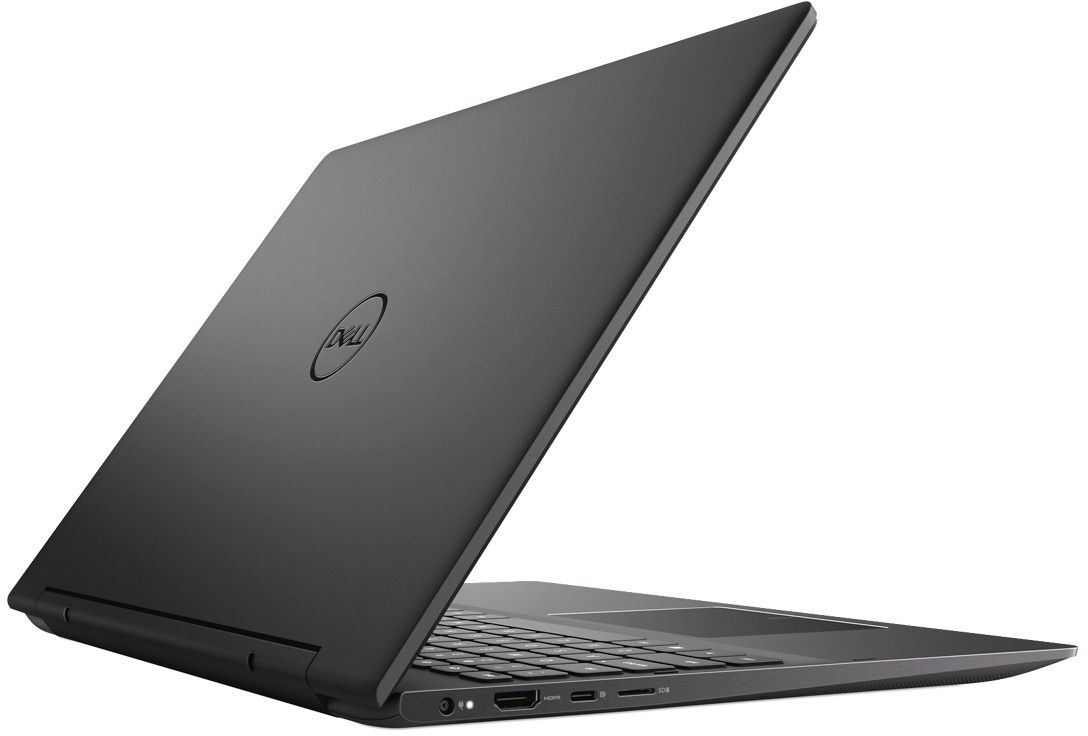
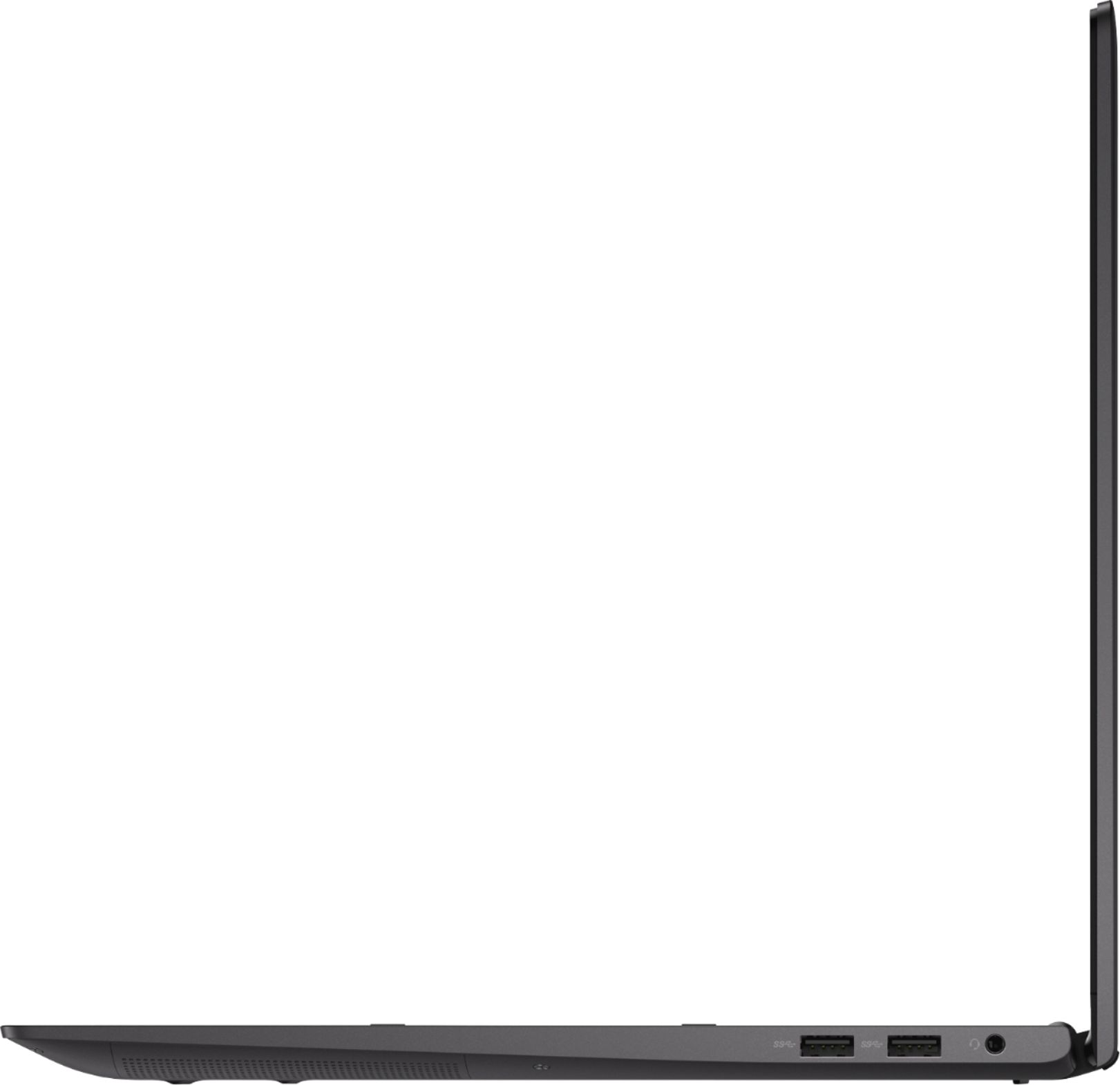
A:AnswerThe answer provided is actually incorrect and the laptop description is also incorrect. I have this exact model and there is no actual Ethernet connection anywhere on the laptop. You would need to get an Ethernet to USB adapter to connect.
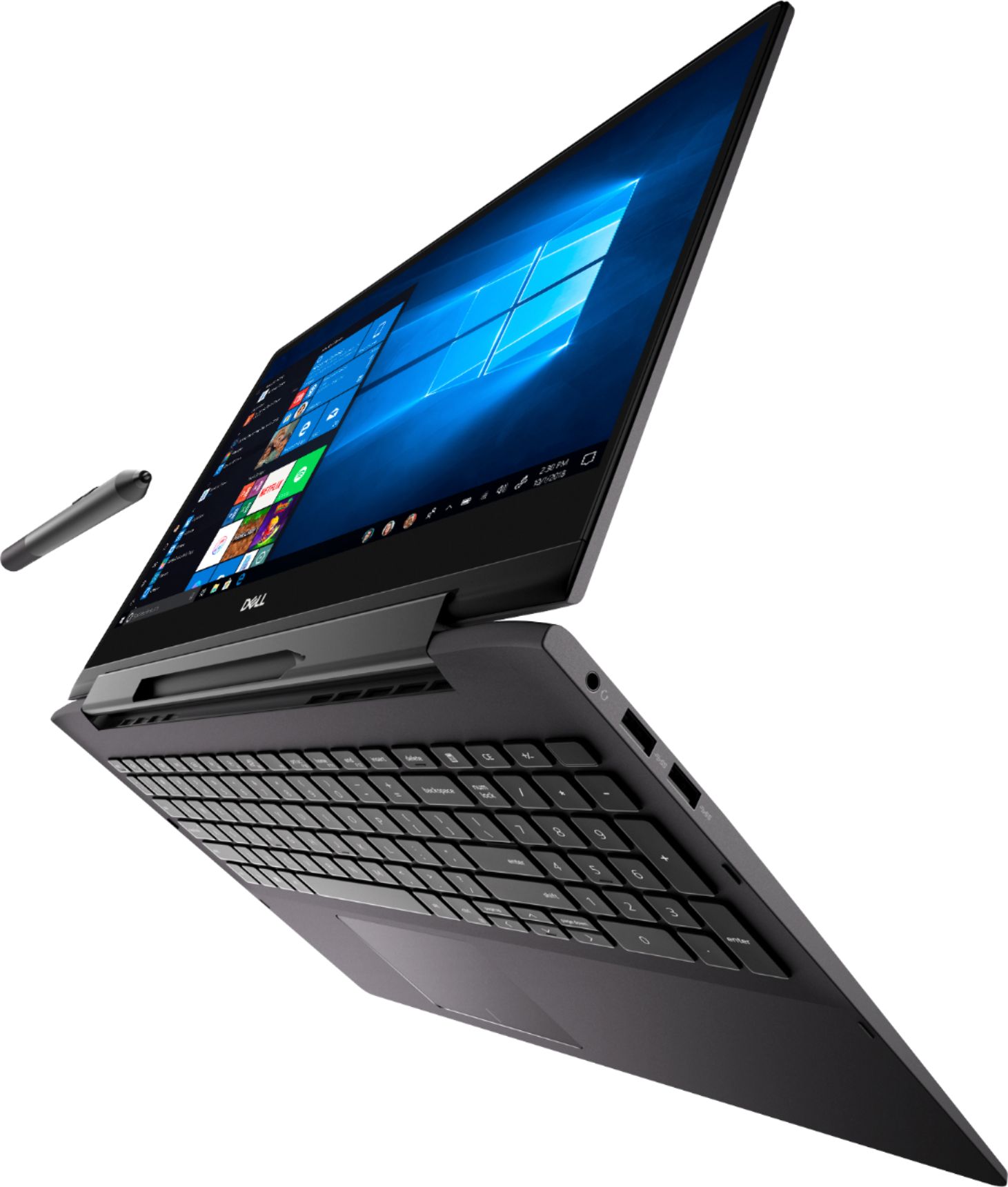
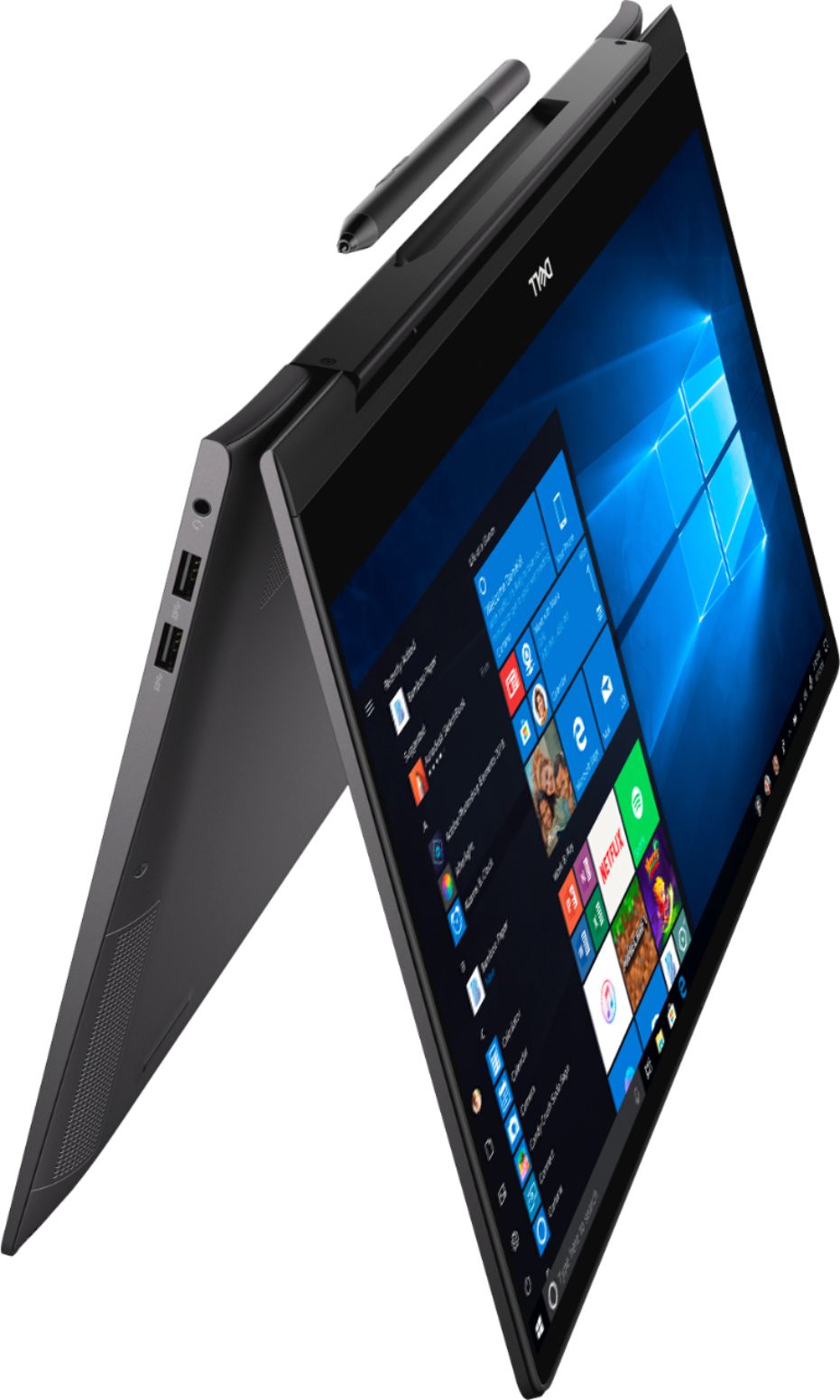
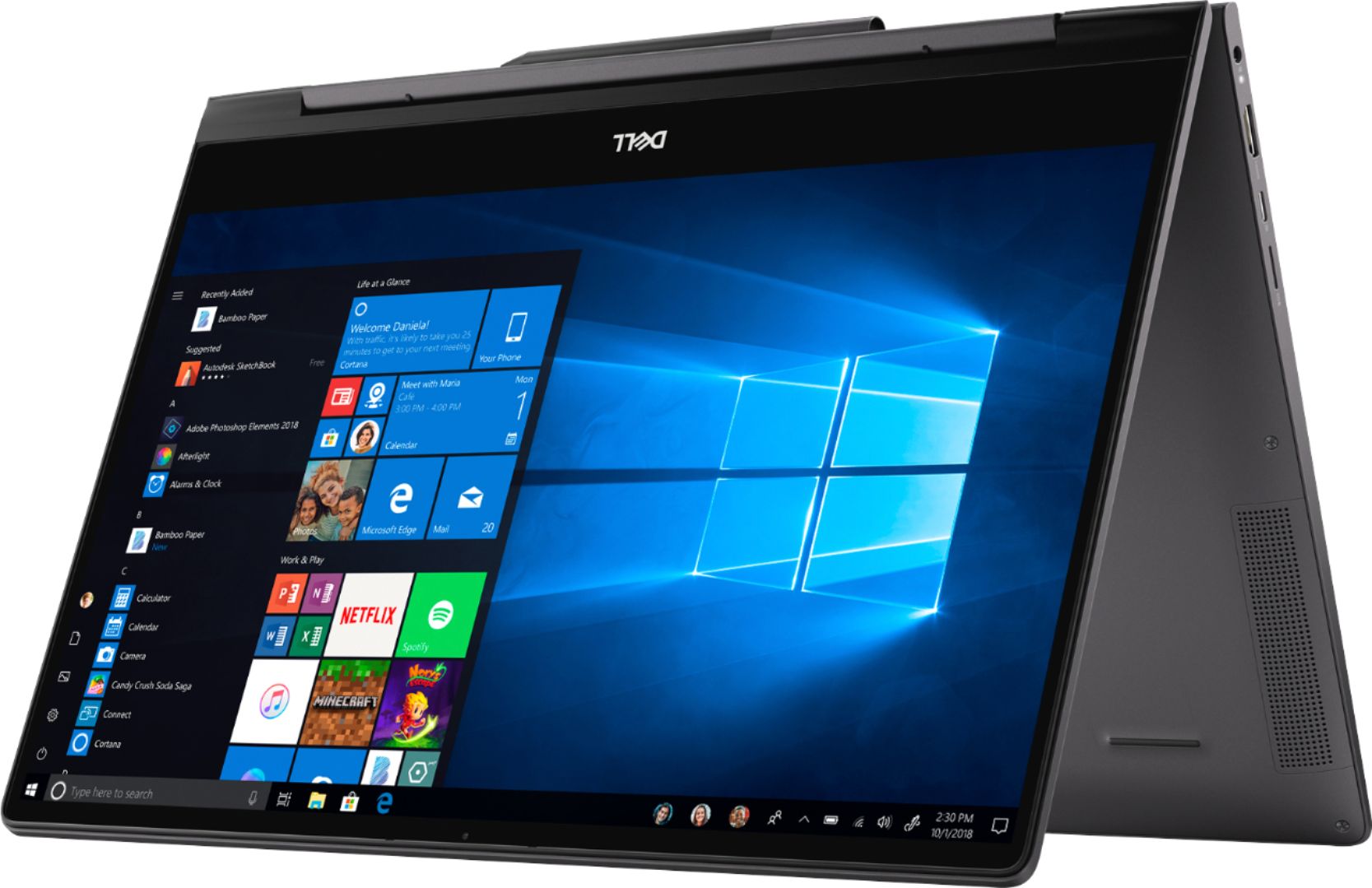
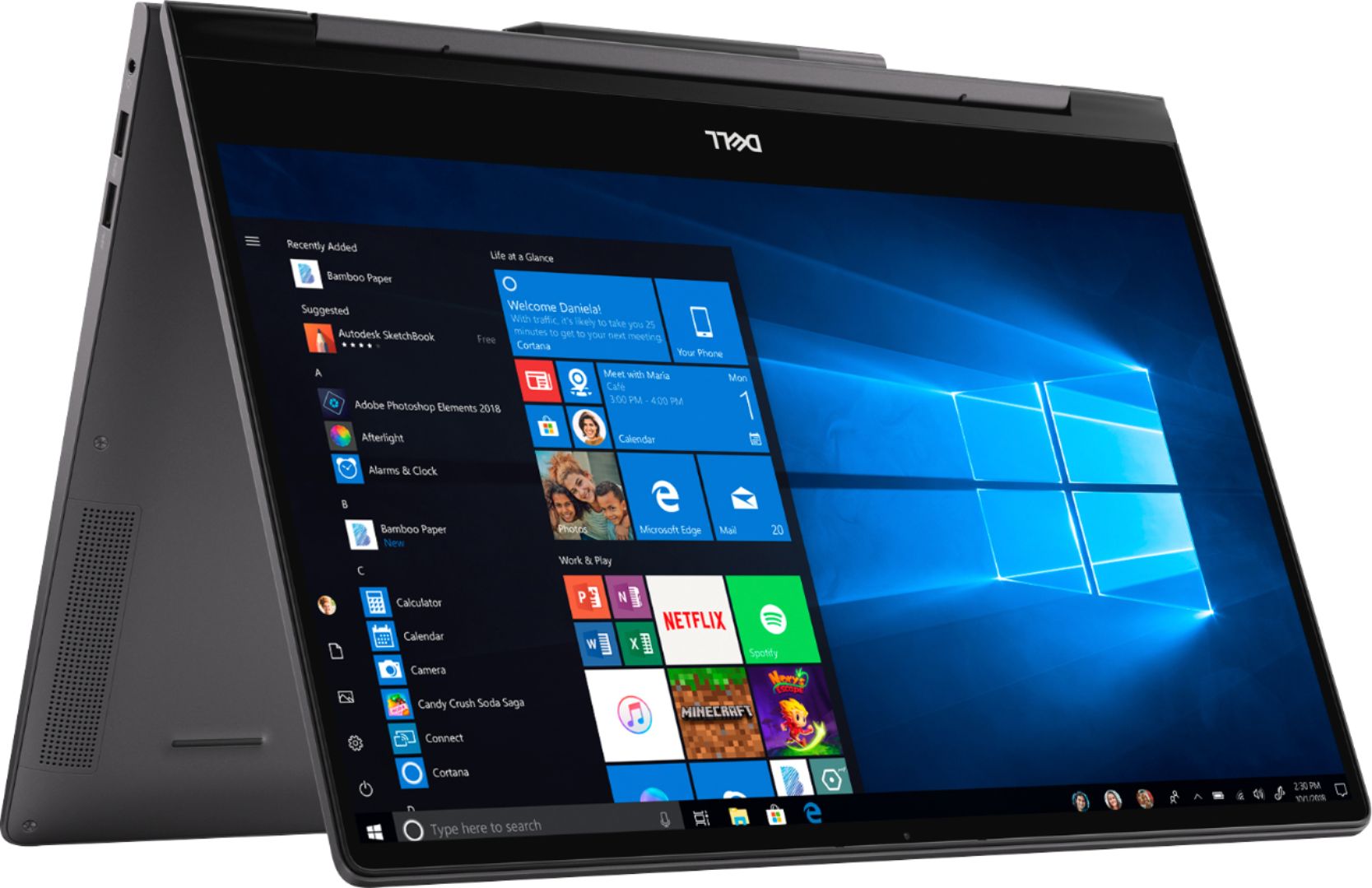
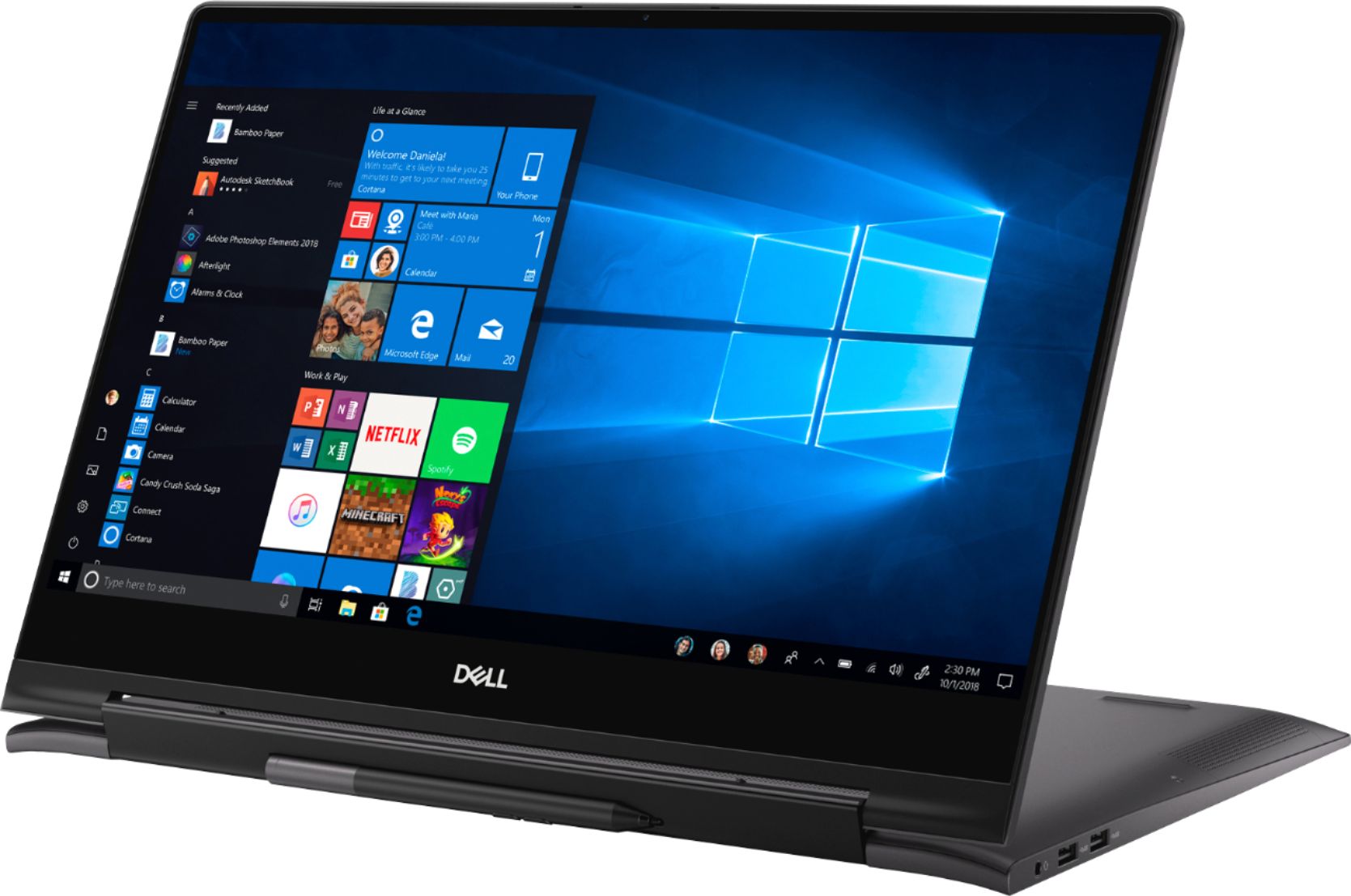
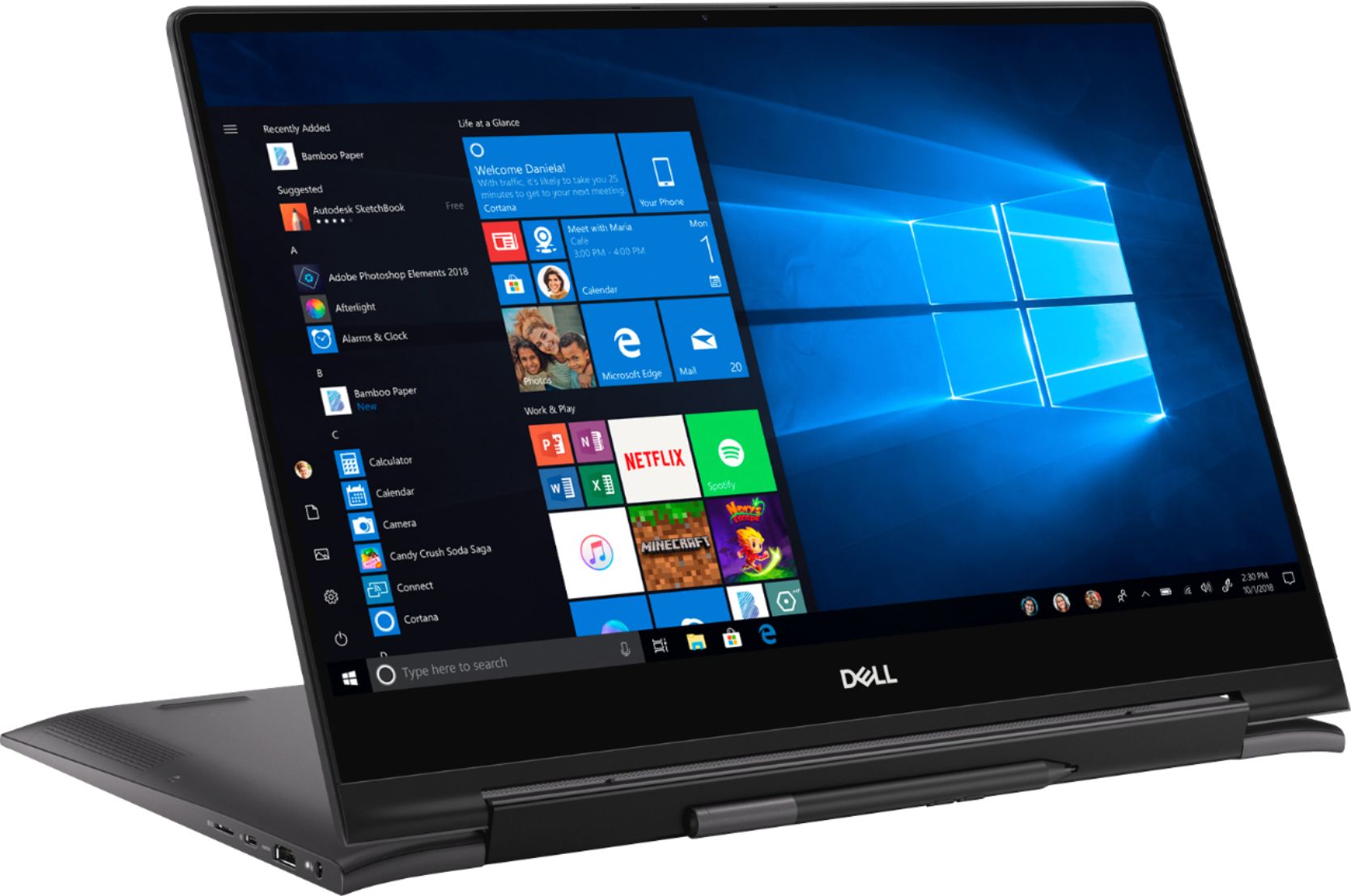
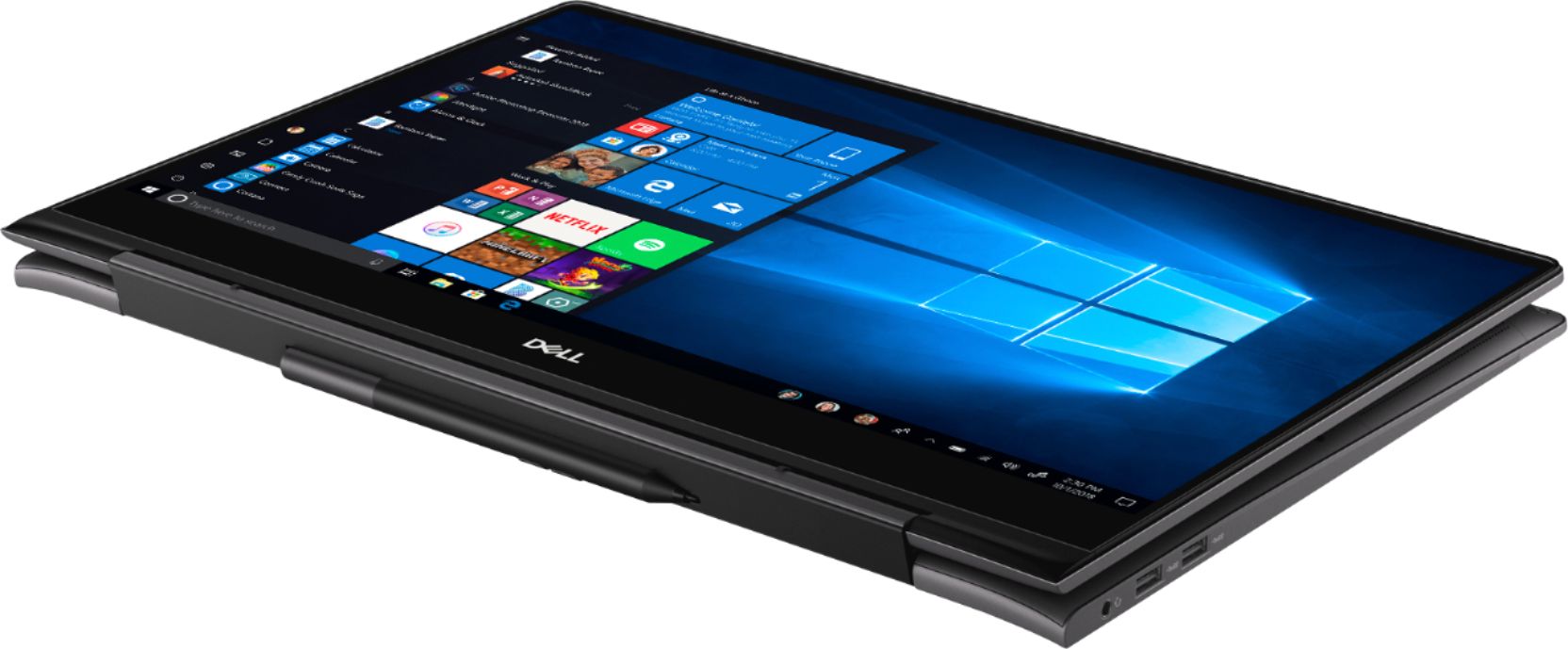
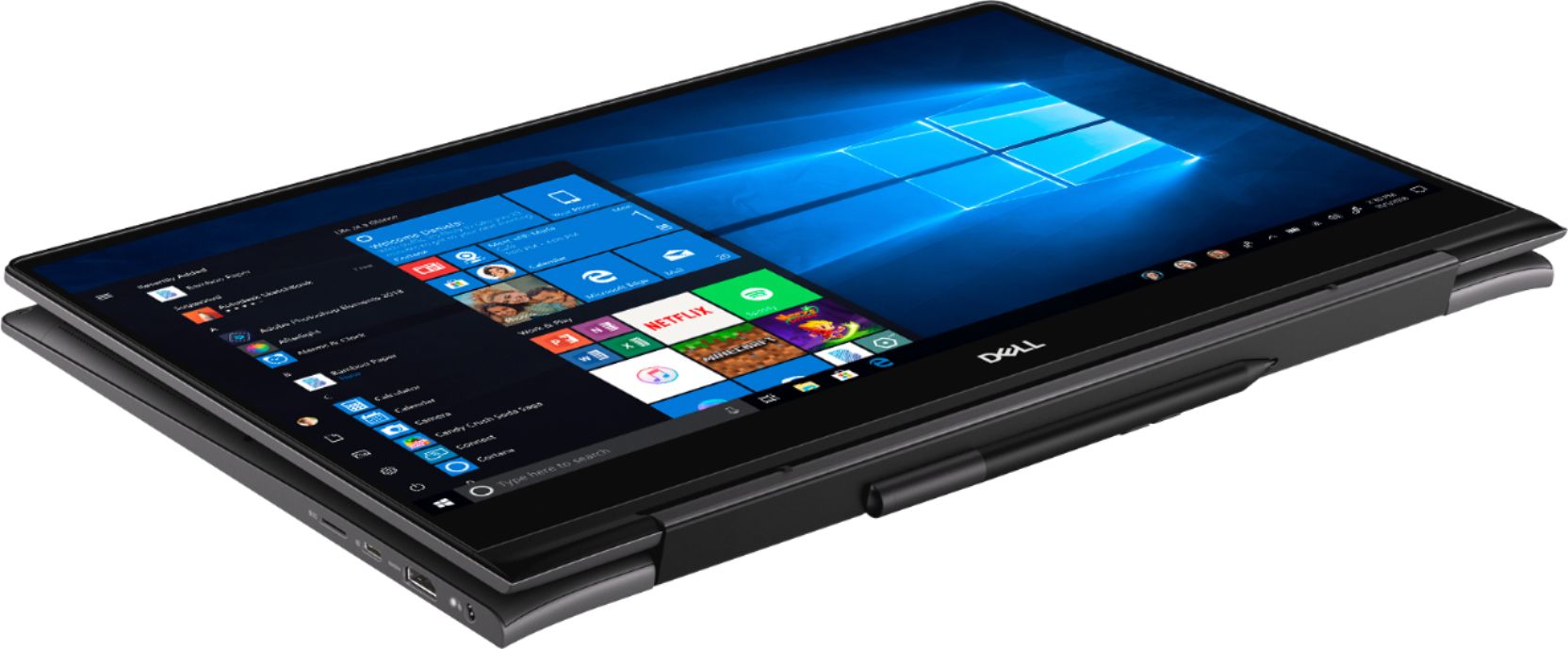
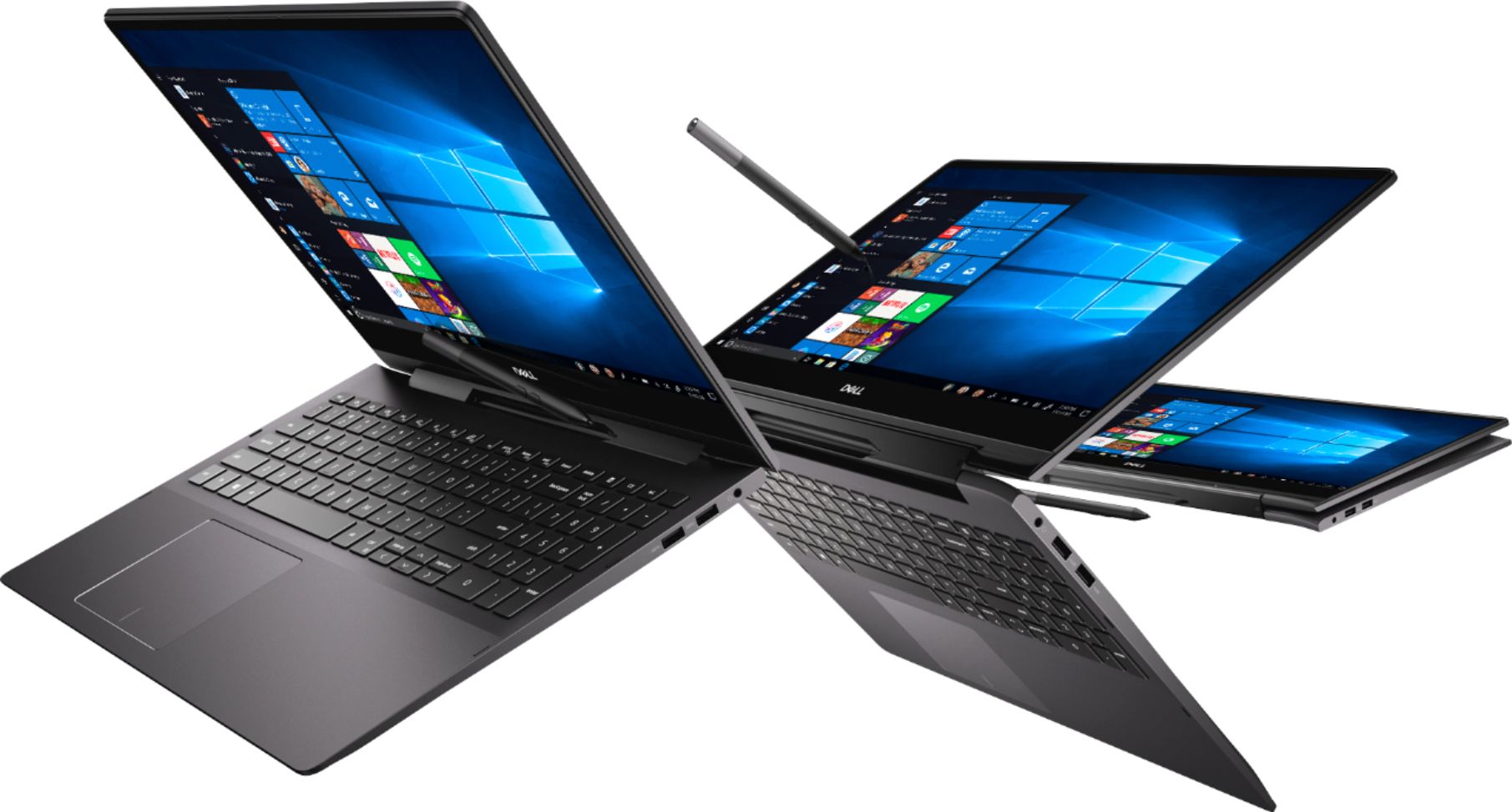
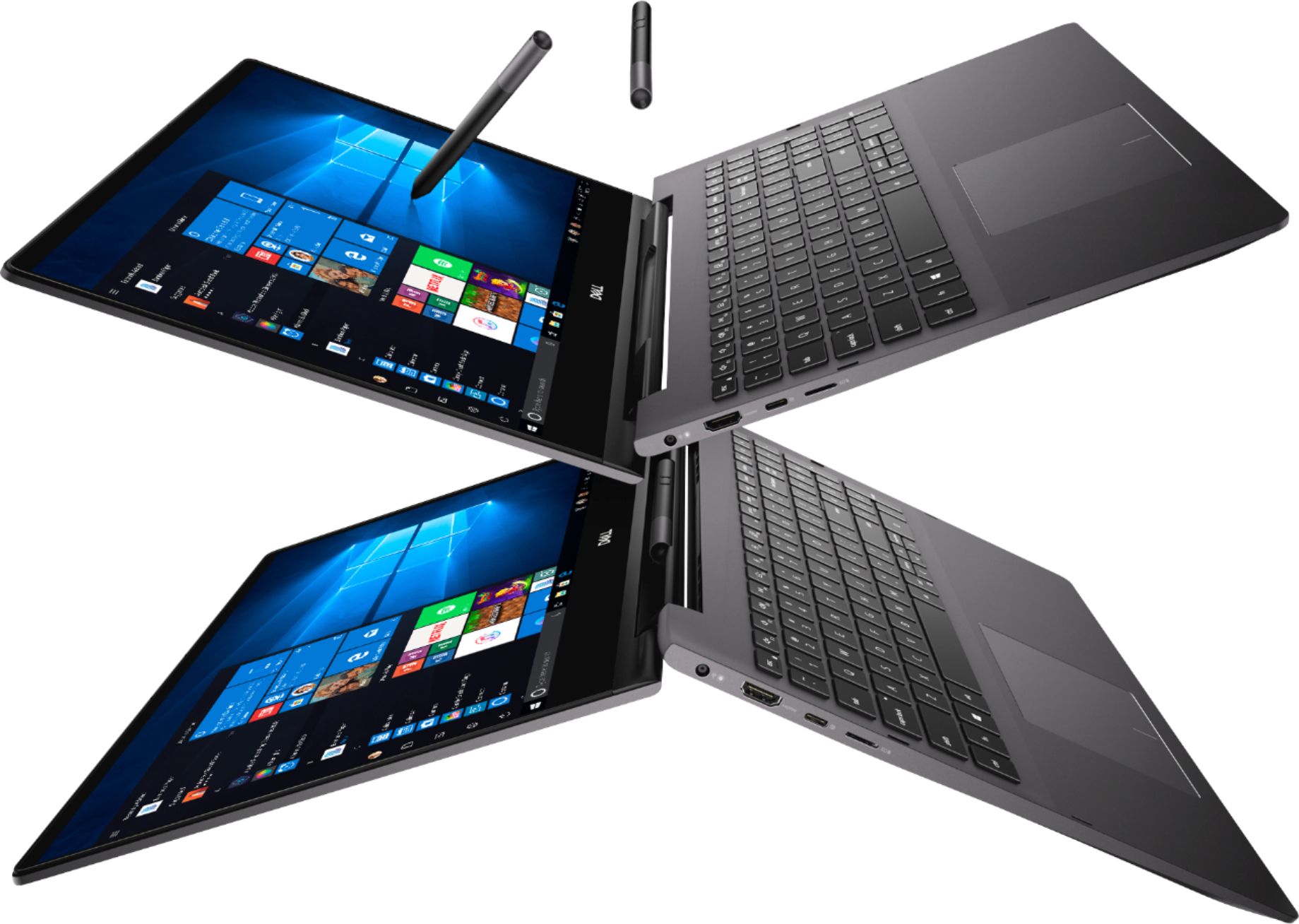
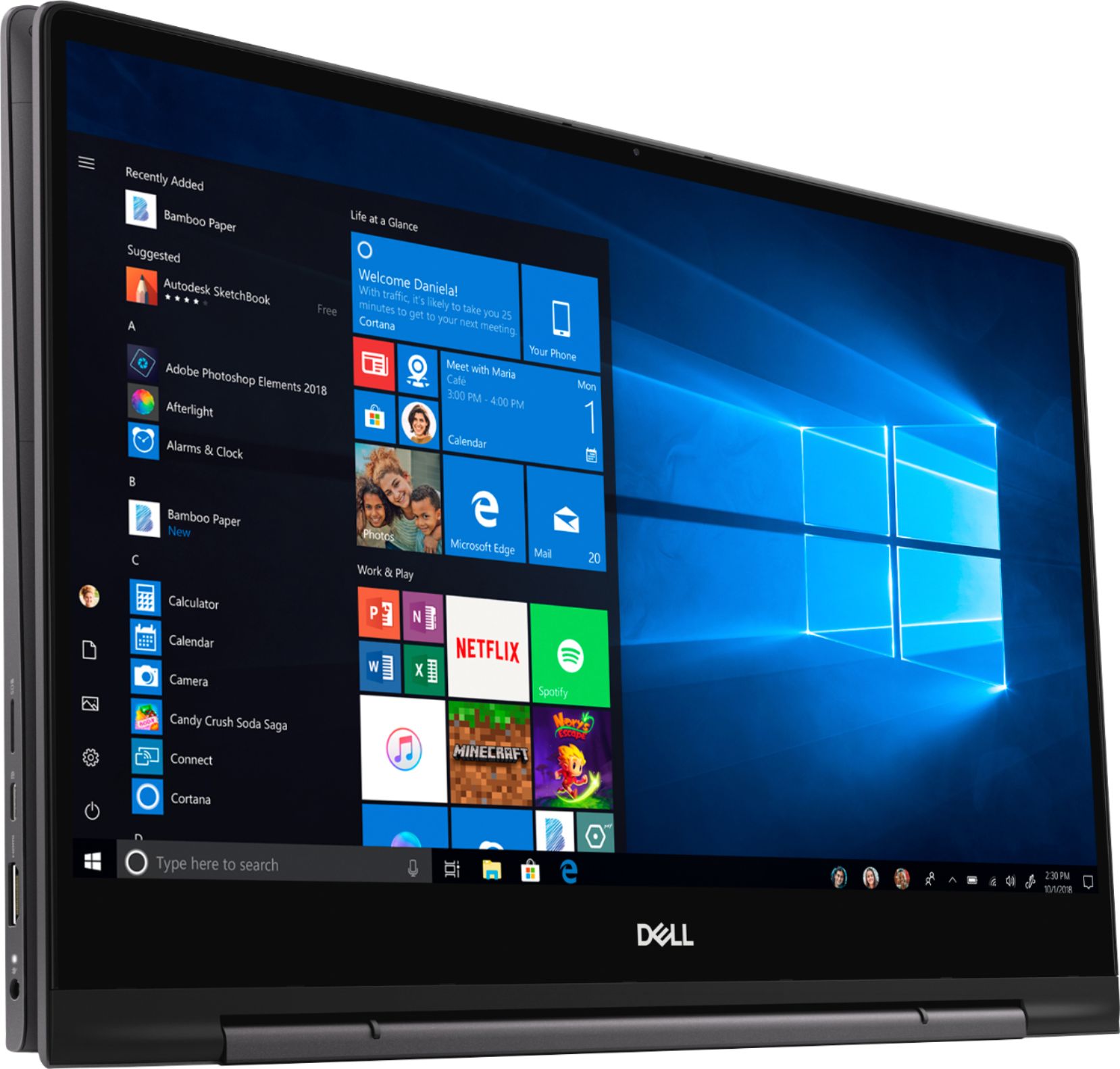
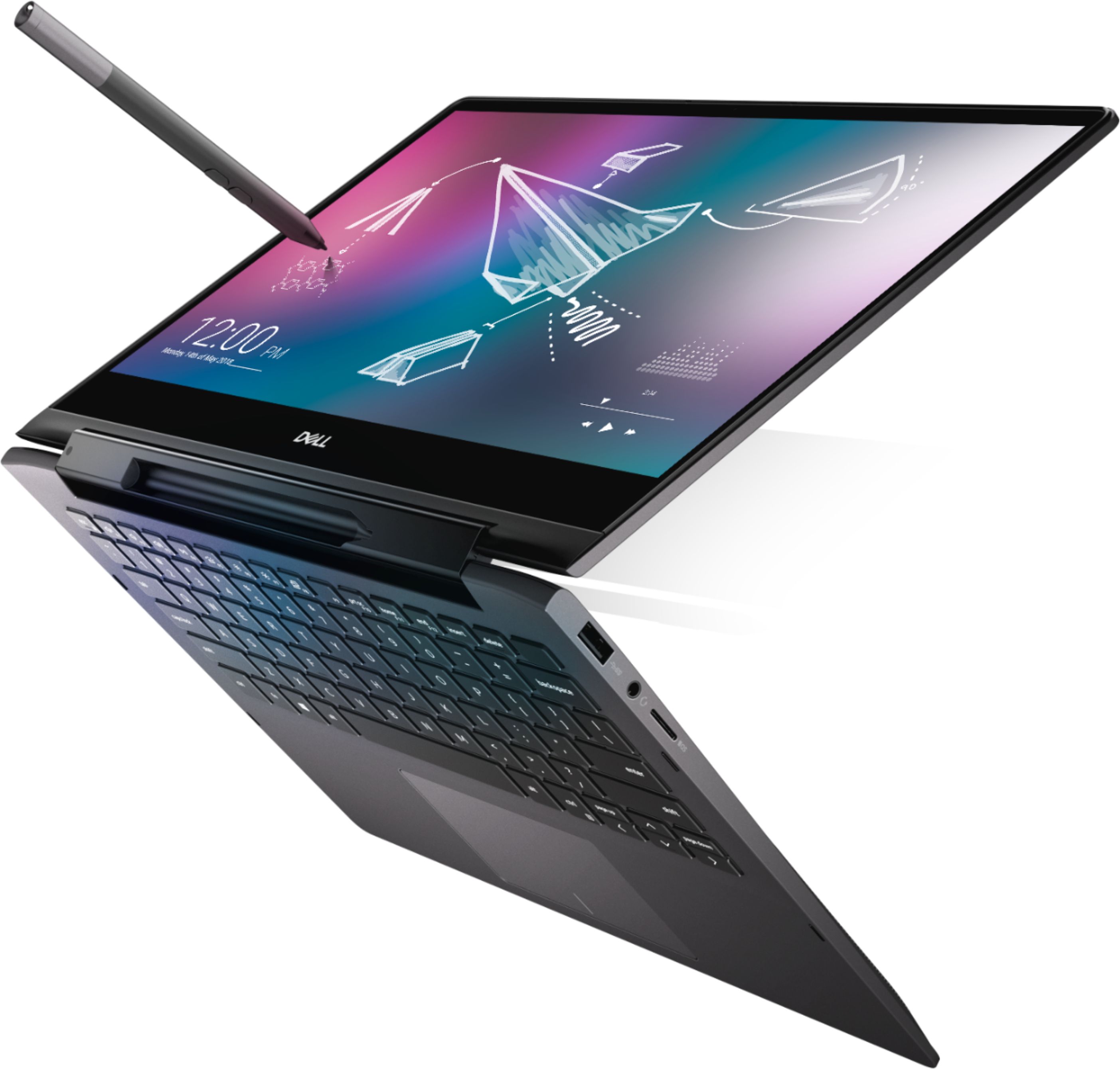
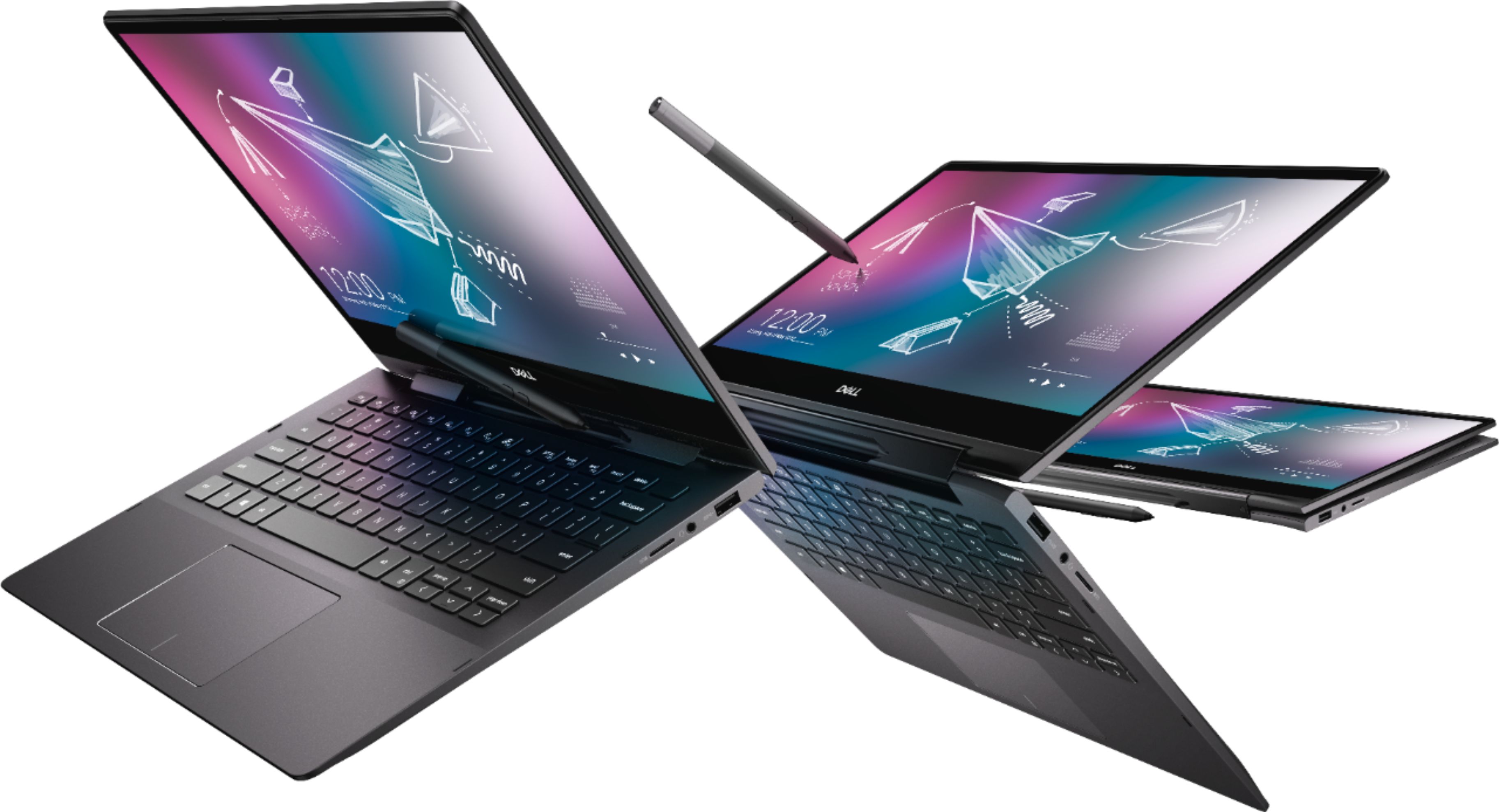
A:AnswerTend mode can be used anytime you want if you wanted to use the stylus pen that comes with the laptop and do some drawing, or if you just wanted to watch a movie with the laptop orientated like that. The situation doesn't really matter unless your working and have to use the touchpad or keyboard, otherwise, you can use the touchscreen and pen.
A:Answer1-year factory warranty and 1-year Geek Squad warranty, they both start and end at the same time, it's just that you can take it to either the manufacturer or Geek Squad for repairs.
A:AnswerOn Windows 10, under Settings->Privacy->Camera, you can select which applications can access your camera, or whether any application can access your camera. It also allows you to deny users of the computer from using the camera.
A:AnswerHello! The best option will be Adobe Photoshop. You'll need to purchase this separately. https://www.bestbuy.com/site/searchpage.jsp?st=adobe+photoshop&_dyncharset=UTF-8&_dynSessConf=&id=pcat17071&type=page&sc=Global&cp=1&nrp=&sp=&qp=&list=n&af=true&iht=y&usc=All+Categories&ks=960&keys=keys
A:AnswerIt does have MX250, but I wouldn't recommend for 4k editing. The MX250 does work pretty well when viewing 4k content, but if your editing, I recommend a laptop with 1650, 1650TI, 1660, or 1660TI.
A:AnswerOneDrive is Microsoft's cloud/online storage server, so what this means is that this laptop can backup files to the cloud if you want if you run out of storage on the laptop, you can disable this feature if you would like as well.
A:AnswerI do not know the actual weight, however it feels on the heavy side. If weight and true portability is a high priority then maybe look for something different. It does a great job in providing a nice mix of features.