A:AnswerYes, it can run Minecraft and Sims 4 smoothly provided the system on which the game is running should meet the optimal hardware requirements to run the game.
A:AnswerHello! You will need to use this monitor with an external device with a processor. But it will mirror the OS system on your device. All of Dell's laptops, desktops and All-In-One will come with Windows 10.
A:AnswerHello! The button right next to your power button should allow you to minimize the window. If this doesn't work, I recommend reaching out to the Geek Squad directly for assistance. https://www.bestbuy.com/services/remotesupport
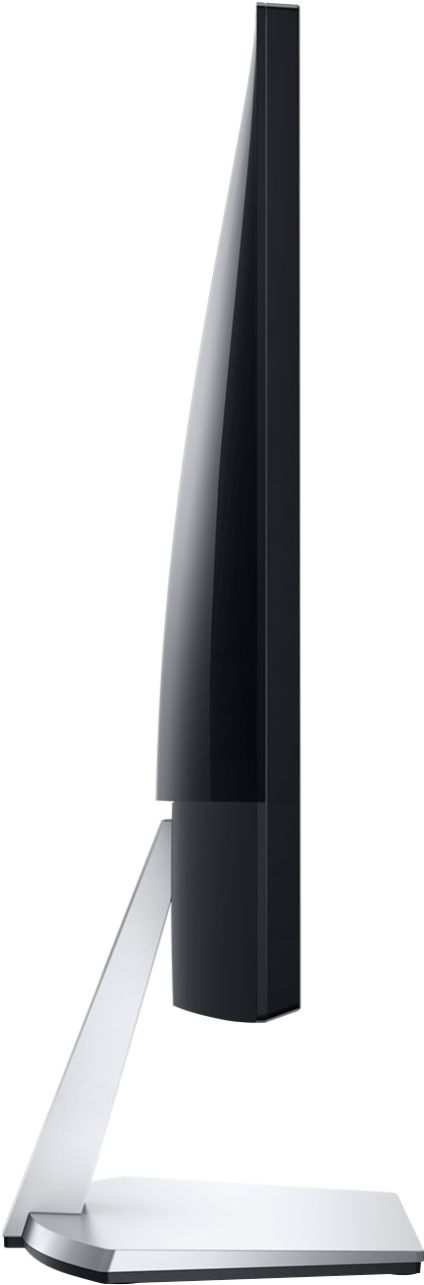
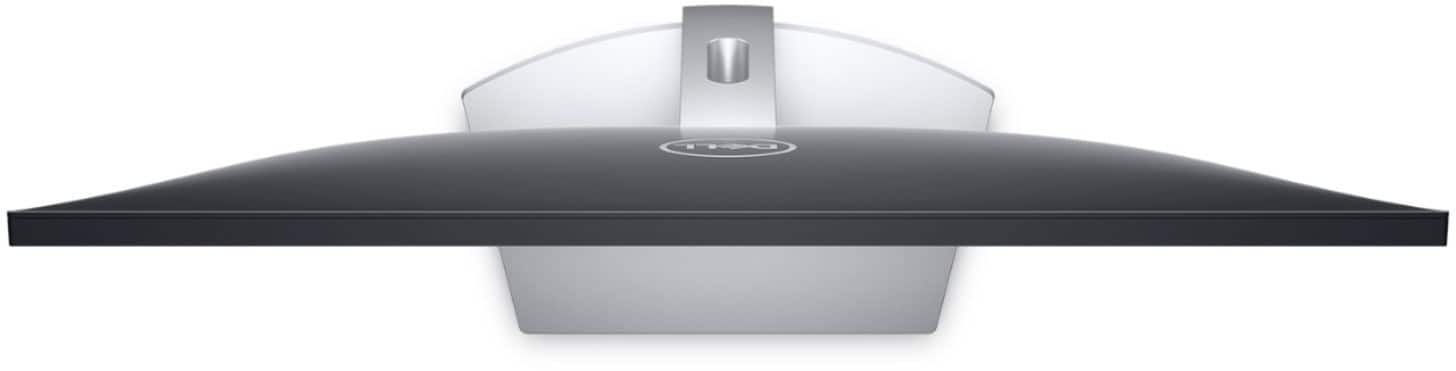
A:AnswerHello Terry! This monitor is not equipped to be mounted. You will want to look for VESA Mountable in the item specifications. However, you can still use this monitor in a dual monitor setup with the included stand. Just ensure you have the correct cables to connect both monitors to your external device.
A:AnswerHello David! If your Optiplex has an HDMI port, you can connect it directly using the included cable. If not, you will need to purchase an HDMI to USB adapter. But the included cable will still work with that adapter for your Optiplex.
A:AnswerHello! Unfortunately, this monitor does not have the mount capabilities to be turned vertically. It is also not set up to mount on a different mount. Here is an option that rotates for a vertical view. https://www.bestbuy.com/site/dell-s2719dgf-27-led-qhd-freesync-monitor-black/6293714.p?skuId=6293714
A:AnswerHello! This monitor will stream whatever is streaming through your connected device (laptop, desktop, etc.). It will come with the necessary cables, but you will need an external device with this monitor.
A:AnswerHello John! It will depend upon the model of your surface. But more than likely, you will need an adapter or docking station that will allow you to plug in both HDMI cables.
A:AnswerHello! You can play from your Xbox on this monitor. If you have the Twitch app downloaded on your Xbox, you can play through the app to view live streaming interaction. However, in order to utilize computer capabilities, you will need a laptop, desktop or All-in-one.
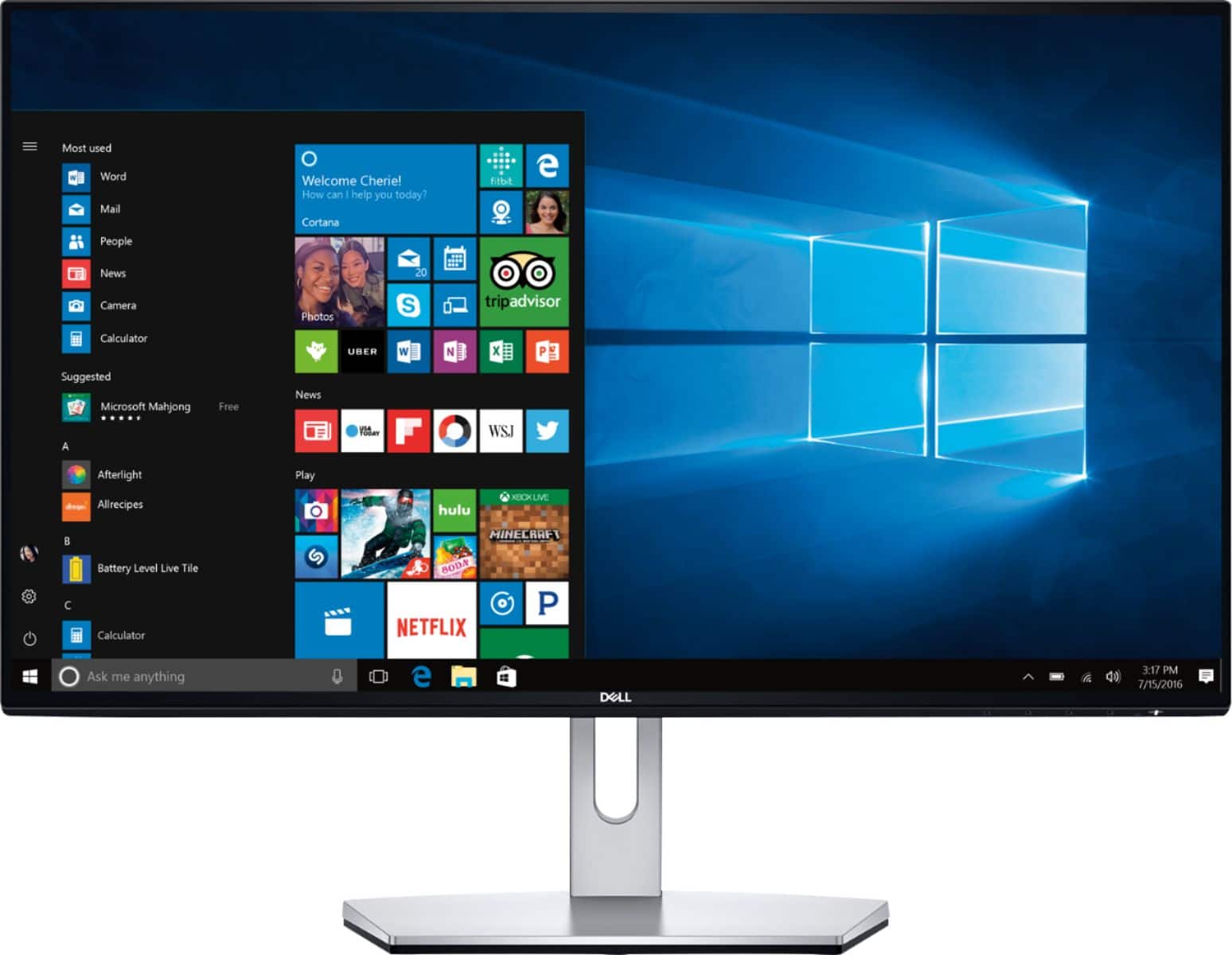
A:AnswerHello JT! You should not see lifting at the corners of the display. I would recommend reaching out to the Geek Squad to get a replacement. https://www.bestbuy.com/services/remotesupport
A:AnswerHello! This monitor does require either a desktop or laptop computer. You will need to confirm the input/output ports for the laptop or desktop to ensure you will be able to connect the two. There is a list of this monitor's external ports under the specifications at the bottom of the page.
A:AnswerHello! This is a monitor only. It will need to be connected to a desktop computer or laptop computer. Alternatively, our All-In-Ones will have everything you need in one device.