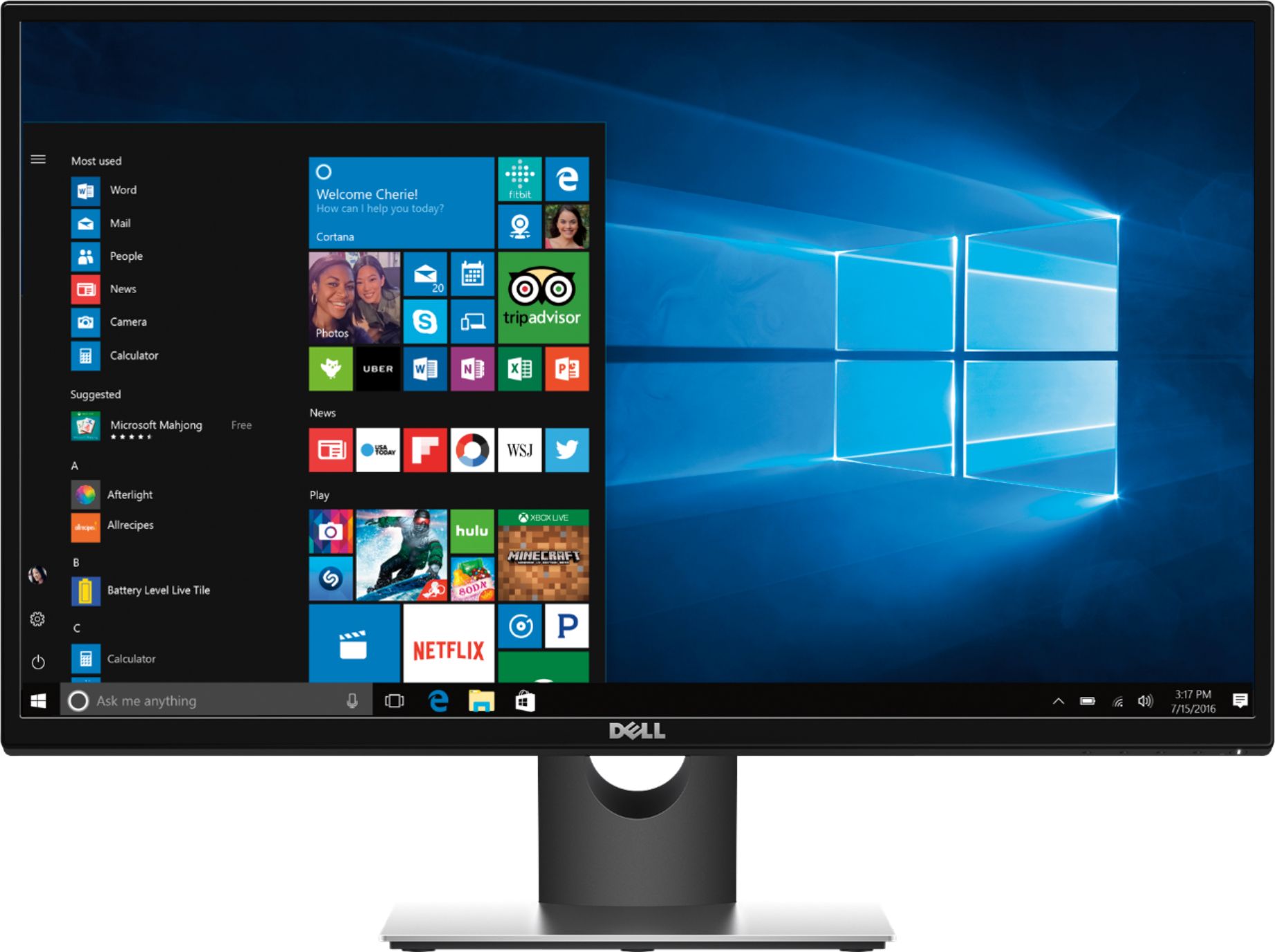
A:Answer This question is missing some information. Are you wanting to use the built-in monitor on the Microsoft Surface and the external monitor? Or are you wanting to use two external monitors?
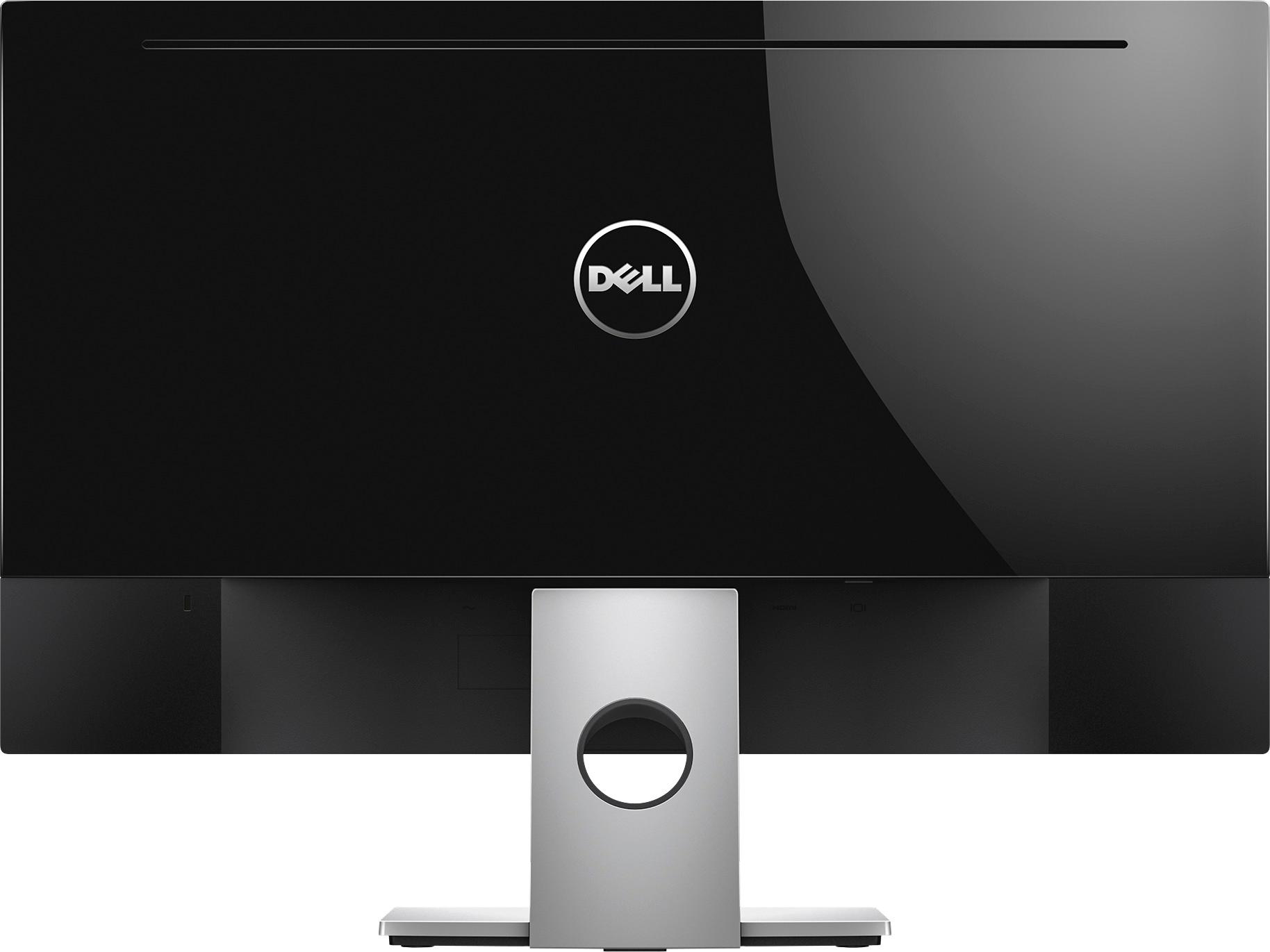
If your question is the former, you should just be able to plug the monitor into the HDMI port on the Surface and it will detect the monitor as a second display, allowing you to use both simultaneously.
If it is the latter, unless your Surface has two display ports, you can only connect one external display to it at any one time.