A:AnswerDear Customer, thank you for the above inquiry. The product will not be locked as it connects via DJI Mimo App. You may refer to the User Manual for the activation and operation guides at :
[https://dl.djicdn.com/downloads/DJI_Osmo_Pocket_3/UM/20231020/DJI_Osmo_Pocket_3_User_Manual_v1.0_en.pdf]
Should you need any further assistance, please feel free to contact our DJI support at http://www.dji.com/support, we are always here to help.
Best Regards,
DJI Support
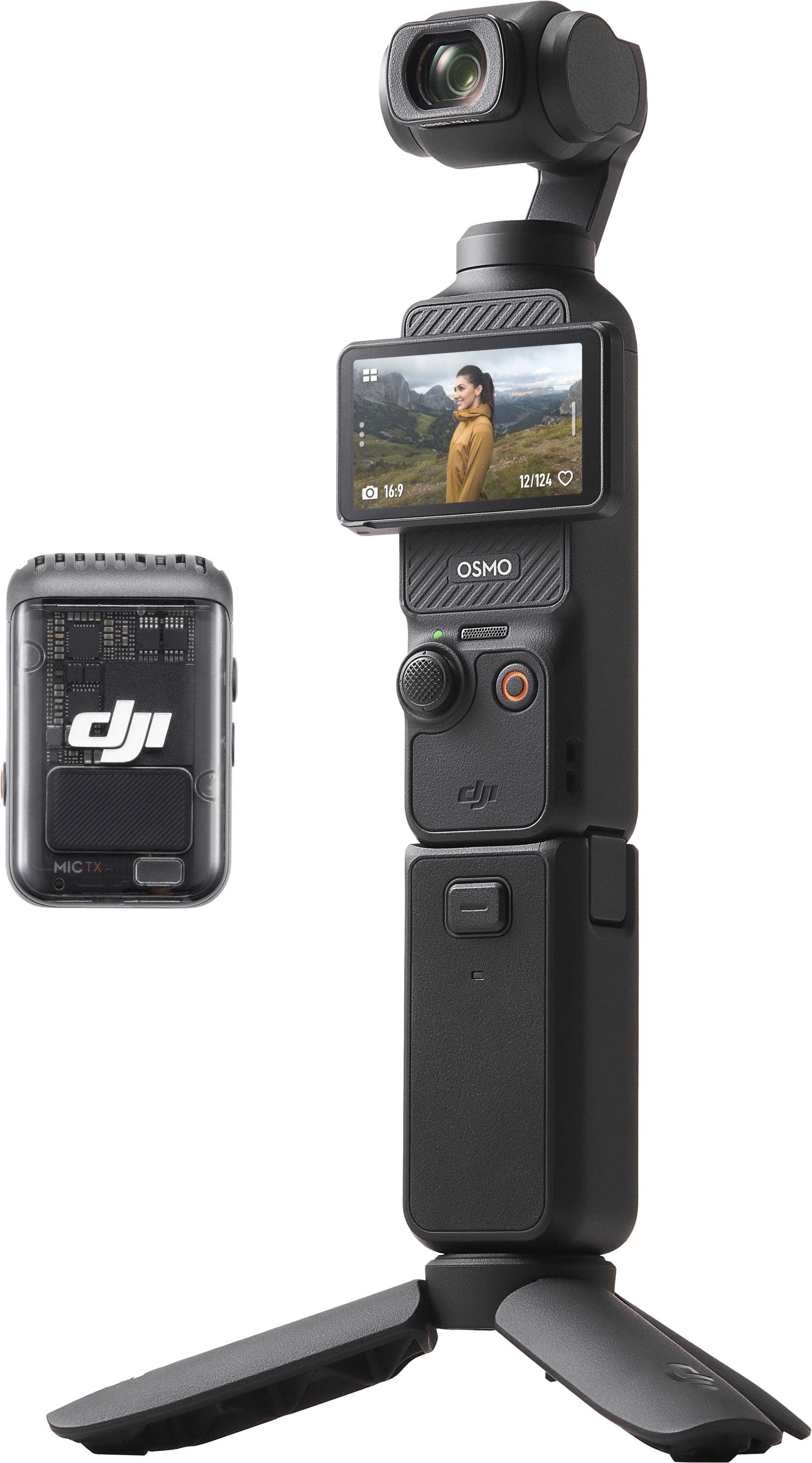
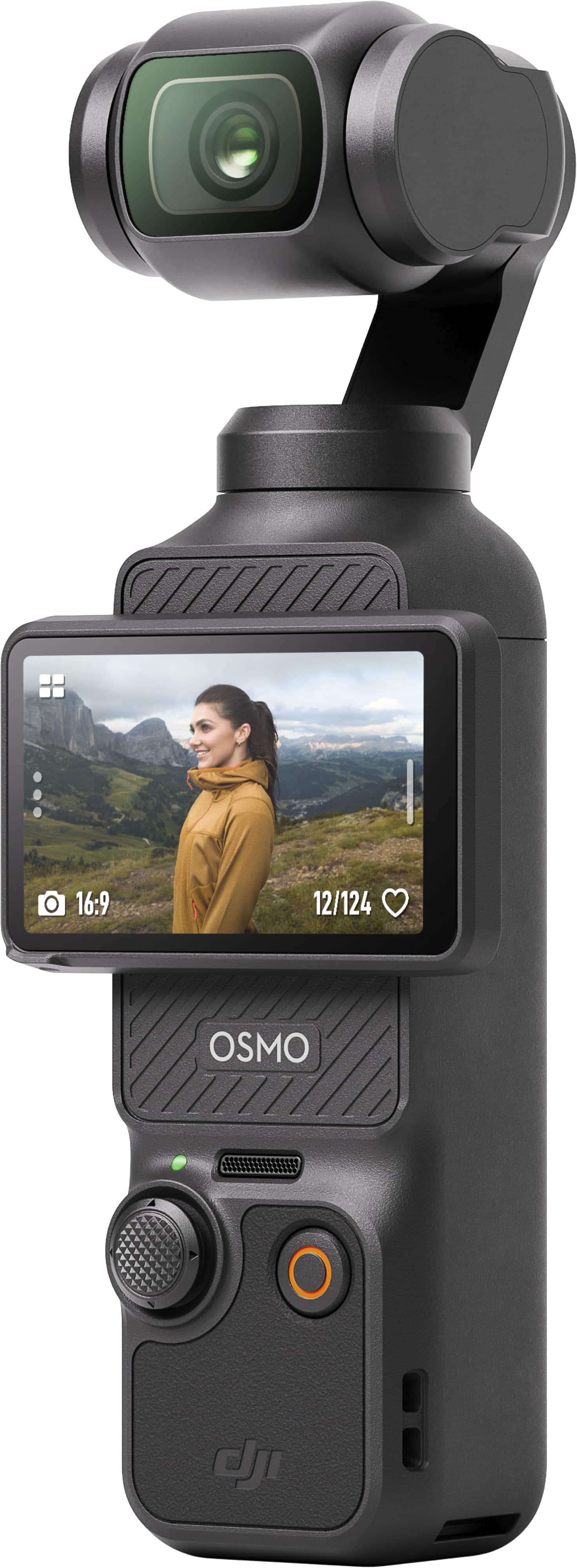
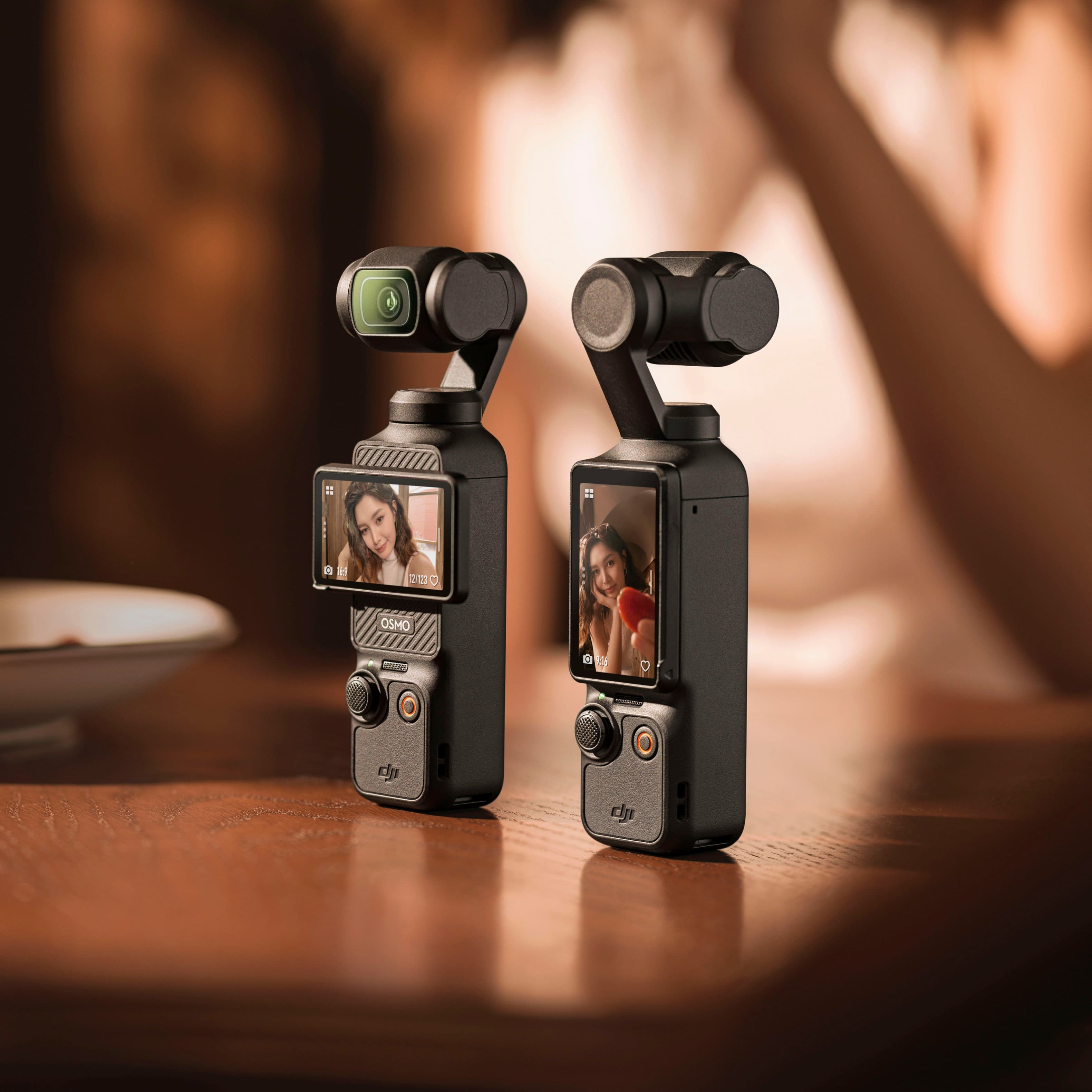
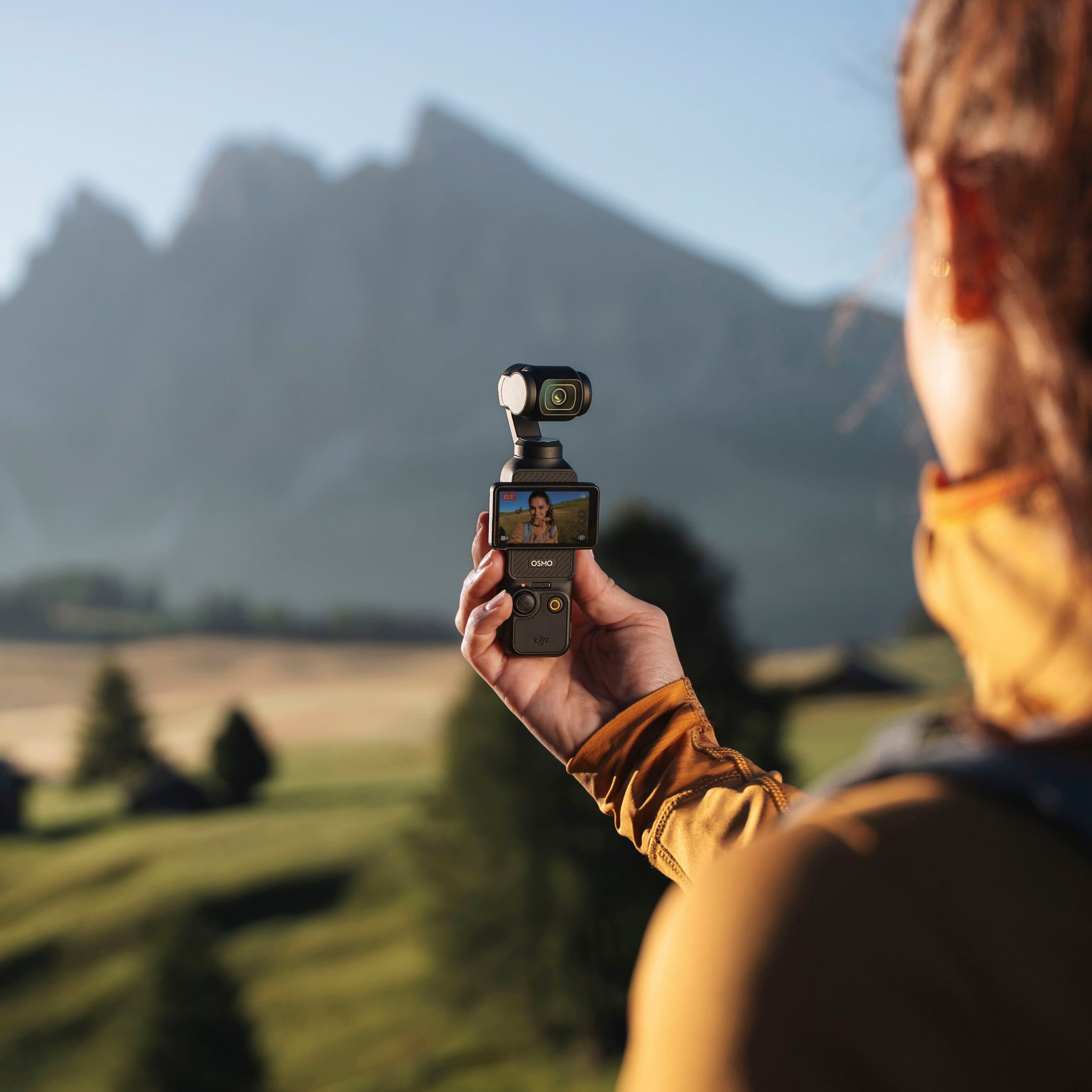
A:AnswerDear Customer, thank you for the above inquiry. It's absolutely possible to record outdoor activities. It has 10-bit D-Log M and 10-bit HLG color modes record landscapes with high dynamic range, presenting accurate and delicate colors with clear and vivid details. Also, With a 2-inch full-color OLED touchscreen, Pocket 3 puts vibrant visuals and effortless control right at your fingertips. Rotate to start shooting or simply tap to access parameter adjustments and other functions.
You may read more about the Osmo Pocket 3 features on our official website at [https://www.dji.com/osmo-pocket-3].
Best Regards, DJI Support
A:AnswerDear customer,
Thank you for your inquiry. The Osmo Pocket 3 is not waterproof. Fogging may occur inside the lens if you use the device in humid or fluctuating temperature conditions. When the device is in use, the rise in internal temperature can help clear the fog without leaving any residue. If fogging occurs, increase the recording specifications and continue recording for a few minutes to accelerate fog clearing.
Moreover, store the device in a dry place to keep it ready for immediate use. Thank you for your understanding.
Should you need any further assistance, please feel free to contact our DJI support at http://www.dji.com/support, we are always here to help.
Best Regards,
DJI Support
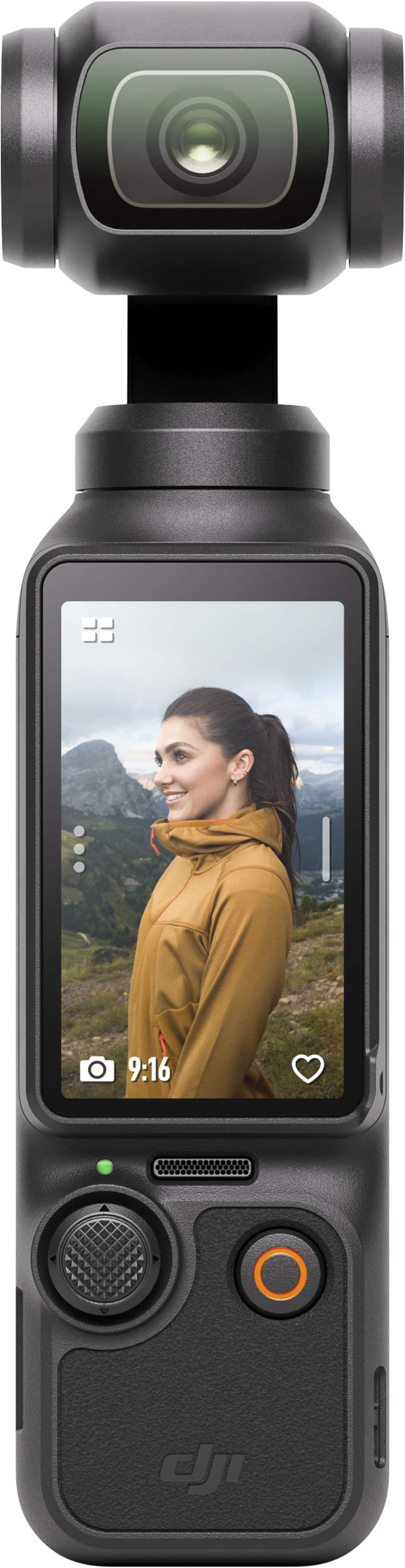
A:AnswerKeep in mind that this camcorder doesn't have an optical zoom lens. You can "zoom in" digitally with the joy stick to some degree (not as much as normally with a true zoom lens). Also, at full digital zoom, you may see some quality degradation.
A:AnswerIt does not extent. It stands about 8 inches tall so you would have to mount it on something if you are using it on a desk. I did a video showing how to use this in a studio. On youtube just search RolandDigsIt and see my video review on the DJI Osmo 3. See pic below for full title.
A:AnswerDear Customer,The Osmo Pocket 3 delivers exceptional image quality and stabilization, but it lacks loop recording functionality. As it is not designed for use as a dash cam, we do not recommend using it for this purpose. Should you need any further assistance, please feel free to contact our DJI support at http://www.dj.com/support, we are always here to help. Best Regards,DJI Support
A:AnswerThere are mounts available that you can use to set this up in the car. For livestreaming you'd have to connect it to a laptop and use it in webcam mode but it's possible.
A:AnswerDear Customer, thank you for the above inquiry . You can export the pictures and videos from DJI Osmo Pocket 3 wirelessly by following the steps below:
- Connect the "Camera" to the "DJI Mimo" app and go to "Home > Albums" or "Camera > Playback." Download individual or multiple materials in the following ways.
1) Individual materials: Tap the material, enter the details interface, and then tap the "Download" icon at the bottom right corner to complete the download.
2) Multiple materials: In the upper right corner of the thumbnail interface, click the "Select" icon, choose the materials you wish to download, and then tap the "Download" icon in the lower right corner to complete the downloads.
Best Regards, DJI Support