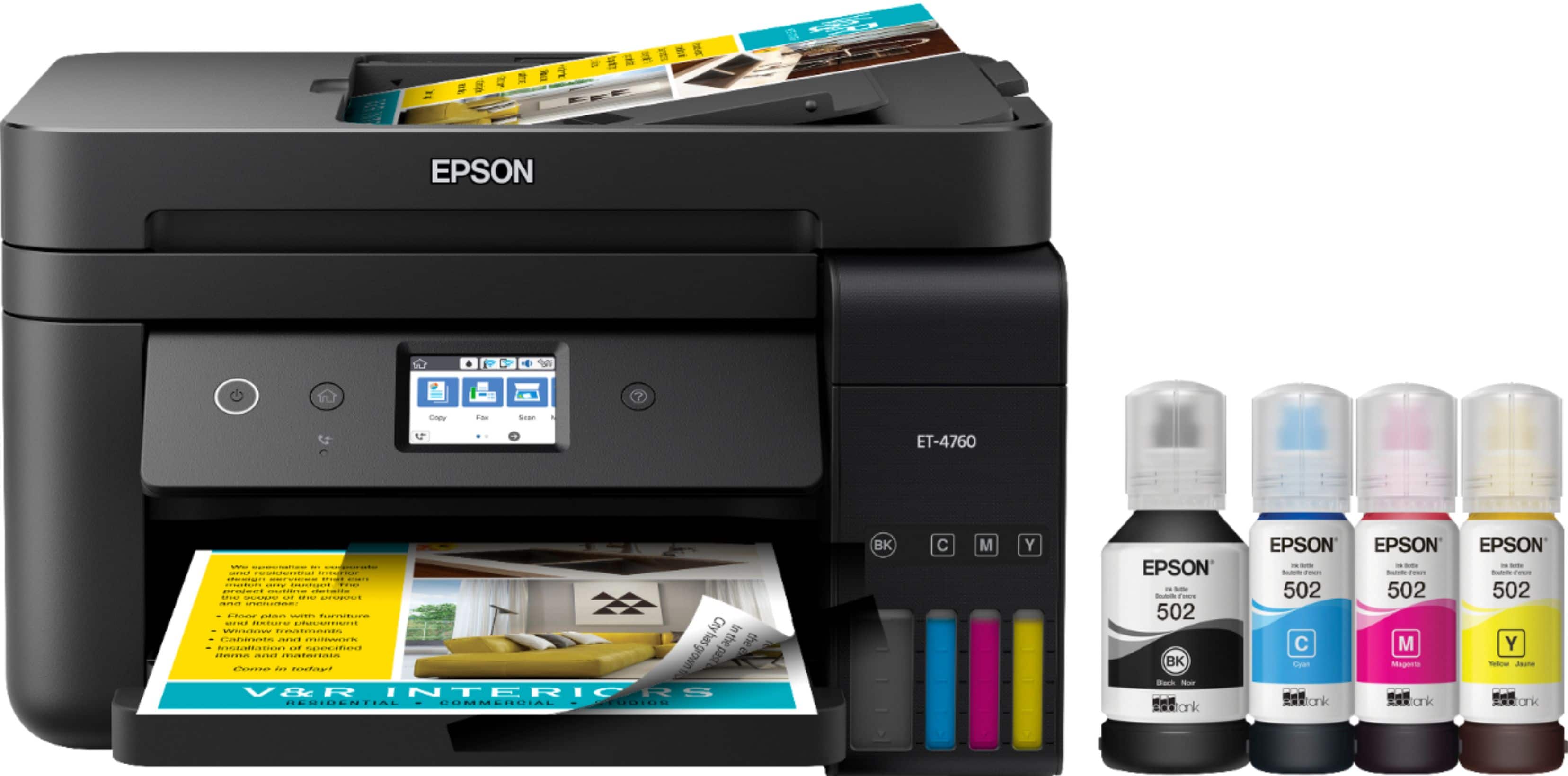
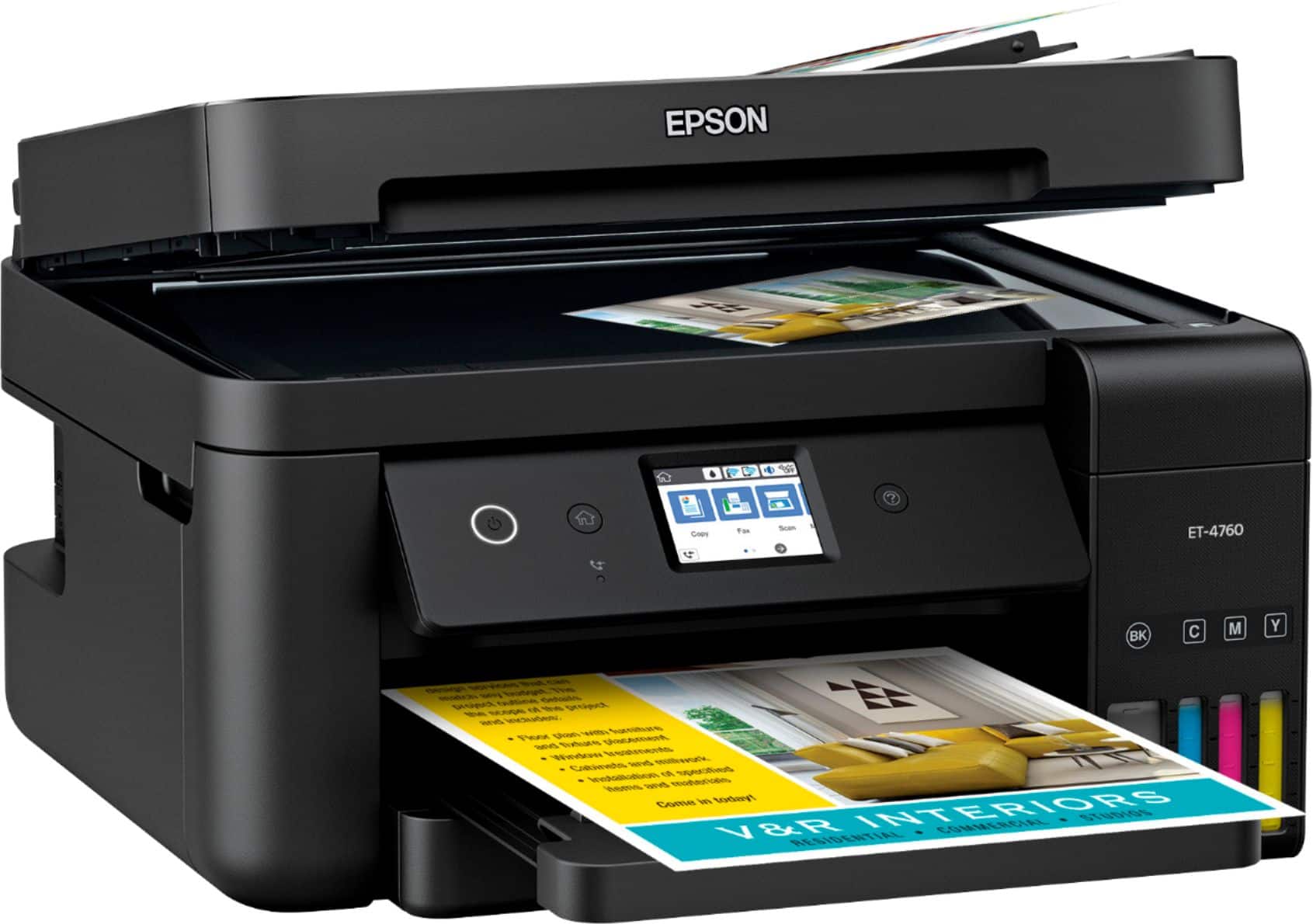
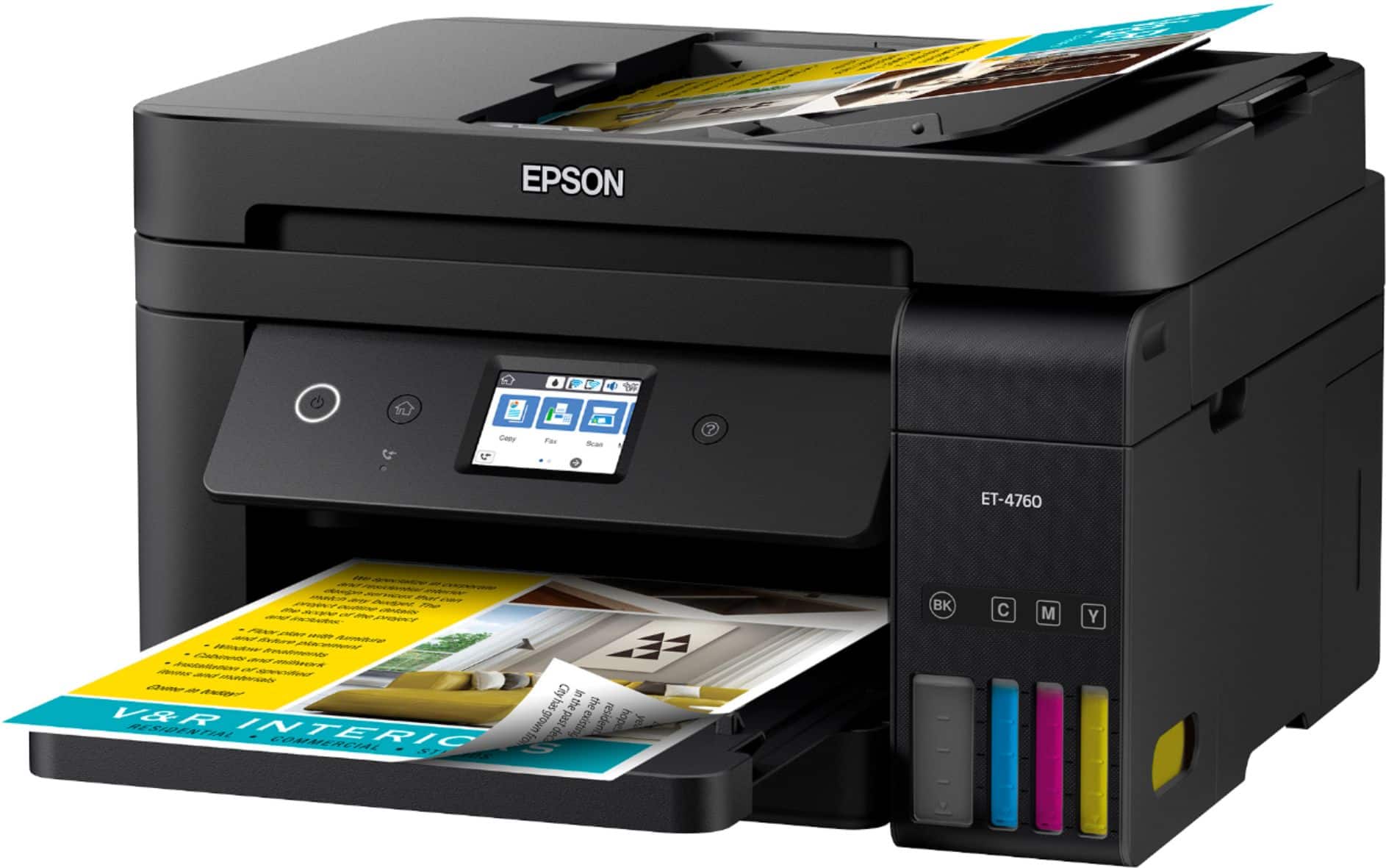
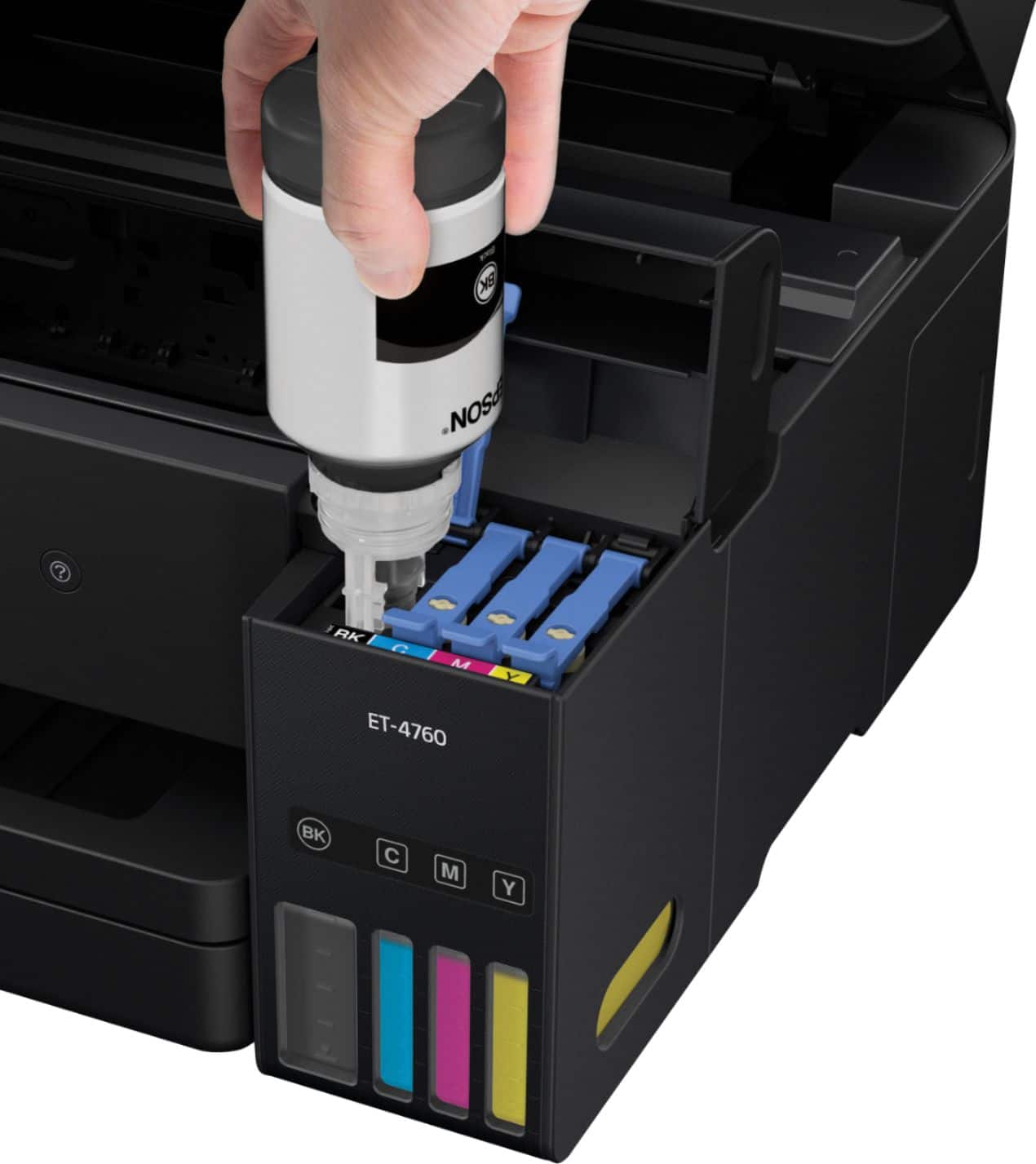
A:AnswerI am not familiar with the phrase Power Ink Flushing and could not find this phrase or "flushing" in the instructions. I did not have to do anything like this when installing the printer. The printer did go through some sort of automatic priming process after loading the ink and there is some sort of automatic flushing process of used ink when the printer cleans its printing heads. Based on this, it sounds as though it was a problem with earlier models.
A:AnswerNot sure what memory you are talking about.
It stores 60 speed dial and group dial entries.
It can store up to 100 faxed pages before inbox states it is full.
A:AnswerNo, need to have a land line. I haven't checked on my printer if it has a voip setting for fax or not, since I don't use voip. You may find some thing on the internet about it.
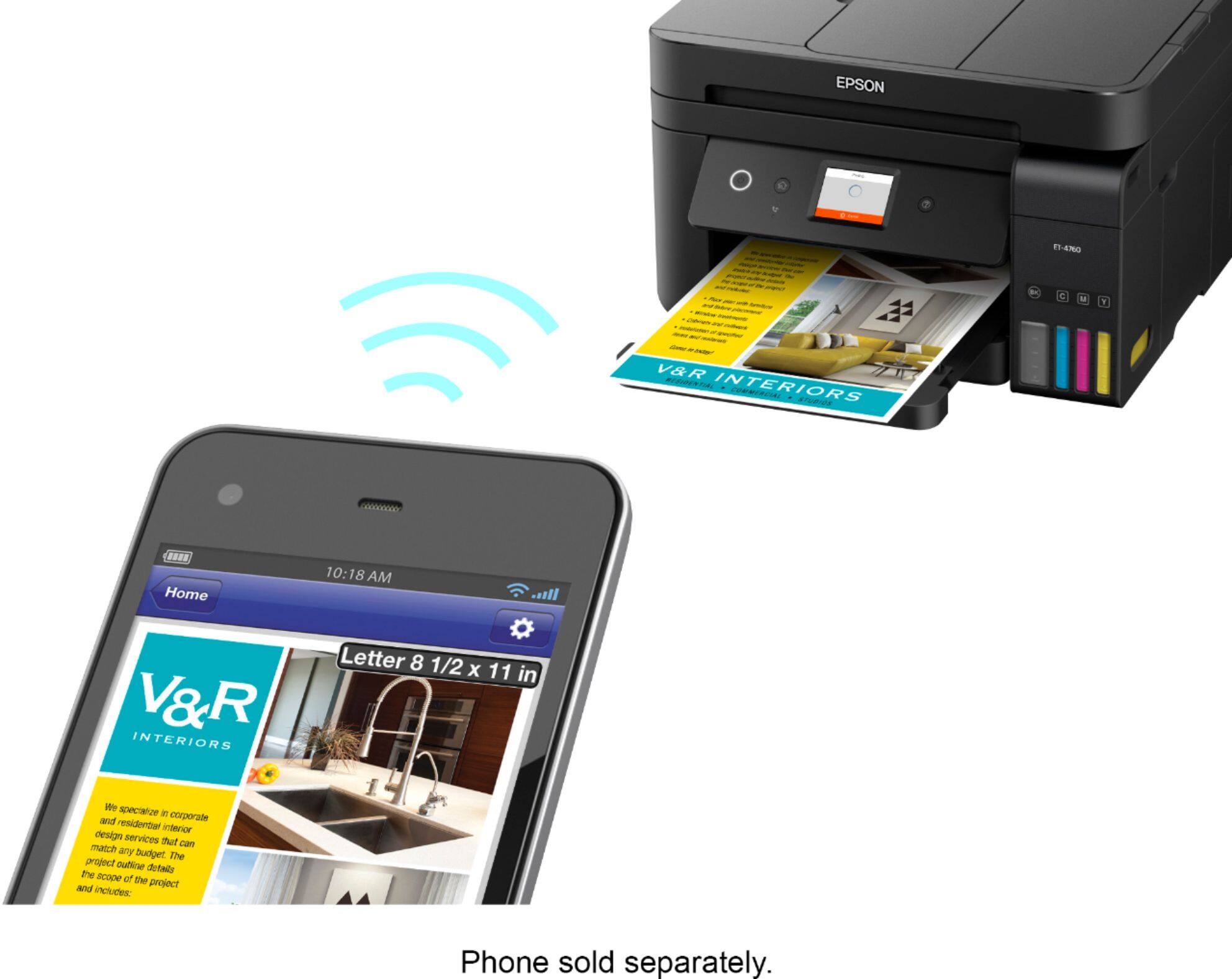
A:AnswerNo. You still need a device i.e. PC, Phone, Tablet, to access the cloud service. Once you have access cloud share, you can then print the respective files.