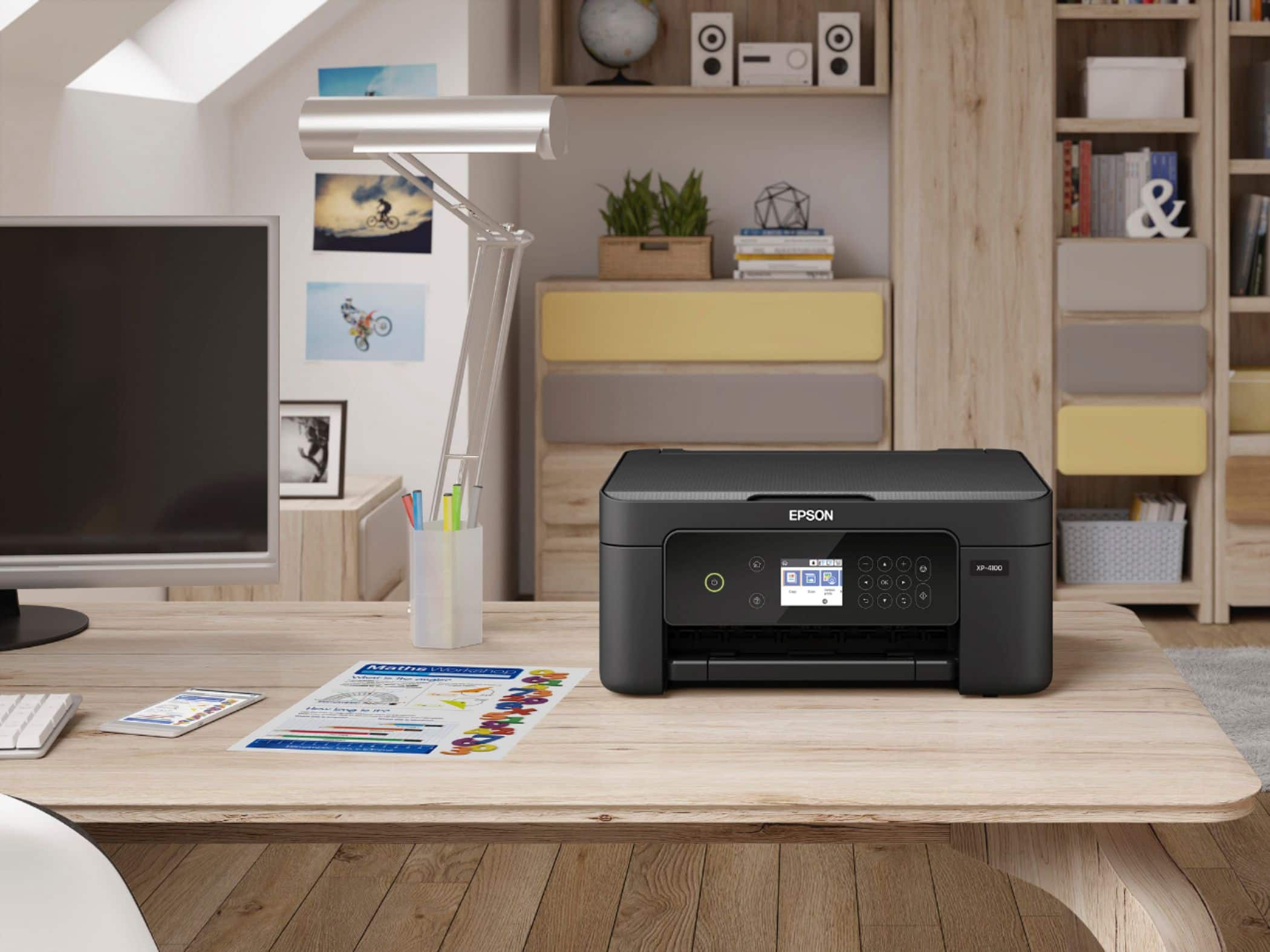
A:AnswerHi Epsoncarstock, The XP-4100 is not designed for printing on card stock. Anything over 50 lbs. or so can cause feed issues. Regards, Mark - The Epson Team.
A:AnswerHello. Unfortunately, we have not tested the XP-4100 with heat transfer paper, so we cannot guarantee print functionality. We would recommend reaching out to the paper manufacturer to confirm compatibility with our inkjet printers. Regards, Kevin - The Epson Team.
A:AnswerHello Bayamon. The XP-4100 is an All-One-Printer that includes printing, copying, and scanning features. Unfortunately, it does not support fax functionality. Regards, Kevin - The Epson Team.
A:AnswerHello. Unfortunately, we have not tested self-sticking paper on the XP-4100, so we cannot guarantee print functionality. We would recommend reaching out to the paper manufacturer to confirm compatibility with our inkjet printers. Regards, Kevin - The Epson Team.
A:AnswerHi Sublimation. Unfortunately not, the Epson XP-4100 was not designed for dye-sublimation printing nor the use of non-genuine Epson ink cartridges. Regards, Kevin - The Epson Team.
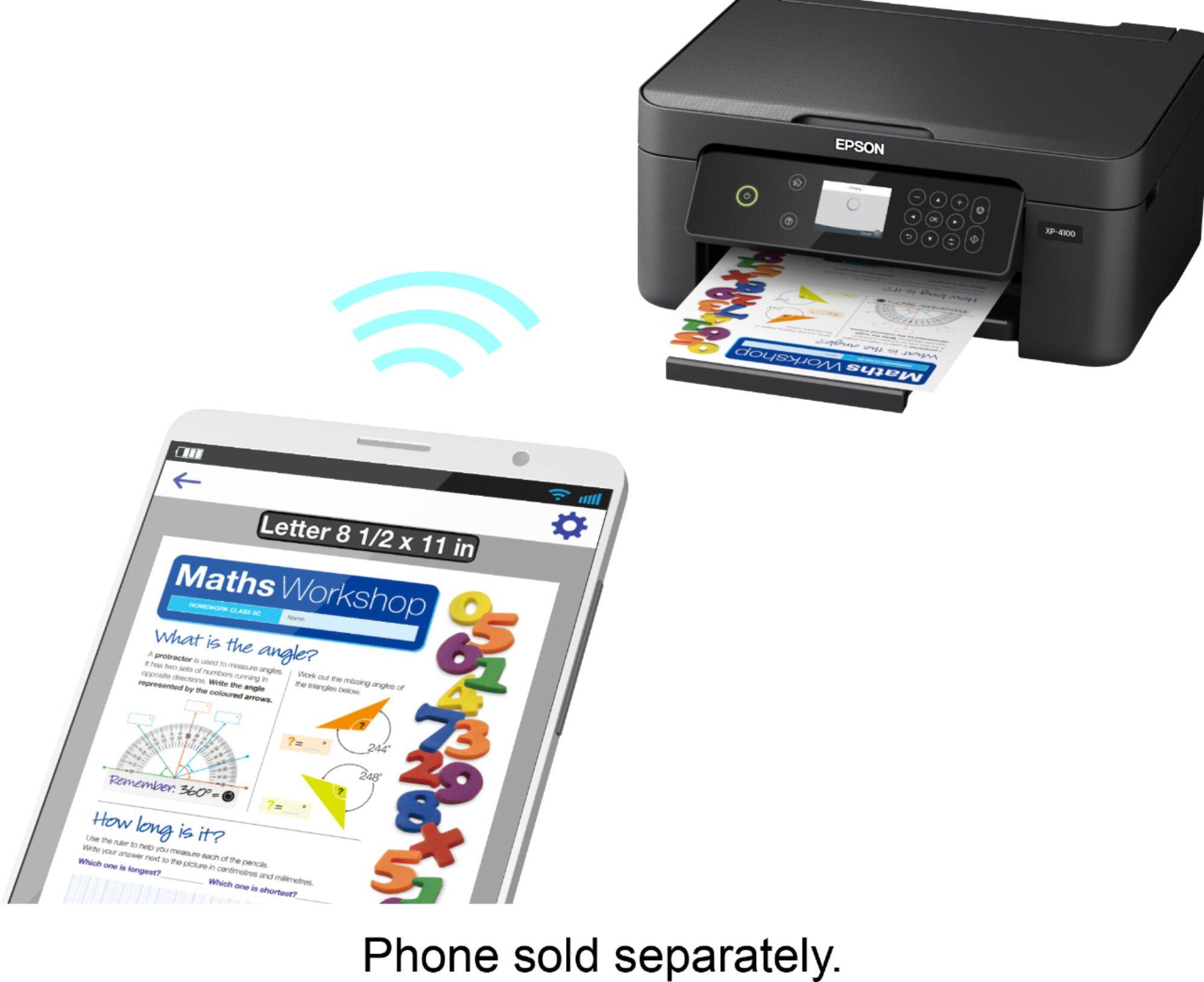
A:AnswerHi Marie, You can print wirelessly from your MacBook to the XP-4100. Download and install the printer and scanner drivers from the Epson support site and make sure your Mac and the XP-4100 are connected to the same 2.4 GHz Wi-Fi network. When you run the installer, it will find the XP-4100 on your wireless network. Regards, Mark - The Epson Team.
A:AnswerHi craftingmama. Unfortunately not, the Epson XP-4100 was not designed for dye-sublimation printing nor the use of non-genuine Epson ink cartridges. Regards, Kevin - The Epson Team.
A:AnswerHi marisa. Unfortunately not, the Epson XP-4100 was not designed for dye-sublimation printing nor the use of non-genuine Epson ink cartridges. Regards, Kevin - The Epson Team.
A:AnswerHello jack. The XP-4100 is compatible to work with Windows 7 and can be connected via a Hi-Speed USB cable. To download the latest printer driver, please visit our official Epson Support page. Regards, Kevin - The Epson Team.
A:AnswerHi Bobbye, Yes you can use your iPhone with the Expression Home XP-4100. Make sure your iPhone and the XP-4100 are both connected to the same 2.4 GHz Wi-Fi network. Regards, Mark - The Epson Team.
A:AnswerHello mg. The XP-4100 does a great job of printing text documents and can print on envelopes. Please see the User's Guide found on our official Epson Support page for detailed information on adjusting print quality settings. Regards, Kevin - The Epson Team.
A:AnswerHi Kc, The Expression Home XP-4100 is not a sublimation printer. Using third-party ink or ink-like substances in it may damage the print head and affect warranty coverage. Regards, Mark - The Epson Team.
A:AnswerHi janet. Unfortunately not, the Epson XP-4100 was not designed for dye-sublimation printing nor the use of non-genuine Epson ink cartridges. Regards, Kevin - The Epson Team.
A:AnswerHi issy. Unfortunately, we have not tested the XP-4100 with transfer paper, so we cannot guarantee print functionality. We would recommend reaching out to the paper manufacturer to confirm compatibility with our inkjet printers. Regards, Kevin - The Epson Team.
A:AnswerHi Samantha. Unfortunately not, the Epson Xp-4100 was not designed for dye-sublimation printing nor the use of non-genuine Epson ink cartridges. Regards, Kevin - The Epson Team.
A:AnswerHello ceeluvss. Yes, the Epson XP-4100 supports printing on various compatible Epson Photo papers and plain paper. For more information on supported paper types, please visit the official Epson Product page. Regards, Kevin - The Epson Team.