A:AnswerHi MzLuzcious3, Sorry, the XP-4100 is not designed for sublimation ink. Running it in the printer may damage the print heads and affect warranty coverage. Regards, Mark - The Epson Team.
A:AnswerHi Customclothing, The XP-4100 which uses aqueous ink may not be the best choice for T-Shirt transfers. Please consider an Epson printer that uses pigment ink. Regards - Mark - The Epson Team.
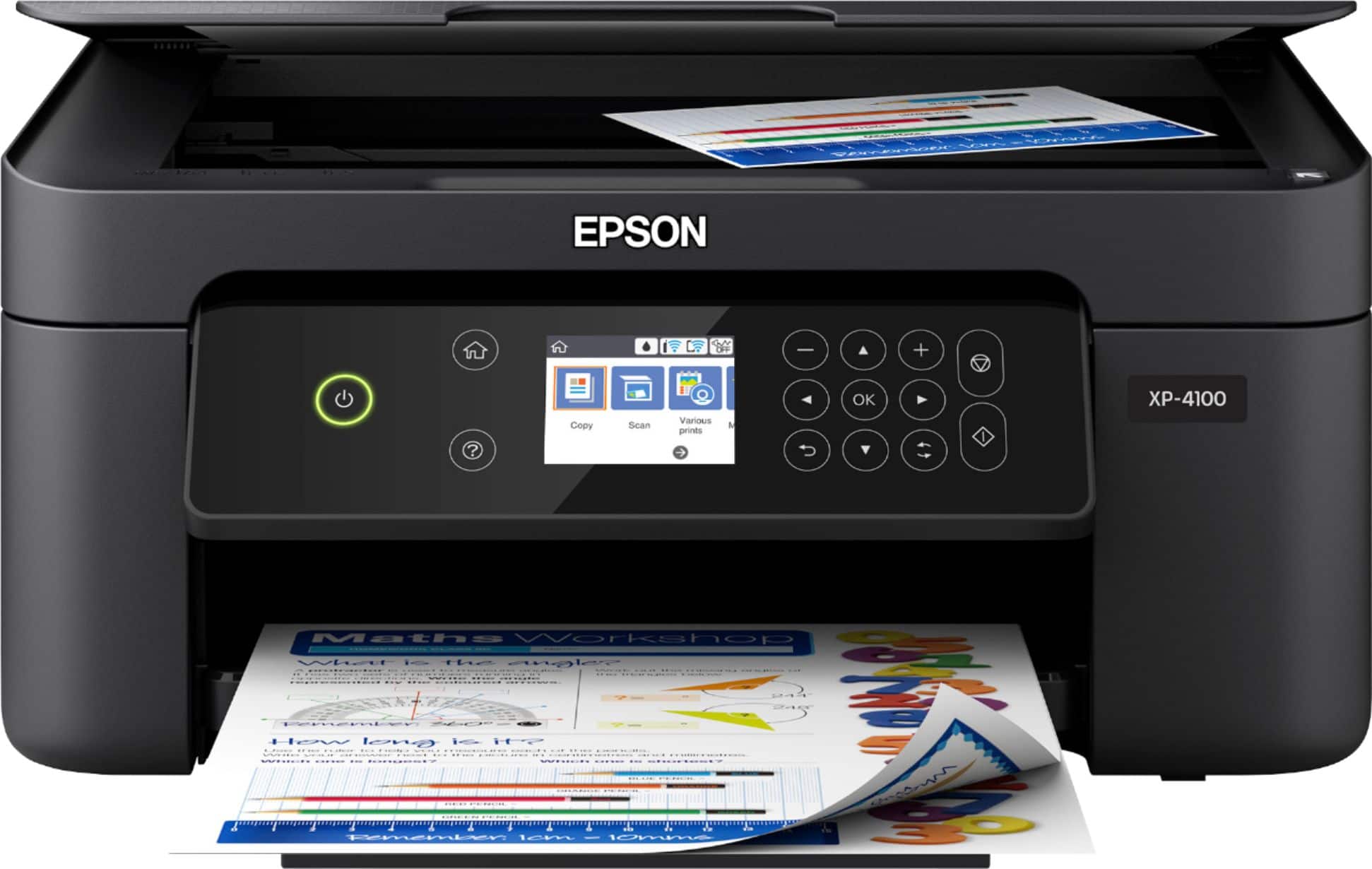
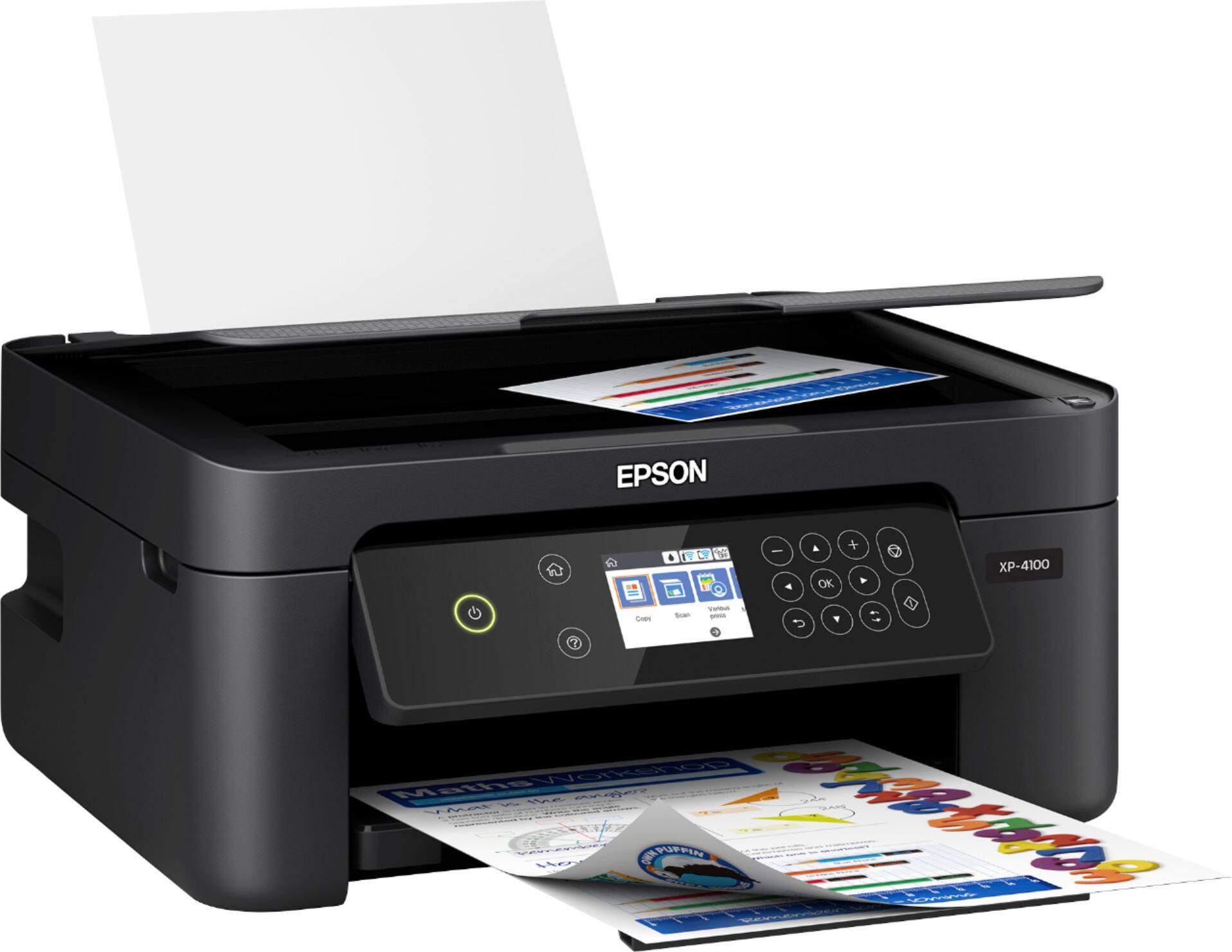
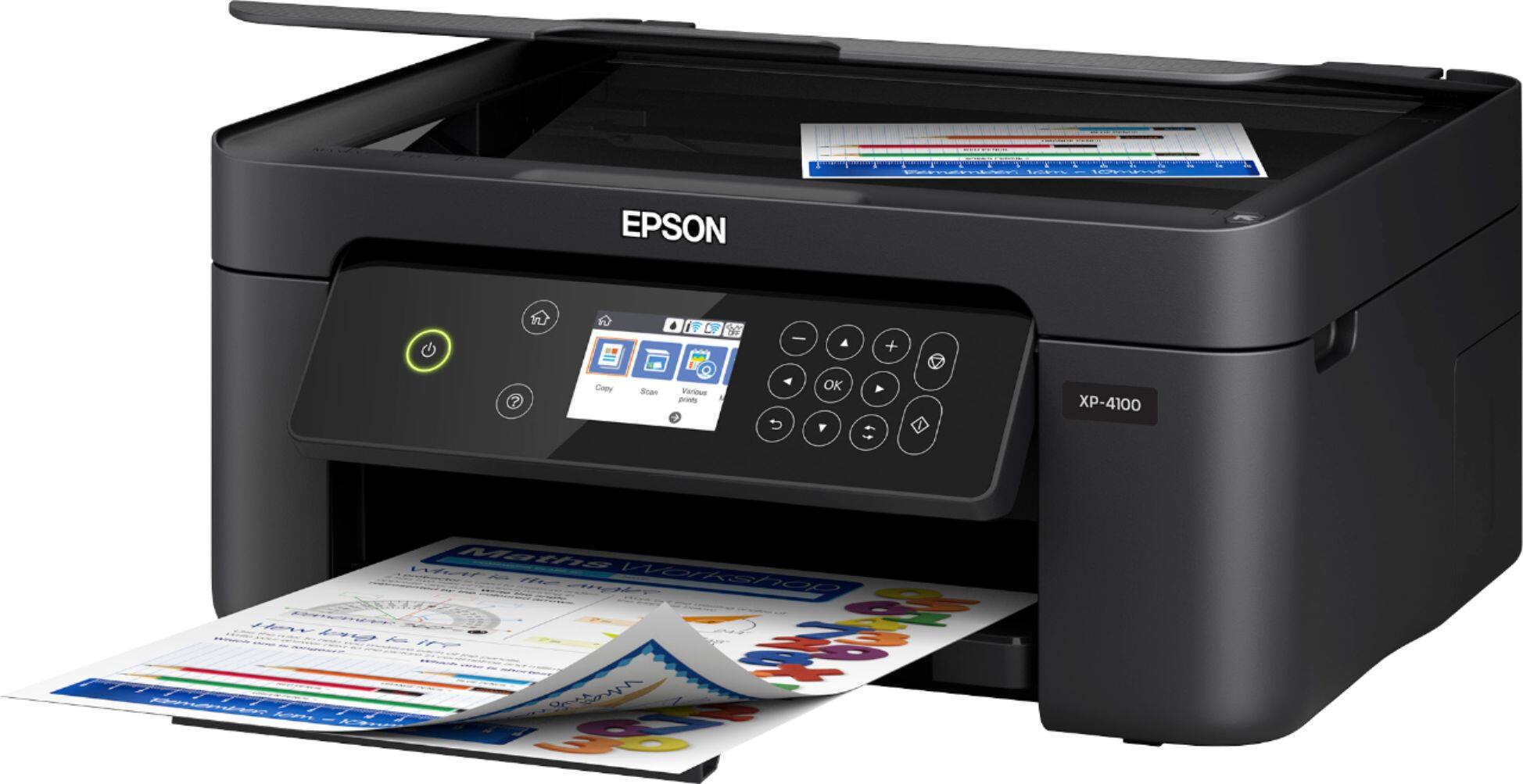
A:AnswerHi Nike03, the XP-4100 is appoximately 18.5 inches in height if the Document Cover is open in a vertical position.Regards, Bobby - The Epson Team.
A:AnswerHi Dale, Yes, the Epson Expression Home XP-4100 is compatible with Windows 7, Windows 8/8.1, Windows 10 (32-bit, 64-bit). Regards, Alexander - The Epson Team.
A:AnswerHi Cindy, Other brands of ink supplies such as sublimation are not compatible and, if described as compatible, may not function properly or continuously with the Expression Home XP-4100. Regards, Alexander - The Epson Team.
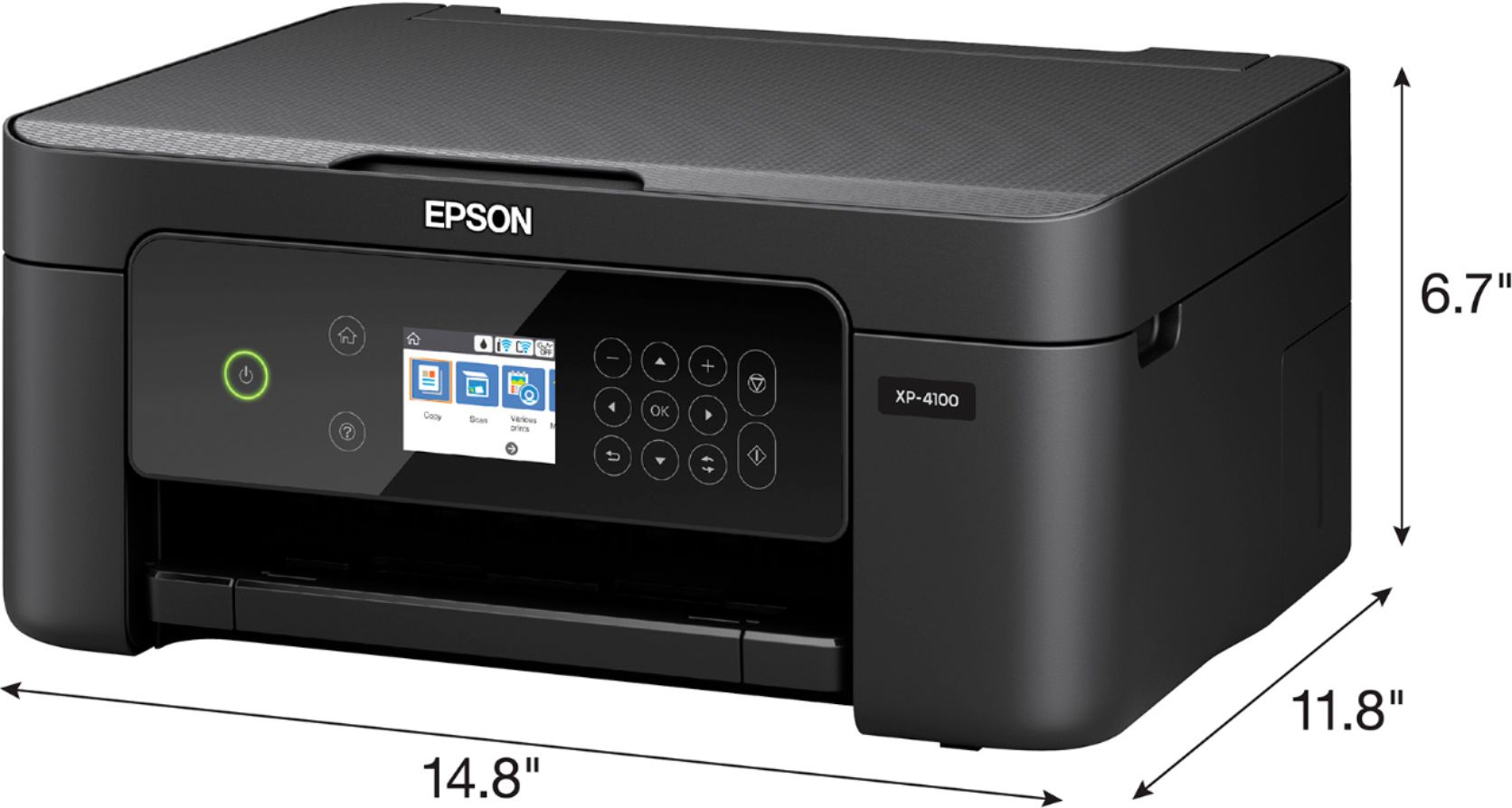
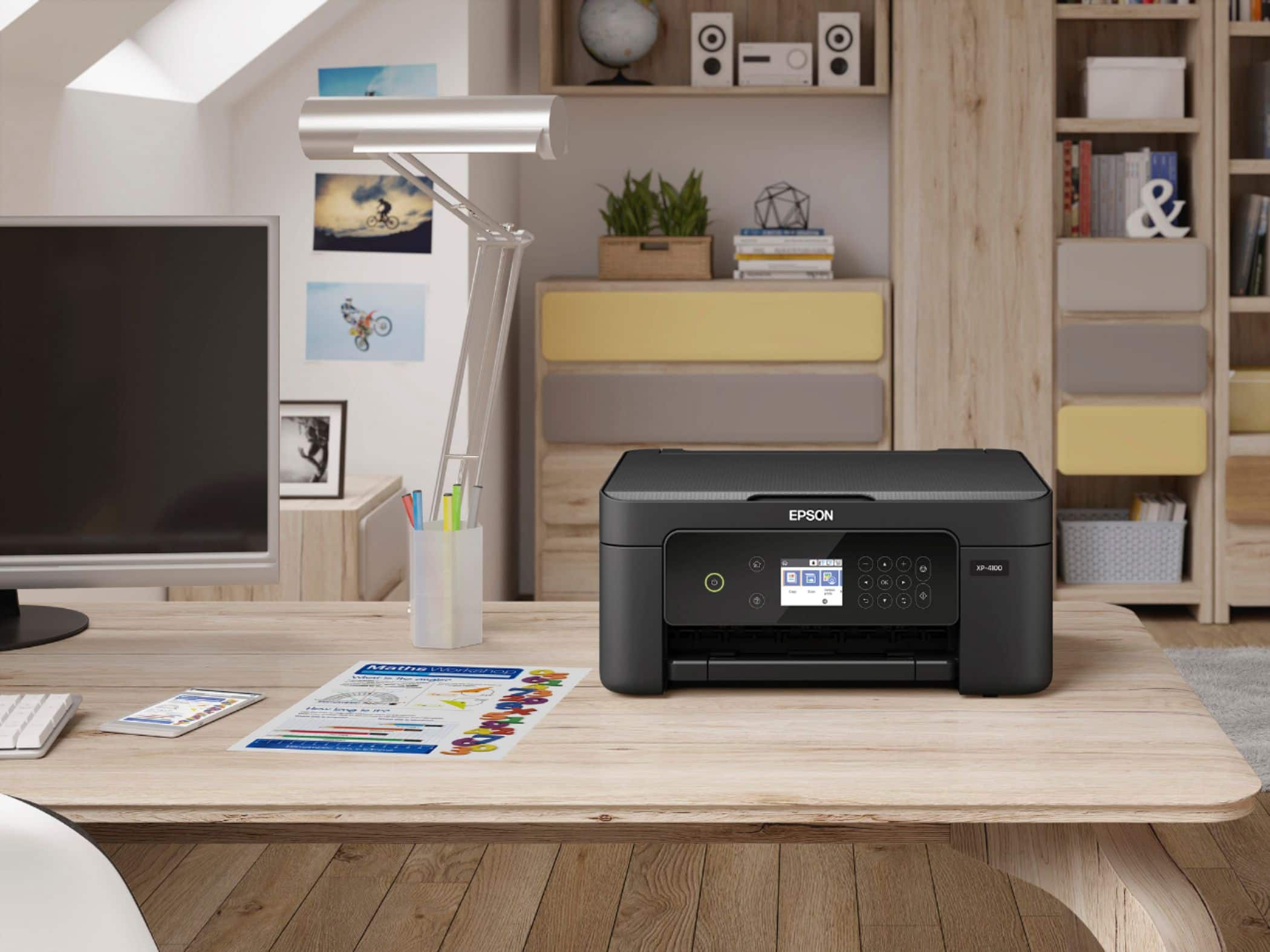
A:AnswerHi Arrakeya, The Epson Expression Home XP-4100 Wireless All-In-One Inkjet printer dimensions with input and output trays open: 14.8" x 22.8" x 9.5" (W x D x H) and the weight is 9.5 lbs. Hope this helps. Regards, Eduard - The Epson Team.
A:AnswerI don't know why you should have to pay anything to return it unless you damaged it. Some stores charge a small fee for “restocking” — testing it works, wrapping and boxing the way it originally was, reclassifying as “open stock,” etc. Don't know BB policy.
A:AnswerHi jaysmom, Yes, The Epson Expression Home XP-4100 Wireless All-In-One Inkjet printer is compatible with Chromebook. Hope this answers your inquiry. Regards, Eduard - The Epson Team.
A:AnswerHi torger, No. The Epson Expression Home XP-4100 Wireless All-In-One Inkjet printer is not guaranteed to work on Linux operating system. Hope this helps. Regards, Eduard - The Epson Team.
A:AnswerHi Compatible, The Epson Expression Home XP-4100 Wireless All-In-One Inkjet printer is compatible with any desktop with the operating system Windows 7, Windows 8, Windows 8.1 or Windows 10 (32-bit, 64-bit). Hope this helps. Regards, Eduard - The Epson Team.
A:AnswerHi tyswiley, Yes. The Epson Expression Home XP-4100 printer is compatible with Mac® OS® X 10.11.x. Hope this answers your inquiry. Regards, Eduard - The Epson Team.
A:AnswerHi Putt, No, the Epson Expression Home XP-4100 is not a wide format printer. This model can only print as wide as 8.5" size paper. Regards, Alexander - The Epson Team.
A:AnswerHi CBurkie, You may visit the Epson support site for the instructions on how to remove and install new ink cartridges for your Epson Expression Home XP-4100. Make sure you have your replacement cartridges handy before you begin. Regards, Alexander - The Epson Team.
A:AnswerHi scott, Yes. Epson Expression Home XP-4100 Wireless All-In-One Inkjet printer is compatible with Windows 10. Hope this answers your inquiry. Regards, Eduard - The Epson Team.
A:AnswerHi Judyk, The Epson Expression Home XP-4100 Wireless All-In-One Inkjet printer is compatible with Windows 7, Windows 8, Windows 8.1 or Windows 10 (32-bit, 64-bit). Hope this answers your inquiry. Regards, Eduard - The Epson Team.
A:AnswerHi, Yes. Epson Expression Home XP-4100 Wireless All-In-One Inkjet printer can create a PDF file using the scanner feature. Hope this helps. Regards, Eduard - The Epson Team.