A:AnswerHi thunder5, Yes, the Expression Home XP-4100 has a standard USB port. You must have a Type-A to Type-B USB cable to connect the XP-4100 to a computer. Regards, Mark - The Epson Team.
A:AnswerYes. Select the right label as your Paper. Or set up your pr0inting projects directly at Avery. Search for Avery Design and Print Online or use this link. You can set up and save projects. You still use your own printer to actually print them.
https://app.print.avery.com/dpo8/app/target;ep=USP;name=US_en/product;profile=YouPrint;search=name;product=64b89820e242ec8070573b94be8b1a30/design;product=64b89820e242ec8070573b94be8b1a30/ctx;product=64b89820e242ec8070573b94be8b1a30/view?product
A:AnswerHi tom. The Expression Home XP-4100 works with four genuine Epson 212 or 212XL (Black, Cyan, Magenta, and Yellow) ink cartridges. Regards, Bobby - The Epson Team.
A:AnswerHi Tom, The XP-4100 and XP410 both use the same USB cable. A USB 2 Type-A to Type-B. You cna use the same cable. Regards, Mark - The Epson Team.
A:AnswerHi Tom. No, a USB cable is not included with the Epson Expression Home XP-4100. This printer is compatible with a Hi-Speed USB 2.0 cable. Regards, Bobby - The Epson Team.
A:AnswerHi JP, The Expression Home XP-4100 has a standard Type-B USB port for connectivity. There is no USB cable in the box, so you would have to provide your own. Regards, Mark - The Epson Team.
A:AnswerHi jonsid, your Epson Expression Home XP-4100 supports printing directly from the Chrome OS. For more information, visit the official Epson Support site. Regards, Bobby - The Epson Team.
A:AnswerHi Cindy, If one or more color cartridges are expended, you can temporarily continue printing with the XP-4100 using black ink. We recommend you replace expended cartridges as soon as possible. Regards, Mark - The Epson Team.
A:AnswerHi Mitch, The XP-4100 does not support Chrome OS's native print driver. You can use Google Cloud Print until the end of this year. Please see the Epson support site for a list of printers that support Chrome OS. Regards, Mark - The Epson Team.
A:AnswerHi Mike, the Expression Home XP-4100 has two trays under the printer. One holds 100 sheets of plain paper, the other holds 20 sheets of photo paper. Regards, Mark - The Epson Team.
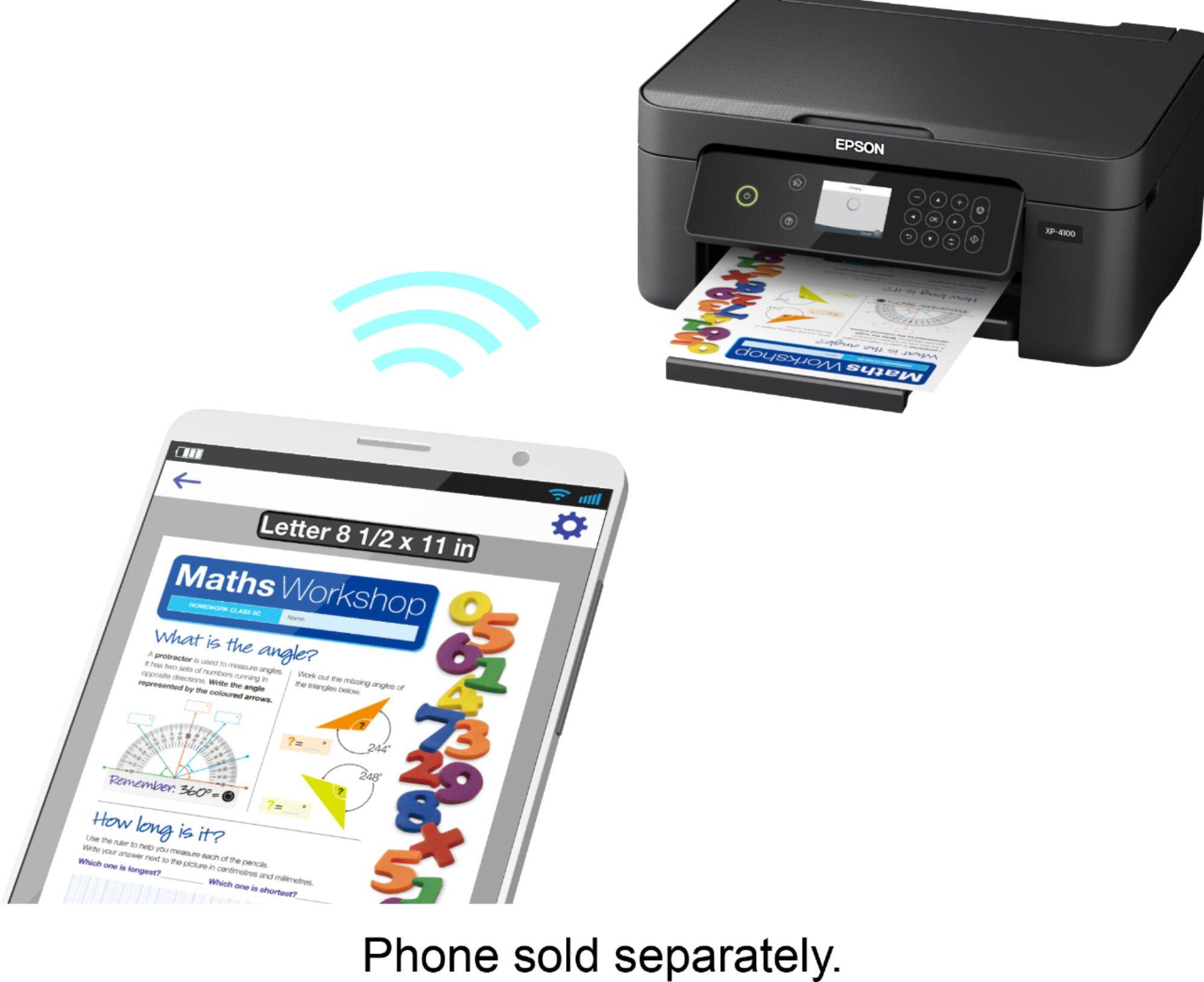
A:AnswerHi, Download the free Epson iPrint app from the Google Play store, make sure your phone and XP-4100 are connected to the same 2.4 GHz WiFi network, then use the app to connect to the printer. You can print and scan through the iPrint app. Regards, Mark - The Epson Team.
A:AnswerHi Movie, Yes, the Epson Expression Home XP-4100 works with a Chromebook. With a Google Account, you can print from a Chromebook and Google Chrome browser without drivers or cables. For details, visit the Epson support site. Regards, Alexander - The Epson Team.
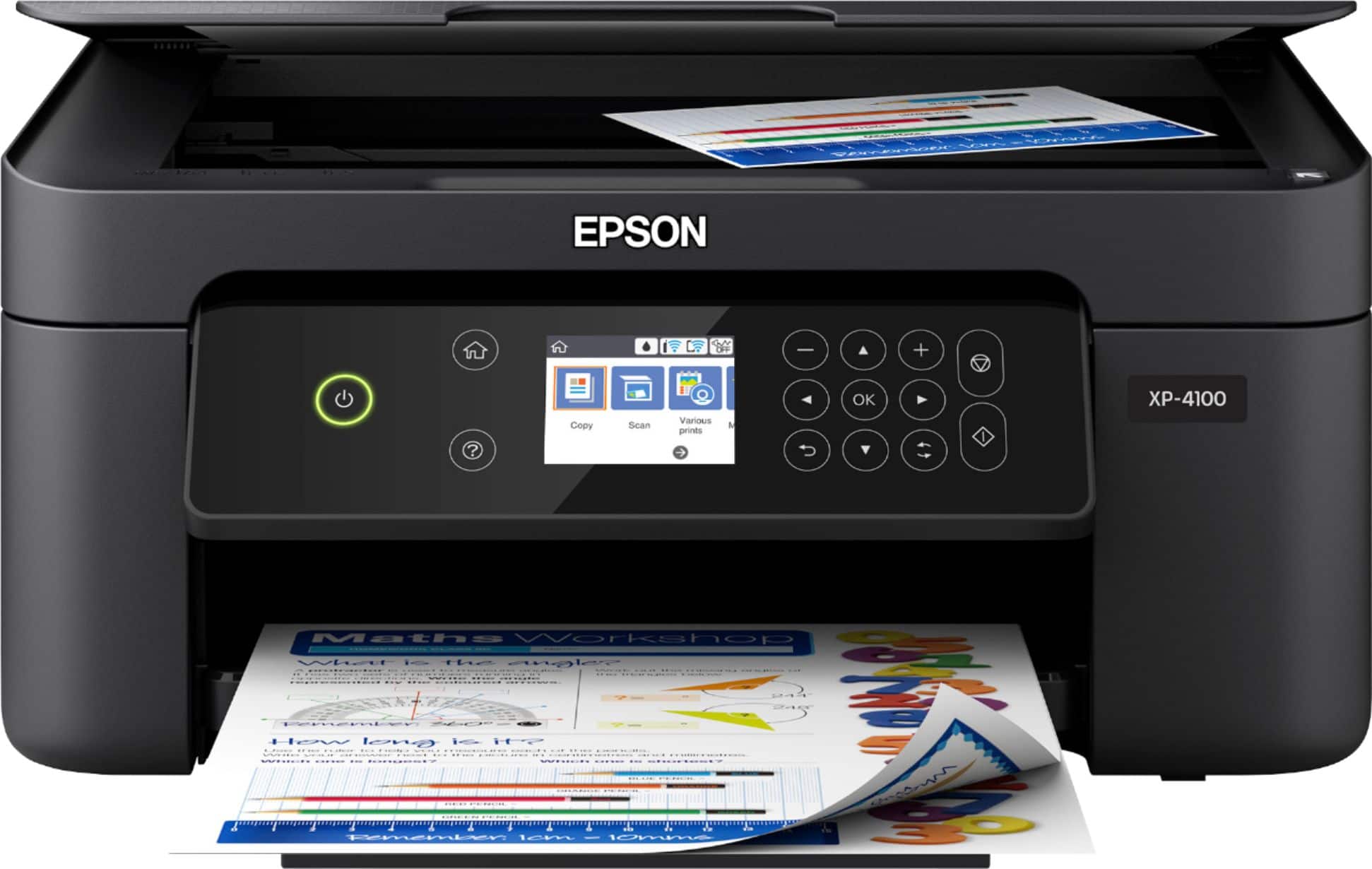
A:AnswerHi Need2know, Yes. The Epson - Expression Home XP-4100 Wireless All-In-One Inkjet Printer prints excellent photos at different sizes. Hope this helps. Regards, Mark - The Epson Team.

A:AnswerYes, this printer will work in 110v-240v and it will work in Europe but I highly suggest you buy a plug converter. Europe has that three prong outlet and I also suggest buying extra ink.