Early Black Friday DealsNew Doorbusters every Friday.Shop now

Main Content

Questions & Answers

Page Showing 121-140 of 704 questions
  • Questiondoes this printer have a fax feature built in that can be accessed from the printer control panel?

    Asked by seeker.

    • Answer Hi seeker, The XP-4100 does not include fax. This feature is more common in the Epson WorkForce line, like the WorklForce WF-2930 and WF- 3820. Both of which can fax from the front panel and both are currently available at Bestbuy.com. (Inventory levels can vary.) Regards, Mark - The Epson Team.

      Answered by Epson

  • QuestionIs this printer compatible with Spectrum Internet. Our HP printer is not.

    Asked by SharonM.

    • Answer Hello Sharon. The XP-4100 is designed to work on a home Wi-Fi router using a 2.4Ghz band. If the Spectrum Wi-Fi router you are using is a 5 GHz router, then you want to ensure that it is a dual-band router and the printer connects to the 2.4 GHz band. We recommend contacting your internet service provider to confirm if this option is available. Regards, Kevin - The Epson Team.

      Answered by Epson

  • QuestionIs this printer wireless compatible with 5ghz?

    Asked by KB.

    • Answer Hello KB. Although the XP-4100 can connect to a 5Ghz router, it can only connect to a 2.4Ghz band. When using a 5 GHz wireless router, set the router to operate in dual-band (2.4 GHz and 5 GHz) mode. If your router uses a single network name (SSID) for both the 2.4 GHz and 5 GHz band, give each band its own network name (SSID) instead, such as Home Network 2.4 GHz and Home Network 5 GHz. Regards, Kevin - The Epson Team.

      Answered by Epson

  • QuestionCan I use this printer for sublimation?

    Asked by Sublimation.

    • Answer Hi Sublimation, The Expression Home XP-4100 is not designed for sublimation. It is designed for printing photos using Epson 212 or high-capacity 212XL cartridges. Other brands or types of ink supplies are not compatible and, if described as compatible, may not function properly or continuously.

      Answered by Epson

  • QuestionCan you place a photo on the flatbed scanner and scan it to a .jpg? I want to be able to scan old photos into .jpg at home, and save on my computer. No, I do not want to go to a retail store to do this while other customers are waiting in line behind me.

    Asked by Wondering.

    • Answer Hi Wondering, Yes you can scan photos on the Expression Home XP-4100's scan glass and save them to your computer as .jpg files. You can connect the XP-4100 to your computer using a USB cable of Wi-Fi. Regards, Mark - The Epson Team.

      Answered by Epson

  • QuestionIs the XP-4100 compatible with Windows 11?

    Asked by Dabney.

    • Answer Hello Dabney. Yes, the XP-4100 is compatible with Microsoft Windows 11. You can find the latest software and print driver available for download on our official Epson Support page. Regards, Kevin - The Epson Team.

      Answered by Epson

  • Questionis XP4100 compatible with windows xp

    Asked by pops.

    • Answer Hello pops. The XP-7100 is compatible with computers running Microsoft 7 - 11. Unfortunately, there are no print drivers available for Windows XP. Regards, Kevin - The Epson Team.

      Answered by Epson

  • QuestionDo I need Wi-Fi to pair up my iPhone to computer?

    Asked by Evi.

    • Answer Hi Evi, In order to connect a smart phone to the Expression Home XP-4100 you can use a Wi-Fi network or connect your smart phone directly to the XP-4100 using its Wi-Fi Direct mode. Regards, Mark - The Epson Team.

      Answered by Epson

  • Questionis this printer compatible with heat press machine for t shirts

    Asked by dee.

    • Answer Hello dee. We have not tested paper that would require a heat press on the XP-4100. Unfortunately, we cannot guarantee print functionality. We recommend reaching out to the manufacturer of the paper to confirm compatibility with our all-in-one printers that use a mixture of dye and pigment-based inks. Regards, Kevin- The Epson Team.

      Answered by Epson

  • QuestionDoes it work with aftermarket cartridges?

    Asked by Chuck.

    • Answer Hi Chuck, The Expression XP-4100 was designed for Epson cartridges only: Other brands of ink supplies are not compatible and, if described as compatible, may not function properly or continuously. Such restrictions can be avoided with some other printers such as Epson EcoTank cartridge-free printers. Regards, Mark - The Epson Team.

      Answered by Epson

  • QuestionCan you increase or decrease copy size from front screen?

    Asked by KK.

    • Answer Hello KK. Yes, the XP-4100 can reduce and enlarge copies between 25% up to 400% directly from the control panel. When you're on the copy screen, you can find the option under the basic settings tab. Regards, Kevin - The Epson Team.

      Answered by Epson

  • QuestionCan this printer be used for sublimation?

    Asked by Anonymous.

    • Answer Hello. The Epson XP-4100 was not designed for dye-sublimation printing nor the use of non-genuine Epson ink cartridges. Using sublimation ink in this printer could damage the print head and impact warranty coverage. Regards, Kevin - The Epson Team.

      Answered by Epson

  • QuestionCan you do Sublimation Prints with this printer?

    Asked by Hunter.

    • Answer Hi Hunter. The Epson XP-4100 was not designed for dye-sublimation printing nor the use of non-genuine Epson ink cartridges. Using sublimation ink in this printer could damage the print head and impact warranty coverage. Regards, Kevin - The Epson Team.

      Answered by Epson

  • Questionis this black ink only?

    Asked by Anonymous.

    • Answer Hi, No, the Expression Home XP-4100 is a color printer. If you want a black-ink only printer, consider the Epson EcoTank ET-M2170. The ET-M2170 is currently available at Bestbuy.com, but inventory levels can change. Regards, Mark - The Epson Team.

      Answered by Epson

  • QuestionCan you print from a camera chip

    Asked by Pegster.

    • Answer Hi Pegster, Sorry, the XP-4100 does not have a card slot for camera cards. However, Best Buy carries the Epson Expression Premium XP-6100 Wireless All-In-One Inkjet Printer and it does have an SD card slot. The XP-6100 is currently available at BestBuy.com. (Inventory levels can vary.) Regards, Mark - The Epson Team.

      Answered by Epson

  • QuestionIs this printer compatible with iOS Monterey?

    Asked by Whynoanswer.

    • Answer Hello. Yes, the XP-4100 is compatible with macOS 12. You can find the latest printer driver available on our official Epson Support page. Regards, Kevin - The Epson Team.

      Answered by Epson

  • QuestionCan I print wireless from my PC ?

    Asked by Anonymous.

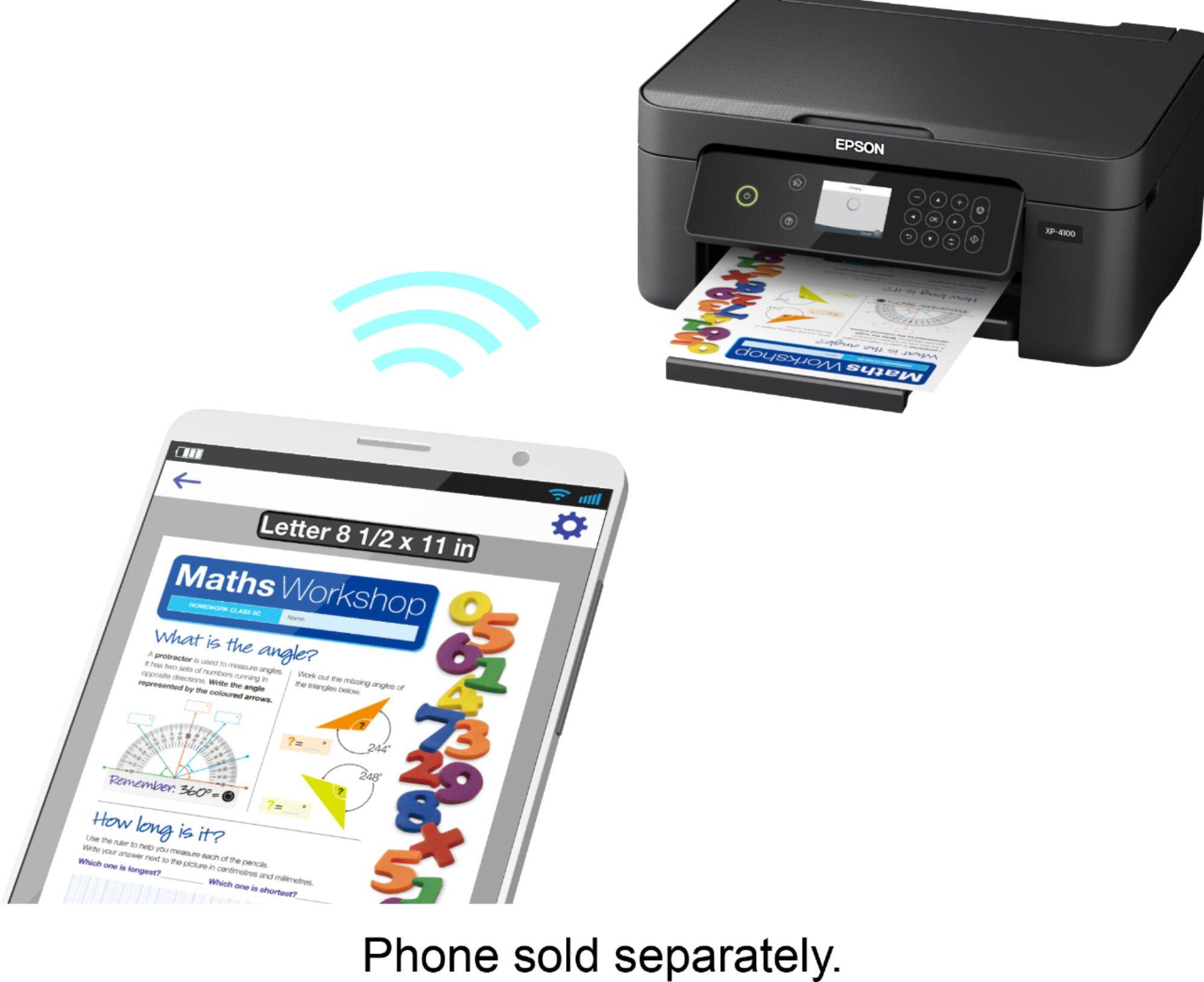
    • Answer Hi, You can print wirelessly on the Expression Home XP-4100 from a PC, Mac, smart phone, or tablet. Your device and the XP-4100 must be on the same 2.4Ghz Wi-Fi network. Regards, Mark - The Epson Team.

      Answered by Epson

  • QuestionCan this be converted to a sublimation printer so t shirt designs can be printed from heat transfer paper

    Asked by Tommyboy.

    • Answer Hi Tommyboy, Using any ink or ink-like substances in the XP-4100, such as sublimation fluid, may damage the print head and affect warranty coverage. We recommend Epson 212 or high-capacity 212XL cartridges. Regards, Mark - The Epson Team.

      Answered by Epson

  • QuestionI'm looking for a printer that is compatible with HP all in one desktop , windows 11

    Asked by Anonymous.

    • Answer Hello. The XP-4100 is compatible with Windows 11. You can find the latest printer driver available for download on our official Epson Support page. Regards, Kevin - The Epson Team.

      Answered by Epson

  • QuestionIs there a charge to hook up to wireless? Does an Epson tech have to hook it up? I’m not very smart when it comes to electronics.

    Asked by CoCo.

    • Answer Hello CoCo. We would recommend reaching out to BestBuy's Geek Squad for further assistance. Unfortunately, Epson does not have on-site techs available for wireless setup. You can also contact our Epson Technical Support team if you would like additional assistance. Regards, Kevin - The Epson Team.

      Answered by Epson