A:AnswerHello. Yes, the V39 will work with macOS 12. You can find the latest software available for download on our official Epson Support page. Regards, Kevin - The Epson Team.
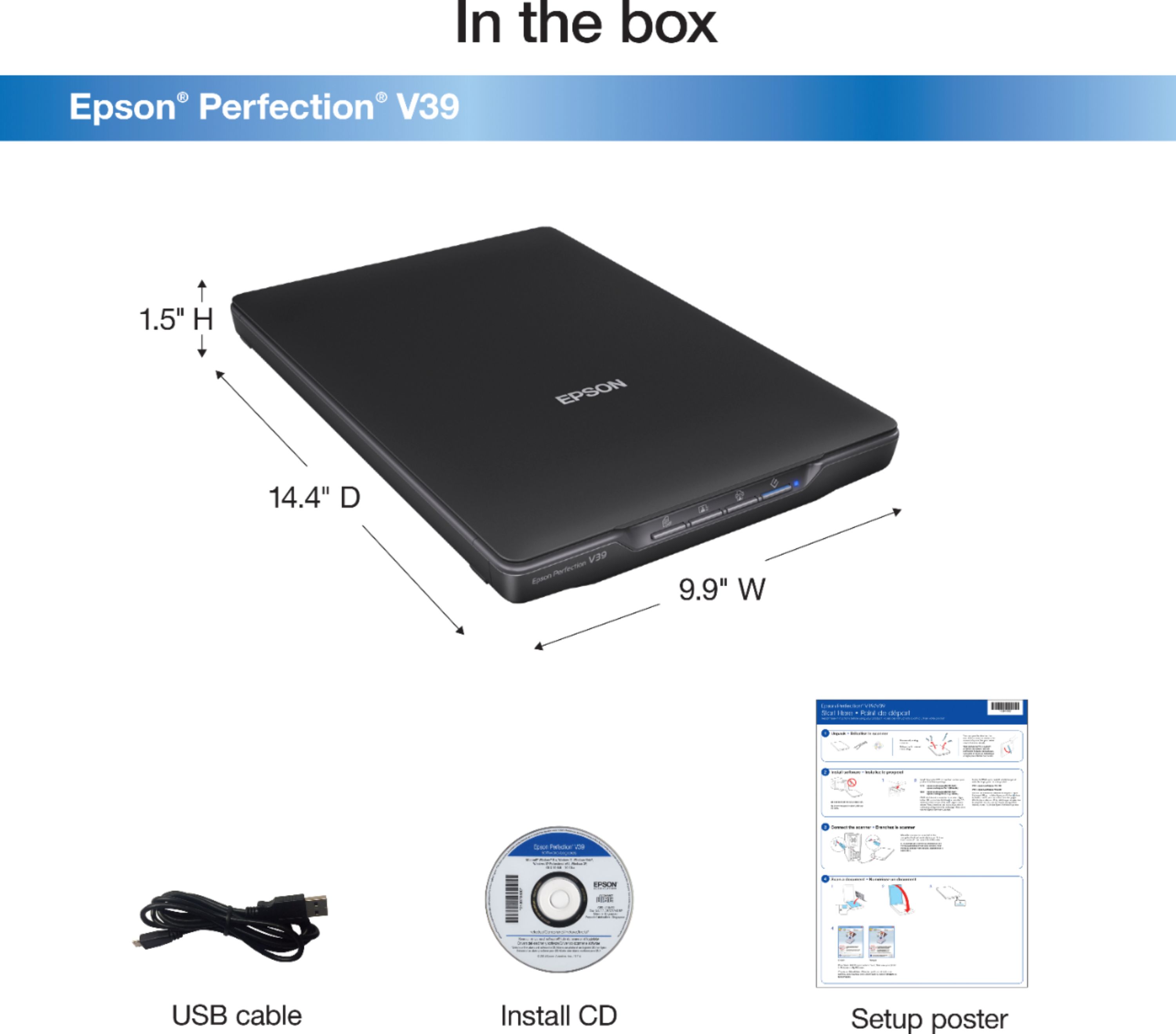
A:AnswerIt does not come with a CD. All installation files are to be downloaded from the internet, therefore no CD drive is required. Very simple installation however.
A:AnswerDownload the required files to install your scanner. It will then turn on for your use. Read the included information and it will make your life easier.
A:AnswerYes it will . just follow instructions included with scanner and download the required install parameters and additional instructions. It works on my 7 and 11.
A:AnswerHi Sparks, In order to scan with the Perfection V39 from your Mac, open the Applications folder, open the Epson Software folder, and double-click the Epson Scan icon. If the Epson Software folder does not exist on your Mac, try reinstalling the Epson software. Regards, Mark - The Epson Team.
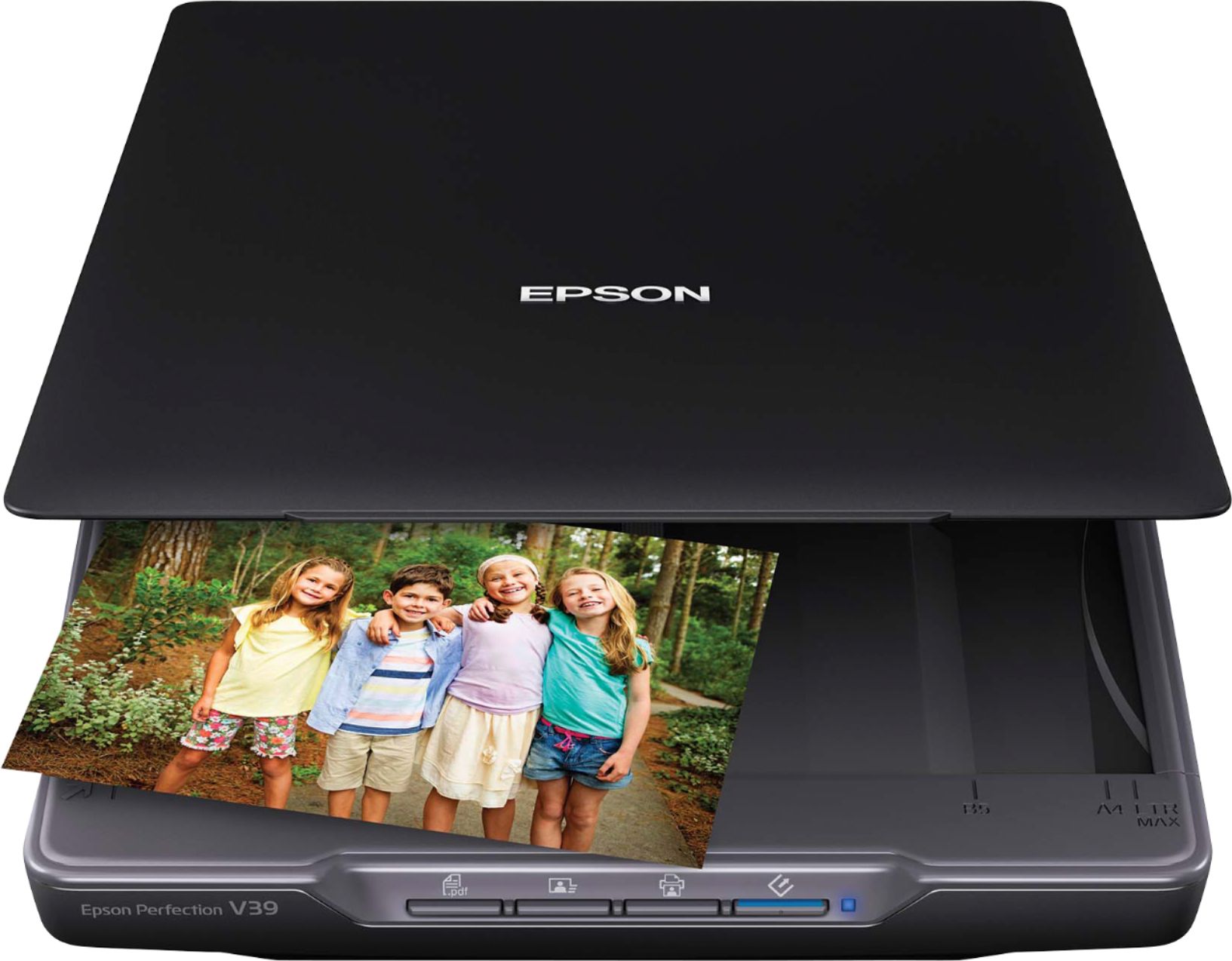
A:AnswerEpson - Perfection V39 Advanced Flatbed Color Photo Scanner - I understand the V600 might be a better choice, but the cost is more than double of this one. Can you tell me if this one will do the job?
A:AnswerHello. There could be an issue with a computer update. We recommend completely uninstalling the software and restarting your computer. Then visit our official Epson Support page to download and install the latest driver. If the issue persists, please contact our Technical Support team by phone for assistance. Regards, Kevin - The Epson Team.

A:AnswerHello. Scanning speeds can vary with different sizes. We have tested letter-sized documents and have found that using the V39 Photo Scanner with a USB 2.0 connection will take 10 seconds at 300 dpi and 30 seconds at 600 dpi. Regards, Kevin - The Epson Team.

A:AnswerHello jan4444. Yes, the V39 Photo Scanner is compatible with Windows 8.1. You can find the latest print driver available for download on our official Epson Support page. Regards, Kevin - The Epson Team.

A:AnswerHello mj. The V39 Photo Scanner is compatible with computers running macOS and Microsoft Windows at this time. Unfortunately, the scanner is not compatible with Chromebooks. Regards, Kevin - The Epson Team.

A:AnswerHello AukHau. The V39 Photo Scanner can only work on a computer connected using a USB cable. Unfortunately, there is no USB drive support for the machine. Regards, Kevin - The Epson Team.

A:AnswerHello Jenn. Yes, the V39 is compatible with Windows 11. You can find the latest driver available on our official Epson Support page. Regards, Kevin - The Epson Team.

A:AnswerHello SB. The V39 Photo Scanner can only be used directly connected to a computer. Unfortunately, there is no flash drive functionality from the machine. Regards, Kevin - The Epson Team.
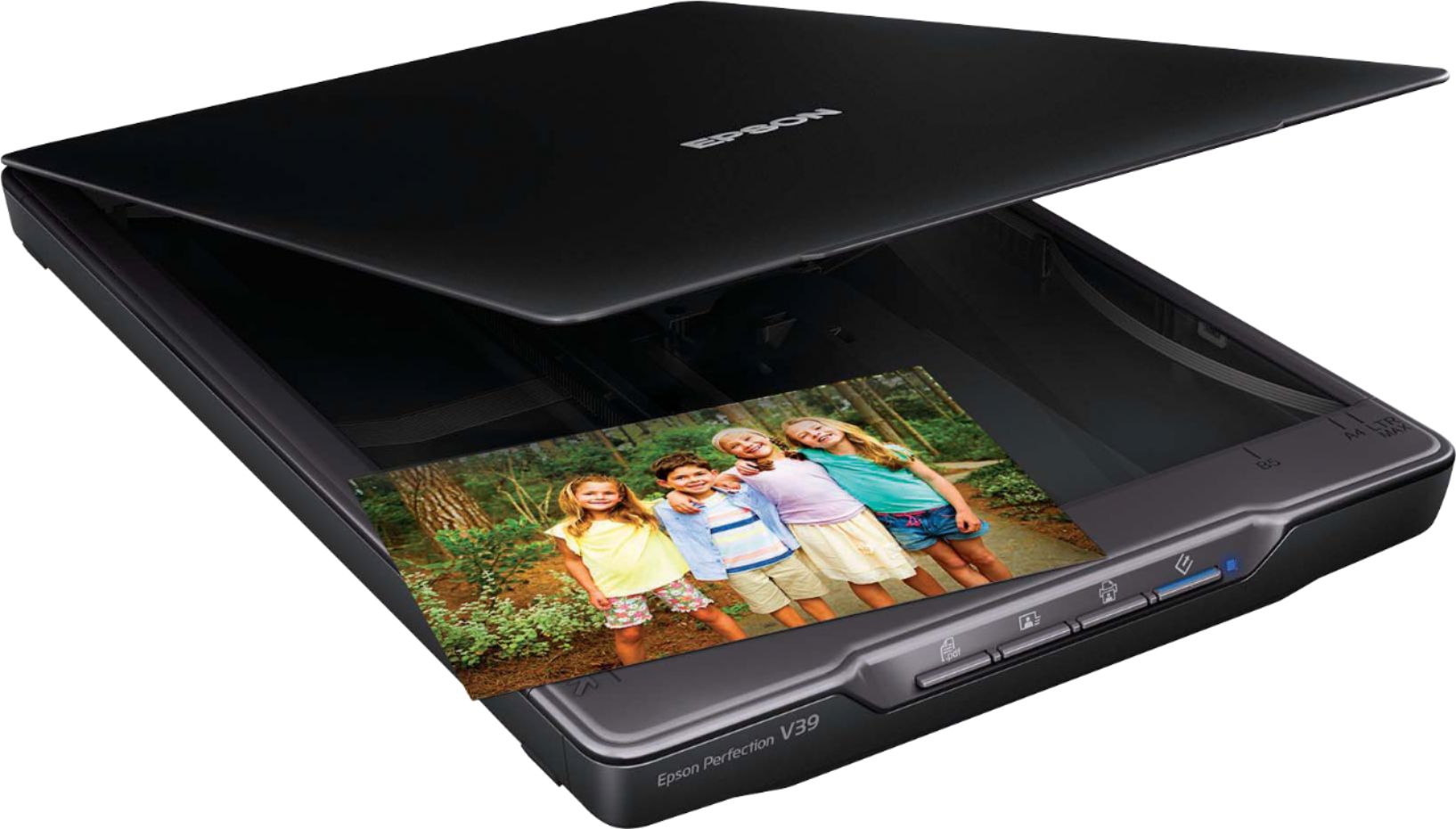
A:AnswerHello Learning. The V39 uses has a flatbed for scanning instead of a document feeder. This makes scanning older documents easier and helps avoid damaging your originals. Regards, Kevin - The Epson Team.
A:AnswerHello stick. Unfortunately, the V39 isn't designed to scan negatives and transparencies. We recommend looking at the V600 Scanner. It has a built-in transparency unit that scans slides, negatives, and medium-format panoramic film. The V600 is currently in stock on BestBuy's website, but please note that availability can change. Regards, Kevin - The Epson Team.
A:AnswerHello. Yes, the V39 will work on Microsoft Windows 11. Please visit the official Epson Support page to download the latest driver. Regards, Kevin - The Epson Team.